Best Campaign Management Software in 2026: 7 Tools Compared
WLWPLegible EditorsLast verified 22 Nov 2026How we rank12 min read
★ Short answer
Asana is the best campaign management software for most marketing teams, with a free plan for 2 users and paid Starter pricing of $10.99 per user monthly on annual billing. monday.com is better for customizable campaign dashboards, while CoSchedule combines a marketing calendar with social publishing.
How we make this list: we compare pricing pages, product documentation and public user reviews, then re-check every price before each update. No product paid for a place. Disclosure.
Asana leads for campaign coordination, with a 4.5/5 Capterra rating from 13,790 reviews and Starter pricing of $10.99/user/month billed annually.
monday.com offers a free plan for 2 seats and Basic at $9/seat/month billed annually, with a 4.6/5 Capterra rating.
CoSchedule Starter costs $29/month billed annually and includes 1 user, 3 social profiles, unlimited scheduling and campaign calendar features.
ClickUp has unlimited tasks and free members, while its regular Core price is $12/user/month before the advertised annual discount.
Wrike Team costs $10/user/month billed annually and supports campaign timelines, dashboards and project workflows.
Trello Standard is the cheapest paid option at $5/user/month billed annually, but it does not provide built-in marketing campaign execution.
What good campaign management software should cover
Campaign management software helps marketing teams coordinate the work involved in planning, creating, approving, launching and monitoring campaigns. Instead of keeping briefs, deadlines and creative assets in separate places, teams can manage them in a shared workspace.
The first priority is campaign visibility. Look for calendars, timelines, task assignments and status dashboards that show what needs attention before launch. These features matter when several channels or teams contribute to the same campaign.
The next priority is workflow automation. Request forms, approval stages, reminders and reusable templates reduce manual coordination. Agencies and larger marketing departments may also need workload management and portfolio reporting.
Campaign planning and campaign execution are different jobs. Asana, monday.com and Wrike primarily coordinate work. CoSchedule also publishes social content, while dedicated marketing automation platforms handle email journeys and audience engagement.
Compare prices using the number of paid seats your team actually needs. A low per-user price may become expensive when teams need premium automations, integrations, approval features or additional collaborators.
4.5/5on Capterra (13,790 reviews, checked Nov 2026)
Paid from$10.99/mo
Best overall for marketing campaign management
Free plan2 users
Paid entryStarter, $10.99/user/mo yearly
Campaign planningLists, boards and timelines
Capterra rating4.5/5 from 13,790 reviews
asana.com
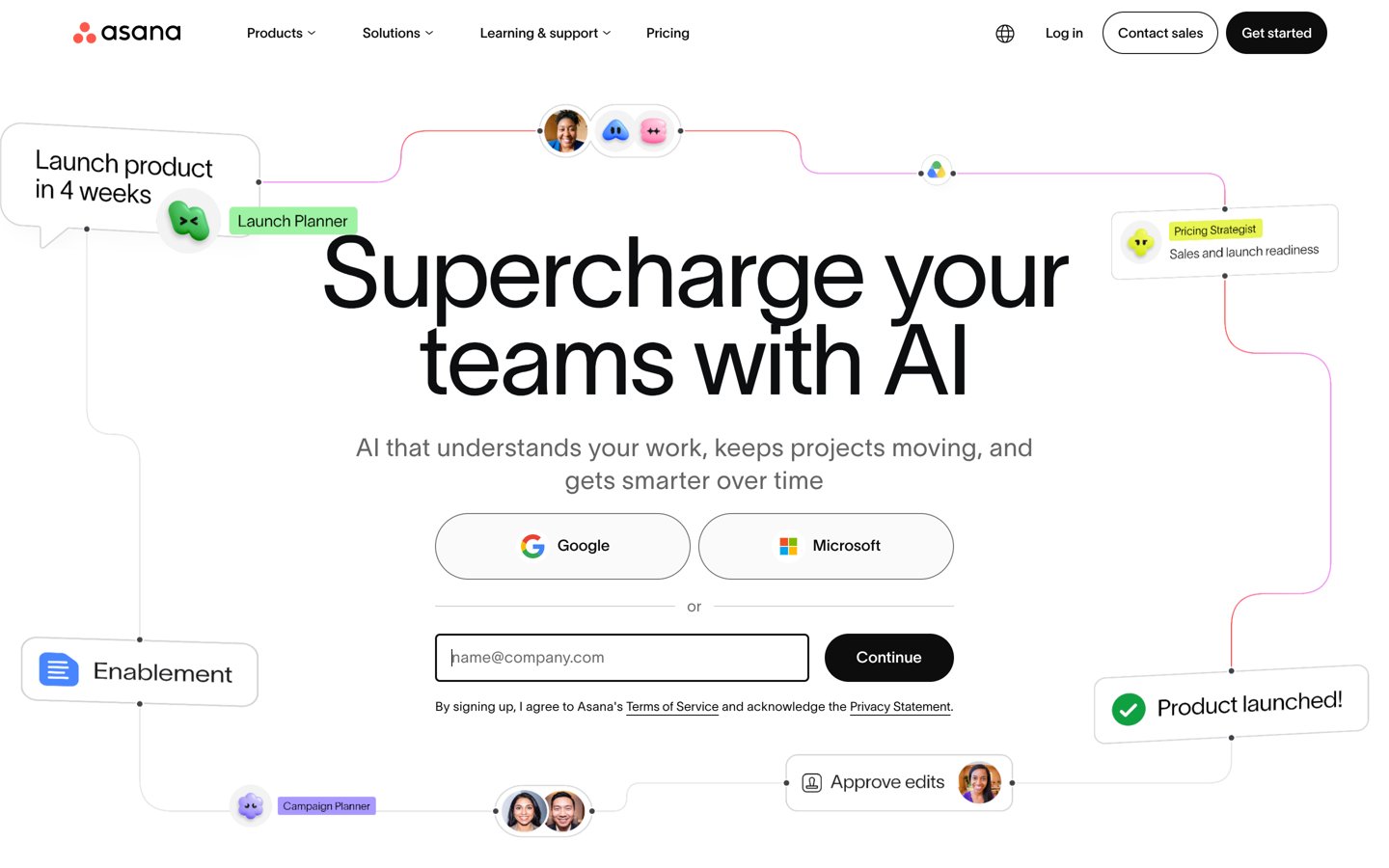
Asana homepage, captured Nov 2026.
Asana is a collaborative work management platform for coordinating marketing campaigns from initial brief through launch. Its free Personal plan supports 2 users, unlimited tasks and projects, list and board views, calendars and status updates. Starter adds timelines, Gantt charts, forms, custom fields and workflow automation.
The trade off is that advanced approvals, portfolios and workload management require higher plans. Starter costs $10.99 per user monthly with annual billing, or $13.49 with monthly billing. It suits marketing teams coordinating creative work, stakeholders and deadlines across several campaigns.
What we like
Clear campaign ownership and task tracking
Free plan supports unlimited tasks and projects
Timeline and Gantt planning on Starter
Reusable workflows, forms and automation
Strong public review history
Watch out for
Costs increase with additional paid users
Advanced approvals and portfolios require upgrades
Does not natively execute email or advertising campaigns
4.6/5on Capterra (6,156 reviews, checked Nov 2026)
Paid from$9/mo
Best for visual campaign planning and dashboards
Free planUp to 2 seats
Paid entryBasic, $9/seat/mo yearly
Free boardsUp to 3
Capterra rating4.6/5 from 6,156 reviews
monday.com
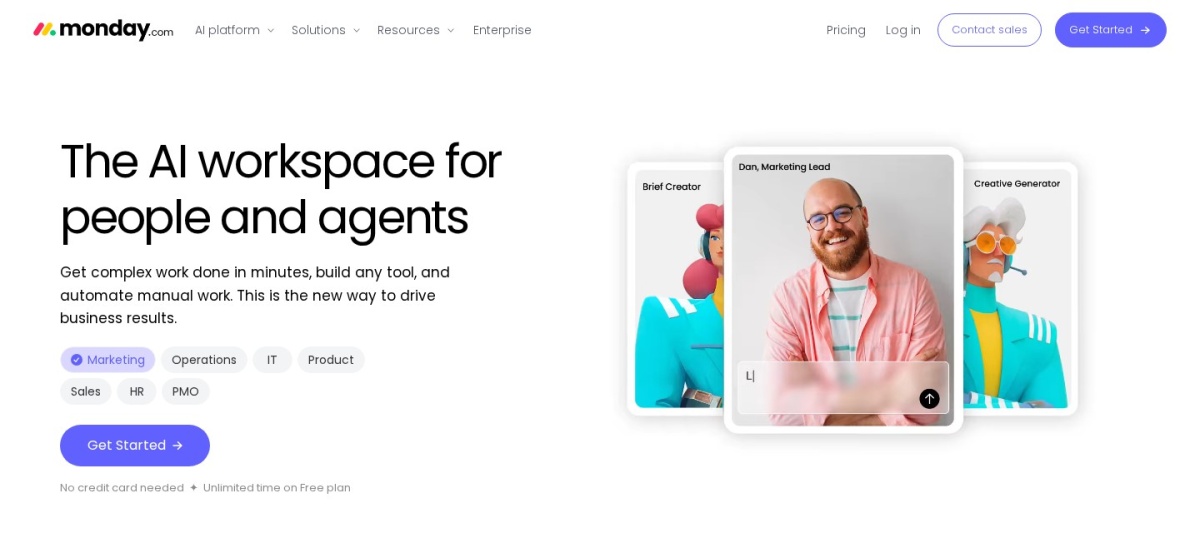
monday.com homepage, captured Nov 2026.
monday.com is a customizable work management platform that organizes campaigns through visual boards, status columns and shared workspaces. Its free plan supports up to 2 seats, 3 boards and 3 documents. Basic starts at $9 per seat monthly with annual billing and adds unlimited items, unlimited free viewers and additional workspace capabilities.
The trade off is that campaign teams may need Standard or higher for more advanced views and workflow features. The pricing page also displays promotional AI-credit adjustments, so the advertised seat rate should not be confused with temporary offers. It suits teams that want customizable campaign pipelines and dashboards.
What we like
Highly customizable campaign boards
Free plan for small teams
Visual progress tracking across projects
Templates for recurring campaign workflows
Multiple paid tiers for growing operations
Watch out for
More advanced views require higher plans
Customization can take initial setup time
AI credits and certain advanced features may add costs
Basic adds unlimited items and viewers; Standard expands views and workflow capabilities.Visit monday.com
03
CoSchedule
4.4/5on Capterra (106 reviews, checked Nov 2026)
Starts at$29/mo
Best for content and social campaign calendars
Entry planStarter, $29/mo yearly
Included users1
Social profiles3 included
Capterra rating4.4/5 from 106 reviews
coschedule.com
CoSchedule homepage, captured Nov 2026.
CoSchedule is a marketing calendar and social publishing platform that connects campaign schedules with content production. Starter costs $29/month billed annually and includes 1 user, 3 social profiles, unlimited social scheduling, drag-and-drop calendar management, ReQueue automation and social analytics.
The trade off is that Starter is designed around an individual marketer rather than a collaborative department. Professional costs $49/month billed annually and includes 2 users and 5 social profiles, with more advanced inbox capabilities. It suits content marketers who need campaign planning and social publishing in one workspace.
What we like
Calendar built specifically for marketing workflows
Social publishing included in the entry plan
Unlimited scheduling for connected profiles
ReQueue supports recurring content promotion
Social analytics and AI campaign assistance
Watch out for
Starter includes only one user
Additional social profiles cost extra
Not a complete paid advertising management platform
Professional adds another user, more social profiles and advanced inbox capabilities.Visit coschedule.com
04
ClickUp
4.6/5on Capterra (5,046 reviews, checked Nov 2026)
Paid from$12/mo
Best for flexible campaign workflows and creative teams
Free planUnlimited tasks and members
Regular paid priceCore, $12/user/mo
Free storage60 MB
Capterra rating4.6/5 from 5,046 reviews
clickup.com
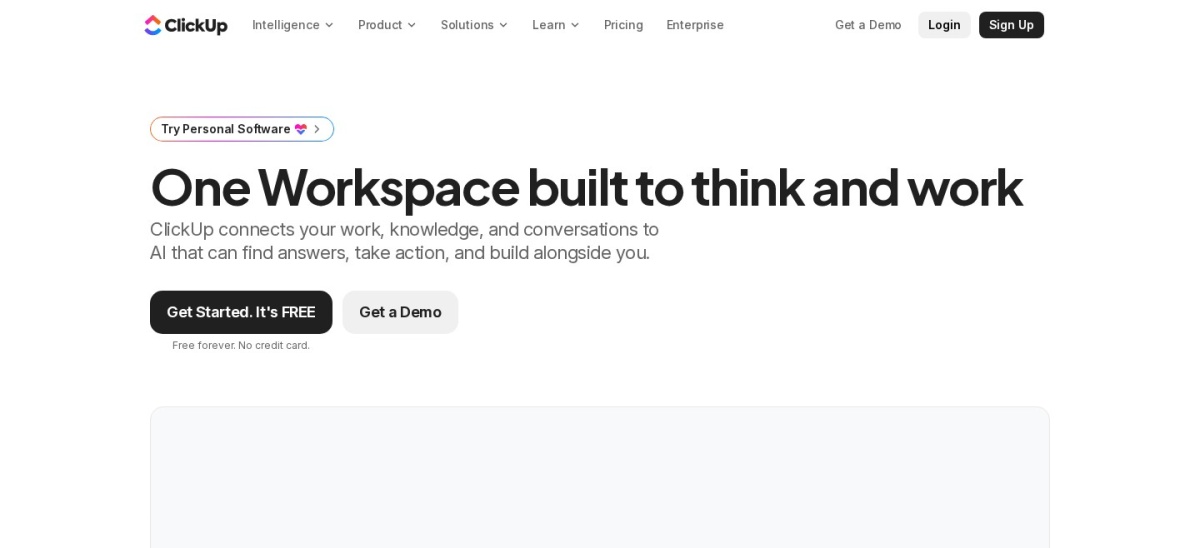
ClickUp homepage, captured Nov 2026.
ClickUp is a customizable work management platform for campaign tasks, briefs, calendars and team collaboration. Its Free Forever plan includes unlimited tasks, unlimited free members, collaborative documents, Kanban boards, calendar views and 60 MB of storage. Core adds unlimited storage, Gantt charts, forms, custom fields and automation.
The trade off is complexity, especially when teams configure many views and workflows. Core has a regular listed price of $12 per user monthly, with an advertised annual-billing offer of $9; the higher Business tier adds advanced dashboards and resource management. It suits teams managing detailed creative production and campaign dependencies.
What we like
Unlimited tasks and free members
Documents and boards in the same workspace
Custom fields and Gantt charts on Core
Automations for recurring campaign work
Multiple collaboration and planning views
Watch out for
Extensive configuration can overwhelm new users
Free storage allowance is limited
Advanced resource reporting requires Business
Core adds unlimited storage, Gantt charts, custom fields and more automations.Visit clickup.com
05
Wrike
4.4/5on Capterra (3,127 reviews, checked Nov 2026)
Paid from$10/mo
Best for complex campaign operations and agencies
Free planTask and project management
Entry paid planTeam, $10/user/mo
Team seats2–15 users
Capterra rating4.4/5 from 3,127 reviews
wrike.com
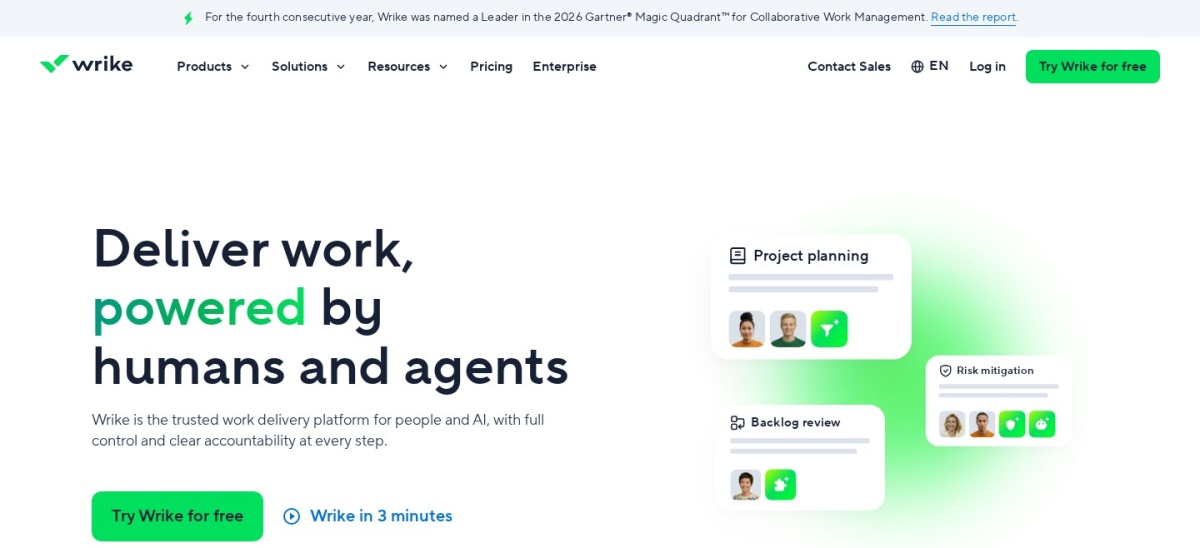
Wrike homepage, captured Nov 2026.
Wrike is a work management platform designed to coordinate projects, campaign deliverables and cross-functional teams. Its free plan provides basic task management, while Team costs $10 per user monthly with annual billing and supports 2–15 users, project planning and shared collaboration tools.
The trade off is that more sophisticated marketing operations often need Business or higher for expanded workflows and reporting. Wrike also sells seats in groups, which can affect the actual account commitment. It suits agencies and marketing departments managing complicated schedules, stakeholder reviews and dependent tasks.
What we like
Designed for coordinating complex work
Project and campaign timeline capabilities
Shared dashboards and task visibility
Advanced workflow options on higher plans
Useful for cross-functional campaign delivery
Watch out for
Seat grouping affects subscription costs
Advanced marketing workflows require upgrades
Initial configuration can be demanding
Business adds broader workflow, reporting and resource-management capabilities.Visit wrike.com
06
Smartsheet
4.5/5on Capterra (3,845 reviews, checked Nov 2026)
Starts at$12/mo
Best for spreadsheet-style campaign management
Entry planPro
Regular monthly price$12/member
Pro automations250/month
Capterra rating4.5/5 from 3,845 reviews
smartsheet.com
Smartsheet homepage, captured Nov 2026.
Smartsheet is a spreadsheet-style work management platform for tracking campaign schedules, assignments, budgets and deliverables. Its Pro plan has a regular monthly price of $12 per member, with a $9 annual-billing rate, and includes unlimited sheets, forms, reports, Gantt views and 250 automations monthly.
The trade off is that more advanced workload tracking, administration and unlimited automation require Business. Pro supports smaller teams, while Business starts at $24 per member monthly before its annual-billing rate. It suits marketing operations teams comfortable with structured grids, formulas and detailed project reporting.
What we like
Familiar spreadsheet-style interface
Unlimited sheets, forms and reports on Pro
Gantt, table, board and calendar views
Formula-based campaign tracking
Business adds workload tracking
Watch out for
No permanent free plan
Advanced resource features require Business
Not designed to publish marketing campaigns directly
Business adds workload tracking, unlimited automations and advanced administration.Visit smartsheet.com
07
Trello
4.5/5on Capterra (23,647 reviews, checked Nov 2026)
Paid from$5/mo
Best for simple campaign task boards
Free planKanban boards and task cards
Paid entryStandard, $5/user/mo yearly
Monthly billing$6/user/mo
Capterra rating4.5/5 from 23,647 reviews
trello.com
Trello homepage, captured Nov 2026.
Trello is a visual task management platform that organizes campaign work into boards, lists and cards. Its free plan helps teams track assignments, creative drafts and launch checklists. Standard costs $5 per user monthly when billed annually and adds unlimited boards, card mirroring and expanded automation capabilities.
The trade off is that Trello focuses on task tracking rather than full campaign management or marketing analytics. Premium adds more planning views and project visibility beyond Standard. It suits smaller marketing teams that need an easy campaign checklist and visual production pipeline without extensive setup.
What we like
Simple drag-and-drop campaign boards
Free plan for basic coordination
Lowest paid subscription in this comparison
Card templates and workflow automation
Large public review sample
Watch out for
Limited campaign reporting without integrations
Advanced project views require Premium
No native email or advertising campaign execution
Standard adds unlimited boards, card mirroring and expanded automation.Visit trello.com
Campaign planning software versus campaign execution software
Campaign management products generally fall into two groups. Work management platforms coordinate people, tasks, deadlines and approvals. Marketing execution platforms send messages, publish content or manage advertising.
Asana, monday.com, ClickUp, Wrike, Smartsheet and Trello primarily manage internal campaign operations. They help teams prepare launches and coordinate marketing deliverables, but do not replace advertising platforms or email delivery services.
CoSchedule occupies a more specialized position because its marketing calendar connects directly with social publishing, scheduling and performance reporting.
The right combination depends on your workflow. A marketing team may use one product to organize the campaign and another to deliver messages, manage audiences or measure conversions.
How to calculate your real campaign management software cost
Most collaborative campaign tools charge per user or seat. Calculate the yearly cost using the number of paid team members, not only the advertised individual subscription.
For example, Asana Starter is $131.88 per user annually at its published annual-billing rate. Trello Standard costs $60 per user annually, while CoSchedule Starter costs $348 annually for its included user.
Features also affect the budget. Approval workflows, advanced dashboards, resource planning, additional social profiles and AI credits may require a higher tier or additional charges.
Compare software costs separately from campaign media spending. An organizational tool does not typically include advertising budgets, email sending allowances or external creative production expenses.
How we chose
We selected established campaign management and marketing work coordination platforms with published pricing, maintained product offerings and meaningful public review histories. Our comparison considered campaign calendars, task management, creative workflows, collaboration, automation, reporting and the ability to coordinate multi-channel marketing work.
Vendor pricing pages and Capterra review listings were consulted for this November 2026 comparison, using 22 November 2026 as the editorial reference date. Regular subscription prices were prioritized over promotional offers, with annual calculations based on the published billing terms or twelve months at the regular monthly rate.
We excluded products with quote-only entry pricing, tools with insufficient public feedback and platforms that primarily provide unrelated project functions. We also distinguished campaign planning software from tools that actually deliver advertising or email campaigns. No vendor paid for a place, and we do not claim testing for this list.
How to choose campaign management software
Identify your campaign workflow before comparing features, subscriptions and vendor ratings.
Define what the platform must manage. Decide whether your primary requirement is planning deliverables, scheduling marketing content, routing approvals or executing campaigns. A work management platform may not replace an email service or advertising account.
Map your campaign production process. List the stages from brief and creative production to review, launch and reporting. Choose software that provides useful views, task dependencies, templates and automation for the stages your team repeats.
Calculate the cost for your whole team. Compare paid seats, billing commitments, required upgrades and add-ons. Include external collaborators, automation allowances and reporting requirements rather than relying on a single advertised subscription rate.
Check integrations and reporting. Verify compatibility with your existing communication, document storage, analytics and marketing tools. Prioritize dashboards that make campaign progress, missed deadlines and team responsibilities easy to understand.
FAQ
What is the best campaign management software in 2026?
Asana is our top overall choice for marketing teams because it combines task management, campaign timelines, forms and collaborative workflows. Its free plan supports 2 users, and Starter costs $10.99 per user monthly with annual billing. monday.com offers more customizable boards, while CoSchedule focuses on marketing calendars.
What is campaign management software?
Campaign management software helps organizations plan, organize, launch and monitor marketing campaigns. Features may include calendars, task assignments, approval workflows, automation, content scheduling and reporting. Some platforms focus on internal project coordination, while others also publish marketing content or manage customer communications.
Is there free campaign management software?
Yes. Asana, monday.com, ClickUp, Wrike and Trello offer free plans for basic coordination. Their allowances differ: Asana Personal supports 2 users, monday.com supports up to 2 seats, and ClickUp offers unlimited free members and tasks. Advanced collaboration and reporting often require paid subscriptions.
How much does campaign management software cost?
Trello Standard starts at $5 per user monthly with annual billing, monday.com Basic at $9 per seat monthly, and Asana Starter at $10.99 per user monthly. CoSchedule Starter costs $29 monthly billed annually and includes one user. Final costs depend on seat counts, upgrades and add-ons.
What is the difference between campaign management and project management software?
Project management software organizes tasks, timelines, people and resources across many kinds of work. Campaign management software applies these capabilities to marketing activities such as content production, approvals, channel scheduling and launches. Some campaign tools also include publishing or marketing performance features that general project management software lacks.
Which campaign management software is best for agencies?
Wrike and Asana are strong options for agencies coordinating complex campaign deliverables. Wrike emphasizes structured work management and advanced workflows, while Asana supports clear ownership and campaign planning. monday.com is another option for agencies that want customizable boards and dashboards for different clients.
Can campaign management software run email marketing campaigns?
Not always. Asana, monday.com, ClickUp and Trello primarily coordinate work rather than sending email campaigns. For email delivery, audience segmentation and customer journeys, a dedicated email marketing platform is usually required. Integrations can connect campaign planning with execution and reporting tools.
Which campaign management software is easiest for beginners?
Trello is a practical starting point for teams that prefer visual boards and straightforward task cards. monday.com offers customizable boards, while Asana provides structured task and project views. Teams needing more advanced reporting, automation or resource management may prefer a more configurable platform.
What features should marketing teams prioritize?
Start with shared campaign calendars, task assignments, deadlines, reusable templates and status reporting. Add approvals, resource planning, automation and integrations when the workflow requires them. Teams publishing social content should also consider scheduling features, while larger departments may benefit from portfolio-level reporting.