Zoho Expense is the best business expense tracking app for most small businesses, offering a free plan for up to 3 users and paid plans from $3 per user monthly. Choose Expensify for receipt processing and reimbursements or Rydoo for structured employee expense approvals.
How we make this list: we compare pricing pages, product documentation and public user reviews, then re-check every price before each update. No product paid for a place. Disclosure.
Zoho Expense supports 3 users and 20 automated receipt scans per user monthly on its free plan.
Expensify Collect costs $5 per member monthly without an annual commitment.
Rydoo starts at $9 per user monthly with annual billing and requires at least 5 users.
Ramp and Brex both offer free entry plans, with paid upgrades starting at $15 and $12 per user monthly, respectively.
Everlance Starter costs $89.99 annually and focuses on mileage tracking.
What a business expense tracking app should cover
Business expense tracking apps help employees record purchases, submit receipts and request reimbursements without relying on spreadsheets.
Look for automated receipt scanning, transaction categorization and accounting integrations. These features reduce duplicate data entry and simplify monthly reconciliation.
Businesses with traveling employees should prioritize mileage tracking, currency conversion and configurable spending policies.
Compare subscription costs carefully. Some platforms charge per registered member, while others use active-user billing or additional platform fees.
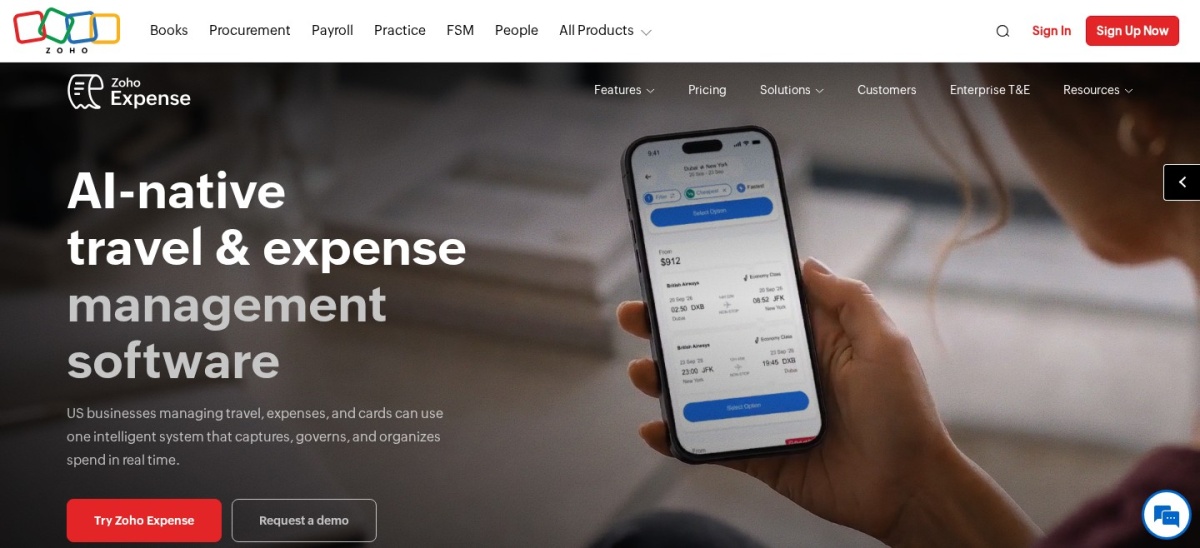
Zoho Expense is an expense management platform with receipt scanning, mileage tracking and expense reporting. Its free plan supports 3 users, 5 GB of receipt storage and 20 automated receipt scans per user monthly.
The trade off is limited automation on the free plan, while Standard costs $3 per user monthly with annual billing and includes 200 monthly receipt scans per user. It suits small businesses looking for affordable expense management.
What we like
Free plan for small teams
GPS mileage tracking
Accounting integrations
Affordable paid subscription
Watch out for
Receipt scanning quotas
Advanced controls require higher plans
Standard adds corporate card management and multiple expense policies.Visit zoho.com
02
Expensify
4.5/5on G2 (5,698 reviews, checked Nov 2026)
Paid from$5/mo
Best for receipt scanning and reimbursements
Receipt scanningSmartScan
Mileage trackingIncluded
Free planSubmit
Paid planCollect, per member
expensify.com
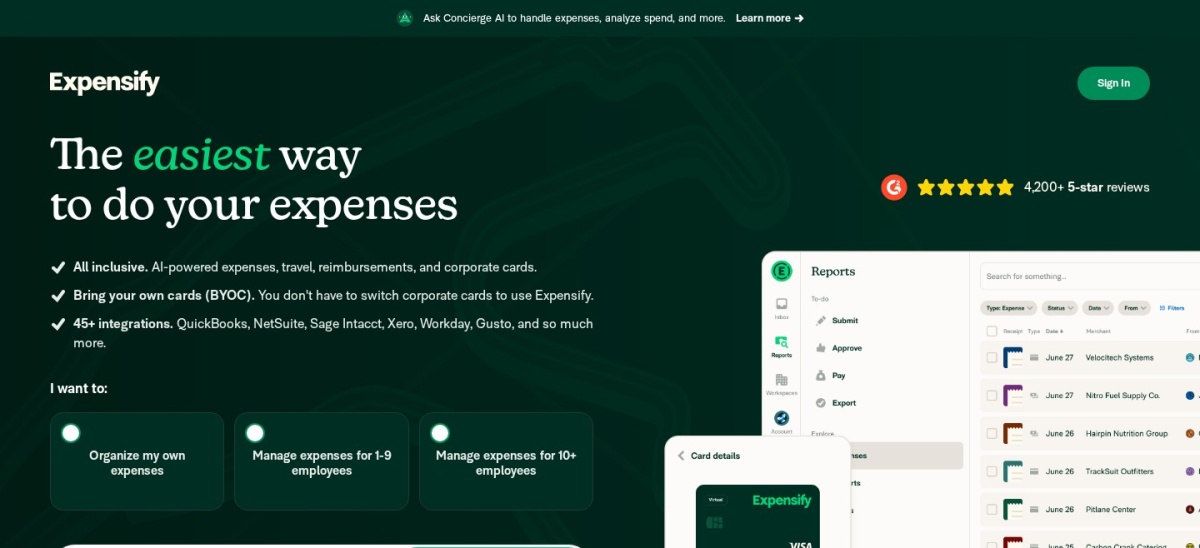
Expensify homepage, captured Nov 2026.
Expensify is an expense reporting platform that automates receipt capture and categorization. Its free Submit plan covers individual expenses, while Collect costs $5 per member monthly and supports company expense workflows.
The trade off is that advanced expense controls require a higher subscription, beyond the $60 annualized Collect cost per member. It suits businesses that regularly process employee reimbursements and want to retain their existing cards.
What we like
Automated receipt extraction
Existing card integrations
Employee reimbursement workflows
No annual commitment for Collect
Watch out for
Advanced policies require Control
Collect charges for each workspace member
Collect adds team approvals, reimbursements and accounting connections.Visit expensify.com
03
Rydoo
4.4/5on G2 (746 reviews, checked Nov 2026)
Starts at$9/mo
Best for structured expense approvals
Receipt scanningMobile receipt scanner
Expense submissionsUnlimited
Minimum users5
Paid planEssentials, per user, billed annually
rydoo.com
Rydoo homepage, captured Nov 2026.
Rydoo is an employee expense management platform with mobile receipt scanning and mileage calculation. Essentials includes unlimited expense submissions, a single approval workflow and spreadsheet exports, starting at 5 users.
The trade off is a minimum team subscription, with annual pricing of $9 per user monthly or $12 with monthly billing. It suits growing businesses that need consistent expense submission and approval procedures.
What we like
Unlimited expense submissions
Automatic mileage calculations
Mobile receipt capture
Structured approval workflows
Watch out for
Minimum user requirement
Complex approval flows require upgrades
Essentials includes expense approvals, receipt scanning and mileage claims.Visit rydoo.com
04
Ramp
4.8/5on G2 (2,584 reviews, checked Nov 2026)
Paid from$15/mo
Best for corporate spending controls
Receipt matchingAutomatic
Corporate cardsIncluded
Accounting integrationsQuickBooks and Xero
Paid planPlus, per user plus platform fee
ramp.com
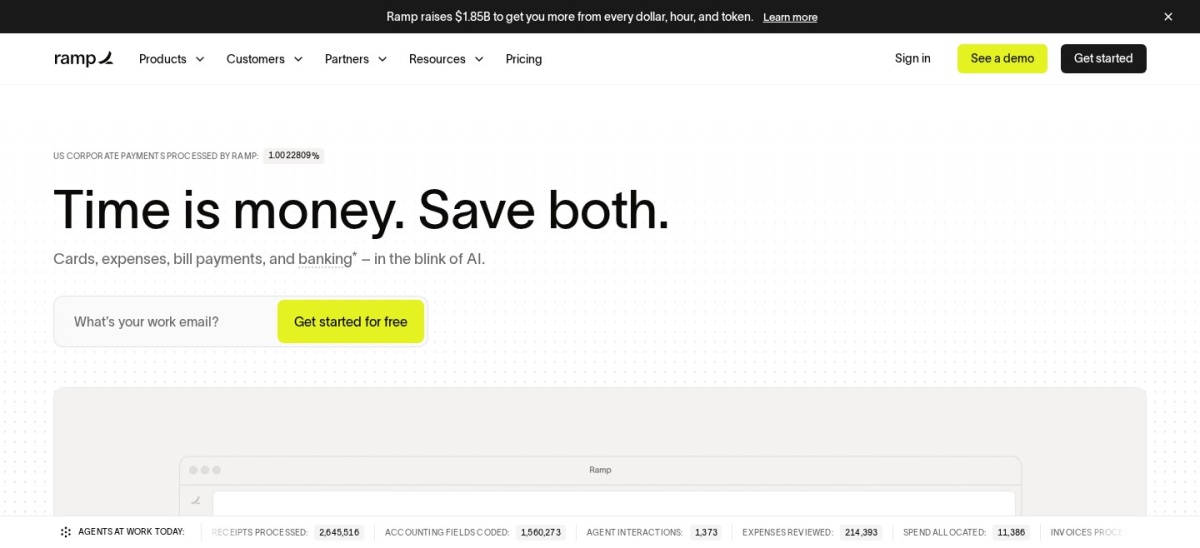
Ramp homepage, captured Nov 2026.
Ramp is a corporate spending platform that combines expense management, business cards and invoice processing. Its $0 monthly entry plan includes automatic receipt matching, spending controls and basic accounting automation.
The trade off is its card-centered approach, while Plus lists at $15 per user monthly plus a platform fee, with a 20% annual billing discount. It suits companies looking to manage employee spending before purchases occur.
What we like
Free expense management plan
Automatic receipt matching
Corporate card spending limits
Accounting automation
Watch out for
Business eligibility requirements
Additional platform fee on Plus
Plus adds advanced financial controls and automation.Visit ramp.com
05
Brex
4.8/5on G2 (1,665 reviews, checked Nov 2026)
Paid from$12/mo
Best for growing companies and finance teams
Corporate cardsIncluded
ReimbursementsIncluded
Free entitiesUp to 2
Paid planPremium, per user
brex.com
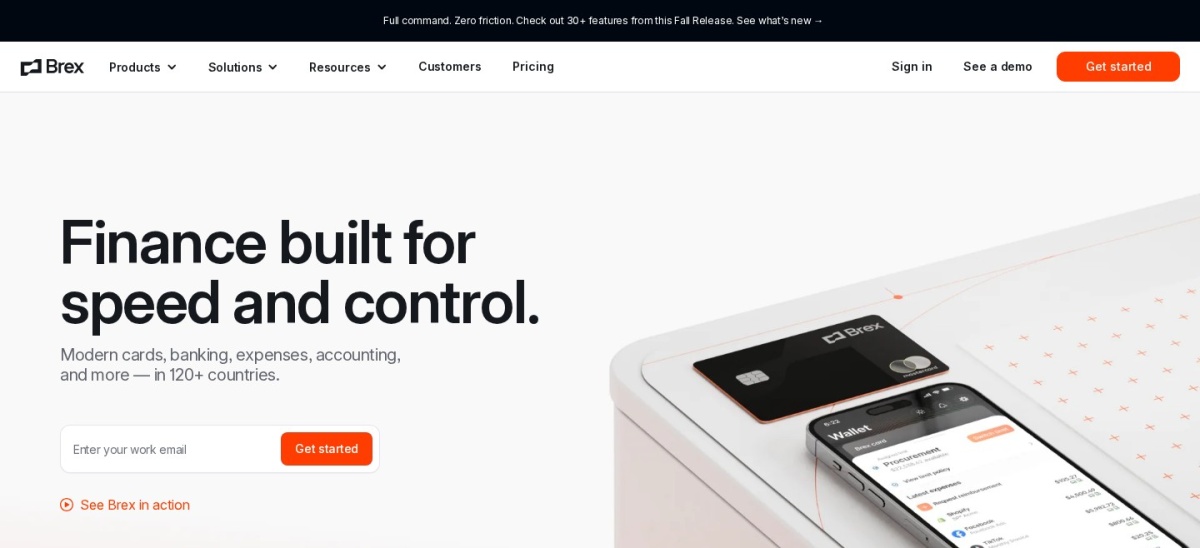
Brex homepage, captured Nov 2026.
Brex is a business spending platform combining corporate cards, reimbursements, reporting and travel management. Its free Essentials plan supports up to 2 entities and includes accounting integrations.
The trade off is that more complex spending policies and approval chains require Premium at $12 per user monthly. It suits growing companies seeking centralized control over employee purchases and reimbursements.
What we like
Free Essentials subscription
Real-time spending reports
Integrated employee reimbursements
Travel booking capabilities
Watch out for
Business eligibility requirements
Advanced policies require Premium
Premium adds customizable spending policies and advanced approval chains.Visit brex.com
06
Everlance
4.4/5on G2 (133 reviews, checked Nov 2026)
Paid from$89.99/yr
Best for mileage and vehicle expenses
Free automatic trips30/month
Mileage trackingGPS-based
Automatic expense syncProfessional
Paid planStarter, individual
everlance.com
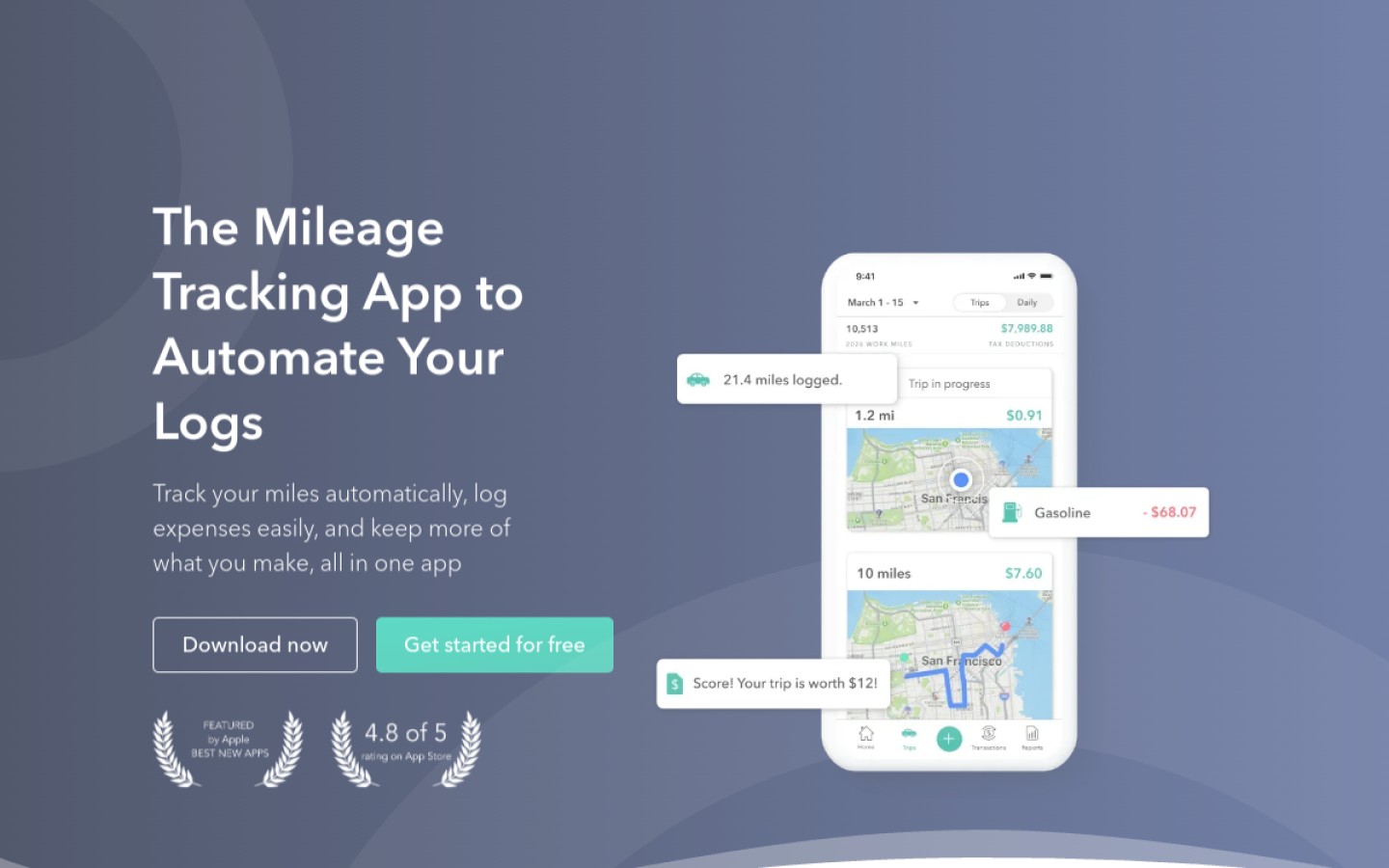
Everlance homepage, captured Nov 2026.
Everlance is a mileage and expense tracking app designed for independent workers and mobile professionals. Its free Basic plan includes expense records and up to 30 automatically detected trips monthly.
The trade off is that Starter costs $89.99 annually and focuses on mileage, while automatic expense syncing requires Professional. It suits contractors and business owners who regularly travel for work.
What we like
Automatic mileage detection
Business trip classification
Free basic subscription
Exportable expense records
Watch out for
Automatic expense syncing requires Professional
Less suitable for complex finance departments
Starter adds unlimited automatic mileage tracking and advanced reporting.Visit everlance.com
07
FreshBooks
4.5/5on G2 (983 reviews, checked Nov 2026)
Starts at$23/mo
Best for freelancers and service businesses
Expense trackingIncluded
InvoicingUp to 5 clients on Lite
Additional team members$11/user/month
Paid planLite
freshbooks.com
FreshBooks homepage, captured Nov 2026.
FreshBooks is an accounting and expense tracking platform for freelancers and service businesses. Lite includes real-time expense tracking, estimates, financial reports and invoicing for up to 5 clients.
The trade off is its regular $23 monthly subscription and additional charges for team members, although a temporary 90% introductory discount was advertised. It suits independent professionals who want expense records and client invoicing together.
What we like
Combined invoicing and expense tracking
Financial reporting
Mobile expense management
Designed for service businesses
Watch out for
No permanent free plan
Lite limits billable clients
Lite combines expense tracking, invoicing and financial reports.Visit freshbooks.com
Understanding expense tracking subscription costs
The annual price ladder shows entry subscription rates before taxes, optional services and additional platform fees. Per-user subscriptions must be multiplied by the number of required seats.
Compare minimum seat requirements and billing commitments before purchasing. A low advertised monthly rate does not always produce the lowest total business cost.
How we chose
We selected established expense management and accounting platforms covering receipt capture, mileage records, employee reimbursements and corporate spending controls.
The editorial verification date is 22 Nov 2026. Official pricing pages and G2 ratings were accessed on 25 Nov 2026, using published regular subscription rates rather than temporary introductory offers.
We excluded products without confirmable pricing, sufficient public reviews or relevant expense tracking features. No vendor paid for a place, and we do not claim testing for this list.
How to choose a business expense tracking app
Compare your expense workflows, reporting requirements and subscription costs before selecting a platform.
Identify your expense types. Determine whether employees primarily submit receipts, mileage claims, travel expenses or corporate card transactions.
Check accounting integrations. Confirm that expense categories, receipts and transaction records can transfer to your existing accounting software.
Calculate the complete subscription cost. Include required user seats, annual commitments, platform fees and any additional reporting features.
Review approval requirements. Choose software that supports your spending policies, reimbursement procedures and financial reporting responsibilities.
FAQ
What is the best business expense tracking app?
Zoho Expense is our top recommendation because it combines affordable subscriptions, receipt scanning, mileage tracking and accounting integrations. Its free plan supports up to 3 users.
Are there free business expense tracking apps?
Yes. Zoho Expense, Expensify, Ramp, Brex and Everlance offer free plans. Their limits differ, particularly around employee approvals, automatic receipt processing, corporate card access and mileage recording.
Which expense tracking app is best for freelancers?
FreshBooks is suitable for freelancers who need invoicing and expense management together. Everlance is another option for independent professionals who regularly travel and need accurate mileage records.
Can expense tracking apps scan receipts automatically?
Yes. Platforms such as Zoho Expense, Expensify and Rydoo can extract transaction information from receipt images. Users should still review extracted information before submitting expense claims or financial reports.
How much does business expense tracking software cost?
Paid plans in this comparison start at $3 per user monthly with Zoho Expense. Total costs depend on team size, billing commitments, additional platform fees and required automation features.
SaaS SEO and WordPress specialist with about 8 years of experience. Rakib compares WordPress plugins, themes, hosting and software using public pricing, documentation and user reviews. See how we rank.