Zoho Expense is the best corporate expense tracking software for most businesses, with a free plan for up to 3 users and paid plans starting at $3 per user per month. Expensify suits teams prioritizing receipt collection and reimbursements, while Rydoo is a good choice for structured employee expense reporting.
How we make this list: we compare pricing pages, product documentation and public user reviews, then re-check every price before each update. No product paid for a place. Disclosure.
Zoho Expense starts at $36 per user annually and includes a free plan for up to 3 users.
Expensify has a 4.5/5 G2 rating from 5,701 reviews and offers its Collect plan for $5 per member monthly.
Rydoo starts at $9 per user monthly with annual billing and requires at least 5 users.
Brex offers a free Essentials plan and earns 4.8/5 from 1,665 G2 reviews.
Ramp has a 4.8/5 rating from 2,573 G2 reviews, with paid pricing that includes an additional platform fee.
Spendesk uses custom pricing, with a subscription fee and transaction-based charges.
What corporate expense tracking software should cover
Corporate expense tracking software records employee purchases, collects supporting receipts and routes expense claims to the appropriate approvers. It replaces disconnected spreadsheets and email threads with a shared record of company spending.
Look for automated receipt capture, corporate card reconciliation and configurable approval workflows. These features reduce repetitive accounting tasks and help finance teams identify spending that falls outside company policies.
Companies with frequent business travelers should also consider mileage tracking, currency conversion and daily allowance management. Employees need a straightforward way to submit expenses from their phones without waiting until they return to the office.
Compare subscription prices alongside minimum user requirements, transaction fees and accounting integrations. An inexpensive entry plan may become more costly if your company needs advanced approval rules, multiple entities or additional financial controls.
The 7 best corporate expense tracking software tools
01
Zoho Expense
4.5/5on G2 (1,609 reviews, checked Nov 2026)
Paid from$3/mo
Best for overall corporate expense tracking
Free planUp to 3 users
Receipt scanning200 scans/user/month on Standard
Corporate cardsStandard and above
Paid planStandard, per user
zoho.com
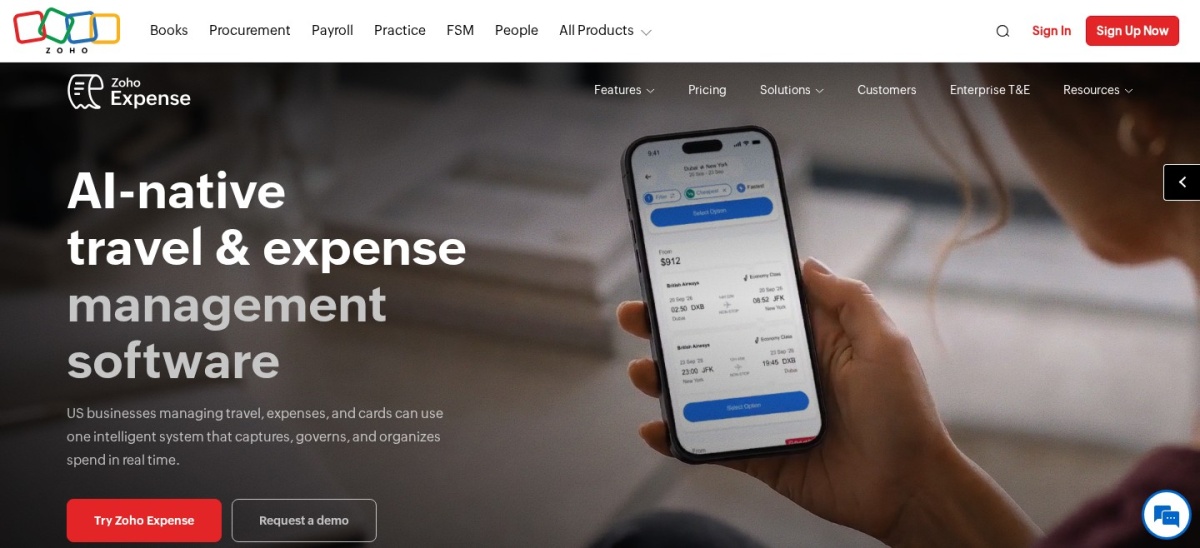
Zoho Expense homepage, captured Nov 2026.
Zoho Expense is a corporate expense management platform that handles receipts, mileage claims and employee spending. Its free plan supports 3 users, with 20 automatic receipt scans per user monthly and 5 GB of receipt storage.
The trade off is that corporate card management and expanded spending policies require Standard at $3 per user monthly with annual billing, or $4 with monthly billing. More advanced travel and approval functions require Premium. It suits growing businesses that want affordable expense reporting without replacing their accounting software.
What we like
Permanent free plan for small teams
Affordable annual subscription
Supports mileage and multicurrency expenses
Corporate card feeds on paid plans
Accounting software integrations
Watch out for
Free plan has limited receipt scanning
Advanced approval customization requires Premium
Initial policy configuration can take time
Standard adds corporate card management, expanded receipt scanning and reimbursementsVisit zoho.com
02
Expensify
4.5/5on G2 (5,701 reviews, checked Nov 2026)
Paid from$5/mo
Best for receipt collection and reimbursements
Receipt captureSmartScan
Expense reportingCollect workspace
Corporate cardsSupported
Paid planCollect, per member
expensify.com
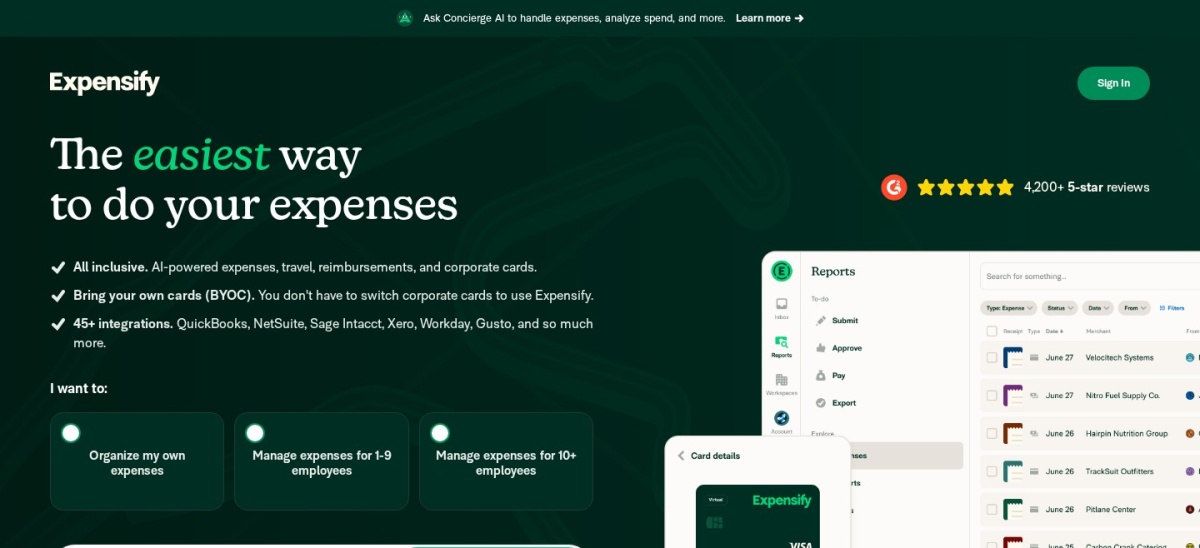
Expensify homepage, captured Nov 2026.
Expensify is an expense reporting platform that combines receipt scanning, payment management and employee expense submissions. Its Collect subscription starts at $5 per member monthly, and the product has a 4.5/5 rating from 5,701 G2 reviews.
The trade off is that free individual expense features do not replace a paid corporate workspace. Collect costs $60 per member annually at its published monthly rate, while more complex company controls may require a higher subscription. It suits businesses that process frequent employee reimbursement requests.
What we like
Receipt scanning reduces manual entry
Individual expense tools are available for free
Supports employee reimbursement workflows
Large established user review base
Watch out for
Corporate workspace features require payment
Advanced controls may require a higher plan
Subscription terms differ for existing customers
Collect adds business workspace features for managing employee expensesVisit expensify.com
03
Rydoo
4.4/5on G2 (746 reviews, checked Nov 2026)
Starts at$9/mo
Best for structured employee expense reporting
Minimum users5
Expense submissionsUnlimited
Approval workflowSingle approval level on Essentials
Paid planEssentials, per user
rydoo.com
Rydoo homepage, captured Nov 2026.
Rydoo is an employee expense management platform with mobile receipt capture, mileage calculations and expense approvals. Its Essentials plan supports unlimited expense submissions and starts at $9 per user monthly with annual billing, subject to a 5-user minimum.
The trade off is that automated card reconciliation and multilevel approvals require Pro, starting at $11 per user monthly with annual billing. Essentials costs at least $540 annually for the minimum team size. It suits companies that want a dedicated expense reporting system rather than a broader financial platform.
What we like
Unlimited expenses on the entry plan
Mobile receipt scanning
Mileage calculation tools
Customizable expense export templates
Watch out for
Minimum subscription covers 5 users
Multilevel approvals require Pro
Accounting integrations are more limited on Essentials
Essentials includes expense submissions, receipt scanning and basic approvalsVisit rydoo.com
04
Brex
4.8/5on G2 (1,665 reviews, checked Nov 2026)
Paid from$12/mo
Best for corporate card spending controls
Free planEssentials
Entity supportUp to 2 on Essentials
ReimbursementsIncluded
Paid planPremium, per user
brex.com
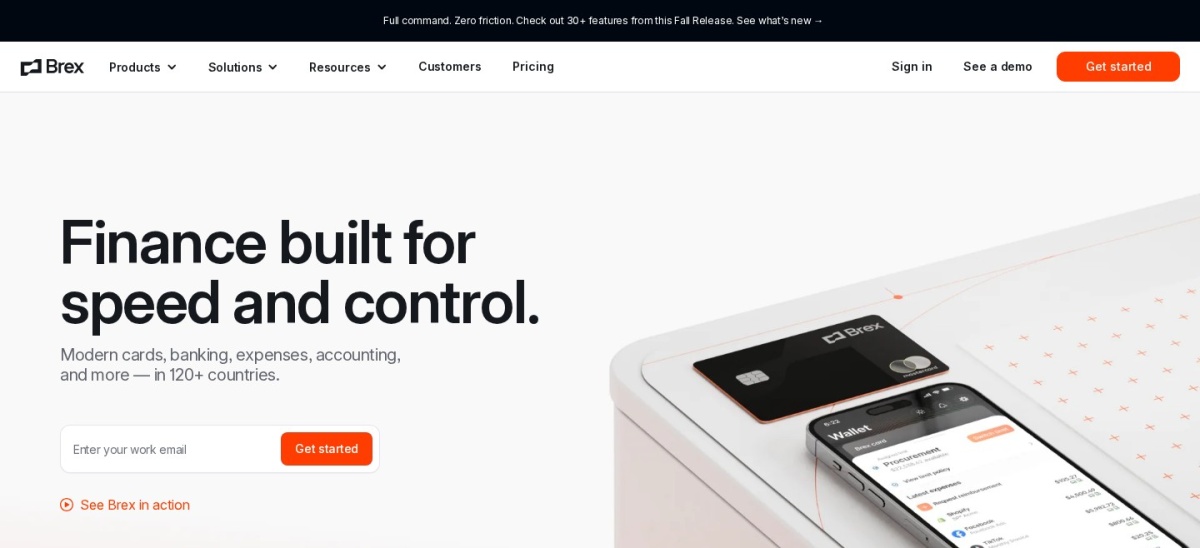
Brex homepage, captured Nov 2026.
Brex is a corporate spend management platform that brings company cards, reimbursements, travel booking and financial reporting together. Its free Essentials plan supports up to 2 entities and includes accounting integrations and reimbursement management.
The trade off is that customized expense policies, advanced approval chains and broader entity management require Premium at $12 per user monthly. Access to financial products also depends on business eligibility. It suits companies that want to manage employee expenses alongside corporate card activity.
What we like
Free entry subscription
Corporate card and expense management
Integrated reimbursement workflows
Real-time financial reporting
Watch out for
Financial product eligibility requirements apply
Advanced policies require Premium
More expensive than dedicated expense reporting tools
Premium adds advanced expense policies, approval chains and live budgetsVisit brex.com
05
Ramp
4.8/5on G2 (2,573 reviews, checked Nov 2026)
Paid from$12/mo
Best for automated financial controls
Free planAvailable
Receipt matchingAutomatic
Corporate cardsUnlimited on Free
Paid planPlus, per user plus platform fee
ramp.com
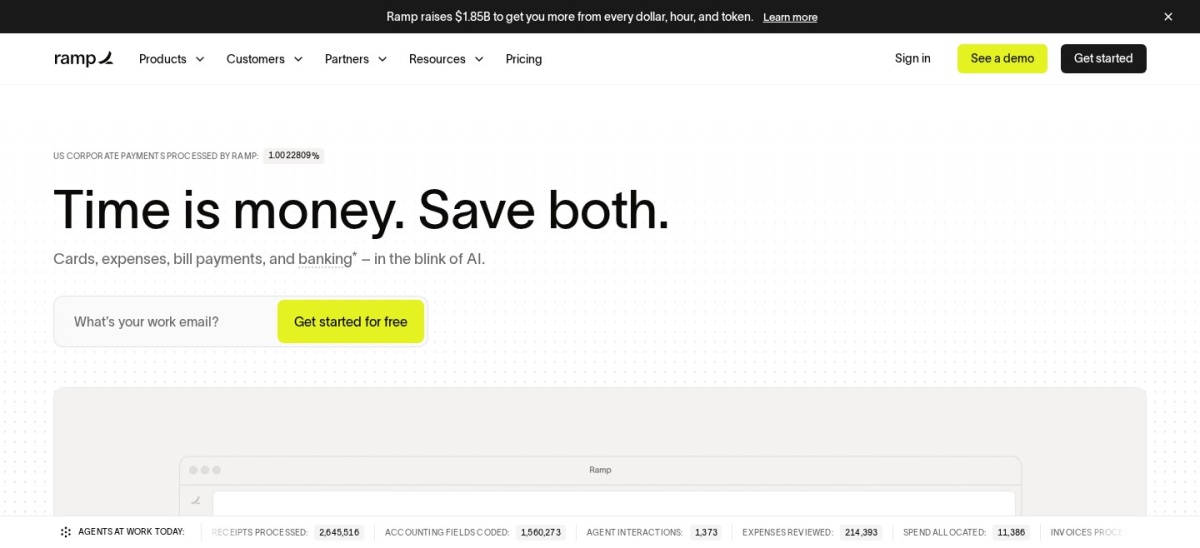
Ramp homepage, captured Nov 2026.
Ramp is a finance operations platform covering corporate cards, expense management, bill payments and accounting automation. Its free subscription includes unlimited cards, automatic receipt matching and accounting connections, while G2 lists a 4.8/5 rating from 2,573 reviews.
The trade off is that Plus costs $15 per user monthly plus a platform fee based on team size, with a 20% annual billing discount bringing the user charge to $144 annually. The price ladder excludes the additional platform fee. It suits finance teams seeking centralized spending oversight.
What we like
Free subscription includes expense automation
Automatic receipt matching
Corporate card issuing controls
Accounting integrations and reporting
Watch out for
Paid plans include an additional platform fee
Financial services have eligibility requirements
Broader platform may exceed simple reporting needs
Plus expands finance automation and administrative controlsVisit ramp.com
06
Spendesk
4.5/5on G2 (1,058 reviews, checked Nov 2026)
PricingCustom pricing
Best for managing spending across departments
User allowanceUnlimited
Receipt captureAutomatic data extraction
Corporate cardsPhysical and virtual
Paid planFoundations with custom pricing
spendesk.com
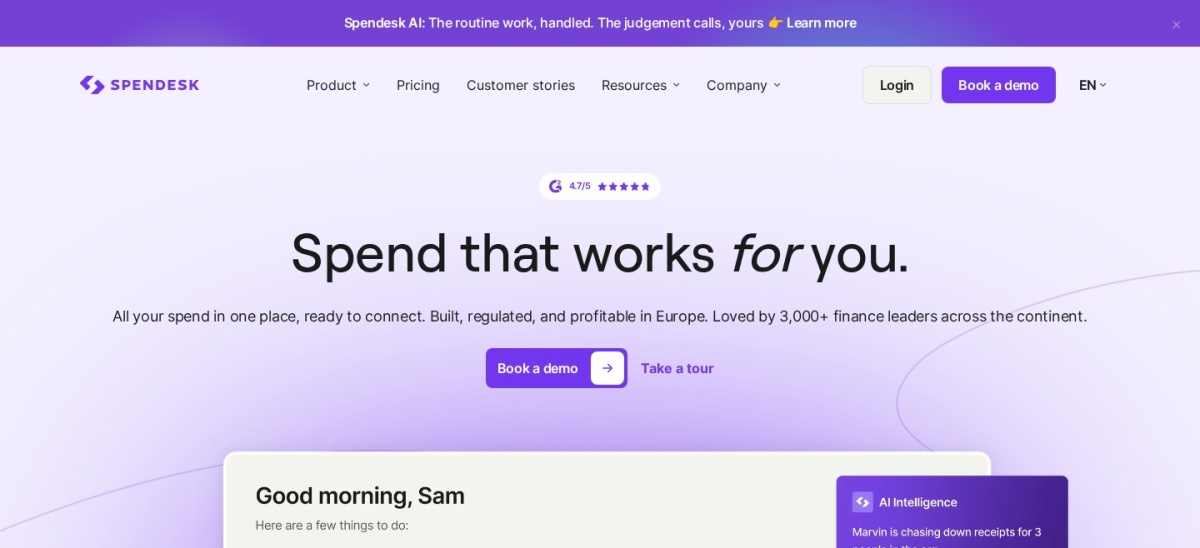
Spendesk homepage, captured Nov 2026.
Spendesk is a company spending management platform that combines employee expense claims, payment cards and departmental budgets. Its Foundations package includes unlimited users and cards, and G2 lists a 4.5/5 rating from 1,058 reviews.
The trade off is that Spendesk uses custom pricing based on a recurring platform subscription and transaction usage. Advanced purchasing and approval functionality may require additional modules. It suits businesses that want to monitor departmental spending without paying a separate subscription fee for every employee.
What we like
Unlimited users on paid plans
Physical and virtual payment cards
Department and project spending visibility
Receipt matching and expense reimbursements
Watch out for
No public fixed subscription price
Transaction usage affects total cost
Advanced approval workflows require add-ons
Foundations includes cards, receipt automation, reimbursements and budget monitoringVisit spendesk.com
07
Webexpenses
4.3/5on G2 (2,752 reviews, checked Nov 2026)
PricingCustom pricing
Best for expense policy enforcement
Receipt scanningOCR capture
Approval levelsUp to 6
Expense auditingDuplicate and policy checks
Paid planEssential
webexpenses.com
Webexpenses homepage, captured Nov 2026.
Webexpenses is a business expense reporting platform focused on employee claims, financial controls and reimbursement administration. Its Essential plan includes receipt scanning, duplicate expense checks, mileage tracking and up to 6 approval levels, and G2 lists 2,752 user reviews.
The trade off is that a confirmed USD subscription price requires contacting the vendor, although starting prices are published in other currencies. Direct reimbursement and additional integrations require higher plans. It suits established companies with formal expense policies and multiple approval responsibilities.
What we like
Multiple approval levels on the entry plan
Duplicate expense detection
Mileage tracking and receipt capture
Custom financial reporting
Watch out for
No confirmed public USD subscription price
Direct reimbursement requires a higher plan
Some accounting integrations require upgrades
Essential includes receipt capture, expense reporting and policy enforcementVisit webexpenses.com
Corporate expense tracking vs. spend management software
Traditional expense tracking focuses on recording purchases after employees make them. Staff submit receipts and reimbursement requests, managers approve claims, and accountants transfer the information into financial records.
Spend management software extends this process by controlling purchases before they occur. Corporate cards, spending limits and purchasing approvals help finance teams prevent unauthorized expenditure instead of identifying it afterward.
Zoho Expense, Expensify and Rydoo are suitable starting points for businesses prioritizing employee expense reports. Brex, Ramp and Spendesk are worth comparing when corporate payment controls and departmental budgets are equally important.
How much does corporate expense tracking software cost?
The lowest verified paid subscription in this comparison is Zoho Expense Standard at $36 per user annually. Expensify Collect costs an annualized $60 per member, while Rydoo Essentials starts at $108 per user annually.
Per-user prices do not always represent the complete subscription cost. Rydoo requires a minimum of 5 users, Ramp charges an additional platform fee, and Spendesk combines a subscription charge with transaction-based fees.
The price ladder compares annualized starting subscription rates per user or member where available, rather than total company expenditure. A zero value for custom pricing indicates an unconfirmed USD price, not free software.
How we chose
We shortlisted established corporate expense tracking platforms from G2's expense management category and compared vendor documentation, subscription features, expense reporting capabilities and financial controls. We prioritized products that support employee expense claims and centralized business spending records.
The requested editorial verification date is 22 Nov 2026. Pricing pages and public review counts were actually checked on 24 Nov 2026. Annualized prices use regular published subscription rates and standard annual billing discounts where available, excluding taxes and separately charged services.
We excluded personal budgeting applications, products without suitable public review histories and accounting tools that lack dedicated employee expense workflows. Custom pricing is included where a fixed USD subscription price could not be confirmed. No vendor paid for a place, and we do not claim testing for this list.
How to choose the best corporate expense tracking software
Compare your company's expense policies, payment methods, accounting requirements and employee workflows before committing to a subscription.
Identify how employees spend company money. Determine whether employees mainly use personal funds, corporate cards or both. Choose software that supports the relevant payment methods, receipt collection processes and reimbursement requirements.
Check approval and compliance requirements. Map your existing expense approval process and identify the managers responsible for reviewing claims. Look for configurable spending policies, duplicate detection and approval routing that match your internal financial controls.
Confirm accounting integrations. Check whether the platform connects to your existing accounting or ERP software. Review how expense categories, tax information, receipts and payment transactions transfer between systems before purchasing a subscription.
Calculate the complete annual cost. Include employee subscriptions, minimum user requirements, platform fees, transaction charges and necessary add-ons. Request a written pricing breakdown for custom subscriptions and confirm which expense management features are included.
FAQ
What is the best corporate expense tracking software?
Zoho Expense is our top overall pick because it combines affordable subscriptions, receipt scanning, mileage tracking and corporate expense controls. Expensify is a useful alternative for receipt-focused workflows, while Rydoo suits companies requiring structured expense reporting and approvals.
Is there free corporate expense tracking software?
Yes. Zoho Expense offers a free plan for up to 3 users, while Ramp and Brex provide free entry subscriptions for eligible businesses. Expensify also offers free individual expense features, although company workspace functionality requires a paid subscription.
How much does employee expense tracking software cost?
Published paid subscriptions in this comparison start at $3 per user monthly with annual billing for Zoho Expense. Other platforms may charge per member, active employee or transaction. Additional platform fees and minimum subscription requirements can increase the total cost.
Can corporate expense tracking software detect duplicate receipts?
Some platforms include duplicate expense detection to help finance teams identify repeated reimbursement requests. Webexpenses provides duplication checks on its Essential plan. Businesses should still maintain appropriate approval procedures because automated detection does not eliminate every reporting error.
What is the difference between expense tracking and expense management?
Expense tracking records purchases, receipts and spending categories. Expense management also covers company policies, approval workflows, reimbursements and accounting reconciliation. Businesses with formal financial procedures generally benefit from expense management software rather than a basic transaction tracker.
Which expense tracking software is best for corporate cards?
Brex and Ramp are suitable options for companies that want corporate cards and expense tracking within the same platform. Both provide free entry subscriptions and paid upgrades, although access to their financial products depends on business eligibility.
Can expense tracking software integrate with accounting systems?
Yes. Many corporate expense platforms connect to accounting applications or support structured data exports. Check whether your preferred integration is included in the entry subscription, since some vendors reserve advanced accounting and ERP connections for higher-priced plans.
Is corporate expense tracking software suitable for small businesses?
Yes. Small businesses can use expense software to organize receipts, approve employee claims and maintain accurate financial records. Zoho Expense is particularly accessible because of its limited free plan and affordable paid subscription, while Expensify offers flexible per-member billing.
SaaS SEO and WordPress specialist with about 8 years of experience. Rakib compares WordPress plugins, themes, hosting and software using public pricing, documentation and user reviews. See how we rank.