ContractSafe is our top pick for contract tracking, combining AI search and customizable renewal alerts with unlimited users starting at $450 per month billed annually. Teams that need proposal workflows or lower entry pricing can look to PandaDoc, while Concord fits flat-rate team tracking with built-in e-signature.
How we make this list: we compare pricing pages, product documentation and public user reviews, then re-check every price before each update. No product paid for a place. Disclosure.
ContractSafe starts at $450/mo billed annually ($540/mo monthly) with unlimited users and AI extraction.
PandaDoc offers a $0 free plan (5 docs/month) and paid plans starting at $19/seat/mo billed annually ($35/mo monthly).
Concord starts at $499/mo billed annually on Essentials with 5 users included.
Qwilr starts at $35/user/mo billed annually ($49/user/mo monthly) on Starter.
Contractbook lists Essential at $399/mo billed annually.
DocuSign eSignature starts at $10/mo billed annually ($11/mo billed monthly) on Personal.
What to look for in contract tracking software
Contract tracking software keeps signed agreements organized after execution so teams do not miss renewal windows, notice deadlines, or obligation dates. Strong tools pair full-text search with configurable alerts tied to expiration or notice periods.
Pricing models vary sharply across vendors. Some charge per seat, some bill a flat monthly rate for a set user count, and some include unlimited users on every tier.
Check whether a tool focuses on post-signature tracking and storage or leans toward pre-signature drafting, proposals, and e-signatures. A sales-led proposal app may lack deep legal redlining or complex obligation routing.
Verify how existing agreements enter the system and whether alerts can go to non-legal stakeholders. Fast onboarding and clear renewal terms matter before committing to an annual contract.
For browser-based drafting, collaboration, and tracking
Custom/yr
No free plan
4.5/5
Price ladder: cheapest paid plan per year
List prices, USD, checked Nov 2026
DocuSign$120
PandaDocFREE$228
Qwilr$420
Contractbook$4,788
ContractSafe$5,400
Concord$5,988
Juro$18,000
The 7 best contract tracking software
01
ContractSafe
4.8/5on Capterra (190 reviews, checked Nov 2026)
Starts at$450/mo
Best for searchable contract storage and renewal alerts
Starting planOrganize ($450/mo annual)
Monthly billing$540/mo
UsersUnlimited on all plans
Core trackingCustom date alerts and AI search
contractsafe.com
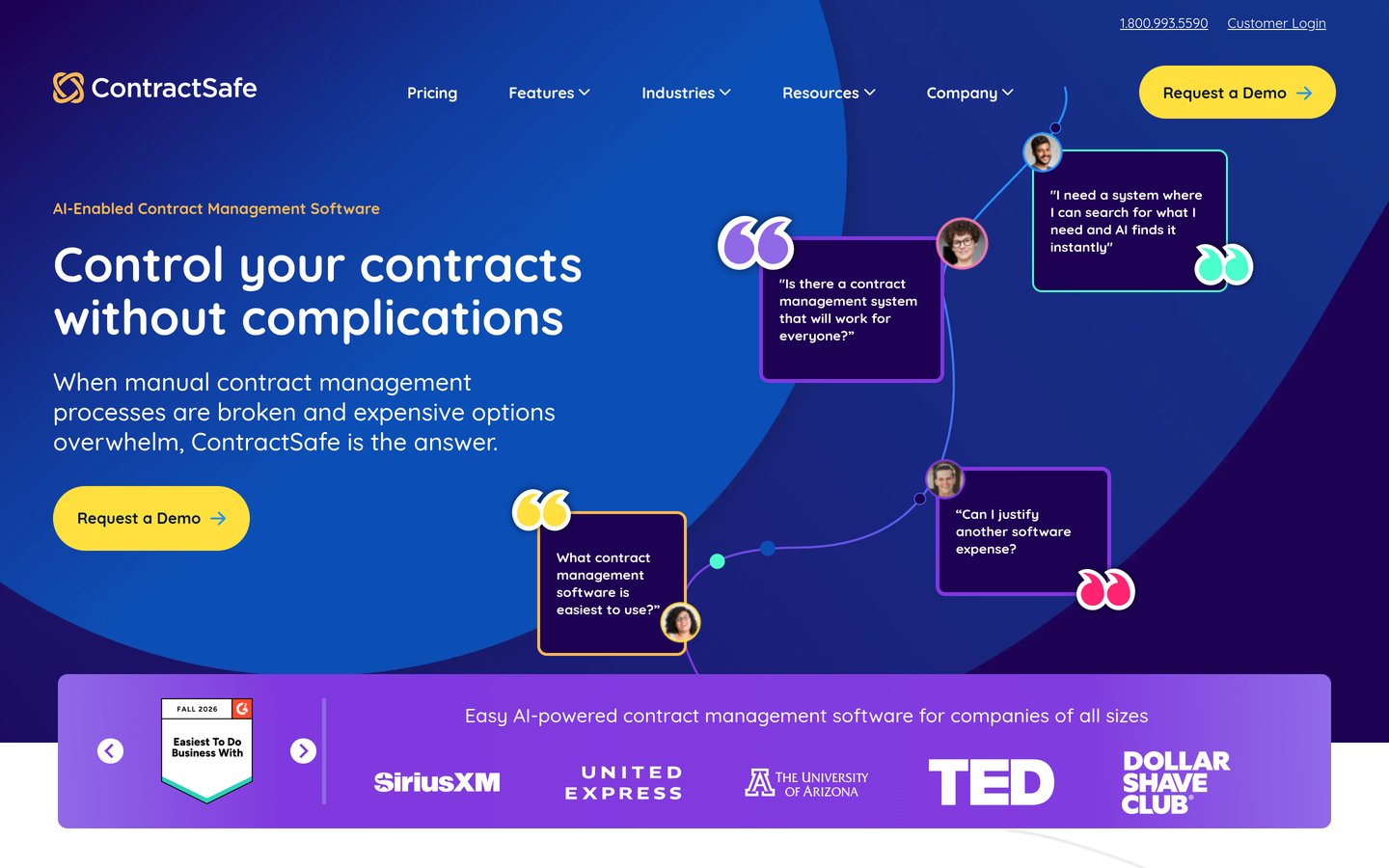
ContractSafe homepage, captured Nov 2026.
ContractSafe is a contract management platform built around a central repository, custom date alerts, and AI search. Every plan includes unlimited users, AI data extraction, and full-text search.
The trade off is paying $450/mo billed annually ($540/mo monthly) with no entry tier for small teams. It suits organizations that want company-wide access and straightforward renewal tracking without complex custom workflows.
What we like
Unlimited users included on every plan
Customizable renewal and notice date alerts
AI search, chat, and data extraction included
Clear published starting price
Watch out for
No free plan or low-cost starter tier
Less suited to heavily customized enterprise workflows
Higher plans add approvals, e-signature, templates, and AI contract review.Visit contractsafe.com
02
PandaDoc
4.7/5on G2 (3,869 reviews, checked Nov 2026)
Paid from$19/mo
Best for sales documents, templates, and e-signatures
Free plan$0 (5 docs/month)
Starter plan$19/seat/mo annual
Monthly billing$35/seat/mo (Starter)
Higher tierBusiness at $49/seat/mo annual
pandadoc.com
PandaDoc homepage, captured Nov 2026.
PandaDoc is a document creation and e-signature platform with a free plan capped at 5 documents per month. Starter costs $19/seat/mo billed annually ($35/seat/mo monthly) and includes unlimited documents and expiration alerts.
The trade off is paying per seat and losing native redlining or unlimited templates on Starter. It suits sales and small business teams creating, tracking, and signing agreements quickly.
What we like
Free plan available with 5 documents per month
Low entry paid price at $19/seat/mo billed annually
Fast setup with drag-and-drop editing and e-signatures
Expiration alerts included on Starter
Watch out for
Starter caps templates at 5 and lacks CRM integrations
No native redlining or tracked changes for legal edits
Business adds unlimited templates, pricing tables, CRM integrations, and approval workflows.Visit pandadoc.com
03
Concord
4.6/5on Capterra (235 reviews, checked Nov 2026)
Starts at$499/mo
Best for flat-rate team tracking and built-in e-signature
Starting planEssentials ($499/mo annual)
Included users5 users on Essentials
Next tierBusiness ($899/mo annual)
Key featureBuilt-in e-signature and alerts
concord.app
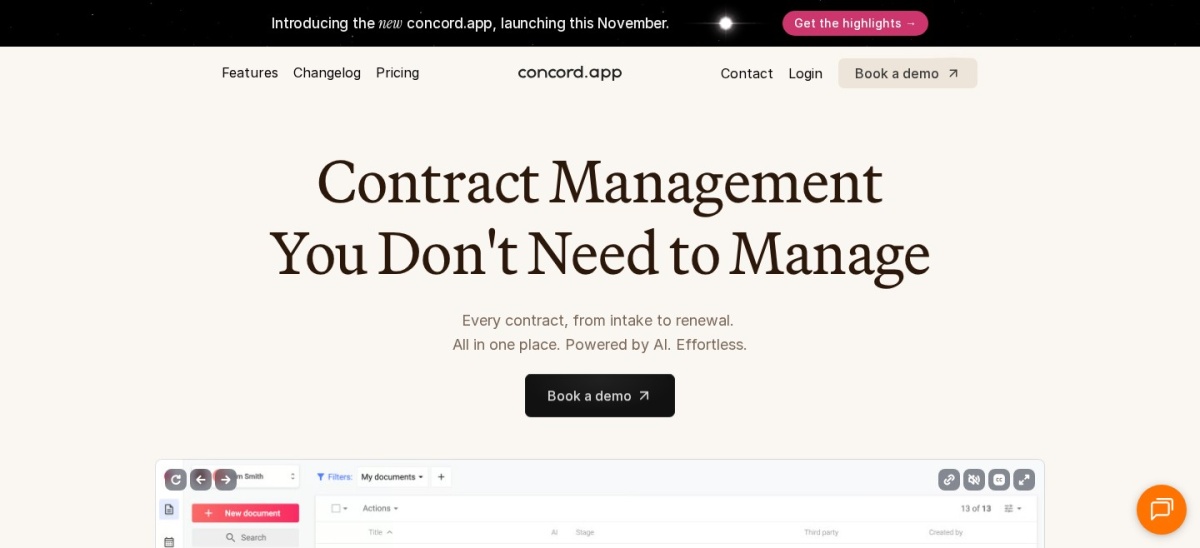
Concord homepage, captured Nov 2026.
Concord is a contract management tool that combines document storage, renewal reminders, and built-in e-signatures. Essentials starts at $499/mo billed annually and includes 5 users.
The trade off is a higher monthly floor than per-seat tools if you only need a couple of licenses. It suits teams wanting predictable flat-rate billing and e-signature in one workspace.
What we like
Flat monthly pricing includes 5 users on Essentials
Built-in e-signature reduces separate signing tools
Straightforward contract status and expiration alerts
Fast setup for routine business agreements
Watch out for
Steeper cost for very small teams than per-seat tools
Higher tiers jump to $899/mo and $1,299/mo billed annually
Business ($899/mo annual) and Enterprise ($1,299/mo annual) expand team capacity and controls.Visit concord.app
04
Contractbook
4.7/5on G2 (75 reviews, checked Nov 2026)
Starts at$399/mo
Best for structured contract templates and volume tiers
Starting planEssential ($399/mo annual)
Included seats1 user on Essential
Contract cap100 signed contracts/year
Higher tierAccelerate ($599/mo annual)
contractbook.com
Contractbook homepage, captured Nov 2026.
Contractbook is a contract lifecycle platform for drafting from templates, signing, and tracking renewal dates. Essential starts at $399/mo billed annually for 1 user, 5 templates, and 100 signed contracts per year.
The trade off is tight user and contract limits on the entry tier plus potential auto-renewal friction. It suits teams that want structured templates and expiration tracking across set annual volumes.
What we like
Published starting price at $399/mo billed annually
Combines template creation, e-signature, and deadline tracking
Supports workflow automation and third-party integrations
Watch out for
Essential includes just 1 user and 100 signed contracts yearly
Some users report rigid renewal terms and occasional bugs
Centralize and Accelerate ($599/mo annual) raise user counts, template limits, and contract allowances.Visit contractbook.com
05
Qwilr
4.6/5on G2 (938 reviews, checked Nov 2026)
Starts at$35/mo
Best for interactive web proposals and client sign-offs
Starting planStarter ($35/user/mo annual)
Monthly billing$49/user/mo (Starter)
Higher tiersGrowth ($55) and Scale ($75)
Document allowance40 docs on Starter
qwilr.com
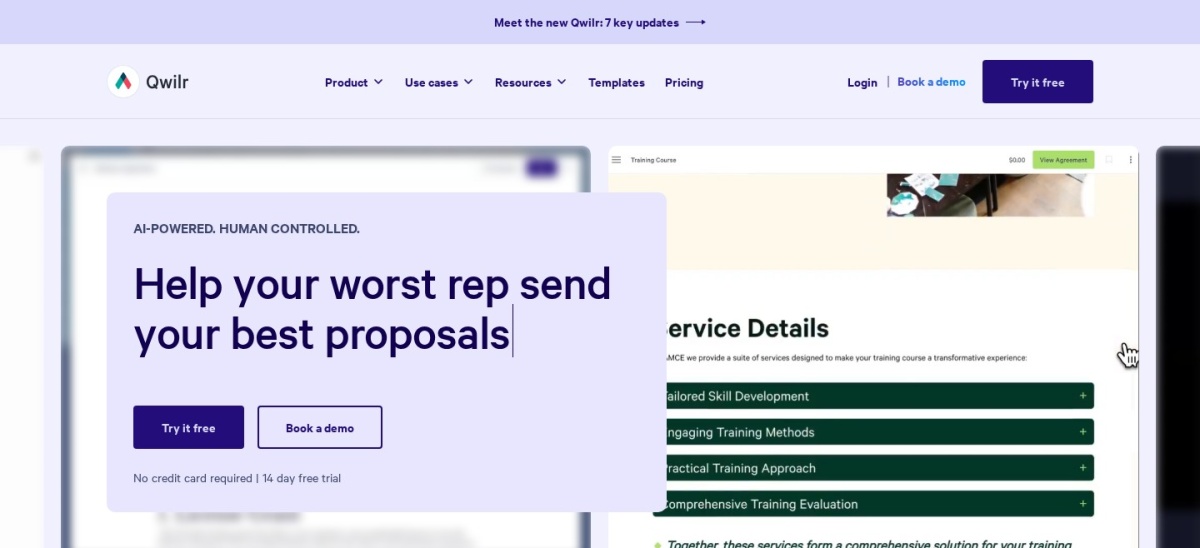
Qwilr homepage, captured Nov 2026.
Qwilr turns proposals, quotes, and agreements into interactive web pages with built-in signing and engagement tracking. Starter costs $35/user/mo billed annually ($49/user/mo monthly) with a 40-document allowance.
The trade off is paying per seat with a document cap and a focus on sales proposals rather than legal repositories. It suits revenue teams tracking client views and sign-offs on interactive agreements.
What we like
Interactive web documents with embedded quotes and e-signatures
Shows where prospects view and spend time in a document
Integrates with CRMs like HubSpot and Salesforce
Watch out for
Starter limits document allowance and charges 0.09% QwilrPay fees
Growth and Scale require annual billing and minimum seats
Growth ($55/user/mo annual) and Scale ($75/user/mo annual) raise document limits and add team controls.Visit qwilr.com
06
DocuSign
4.5/5on G2 (2,926 reviews, checked Nov 2026)
Starts at$10/mo
Best for widely recognized e-signatures and basic storage
Starting planPersonal ($10/mo annual)
Monthly billing$11/mo (Personal)
Team planStandard ($25/user/mo annual)
Envelope limit5 envelopes/month on Personal
docusign.com
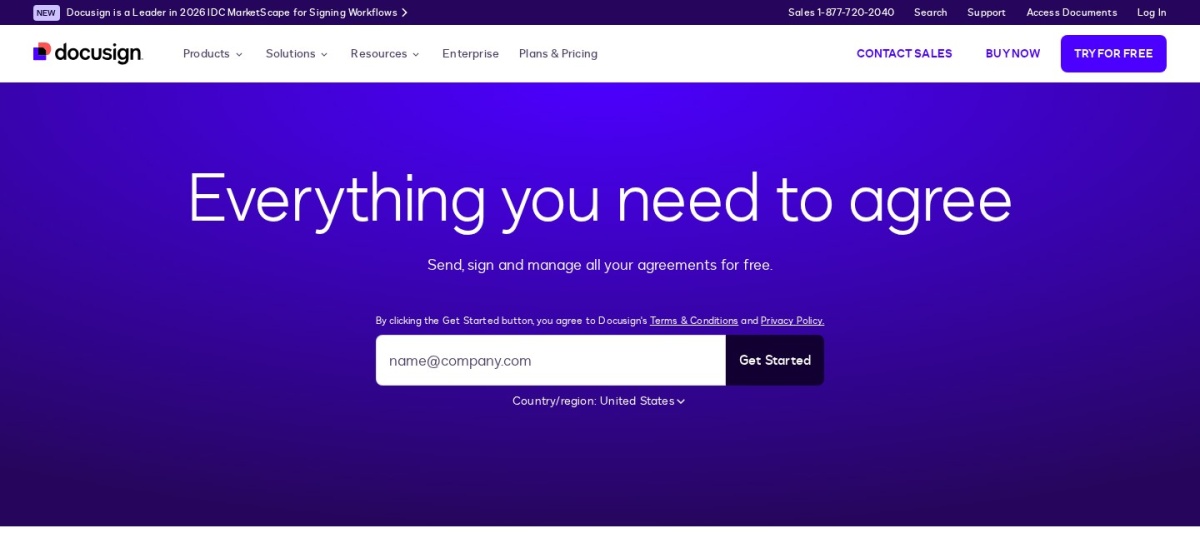
DocuSign homepage, captured Nov 2026.
DocuSign is an electronic signature platform that stores executed agreements and lets teams monitor signing status. Personal starts at $10/mo billed annually ($11/mo monthly) for 1 user and 5 envelopes per month.
The trade off is strict envelope caps and no full contract lifecycle tracking on entry e-signature tiers. It suits individuals and teams needing trusted signatures and basic agreement filing.
What we like
Low entry price at $10/mo billed annually for Personal
Broad signer familiarity and audit trail compliance
Real-time status notifications as agreements are sent and signed
Watch out for
Personal allows only 5 envelopes per month
Full CLM and deep obligation tracking sit on higher or separate plans
Standard ($25/user/mo annual) and Business Pro ($40/user/mo annual) add shared templates and higher envelope limits.Visit docusign.com
07
Juro
4.5/5on G2 (248 reviews, checked Nov 2026)
Starts atCustom/yr
Best for browser-based drafting, collaboration, and tracking
Pricing modelCustom quote (annual)
Reported entry tier~$18,000/yr reported
WorkspaceBrowser-based editor and repository
Tracking focusStatuses, reminders, and bulk actions
juro.com
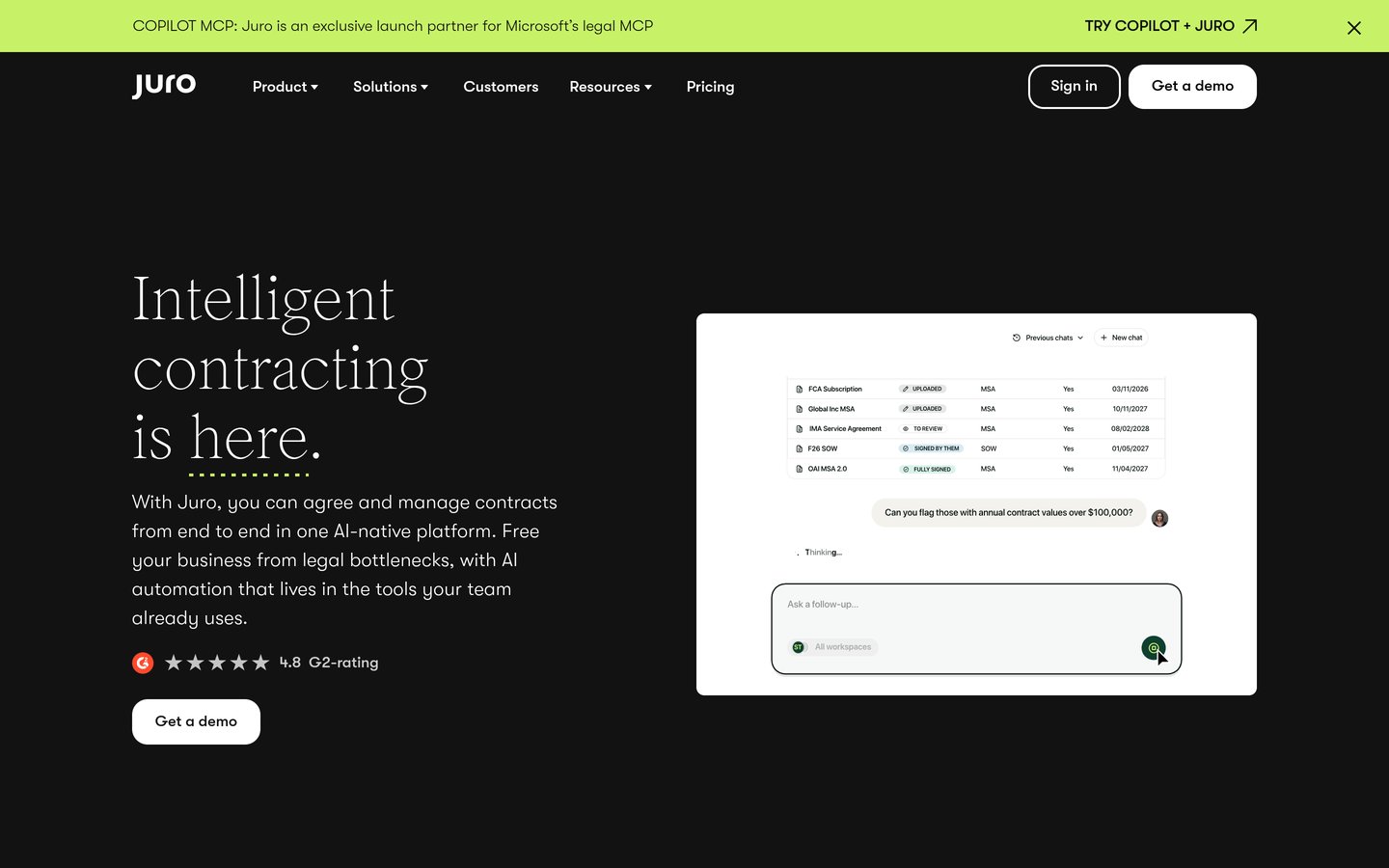
Juro homepage, captured Nov 2026.
Juro is a browser-based contract workspace for drafting, negotiating, signing, and tracking agreements across teams. It centralizes contract statuses and renewal reminders in one searchable hub.
The trade off is custom quote-based pricing with reported entry deals starting around $18,000/yr. It suits growing businesses with steady contract volume that want in-browser collaboration.
What we like
Browser-based editing and negotiation without constant file exports
Centralized contract visibility and renewal reminders
Supports bulk contract sending and template workflows
Watch out for
No self-serve entry tier or public list rate card
Higher annual budget than SMB proposal and e-signature tools
Custom plans scale contract volume, integrations, and AI review capabilities.Visit juro.com
Per-seat vs. flat-rate pricing
Per-seat tools like PandaDoc and Qwilr keep early costs low when only a few people create or send agreements. Costs rise as you add licensed seats or hit document limits.
Flat-rate or unlimited-user options like ContractSafe and Concord fit teams that want many employees to search contracts and receive renewal alerts without per-seat math.
How we chose
We selected established contract tracking and lifecycle tools from public software directories and vendor product pages focused on post-signature visibility, renewal alerts, and agreement management.
All listed prices, plan terms, and review ratings were checked on 22 Nov 2026 from vendor pricing pages and third-party review directories.
We excluded tools without verifiable pricing or review data on the pages we opened today, as well as single-purpose files that do not track agreements over time. No vendor paid for a place, and we do not claim testing for this list.
How to choose contract tracking software
Follow four practical steps to match a contract tracker to your team's workflow and budget.
Map your contract volume and renewal risks. List how many active contracts you track each year and which renewal or notice deadlines cost money if missed.
Decide who needs access and alerts. Check whether sales, finance, and operations need view access or renewal reminders, and compare per-seat fees against unlimited or flat-rate plans.
Separate creation from post-signature tracking. Decide whether you mainly need proposal creation and e-signatures or searchable storage, redlining, and obligation tracking after signing.
Check annual billing and contract caps. Compare annual versus monthly rates, document or envelope limits, and add-on fees before signing up.
FAQ
What is the main difference between contract tracking and e-signature software?
E-signature tools focus on getting documents signed and recording completion, while contract tracking software helps you organize signed agreements, search terms, and monitor renewal or notice deadlines after signing.
Which tool here offers a free plan?
PandaDoc offers a free plan that lets you create up to 5 documents per month with basic e-signatures and real-time tracking, while paid plans start at $19 per seat per month billed annually.
Why do some contract tracking tools cost hundreds of dollars per month?
Dedicated contract repositories and lifecycle platforms often include unlimited users, AI search or data extraction, audit trails, and team-wide renewal alerts rather than charging per individual seat.
Should small teams start with per-seat pricing or a flat-rate plan?
Small teams sending a modest number of agreements often start cheaper on per-seat plans, whereas teams needing broad company access and renewal alerts may prefer flat-rate or unlimited-user pricing.
What should I check before committing to an annual contract tracking plan?
Check the regular annual price versus monthly billing, document or envelope allowances, user limits, and any extra charges for integrations, templates, or higher tiers.
Can sales proposal tools replace a dedicated contract repository?
They can handle proposals, quotes, and e-signatures for small teams, but organizations with complex legal redlining, custom workflows, or heavy compliance tracking often need dedicated lifecycle software.
SaaS SEO and WordPress specialist with about 8 years of experience. Rakib compares WordPress plugins, themes, hosting and software using public pricing, documentation and user reviews. See how we rank.