Best Automated Payroll Software in 2026: 9 Tools Compared
WLWPLegible EditorsLast verified 24 Nov 2026How we rank10 min read
★ Short answer
Gusto is the best automated payroll software for most small businesses, with unlimited runs and automatic tax filing from $49 a month plus $6 per employee. OnPay is the best value at the same base price, and Rippling suits teams that want payroll with HR and IT.
How we make this list: we compare pricing pages, product documentation and public user reviews, then re-check every price before each update. No product paid for a place. Disclosure.
Gusto is the best pick for most small businesses, with unlimited runs and automatic tax filing.
OnPay matches Gusto on price and includes all 50 states on its single plan.
Patriot is the cheapest in this list at $17 a month plus $4 per worker.
Rippling unifies payroll with HR, IT and devices, from $8 per employee a month plus a platform fee.
Deel is the best pick for global teams, with payroll from $29 per employee a month.
ADP RUN is quote-only, so ask for a written quote before comparing it with published prices.
What automated payroll software should cover
Automated payroll runs itself once it is set up. It calculates pay, withholds taxes, files federal, state and local forms, and pays employees on schedule, with no manual math each cycle.
The price has two parts: a monthly base fee and a per-employee charge. Most tools in this list charge $17 to $50 a month plus $4 to $12 per employee, so model the cost at your real headcount.
Tax filing is the feature that matters most. Every tool here files taxes for you, but multi-state filing sits on higher tiers at Gusto, while OnPay includes all 50 states on its single plan.
Global payroll is a different job. Deel covers international teams and contractors, while the US-focused tools in this list handle domestic payroll only.
Gusto is the easiest full-service payroll software for most small teams. Simple costs $49 a month plus $6 per employee, with unlimited payroll runs, automatic federal, state and local tax filing, and built-in onboarding, benefits and HR tools.
The trade off is multi-state filing. Plus costs $80 a month plus $12 per employee and adds multi-state pay runs, while Premium costs $180 plus $22. It suits small businesses that want payroll handled with no manual tax work.
What we like
Unlimited payroll runs on every plan
Automatic tax filing included
Rated 4.6 out of 5 on G2 from 13,355 reviews
Trusted by more than 500,000 businesses
Watch out for
Multi-state filing needs the Plus plan
Per-employee cost climbs with headcount
No global payroll for employees
Plus adds multi-state runs at $80/mo + $12/employeeVisit gusto.com
02
Rippling
4.8/5on G2 (13,464 reviews, checked Nov 2026)
Starts at$8/user/mo
Best for payroll with HR and IT
Global payrollYes
HR and ITYes, unified
Integrations500+
Paid planFrom $8/employee/mo
rippling.com
Rippling homepage, captured Nov 2026.
Rippling is a platform that connects payroll to HR, benefits, devices and app access in one system. Payroll starts at $8 per employee a month plus a platform fee, with powerful workflow automation, global payroll and integrations with more than 500 apps.
The trade off is price opacity. The platform fee is quoted, and G2 reviewers call opaque pricing the most common complaint. It suits tech-forward teams that want HR, IT and finance in one platform rather than payroll alone.
OnPay is full-service US payroll at a simple flat price: $49 a month plus $6 per employee, with tax filings in all 50 states included. There is one plan, no tiers to climb, and support is consistently praised in reviews.
The trade off is scope. OnPay is payroll-first, with HR and time tracking as priced add-ons, so teams that want a deep HR suite should look at Gusto or Rippling. It suits small businesses that want straightforward payroll without feature bloat.
4.8/5on G2 (Not published reviews, checked Nov 2026)
Starts at$17/mo
Cheapest payroll
Base fee$17/mo
Per worker$4
Tax filingYes
Paid plan$17/mo + $4/worker
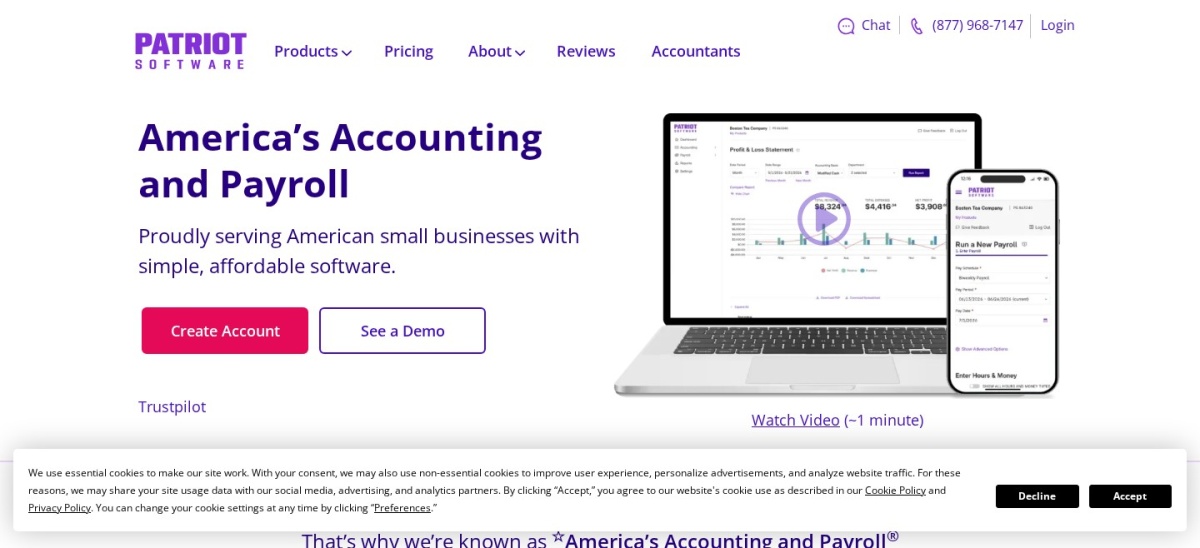
patriotsoftware.com
Patriot homepage, captured Nov 2026.
Patriot is the cheapest payroll in this list at $17 a month plus $4 per worker paid. It covers payroll, tax filing and direct deposit for small to mid-sized businesses, with highly rated customer support and a simple interface.
The trade off is depth. Patriot is a focused payroll tool rather than an HR platform, so teams that want benefits, onboarding and performance tools should look elsewhere. It suits budget-conscious small businesses that want payroll done well.
4.8/5on G2 (Not published reviews, checked Nov 2026)
Starts at$29/mo
Best for global teams
CountriesMany, global
Contractor paymentsYes
Employer of recordYes
Paid planGlobal payroll, $29/employee/mo
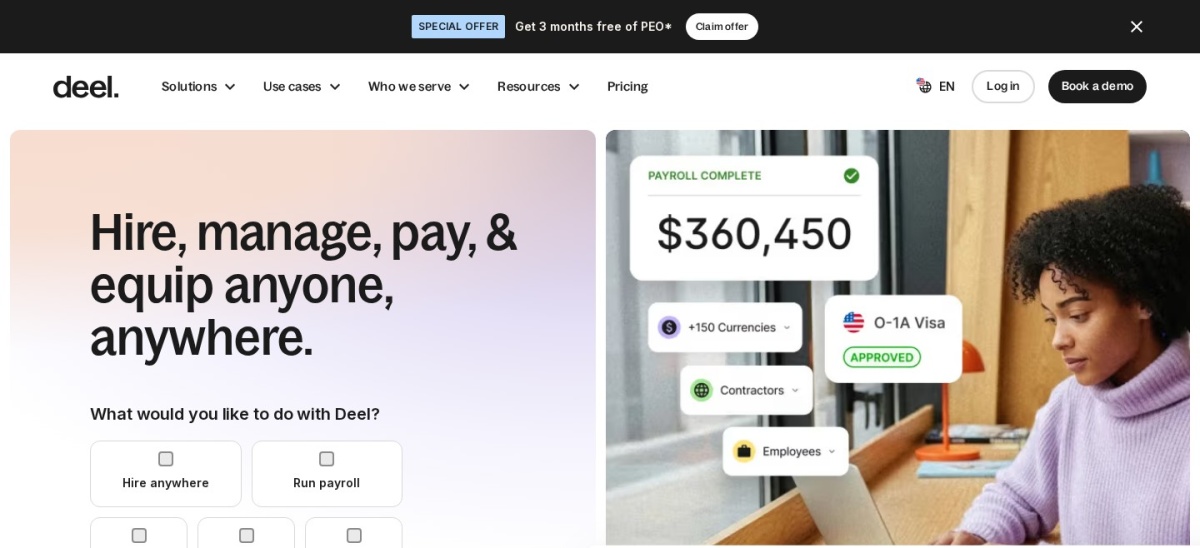
deel.com
Deel homepage, captured Nov 2026.
Deel is the pick for distributed teams, with global payroll, contractor payments and employer-of-record services in many countries. Global payroll starts at $29 per employee a month, and the platform handles local compliance, contracts and payments in one place.
The trade off is focus. Deel is built for cross-border teams, so a US-only small business pays for global depth it does not need. It suits remote-first companies with employees or contractors in several countries.
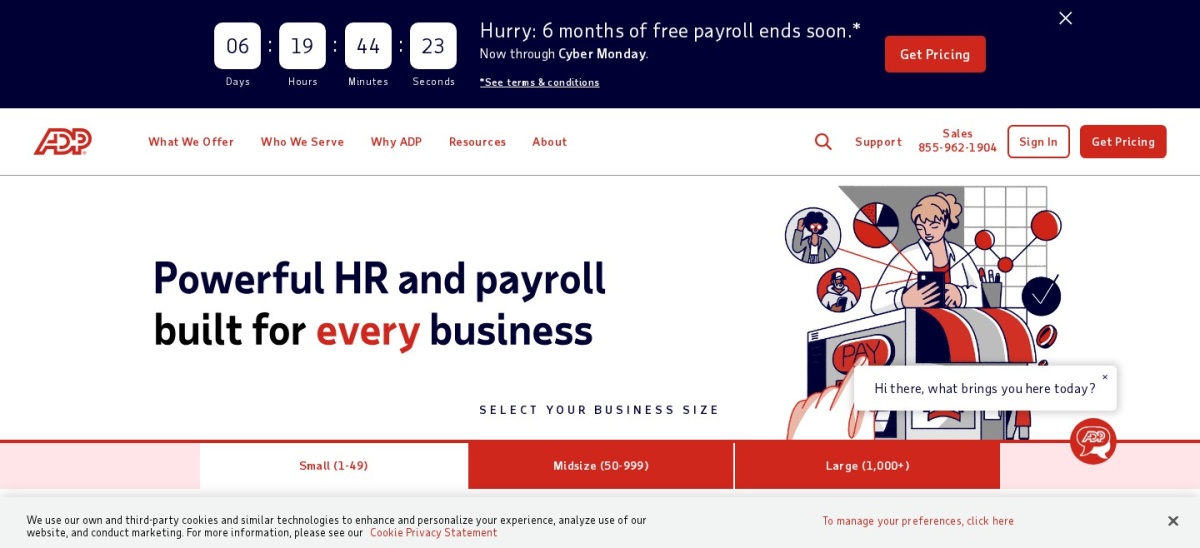
ADP RUN is ADP's small business payroll software, with tax filing, compliance alerts, a strong mobile app and an easy path to HR, benefits and Workforce Now as the business grows. ADP has served employers for more than 70 years and counts over 900,000 clients.
The trade off is price opacity. RUN is priced by quote, with Essential, Enhanced, Complete and HR Pro packages, and reviewers call the interface dated next to Gusto. It suits growing businesses that need deep compliance and scale.
What we like
Deep compliance and tax expertise
Easy path to Workforce Now
Rated 4.7 out of 5 on G2 from 6,959 reviews
Strong mobile app
Watch out for
Priced by quote only
Interface feels dated next to Gusto
Pricing is unpredictable, per reviewers
Essential, Enhanced, Complete and HR Pro packagesVisit adp.com
07
QuickBooks Payroll
4.4/5on G2 (Not published reviews, checked Nov 2026)
Starts at$50/mo
Best for QuickBooks users
QuickBooks linkYes, native
Tax filingYes
Direct depositYes
Paid plan$50/mo + $7/employee
quickbooks.intuit.com
QuickBooks Payroll homepage, captured Nov 2026.
QuickBooks Payroll is the natural pick for businesses already running QuickBooks Online. It ties payroll to accounting in one place, with tax filing, direct deposit and time tracking, starting at $50 a month plus $7 per employee.
The trade off is lock-in. It works best inside the QuickBooks ecosystem, and the price climbs with add-ons. It suits QuickBooks users who want payroll and accounting reconciled without a second system.
Paychex Flex is payroll with a dedicated specialist on every account. It starts at $39 a month plus $5 per employee, with tax filing, multi-state support and the option to add HR services as the business grows.
The trade off is price clarity. Paychex is quote-based in practice, and the headline price is a benchmark rather than a fixed list price. It suits owners who want a specialist to call rather than a self-serve tool.
4.7/5on Capterra (Not published reviews, checked Nov 2026)
Starts at$35/mo
Best for Square users
Square linkYes, native
Tax filingYes
Direct depositYes
Paid plan$35/mo + $6/employee
squareup.com
Square Payroll homepage, captured Nov 2026.
Square Payroll is the pick for businesses already running on Square. It connects payroll to Square's point of sale, scheduling and business tools, with tax filing and direct deposit, starting at $35 a month plus $6 per employee.
The trade off is scope. It is built for Square users, so businesses outside that ecosystem get less value. It suits shops, cafes and service businesses that already take payments through Square.
The base fee is only half the bill. A $49 base fee plus $6 per employee costs $109 a month for 10 employees, and $169 for 20, so small differences per head add up fast.
Patriot is the cheapest in this list at $17 a month plus $4 per worker, while Rippling charges $8 per employee plus a platform fee. Compare the total for your headcount, not the base fee alone.
Quote-only tools such as ADP RUN hide the total until you talk to sales. Ask for a written quote for your headcount before you compare them with published prices.
How we chose
We started from every automated payroll tool still sold in 2026, then kept those with a verifiable G2 or Capterra rating and a working vendor site.
Prices come from each vendor pricing page and November 2026 comparisons, checked on 24 November 2026, with Gusto's pricing page opened today. Ratings come from G2 or Capterra on the same day. Where a vendor shows a sale, the list shows the regular price.
We left out Paylocity and Paycor because their pricing is quote-only and their fit is mid-market rather than automated small-business payroll. No vendor paid for a place.
How to choose automated payroll software
Start with your headcount and states, then match the plan to that shape.
Count employees and states first. The base fee plus per-employee math decides the real bill, and multi-state filing changes which plan you need.
Check tax filing coverage. Confirm the plan files federal, state and local taxes for every state you pay people in.
Run a full payroll cycle. Run one real cycle on the trial, including an off-cycle payment, before you migrate.
Confirm contractor handling. If you pay contractors, check how they are billed and whether global contractors cost extra.
FAQ
What is the best automated payroll software?
Gusto is the best automated payroll software for most small businesses, with unlimited runs and automatic tax filing from $49 a month plus $6 per employee. OnPay is the best value at the same base price, and Rippling suits teams that want payroll with HR and IT.
How much does automated payroll software cost?
Most tools in this list cost $17 to $50 a month plus $4 to $12 per employee. Patriot is the cheapest at $17 a month plus $4 per worker, while Gusto and OnPay both start at $49 a month plus $6 per employee.
Does payroll software file taxes for you?
Yes. Every tool in this list files federal, state and local payroll taxes for you. OnPay includes all 50 states on its single plan, while Gusto reserves multi-state filing for its Plus plan at $80 a month.
What is the best payroll software for global teams?
Deel is the best pick for global teams, with payroll in many countries from $29 per employee a month. Rippling also runs global payroll, while Gusto, OnPay and Patriot focus on US payroll.
Can payroll software pay contractors too?
Yes. Gusto, Rippling, OnPay and Deel all pay contractors, and Gusto only bills for contractors in months when you pay them. Deel is the strongest pick when most of your team are international contractors.
Is ADP RUN worth it for a small business?
ADP RUN suits growing businesses that need deep compliance and a path to enterprise HR, but it is priced by quote and its interface feels dated next to Gusto. Small teams that want a published price should start with Gusto or OnPay.