QuickBooks Online leads for automated bookkeeping because it combines bank feeds, receipt capture, and wide accountant adoption starting at $38/month on Simple Start. For specific workflows, Zoho Books offers a free plan for eligible small businesses, while Dext focuses on automated document and receipt extraction.
How we make this list: we compare pricing pages, product documentation and public user reviews, then re-check every price before each update. No product paid for a place. Disclosure.
QuickBooks Online holds a 4.0/5 rating across 3,913 G2 reviews with Simple Start priced at $38/month.
Zoho Books provides a $0 free plan for small businesses and a Standard tier starting at $15/month billed annually ($20/month monthly).
Xero holds a 4.4/5 rating across 1,863 G2 reviews with Starter priced at $25/month.
FreshBooks holds a 4.5/5 rating across 983 G2 reviews, with Lite at $23/month and Plus at $43/month.
Wave offers a free Starter plan alongside a Pro plan at $190/year ($19/month) for automated bank imports and receipt capture.
Dext holds a 4.6/5 rating across 450 G2 reviews, with Business plans starting at $31.50/month ($25.21/month billed annually).
What to look for in automated bookkeeping software
Automated bookkeeping software reduces manual ledger entry by syncing bank transactions, matching bills and invoices, and scanning receipts into structured accounts. The right choice depends on whether you need a full general ledger, a client billing system, or a document-capture layer that feeds an existing ledger.
Check how transaction categorization and reconciliation work on the entry tier rather than relying on top-tier features. Some entry plans cap monthly invoices or bills, restrict multi-currency handling, or require paid add-ons for bank feeds, team seats, or receipt scanning.
Accountant compatibility matters before committing to a ledger. Switching accounting platforms later carries migration work, so aligning with your tax preparer or bookkeeper early prevents friction during monthly close and tax filing.
For AI-driven general ledger automation and reporting
$65/mo
No free plan
4.9/5
Price ladder: cheapest paid plan per year
List prices, USD, checked Nov 2026
Zoho BooksFREE$180
WaveFREE$190
FreshBooks$276
Xero$324
Dext$378
QuickBooks$456
Digits$780
The 7 best automated bookkeeping software
01
QuickBooks Online
4/5on G2 (3,913 reviews, checked Nov 2026)
Starts at$38/mo
Best for overall accounting automation and accountant compatibility
Entry planSimple Start ($38/mo)
Higher tiersEssentials ($85/mo), Plus ($140/mo)
Core workflowBank feeds, invoicing, reports
G2 score4.0/5 (3,913 reviews)
quickbooks.intuit.com
QuickBooks Online homepage, captured Nov 2026.
QuickBooks Online is a cloud accounting platform that connects bank accounts, tracks income and expenses, and generates financial reports with built-in AI categorization and mobile receipt capture. Simple Start is listed at $38/month, while Essentials is $85/month and Plus is $140/month.
The trade off is that regular monthly pricing at $38/month (or $456/year) sits above budget entry tools, and reviewers report occasional AI categorization errors and add-on costs. It suits small businesses that want broad third-party app support and easy collaboration with an accountant.
What we like
Wide third-party integrations and accountant familiarity
Bank feeds, expense tracking, and financial reporting in one ledger
Promotional discounts appear periodically on official pricing pages
Watch out for
Higher regular monthly price than entry-level competitors
Some workflows and features require higher tiers or add-ons
Higher tiers and add-ons expand multi-user access, inventory tracking, bill pay, and payroll.Visit quickbooks.intuit.com
02
Zoho Books
4.4/5on G2 (332 reviews, checked Nov 2026)
Paid from$15/mo
Best value with a free plan for eligible small businesses
Free tier$0 (turnover under $50K/yr)
Cheapest paidStandard ($15/mo annual)
Next tiersProfessional ($40/mo), Premium ($60/mo)
G2 score4.4/5 (332 reviews)
zoho.com
Zoho Books homepage, captured Nov 2026.
Zoho Books is cloud accounting software offering invoicing, expense tracking, bank reconciliation, and automated workflows, with a $0 free plan for businesses under $50,000 in annual turnover. Its paid Standard plan starts at $15/month billed annually ($20/month billed monthly).
The trade off is that annual billing is required for the $15/month rate ($180/year), and features like inventory and multi-currency sit on higher tiers. It suits solo owners, small businesses, and teams already using Zoho apps.
What we like
Free plan available for eligible small businesses under $50K annual turnover
Low entry paid price at $15/month billed annually
Connects with Zoho apps and payment gateways
Watch out for
Monthly billing costs more than the annual rate
Advanced automation and inventory require higher tiers
Some reviewers note occasional slow support replies
Paid plans add sales tax and 1099 tracking, purchase orders, multi-currency, and workflow rules.Visit zoho.com
03
Wave
4.3/5on G2 (328 reviews, checked Nov 2026)
Paid from$190/yr
Best low-cost option for automated bank imports and receipt capture
Free tierStarter accounting and invoicing
Paid planPro ($190/yr or $19/mo)
AutomationAuto bank imports, OCR receipts
G2 score4.3/5 (328 reviews)
waveapps.com
Wave homepage, captured Nov 2026.
Wave is an accounting and invoicing platform with a free Starter plan for basic bookkeeping records and a Pro plan at $190/year (or $19/month) that adds automatic bank transaction imports and OCR receipt scanning. Wave also offers optional payment processing and payroll add-ons.
The trade off is that automated bank feeds and receipt capture require the $190/year Pro plan rather than the free tier. It suits freelancers and small service businesses wanting straightforward bookkeeping without heavy accounting complexity.
What we like
Free Starter plan covers core invoicing and manual bookkeeping records
Pro plan is competitively priced at $190/year for automated bank feeds
Includes recurring invoices, payment reminders, and core financial reports
Watch out for
Automatic bank imports and OCR receipt capture are not on the free tier
Lacks built-in inventory management
Payroll and payment processing carry separate fees or add-on charges
Pro unlocks automated bank transaction imports, auto-categorization, receipt scanning, and payment reminders.Visit waveapps.com
04
Xero
4.4/5on G2 (1,863 reviews, checked Nov 2026)
Starts at$27/mo
Best for bank reconciliation and growing multi-user teams
Cheapest paidStarter ($27/mo on G2 / $32/mo)
Higher tiersStandard ($55/mo), Premium ($90/mo)
Core workflowReconciliation, invoicing, bills
G2 score4.4/5 (1,863 reviews)
xero.com
Xero homepage, captured Nov 2026.
Xero is cloud accounting software focused on bank transaction reconciliation, invoicing, bill entry, and financial reporting. Its Starter plan is listed at $27/month on G2 ($324/year), while Standard is $55/month and Premium is $90/month.
The trade off is that lower tiers cap monthly invoice and bill counts, and features like multi-currency or auto-reconcile can require higher plans or add-ons. It suits small and growing businesses that collaborate closely with advisors and bookkeepers.
What we like
Strong bank reconciliation and transaction matching workflows
Clear tier progression from Starter to Standard and Premium
Wide adoption among bookkeepers and third-party apps
Watch out for
Entry plans limit monthly invoice and bill volume
Some automation and analytics features sit on higher plans or add-ons
Initial setup of accounts and rules takes time for beginners
Higher plans and add-ons expand invoice and bill limits, cash flow forecasting, and multi-currency support.Visit xero.com
05
FreshBooks
4.5/5on G2 (983 reviews, checked Nov 2026)
Starts at$23/mo
Best for client invoicing, time tracking, and expense capture
Cheapest paidLite ($23/mo)
Higher tiersPlus ($43/mo), Premium ($70/mo)
StrengthInvoicing, expenses, client billing
G2 score4.5/5 (983 reviews)
freshbooks.com
FreshBooks homepage, captured Nov 2026.
FreshBooks is accounting and billing software built around client invoicing, expense tracking, time tracking, and recurring billing. Its Lite plan is $23/month ($276/year), with Plus at $43/month and Premium at $70/month before promotional offers.
The trade off is that Lite caps billable clients at 5, and double-entry accounting reports and bank reconciliation start on Plus at $43/month. It suits freelancers, consultants, and service agencies that prioritize client billing and expense tracking.
What we like
Clean interface tailored to client invoicing, estimates, and expenses
Recurring billing and automated payment reminders on upper plans
High user satisfaction rating across nearly a thousand G2 reviews
Watch out for
Lite plan restricts billable clients to 5
Bank reconciliation and double-entry accounting reports require Plus or higher
Additional team members add extra monthly fees
Plus and Premium raise client limits, add bank reconciliation and receipt capture, and unlock recurring billing.Visit freshbooks.com
06
Dext
4.6/5on G2 (450 reviews, checked Nov 2026)
Starts at$31.50/mo
Best for automated receipt, invoice, and document extraction
Cheapest paidBusiness ($31.50/mo / $25.21 annual)
Practice tierStarts at $239.19/mo (10 clients)
Core workflowReceipt and invoice data extraction
G2 score4.6/5 (450 reviews)
dext.com
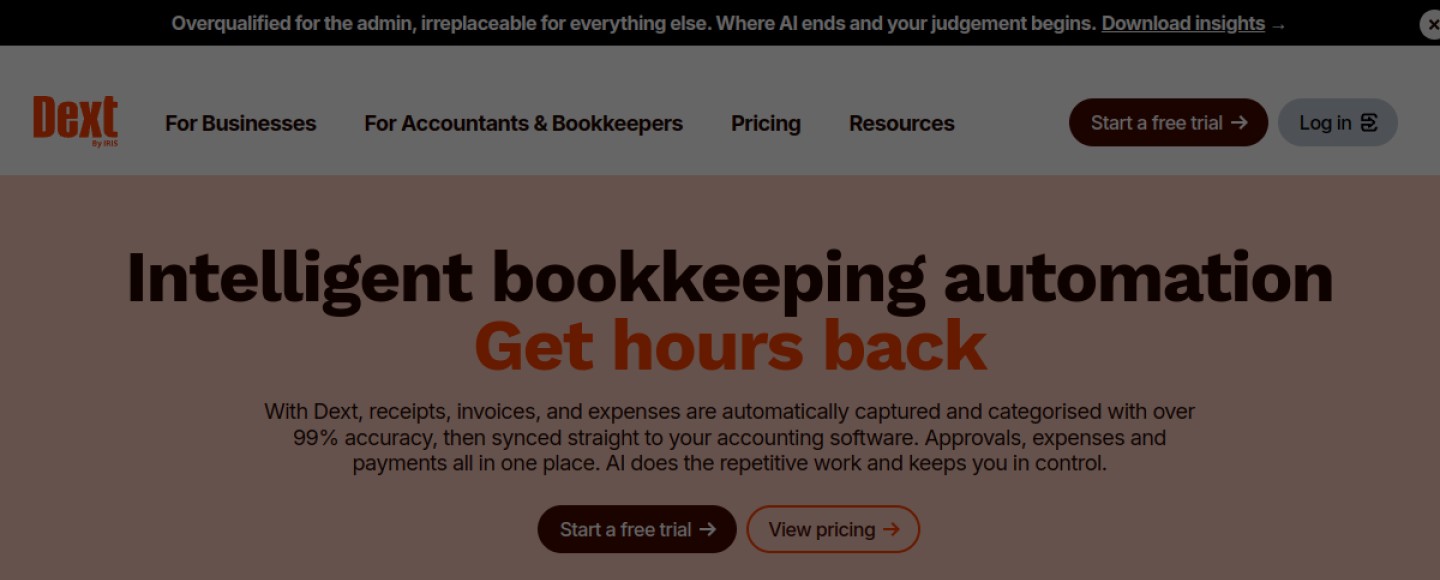
Dext homepage, captured Nov 2026.
Dext is a document capture and expense automation tool that extracts data from receipts, invoices, and bank statements via mobile, email, or upload and pushes it to accounting software. Business plans start at $31.50/month ($378/year) or $25.21/month billed annually for 5 users and 250 documents.
The trade off is that Dext is a document-capture and expense layer rather than a standalone full general ledger, and document quotas apply. It suits businesses and accounting firms with heavy receipt and supplier invoice volume.
What we like
Fast extraction of receipt and invoice fields via mobile and email
Integrates with major accounting platforms including QuickBooks, Xero, and Sage
Strong rating (4.6/5) among accounting firms and finance teams
Watch out for
Not a complete standalone general ledger on its own
Monthly document allowances and per-client minimums on practice plans
Occasional manual review still needed on complex documents
Higher allowances and practice plans expand monthly document limits, line-item extraction, and client counts.Visit dext.com
07
Digits
4.9/5on G2 (10 reviews, checked Nov 2026)
Starts at$65/mo
Best for AI-driven general ledger automation and reporting
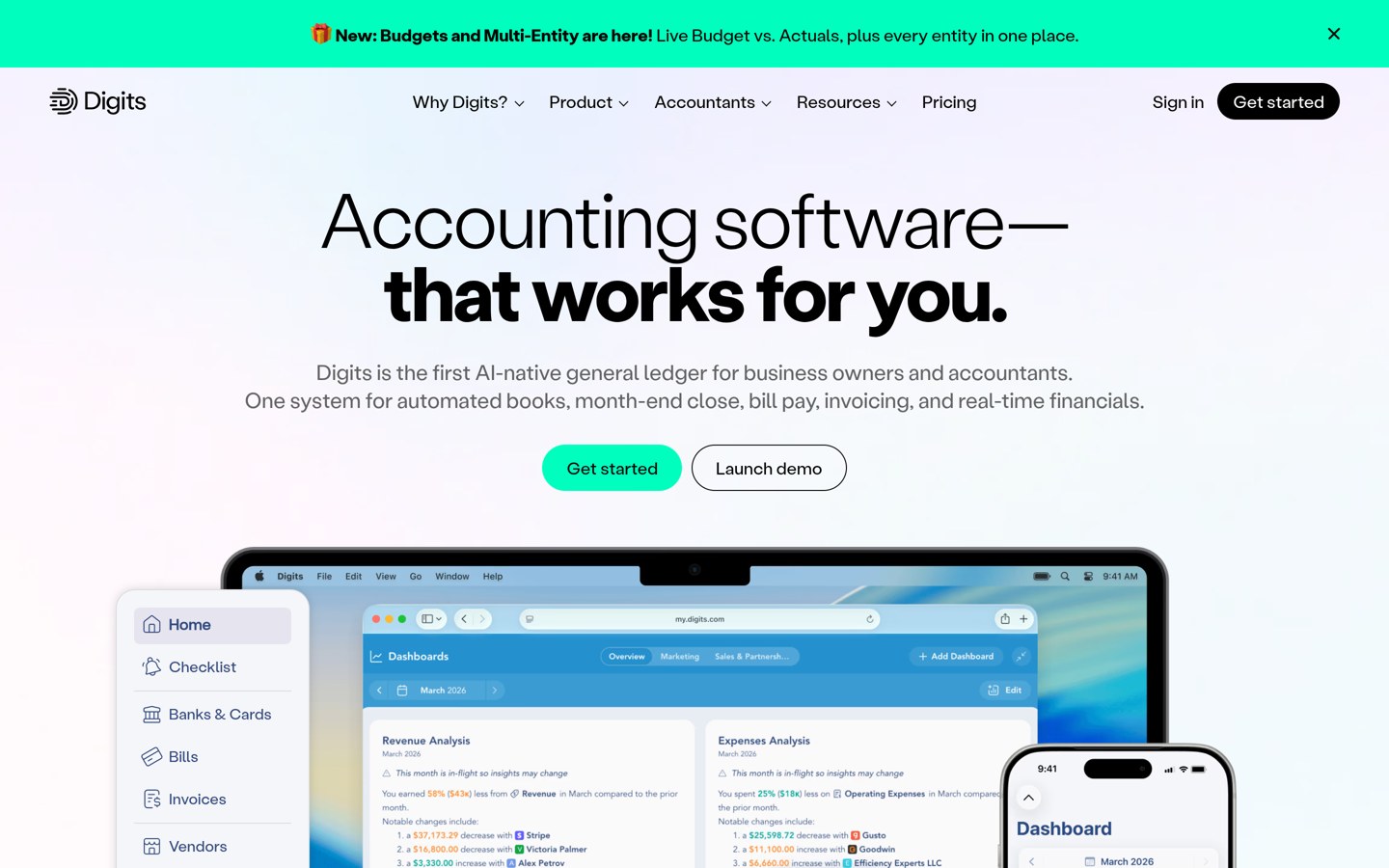
Digits is an AI-driven general ledger platform built to automate transaction categorization, bank reconciliation, and financial reporting for small businesses and accounting firms. Its Essentials plan starts at $65/month ($780/year), with Core at $100/month and Pro at $250/month.
The trade off is a higher starting price of $65/month and a smaller public review count on G2 compared with legacy accounting suites. It suits modern businesses and firms looking for automated ledger workflows and real-time reporting.
What we like
Built around automated categorization, reconciliation, and reporting
Flat per-business starting pricing on Essentials without seat-by-seat friction
High early review score (4.9/5) on G2
Watch out for
Higher starting monthly cost than entry-level tools
Smaller public review sample size on G2
Less entrenched across traditional bookkeepers than QuickBooks or Xero
Core and Pro tiers expand capabilities and reporting depth for growing teams and accounting firms.Visit digits.com
How we chose
This list compiles established cloud bookkeeping and accounting automation platforms widely used for automated bank feeds, expense categorization, invoicing, and receipt capture. All ratings, review counts, and regular starting prices were verified on 22 Nov 2026 from public review directories and official pricing pages.
Products were excluded if pricing could not be verified on an opened page or if they did not fit automated bookkeeping workflows. No vendor paid for a place, and we do not claim testing for this list.
How to pick the right automated bookkeeping tool
Follow four practical steps to narrow down automated bookkeeping software before signing up.
Confirm whether you need a full ledger or a receipt-capture add-on. Platforms like QuickBooks Online, Xero, Zoho Books, and Digits handle general ledger accounting, whereas Dext focuses on extracting receipt and invoice data for your ledger.
Check entry-plan caps on invoices, clients, and bank automation. Lower tiers sometimes cap monthly invoices or clients or reserve automated bank feeds and receipt scanning for paid upgrades.
Compare regular annual and monthly pricing rather than intro promos. Introductory discounts often expire after a few months, so calculate your ongoing yearly cost before committing.
Verify accountant access and export options. Make sure your bookkeeper or tax preparer can access your records smoothly and that you can export clean reports when needed.
FAQ
What does automated bookkeeping software actually automate?
Most tools automate bank feed imports, transaction categorization rules, recurring invoices, payment reminders, and receipt data extraction. You still review exceptions, confirm reconciliations, and check tax categories so your books stay accurate.
Is free automated bookkeeping software enough for a small business?
Free plans like Zoho Books Free or Wave Starter can work if your transaction volume and needs are simple. However, features like automated bank feeds on Wave or higher thresholds and workflows often require a paid plan.
Should I pick QuickBooks Online or Xero for automated bookkeeping?
Choose QuickBooks Online if your accountant or ecosystem already centers on QuickBooks and you want broad integrations. Consider Xero if you prefer its bank reconciliation workflow or plan tiers for your team and advisor.
Do I need a separate receipt scanner if I already have accounting software?
Many accounting platforms include basic receipt capture, but dedicated tools like Dext can help if you process high volumes of receipts, bills, or multi-line documents. Check whether your ledger already covers your document workflow before adding another subscription.
Why do list prices on accounting sites differ from promotional prices?
Accounting vendors frequently run limited-time discounts or annual-billing pricing alongside standard monthly rates. Checking the regular rate helps you budget accurately after any introductory period ends.
SaaS SEO and WordPress specialist with about 8 years of experience. Rakib compares WordPress plugins, themes, hosting and software using public pricing, documentation and user reviews. See how we rank.