Best Construction Accounting Software in 2026: 7 Tools Compared
WLWPLegible EditorsLast verified 22 Nov 2026How we rank6 min read
★ Short answer
QuickBooks Online leads for contractors who need project profitability tracking, estimates, and bank feeds, starting at $38/mo ($456/yr) on Simple Start. For budget-conscious teams, Zoho Books offers a free plan and paid tiers from $20/mo ($240/yr), while JobTread suits remodelers wanting integrated estimating and job management starting at $199/mo ($2,388/yr) or $159/mo ($1,908/yr) billed annually.
How we make this list: we compare pricing pages, product documentation and public user reviews, then re-check every price before each update. No product paid for a place. Disclosure.
QuickBooks Online lists Simple Start at $38/mo ($456/yr) and Plus at $140/mo ($1,680/yr) with project profitability tools.
Zoho Books starts at $0 on its Free plan and $20/mo ($240/yr) on Standard, with progress invoicing and retention support.
Wave offers a $0 Starter plan and a Pro plan at $19/mo ($228/yr) or $190/yr for smaller contracting teams.
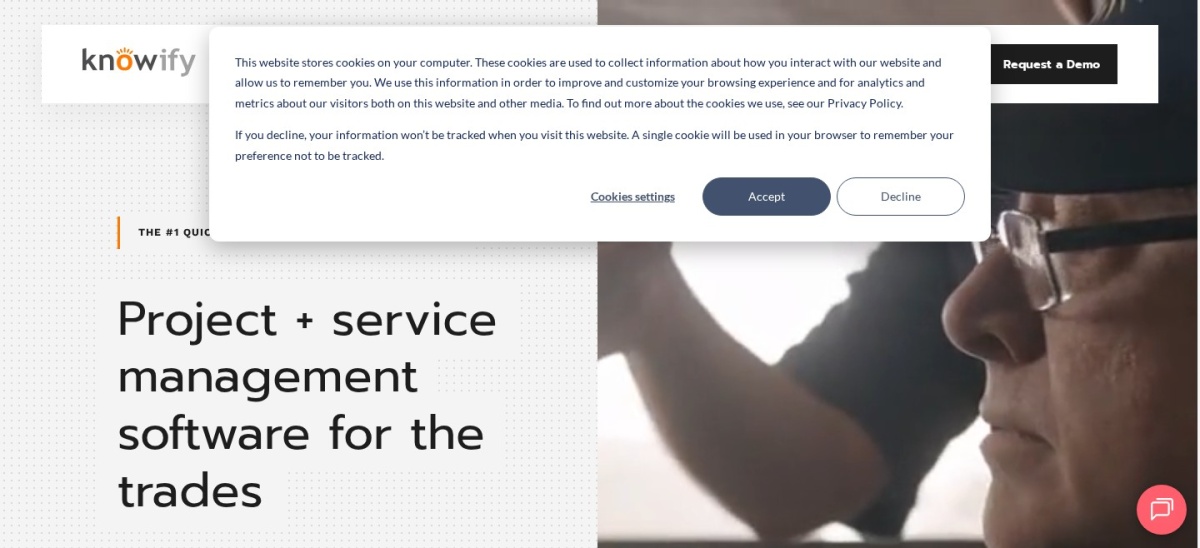
Knowify starts at $99/mo per user ($1,188/yr) for AIA billing, change orders, and QuickBooks Online syncing.
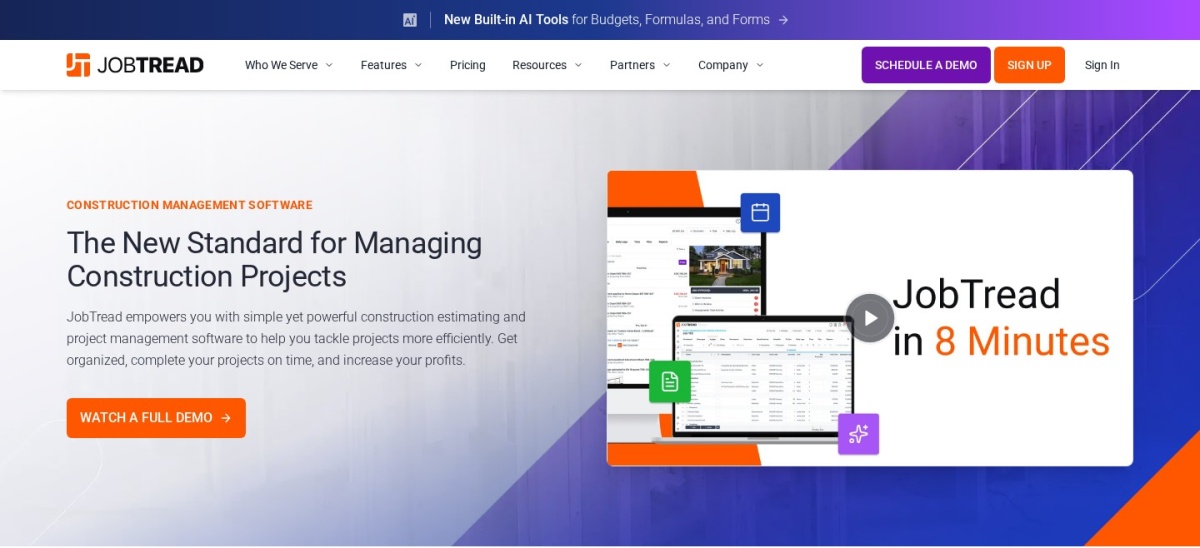
JobTread starts at $199/mo ($2,388/yr) or $159/mo ($1,908/yr) billed annually, bundling job templates, estimating, and portals.
What to look for in construction accounting software
Standard bookkeeping tracks income and expenses by date, whereas construction accounting ties every bill, invoice, and labor entry to a specific job or project. Contractors benefit from software that separates material costs, subcontractor bills, and time entries so job margins stay visible before work wraps up.
Progress billing, deposits, and retainage matter heavily on longer builds and remodel schedules. Even when a tool does not handle full AIA pay applications natively, clear estimates, milestone invoices, and expense categorization reduce billing disputes with clients.
Many contractors pair a dedicated accounting ledger with a project or field tool rather than relying on a single system. Checking whether a platform includes native project tracking or syncs cleanly with estimating and scheduling tools avoids double data entry.
Watch plan caps on users, invoices, and add-ons such as payroll or receipt scanning. A low base rate can climb quickly once a crew adds field staff, extra logins, or payment processing volume.
4.3/5on Capterra (8,546 reviews, checked Nov 2026)
Starts at$38/mo
Best for job costing and project tracking
Entry planSimple Start ($38/mo)
Projects tierPlus ($140/mo)
Users included1 user + 2 accountants
Capterra rating4.3/5 (8,546)
quickbooks.intuit.com
QuickBooks Online homepage, captured Nov 2026.
QuickBooks Online is a cloud accounting platform that helps contractors send estimates and invoices, connect bank accounts, and assign expenses to specific jobs. Its Simple Start plan lists at $38/mo ($456/yr) for one user plus two accountants, with promotional intro pricing occasionally available.
The trade off is that project profitability tracking and inventory sit on higher tiers like Plus at $140/mo ($1,680/yr), and payroll or time add-ons cost extra. It suits small to midsize contractors who want widespread accountant familiarity and job-level reporting.
What we like
Wide accountant and bookkeeper support across the industry
Projects and job costing tools available for tracking job expenses
Mobile app supports invoicing and expense capture from job sites
Simple Start sits under $500/yr at regular monthly pricing
Watch out for
Project profitability features require upgrading above Simple Start
Subscription prices have risen across tiers in recent years
Payroll and time tracking add extra monthly base and per-user fees
Zoho Books is a cloud accounting tool that covers quotes, invoicing, expenses, and financial reports, starting with a $0 Free plan for one user and one accountant. Its cheapest paid tier, Standard, is $20/mo ($240/yr) billed monthly or $15/mo billed annually.
The trade off is that extra users, document autoscans, and expense claims add separate fees, and bank feeds can require manual attention on some accounts. It suits solo contractors and small shops that want low entry costs and progress invoicing.
What we like
Includes a $0 Free plan and low-cost Standard tier
Supports progress invoicing, retainer invoices, and payment retention
Clean interface for quotes, bills, and client billing portals
Integrates with broader Zoho business applications
Watch out for
Additional user seats and add-ons increase total monthly cost
Some users report bank feed matching or reconciliation friction
Less specialized for heavy construction payroll than dedicated ERPs
Paid plans raise invoice limits, add multi-user access, and expand automation and project tools.Visit zoho.com
03
Wave
4.4/5on Capterra (1,726 reviews, checked Nov 2026)
Paid from$19/mo
Best for simple invoicing on a tight budget
Free plan$0 Starter (manual imports)
Entry paid planPro ($19/mo or $190/yr)
Payment feesCard and ACH fees apply
Capterra rating4.4/5 (1,726)
waveapps.com
Wave homepage, captured Nov 2026.
Wave is an accounting and invoicing platform that lets small businesses create estimates, invoices, and bills on a $0 Starter plan with manual bank imports. Its Pro plan costs $19/mo ($228/yr) billed monthly or $190/yr billed annually, with intro promos occasionally offered.
The trade off is that it lacks deep construction job costing, inventory depth, and multi-entity complexity, and payment processing fees apply. It suits sole proprietors and small tradespeople who want straightforward billing and expense tracking.
What we like
$0 Starter tier covers unlimited estimates, invoices, and basic reports
Pro plan at $19/mo adds automated bank feeds and receipt capture
Easy setup with minimal accounting jargon for small operators
Watch out for
No built-in construction job costing or retainage workflows
Payment processing and payroll add-ons add ongoing costs
Email support response times can feel slow for urgent issues
Pro adds automated bank transaction imports, receipt scanning, and payment reminders.Visit waveapps.com
04
Xero
4.4/5on Capterra (3,341 reviews, checked Nov 2026)
Starts at$27/mo
Best for flexible cloud accounting and project add-ons
Entry planEarly ($27/mo)
Mid tierStandard ($54/mo)
Project trackingOptional add-on from $7/mo
Capterra rating4.4/5 (3,341)
xero.com
Xero homepage, captured Nov 2026.
Xero is a cloud accounting platform offering quotes, invoicing, bank reconciliation, and cash flow forecasting, with the US Early plan listed at $27/mo ($324/yr) and Lite at $7/mo on select listings. Promotional discounts for new sign-ups sometimes appear on its pricing page.
The trade off is that Starter caps invoices and bills per month, and tracking project time and costs requires an optional add-on starting at $7/mo. It suits small contractors who want clean cloud bookkeeping and third-party construction integrations.
What we like
Starter plan stays under $500/yr at regular monthly pricing
Supports progress and itemized project invoicing via Xero Projects
Connects with many third-party estimating and field apps
Watch out for
Starter limits monthly invoice counts and bill entry
Project tracking and expense claims cost extra per month
No live phone support line for immediate troubleshooting
Higher tiers and add-ons expand bill volume, multi-currency support, and project cost tracking.Visit xero.com
05
Knowify
4.5/5on Capterra (110 reviews, checked Nov 2026)
Starts at$99/mo
Best for contract billing and QuickBooks sync
Entry planCore ($99/mo per user)
Team tierAdvanced ($329/mo for 10 users)
Billing typesFixed-price, T&M, and AIA
Capterra rating4.5/5 (110)
knowify.com
Knowify homepage, captured Nov 2026.
Knowify is a contract and job management platform built for trade and specialty contractors, offering estimates, change orders, job costing, and progress billing. Its Core plan starts at $99/mo per user ($1,188/yr) and syncs with QuickBooks Online.
The trade off is that per-user pricing adds up quickly as field and office staff grow, and it relies on QuickBooks for full general ledger accounting. It suits specialty contractors running fixed-price, time-and-materials, or AIA billing.
What we like
Built specifically around contractor estimates, change orders, and AIA billing
Tracks real-time job costs, time, and project budgets
Syncs project financials directly with QuickBooks Online
Watch out for
Per-user pricing gets costly for larger crews
Requires a separate accounting ledger like QuickBooks
New administrators face a learning curve during setup
Higher tiers add more included users, scheduling tools, and subcontractor management.Visit knowify.com
06
JobTread
4.9/5on Capterra (143 reviews, checked Nov 2026)
Starts at$199/mo
Best for combining estimating, jobs, and finances
Monthly rate$199/mo base + user seats
Annual rate$159/mo base ($1,908/yr)
Setup & supportFree implementation included
Capterra rating4.9/5 (143)
jobtread.com
JobTread homepage, captured Nov 2026.
JobTread is a construction management and financial platform that combines estimating, job costing, purchase orders, and customer and vendor portals. Regular pricing starts at $199/mo ($2,388/yr) or $159/mo ($1,908/yr) billed annually, plus per-user fees.
The trade off is that internal user seats add to the base subscription and detailed catalog setup takes time up front. It suits builders and remodelers that want estimating, job budgets, and client communication in one place.
What we like
High 4.9/5 rating across 143 Capterra reviews
Includes free implementation, training, and no setup fees
Combines estimating, job templates, and customer/vendor portals
Watch out for
Higher starting cost than basic small-business accounting tools
Internal users add extra monthly charges on top of base rate
Catalog and cost-code configuration takes initial effort
Annual billing lowers the base monthly fee by 20% and includes all core platform features.Visit jobtread.com
07
Contractor Foreman
4.5/5on Capterra (843 reviews, checked Nov 2026)
Starts at$49/mo
Best for budget all-in-one job and cost tracking
Entry planBasic ($49/mo billed yearly)
Multi-user tierStandard ($105/mo yearly)
Core toolsEstimates, bills, POs, time
Capterra rating4.5/5 (843)
contractorforeman.com
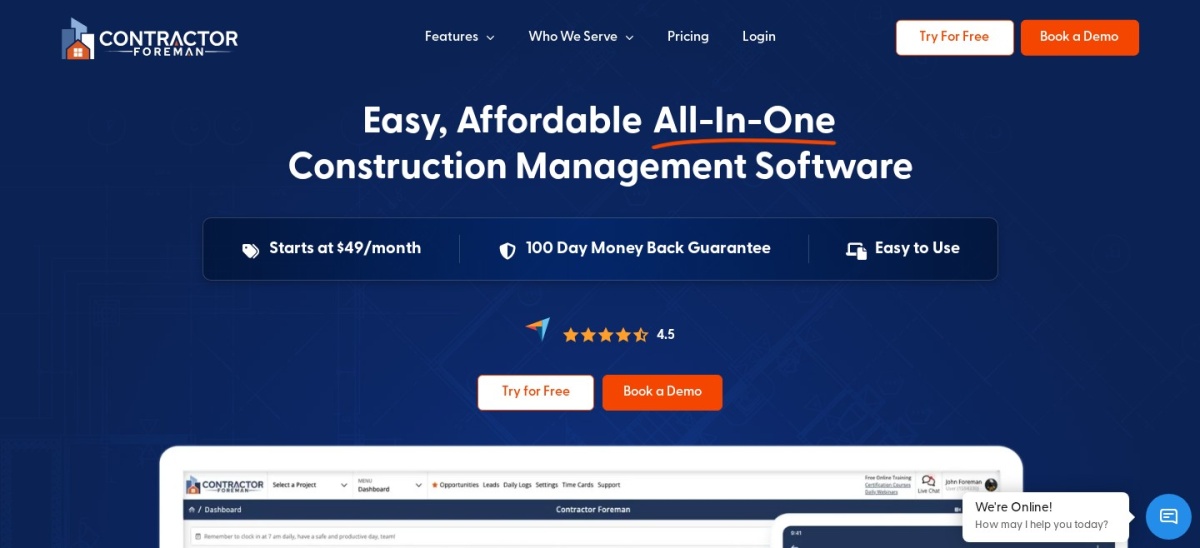
Contractor Foreman homepage, captured Nov 2026.
Contractor Foreman is an all-in-one construction management platform that includes estimates, bills, purchase orders, time tracking, and job profitability reports. Its Basic plan starts at $49/mo billed annually ($588/yr) for one user.
The trade off is that the $49/mo Basic tier is sold yearly only, and multi-user plans jump to $105/mo billed annually or $139/mo monthly. It suits cost-conscious contractors who want job costing and field tools bundled together.
What we like
Broad construction feature set for a low entry annual price
Covers estimates, bills, purchase orders, and job profit reports
Offers video training resources for teams getting started
Watch out for
Basic plan is billed annually rather than month-to-month
Adding team members moves you into higher-priced user tiers
Some users report occasional mobile or sync rough spots
When general accounting is enough vs. dedicated job tools
General accounting platforms like QuickBooks Online, Zoho Books, Xero, and Wave handle bank feeds, invoices, expenses, and tax-ready statements cleanly. For solo builders or small remodelers with straightforward jobs, pairing those tools with spreadsheets or a simple schedule often works well.
Once a contractor juggles progress draws, change orders, subcontractors, and tight crew margins across multiple active sites, dedicated construction tools like Knowify, JobTread, or Contractor Foreman help keep job budgets tied to field activity.
How we chose
We built this list by looking at widely used accounting and contractor financial platforms with active public reviews and clear pricing details.
Ratings, review counts, and plan prices were checked on 22 Nov 2026 using Capterra review profiles and vendor pricing pages, focusing on regular list prices while noting promotional offers where shown.
We excluded software that lacks transparent starting pricing or targets large enterprise rollouts outside small and midsize contractor budgets. No vendor paid for a place, and we do not claim testing for this list.
How to choose construction accounting software
Follow four practical steps to match a platform to how your contracting business bills and tracks jobs.
Map how you track costs per job. List whether you need labor hours, subcontractor bills, materials, and change orders grouped under each project so you can see true job profit.
Check your billing workflow. Confirm the software supports progress invoicing, deposits, or retainage if you do not collect full payment upfront on completion.
Count every user and add-on. Factor in extra logins, accountant access, payroll, receipt capture, and payment processing fees before locking in a plan.
Test real transactions before committing. Run a sample estimate, bill, and invoice during a free trial or low-risk tier to make sure reports match how you review numbers.
FAQ
What is the best accounting software for a small construction business?
QuickBooks Online is a strong fit for many small contractors because it combines invoicing, expense tracking, and project profitability tools with broad accountant support. Zoho Books and Wave are worth considering if you want a free starting tier or lower entry pricing.
Can general accounting software handle construction job costing?
General accounting tools can track project expenses and profitability on eligible plans, such as QuickBooks Online Plus or Xero with Xero Projects. However, contractors with complex subcontracts, AIA billing, or heavy field workflows often pair them with construction-specific software.
Are there free construction accounting tools?
Zoho Books and Wave both offer $0 free plans that cover basic invoicing, expense tracking, and financial reports. Free tiers usually limit users, automation, or advanced job costing, so growing crews often upgrade to a paid plan.
Should I bill annually or monthly for accounting software?
Annual billing often lowers the effective monthly rate, such as on Zoho Books or JobTread, while monthly billing preserves flexibility if your crew size fluctuates. Check refund terms and whether promotional rates apply only to the first few months.
Do I need separate software for estimating and accounting?
Not always. Tools like JobTread and Contractor Foreman combine estimating, job management, and financial tracking in one place, while Knowify pairs job management and billing with QuickBooks Online for full general ledger accounting.
What hidden costs should contractors watch for?
Beyond the base subscription, watch for per-user seat fees, payroll add-ons, receipt scanning fees, and credit card or bank transfer processing charges. Those extras can easily exceed the base software price as transaction volume grows.