Best Architectural Rendering Software in 2026: 9 Tools Compared
WLWPLegible EditorsLast verified 24 Nov 2026How we rank12 min read
★ Short answer
V-Ray is the best architectural rendering software for studios that need top-tier photorealism, with Solo at $45 a month and the largest review base among offline renderers. Enscape renders live inside Revit, SketchUp and Rhino, while Twinmotion is free for firms earning under $1 million a year.
How we make this list: we compare pricing pages, product documentation and public user reviews, then re-check every price before each update. No product paid for a place. Disclosure.
V-Ray remains the quality ceiling for final-frame photorealism, with Solo at $45 a month billed annually and the widest host support.
Enscape renders live inside Revit, SketchUp, Rhino, Archicad and Vectorworks at $47.90 a month billed annually.
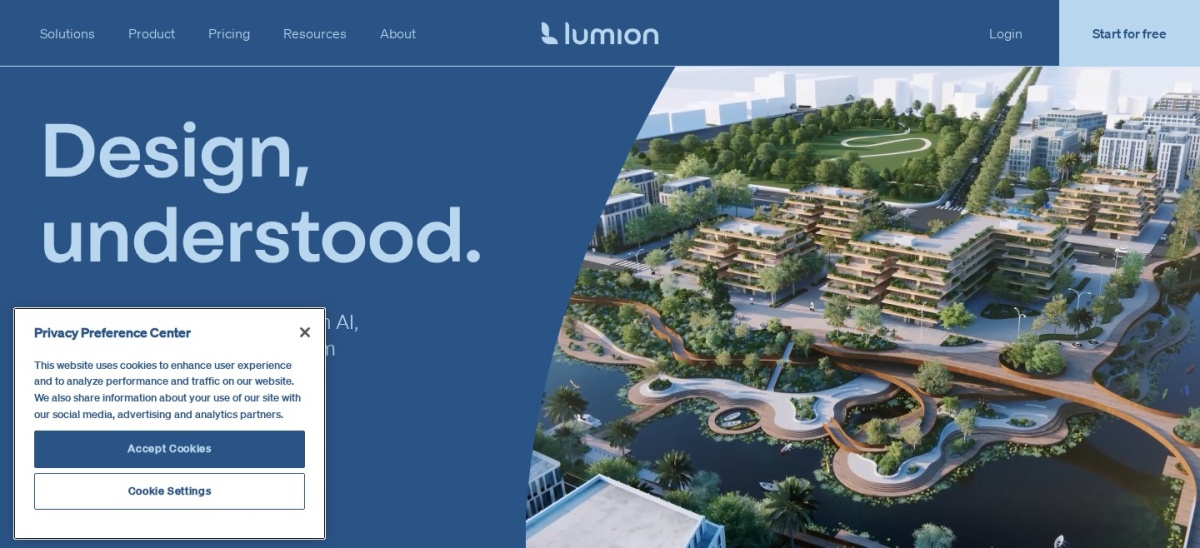
Lumion is the fastest route from model to client-ready presentation, but Pro costs $1,149 a year with no free tier.
D5 Render Pro costs $360 a year and undercuts Lumion and Enscape while delivering real-time ray tracing.
Twinmotion is free for firms earning under $1 million a year, and Blender is free for everyone.
What to look for in architectural rendering software
Architectural rendering turns a CAD or BIM model into images and video a client can understand. The tools split into two kinds: real-time renderers that show the finished image as you design, and offline renderers that take longer but reach higher realism.
Real-time tools such as Enscape, Lumion, Twinmotion and D5 Render are best for live client meetings, where you can move a wall and show the result at once. Offline tools such as V-Ray and Corona are best for final marketing stills.
Host software matters as much as the renderer. Enscape plugs into Revit, SketchUp, Rhino, Archicad and Vectorworks, while Corona works only in 3ds Max and Cinema 4D, so check your modelling tool first.
Hardware decides the experience. Real-time rendering needs a dedicated GPU, and a weak graphics card will make even the best tool feel slow. Check the system requirements before you buy a licence.
V-Ray is the offline renderer behind a large share of award-winning architectural imagery. It plugs into 3ds Max, SketchUp, Rhino, Revit, Cinema 4D and Maya, so studios standardise on one renderer across departments. The material system, lighting controls and denoising are the most refined in the business, and Solo costs $45 a month billed annually.
The trade off is learning time and render time. V-Ray takes real time to learn, and each frame takes minutes to calculate, so it is not the tool for live client meetings. It suits studios that need the most accurate light and materials for final marketing stills.
Enscape is a real-time renderer that plugs into Revit, SketchUp, Rhino, Archicad and Vectorworks and shows the rendered view inside your modelling window. Move a wall and the image updates at once, so a client meeting becomes a live design session. Solo costs $47.90 a month billed annually, confirmed on the Chaos pricing page.
The trade off is realism. Enscape is less accurate with light and materials than V-Ray or Corona, and the entry price only makes sense if the inside-your-CAD workflow is worth the premium. It suits firms that present designs while they model.
Lumion is a real-time renderer built for presentation-heavy practices. Import a model in the morning and present rendered images and video in the afternoon, with an asset library of furniture, people, vegetation and effects that dresses a scene in minutes. LiveSync keeps the render view updated as you edit in SketchUp, Revit or Rhino.
The trade off is price. Pro costs $1,149 a year for a named user, the most expensive seat in this list, with no free tier and no monthly billing. It suits studios that present designs often and want cinematic stills and animations without a rendering expert on staff.
D5 Render is a real-time renderer with path tracing that undercuts Lumion and Enscape while delivering strong image quality. It has the highest G2 rating in this list at 4.8 out of 5 from 1,109 reviews, and Pro costs $360 a year, or $38 a month. The Community version is free for non-commercial use.
The trade off is platform. D5 Render runs on Windows only and needs a dedicated GPU, so Mac-based studios cannot use it. It suits Windows firms and freelancers who want real-time ray tracing at a mid-range price.
Twinmotion is a real-time visualisation tool from Epic Games that is free for firms earning under $1 million a year. It is a full application, not a limited edition, with commercial use allowed under the revenue limit. Above that line, seats cost $445 a year each.
The trade off is that it is a separate application rather than a plugin, so the workflow involves importing your model rather than rendering inside it. It suits freelancers and small studios who want professional real-time visualisation without paying for a licence.
Corona is an offline photoreal renderer for 3ds Max and Cinema 4D that is known for just working. New users open it, hit render and get a good-looking image with almost no setup, which is why so many small archviz studios standardise on it. Solo costs $34.50 a month billed annually, the cheapest paid offline engine in this list.
The trade off is host support. Corona works only in 3ds Max and Cinema 4D, and it is CPU-only, so a fast processor matters more than a graphics card. It suits interior artists who want V-Ray-grade realism with a gentler learning curve.
Blender is a free, open-source 3D suite that covers modelling, animation and rendering in one download. The Cycles engine renders photoreal interiors, and the EEVEE engine gives fast previews for client review. It is free forever under the GPL, with unrestricted commercial use and no licence server.
The trade off is the learning curve. Blender is a deep tool with no native Revit or SketchUp link, so getting a model in takes export and cleanup. It suits freelancers and students who need a complete pipeline without paying for software.
SketchUp is the fastest way to go from a napkin sketch to a massing model, with push and pull modelling that turns a 2D sketch into a 3D volume. Most interior renders start as SketchUp models, and rendering comes through extensions such as V-Ray or Enscape. Go costs $129 a year, and Pro costs $399 a year with the desktop app and LayOut.
The trade off is that SketchUp is a modeller, not a renderer. You still need a rendering extension or a standalone tool for final images. It suits architects and students who want quick concept models that feed into any renderer.
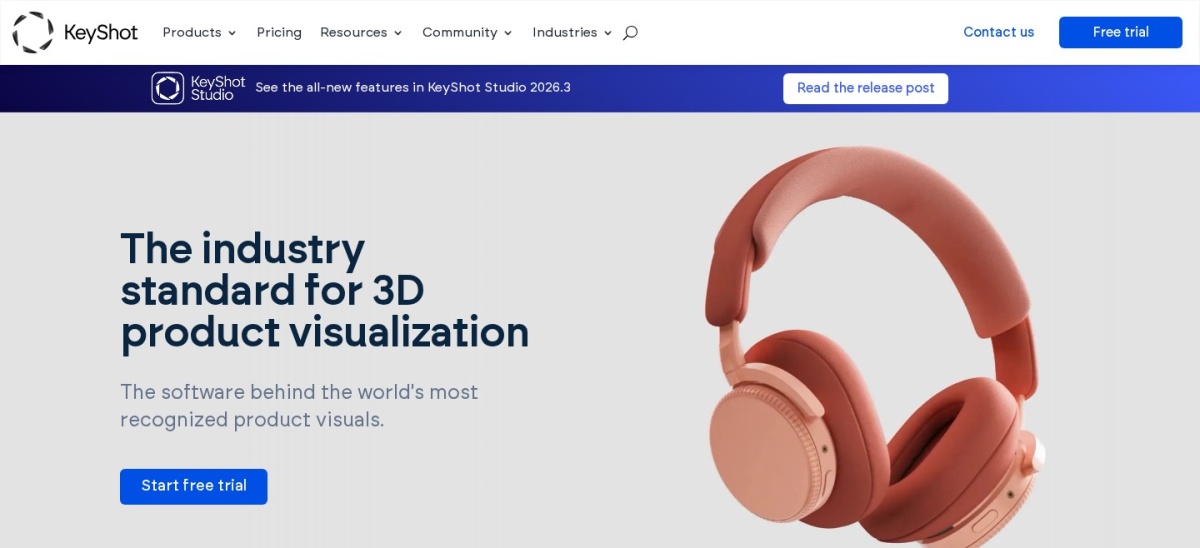
KeyShot is a rendering tool for product shots and engineering visuals, built for design teams that need accurate materials and lighting on manufactured products. It is rated 4.5 out of 5 on G2 from 182 reviews, and Studio Professional costs $1,299 a year, the most expensive seat in this list.
The trade off is fit. KeyShot is built for products, not buildings, so architects will find the archviz tools a better match. It suits product designers and engineers who need fast, accurate renders of physical objects.
Real-time rendering shows the image as you work, so a client meeting becomes a design session. Enscape, Lumion, Twinmotion and D5 Render all work this way.
Offline rendering calculates light, reflections and global illumination frame by frame. V-Ray and Corona take minutes per image but produce the most accurate light and materials.
Most studios use both: a real-time tool for design reviews and an offline tool for the hero images that go into a portfolio or a planning submission.
How we chose
We started from the rendering tools that appear most often in current comparisons and G2 categories, then kept those with a verifiable rating and a published price.
Prices come from each vendor's pricing page or vendor-supplied G2 pricing, checked on 24 November 2026. Ratings and review counts come from G2 on the same day. Where a vendor shows a sale, the list shows the regular price.
We left out tools with no verifiable rating on G2, Capterra or Trustpilot. No vendor paid for a place, and we do not claim hands-on testing for this list.
How to choose architectural rendering software
Start with your modelling tool and the images you must deliver, then check the hardware.
List your host software first. Enscape and V-Ray plug into Revit and SketchUp, Corona works only in 3ds Max and Cinema 4D, and Lumion imports from almost anywhere.
Decide real-time or offline. Real-time tools suit live client meetings, while offline tools suit final marketing stills where realism matters most.
Check your graphics card. Real-time rendering needs a dedicated GPU. Check the vendor system requirements against your machine before you buy.
Try the free tier or trial. Twinmotion and Blender cost nothing to start, and the paid tools offer 14 to 30 day trials. Render a real project before you commit.
FAQ
What is the best architectural rendering software?
V-Ray is the best pick for studios that need top-tier photorealism, with Solo at $45 a month and the widest host support. Enscape suits firms that want live visuals inside Revit or SketchUp, and Twinmotion is the best free starting point for small firms.
Is there free architectural rendering software?
Yes. Blender is free and open source, with the Cycles engine for photoreal work and EEVEE for fast previews. Twinmotion is free for firms earning under $1 million a year, and D5 Render has a free Community version for non-commercial use.
What is the cheapest paid rendering software?
D5 Render Pro is the cheapest paid option at $360 a year, or $38 a month. Corona Solo is next at $34.50 a month billed annually, and V-Ray Solo costs $45 a month billed annually.
Do I need a powerful computer for rendering?
Real-time renderers need a dedicated GPU, and the more complex the scene, the more graphics memory it needs. Offline renderers such as V-Ray and Corona run on the CPU, so a fast processor and plenty of RAM matter more than the graphics card.
Which renderer works with Revit?
Enscape plugs directly into Revit and renders live inside the modelling window, with no export step. V-Ray also has a Revit version, and Lumion, Twinmotion and D5 Render import Revit models through LiveSync or file export.
Can I render animations as well as stills?
Yes. Lumion, Twinmotion and D5 Render are built for cinematic camera moves and video, while V-Ray and Corona also render animation frames. Video takes far longer than stills, so check the animation pricing and render time before promising a film.