Google Translate is the best app for international travel, because reading menus and signs matters on every trip. Add Google Maps for navigation, Airalo for mobile data, and TripIt to keep every booking in one place.
How we make this list: we compare pricing pages, product documentation and public user reviews, then re-check every price before each update. No product paid for a place. Disclosure.
Google Translate is the best all-round pick: free, 249 languages, camera translation and offline packs.
Google Maps is the essential free navigation app, with offline maps — but its Google Play rating is only 3.4.
Airalo is the cheapest way to get data abroad, with local eSIMs from $4 and no local SIM shop visit.
TripIt Pro at $49 a year is the only paid upgrade most travelers need, for flight alerts and disruption help.
Download offline maps and language packs before you fly — the best travel apps still need setup at home.
What an international travel app should cover
An international trip needs five jobs covered: language, navigation, mobile data, money and itinerary. No single app does all five well, so the best setup is a small set of free apps, each winning one job, plus one paid upgrade if you fly often. Download everything before you leave home.
Offline use is the test that matters. Airport Wi-Fi is slow, roaming is expensive, and a border crossing can leave you without data, so the apps that work without a connection earn their place. Download offline maps and language packs at home, where Wi-Fi is free.
Ratings for travel apps work differently from ratings for software. There is almost no G2 or Capterra coverage, so this list uses Google Play and App Store ratings, which come from millions of travelers rather than a few hundred business buyers. A 4.8 from a million reviews means more than a 4.5 from a few thousand.
Money is where travelers lose the most without noticing. A bank card with foreign transaction fees and a poor exchange rate quietly adds up over a trip, and a travel eSIM often costs far less than a carrier's daily roaming pass. Check the card and data costs before you fly, not after.
4.3/5on Google Play (9.02M reviews, checked Nov 2026)
PriceFree
Best app for international travel
Languages249
OfflineLanguage packs
PlatformsiOS, Android, web
PriceFree
translate.google.com
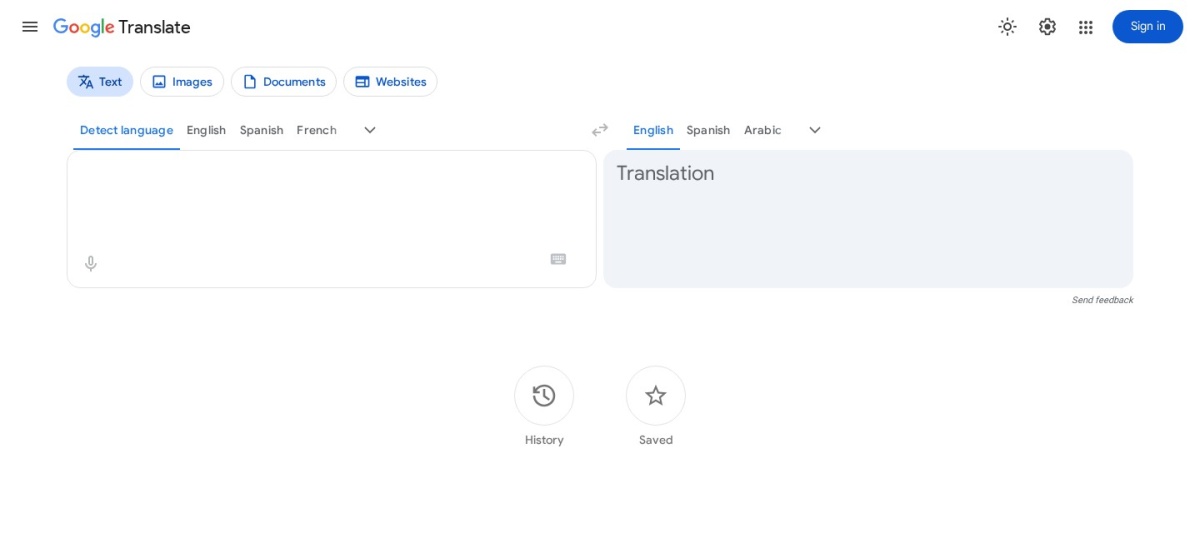
Google Translate homepage, captured Nov 2026.
Google Translate is the one app every international traveler should install before leaving. It translates text, speech and live camera views in 249 languages, so you can point your phone at a menu or a train notice and read it. Conversation mode handles two-way speech at a hotel desk or in a taxi, and offline language packs work without data. Google Play reviewers rate it 4.3 out of 5 from 9.02 million reviews.
The trade off is accuracy. Translations can sound literal on idioms and long sentences, so for anything important, such as allergy notes, use short, simple phrases. It suits every traveler, and it costs nothing.
What we like
Completely free: text, voice, camera and conversation translation
249 languages, with offline language packs
Camera mode translates menus and signs live
Watch out for
Translations can sound literal on idioms
Offline packs must be downloaded before you travel
3.4/5on Google Play (19.6M reviews, checked Nov 2026)
PriceFree
Best for navigation
Offline mapsYes, downloadable
Live trafficYes
PlatformsiOS, Android, web
PriceFree
maps.google.com
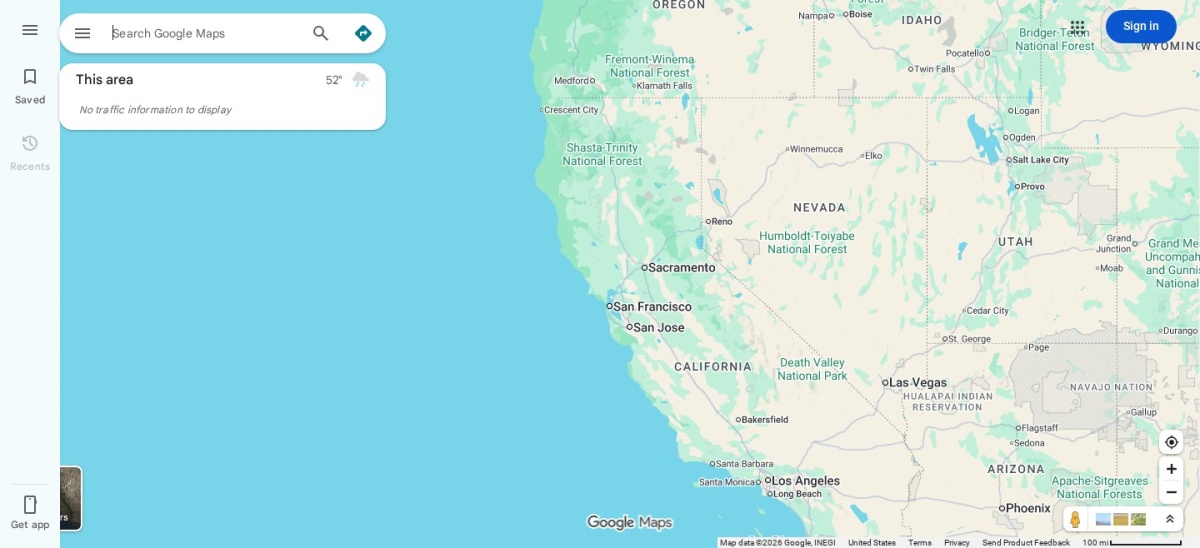
Google Maps homepage, captured Nov 2026.
Google Maps is the first app most international travelers open, and for good reason. It works almost everywhere with live traffic, turn-by-turn directions and saved places that sync from your laptop to your phone. Offline maps cover areas with no signal, and business listings show hours, reviews and photos in 250 million places. Google Play reviewers rate it 3.4 out of 5 from 19.6 million reviews.
The trade off is the rating. Google Play reviewers give Maps only 3.4 out of 5, dragged down by complaints about recent changes, while the app itself remains the most complete free navigation tool. It suits every traveler who needs to find their way in an unfamiliar city.
What we like
Free navigation with live traffic and turn-by-turn directions
4.6/5on App Store (103,000 reviews, checked Nov 2026)
Starts at$4one-time
Best for mobile data abroad
Coverage200+ destinations
Cheapest eSIMFrom $4
Unlimited data120+ destinations
PlatformsiOS, Android
airalo.com
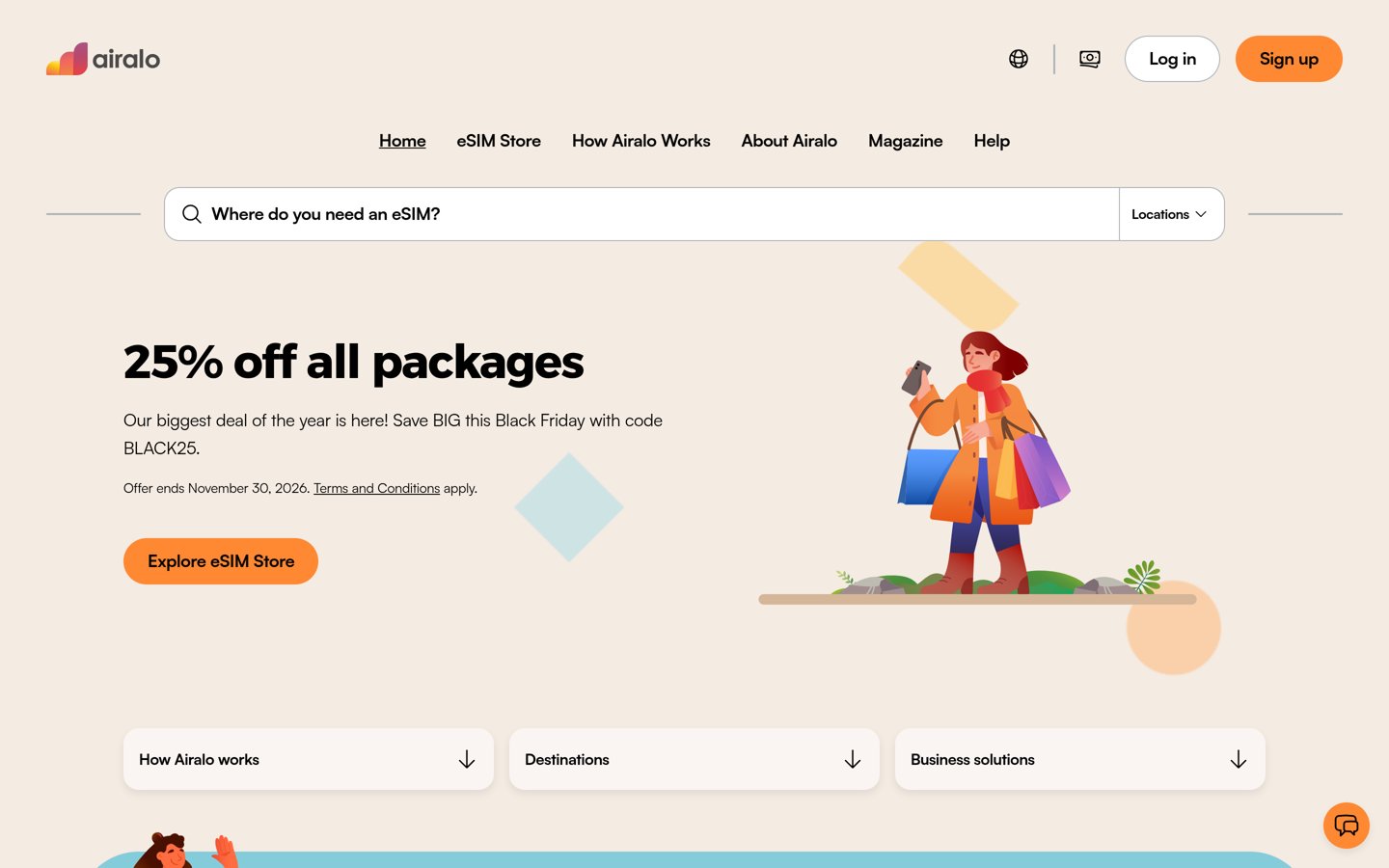
Airalo homepage, captured Nov 2026.
Airalo is the cheapest way to get mobile data abroad without roaming fees or a local SIM shop visit. You buy an eSIM in the app before you leave, install it, and switch it on when you land. Local plans cover one country, regional plans cover areas such as Europe and Asia, and a global eSIM covers many countries in one install. App Store reviewers rate it 4.6 out of 5 from about 103,000 ratings.
The trade off is voice. Most Airalo plans are data only, without a phone number, so calls need WhatsApp or FaceTime, and your phone must support eSIM and be unlocked. It suits travelers with an eSIM phone who want data the moment they land.
What we like
eSIMs in 200+ destinations, local, regional and global
4.8/5on App Store (310,764 reviews, checked Nov 2026)
Paid from$49/yr
Best for keeping bookings together
Free planYes
Pro price$49/year
Pro trial30 days
PlatformsiOS, Android, web
tripit.com
TripIt homepage, captured Nov 2026.
TripIt is the itinerary app for trips that are mostly bookings. Forward your flight, hotel, rental car and other confirmation emails and it builds a day-by-day timeline with maps, documents and calendar sync, so every booking reference is in one place. The free plan covers the organizing, and you can share the trip with family. App Store reviewers rate it 4.8 out of 5 from about 311,000 ratings.
The trade off is price. The useful features are all Pro at $49 a year, which adds real-time flight alerts, fare-drop monitoring, a seat tracker and alternate flights, with a 30-day free trial. It suits frequent flyers and trips with tight connections.
What we like
Forward confirmation emails and it builds one itinerary
Pro adds flight alerts, fare-drop monitoring and seat tracking
4.8/5on Google Play (2.1M reviews, checked Nov 2026)
Paid from$9one-time
Best for spending money abroad
Card fee$9 one-time
Conversion feeFrom 0.23%
ATM free limit$250/month
PlatformsiOS, Android, web
wise.com
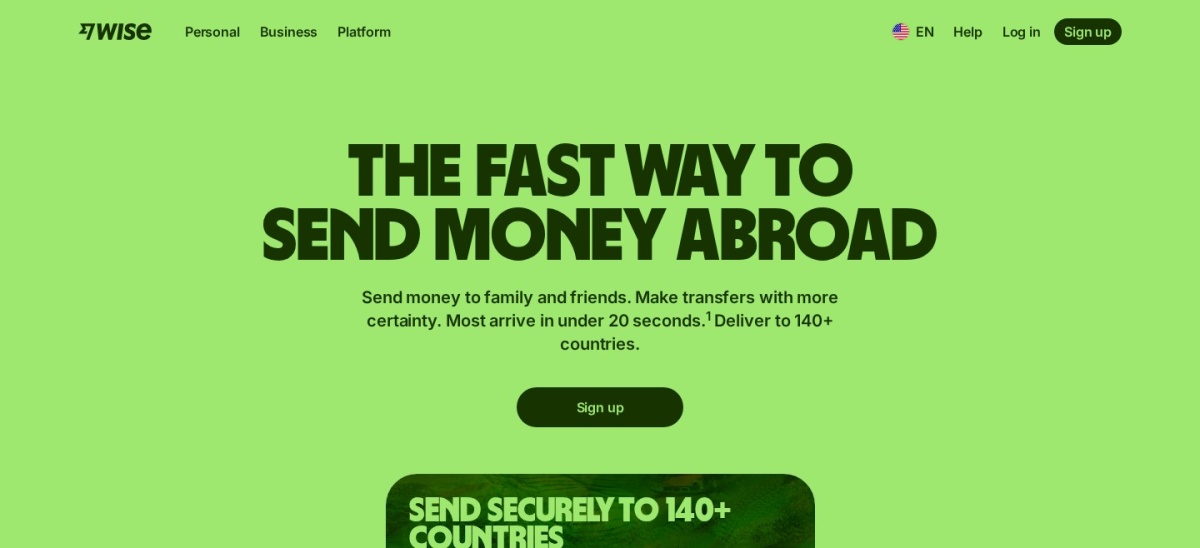
Wise homepage, captured Nov 2026.
Wise is the money app for spending abroad without the hidden markups of many bank cards. Order the Wise Multi-Currency Card for $9, top it up in dollars, and it converts at the real exchange rate from 0.23%. Paying with the card is free, there is no subscription, and ATM withdrawals are free of Wise's fee up to $250 a month. Google Play reviewers rate it 4.8 out of 5 from 2.1 million reviews.
The trade off is cash. After $250 a month, ATM withdrawals cost $1.95 plus 1.95%, and the ATM owner may charge too, so Wise works best for card payments rather than heavy cash use. It suits travelers who pay by card and want the real exchange rate.
What we like
No subscription fees, paying with the card is free
Conversion fees from 0.23% at the real exchange rate
ATM withdrawals up to $250 a month with no Wise fee
Watch out for
After $250 a month, ATM withdrawals cost $1.95 plus 1.95%
4.8/5on App Store (130,000 reviews, checked Nov 2026)
PriceFree
Best for currency conversion
Currencies130+ for transfers
Live ratesMid-market
WidgetHome-screen rates
PriceFree
xe.com
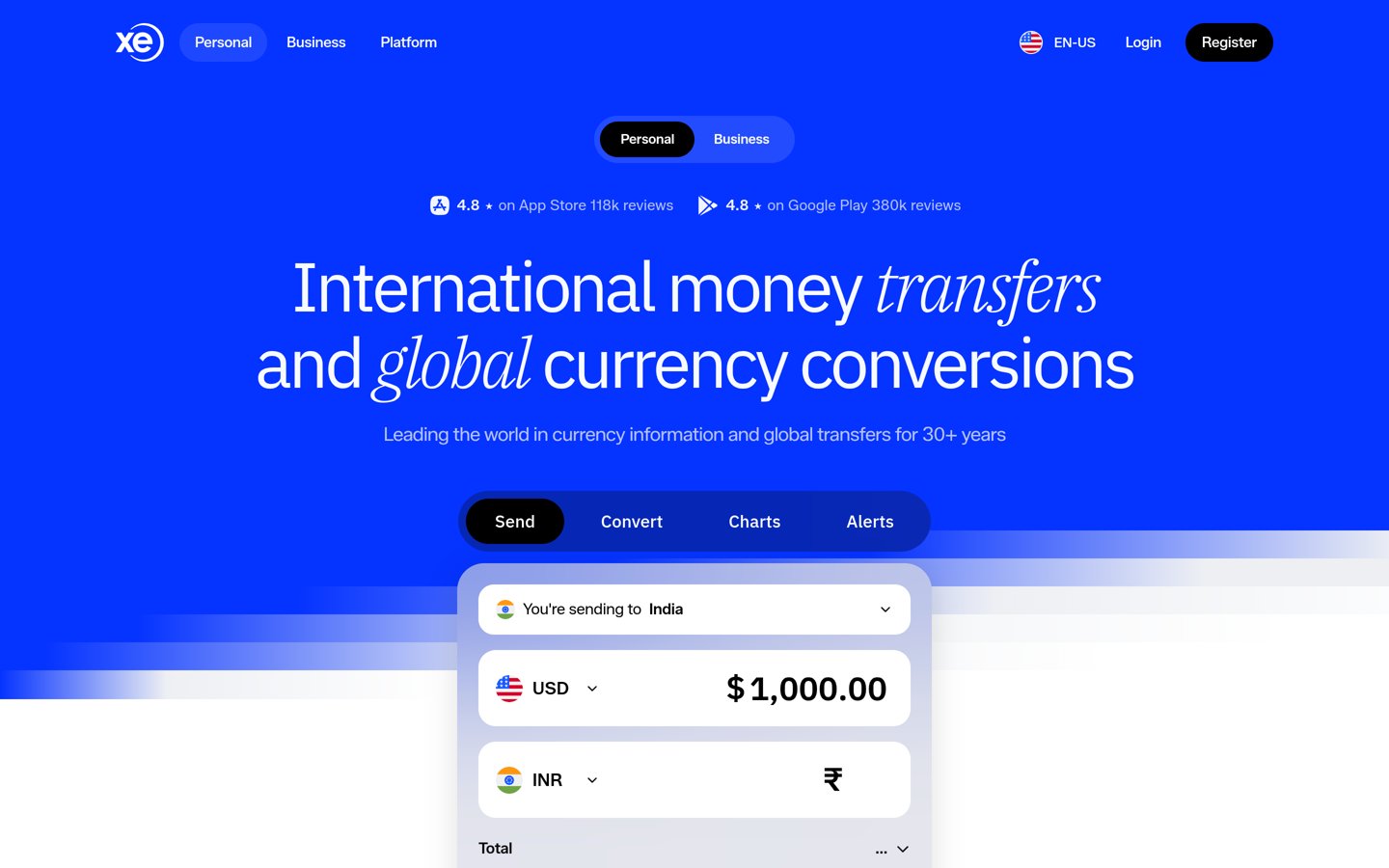
XE Currency homepage, captured Nov 2026.
XE Currency is the quickest way to answer the question every traveler asks at a market stall: how much is that in dollars? The converter shows live mid-market rates for any currency, and a home-screen widget keeps the rates you care about one glance away. The app is free and also sends money to more than 190 countries in 130-plus currencies. App Store reviewers rate it 4.8 out of 5 from about 130,000 ratings.
The trade off is transfers. The app's money transfers do not show fees on the listing, and the rates it describes are live rates, so save the figures you need before you go offline. It suits shoppers and budgeters who want instant conversions.
4.7/5on Google Play (36,470 reviews, checked Nov 2026)
Paid from$39.99/yr
Best for planning days with a group
Free planYes
Pro price$39.99/year
Shared editingReal-time
PlatformsiOS, Android, web
wanderlog.com
Wanderlog homepage, captured Nov 2026.
Wanderlog is the planner for the fun part of a trip. Its free plan lets you add unlimited places to a map-based itinerary, organized by day with travel times between stops, and friends can edit the plan with you in real time. Places come with photos, hours and reviews, and booking imports and budget tracking are included free. Google Play reviewers rate it 4.7 out of 5 from about 36,000 ratings.
The trade off is offline use. Offline access and route optimization sit behind Pro at $39.99 a year, so the free plan needs a connection, and the App Store lists several annual prices, so buy on the web. It suits groups planning days together on a map.
What we like
Strongest free plan here: unlimited stops and shared editing
Map-first layout with travel times between stops
Budget tracking and booking imports included free
Watch out for
Offline access and route optimization need Pro
App Store lists several annual prices, so buy on the web
4.8/5on Google Play (1.49M reviews, checked Nov 2026)
PriceFree
Best for comparing flights
SearchFlights, hotels, cars
Price alertsYes
Flexible datesEverywhere search
PriceFree
skyscanner.com
Skyscanner homepage, captured Nov 2026.
Skyscanner is the flight search most international travelers start with. It compares flights across airlines and booking sites, and its flexible date search and Everywhere search help you find cheaper routes and dates. The app also covers hotels and car hire, and price alerts watch a route for you. Google Play reviewers rate it 4.8 out of 5 from 1.49 million reviews.
The trade off is booking. Skyscanner searches and compares, but you book through a partner site, and some of the cheapest fares come from providers you have never heard of. It suits travelers comparing flights before they book anywhere else.
What we like
Compares flights across airlines and booking sites
Flexible date and Everywhere search for cheap routes
Price alerts and hotel and car hire search
Watch out for
You book through a partner, not Skyscanner itself
Some cheapest fares come from unfamiliar providers
4.5/5on Google Play (6,386 reviews, checked Nov 2026)
PriceFree
Best for comparing transport routes
Transport modesFlight, train, bus, ferry, car
CoverageWorldwide
BookingVia partners
PriceFree
rome2rio.com
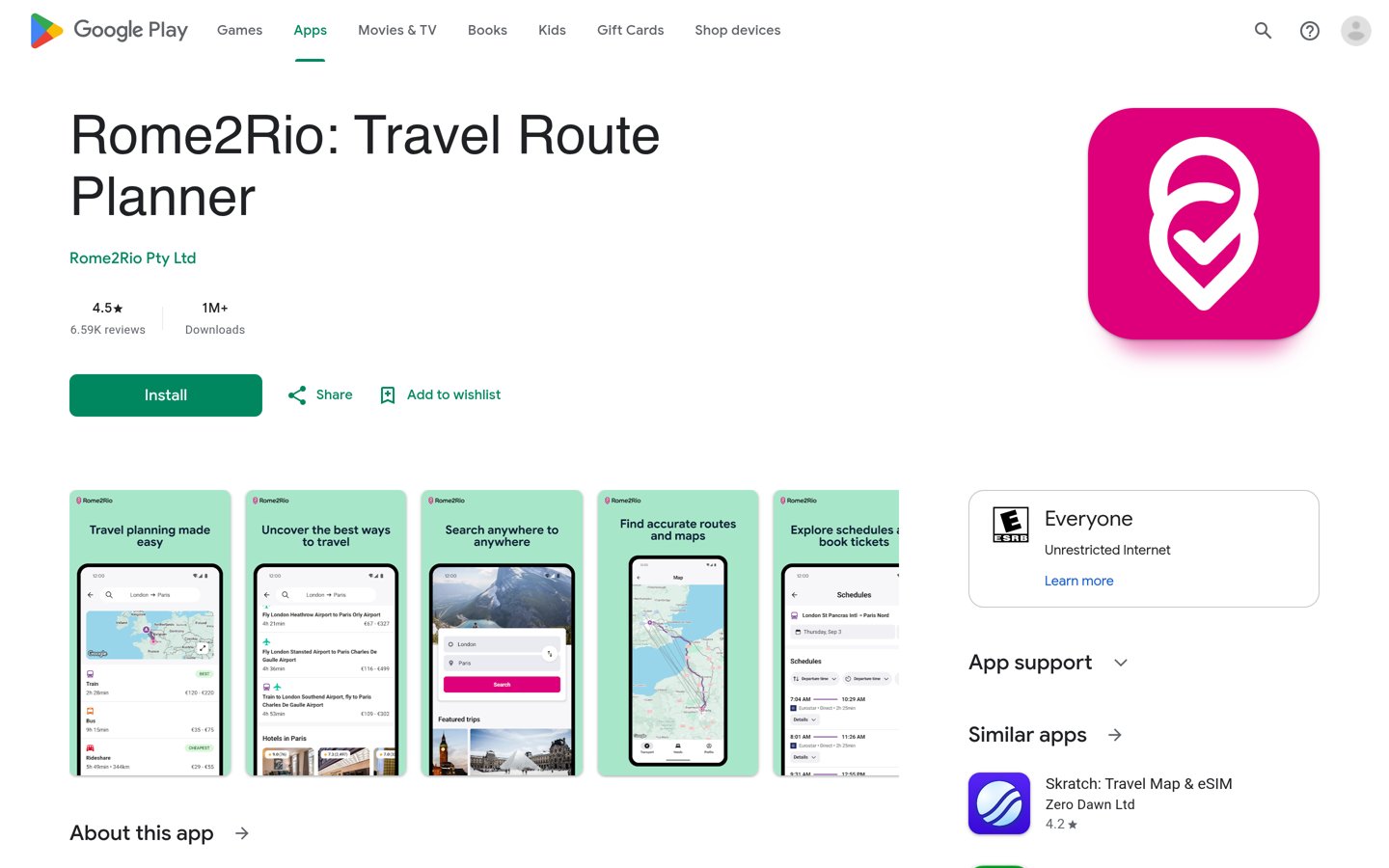
Rome2Rio homepage, captured Nov 2026.
Rome2Rio is the route planner for getting between two places you do not know. Enter a start and a destination and it lists every way to travel — flight, train, bus, ferry or car — with times and estimated costs side by side. It covers routes worldwide and links through to booking partners. Google Play reviewers rate it 4.5 out of 5 from about 6,400 ratings.
The trade off is price accuracy. Rome2Rio's fares are estimates, and travelers report prices that do not match the booking page, so treat the figures as a guide and check the operator before you pay. It suits independent travelers comparing every transport option.
What we like
Every transport option in one search
Times and estimated costs side by side
Worldwide coverage with booking links
Watch out for
Fares are estimates and can differ from the booking page
Only 6,386 Google Play ratings, a thin review base
We started from the apps that appear most often in 2026 international travel round-ups, then kept the established apps with a verified store rating and at least 6,000 reviews. Apps without a public rating record were left out.
Prices and ratings were checked on 25 November 2026. Ratings come from Google Play or the App Store, as shown beside each score, because travel apps have almost no G2 or Capterra coverage. Prices come from each vendor's own page or its store listing.
We left out Booking.com and Airbnb, which are booking apps rather than travel companions for the trip itself, and Citymapper, which covers public transport in only a few dozen cities. No vendor paid for a place, and we do not claim hands-on testing for this list.
How to choose apps for international travel
Start with the five jobs every trip needs, then pick one app for each.
Cover the five jobs first. Language, maps, mobile data, money and itinerary each need an app. Install one for each job before you leave home.
Download everything offline. Save offline maps and language packs on home Wi-Fi. An app that needs data is useless at a border crossing.
Buy your eSIM before you fly. Install the eSIM at home and switch it on when you land, so you have data the moment you arrive.
Check card and data costs. Compare your bank's foreign fees and roaming pass against Wise and Airalo before you travel, not after.
FAQ
What is the best app for international travel?
Google Translate is the best app for international travel, because reading menus and signs matters on every trip. It is free, covers 249 languages, and works offline with downloaded language packs.
Which travel apps work offline?
Google Translate has offline language packs, Google Maps has offline maps, and Wanderlog Pro adds offline access to your itinerary. Download them before you fly, because airport Wi-Fi is slow and roaming is expensive.
How do I get mobile data abroad without roaming fees?
Buy a travel eSIM such as Airalo, with local plans from $4, and install it before you fly. Check that your phone supports eSIM and is unlocked, then switch the eSIM on when you land.
What is the cheapest way to spend money abroad?
A low-fee travel card such as Wise, which costs $9 to order, has no subscription and charges conversion fees from 0.23%, with $250 a month of ATM withdrawals free of Wise's fee.
Do I need to pay for travel apps?
Mostly no. Google Translate, Google Maps, XE Currency and the free plans of TripIt and Wanderlog cost nothing. You pay for eSIM data and optional upgrades such as TripIt Pro at $49 a year.
What should I download before an international trip?
Offline maps for your destinations, the offline language pack in Google Translate, your eSIM, your itinerary in TripIt or Wanderlog, and copies of your booking confirmations.
SaaS SEO and WordPress specialist with about 8 years of experience. Rakib compares WordPress plugins, themes, hosting and software using public pricing, documentation and user reviews. See how we rank.