Canva is the best free flyer maker for most people, with the largest template library and PDF Print export on its free tier. Pick Adobe Express for cleaner typography and a faster finish, PosterMyWall for recurring event flyers, and Desygner for the cheapest paid upgrade.
How we make this list: we compare pricing pages, product documentation and public user reviews, then re-check every price before each update. No product paid for a place. Disclosure.
Canva has the largest free flyer template library, and its free tier includes PDF Print export for print shops.
Adobe Express is the fastest route to a clean, brand-ready flyer, with strong typography and Adobe fonts on the free plan.
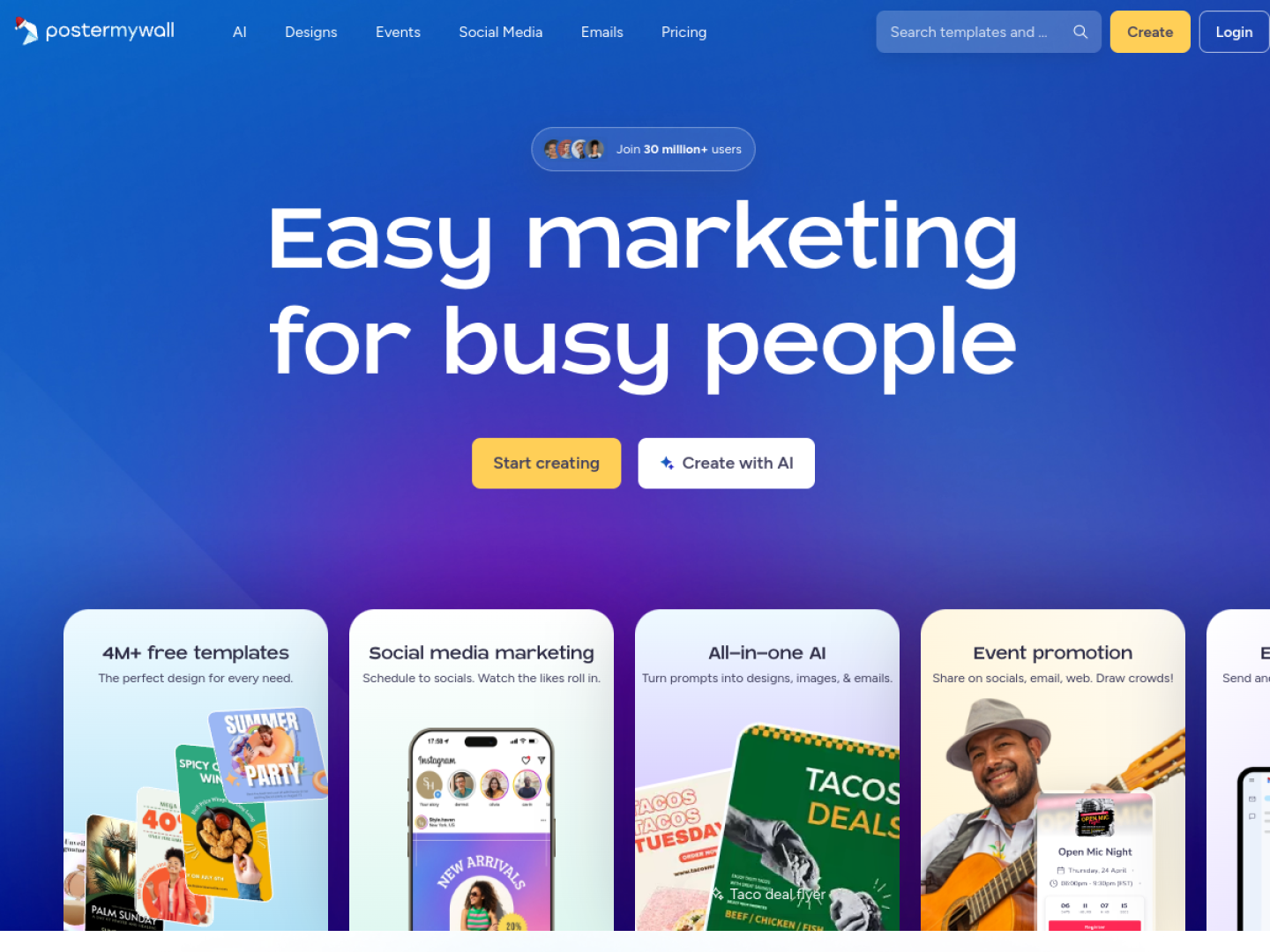
PosterMyWall is the pick for recurring event flyers, with 4 million plus templates and built-in social scheduling.
Every app here has a usable free tier, but premium assets, background removal and brand kits sit behind paid plans from $4.95 a month.
Before printing, confirm a PDF at 300 DPI with bleed: free tiers can limit resolution, and PosterMyWall charges extra for high-resolution files.
What a free flyer maker should cover
A flyer has one job: a headline, a date, a place and one call to action that a reader grasps in three seconds. The best free makers start from a template for your event type, so you swap text and photos instead of designing from a blank page.
Print quality depends on the export, not the editor. A social-only flyer needs only a PNG at the right size, while a printed flyer needs a PDF at 300 DPI with 0.125 inch of bleed and a safe margin for text.
Free tiers differ in what they gate. Some watermark premium elements, some limit high-resolution downloads, and some cap how many designs or downloads you get. Open the export dialog before you design and confirm the settings exist on the free tier.
Commercial use matters for business flyers. Most apps allow their own templates for marketing use, but individual stock photos inside a template can carry separate terms, so check the licence before reusing an image.
Canva is the safest first pick for free flyers because the template library is simply the largest. Search for a sale, a party, a class or a restaurant opening, and dozens of layouts appear, each editable by dragging text and swapping photos.
The trade off is asset licensing and print setup. Premium photos and graphics cost extra or show a watermark on free designs, and the export dialog needs a manual check for bleed and crop marks before printing. Canva Pro at $12 a month billed annually adds brand kits and background removal.
What we like
Thousands of free flyer templates
PDF Print export on the free tier
Works on web and mobile with shared projects
Free designs allowed for marketing use
Watch out for
Premium photos and graphics cost extra
Brand kits need Pro
Free exports need a bleed check before printing
Pro costs $12 a month billed annually, or $12.99 monthlyVisit canva.com
02
Adobe Express
4.5/5on G2 (855 reviews, checked Nov 2026)
Paid from$9.99/mo
Best clean, brand-ready flyers fast
Free planYes
Starting paidPremium, $9.99/mo
Best forBrand-ready flyers fast
Print exportPDF Print on free
adobe.com
Adobe Express homepage, captured Nov 2026.
Adobe Express is a free design app for quick flyers with Adobe assets, and it suits flyers that need to look premium without much design time. Templates are fewer than Canva's, but the typographic defaults are stronger, so a short headline and one photo often look finished with little editing.
The trade off is scope and paywalls. Background removal, some AI tools and video options need Premium at $9.99 a month, and the layout range is narrower, so more of the design work lands on you when the template does not fit. An Adobe account is required even for free use.
What we like
Tidy templates with strong typography
Adobe fonts and stock access
PDF Print export that suits print shops
Can design and order printed flyers in the app
Watch out for
Fewer layouts than Canva
Background removal needs Premium
Account required
Premium adds background removal, AI tools and video featuresVisit adobe.com
03
VistaCreate
4.5/5on G2 (171 reviews, checked Nov 2026)
Paid from$10/mo
Best fast social and print flyers
Free planYes
Starting paidPro, $10/mo
Best forFast weekly flyers
Print exportPDF on free
vistacreate.com
VistaCreate homepage, captured Nov 2026.
VistaCreate is built for speed: pick a template, swap the text and photo, resize for a story or a post, and export. The library claims more than 200,000 templates, and the editor keeps the common flyer sizes one click away, which helps when one design must become a printed flyer and an Instagram post.
The trade off is depth. Premium assets and brand kits need Pro at $10 a month, and the user community is smaller than Canva's, so finding tutorials takes a little more effort. For a small business that makes a flyer every week, its speed and template depth make it a practical free choice.
What we like
Large template library with 200,000 plus templates
PosterMyWall is the local business pick for flyers, with templates leaning toward events, restaurants, gyms, churches and schools, which matches the flyers most people actually make. A weekly event flyer can be cloned, updated with a new date and re-exported in minutes.
The trade off is export quality. The free tier has limits on high-resolution downloads, and Premium starts from $13 a month for full access. Design depth is basic next to Canva, with fewer fine controls over type and layout, but for a recurring announcement speed matters more.
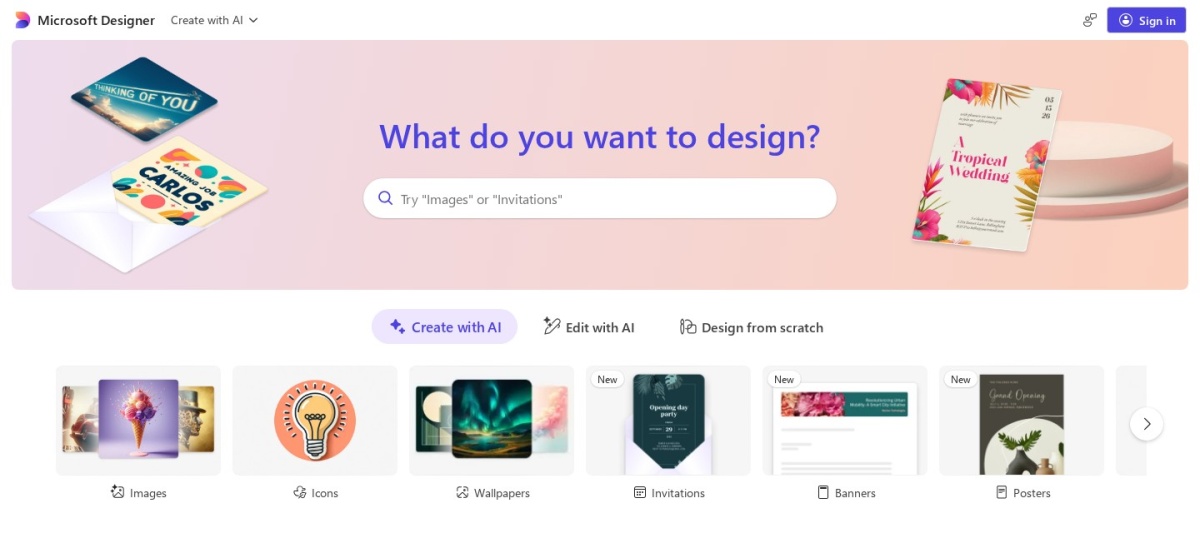
Microsoft Designer is a free AI-powered design tool that takes a different route: type what the flyer is for, and it generates design options to edit, rather than asking you to browse templates first. That prompt-first flow suits users who know the message but not the layout.
The trade off is control and depth. Template variety is thinner than Canva's, AI results vary in quality and usually need text fixes, and free accounts get only 15 AI credits a month. There is no standalone paid plan; Microsoft 365 Personal at $9.99 a month adds 60 credits a month.
Visme is a visual content tool that suits flyers that carry numbers: a fundraiser progress update, a school report night, a business open house with stats. Charts, maps and data widgets sit inside the editor, so a flyer can show a bar chart or a timeline without building it elsewhere first.
The trade off is the learning curve. The free tier limits downloads and some exports, and Starter starts from $12.25 a month for fuller access. The editor is deeper than a simple flyer maker, so a first flyer takes longer than in Canva or PosterMyWall.
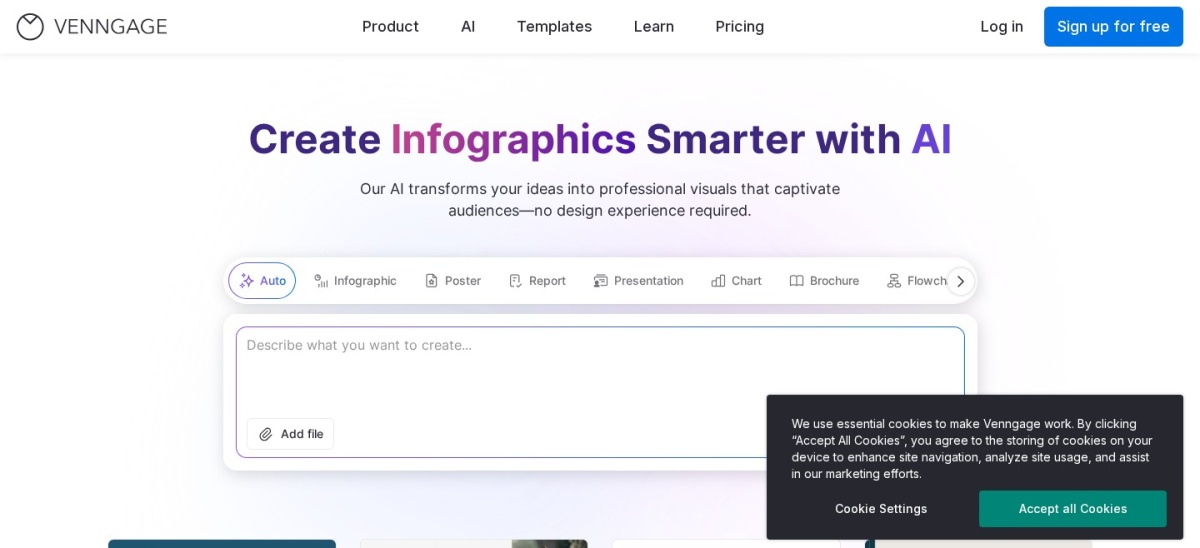
Venngage is the pick for flyers that explain something: a how-to workshop, a safety notice, a multi-step event schedule. Its infographic templates organize information into steps, timelines and comparisons, with icons and charts built in, so a dense flyer stays readable.
The trade off is scope. Free access covers a useful set of templates, but many premium templates and features need a paid plan, and PDF export waits for Business at $24 a month. For a simple party flyer, Venngage is more tool than needed.
What we like
Strong infographic and poster templates
Good for step-by-step and how-to flyers
Icons and charts included
Free plan covers 5 designs
Watch out for
Premium features need a paid plan
Free tier limits template access
PDF export needs Business at $24 a month
Premium adds unlimited designs and high-resolution PNG exportVisit venngage.com
08
Piktochart
4.4/5on G2 (163 reviews, checked Nov 2026)
Paid from$10/mo
Best simple flyers for teams
Free planYes, 2 downloads
Starting paidPro, $10/mo
Best forSmall teams
Print exportPNG on free, PDF on Business
piktochart.com
Piktochart homepage, captured Nov 2026.
Piktochart is a simple infographic and flyer maker for teams that want one tool for flyers, infographics and short reports. The editor is straightforward, sharing and folders keep team projects organized, and the infographic roots show in clean layouts for schedules and announcements.
The trade off is range and limits. The flyer template range is smaller than Canva's, and advanced features and higher project limits need a paid plan. Free users also face limits on downloads, with only 2 PNG downloads, so heavy users will hit the ceiling.
Desygner is an online design tool for small businesses and franchises that need strict brand control across many designs. The free plan covers three users, 100 projects and 20 AI credits a month, with templates, millions of free images and icons, and more than 300 design formats.
The trade off is the thin review base and a narrower community. Desygner holds 4.6 out of 5 on G2 from only 12 reviews, so the score is a weak signal, and some reviewers note occasional glitches and a slow mobile app. Pro+ is the cheapest paid plan here at $4.95 a month billed annually.
What we like
Cheapest paid plan here at $4.95 a month
Brand kits and templates for franchises
Free plan covers 3 users and 100 projects
PDF editing and export included
Watch out for
Only 12 G2 reviews, so the rating is thin
Occasional glitches reported
Mobile app can be slow
Pro+ adds premium templates, Shutterstock assets and PDF editingVisit desygner.com
What to check before you print
Start with the end use. A social-only flyer needs only a PNG or JPG at the right size, while a printed flyer needs a PDF at 300 DPI with 0.125 inch of bleed and a safe margin for text. Open the export dialog before you design, and confirm those settings exist on the free tier, since some apps gate high-resolution exports behind a paid plan.
Keep text short and check the licence on photos. Two fonts and two or three colors keep a flyer readable, and a headline, a date, a place and one call to action cover most events. For photos, prefer the app's own stock library or your own images, and print one test copy at home before ordering a full run.
How we chose
We compared nine free flyer maker apps on free tier usefulness, template depth for common flyer types, export quality for print and social, and ease of use for non-designers. Ratings are G2 scores checked in October and November 2026, and paid prices come from vendor pricing pages checked in November 2026.
Canva leads because its free template library is the largest and its free tier includes PDF Print export. PosterMyWall suits recurring event flyers, while Visme, Venngage and Piktochart suit flyers that carry data, steps or schedules.
No vendor paid for a place, and we do not claim hands-on testing for this list. Prices are standard list prices in US dollars, not sale prices. A flyer that looks good on screen but prints soft is a failed flyer, so print one test copy before ordering a full run.
How to choose a free flyer maker
Start with where the flyer will end up, then check the export before you design.
Decide print or social first. A printed flyer needs a PDF at 300 DPI with bleed, while a social flyer needs only a PNG at the right size. Pick the tool whose free tier covers your end use.
Pick a template for your event type. Sales, parties, classes and restaurant openings each have layouts that already fit. Starting from the right template beats designing from a blank page.
Check the free export before you design. Open the export dialog early and confirm the resolution, file type and watermark rules on the free tier, since some apps gate high-resolution files behind a paid plan.
Keep the words short. Two fonts and two or three colors keep a flyer readable, and a headline, a date, a place and one call to action cover most events.
FAQ
What is the best completely free flyer maker?
Canva's free tier is the best starting point, with the largest template library and PDF Print export included. Adobe Express is a strong second for cleaner typography. Both are free for most one-off flyers, with paid plans only for premium assets and brand tools.
Can I print a flyer made in a free app?
Yes, if the export is print-ready. Choose PDF Print, confirm 300 DPI resolution, add 0.125 inch of bleed, and keep text inside a safe margin. Print one test copy first, and check small text at real size before ordering a full run from a print shop.
Do free flyer apps add watermarks?
Most apps on this list do not watermark free exports, but they may limit resolution or premium assets instead. Canva watermarks premium elements for free users, and PosterMyWall limits high-resolution downloads on the free tier. Check the export preview and download terms before finalizing a design.
Which flyer app is best on a phone?
Canva and PosterMyWall both offer full mobile apps that handle template editing, photo swaps and exports on a phone. Adobe Express also works well on mobile. For a quick event flyer made entirely on a phone, PosterMyWall is the fastest of the three.
Can I use free templates for a business flyer?
Usually yes for the app's own templates, but check the licence on individual photos and graphics inside a template. Some stock assets carry separate terms. For commercial use, prefer the app's stock library or your own photos, and keep a note of the licence for anything you reuse.
What should a flyer say?
As little as possible. A headline, a date, a place and one call to action cover most flyers. Extra detail belongs on a linked page or a second side, not crammed onto the front. If a reader cannot grasp the event in three seconds, cut text before adding design.
SaaS SEO and WordPress specialist with about 8 years of experience. Rakib compares WordPress plugins, themes, hosting and software using public pricing, documentation and user reviews. See how we rank.