Best Android Backup Software for PC in 2026: 7 Tools Compared
WLWPLegible EditorsLast verified 24 Nov 2026How we rank9 min read
★ Short answer
The best Android backup software for PC for most people is the Wondershare toolkit, with backup plus phone repair and no root required. MobileTrans suits anyone moving to a new phone, while Syncios is the best budget pick at $40 a year.
How we make this list: we compare pricing pages, product documentation and public user reviews, then re-check every price before each update. No product paid for a place. Disclosure.
Dr.Fone is the best all-round toolkit, with backup, transfer and repair in one app.
MobileTrans is the best tool for moving everything to a new phone via your PC.
Syncios is the only one with readable pricing, at $39.95 a year.
Most vendors hide prices behind JavaScript stores, so expect roughly $30 to $50 a year.
All seven tools back up without root, which matters for locked-down phones.
What Android backup software for PC actually does
Backing up an Android phone to a PC means copying photos, videos, contacts, messages and apps to a Windows or Mac computer, then restoring them selectively later. The best tools do it over USB without root, so they work on locked-down phones.
Most of these tools are toolkits, not backup apps. Dr.Fone, DroidKit and MobileTrans all bundle backup with transfer, repair and data recovery, so the backup module is one part of a bigger purchase.
Pricing is the weak point of this category. Most vendors hide prices behind JavaScript stores that do not render for automated checks, so Syncios at $39.95 a year is the only one with a readable price. Trial the backup module before paying.
Free options cover some owners. Samsung Smart Switch backs up Samsung phones to a PC for free, and Google One backs up to the cloud, but neither gives the selective restore and cross-brand transfer that the paid tools offer.
4.3/5on Trustpilot (5,157 reviews, checked Nov 2026)
PricingSee website/yr
Best Android backup toolkit overall
Backup typesPhotos, contacts, messages, apps
Root requiredNo
PlatformsWindows, Mac
Free planYes, trial
drfone.wondershare.com
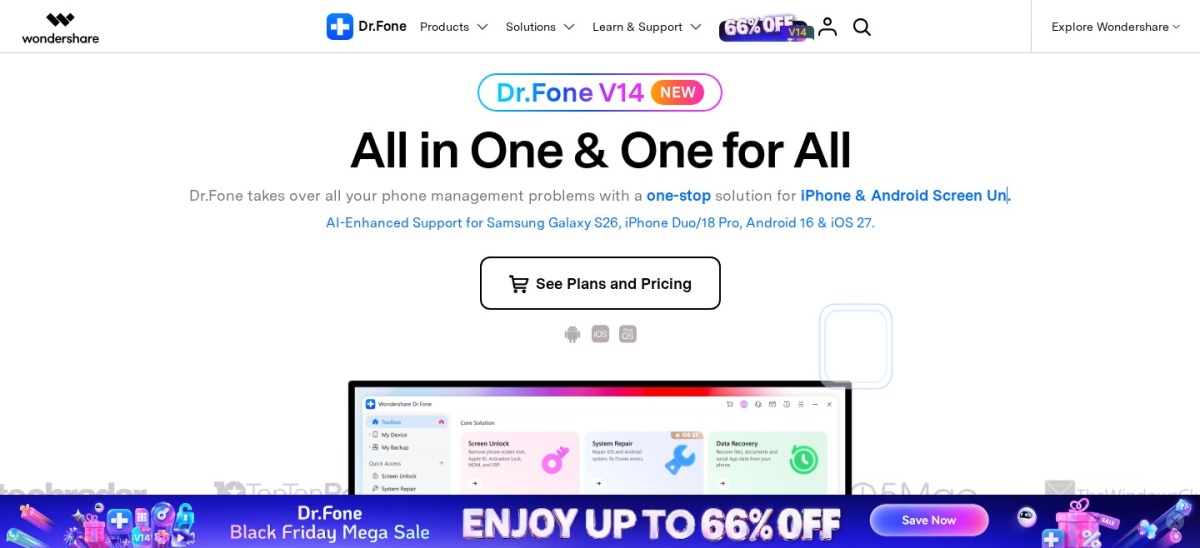
Dr.Fone homepage, captured Nov 2026.
Dr.Fone is Wondershare's phone toolkit, and Phone Backup is one of its sharper modules. Connect the Android phone by USB, choose what to back up, from photos and videos to contacts, messages and apps, and restore selectively later without root.
The trade off is the toolkit itself. The price varies by module bundle and licence length, and the store does not render a readable price, so you must check it at checkout. It suits users who want backup plus a full phone toolkit in one purchase.
4.5/5on Trustpilot (1,791 reviews, checked Nov 2026)
PricingSee website/yr
Best for moving to a new phone
Data typesUp to 18
WhatsApp transferYes
PlatformsWindows, Mac
Free planYes, trial
mobiletrans.wondershare.com
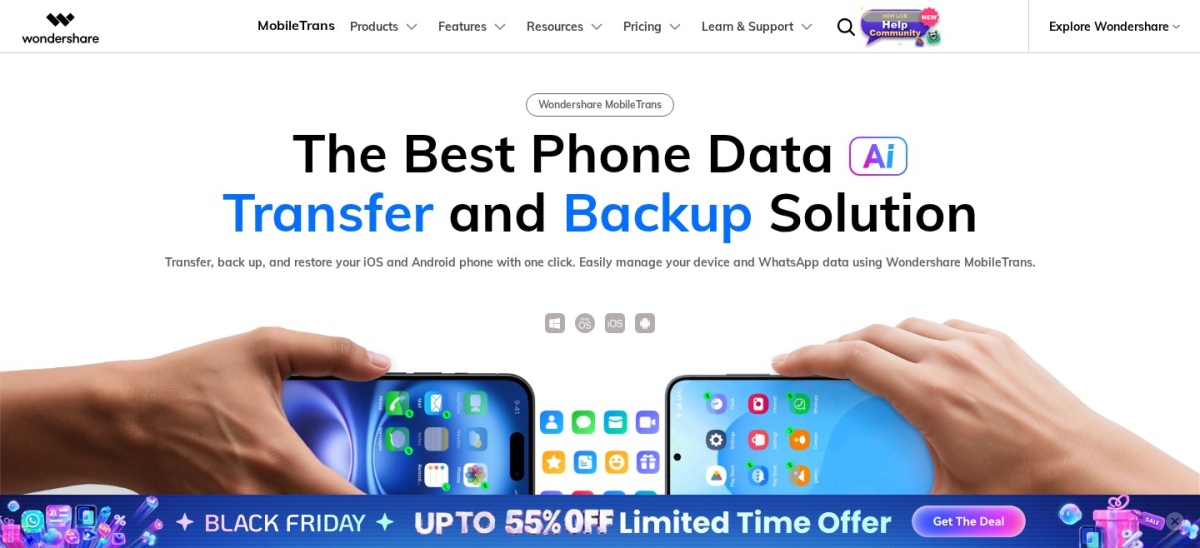
MobileTrans homepage, captured Nov 2026.
MobileTrans is a desktop transfer app for Android and iOS that moves up to 18 data types between phones and PCs. It backs up a phone to a PC, restores selectively, and transfers WhatsApp data between platforms, which is the job most buyers actually need.
The trade off is price transparency. The store is JavaScript-driven and does not render a readable price, so the cost only appears at checkout. It suits anyone moving everything to a new phone via a PC.
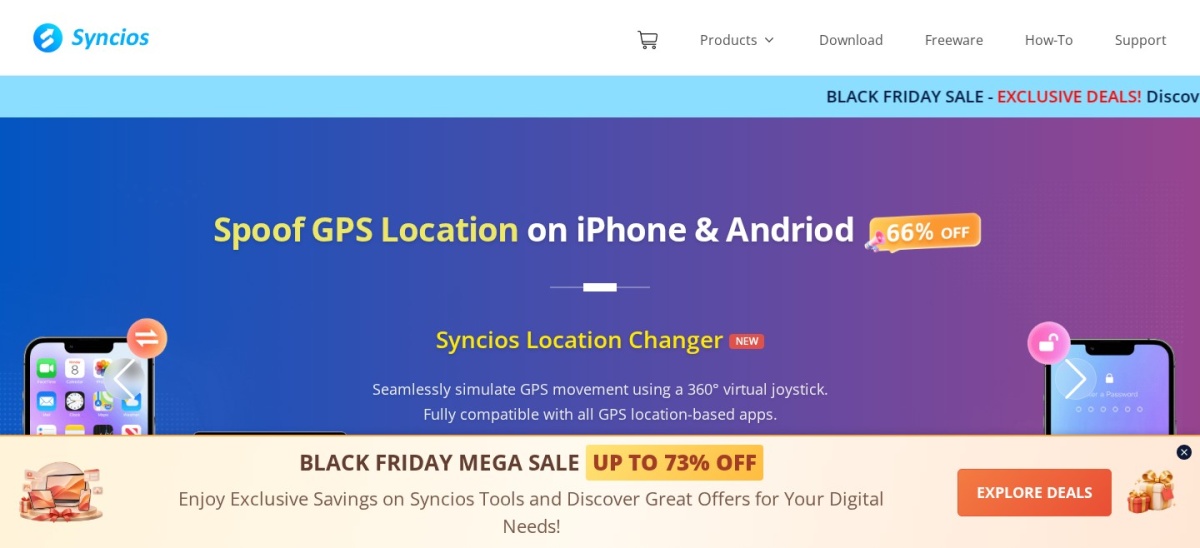
Syncios is a phone manager for Windows and Mac that backs up, restores and transfers Android and iOS data. It covers contacts, messages, call history, music and photos, with selective restore and export, and it is the only tool here with a readable price.
The trade off is scope. Syncios is a manager, not a repair toolkit, so it cannot fix a phone that will not boot. The annual plan costs $39.95, with a sale price of $34.95 at the time of writing. It suits budget buyers who want honest pricing.
4.6/5on Trustpilot (222 reviews, checked Nov 2026)
PricingSee website/yr
Best one-click backup and restore
BackupOne-click, full or selective
TransferNo, backup only
PlatformsWindows, Mac
Free planYes, trial
coolmuster.com
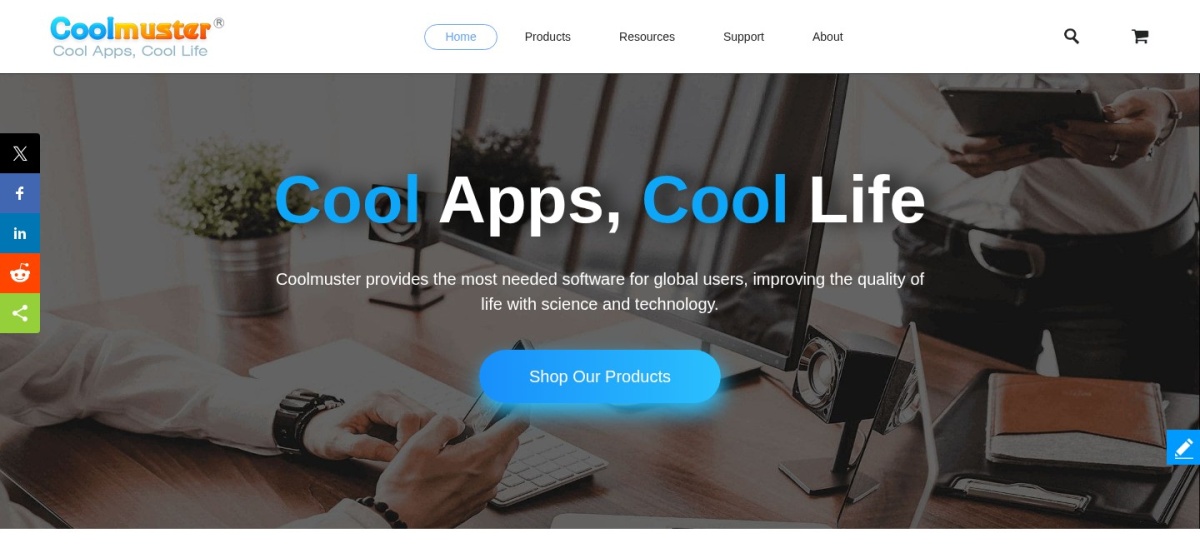
Coolmuster Android Backup Manager homepage, captured Nov 2026.
Coolmuster Android Backup Manager is a focused tool that does one job: back up an Android phone to a PC and restore it in one click, without extras. It covers contacts, messages, call logs, photos, videos and apps, with selective restore from the same window.
The trade off is narrowness. Coolmuster does not transfer between phones or repair a damaged device, so it suits owners who want backup only. Pricing is not published on a readable page, so check it at checkout.
2.8/5on Trustpilot (778 reviews, checked Nov 2026)
PricingSee website/yr
Best for damaged or misbehaving phones
BackupStandard data types
RepairBoot loop, system issues
Root requiredNo
Free planYes, trial
imobie.com
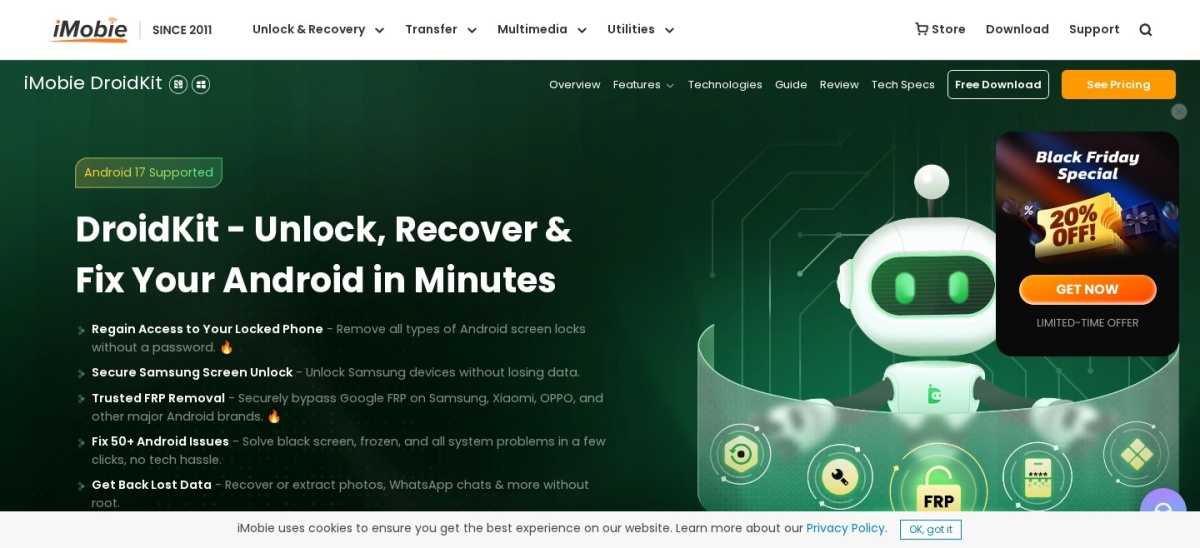
DroidKit homepage, captured Nov 2026.
DroidKit is a rescue toolkit from iMobie that backs up your data and fixes the phone that will not boot properly. For a cracked-screen or boot-looping phone, that combination matters: back up what you can, repair what you must, and the backup module covers the standard data types without root.
The trade off is trust. The iMobie company page on Trustpilot scores 2.8 out of 5 from 778 reviews, and pricing is not published on a readable page. It suits owners of damaged phones who need backup and repair together.
3.9/5on Trustpilot (209 reviews, checked Nov 2026)
PricingSee website/yr
Best for guided data recovery
RecoveryContacts, messages, media
BackupManual, not scheduled
PlatformsWindows, Mac
Free planYes, trial
fonepaw.com
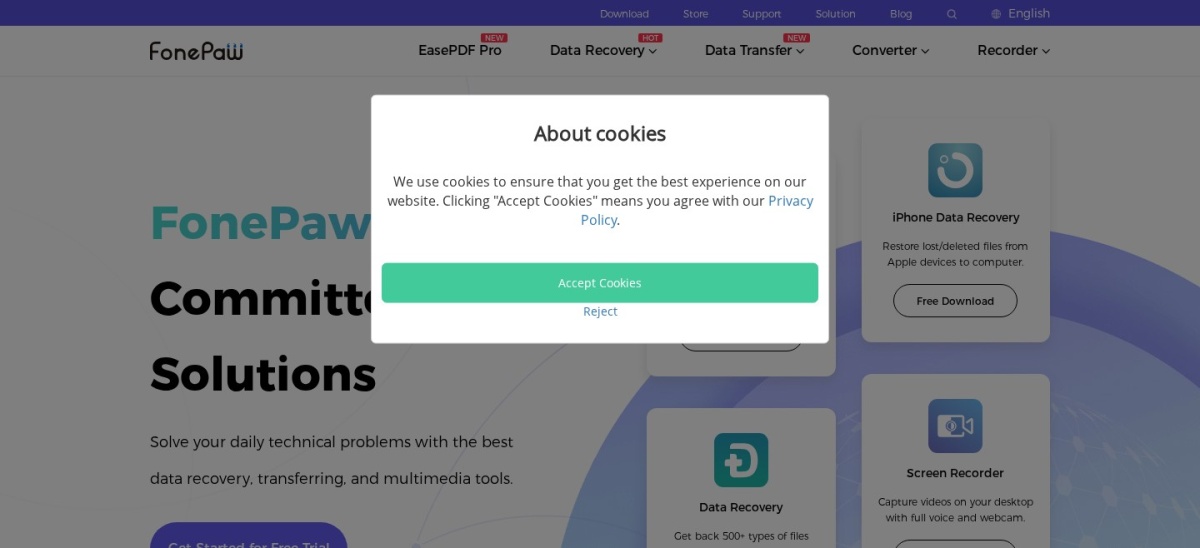
FonePaw Android Data Recovery homepage, captured Nov 2026.
FonePaw Android Data Recovery is a guided extraction tool that recovers contacts, messages, call logs and media from an Android phone to a PC. It walks through each data type step by step, which suits owners who want a careful, reviewable export rather than a one-click dump.
The trade off is scope. FonePaw is a recovery tool first, so scheduled backup and phone-to-phone transfer are weaker than in Dr.Fone or MobileTrans. Pricing is not published on a readable page, so check it at checkout.
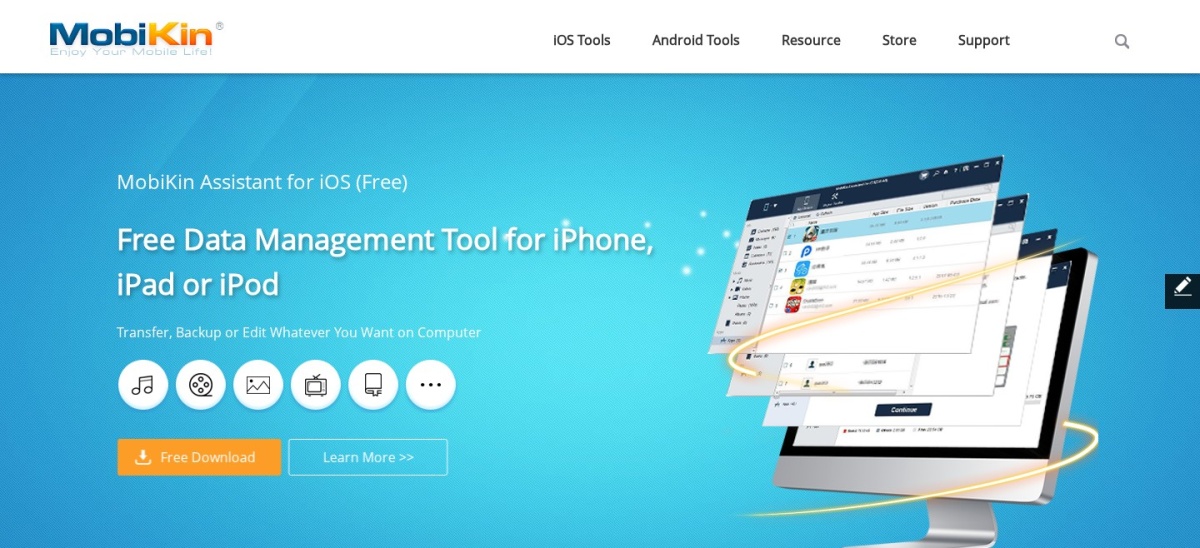
MobiKin Assistant for Android homepage, captured Nov 2026.
MobiKin Assistant for Android is a phone manager that backs up, restores and organises Android data from a Windows or Mac computer. It covers contacts, messages, apps, photos and media, with export to common formats and a straightforward desktop interface.
The trade off is review depth. MobiKin has only 48 Trustpilot reviews, and its pricing is not published on a readable page. It suits owners who want a simple manager for one Android phone without a big toolkit.
USB backup is the fastest and most reliable route for a full phone backup, and every tool in this list supports it. A cable also avoids the Wi-Fi dropouts that corrupt large transfers.
Wireless backup suits small top-ups rather than full restores. It is convenient for a few photos, but slow for a whole phone.
Cloud backup is a different product. Google One and similar services restore to a new phone well, but they do not give you a local file you can browse, export or restore selectively.
How we chose
We started from every established Android backup tool for PC with a verifiable rating on Trustpilot, then kept the seven with real backup and restore features.
Prices come from each vendor's store, checked on 24 November 2026. Most stores are JavaScript-driven and did not render a readable price, so those tools show no price and the notes flag it. Syncios is the only one with a readable price.
We left out cloud-only backup and tools with no verifiable rating. No vendor paid for a place, and we do not claim hands-on testing for this list.
How to choose Android backup software for PC
Start with your phone brand and your worst case: a lost phone, a broken phone or a new phone.
Check your phone brand first. Samsung owners should try Smart Switch free before paying, since it backs up a Samsung phone to a PC at no cost.
Trial the backup module specifically. Toolkits contain a dozen modules you may never open, so test the backup and restore steps, not the whole suite.
Test a selective restore. Back up, then restore one photo and one contact. That is the step that fails most often, and it is the step that matters.
Note the renewal date before paying. Several vendors in this category draw refund complaints, so read the renewal and refund terms at checkout.
FAQ
What is the best Android backup software for PC?
Dr.Fone is the best pick for most people, with backup plus a full phone toolkit and no root required. MobileTrans is the best alternative for moving to a new phone, and Syncios is the best budget pick at $39.95 a year.
Is there free Android backup software for PC?
Yes, for some owners. Samsung Smart Switch backs up Samsung phones to a PC for free, and every paid tool in this list offers a free trial. Google One covers cloud backup, but not local selective restore.
Do I need root to back up Android to a PC?
No. All seven tools in this list back up without root, which is what makes them usable on locked-down phones. Rooting is only needed for deep system-level extraction, which most owners never need.
Why do most of these tools hide their prices?
Their stores are JavaScript-driven and do not render a readable price list, so the price only appears at checkout. Syncios is the exception, with a readable $39.95 a year, while the rest cost roughly $30 to $50 a year.
Can I restore selectively, or only the whole backup?
Selective restore is the point of these tools. You pick photos, contacts, messages or apps to restore, rather than wiping the phone and restoring everything. Trial the restore step, not just the backup step.
Which tool is best for a damaged phone?
DroidKit is built for that job, combining backup with repair tools for phones that will not boot properly or have a cracked screen. Back up what you can first, then repair, because repair can wipe data.