Alarmy is the best alarm app for heavy sleepers, forcing you to finish a mission before it stops. Sleep Cycle is the best smart alarm for gentle waking, and Alarm Clock Xtreme is the best free anti-snooze alarm on Android.
How we make this list: we compare pricing pages, product documentation and public user reviews, then re-check every price before each update. No product paid for a place. Disclosure.
Alarmy is the best alarm for heavy sleepers: missions force you out of bed, at $59.99 a year for Premium.
Sleep Cycle wakes you in light sleep inside a window you set, with Premium at $39.99 a year.
Sleep as Android is the deepest Android option, but its Unlock app now costs $84.99.
Alarm Clock Xtreme is the best free anti-snooze alarm, with math dismissal and a $4.99 ad removal.
Wonderwake is the gentlest wake-up, with fade-in nature sounds and a system alarm backup.
What an alarm app should cover
Alarm apps solve two different problems: getting heavy sleepers out of bed, and waking light sleepers gently. Mission alarms like Alarmy force you to complete a task, while smart alarms like Sleep Cycle time the wake-up to light sleep.
Most of these apps are free to download, with the useful parts behind a subscription or a one-time purchase. Alarm Clock Xtreme and Google Clock are free, Alarmy and Sleep Cycle charge yearly, and Sleep as Android sells a one-time Unlock.
Check the billing before you subscribe: Alarmy's App Store listing shows Premium plans from $4.99 to $69.99 without labelling which is which, and Sleep Cycle lists Premium up to $57.99. The yearly price in this list is the plan we verified.
Ratings here come from the US App Store and Google Play, checked in October and November 2026. Our guide on calendar management tools covers the other half of the morning: planning the day once you are up.
4.8/5on App Store (252,000 reviews, checked Nov 2026)
Paid from$59.99/yr
Best for heavy sleepers
Free planYes, with ads
DismissalPhoto, math, shake, squats
Trial7-day Premium trial
Paid planPremium, $59.99/yr
alar.my
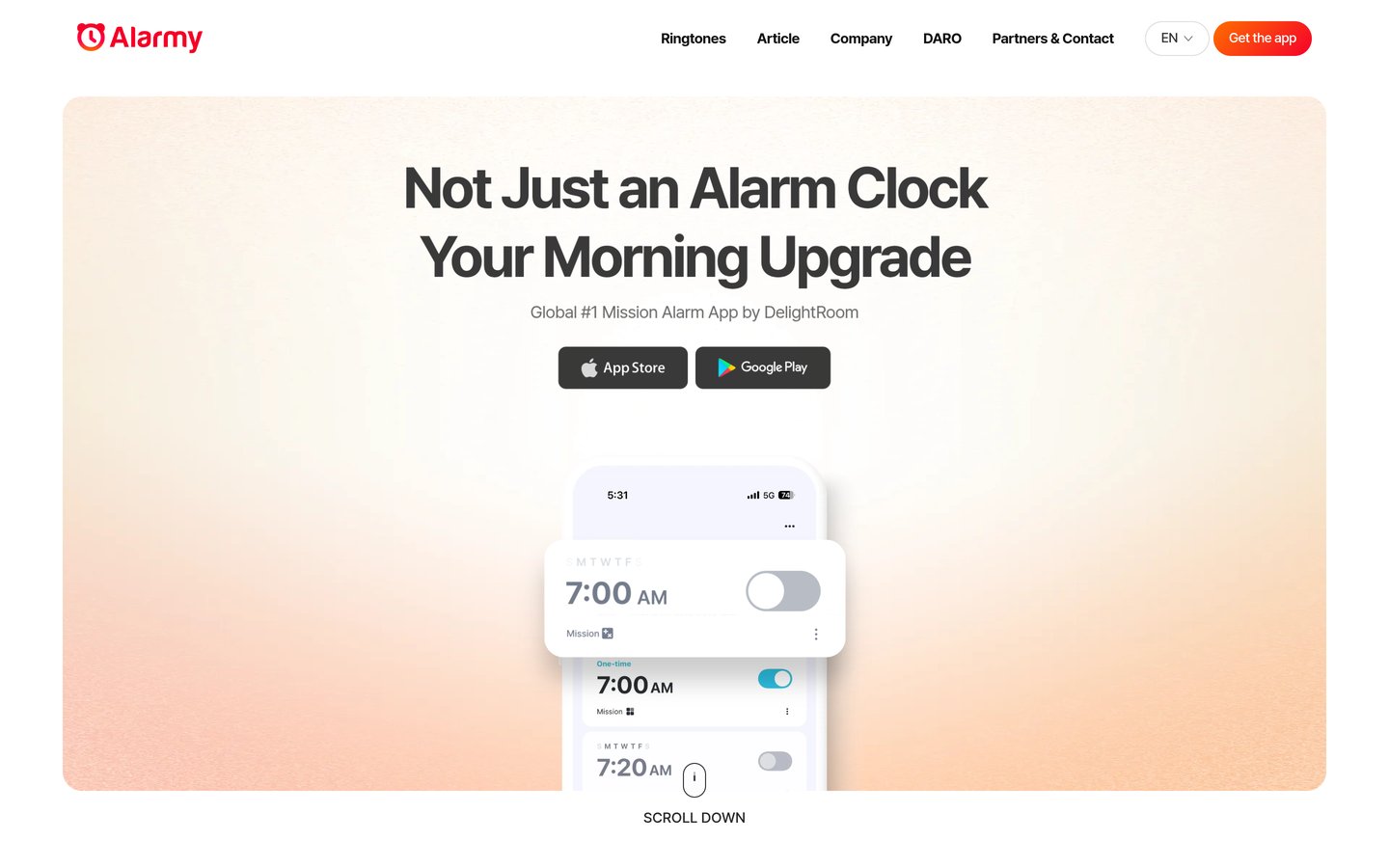
Alarmy homepage, captured Nov 2026.
Alarmy is the best alarm app for heavy sleepers, because it will not stop until you finish a mission: take a photo, scan a barcode, solve math problems, shake the phone or do squats. It holds 4.8 out of 5 from about 252,000 App Store ratings.
The trade off is that it is a fight, not a gentle wake-up. Premium costs $59.99 a year and adds walking and squat missions, mission chaining and a backup sound. It suits anyone who turns off normal alarms and falls straight back asleep.
What we like
Missions make snoozing nearly impossible
Widest mission set: photo, math, shake, squats
4.8 rating from 252,000 reviews
Free core alarm with ads
Watch out for
Premium is $59.99 a year
A fight, not a gentle wake-up
Ads in the free version
Premium plans in the App Store run $4.99 to $69.99Visit alar.my
02
Sleep Cycle
4.7/5on App Store (32,000 reviews, checked Nov 2026)
Paid from$39.99/yr
Best smart alarm
Free planYes
Wake windowUp to 45 minutes
WearableOptional
Paid planPremium, $39.99/yr
sleepcycle.com
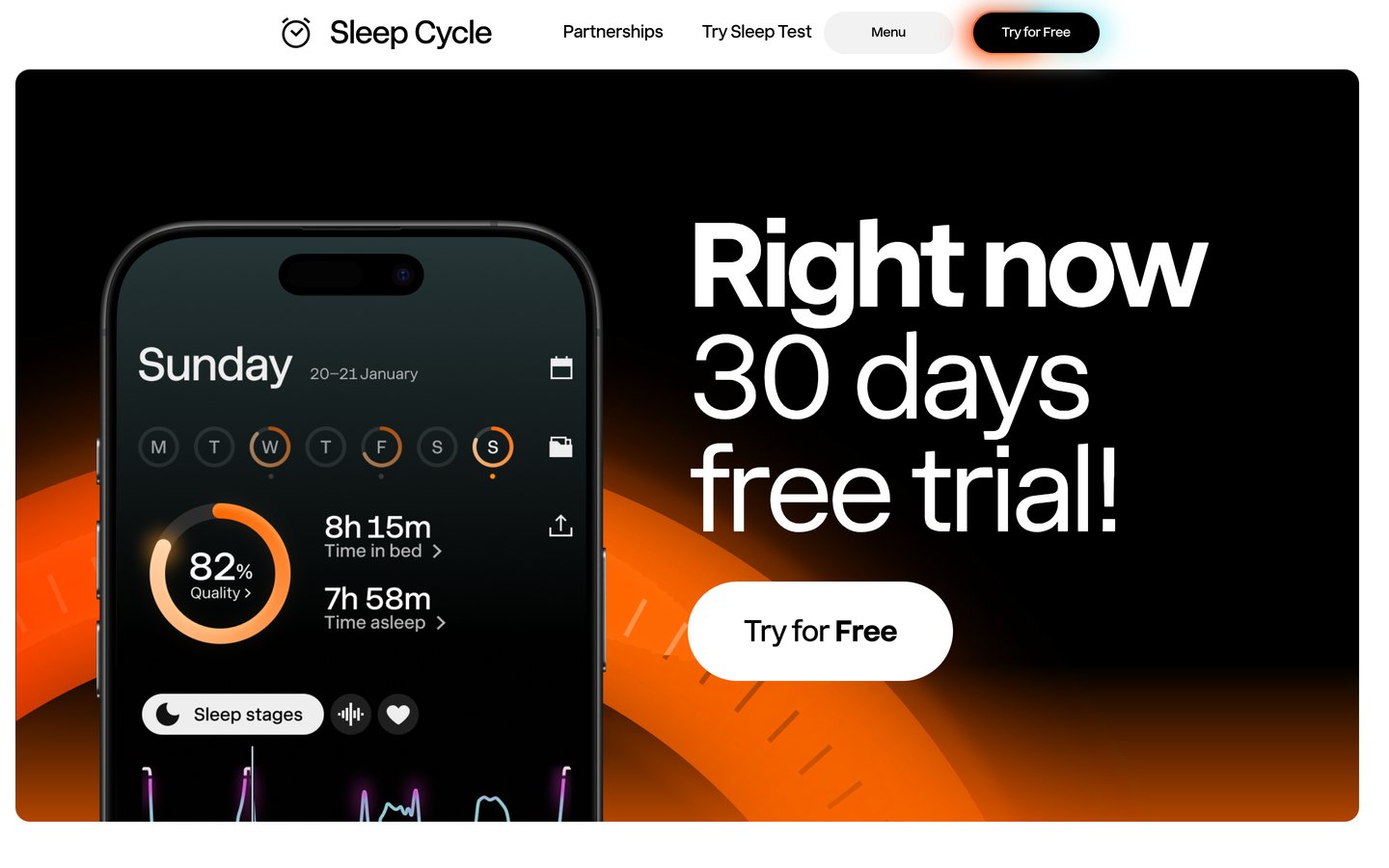
Sleep Cycle homepage, captured Nov 2026.
Sleep Cycle is the best smart alarm in this list, waking you during light sleep inside a window you set instead of at one harsh moment. It tracks sleep through sound or motion, with no wearable needed, and holds 4.7 out of 5 from about 32,000 App Store ratings.
The trade off is that it asks nothing of you. It wakes you gently but cannot force a heavy sleeper out of bed, and Premium costs $39.99 a year for full trends and snore recording. It suits people who wake up groggy rather than people who sleep through alarms.
4.6/5on Google Play (392,452 reviews, checked Nov 2026)
Paid from$84.99 (one-time)
Best for Android power users
Free planYes, 7-day trial
TrackingSonar, motion, wearables
PlatformsAndroid only
Paid planUnlock, $84.99 once
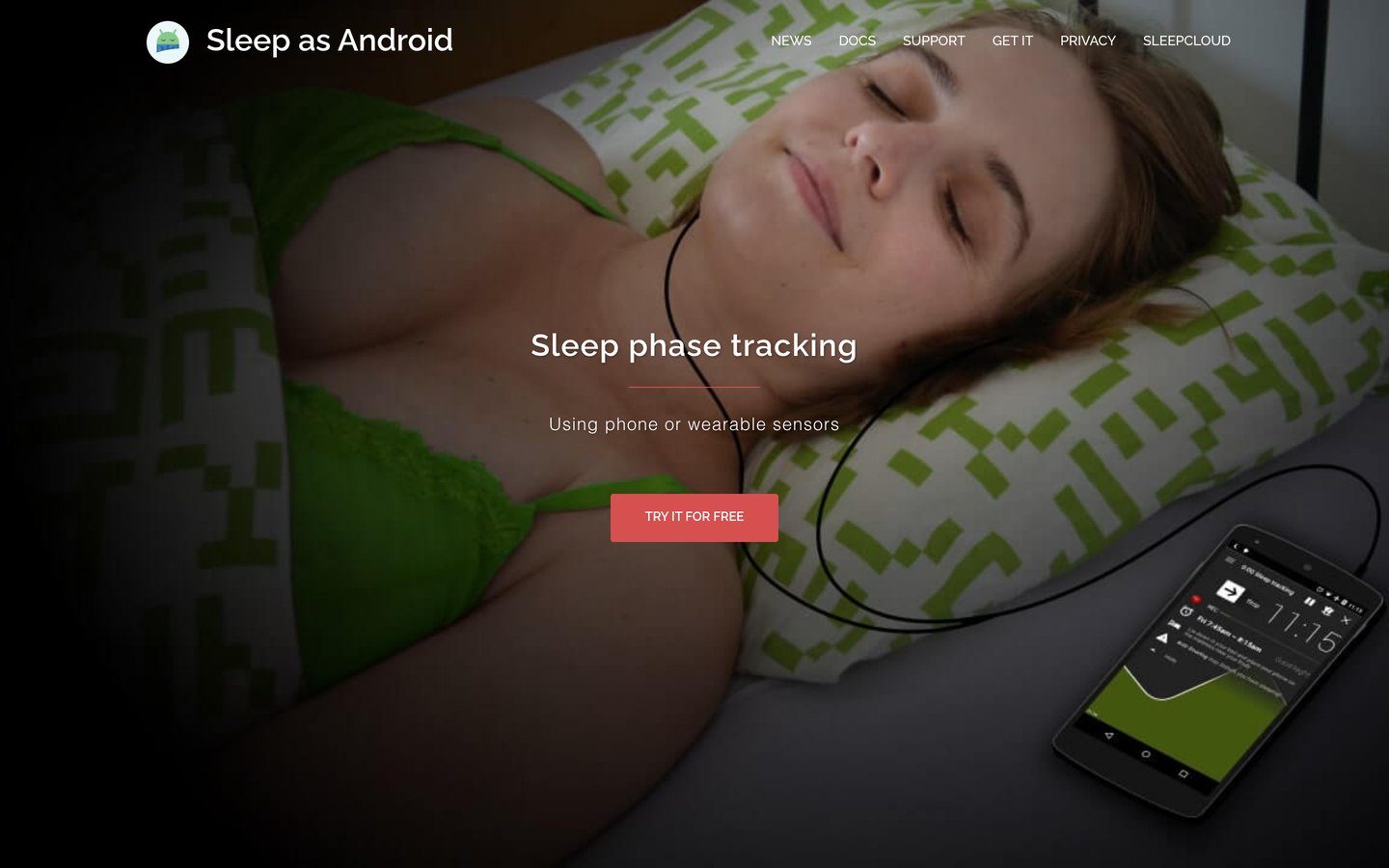
sleep.urbandroid.org
Sleep as Android homepage, captured Nov 2026.
Sleep as Android is the deepest alarm app in this list, with sonar, accelerometer and wearable tracking, a smart wake window and dismissal tasks including math, QR codes and gentle volume ramps. It holds 4.6 out of 5 from about 392,452 Google Play reviews.
The trade off is price and complexity. The Unlock app now costs $84.99 on Google Play, a big rise from the old licence price, and the settings take time to learn. It suits Android power users who want total control.
4.4/5on App Store (96,000 reviews, checked Nov 2026)
Paid from$39.99/yr
Best for Apple Watch owners
Free planYes, limited
WatchApple Watch, iPhone, iPad
Smart alarmPremium only
Paid planPremium, $39.99/yr
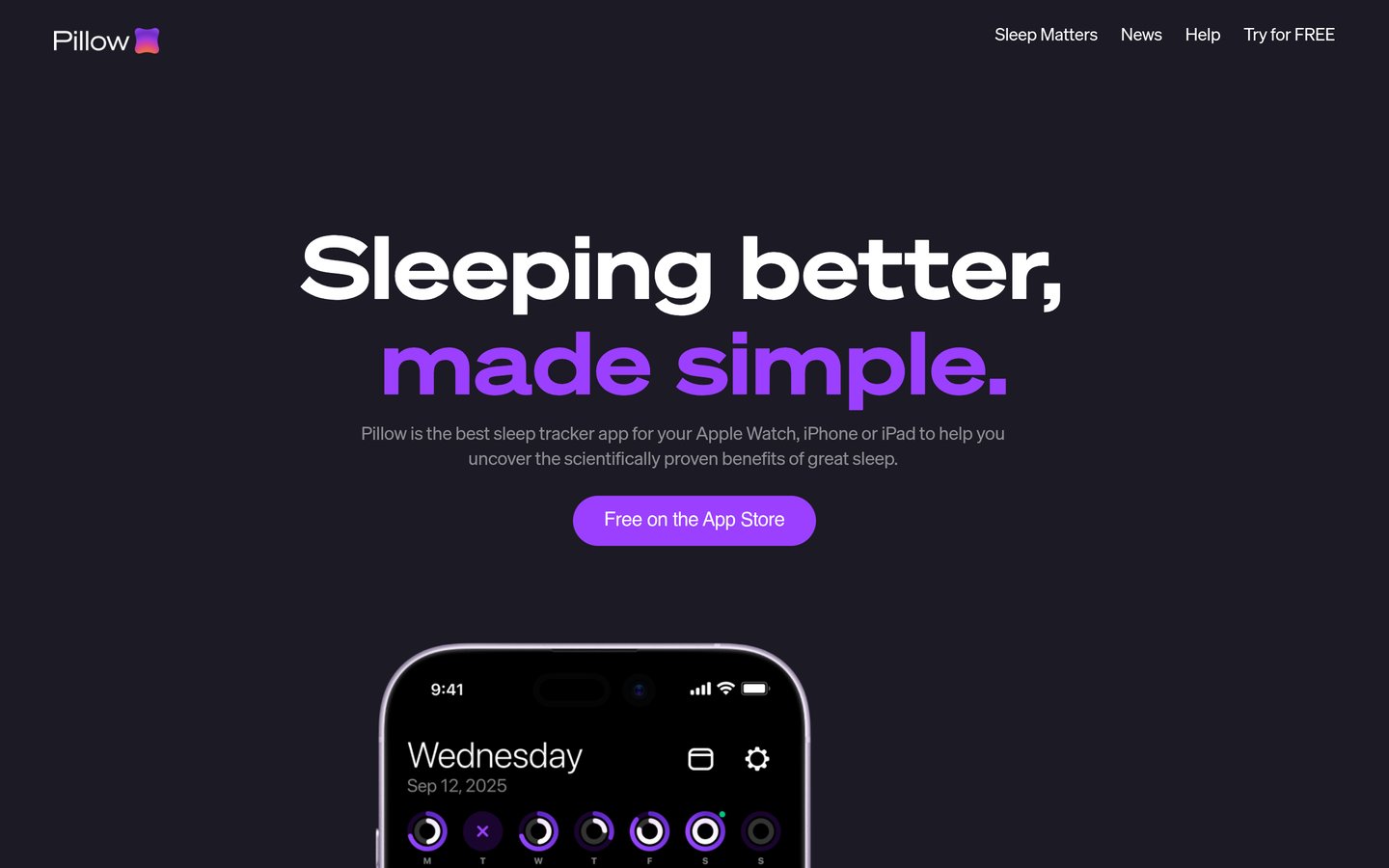
pillow.app
Pillow homepage, captured Nov 2026.
Pillow is the most polished sleep app in the Apple ecosystem, syncing cleanly with Apple Health and tracking automatically with an Apple Watch using heart rate, motion and audio recording. It holds 4.4 out of 5 from about 96,000 App Store ratings.
The trade off is that it is Apple-only. Smart Wake-up sits in Premium at $39.99 a year, and without a watch the tracking is thinner. It suits iPhone and Apple Watch owners who want detailed sleep analysis.
4.5/5on Google Play (1,250,000 reviews, checked Nov 2026)
Paid from$4.99 (one-time)
Best free anti-snooze alarm
Free planYes, with ads
DismissalMath, QR, shake
PlatformsAndroid only
Paid plan$4.99 to remove ads
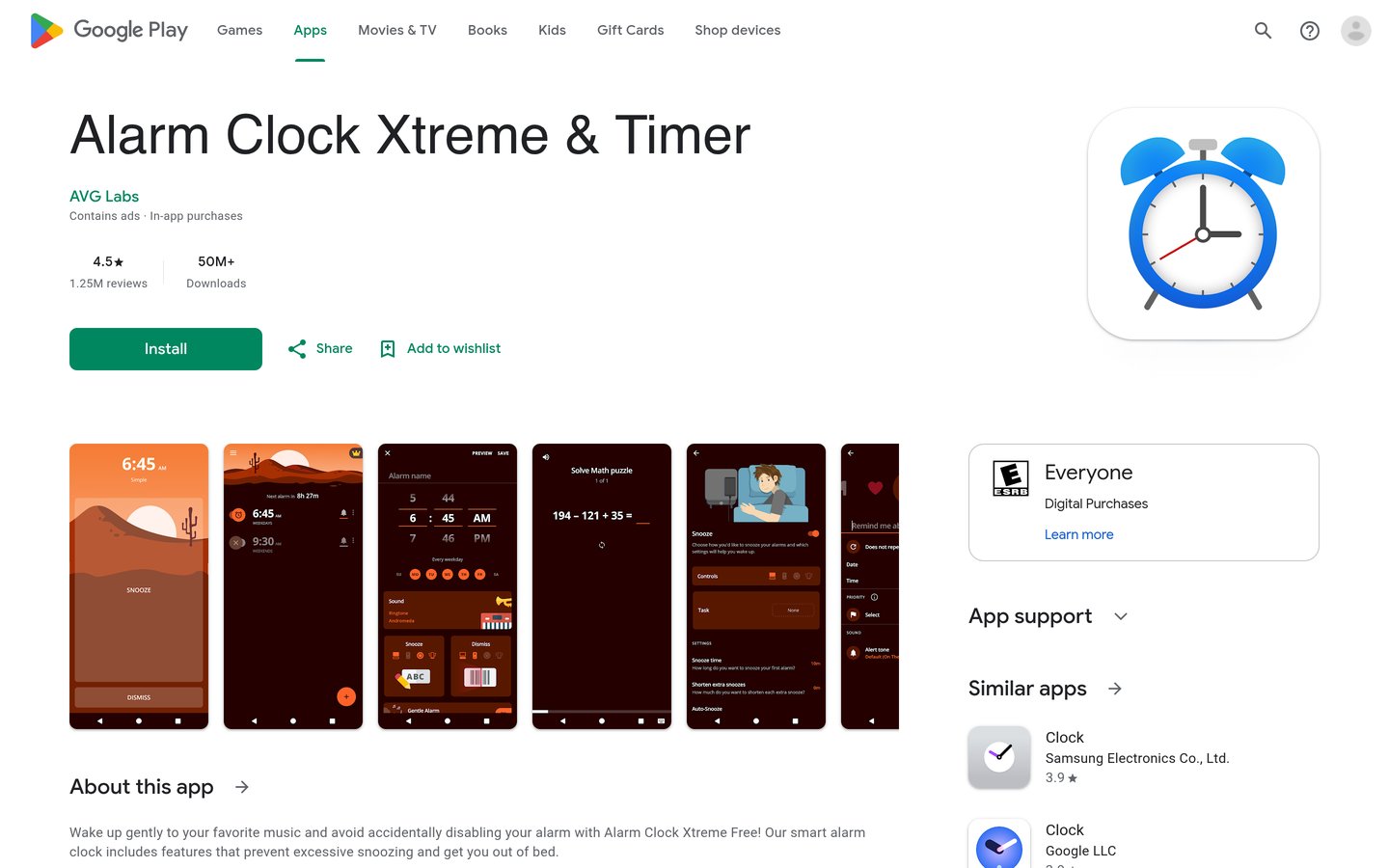
avg.com
Alarm Clock Xtreme homepage, captured Nov 2026.
Alarm Clock Xtreme is the best free anti-snooze alarm in this list, with math problems to dismiss, a gradual volume ramp, snooze caps and shrinking snooze intervals. It holds 4.5 out of 5 from about 1.25 million Google Play reviews.
The trade off is that it is Android-only and ad-supported. A one-off $4.99 purchase removes the ads, and the design is plain next to Alarmy or Sleep Cycle. It suits Android users who want a loud, configurable alarm for free.
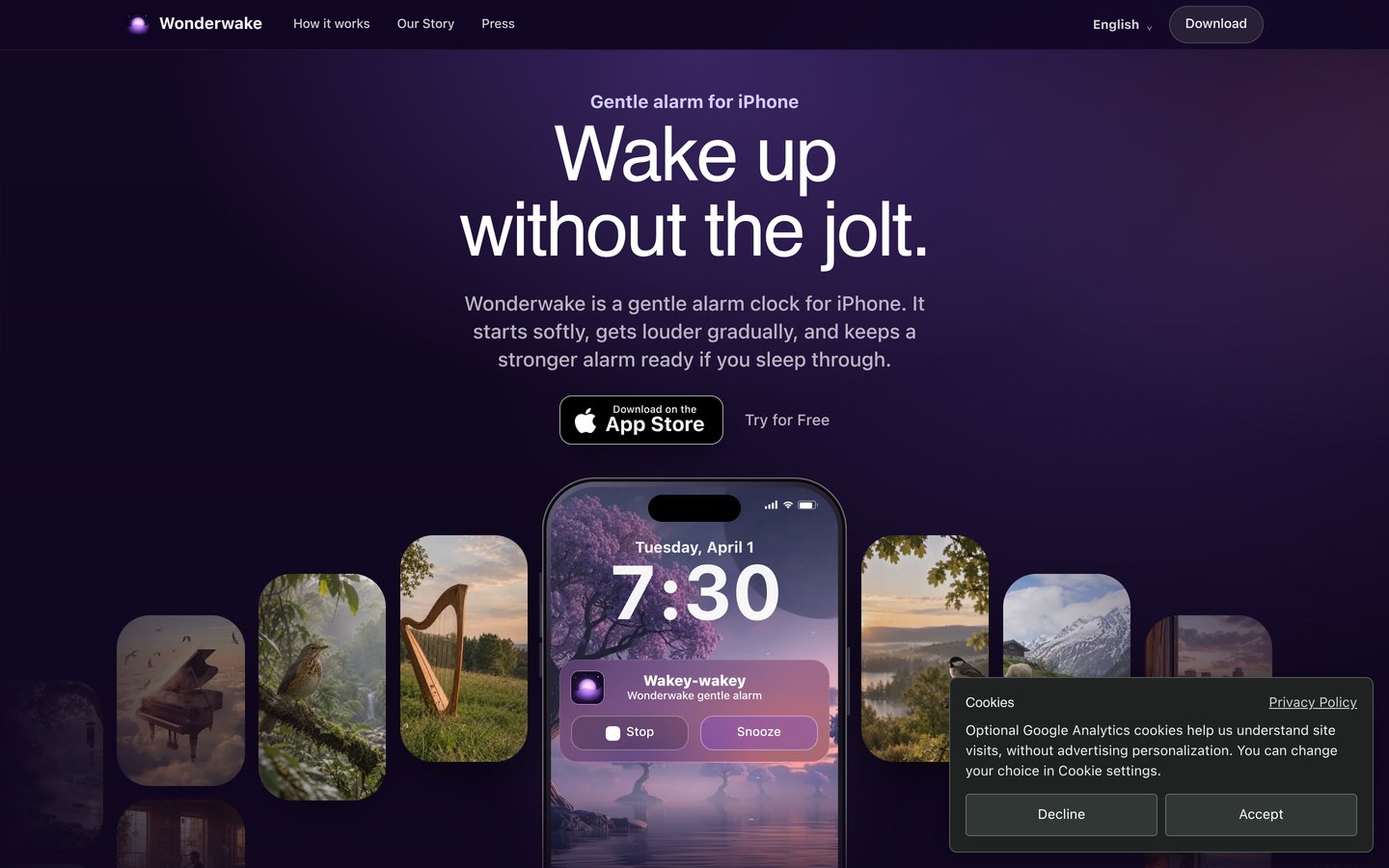
Wonderwake is the gentlest alarm in this list, starting with fade-in nature sounds that rise as slowly as you choose, then stepping up to a stronger alarm and a loud iPhone system alarm if you sleep through. It holds 4.7 out of 5 from 843 App Store ratings.
The trade off is that it is iPhone-only and paid after a 7-day trial. The yearly plan is $35.99, and much of the app sits beyond the alarm itself, with sleep tracking and an app blocker. It suits light sleepers who hate being jolted awake.
3.9/5on Google Play (749,000 reviews, checked Nov 2026)
PriceFree
Best free default on Android
Free planYes, fully free
DismissalOne tap
PlatformsAndroid only
Paid planNone
google.com
Google Clock homepage, captured Nov 2026.
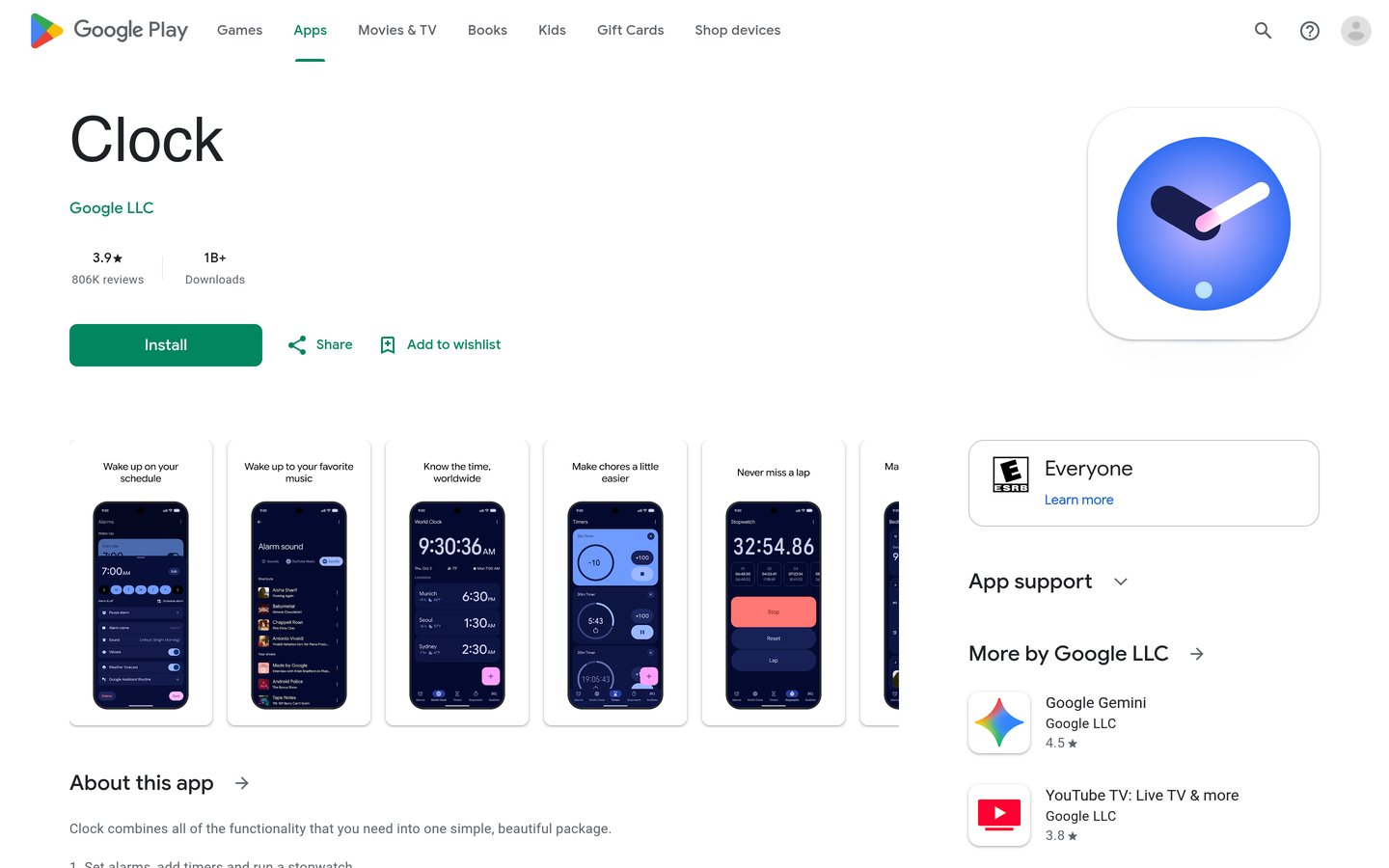
Google Clock is the free default in this list, already on most Android phones, with alarms, timers, a stopwatch, a world clock and a bedtime schedule with sleep sounds. It holds 3.9 out of 5 from about 749,000 Google Play reviews.
The trade off is that it will not fight you. Dismissal is one tap, with no missions, math or smart wake window, so heavy sleepers will sleep straight through it. It suits people who wake easily and want a simple, ad-free clock.
The only alarms that work for heavy sleepers are the ones that make you move. A photo mission, a barcode scan or a squat forces your body upright, which breaks the back-to-bed reflex that a louder tone cannot.
Put the phone across the room. A mission that needs a photo of your bathroom sink fails if the phone is on your nightstand, because you can solve a math problem half asleep.
Layer two alarms. A mission alarm first, then a system alarm a few minutes later, covers the morning you solve the mission and lie back down.
How we chose
We started from the alarm apps that 2026 roundups rank highest for heavy sleepers and smart waking, then kept those with a published price and a verifiable store rating.
Ratings and prices come from US App Store and Google Play listings as checked by independent roundups in October and November 2026, since these apps price inside the app stores.
We left out AMdroid because no Premium price could be verified, and BetterSleep because no store rating could be verified. No vendor paid for a place, and we do not claim hands-on testing for this list.
How to choose the best alarm app
Work out what kind of sleeper you are, then pick the alarm style that matches it.
Work out what kind of sleeper you are. If you turn alarms off in your sleep, you need missions. If you wake up groggy, you need a smart wake window instead.
Try the free version for a week. Every app here has a free tier or trial. A week of real mornings shows whether the alarm actually gets you up.
Set a backup alarm. Wonderwake schedules a system alarm if you sleep through, and Alarmy has a backup sound. One alarm is a wish; two is a plan.
Put the phone where you must move. A mission that needs a photo of your bathroom works only if the phone is not in your hand. Charge it across the room.
FAQ
What is the best alarm app?
Alarmy is the best alarm app for heavy sleepers, because missions force you out of bed before the alarm stops. Sleep Cycle is the best smart alarm for gentle waking, and Alarm Clock Xtreme is the best free anti-snooze alarm on Android.
What is the best alarm app for heavy sleepers?
Alarmy, because photo, barcode, math, shake and squat missions make it hard to snooze in your sleep. Sleep as Android adds CAPTCHA dismissal and a smart wake window, and Alarm Clock Xtreme is the best free option on Android.
Is there a free alarm app that actually works?
Yes. Alarm Clock Xtreme is free with ads and a $4.99 one-off ad removal, and Google Clock is fully free with no ads. Alarmy's core missions are free too, with Premium adding more mission types.
How much does Alarmy Premium cost?
Alarmy Premium is usually $59.99 a year after a 7-day trial, though the App Store lists Premium plans from $4.99 to $69.99 without labelling them. Check the price shown in the app before you subscribe.
Do smart alarms really work?
They wake you inside a window of light sleep, which can feel less groggy than a fixed alarm, but the sleep stages are estimates from sound or motion, not medical-grade tracking. They help light sleepers; they will not force a heavy sleeper up.
What is the best gentle alarm app for iPhone?
Wonderwake, with fade-in nature sounds that rise as slowly as you choose and a loud iPhone system alarm as backup. It costs $35.99 a year after a 7-day trial and holds a 4.7 rating from 843 reviews.
SaaS SEO and WordPress specialist with about 8 years of experience. Rakib compares WordPress plugins, themes, hosting and software using public pricing, documentation and user reviews. See how we rank.