Best AI Tool to Create Video from Text in 2026: 9 Tools Compared
WLWPLegible EditorsLast verified 24 Nov 2026How we rank12 min read
★ Short answer
Pictory is the best AI tool to create video from text for most creators. Its Starter plan costs $29 a month, turning a script, blog post or URL into a captioned video with stock footage and an AI voiceover, rated 4.8/5 on Capterra. Pick Fliki for the most voices, or Synthesia when the video needs an AI presenter.
How we make this list: we compare pricing pages, product documentation and public user reviews, then re-check every price before each update. No product paid for a place. Disclosure.
Pictory leads for script-to-video: blog posts, scripts and URLs become captioned videos from $29 a month.
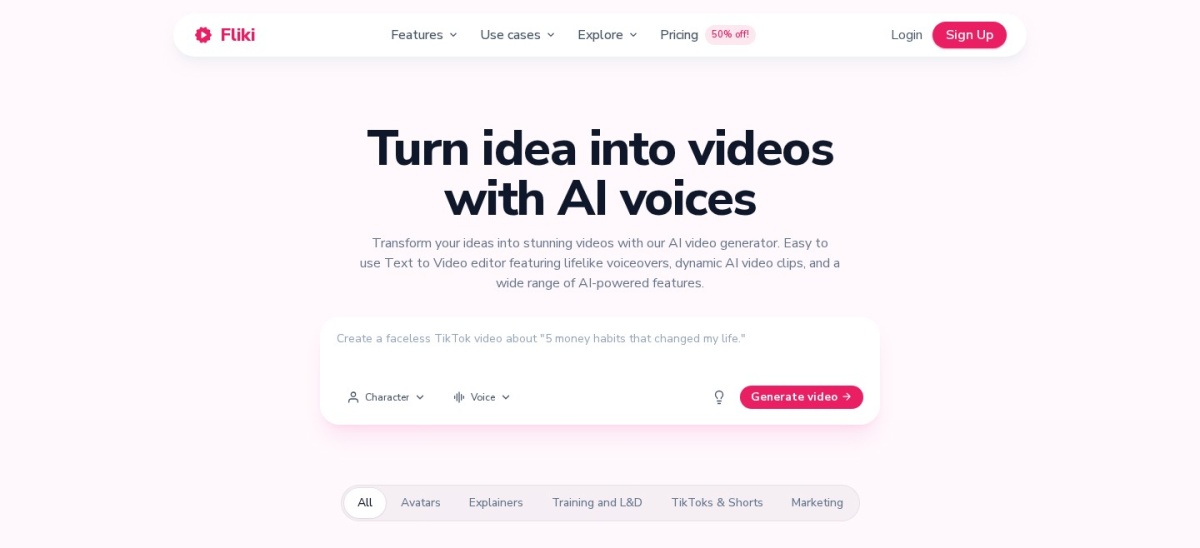
Fliki has the most voices here: 1,000 voices in 80+ languages, with voice cloning, from $28 a month.
Synthesia is the best avatar presenter: realistic AI presenters in 140+ languages from $19 a month.
Lumen5 is the best blog-to-video pick for marketers, turning articles into social clips from $29 a month.
Elai is the best document-to-video tool for training, turning PDFs and slides into avatar videos from $29 a month.
What a text-to-video tool should cover
Text-to-video tools split into three kinds. Script-to-video tools such as Pictory, Fliki and Lumen5 turn written words into narrated scenes with stock footage. Avatar tools such as Synthesia, Elai and Steve AI put a presenter on screen to read the script. Editors such as InVideo, Kapwing and Wave.video add text-to-video inside a fuller editor.
The meter is what decides the real price. Most tools ration output by credits or video minutes, and a month of daily shorts can push you a tier up. Check the allowance on the plan you would actually buy, not the headline price.
Free plans are useful for one test video, but every free plan watermarks the output or caps it hard. Pictory has no free plan at all, only a 14-day trial, and Steve AI's free tier does not allow downloads. Budget for a paid plan once the videos go public.
Our guide on the best AI video editing software covers the wider AI video editors for readers who want more than script-to-video, including Descript and Runway.
Pictory is a script-to-video tool that turns text, blog posts, URLs and long videos into short captioned clips with stock footage and an AI voiceover. Starter at $29 a month adds 30 videos a month, 6,000 AI voice minutes, 10M+ stock videos and a brand kit.
The trade off is the free tier. There is no free plan, only a 14-day trial, so every public video needs a paid plan. It suits marketers and bloggers who turn written content into short social video every week.
Fliki is a text-to-video and text-to-speech platform that turns ideas, scripts, blog posts and presentations into narrated video. Standard at $28 a month adds 180 credits a month, 1,000 voices with 500 ultra-realistic ones, 1080p export, voice cloning and commercial rights.
The trade off is the credit system. Re-renders and edits consume credits, and reviewers call the allowance easy to exhaust. It suits faceless YouTube channels and multilingual creators who need many voices in 80+ languages.
What we like
1,000 voices in 80+ languages
Voice cloning on Standard
Blog, script and PPT to video
Rated 4.7 out of 5 from 179 G2 reviews
Watch out for
Credits drain fast on re-renders
Free plan is 3 credits a month
Premium doubles the price for more credits
Premium adds 600 credits and API access at $88 a monthVisit fliki.ai
03
Synthesia
4.6/5on G2 (2,809 reviews, checked Nov 2026)
Paid from$19/mo
Best AI presenter videos
Avatars125+ on Starter
Video minutes3 a month on Starter
Languages140+
Paid planStarter, $19/mo
synthesia.io
Synthesia homepage, captured Nov 2026.
Synthesia is an AI video platform that turns a script into a video with a realistic AI presenter speaking in 140+ languages. Starter at $19 a month adds 3 minutes of video a month, 125+ avatars, AI dubbing and a free plan for trying the editor.
The trade off is the minute cap. Three minutes a month covers a few shorts, not a weekly show, and longer videos need Pro at $89 a month. It suits training, internal comms and explainers where a presenter beats stock footage.
InVideo is an AI video generator that turns a prompt or script into a full video with stock footage, voiceover and captions, then lets you edit it in a browser timeline. Starter at $20 a month adds 50 AI minutes a month, 100 GB storage and 80+ AI voices.
The trade off is the Plus price. The annual Plus rate in the compare table is $24 a month, while other reads show $30, so confirm before paying. It suits social media managers who need a week of shorts from a few prompts.
Lumen5 is a video maker that turns blog posts, articles and scripts into social video with stock footage, music and branded templates. Basic at $29 a month adds unlimited videos, 1080p export, custom fonts and colours, and a library of 500M+ stock assets.
The trade off is the review base. G2 shows 4.5 out of 5 from only 69 reviews, and the annual Basic rate is $19 a month, so monthly billing costs more. It suits marketing teams that repurpose every blog post into a short clip.
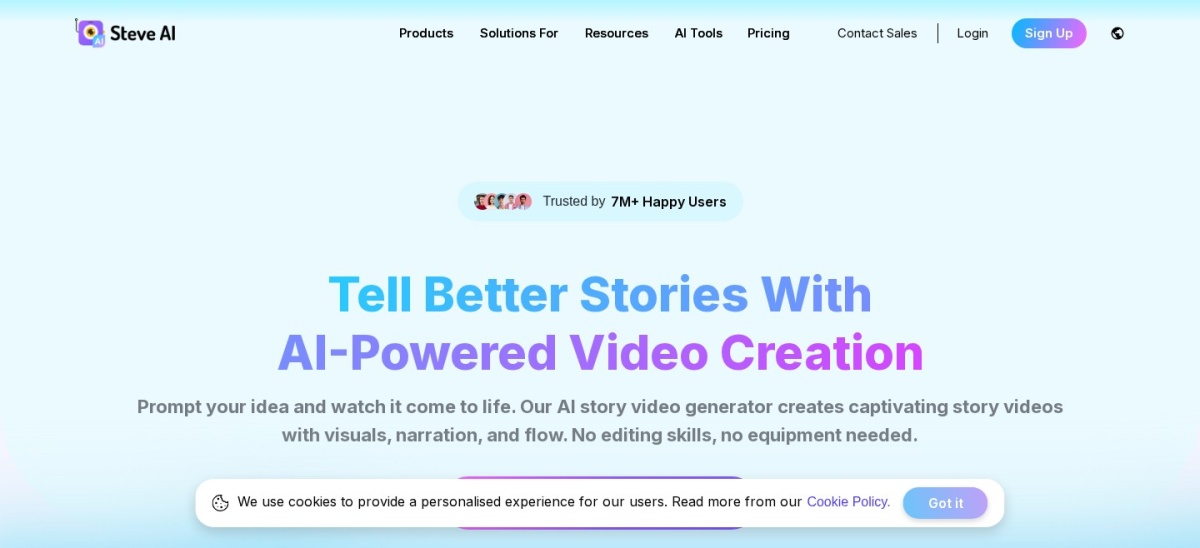
Steve AI is a text-to-video platform from Animaker that turns scripts, blog posts, prompts and audio into animated or live-action videos without editing skills. Starter at $29 a month adds watermark-free exports, 720p resolution, 100 minutes of AI video a month and 800 AI images.
The trade off is the free tier. There is no permanent free plan, only a trial, and the free tier does not allow downloads. It suits educators and marketers who want animated explainers from a script with almost no learning curve.
What we like
Easiest text-to-video flow here
Animated and live-action styles
Rated 4.6 out of 5 from 135 G2 reviews
Generative AI video on higher tiers
Watch out for
No permanent free plan, trial only
Free tier does not allow downloads
Pricing tiers are confusing across products
Pro adds 1080p and more minutes at $59 a monthVisit steve.ai
07
Kapwing
3.9/5on G2 (41 reviews, checked Nov 2026)
Paid from$24/mo
Best for editing text-to-video in the browser
Credits1,000 a month on Pro
Export4K, no watermark
Uploads6 GB on Pro
Paid planPro, $24/mo
kapwing.com
Kapwing homepage, captured Nov 2026.
Kapwing is a browser-based video editor with text-to-video, auto-captions, Smart Cut and Clean Audio built in. Pro at $24 a month adds 1,000 credits a month, no watermark, 4K export, 6 GB uploads and projects up to 2 hours.
The trade off is the rating. G2 shows 3.9 out of 5 from 41 reviews, and Trustpilot sits at 1.9, with recent reviewers reporting failed exports and slow support. It suits social media managers who caption, translate and resize short clips every week.
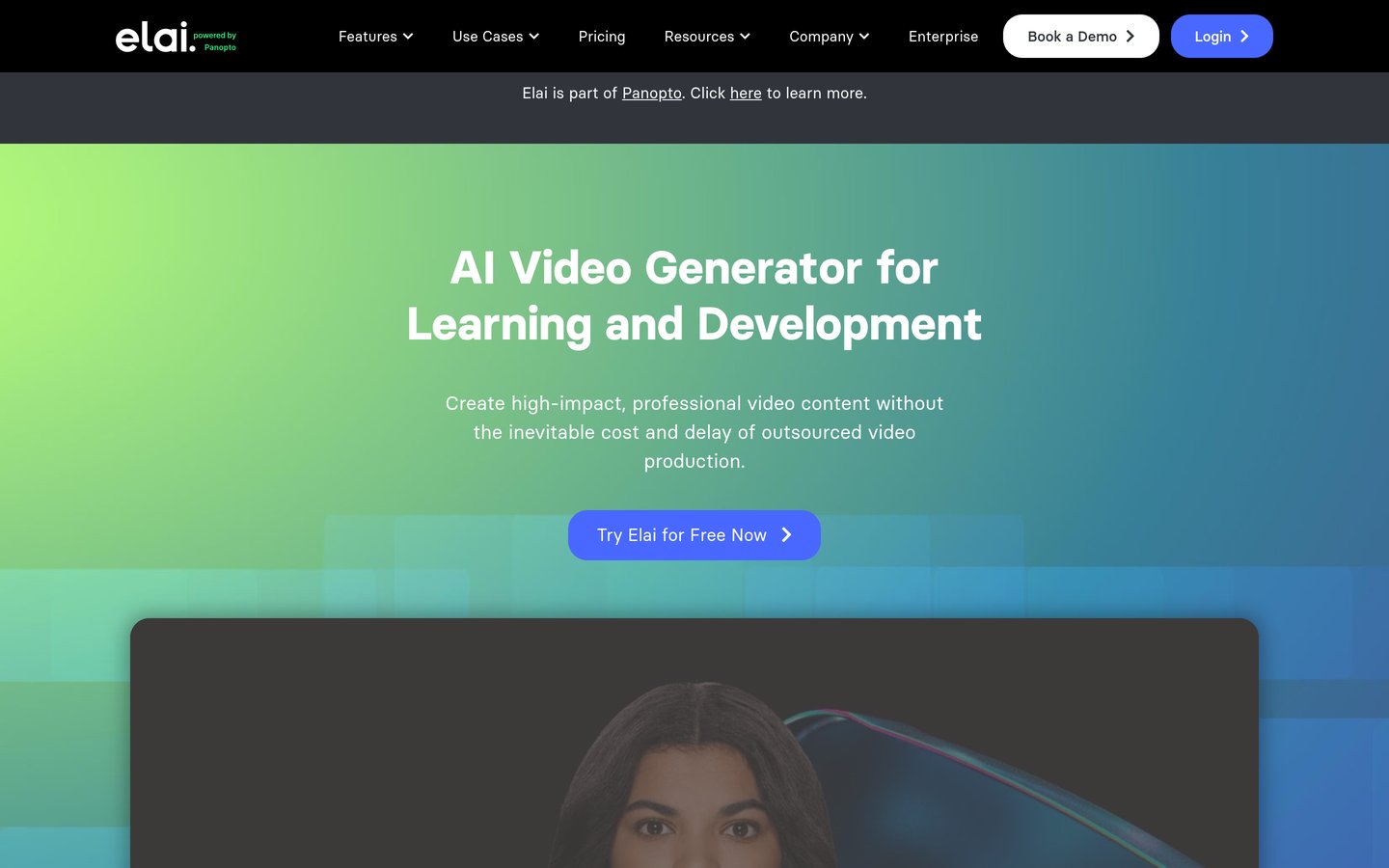
Elai is an AI video platform that turns text, PDFs, blog URLs and PowerPoint slides into avatar-presented videos, built for training and internal comms. Basic at $29 a month adds 15 video minutes a month, 80+ stock avatars, document-to-video and translations in 75+ languages.
The trade off is the minute meter. Fifteen minutes a month is a few short lessons, and extra minutes cost $2 each. It suits L&D teams that turn SOPs, decks and docs into bite-sized training video at scale.
What we like
Best document-to-video workflow here
80+ avatars from real actors
Quizzes and branching for training
Rated 4.5 out of 5 from 166 G2 reviews
Watch out for
Only 15 video minutes a month on Basic
Extra minutes cost $2 each
Avatar realism draws the most complaints
Higher tiers add more minutes and voice cloningVisit elai.io
09
Wave.video
4.6/5on G2 (83 reviews, checked Nov 2026)
Paid from$30/mo
Best all-in-one video marketing from text
Stock library200M assets
Video lengthUp to 30 minutes on Creator
Live streaming5 channels
Paid planCreator, $30/mo
wave.video
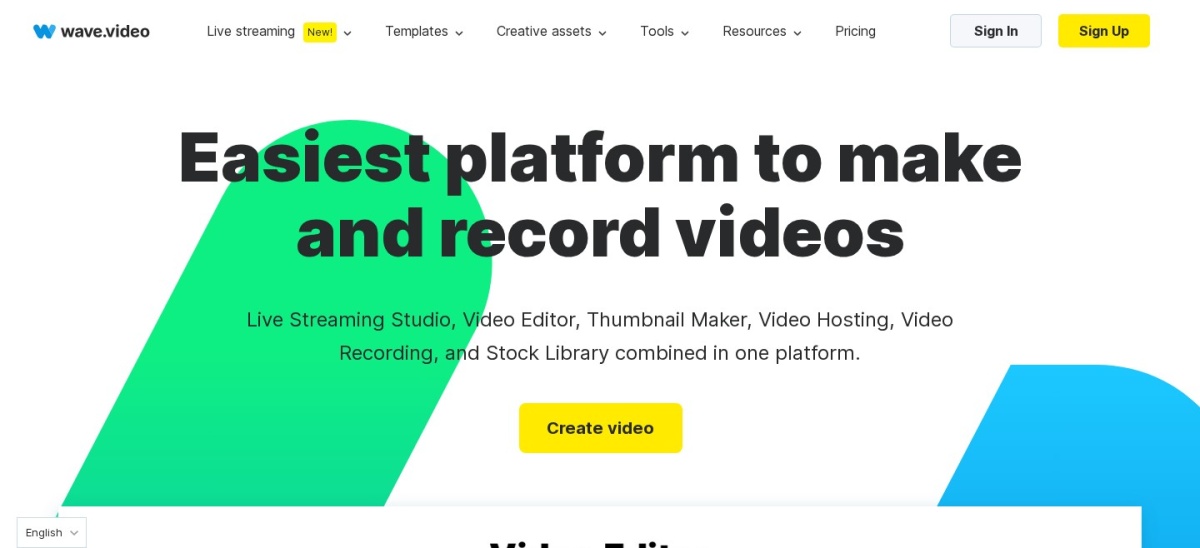
Wave.video homepage, captured Nov 2026.
Wave.video is an all-in-one video platform with a browser editor, live streaming, hosting and a 200M-asset stock library, plus text-to-video inside the editor. Creator at $30 a month adds video editing up to 30 minutes, stylish captions, background removal and text to speech.
The trade off is the price spread. G2 lists Creator at $24 a month, while the vendor page read on 23 November 2026 shows $30, with $24 as the annual rate. It suits small businesses that want editing, streaming and hosting in one subscription.
What we like
Editor, streaming and hosting in one
200M-asset stock library
Rated 4.6 out of 5 from 83 G2 reviews
Live streaming with 5 channels
Watch out for
Creator price differs between G2 and the vendor page
Free plan does not allow downloads
Text-to-video is one feature, not the focus
Business adds more hosting and team seats at $60 a monthVisit wave.video
Script, blog or slides: what are you converting?
Scripts win with Pictory, Fliki and Steve AI. Paste the words, pick a voice, and the tool builds scenes, captions and music around them.
Blog posts and URLs win with Pictory and Lumen5. Both pull a published article in and cut it into short social clips without retyping.
Slides and documents win with Elai and Steve AI. Upload a PowerPoint or PDF and an avatar presents it, which suits training and internal comms.
How we chose
We started from the best-known text-to-video tools with a public pricing page and a verifiable rating on G2 or Capterra, then kept 9 that cover script-to-video, avatar presenters and fuller editors.
Prices come from each vendor's pricing page, checked on 24 November 2026. Pictory, Synthesia and InVideo prices were read on the vendors' own pages that day; Fliki's page was opened the same day but its prices are JavaScript-rendered, so its $28 a month rests on November 2026 reads. Other prices rest on G2 pricing data and November 2026 reads. Ratings and review counts come from G2 or Capterra.
Four tools here also appear in our best AI video software list, because text-to-video is part of what they do; this list ranks them only on the text-to-video job. No vendor paid for a place, and we do not claim hands-on testing for this list. Where a vendor shows a sale, the list shows the regular price.
How to choose a text-to-video tool
Start with the input you have, then check the meter before you pay.
Name the input: script, blog or slides. Scripts suit Pictory, Fliki and Steve AI. Blog posts suit Pictory and Lumen5. Slides and PDFs suit Elai and Steve AI, where an avatar presents them.
Decide if you need a presenter. If a face should deliver the script, shortlist Synthesia, Elai or Steve AI. If stock footage and voiceover are enough, Pictory or Fliki cost less per video.
Check the meter, not the headline. Credits and video minutes are the real limit. A plan that looks cheap can cost more once daily shorts burn the allowance.
Test one video end to end. Paste a real script, export the video, and watch it with the sound off. Captions, scene picks and voice quality decide the buy, not the feature list.
FAQ
What is the best AI tool to create video from text?
Pictory is the best overall pick for most creators. Its Starter plan costs $29 a month, turning a script, blog post or URL into a captioned video with stock footage and an AI voiceover, and it is rated 4.8 out of 5 on Capterra.
Is there a free AI text-to-video tool?
Yes, with limits. Fliki, Synthesia, InVideo, Lumen5, Kapwing, Elai and Wave.video all offer a free plan, but exports are watermarked or capped. Pictory has no free plan, only a 14-day trial, and Steve AI's free tier does not allow downloads.
Can AI turn a blog post into a video?
Yes. Pictory and Lumen5 both take a blog URL and cut it into short captioned clips, and Fliki turns blog posts into narrated video. Check the result before publishing, since scene picks can miss the point of a paragraph.
How much does AI text-to-video cost?
Entry prices in this list run from $19 a month for Synthesia Starter to $30 a month for Wave.video Creator. Pictory Starter is $29 a month, and Fliki Standard is $28 a month.
Which text-to-video tool has the most voices?
Fliki leads with 1,000 voices on Standard, including 500 ultra-realistic ones, across 80+ languages. Voice cloning is available on Fliki Standard and Elai Advanced too.
Do these tools add captions automatically?
Yes, all nine add captions or subtitles automatically. Pictory, Lumen5 and Kapwing are the strongest here for social clips, where most viewers watch with the sound off.