WLWPLegible EditorsLast verified 22 Nov 2026How we rank12 min read
★ Short answer
ChatGPT is our top AI tool stack foundation, with a $20 monthly Plus subscription covering writing, coding, research, image generation and file analysis. Claude is an alternative for document-heavy work and coding, while Perplexity specializes in source-backed research. Add automation, knowledge and design tools as your workflow expands.
How we make this list: we compare pricing pages, product documentation and public user reviews, then re-check every price before each update. No product paid for a place. Disclosure.
ChatGPT Plus costs $20 monthly, combining advanced reasoning, coding, image generation, file analysis and research tools.
Claude Pro costs $200 annually or $20 with monthly billing, and includes Claude Code, Projects and expanded model access.
Perplexity Pro costs $17 monthly with annual billing and adds Deep Research, model selection and expanded research capabilities.
Zapier Professional starts at $19.99 monthly with annual billing, adding multi-step automation, premium integrations and AI fields.
Canva Pro costs $18 monthly at its regular price, with 10 times the premium AI allowance of Canva Free.
Grammarly Pro costs $144 annually, while Notion Plus starts at $10 per member monthly and Business adds ongoing AI workspace features for $20.
What makes a practical AI tool stack?
An AI tool stack combines applications that handle different stages of work. Instead of purchasing several chatbots with overlapping capabilities, businesses can connect general AI assistance with specialized research, automation, knowledge management and creative tools.
Start with a general-purpose AI assistant for writing, brainstorming, analysis and technical questions. Specialized tools become useful when a task requires capabilities such as reliable source discovery, structured knowledge storage or repeatable application workflows.
Evaluate how tools work together. Research findings should move into documents or project systems, while approved information can feed automation and content production. A disconnected collection of AI subscriptions creates more switching and management work.
Pricing models also differ. Some services charge fixed monthly subscriptions, while automation platforms use task allowances and workspace products charge per member. Free plans can help establish which features justify ongoing spending.
Privacy matters when combining applications. Review connected-account permissions, vendor data policies, access controls and whether automated actions require approval before introducing sensitive company information.
ChatGPT is a general-purpose AI assistant for writing, programming, research, data analysis and creative work. Its free edition offers limited access to AI models and tools, while Plus costs $20 monthly and expands access to advanced reasoning, image generation, file analysis, voice conversations and Deep Research. It can serve as the central assistant in a broader AI workflow.
The trade off is that Plus has usage limits and does not include separately billed API consumption. Specialized services may also provide better controls for particular tasks. It suits individuals and small teams that want a versatile starting point before purchasing dedicated research, design or automation software.
What we like
Handles writing, coding, analysis and research
Includes image generation and file analysis
Free edition available
Supports connected applications and tools
Reduces the need for separate single-purpose AI subscriptions
Watch out for
Usage limits vary by feature and model
API consumption is billed separately
Important claims and calculations require verification
Specialized workflows may need additional applications
Plus expands model access, advanced reasoning, research tools and generation allowances.Visit openai.com
02
Claude
4.7/5on G2 (2,240 reviews, checked Nov 2026)
Paid from$200/yr
Best for coding and document-heavy workflows
Entry paid planPro
Annual subscription$200/year
Monthly alternative$20/month
Development toolsClaude Code
claude.com
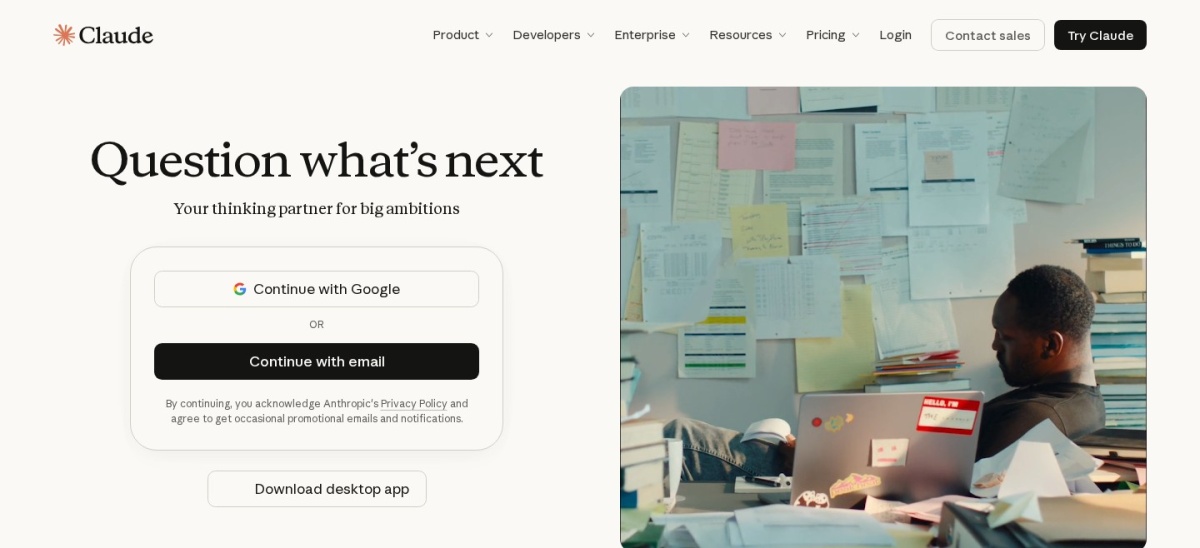
Claude homepage, captured Nov 2026.
Claude is an AI assistant for writing, coding, document analysis and complex reasoning. Its free edition includes conversational assistance and Artifacts, while Pro costs $200 annually or $20 monthly. Pro expands model access, usage allowances, Claude Code, Projects and connected workflows for handling ongoing technical or creative work.
The trade off is that Pro retains usage limits, and its capabilities overlap with general-purpose assistants such as ChatGPT. Heavier workloads may require Max at $100 monthly. It suits developers, researchers and professionals handling detailed documentation, technical projects and extended writing tasks.
What we like
Claude Code supports development workflows
Projects organize related documents and tasks
Artifacts support interactive outputs
Useful for long-form writing and technical analysis
Annual subscription reduces the effective monthly cost
Watch out for
Pro usage limits still apply
Overlaps with other general-purpose assistants
Higher usage subscriptions cost considerably more
Generated code and analysis require review
Pro adds Claude Code, Projects, additional models and expanded usage allowances.Visit claude.com
03
Perplexity
4.4/5on G2 (378 reviews, checked Nov 2026)
Paid from$17/mo
Best for research and source-backed answers
Entry paid planPro
Advertised annual rate$17/mo billed annually
Research capabilitiesDeep Research
AI model accessMultiple advanced models
perplexity.ai
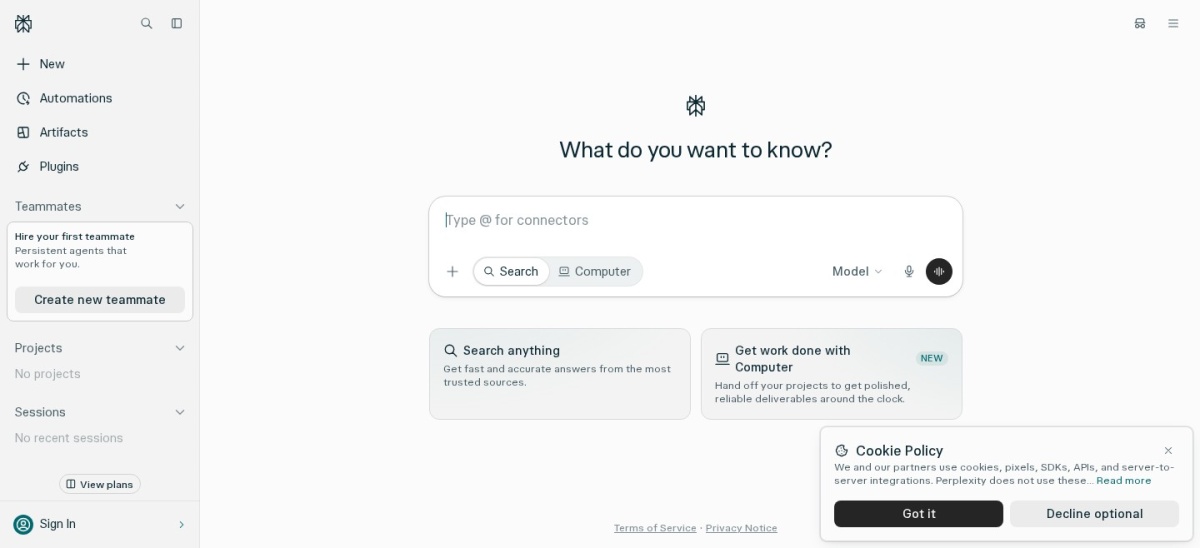
Perplexity homepage, captured Nov 2026.
Perplexity is an AI research platform that combines conversational search with citations to supporting sources. Its free edition offers search with limited AI access, while Pro costs an advertised $17 monthly when billed annually. Pro adds expanded research, preferred model selection, file analysis, additional connected sources and enhanced access to advanced AI models.
The trade off is that the published $17 rate requires annual billing, and citations do not guarantee factual accuracy. Advanced research and generation capabilities also have usage restrictions. It suits researchers, marketers and analysts who need current information with references alongside a general-purpose AI assistant.
What we like
Provides citations for research answers
Combines web search with advanced AI models
Free edition for basic research
Supports file analysis and connected sources
Useful for market and competitor research
Watch out for
Citations still require source verification
Advanced research has usage limits
Subscription overlaps with other AI assistants
Advertised lower rate requires annual billing
Pro expands research limits, model selection, file analysis and access to premium sources.Visit perplexity.ai
04
Zapier
4.5/5on G2 (2,169 reviews, checked Nov 2026)
Paid from$19.99/mo
Best for connecting AI tools and automating workflows
Free allowance100 tasks/month
Entry paid planProfessional
Starting price$19.99/mo billed annually
App connections9,000+
zapier.com
Zapier homepage, captured Nov 2026.
Zapier is a workflow automation platform that connects AI tools, business applications, forms and structured data. Its free edition includes 100 monthly tasks, unlimited Zaps, Tables and Forms, and Zapier Copilot. Professional starts at $19.99 monthly with annual billing and adds multi-step workflows, premium app connections, webhooks and AI fields.
The trade off is task-based billing, since larger workflows and increased task volumes can raise subscription costs. Some connected AI services also charge separately for their usage. It suits businesses that want research, content, CRM and reporting activities to trigger automated actions across existing applications.
What we like
Connects more than 9,000 applications
Free plan includes 100 monthly tasks
Professional supports multi-step workflows
Includes automation assistance through Copilot
Combines Forms, Tables and application workflows
Watch out for
Task consumption can increase costs
Complex automations require maintenance
Connected AI services may have additional charges
Professional is limited to an individual user
Professional adds premium applications, webhooks, multi-step workflows and AI fields.Visit zapier.com
05
Notion
4.6/5on G2 (14,021 reviews, checked Nov 2026)
Paid from$10/mo
Best for organizing AI-assisted knowledge and projects
Entry paid planPlus, $10/member/mo
AI on PlusTrial access
AI-focused editionBusiness, $20/member/mo
Workspace featuresDocs, databases and projects
notion.com
Notion homepage, captured Nov 2026.
Notion is a connected workspace combining documents, databases, project management and AI assistance. Its free edition supports personal organization and trial AI features, while Plus starts at $10 per member monthly and adds collaborative blocks, custom forms and expanded workspace functionality. Business costs $20 per member monthly and includes Notion Agent, AI Meeting Notes and enterprise search capabilities.
The trade off is that Plus includes only trial AI access, so ongoing advanced AI workflows require Business or another suitable arrangement. Teams must also maintain accurate and organized documentation. It suits organizations building a central knowledge base for projects, AI-assisted writing and coordinated work.
What we like
Combines documentation and project management
Free edition available
Supports databases and structured information
Business includes agent and meeting-note capabilities
Useful as a shared knowledge workspace
Watch out for
Plus does not include full ongoing Notion AI access
Per-member pricing increases team costs
Complex databases require configuration
AI output quality depends on source documentation
Business adds Notion Agent, AI Meeting Notes, enterprise search and granular permissions.Visit notion.com
06
Canva
4.7/5on G2 (7,923 reviews, checked Nov 2026)
Paid from$18/mo
Best for visual content in an AI tool stack
Free templates1.6M+
Entry paid planPro, $18/month
Premium AI allowance10x Canva Free
Pro brand kits5
canva.com
Canva homepage, captured Nov 2026.
Canva is a visual communication platform for creating presentations, images, social graphics and marketing materials with AI assistance. Its free edition includes more than 1.6 million templates and limited AI access. Pro costs $18 monthly at the regular rate and provides expanded AI allowances, premium content, additional editing features and 5 brand kits.
The trade off is that premium AI usage is allowance-based, and Canva does not replace specialized development or research tools. A temporary offer discounts the first three months, but the regular price remains $18 monthly. It suits marketers, creators and businesses producing finished visuals alongside AI-generated writing and research.
What we like
Combines AI generation with complete designs
Large template and creative asset libraries
Free edition with limited AI access
Supports presentations and social graphics
Brand kits help maintain design consistency
Watch out for
Premium AI usage has limits
Advanced creative work may require specialist tools
Additional AI capacity may cost extra
Pro is designed primarily for individual use
Pro adds premium assets, expanded AI usage, brand kits and editing features.Visit canva.com
07
Grammarly
4.7/5on G2 (14,158 reviews, checked Nov 2026)
Paid from$144/yr
Best for professional AI-assisted writing
Free plan100 AI prompts/month
Entry paid planPro
Annual subscription$144/member/year
Pro AI allowance2,000 prompts/month
grammarly.com
Grammarly homepage, captured Nov 2026.
Grammarly is an AI communication assistant for correcting grammar, improving clarity and refining professional writing. Its free edition includes 100 AI prompts monthly, while Pro costs $144 per member annually and provides 2,000 monthly prompts, advanced rewriting, plagiarism detection and personalized writing suggestions. It works across supported websites and applications.
The trade off is that monthly billing costs $30 per member, while quarterly billing costs $60, making the annual plan less expensive over a full year. Its primary focus is communication rather than broad research or coding. It suits professionals who regularly refine AI-generated drafts into polished emails, documents and business content.
What we like
Provides writing feedback across supported applications
Free edition includes AI writing assistance
Helps improve grammar, clarity and tone
Pro includes 2,000 monthly AI prompts
Annual subscription offers a lower effective monthly cost
Watch out for
Monthly billing costs more than annual billing
Overlaps with general AI writing assistants
Suggestions sometimes require manual correction
Not a standalone research or automation platform
Pro adds advanced rewriting, plagiarism checks, personalized suggestions and expanded AI prompts.Visit grammarly.com
How to combine these AI tools into a practical workflow
Start with ChatGPT or Claude as your primary assistant for writing, analysis and problem-solving. Maintaining both subscriptions can make sense for specialized needs, but most individuals should identify a clear benefit before paying for overlapping capabilities.
Add Perplexity when work depends on current external information. Use its citations to locate supporting evidence, then review original sources before incorporating important claims into decisions or documents.
Store approved information and project decisions in Notion. Use Zapier to transfer structured data between connected services, trigger repeatable processes and reduce manual copying.
Use Canva for visual marketing assets and presentations. Add Grammarly when professional communication requires dedicated editing support across everyday applications.
Give each application a distinct responsibility. The goal is to improve the complete workflow rather than collect subscriptions.
How much should an AI tool stack cost?
A basic stack can start with free editions of ChatGPT, Claude, Perplexity, Zapier, Notion, Canva and Grammarly. Free allowances and trial features differ, so this arrangement is more suitable for occasional usage than intensive production work.
For general AI assistance, ChatGPT Plus costs $20 monthly. Claude Pro costs $200 annually, and Perplexity advertises Pro at $17 monthly with annual billing. These services overlap, so purchasing every subscription is not automatically necessary.
Specialized tools add separate costs. Canva Pro costs $18 monthly at the regular rate, Zapier Professional starts at $19.99 monthly with annual billing, and Grammarly Pro costs $144 annually. Notion Plus starts at $10 per member monthly, but ongoing advanced AI requires the $20 Business edition.
Before buying, estimate recurring workload, expected time savings and actual usage requirements. Include automation overages, AI limits, annual commitments and separately billed API services.
How we chose
We selected established AI applications that cover complementary requirements in a practical tool stack: general assistance, coding, research, automation, knowledge management, visual creation and professional writing. We prioritized products with substantial independent review histories, maintained services and clear official descriptions of their capabilities.
Official vendor pricing pages and G2 review listings were checked on 24 Nov 2026 using the 22 Nov 2026 editorial reference date. Published prices reflect regular rates, not introductory offers. We distinguished monthly subscriptions from annual billing equivalents and identified higher editions needed for advanced AI features.
We excluded products without adequate public reviews, applications that duplicated existing categories without a distinct benefit and services whose subscription details could not be supported by official documentation. Rankings reflect documented workflow coverage and publicly reported feedback rather than measured performance in controlled experiments. No vendor paid for a place, and we do not claim testing for this list.
How to choose the right AI tool stack
Identify the tasks that consume the most time in your current workflow, then select complementary tools using these steps.
Choose one primary AI assistant. Start with a general-purpose tool for writing, reasoning, research and analysis. Compare how well it handles your actual documents, questions and technical tasks before adding another chatbot subscription.
Add specialized tools for clear limitations. Use a dedicated research platform when source verification matters, a design platform for finished visuals and a writing assistant when consistent editing support is important. Avoid applications that duplicate work already handled adequately.
Connect tools around reliable knowledge sources. Establish where approved information, project records and reusable content will be stored. Connect applications through automation only after documenting data flows, access permissions and processes requiring human approval.
Measure costs against actual productivity. Compare monthly and annual subscriptions, AI allowances, task consumption and API fees. Review whether each paid product saves enough time or improves important outcomes to justify keeping it.
FAQ
What is an AI tool stack?
An AI tool stack is a collection of AI-enabled applications used together to complete business or personal workflows. It commonly includes an AI assistant, research tools, automation software and specialized applications for writing or design. A useful stack minimizes duplicated capabilities and connects information between tasks.
What is the best AI tool stack for beginners?
Start with ChatGPT for general assistance, Perplexity for research and Canva for visual creation. Their free editions can support basic experimentation before purchasing subscriptions. Add Notion for project organization and Zapier when repetitive workflows become worth automating.
How much does a basic AI tool stack cost?
A basic stack can use free plans, although usage allowances vary. ChatGPT Plus costs $20 monthly, Canva Pro costs $18 monthly, and Zapier Professional starts at $19.99 monthly with annual billing. The total depends on which applications you actually need and how often you use them.
Should I use ChatGPT and Claude together?
Both provide writing, coding and reasoning capabilities, so many users do not need simultaneous paid subscriptions. Claude may be useful for particular document or development workflows, while ChatGPT covers broad assistant tasks. Compare your actual requirements before paying for both services.
What AI tools should a marketing team use?
A marketing team can combine ChatGPT for drafting and analysis, Perplexity for external research, Canva for graphics, Grammarly for editing and Zapier for workflow automation. Notion can store campaign information and approvals. The exact stack should reflect existing marketing platforms and team processes.
Can I build an AI tool stack for free?
Yes. ChatGPT, Claude, Perplexity, Notion, Canva, Zapier and Grammarly all provide free access or free editions. However, some advanced AI capabilities are available only on paid subscriptions or through temporary trials. Free plans are generally better suited to learning and lighter workloads.
Which AI tool is best for automating business workflows?
Zapier is a strong option for connecting applications, transferring structured information and triggering repeatable actions. Its free plan includes 100 tasks monthly, while Professional adds multi-step workflows and premium applications. Automation quality depends on correctly configured triggers, data mappings and approval controls.
How do I prevent overlapping AI subscriptions?
Assign a clear responsibility to every application in the stack. For example, use one primary assistant, one research system, one knowledge workspace and one automation platform. Review whether paid features are already available in existing applications before purchasing another subscription.
Is an AI tool stack safe for business information?
Safety depends on each provider's privacy terms, account configuration and access controls. Review data retention, training policies, connected application permissions and administrative features. Avoid uploading confidential information to unapproved services, and require human review before automated workflows make sensitive changes.