Best AI Tool for Image Creation in 2026: 7 Tools Compared
WLWPLegible EditorsLast verified 22 Nov 2026How we rank12 min read
★ Short answer
Adobe Firefly is our top AI image creation tool, with a $9.99 monthly Standard plan offering 2,000 generative credits and image editing tools. Midjourney is better for artistic concepts and atmospheric visuals, while Leonardo.Ai offers a broader selection of models and a free daily token allowance.
How we make this list: we compare pricing pages, product documentation and public user reviews, then re-check every price before each update. No product paid for a place. Disclosure.
Adobe Firefly Standard costs $9.99 monthly and includes 2,000 generative credits, supporting up to 400 images depending on the model and operation.
Midjourney Basic costs $10 monthly or $8 monthly with annual billing, making it a relatively affordable dedicated AI image generator.
Leonardo.Ai Essential costs $12 monthly and includes 8,500 fast tokens, access to 80+ models and private generations.
Canva Pro has a regular monthly price of $18 and offers 10 times the premium AI allowance of Canva Free.
Recraft has a 4.7/5 G2 rating from 456 reviews and offers AI vector generation, image editing and commercial rights on paid plans.
Magnific has a 4.7/5 G2 rating from 215 reviews and combines AI image generation, editing and stock assets in one creative platform.
What to look for in an AI image creation tool
AI image generators turn written descriptions into illustrations, photographs, concept art and other visual assets. Some focus on image quality and creative exploration, while others include layout tools, photo editing and production workflows.
Start with the type of image you need. Photorealistic product concepts, illustrated characters, social media graphics and vector logos require different controls. A tool that produces attractive artwork may not be ideal for accurately rendering text or creating editable brand assets.
Image editing is just as important as generation. Look for inpainting, background removal, reference images, style controls and the ability to revise selected areas without recreating the entire composition.
Subscription limits need careful comparison. Some services use monthly credits or tokens, while others provide GPU time, generation allowances or access to selected models at a slower processing speed. These units are not directly interchangeable.
Finally, verify commercial usage rights and privacy settings. Free outputs may be public or subject to different ownership terms, and paying for a subscription does not automatically guarantee copyright protection for everything generated.
Adobe Firefly is a generative AI platform for creating images, editing photographs, producing illustrations and exploring visual concepts. Its free plan offers limited daily generations, while Standard costs $9.99 monthly and includes 2,000 generative credits, access to multiple image models and up to 400 image generations depending on usage. Firefly also includes editing tools and visual collaboration through Firefly Boards.
The trade off is that credit consumption varies by model and task, and the $9.99 plan does not provide unlimited access to every premium generation model. Firefly Pro costs $29.99 monthly at its regular price. It suits designers and marketers who want image generation connected to practical editing and creative workflows.
What we like
Combines image generation with selective editing
Access to models from multiple AI providers
Free plan for exploring image creation
Includes Firefly Boards for concept development
Published subscription pricing and credit allowance
Watch out for
Premium operations consume generative credits
Output quality depends on the selected model
Advanced generation capacity requires a higher plan
Pro adds 4,000 monthly credits and expanded generation allowances.Visit adobe.com
02
Midjourney
4.2/5on G2 (306 reviews, checked Nov 2026)
Starts at$10/mo
Best for artistic images and creative concepts
Entry planBasic
Monthly price$10
Annual billing$8/mo equivalent
Plan optionsBasic, Standard, Pro, Mega
midjourney.com
Midjourney homepage, captured Nov 2026.
Midjourney is a dedicated AI image generator that transforms text prompts and visual references into artwork, illustrations and photorealistic concepts. Its Basic subscription costs $10 monthly or $8 monthly when paid annually. The platform offers image variations, creative controls, editing tools and workflows for refining visual compositions.
The trade off is that Basic has more restrictive generation allowances than higher subscriptions, while Standard costs $30 monthly at its regular rate. Some workflows also require learning Midjourney's particular prompt and editing controls. It suits artists, creative directors and content creators who prioritize visual style and concept exploration.
What we like
Strong focus on artistic image generation
Supports variations and visual references
Offers detailed image refinement controls
Published pricing across subscription tiers
Suitable for illustration and concept development
Watch out for
No general permanent free plan
Basic has limited generation capacity
Detailed editing may take several iterations
Not a complete graphic design platform
Standard adds more fast generation time and relaxed image generation.Visit midjourney.com
03
Leonardo.Ai
4.5/5on G2 (34 reviews, checked Nov 2026)
Paid from$12/mo
Best for experimenting with multiple image models
Free allowance150 tokens/day
Entry paid planEssential, $12/mo
Paid model access80+ models
Essential tokens8,500/month
leonardo.ai
Leonardo.Ai homepage, captured Nov 2026.
Leonardo.Ai is an AI image and video creation platform offering multiple models, image guidance, canvas tools and customizable visual styles. Its free plan includes 150 fast tokens daily, while Essential costs $12 monthly and provides 8,500 fast tokens, access to more than 80 models, private generations and 10 personal AI model trainings monthly.
The trade off is that different models and generation settings consume tokens at different rates, while unlimited relaxed image generation requires Premium at $30 monthly. Some advanced workflows also take time to learn. It suits creators producing character concepts, illustrations, marketing visuals and varied artistic styles.
What we like
Free daily token allowance
Access to more than 80 models with Essential
Private generation on paid subscriptions
Supports image references and editing
Personal AI model training on paid plans
Watch out for
Token consumption varies by operation
Free creations have different ownership conditions
Unlimited relaxed generation requires Premium
Advanced settings may overwhelm beginners
Premium adds 25,000 monthly fast tokens and relaxed image generation on selected models.Visit leonardo.ai
04
Canva
4.7/5on G2 (7,923 reviews, checked Nov 2026)
Paid from$18/mo
Best for AI images inside finished marketing designs
Free editionLimited AI access
Pro regular price$18/mo
Premium AI allowance10x Canva Free
Pro brand kits5
canva.com
Canva homepage, captured Nov 2026.
Canva is a visual design platform with AI image generation, editing, templates and publishing tools. Its free edition includes limited AI access, while Canva Pro costs $18 monthly at its regular rate and provides 10 times the premium AI allowance of Canva Free. Pro also includes 5 brand kits, premium design assets and AI-supported creative editing.
The trade off is that Canva is broader than a dedicated image generator, and advanced AI operations share a monthly allowance. A promotional discount may apply to the first three months, but the regular price remains $18 monthly. It suits marketers, bloggers and small businesses creating finished graphics rather than standalone AI artwork.
What we like
Combines AI images with complete graphic layouts
Large collection of templates and stock assets
Free edition with limited AI generation
Supports brand kits and social media content
Image editing and publishing in one workspace
Watch out for
Premium AI usage is allowance-based
Less specialized than dedicated artistic generators
Advanced AI usage may require add-ons
Pro is designed for an individual account
Pro adds premium AI tools, expanded allowances, brand kits and premium design assets.Visit canva.com
05
Recraft
4.7/5on G2 (456 reviews, checked Nov 2026)
PricingCustom pricing
Best for AI vectors and brand illustrations
Free planAvailable
Paid editionsBasic, Pro, Teams
Image formatsRaster and vector
Commercial rightsIncluded with paid generations
recraft.ai
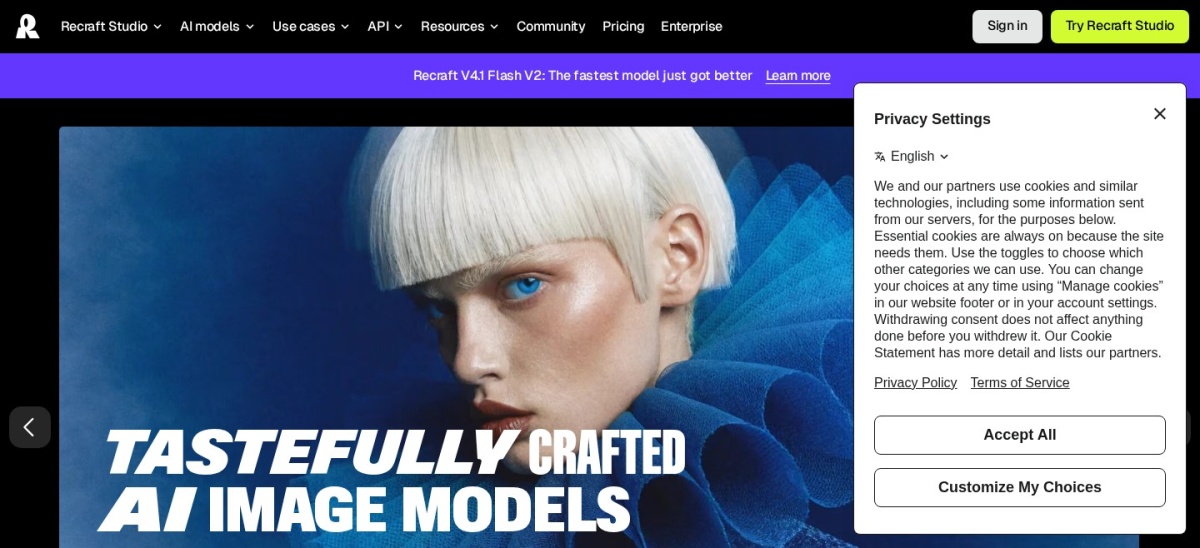
Recraft homepage, captured Nov 2026.
Recraft is an AI design platform for generating images, vector graphics, icons and illustrations from text prompts. Its free edition supports creative exploration, while paid Basic, Pro and Teams subscriptions provide private generations, commercial rights and credit-based access to additional image operations. Recraft also offers background removal, image editing, outpainting and developer API capabilities.
The trade off is that the accessible pricing page does not expose a reliably verifiable USD subscription amount, so a specific paid price is not stated here. Free creations remain publicly visible and have different ownership rights from paid generations. It suits designers creating icons, marketing illustrations and editable vector assets.
What we like
Creates both raster and vector imagery
Supports icons and brand illustrations
Free plan for exploring visual generation
Paid creations include commercial usage rights
Provides image editing and developer API features
Watch out for
Free generations are public and have restricted rights
Subscription credits expire at the billing reset
Official pricing requires confirmation in the purchasing interface
Paid subscriptions add private creations, commercial ownership rights and additional credits.Visit recraft.ai
06
Magnific
4.7/5on G2 (215 reviews, checked Nov 2026)
PricingCustom pricing
Best for AI image creation and enhancement
Former brandingFreepik
Entry paid editionPremium
Premium credits240,000/year
Creative assets250M+ stock assets
magnific.com
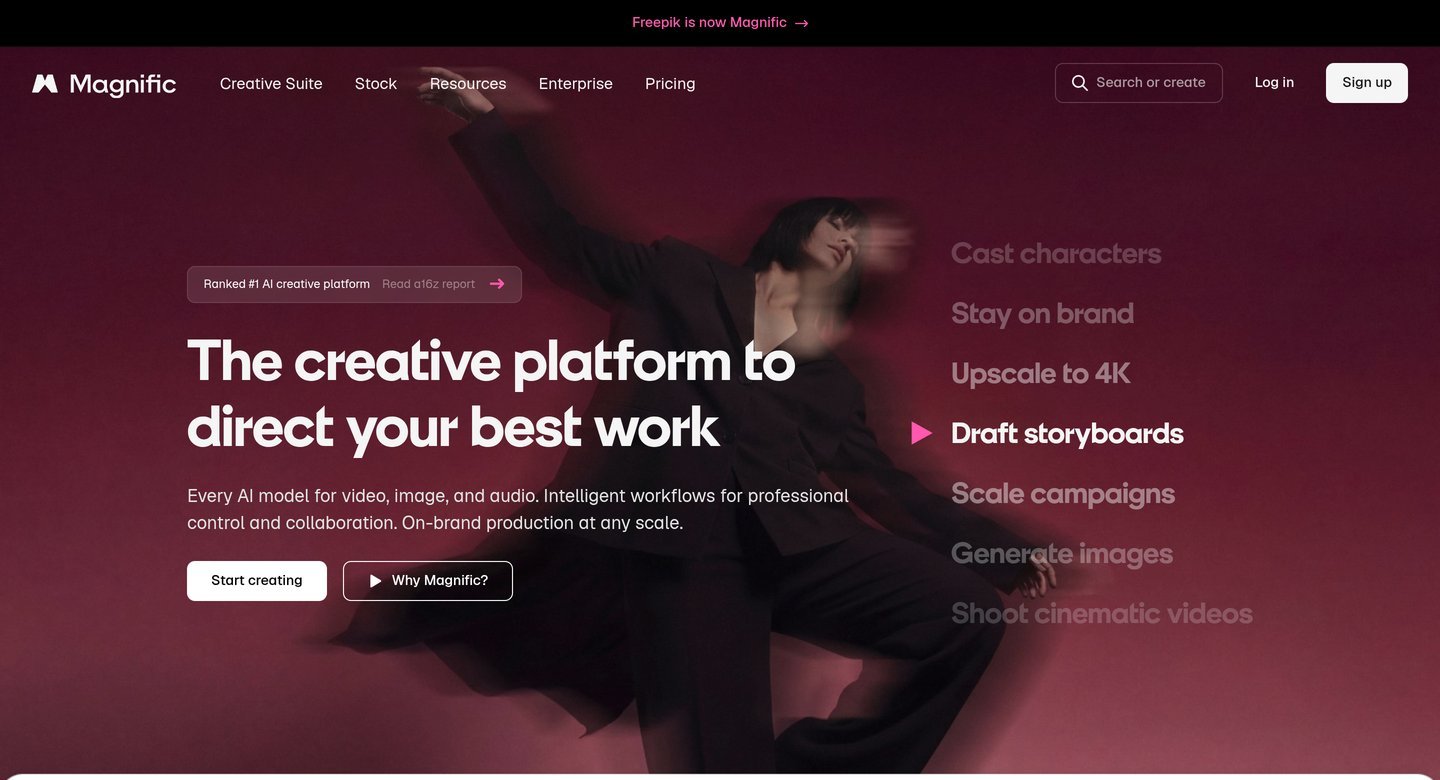
Magnific homepage, captured Nov 2026.
Magnific is a creative AI platform, formerly branded as Freepik, combining image generation, photo editing, upscaling and stock media. Its Premium subscription includes 240,000 annual credits, access to image and video models, editing tools and stock content. The platform also offers free creative access and tools for generating variations, removing backgrounds and enhancing images.
The trade off is that its subscription page uses localized prices and temporary promotions, preventing a reliable regular USD amount from being established here. Generation costs also vary by model and operation. It suits creators who want AI image production, stock assets and image enhancement within a shared workspace.
What we like
Combines AI generation with image enhancement
Access to multiple image models
Includes an extensive stock asset library
Supports background removal and image editing
Offers annual credit allowances
Watch out for
Regular USD pricing needs confirmation
Credits vary by model and creative task
Higher-volume generation can require additional credits
Broad feature selection may complicate plan comparison
Premium adds annual AI credits, creative editing tools and access to premium stock content.Visit magnific.com
07
Picsart
4.5/5on G2 (800 reviews, checked Nov 2026)
PricingCustom pricing
Best for social images and AI photo editing
Paid entry editionPro
Advanced editionUltra
Cloud storage on Pro100 GB
Bulk editingUp to 50 images
picsart.com
Picsart homepage, captured Nov 2026.
Picsart is an AI-powered creative platform combining image generation, photo editing, templates and social content tools. Its free app provides an entry point, while Pro includes access to AI image models, advanced background removal, image enhancement, premium templates and 100 GB of cloud storage. Pro also supports bulk editing of up to 50 images.
The trade off is that the accessible official pricing page displays localized subscription amounts rather than a verifiable regular USD price. AI credits and model access also depend on the chosen subscription. It suits social media creators and small businesses that need AI-generated visuals alongside practical photo editing and reusable content designs.
What we like
Combines AI generation and photo editing
Includes background and object removal
Supports social content and marketing graphics
Bulk editing tools for repeated image tasks
Offers templates and stock creative assets
Watch out for
Regular USD pricing could not be confirmed
AI credit availability depends on subscription
Advanced models and features require paid access
Less focused on professional vector illustration
Pro adds advanced editing, premium templates and AI access; Ultra expands usage capacity.Visit picsart.com
Which type of AI image creator do you need?
Dedicated generators focus on producing images from prompts, reference material and style controls. Midjourney and Leonardo.Ai fit this category, making them suitable for artwork, concepts and visual experimentation.
Creative production platforms combine image generation with editing and design workflows. Adobe Firefly, Canva and Picsart are useful when the generated image is only part of a larger marketing or design project.
Vector-focused generators support editable graphics, icons and illustrations. Recraft is particularly relevant when a design needs to remain adjustable after generation.
All-in-one image workspaces combine several AI models with editing and enhancement tools. Magnific offers this approach alongside stock assets, giving creators different ways to generate and refine visuals.
Can you use AI-generated images commercially?
Commercial usage depends on the platform's terms, your subscription and the content being generated. Always review the current license before using AI images in advertising, product packaging or client deliverables.
Recraft distinguishes its free images from paid creations: free outputs are public and owned by the platform, while paid generations receive commercial usage rights. Leonardo.Ai also specifies different ownership conditions for paid and free generations.
Commercial permission is not the same as guaranteed copyright ownership or freedom from third-party claims. Avoid assuming that an AI-generated logo, character or recognizable brand element is automatically eligible for exclusive protection.
For business projects, maintain records of prompts, source images and licensing terms. Human review remains important when an output resembles recognizable people, copyrighted characters, trademarks or existing creative work.
How we chose
We researched established AI image creation platforms with active products, meaningful public review histories and official documentation covering image generation, editing or design workflows. The comparison includes dedicated image generators, AI design platforms and broader creative workspaces rather than tools focused solely on traditional image editing.
Official pricing pages and G2 ratings were reviewed against the 22 Nov 2026 editorial reference date, with source pages reopened on 24 Nov 2026. Public USD prices use regular subscription amounts rather than introductory discounts. Where pricing pages exposed only localized or inaccessible subscription amounts, the tool is identified as custom-priced rather than assigned an invented dollar value.
We excluded products without an adequate independent review history, tools lacking a meaningful image-generation feature and services whose commercial or purchasing information was insufficiently supported. We evaluated documented capabilities, licensing terms and publicly reported user feedback rather than making claims about output quality from direct experiments. No vendor paid for a place, and we do not claim testing for this list.
How to choose the best AI tool for image creation
Identify the images you need to produce and how they will be used before comparing subscriptions. Then follow these steps.
Define your main image style and purpose. Decide whether you need realistic photography, artwork, illustrated characters, vector graphics or completed marketing designs. Choose a platform with features suited to that output instead of relying only on general image quality claims.
Compare editing and reference controls. Look for inpainting, image guidance, background removal and the ability to preserve important details during revisions. Teams producing repeatable brand assets should also check style consistency and whether outputs remain editable.
Check commercial rights and privacy. Read the vendor's terms for free and paid generations, including whether creations are public, commercially usable or retained by the provider. Verify any restrictions on uploaded reference images and client material.
Estimate your real generation costs. Compare credits, tokens, fast processing time and subscription rates using realistic project volumes. Include the cost of revisions and premium models rather than evaluating plans solely by their advertised monthly price.
FAQ
What is the best AI tool for image creation?
Adobe Firefly is our top overall recommendation because it combines image generation, editing tools and access to multiple AI models in one creative platform. Midjourney is a strong alternative for artistic visuals, while Leonardo.Ai offers extensive model selection and a free daily token allowance.
Which AI image generator is best for beginners?
Canva is particularly accessible for beginners because it combines AI-generated images with templates, editing and finished graphic layouts. Adobe Firefly also provides a visual interface for creating and modifying images. Both allow users to start with limited free AI capabilities before purchasing a subscription.
What is the best free AI image generator?
Leonardo.Ai provides 150 free fast tokens daily, making it useful for exploring different image styles. Adobe Firefly offers limited free daily generations, while Canva provides restricted AI access through its free edition. Free usage allowances and commercial rights differ, so check the terms before publishing images.
How much does AI image creation software cost?
Adobe Firefly Standard costs $9.99 monthly, Midjourney Basic costs $10 monthly, and Leonardo.Ai Essential costs $12 monthly. Canva Pro lists a regular monthly price of $18. Higher subscriptions generally provide more generation capacity, additional models or expanded editing capabilities.
Which AI tool creates the most realistic images?
Midjourney, Adobe Firefly and Leonardo.Ai all support realistic image generation, although their results depend on the model, prompt and reference inputs. Photorealism alone should not determine your choice. Evaluate the platform's ability to follow composition instructions, preserve details and revise images accurately.
Can AI create logos and vector graphics?
Yes. Recraft supports AI-generated vector graphics, illustrations and icons, making it relevant for early logo concepts and editable design assets. However, AI-generated logos should be reviewed for originality, visual clarity and potential trademark conflicts before being used as permanent brand identities.
Can I sell AI-generated images?
Some platforms permit commercial use under their subscription terms, but permissions differ. Recraft grants commercial rights for images created under paid subscriptions, while free outputs have different conditions. Selling generated images also requires consideration of platform licensing, third-party intellectual property and any marketplace-specific policies.
Which AI image tool is best for social media?
Canva and Picsart are useful for social media because they combine AI image generation with templates, photo editing and content design. Canva is particularly suitable for repeatable branded layouts, while Picsart emphasizes creative editing. Midjourney can complement either tool when distinctive artwork is required.
Can AI image generators edit existing photos?
Yes. Adobe Firefly, Leonardo.Ai, Recraft, Magnific and Picsart provide different image editing features. These may include background removal, inpainting, object replacement, upscaling and image-to-image generation. The exact tools and usage limits depend on the platform and subscription edition.