Best AI Tool for Audio Editing in 2026: 9 Tools Compared
WLWPLegible EditorsLast verified 24 Nov 2026How we rank12 min read
★ Short answer
Descript is the best AI tool for audio editing for most creators. Its Hobbyist plan costs $24 a month, with transcript-based editing, Studio Sound cleanup, filler-word removal and AI voice cloning in one app, rated 4.6/5 on G2. Pick Adobe Podcast for free one-click cleanup, or Auphonic for automatic finishing and loudness.
How we make this list: we compare pricing pages, product documentation and public user reviews, then re-check every price before each update. No product paid for a place. Disclosure.
Descript leads for spoken-word editing: transcript editing, Studio Sound and voice cloning from $24 a month.
Adobe Podcast is the best free cleanup: an hour of Enhance Speech a day, with Premium through Firefly Pro at $19.99 a month.
Auphonic is the best automatic finisher: levelling, noise removal and broadcast loudness from $13 a month.
Podcastle covers recording, AI editing and publishing in one browser app from $19.99 a month.
ElevenLabs is the cheapest way into AI voices, with the most natural narration here, from $5 a month.
What an AI audio tool should cover
AI audio tools split into three jobs. Editors such as Descript, Podcastle and Riverside cut audio by editing a transcript. Cleaners such as Adobe Podcast, Auphonic, Cleanvoice and Krisp remove noise, fillers and uneven levels. Voice tools such as Murf and ElevenLabs generate narration from text.
The meter is what decides the real price. Descript rations AI by credits and media hours, Auphonic and Cleanvoice charge by hours of audio processed, and Murf and ElevenLabs meter voice generation by time or characters. Check the allowance on the plan you would actually buy, not the headline price.
Free plans are genuinely useful here for trying the AI, but every free plan caps use hard. Adobe Podcast gives an hour of enhancement a day, Descript gives one media hour a month, and Auphonic gives two hours a month. Budget for a paid plan once the AI does daily work.
Our guide on the best audio editing software covers the traditional editors and DAWs for the same jobs, including Audacity, Audition and REAPER, for readers who want manual control instead of AI.
Descript is a podcast and video editor that lets you edit audio by editing its transcript. Delete a sentence of text and the audio follows, Studio Sound cleans up a rough recording, filler-word removal runs in one click, and Overdub regenerates a misspoken word in your cloned voice.
The trade off is the meter. Hobbyist gives 10 media hours and 400 AI credits a month, and heavy months need top-ups or a higher tier. It suits podcasters and course creators who find waveforms slow and want one app for recording, editing and publishing.
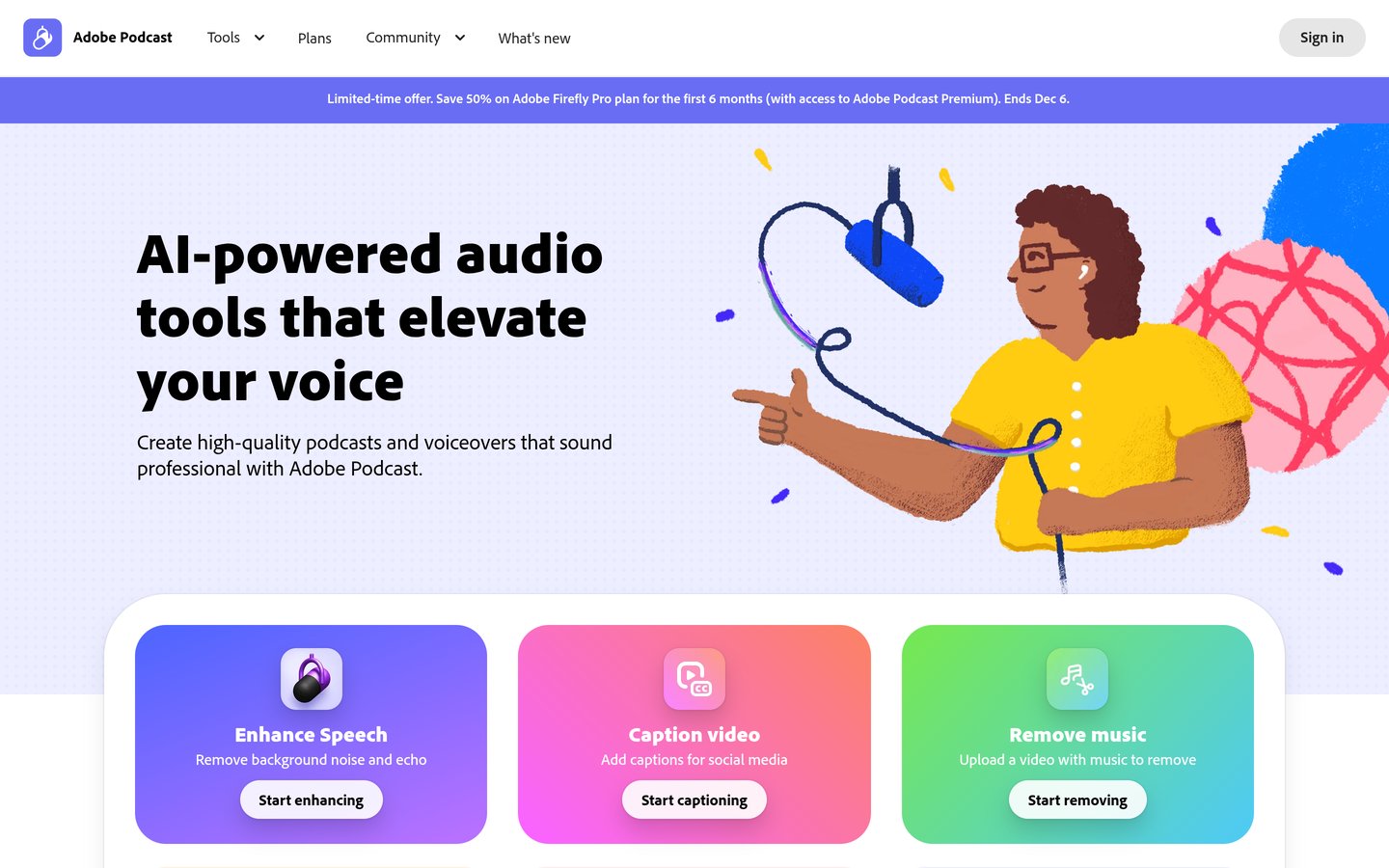
Adobe Podcast is Adobe's browser-based audio toolkit, and its Enhance Speech tool makes a voice recorded on a laptop mic sound close to a studio recording in one click. Studio records remote guests in separate tracks and edits from a transcript, and nothing needs installing.
The trade off is the paid route. Since 30 August 2026 there is no standalone Premium plan: the premium limits come with Adobe Firefly Pro at $19.99 a month. It suits podcasters and video creators whose recording is already made and merely sounds bad.
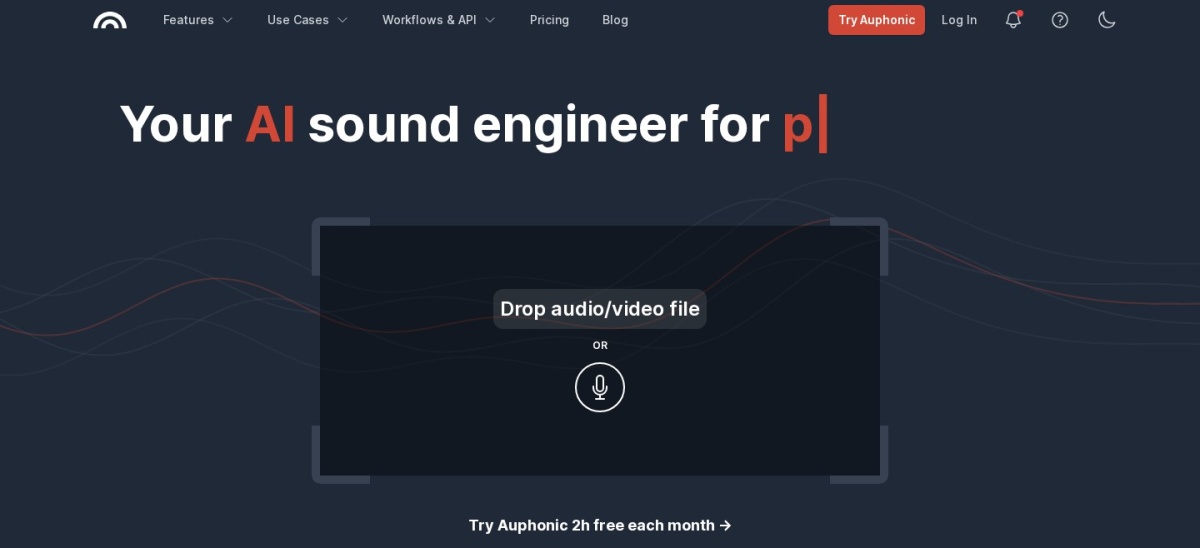
Auphonic is an automatic post-production service that levels speakers, removes noise and hum, and normalises loudness to broadcast standards, then publishes the finished file. Everyone gets 2 free hours a month, and the S plan at $13 a month adds 9 hours, speech recognition, shownotes and batch productions.
The trade off is that it finishes audio rather than editing it. There is no cutting or rearranging, and recurring credits reset every month without rolling over. It suits podcasters who want a finished, level episode without opening an editor.
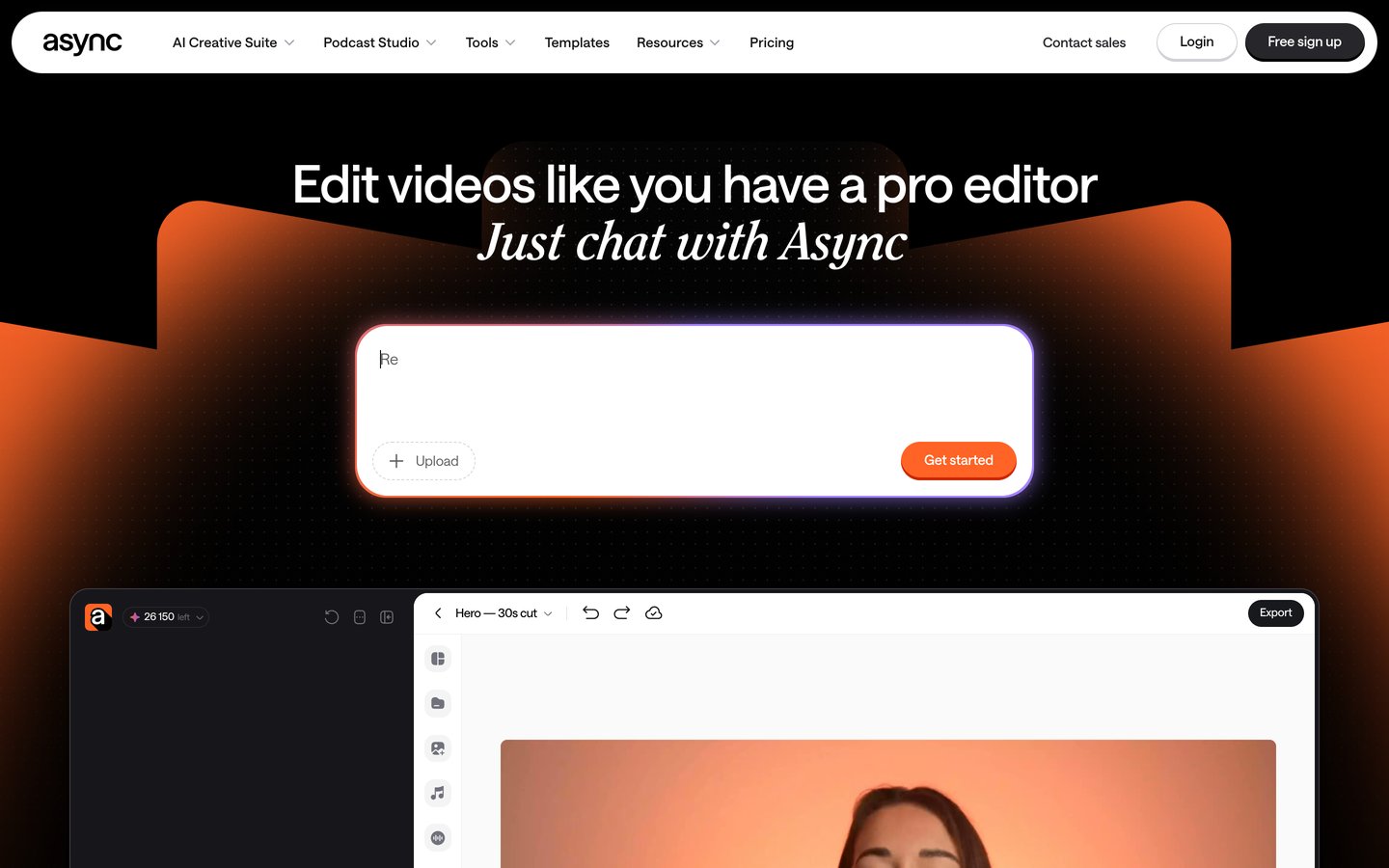
Podcastle is a browser-based podcast studio that records, edits, enhances and publishes from one dashboard. Magic Dust cleans up audio in one click, the text editor cuts filler words, Revoice clones voices, and 1,000+ text-to-speech voices cover narration in 142 languages.
The trade off is the name. Podcastle rebranded to Async in February 2026, keeping accounts, plans and billing unchanged, so reviews and listings still appear under both names. It suits solo podcasters who want recording, editing and publishing without installing anything.
Riverside is a recording studio that captures each participant locally in up to 4K, then edits the result with a text-based editor, Magic Clips, filler removal and audio enhancement. Pro at $29 a month adds 15 hours of separate-track downloads, show notes and podcast hosting.
The trade off is that it records first and edits second. The editor is built for fast turnaround, not the depth of Descript, and the free plan caps separate-track recording at 2 hours. It suits interview shows and teams whose recording quality decides everything.
What we like
Highest G2 rating here at 4.8 out of 5
Local 4K recording, separate tracks
Magic Clips and AI show notes built in
Podcast hosting included from Pro
Watch out for
Editor is lighter than Descript
Free plan caps multitrack at 2 hours
Separate-track downloads capped at 15 hours on Pro
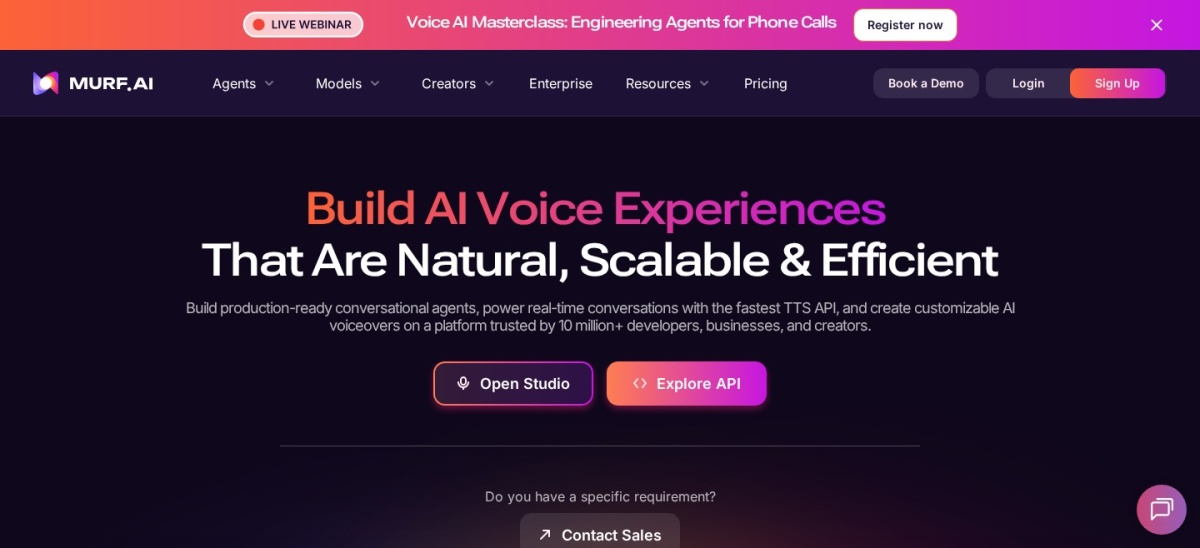
Murf is a browser-based voiceover studio with 200+ voices in 35+ languages, a slide and video timeline editor, and dubbing and voice cloning on higher tiers. Creator at $29 a month adds 24 hours of voice generation a year, commercial rights and unlimited downloads.
The trade off is the yearly meter. Voice generation time is capped per year, not per month, and cloning stays behind the Business tier at $99 a month. It suits training, e-learning and marketing teams that need polished narration without hiring voice actors.
What we like
200+ voices in 35+ languages
Slide-synced editor for training
Commercial rights on Creator
Rated 4.7 out of 5 from 1,413 G2 reviews
Watch out for
Voice time is capped per year
Voice cloning needs Business at $99 a month
Free plan never downloads audio
Business adds cloning and 96 hours a year at $99 a monthVisit murf.ai
07
ElevenLabs
4.5/5on G2 (1,296 reviews, checked Nov 2026)
Paid from$5/mo
Best for the most natural AI voices
Characters30,000 a month on Starter
Voice cloningInstant, on Starter
Commercial licenceYes, on Starter
Paid planStarter, $5/mo
elevenlabs.io
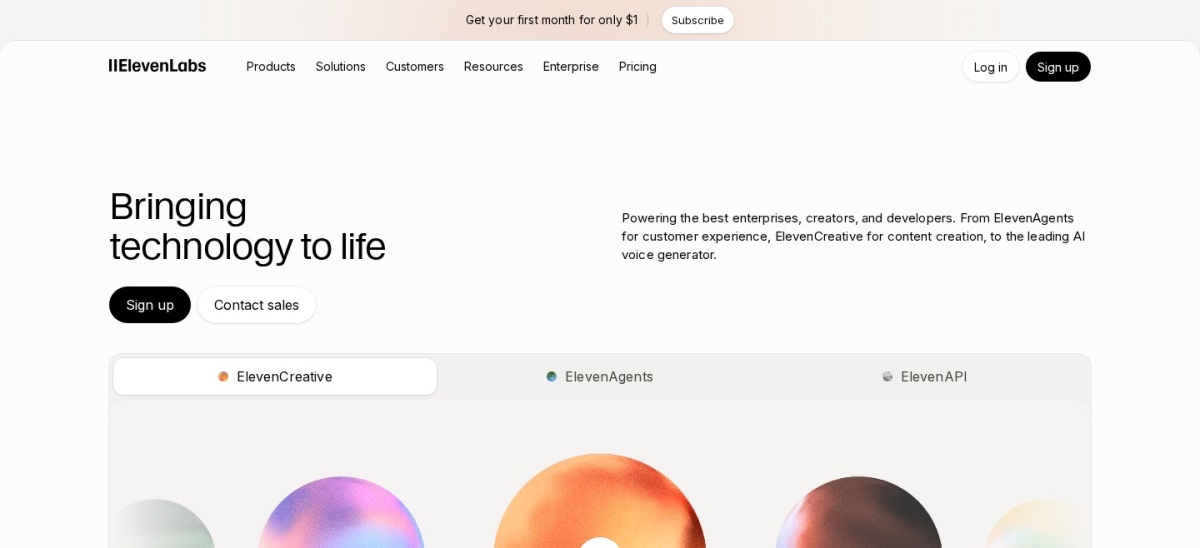
ElevenLabs homepage, captured Nov 2026.
ElevenLabs is an AI voice platform whose speech synthesis is widely rated the most human-sounding here. Starter at $5 a month adds a commercial licence, 30,000 characters and Instant Voice Cloning, and the same account covers dubbing, sound effects and conversational AI agents.
The trade off is the credit system. Regenerations and failed outputs consume credits, and Professional Voice Cloning needs Creator at $11 a month. It suits YouTubers, podcasters and developers who need narration that sounds like a person, not a robot.
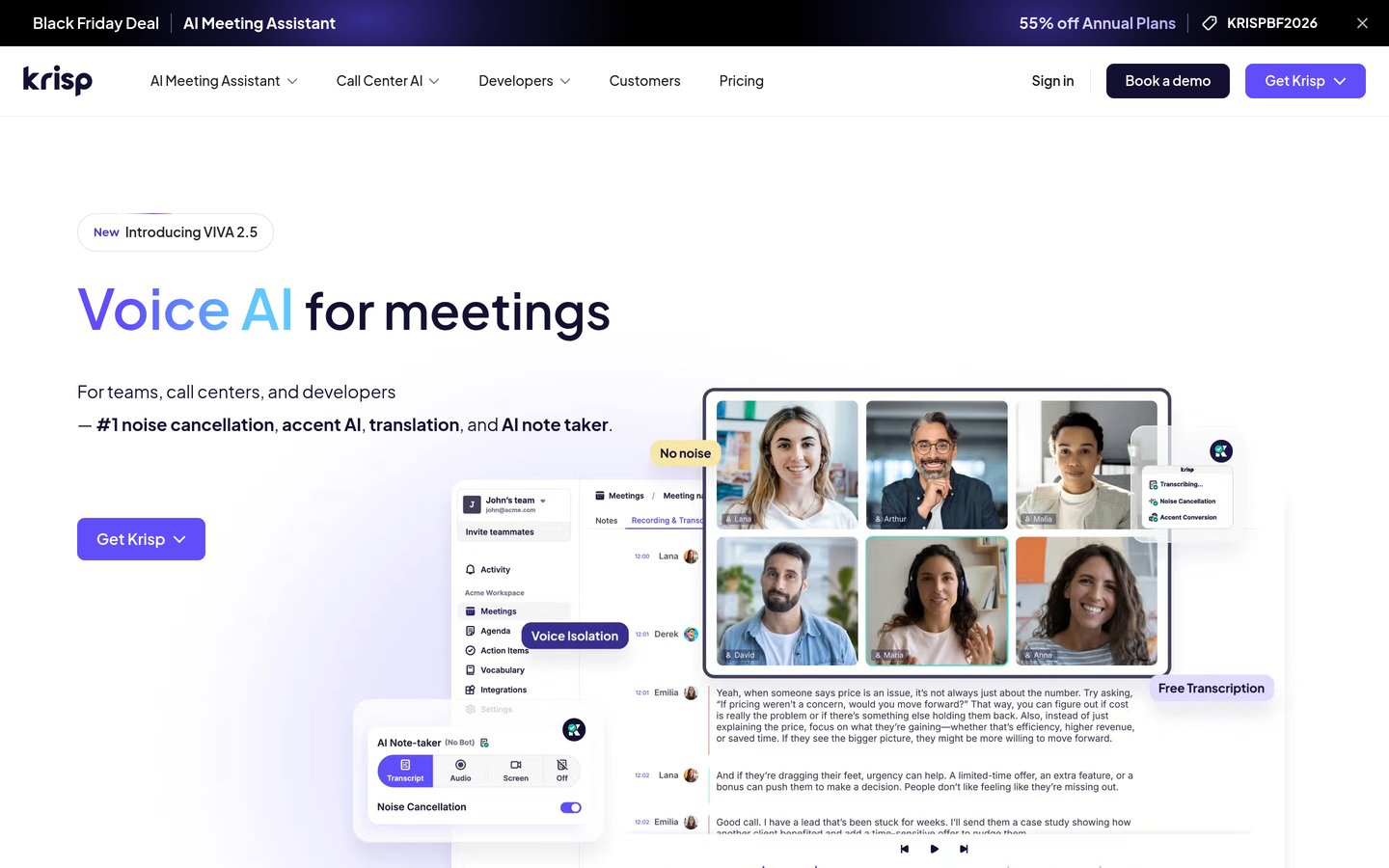
Krisp is an AI noise canceller that removes background noise, echo and other voices from calls in real time, on your device, before audio reaches the app. Pro at $16 a month adds unlimited noise cancellation, AI meeting notes, recording and transcription, plus an hour a day of accent conversion.
The trade off is that it cleans live audio, not recordings. If the job is editing a finished file, Krisp is the wrong tool. It suits remote workers, sales teams and teachers whose calls happen in noisy rooms.
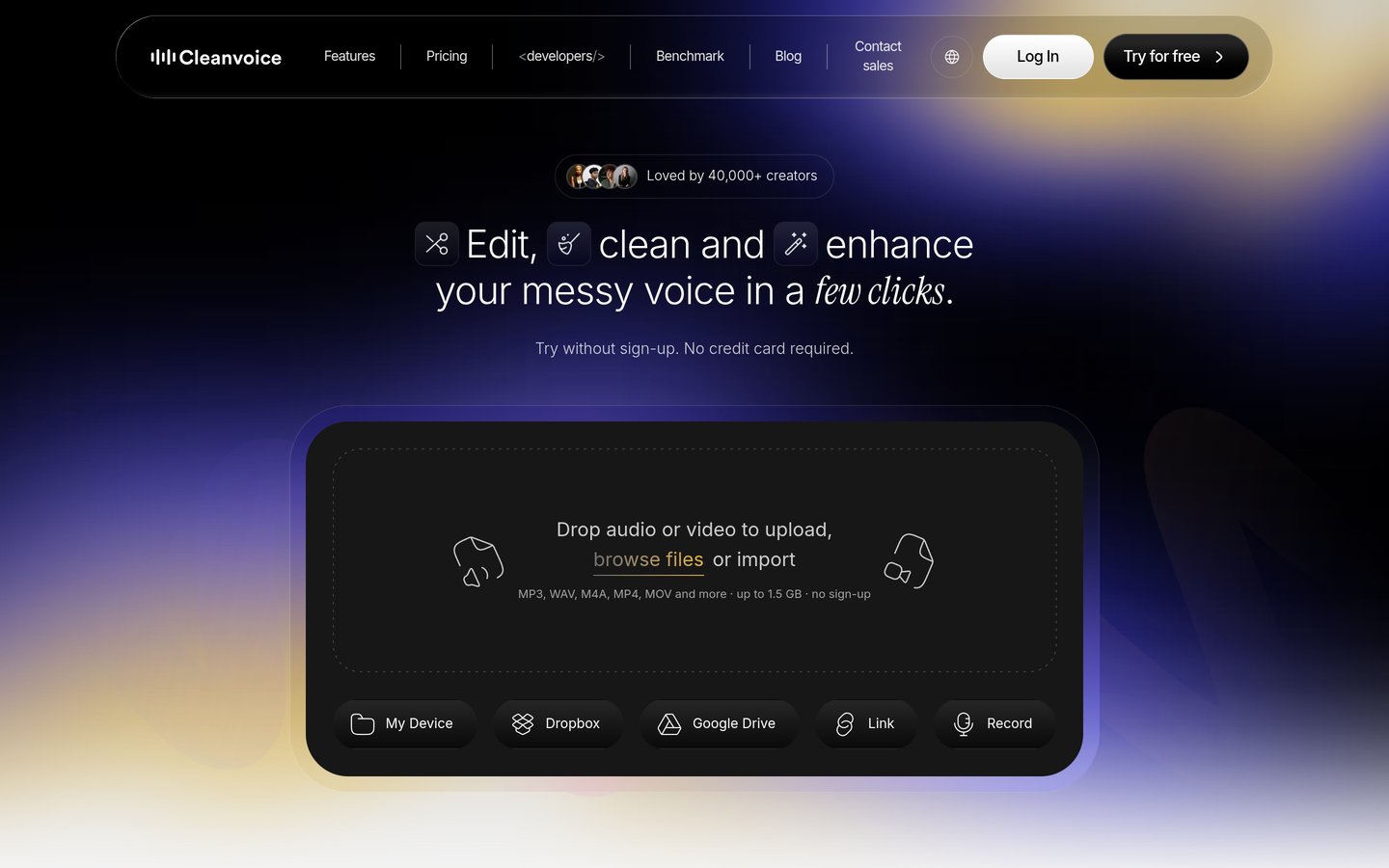
Cleanvoice is an automated editor for spoken audio that removes filler words, long silences, stutters and mouth sounds from a podcast or interview. The subscription at $11 a month covers 10 hours of processed audio, with unused credits rolling over up to three times the plan limit.
The trade off is the thin evidence. G2 shows 3.6 out of 5 from only 4 reviews, and reviewers report missed fillers and occasional wrong cuts. It suits podcasters who want a cheap, automatic cleanup pass before a final listen.
Editors win when the recording exists and needs cutting. Descript, Podcastle and Riverside let you delete words, remove fillers and rearrange a show from a transcript.
Cleaners win when the recording exists and sounds bad. Adobe Podcast rescues a noisy file in one click, Auphonic finishes it to broadcast loudness, and Cleanvoice cuts fillers automatically.
Voice tools win when there is no recording yet. Murf and ElevenLabs turn a script into narration in dozens of voices, which suits explainers, training and ads.
How we chose
We started from the best-known AI audio tools with a public pricing page and a verifiable rating on G2, then kept 9 that cover transcript editing, automatic cleanup and AI voices.
Prices come from each vendor's pricing page or G2's pricing data, checked on 24 November 2026. Descript, Adobe Podcast and Auphonic pages were opened that day, but their prices are JavaScript-rendered and not visible in a text fetch, so the figures rest on November 2026 reads of the same pages and are flagged in our notes. Ratings and review counts come from G2. Where a vendor shows a sale, the list shows the regular price.
We left out Resemble AI, which ended commercial voice generation in November 2026 and now sells deepfake detection from $280 a month. No vendor paid for a place, and we do not claim hands-on testing for this list.
How to choose an AI audio editing tool
Start with the job, then check the meter before you pay.
Name the job: edit, clean or generate. If the recording needs cutting, shortlist Descript, Podcastle or Riverside. If it sounds bad, shortlist Adobe Podcast, Auphonic or Cleanvoice. If there is no recording yet, shortlist Murf or ElevenLabs.
Check the meter, not the headline. AI credits, media hours, processed hours and characters are the real limit. A plan that looks cheap can cost more once daily work burns the allowance.
Try the free tier on a real file. Upload the noisiest recording you own, run the cleanup, and listen before you subscribe. Free tiers differ a lot in what they actually include.
Check the export you need. Watermark-free export, 4K video, multitrack WAV and commercial rights sit on different tiers. Confirm yours is on the plan you would buy.
FAQ
What is the best AI tool for audio editing?
Descript is the best overall pick for most creators. Its Hobbyist plan costs $24 a month, with transcript-based editing, Studio Sound cleanup, filler-word removal and AI voice cloning, and it is rated 4.6 out of 5 on G2.
Is there a free AI audio editor?
Yes. Adobe Podcast enhances an hour of speech a day for free, Descript gives one media hour a month, and Auphonic processes two hours a month. Every free plan caps use, so budget for a paid plan once the AI does daily work.
Can AI remove background noise from audio?
Yes. Adobe Podcast's Enhance Speech, Krisp's real-time cancellation and Auphonic's noise reduction all remove hiss, hum and room tone. Krisp works live on calls, while the others clean a finished recording.
How much does AI audio editing software cost?
Entry prices in this list run from $5 a month for ElevenLabs Starter to $29 a month for Riverside Pro and Murf Creator. Auphonic starts at $13 a month for nine hours of processed audio.
Which AI tool is best for podcasts?
Descript is the best all-round podcast editor, Auphonic is the best automatic finisher for loudness and levelling, and Podcastle covers recording, editing and publishing in one browser app.
Can AI edit a podcast by editing text?
Yes. Descript, Podcastle and Riverside all transcribe your recording and let you cut audio by deleting words. Descript's version is the deepest, with filler removal, Studio Sound and Overdub voice cloning.