Best Audio Editing Software in 2026: 9 Tools Compared
WLWPLegible EditorsLast verified 22 Nov 2026How we rank10 min read
★ Short answer
Audacity is the best audio editing software for most people. It is free and open source, runs on every desktop OS, and is rated 4.5 out of 5 on G2 from 459 reviews. Pick Adobe Audition for pro repair and REAPER for a full DAW at $60.
How we make this list: we compare pricing pages, product documentation and public user reviews, then re-check every price before each update. No product paid for a place. Disclosure.
Audacity costs $0, runs on Windows, macOS and Linux, and is rated 4.5 out of 5 on G2 from 459 reviews.
REAPER gives you a full DAW for a $60 one-time licence, with a 60-day fully featured evaluation.
Adobe Audition costs $22.99 a month and is the repair standard, with a spectral display and diagnostics.
Logic Pro costs $199.99 once with free updates, while Ableton Live Intro and FL Studio both start at $99 one-time.
Descript is the only editor here where you edit audio by editing a transcript, from $16 a month billed annually.
What the best audio editor depends on
The best audio editor depends on the job. Podcast editing, music production, audio restoration and video audio cleanup all need different tools, and the wrong pick wastes money.
For spoken word, the choice is between waveforms and words. Audacity, Audition and REAPER edit waveforms, while Descript lets you cut audio by deleting text.
For music, the choice is between subscription and one-time buying. Logic Pro, REAPER, Ableton Live and FL Studio all sell one-time licences, while Audition charges every month.
For a first editor, start free. Our guide on hosting a podcast with WordPress is a side note, but Audacity or GarageBand will teach you the core skills before you pay.
Audacity is the default free answer for recording and editing audio, and it has no paid plan at all. It records from microphones and line inputs, edits multiple tracks, applies noise reduction, EQ and compression, and exports MP3, WAV, FLAC and more.
The trade off is polish. The interface looks dated, and it lacks the music production tools of a full DAW. It suits anyone who needs to record, cut and clean audio without paying anything.
Adobe Audition is a professional audio editor with multitrack recording and mixing alongside repair tools. Noise reduction, click removal, diagnostics and a spectral display rescue recordings other tools cannot, and it round-trips audio with Premiere Pro.
The trade off is the subscription. It costs $22.99 a month on an annual plan billed monthly, with no perpetual licence. It suits video editors and podcasters already inside Adobe Creative Cloud.
What we like
Best-in-class restoration tools
Spectral frequency display
Multitrack mixing and diagnostics
Rated 4.4 out of 5 on G2 from 420 reviews
Watch out for
Subscription only, no one-time licence
Learning curve for beginners
Overkill if you only cut podcasts
Creative Cloud All Apps bundles it with Premiere ProVisit adobe.com
03
REAPER
4.5/5on G2 (28 reviews, checked Nov 2026)
Starts at$60/yr
Best value professional audio editor
Free planNo, 60-day trial
Licence$60 discounted, $225 commercial
PlatformsWindows, macOS, Linux
Paid plan$60 one-time
reaper.fm
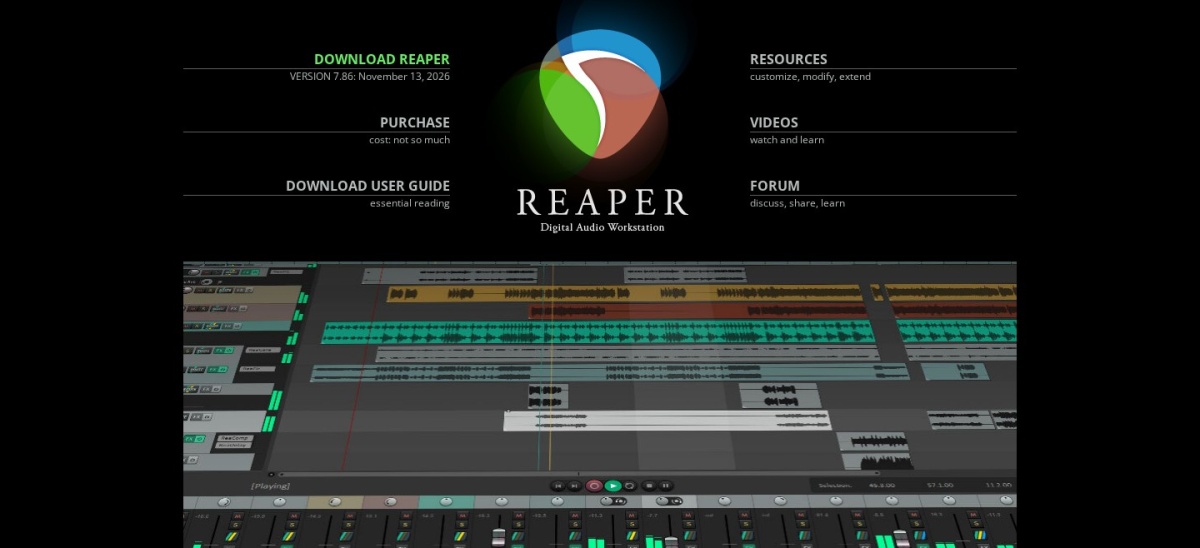
REAPER homepage, captured Nov 2026.
REAPER is a full multitrack recorder, editor and mixer for a one-time $60 discounted licence. The licence covers personal use, commercial use by businesses with gross revenue up to $20,000 a year, and educational or nonprofit organisations, with a 60-day full evaluation first.
The trade off is setup time. REAPER is deeply customisable, which means the default layout takes learning, and its interface looks plain. It suits home and project studios that want pro power without a subscription.
What we like
Full DAW for $60 one-time
60-day fully featured evaluation
Lightweight and fast on any machine
Rated 4.5 out of 5 on G2
Watch out for
Plain, dated interface
Deep customisation takes time to learn
Few bundled virtual instruments
The $60 licence includes upgrades through version 8.99Visit reaper.fm
04
Logic Pro
4.6/5on G2 (177 reviews, checked Nov 2026)
Starts at$199.99/yr
Best Mac audio editor for music
Free planNo, trial
PlatformmacOS and iPadOS
InstrumentsLarge built-in library
Paid plan$199.99 one-time
apple.com
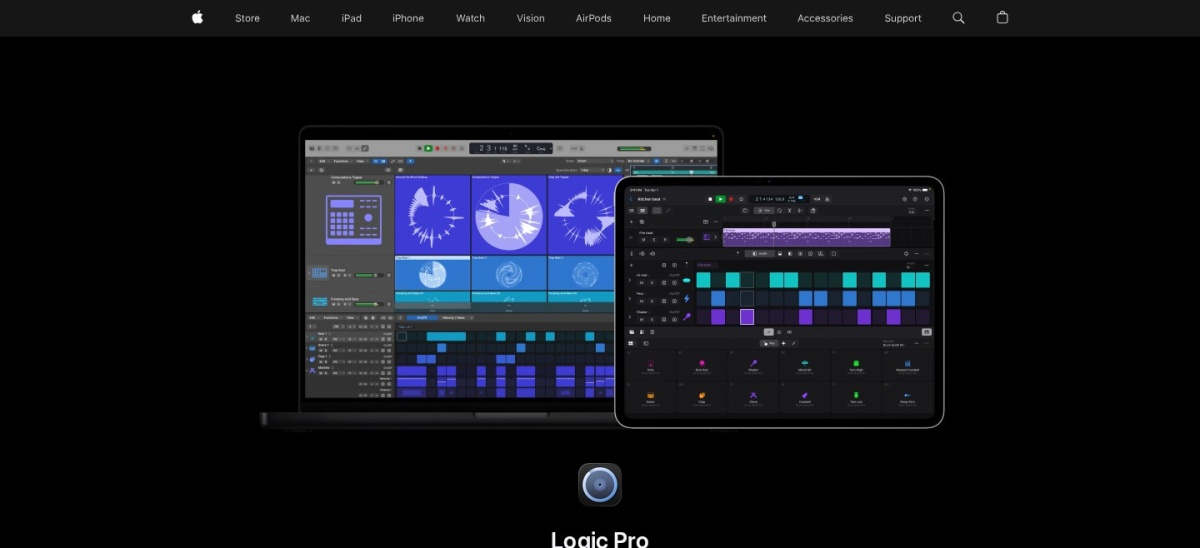
Logic Pro homepage, captured Nov 2026.
Logic Pro is the professional Mac DAW at a one-time price of $199.99, with all future updates free. It pairs a huge library of instruments and loops with multitrack recording, mixing and mastering, and GarageBand projects open directly in it.
The trade off is the platform. Logic Pro runs on Mac only, so Windows and Linux users are out. It suits Mac musicians who want a pro studio without a subscription.
Descript is a podcast and video editor that lets you edit audio by editing its transcript. Delete a sentence of text and the audio follows, filler-word removal runs in one click, and Studio Sound cleans up a rough recording in the same project.
The trade off is dependence on the cloud. Descript needs internet to work, and the free plan gives only 1 media hour a month. It suits podcasters and course creators who find waveforms slow.
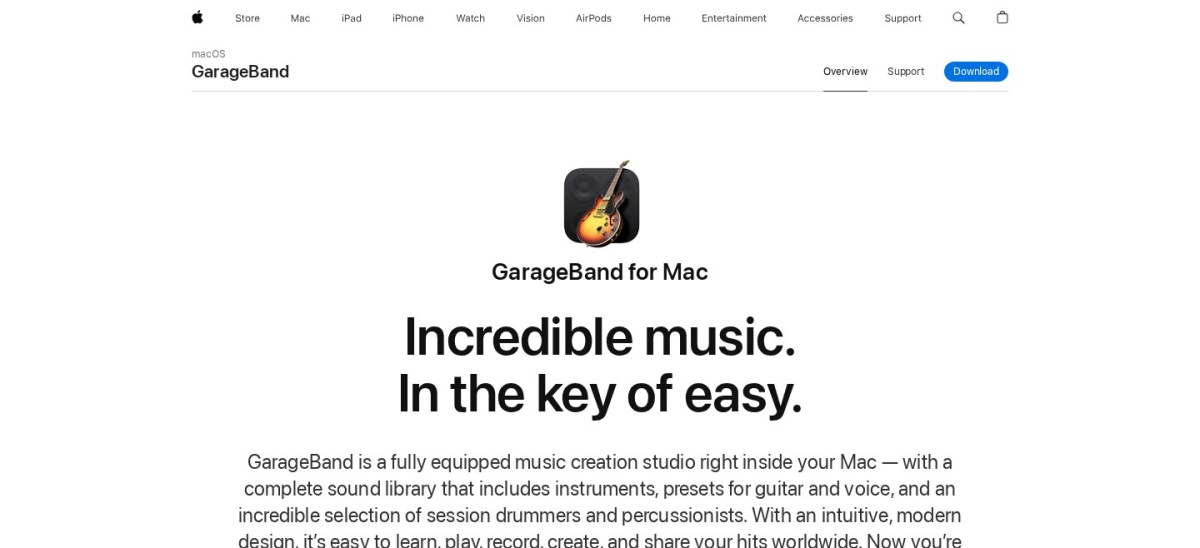
GarageBand is the obvious first stop on a Mac because it is free on the Mac App Store and made by Apple. It is a full multitrack studio with up to 255 tracks, multi-take recording, Flex Time to fix timing, a visual EQ and a virtual session drummer.
The trade off is the ceiling. GarageBand lacks the mixing depth and plug-in range of Logic Pro, so serious producers outgrow it. It suits Mac owners who want to record music or a podcast without buying anything.
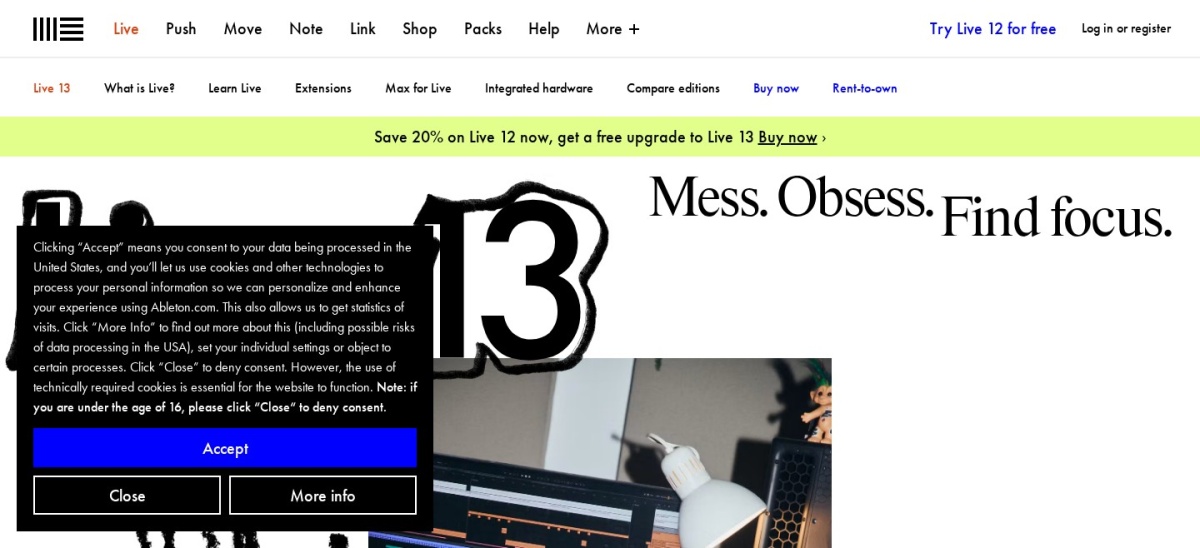
Ableton Live is a DAW for producers and electronic musicians who compose, arrange and perform in one app. Live Intro costs $99 as a one-time purchase, and its Session View lets you trigger clips live, which no other editor here does as well.
The trade off is price at the top. Live Standard costs $439 and Suite costs $749, so the full toolset is a big one-time buy. It suits producers who perform as well as they produce.
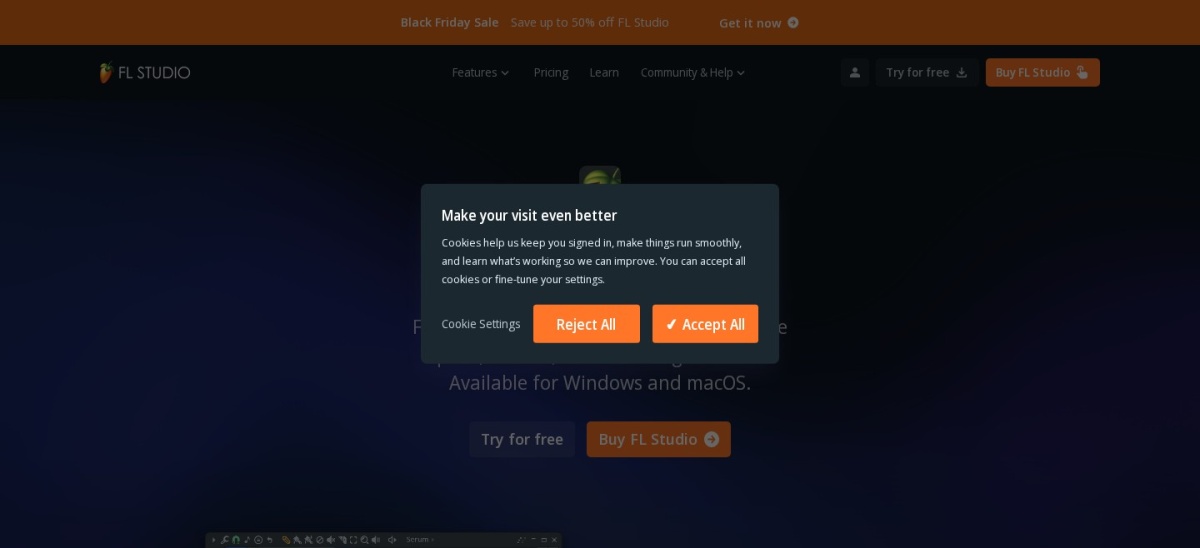
FL Studio is a DAW built for beat-driven music production, bought once with lifetime free updates. The Fruity edition costs $99 as a one-time purchase, and its step sequencer and piano roll make pattern-based composing fast.
The trade off is focus. FL Studio is built for beats and electronic music, so podcast and voiceover editors will find its workflow indirect. It suits producers who want to buy once and never pay again.
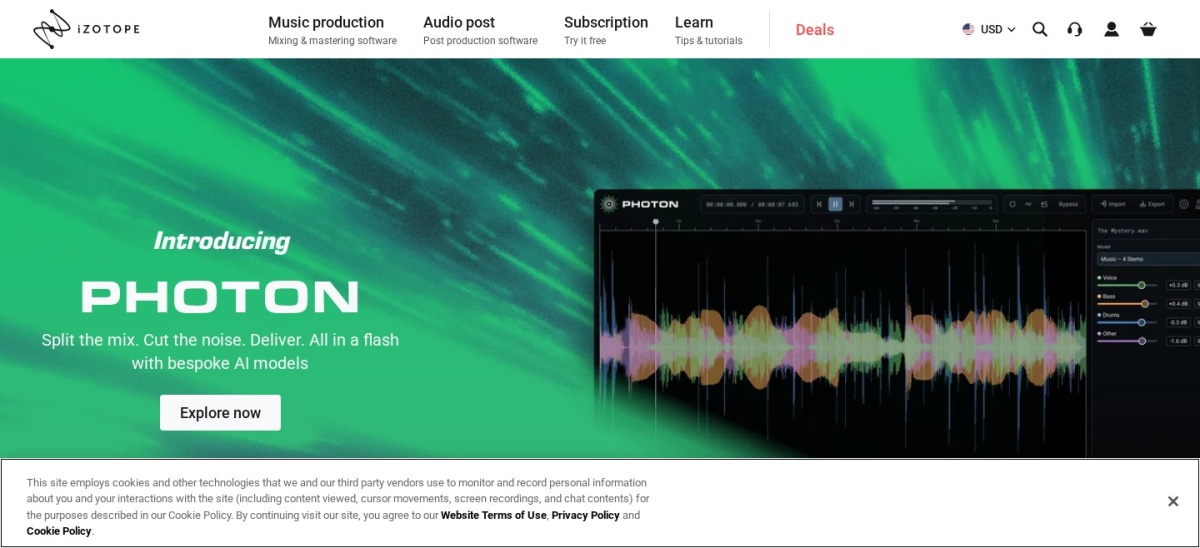
iZotope RX is the tool post-production engineers reach for when audio has to be saved. RX 12 Elements costs $99 as a one-time purchase and gives six repair plug-ins, while the spectral editor in Standard at $399 lets you paint out individual noises.
The trade off is that RX is a repair suite, not a general editor. It lacks the composing and arranging tools of a DAW, and Advanced costs $1,399 one-time. It suits anyone who repairs bad recordings for a living.
What we like
Industry-standard repair quality
Spectral editor for surgical fixes
AI Repair Assistant
One-time licence, no subscription
Watch out for
Not a general music editor
Advanced edition costs $1,399 one-time
Steep learning curve
Standard adds the editor and full module set at $399 one-timeVisit izotope.com
Subscription vs one-time: the five-year maths
Subscriptions add up fast. Adobe Audition at $22.99 a month costs about $1,379 over five years, while Descript at $16 a month costs about $960.
One-time licences stop the clock. REAPER at $60, FL Studio at $99 and Logic Pro at $199.99 cost the same in year five as in year one.
Free tools cost nothing at any horizon. Audacity and GarageBand cover most podcast and voiceover work, so pay only when you have a specific reason, such as repair, live performance or beat making.
How we chose
We started from the audio editors that appear most often in 2026 buyer guides, then kept the nine with the clearest pricing and the widest use across podcasters, musicians and engineers.
Prices come from each vendor pricing page and from G2 listings checked on 22 November 2026. Ratings come from G2 on the same day. Where a vendor shows a sale, the list shows the regular price.
We left out tools with no public price and no review base. No vendor paid for a place. This list is based on pricing, docs and reviews, not on using the tools ourselves.
How to choose audio editing software
Start with what you actually record, then match the editor to that work.
Name the job first. Podcast editing, music production, repair and video audio all need different tools. Pick the job, then the editor.
Start free. Audacity on any computer and GarageBand on a Mac cost $0. Learn cutting, fades and noise reduction before you pay.
Decide subscription or one-time. Audition and Descript charge monthly. REAPER, Logic Pro, Ableton Live and FL Studio sell one-time licences that stop the clock.
Check the upgrade path. GarageBand projects open in Logic Pro, and Audacity skills transfer to any waveform editor, so a free start does not waste your learning.
FAQ
What is the best audio editing software?
Audacity is the best free pick for most people, with multitrack editing, noise reduction and exports to MP3, WAV and FLAC at no cost. Adobe Audition is the professional standard for repair, and REAPER is the best-value full DAW at $60.
What is the best free audio editing software?
Audacity is the best free editor on any platform, and GarageBand is the best free editor if you own a Mac. Both are full multitrack editors with no paid tier.
Is REAPER really only $60?
Yes, for the discounted licence. It covers personal use and businesses with gross revenue up to $20,000 a year, plus educational and nonprofit use. The commercial licence costs $225.
Is Adobe Audition worth $22.99 a month?
It is worth it if you repair bad recordings or work in Premiere Pro, where its spectral display and round-trip workflow pay off. For simple podcast cuts, Audacity or Descript cost less.
What is the best audio editor for beginners?
Audacity is the best free start on any computer, and GarageBand is the best free start on a Mac. Descript is the easiest paid option, because you edit audio by editing text.
Can I edit audio without a DAW?
Yes. Audacity and GarageBand are editors on their own, and Descript edits in the browser and desktop app without DAW skills. A DAW such as REAPER or Logic Pro adds music production, not basic editing.