Best AI Software for Creating Videos in 2026: 9 Tools Compared
WLWPLegible EditorsLast verified 24 Nov 2026How we rank12 min read
★ Short answer
Synthesia is the best AI software for creating videos for most teams. Its Starter plan costs $19 a month and covers 125+ AI avatars, dubbing and 140+ languages, rated 4.6/5 on G2. Pick HeyGen for the most lifelike avatars and Pictory for turning scripts into captioned social videos.
How we make this list: we compare pricing pages, product documentation and public user reviews, then re-check every price before each update. No product paid for a place. Disclosure.
Synthesia leads for training and business video: 125+ avatars, 140+ languages and a free plan, from $19 a month.
HeyGen holds the highest G2 rating here at 4.8/5, with 175+ languages and avatar video from $29 a month.
Pictory turns a script, blog post or webinar into captioned video from $29 a month, with Getty and Storyblocks footage included.
Descript is the only tool here that edits video by editing its transcript, with AI tools from $24 a month.
Runway is the cheapest entry at $15 a month, but its credits buy under a minute of its top model.
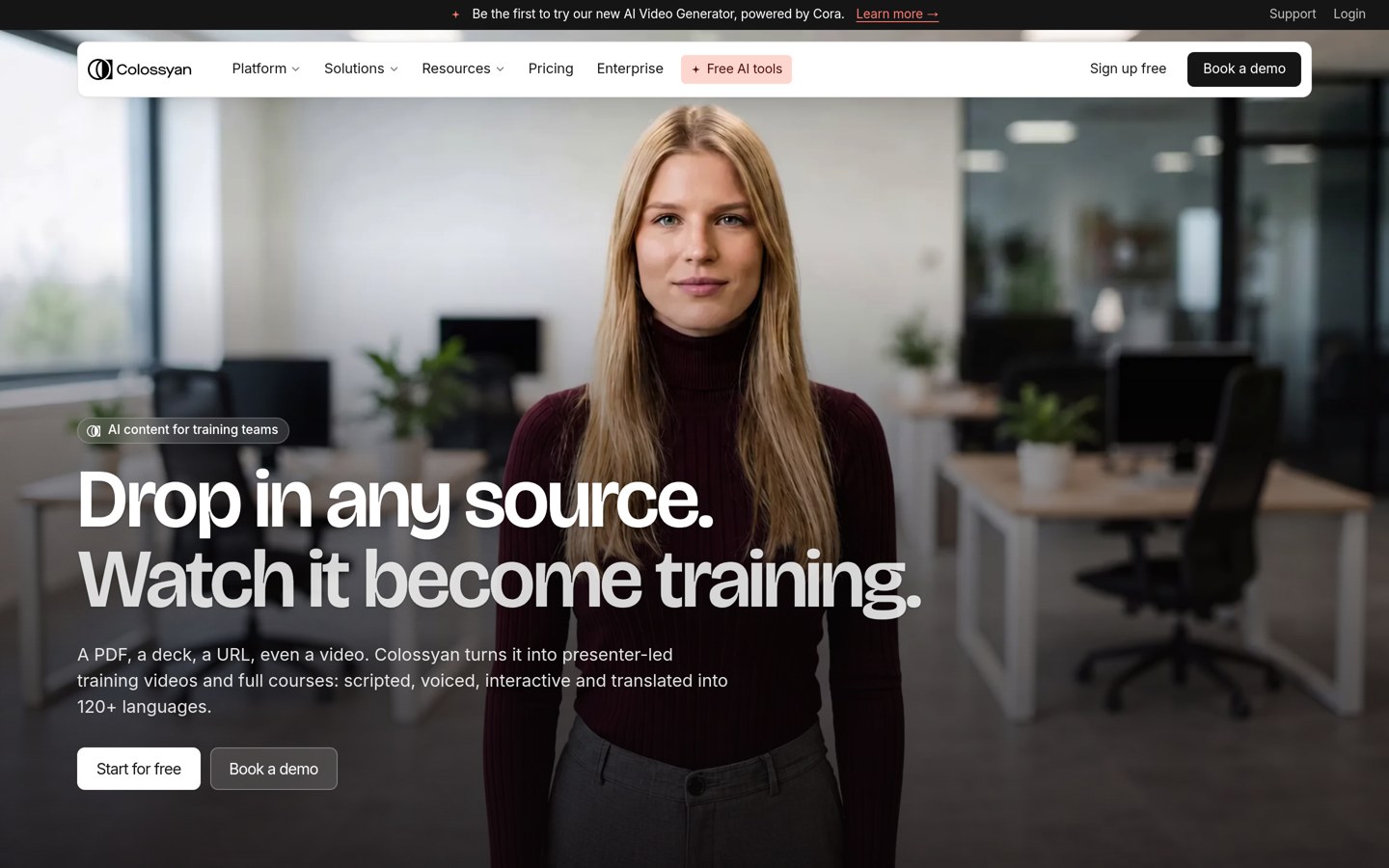
Colossyan is the priciest entry at $89 a month, aimed at training teams that need SCORM export.
What AI video software should cover
AI video tools now split into two kinds. Avatar tools such as Synthesia, HeyGen and Colossyan turn a script into a presenter-led video. Editors such as Descript, Runway, InVideo and VEED generate or reshape footage, captions and voiceover.
Credits are the first thing to check. Most tools meter output in credits or minutes, and a minute of high-end generative video can cost far more than a minute of avatar video. Read the plan limits before you pay.
Languages matter if you publish beyond one market. Synthesia covers 140+ languages and HeyGen 175+, while Pictory and Lumen5 lean on stock footage and captions instead. Our guide on the best AI video editing software covers the editing side in more depth.
Free plans are useful for a first video, but every free plan here watermarks exports or caps minutes. Budget for a paid plan once you publish weekly.
Synthesia is an AI avatar video platform built for training, onboarding and internal communications. The free Basic plan gives 10 minutes of video a month with 9 avatars, and Starter at $19 a month adds downloads, logo removal, 125+ avatars, AI dubbing and 3 personal avatars.
The trade off is the credit meter. Video, dubbing and generated assets all draw from one credit pool, so heavy months cost more in practice than the headline price suggests. It suits teams that publish presenter-led video every week and want a polished result without filming.
HeyGen is an AI video platform that turns text, images or documents into video presented by a realistic AI avatar, with lip-sync translation into 175+ languages. The free plan gives 3 videos a month, and Creator at $29 a month adds 600 credits, 1080p export, no watermark and voice cloning.
The trade off is cost per finished minute. Credit use varies by avatar model, so the same 600 credits make far more video on one engine than another. It suits creators and marketers who need presenter video that looks human and translates well.
What we like
Highest G2 rating in this list at 4.8 out of 5
Widest language coverage at 175+ languages
Avatar quality rates above rivals in G2 comparisons
Unused credits roll over for a month
Watch out for
No published per-minute credit rate
Creator cannot buy credit top-ups
Trustpilot score is far lower than G2
Pro adds 4K export and more credits from $49 a monthVisit heygen.com
03
Pictory
4.8/5on Capterra (163 reviews, checked Nov 2026)
Starts at$29/mo
Best for turning scripts into video
Script to videoYes, plus URL and slides
Stock footageGetty and Storyblocks
Video minutes30 a month on Starter
Paid planStarter, $29/mo
pictory.ai
Pictory homepage, captured Nov 2026.
Pictory is a script-to-video tool that turns a script, blog post, webinar or slide deck into a captioned video built from stock footage and AI voices. Starter at $29 a month covers 30 video minutes, 1 brand kit, 5,000 music tracks and ElevenLabs voices, with a 14-day free trial.
The trade off is polish. The AI matches keywords to clips rather than understanding the script, so footage can look generic and needs tidying. It suits marketers and course creators who republish written content as short social video every week.
What we like
Fastest route from blog post to finished video
Getty and Storyblocks footage on every plan
Rated 4.8 out of 5 on Capterra
Automatic subtitles in every plan
Watch out for
No permanent free plan, trial only
Stock footage can miss the script's intent
Annual plans are paid up front
Professional triples the minutes and adds voice cloningVisit pictory.ai
04
Descript
4.6/5on G2 (905 reviews, checked Nov 2026)
Paid from$24/mo
Best for editing by transcript
Text editingYes, transcript-based
AI tools20+ on Creator
Media hours10 a month on Hobbyist
Paid planHobbyist, $24/mo
descript.com
Descript homepage, captured Nov 2026.
Descript is a video and audio editor that lets you cut footage by deleting words in its transcript, with filler-word removal, Studio Sound and an AI assistant called Underlord. The free plan gives 60 minutes of media a month, and Hobbyist at $24 a month adds 10 hours, 400 AI credits and watermark-free 1080p export.
The trade off is the second meter. Media minutes and AI credits are separate allowances, and reviewers report AI actions burning credits fast. It suits podcasters and talking-head creators who edit spoken content every week.
VEED is a browser-based video editor with AI captions, clip cutting, dubbing, avatars and text-to-video in one login. The free plan is watermarked at 720p, and Lite at $19 a month removes the watermark, adds 1080p export, 12 hours of subtitles a month and a small brand kit.
The trade off is performance on long files. Reviewers praise the subtitle accuracy but report lag and buffering on longer projects. It suits social teams that publish captioned vertical clips every day and want one editor for the whole job.
What we like
Fastest and most accurate auto-subtitles here
Full editor, not just a generator
Rated 4.6 out of 5 from 2,175 G2 reviews
10 million-plus users, per VEED
Watch out for
Slows down on long files
AI credits drain fast on avatars and dubbing
Lite caps most AI features
Pro adds 4K, unlimited AI video and all AI toolsVisit veed.io
06
InVideo
4.2/5on G2 (183 reviews, checked Nov 2026)
Paid from$20/mo
Best for prompt-to-video volume
Prompt to videoYes, AI agents
Credits400 a month on Starter
AI models200+
Paid planStarter, $20/mo
invideo.io
InVideo homepage, captured Nov 2026.
InVideo is a prompt-to-video workspace that turns a prompt, script or URL into a finished video using stock footage, AI-generated visuals, voiceover and subtitles. The free plan is watermarked with weekly limits, and Starter at $20 a month adds 400 credits, a full timeline editor and multiplayer editing for up to 5 seats.
The trade off is credit burn. Reviewers report that generative models drain credits far faster than the per-minute math suggests, and unused credits do not roll over. It suits marketers who need a high volume of short social clips and can live with stock-led output.
Runway is a generative video studio built around its own Gen-4.5 model, plus partner models such as Veo 3.1, with Aleph for reworking real footage by describing the change. The free plan gives a one-time grant of 125 credits, and Standard at $15 a month adds 625 credits, 1080p export and watermark removal.
The trade off is how fast credits go. Gen-4.5 costs 12 credits a second, so Standard covers under a minute of it before retries. It suits editors and directors who want cinematic clips and camera control, not bulk social output.
Lumen5 is a browser video maker that builds a first-cut video from a link, script or document, matching stock footage to your text with captions and music. The free Community plan gives 5 videos a month up to 2 minutes, and Basic at $29 a month removes the branding and adds unlimited videos at 720p.
The trade off is price for quality. 1080p export needs Starter at $59 a month billed yearly, and the AI often picks off-topic visuals that need fixing by hand. It suits content teams that republish blog posts as social video and want a guarded, simple workflow.
Colossyan is an AI video platform built for corporate training, with document-to-video, interactive quizzes and SCORM export for learning systems. The free Starter plan gives 20 minutes of video a month, and Professional at $89 a month billed monthly adds watermark removal, 5 SCORM exports a month and AI image generation.
The trade off is the minute cap. Professional covers 30 minutes a month on its NEO engine, and extra minute packs are pricey. It suits L&D teams that need tracked, interactive training video inside an LMS.
Avatar tools win when a person should present the message. Synthesia, HeyGen and Colossyan turn a script into a talking presenter in minutes, with no camera, crew or reshoots.
Editors win when the footage matters more than the presenter. Runway, VEED, Descript and InVideo generate, cut or reshape real clips, captions and voiceover.
Many teams end up with one of each. An avatar tool handles training and explainers, while an editor handles social clips, demos and ads.
How we chose
We started from the best-known AI video tools with a public pricing page and a verifiable rating on G2 or Capterra, then kept 9 that cover avatars, script-to-video and editing.
Prices come from each vendor's pricing page, checked on 24 November 2026. Synthesia, HeyGen, Pictory and InVideo prices were read on the vendors' own pages that day; other prices rest on November 2026 reads of the same pages by review sites and are flagged in our notes. Ratings and review counts come from G2 or Capterra. Where a vendor shows a sale, the list shows the regular price.
We left out tools with no verifiable rating and tools that sell by quote only. No vendor paid for a place, and we do not claim hands-on testing for this list.
How to choose AI software for creating videos
Start with the kind of video you publish most, then check the meter before you pay.
Decide avatar or editor first. If a presenter should deliver the message, shortlist Synthesia, HeyGen or Colossyan. If footage matters more, shortlist Runway, VEED, Descript or InVideo.
Work out the real cost per finished minute. Credits and minutes are not the same thing. A cheap plan can cost more per minute than a dearer one once retries and high-end models are counted.
Check languages and captions. Multilingual teams need the 140+ languages of Synthesia or 175+ of HeyGen, while social teams need fast captions in their audience's language.
Use the free plan for one real video. Make the exact video you publish most, export it, and check the watermark, resolution and credit use before you subscribe.
FAQ
What is the best AI software for creating videos?
Synthesia is the best overall pick for most teams. Its Starter plan costs $19 a month, covers 125+ AI avatars and 140+ languages, and it is rated 4.6 out of 5 from 2,809 G2 reviews.
Which AI video tool has the best avatars?
HeyGen holds the highest G2 rating here at 4.8 out of 5, and G2 comparisons rate its avatar quality above Synthesia. It costs $29 a month on Creator and covers 175+ languages.
Is there a free AI video generator?
Yes. Synthesia, HeyGen, Descript, Runway, VEED, InVideo, Lumen5 and Colossyan all offer a free plan or trial, but every free plan watermarks exports or caps minutes, so budget for a paid plan once you publish weekly.
How much does AI video software cost?
Entry prices in this list run from $15 a month for Runway Standard to $89 a month for Colossyan Professional. Most tools sit between $19 and $29 a month, and annual billing usually saves 20% or more.
Can AI video tools replace a human presenter?
For training, explainers and short updates, yes in most cases. Avatar tools now handle lip-sync and translation well, but they still struggle with natural gestures and emotion, so filmed video still wins for brand films and ads.
Do AI video tools include stock footage?
Some do. Pictory includes Getty and Storyblocks footage on every paid plan, Lumen5 offers 50M+ stock photos and videos, and InVideo bundles premium stock footage with its plans.