Best AI Photo Editing Software in 2026: 7 Tools Compared
WLWPLegible EditorsLast verified 22 Nov 2026How we rank12 min read
★ Short answer
Photoshop is our top AI photo editing software pick for detailed image manipulation, with generative editing, object removal, and professional layer controls available through its $19.99 monthly Photography plan. Lightroom is better for RAW photography and batch adjustments, while Photoroom suits product sellers creating backgrounds and listing images.
How we make this list: we compare pricing pages, product documentation and public user reviews, then re-check every price before each update. No product paid for a place. Disclosure.
Photoshop is available through Adobe's Photography plan at $19.99 monthly with an annual commitment, including Lightroom and Lightroom Classic.
Lightroom starts at $11.99 monthly with annual billing and includes Lightroom Classic, AI masking, and Generative Remove.
Photoroom Pro costs $7.50 monthly billed annually and includes 8,000 AI credits and 1,000 exports.
Pixlr Plus offers 80 monthly AI credits, with its pricing data listing $2.49 monthly or $1.99 monthly when billed annually.
Canva Pro lists a regular price of $18 monthly, including AI editing tools, premium content, and 100GB of storage.
Topaz Photo costs $199 yearly at its regular annual price, while Luminar Neo's desktop license lists a $417 regular one-time price before discounts.
What to look for in AI photo editing software
AI photo editing software uses machine learning and generative models to improve or change images. Common features include background removal, object replacement, noise reduction, sharpening, automatic masking, portrait retouching, and image expansion.
Choose based on whether you need professional image manipulation, photography adjustments, or quick automated edits. Photoshop offers detailed layer-based editing, Lightroom emphasizes photographic adjustments, and tools such as Photoroom and Pixlr simplify common image preparation tasks.
AI editing features also differ in how much control they provide. Automated enhancement can improve exposure and remove distractions quickly, but selective masks, layers, RAW processing, and manual adjustment controls matter when the output requires precise changes.
Pay attention to credits and export restrictions. Some subscriptions include unlimited conventional editing but restrict generative functions, high-resolution output, batch processing, or premium AI models.
Finally, examine the licensing arrangement. Subscription software may require ongoing payments, while perpetual licenses can have separate charges for future upgrades or continued cloud-based AI access.
Photoshop is a professional image editor combining traditional layer-based controls with AI-assisted editing and generative image tools. Its Photography plan includes Photoshop, Lightroom, and Lightroom Classic for $19.99 monthly with an annual commitment. Features include Generative Fill, Generative Expand, automated selections, object removal, compositing, and detailed image adjustments.
The trade off is a steeper learning curve and an ongoing subscription. The Photography bundle costs $239.88 over a year, while standalone desktop Photoshop is $22.99 monthly with an annual commitment. It suits photographers, designers, and creative professionals who need precise manual controls alongside AI automation.
What we like
Extensive layer and masking controls
Generative Fill and image expansion
Professional compositing and retouching
Photography bundle includes Lightroom
Large ecosystem of tutorials and plugins
Watch out for
Requires an ongoing subscription
More complex than lightweight AI editors
Some generative features use limited credits
Advanced editing can require substantial computer resources
Higher Creative Cloud plans add more applications, additional AI allowances, and expanded creative services.Visit adobe.com
02
Lightroom
4.6/5on G2 (3,414 reviews, checked Nov 2026)
Starts at$11.99/mo
Best for AI-assisted RAW photography editing
AI object removalGenerative Remove
AI selectionsSubject and sky masking
Included appsLightroom and Classic
Paid plan$11.99/mo annually
adobe.com
Lightroom homepage, captured Nov 2026.
Lightroom is a photography editing and organization platform with AI masking, Generative Remove, lens blur, and adaptive presets. Its $11.99 monthly plan includes Lightroom for desktop, mobile, and web, along with Lightroom Classic. Non-destructive editing preserves the original image while letting photographers refine exposure, color, noise, and local adjustments.
The trade off is that Lightroom focuses on photographic development rather than Photoshop-style compositing and extensive pixel manipulation. Its $11.99 monthly price requires an annual commitment, totaling $143.88. It suits photographers processing RAW files, organizing image libraries, and applying consistent edits across collections.
What we like
Excellent RAW processing workflow
AI-assisted masking and object removal
Non-destructive photo adjustments
Photo library management
Desktop and mobile editing
Watch out for
Less suitable for complex multilayer composites
Annual subscription commitment
Large libraries may require additional storage management
Some advanced generative operations have usage restrictions
The Photography bundle adds Photoshop for advanced compositing and pixel-level editing.Visit adobe.com
03
Photoroom
4.3/5on G2 (20 reviews, checked Nov 2026)
Paid from$7.50/mo
Best for AI product photography
Pro AI credits8,000
Pro exports1,000
AI toolsBackgrounds and fashion models
Paid planPro, $7.50/mo annually
photoroom.com
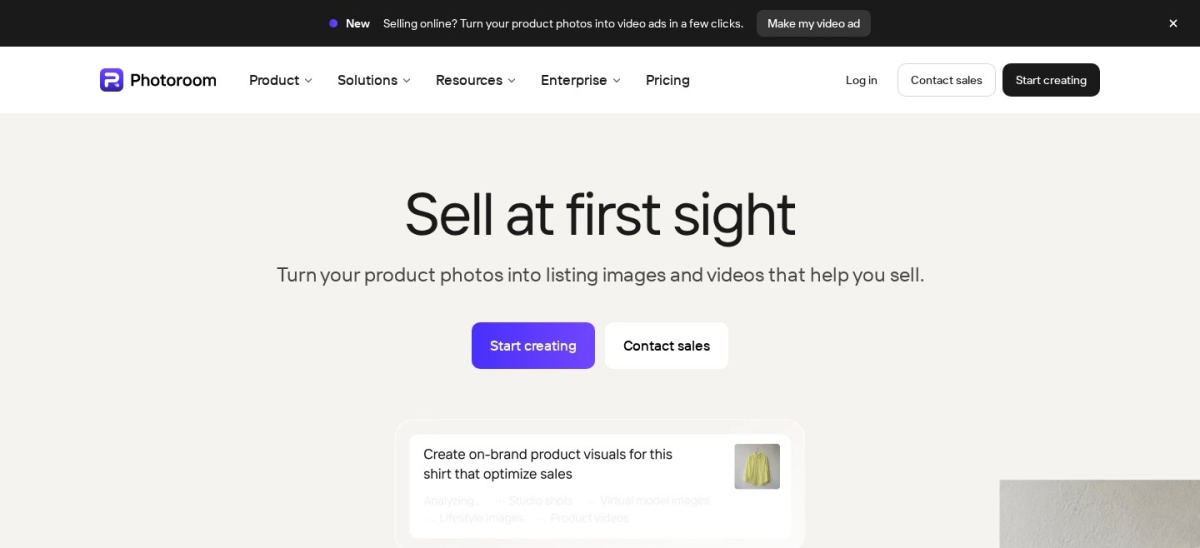
Photoroom homepage, captured Nov 2026.
Photoroom is an AI photo editor designed for product photography, background replacement, and online listing images. Its Pro plan includes 8,000 AI credits, 1,000 exports, unlimited core tools, AI Backgrounds, and AI Fashion Models. It helps sellers prepare consistent product visuals without building elaborate manual image composites.
The trade off is that higher-resolution features, video creation, and larger output allowances require more expensive subscriptions. Pro costs $7.50 monthly billed annually, totaling $90. It suits ecommerce sellers and small businesses preparing product photographs, catalog images, and promotional visuals.
What we like
Specialized product background removal
AI-generated product scenes
Useful for ecommerce listings
Free access and trial options
Clear published AI credit and export limits
Watch out for
Not intended for advanced RAW processing
AI credits limit some operations
Higher-resolution exports require upgrades
Background removal may need manual corrections
Max increases credits to 25,000 and exports to 3,000, adding video creation features.Visit photoroom.com
04
Pixlr
4.4/5on G2 (750 reviews, checked Nov 2026)
Paid from$2.49/mo
Best budget browser-based AI photo editor
Plus AI credits80/month
Free editorAvailable
AI generation1 concurrent job on Plus
Paid planPlus, $2.49/mo
pixlr.com
Pixlr homepage, captured Nov 2026.
Pixlr is a browser-based photo editor combining conventional adjustments with AI-powered image generation and editing. Its Plus plan includes 80 monthly AI credits, ad-free editing, unlimited saves, and access across web, desktop, and mobile. Available tools include background removal, object removal, generative fill, image expansion, and sharpening.
The trade off is that Plus has a relatively small AI credit allowance, and intensive generation requires Premium or higher subscriptions. The pricing page's embedded USD data lists Plus at $2.49 monthly or $1.99 monthly with annual billing. It suits creators who need occasional AI edits without a desktop photography subscription.
What we like
Free browser editor
Low paid entry price
Background and object removal tools
Generative Fill and image expansion
Cross-platform subscription access
Watch out for
Limited monthly AI credits on Plus
Advanced features require higher tiers
Internet access needed for online tools
Less detailed RAW workflow than Lightroom
Premium increases AI generation allowances and access to advanced creative features.Visit pixlr.com
05
Canva
4.7/5on G2 (7,924 reviews, checked Nov 2026)
Paid from$18/mo
Best for AI photo editing and social graphics
Free planAvailable
Premium templates3.6M+
Cloud storage100GB on Pro
Paid planPro, $18/mo regular
canva.com
Canva homepage, captured Nov 2026.
Canva is a visual design platform with AI-powered photo editing, background removal, image generation, resizing, and creative templates. Its free plan provides basic editing and limited AI access. Pro adds 3.6 million-plus templates, 141 million-plus premium creative assets, 100GB of storage, and greater AI usage allowances.
The trade off is that Canva prioritizes ready-to-publish designs rather than advanced RAW processing or detailed photographic retouching. Pro's regular published price is $18 monthly, while a temporary 50% promotion reduces the displayed entry charge. It suits marketers and content creators who edit photos for social media, presentations, and promotional materials.
What we like
Free photo and graphic editing
AI background removal and image generation
Extensive templates and creative assets
Easy integration with visual designs
Browser and mobile access
Watch out for
Limited advanced photography controls
Generative AI usage allowances apply
Not designed for professional RAW catalog management
Some premium editing tools require Pro
Pro adds premium templates, background removal, larger AI allowances, Brand Kits, and expanded storage.Visit canva.com
06
Topaz Photo
3.6/5on Trustpilot (56,774 reviews, checked Nov 2026)
Starts at$199/yr
Best for AI sharpening and image enhancement
Image enhancementSharpen and denoise
RenderingUnlimited local
Supported systemsMac and Windows
Paid planPersonal, $199/yr
topazlabs.com
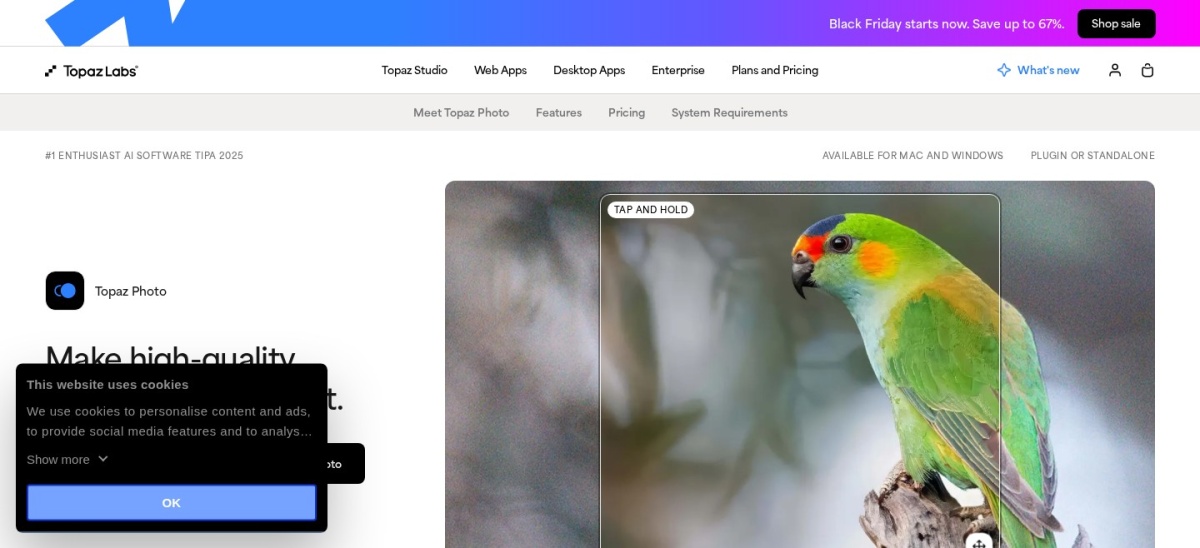
Topaz Photo homepage, captured Nov 2026.
Topaz Photo is an AI image enhancement application for correcting blur, reducing noise, improving sharpness, and enlarging photographs. Its Personal subscription includes desktop editing with unlimited local rendering and cloud enhancement options. It focuses on improving existing image quality rather than replacing a full graphic design environment.
The trade off is that its specialized tools cost $199 annually at the regular price, with a temporary $169 annual promotion currently displayed. Commercial licensing restrictions also apply to the Personal tier. It suits photographers who frequently need to rescue soft, noisy, or low-resolution images.
What we like
Specialized AI sharpening
Noise reduction and image restoration
Unlimited local rendering
Supports desktop enhancement workflows
Useful for improving difficult photographs
Watch out for
Not a complete layer-based photo editor
Requires a recurring subscription
Processing may be demanding on older computers
Personal license has commercial-use restrictions
Pro licensing expands commercial-use permissions, team management, and advanced production features.Visit topazlabs.com
07
Luminar Neo
4.6/5on Trustpilot (7,166 reviews, checked Nov 2026)
Starts at$417 one-time
Best for AI creative photo enhancements
Desktop licensePerpetual
Supported computersMac and Windows
Generative AI access1 year included
Regular list price$417 one-time
skylum.com
Luminar Neo homepage, captured Nov 2026.
Luminar Neo is an AI-assisted photo editor for creative adjustments, portrait retouching, sky replacement, atmospheric effects, and object removal. Its Desktop Only license provides perpetual desktop access and includes a year of generative AI features such as GenErase, GenSwap, GenExpand, and Restoration. It also works with supported Adobe photo applications.
The trade off is that the regular desktop license lists at $417, although the vendor currently advertises a discounted $99 purchase. Generative services are included for one year, with continued access subject to renewal terms. It suits photographers seeking AI-assisted creative editing with a perpetual desktop license.
What we like
AI-powered creative photo adjustments
Perpetual desktop license
Generative removal and expansion
Works as an Adobe photo editing plugin
Desktop editing continues after the initial AI access period
Watch out for
Generative AI access is time-limited
Future major upgrades may require payment
Regular list price is substantially above the advertised sale
Trustpilot reviews mention confusion over license terms
Higher licenses add mobile and web access; Luminar Prime extends generative tools and premium assets.Visit skylum.com
Generative AI editing vs traditional AI photo enhancement
AI photo enhancement and generative image editing serve different purposes. Enhancement algorithms primarily modify existing image information, while generative tools can synthesize new pixels or replace portions of a photograph.
Lightroom and Topaz Photo are particularly relevant for noise reduction, sharpness, exposure, and photographic corrections. Photoshop and Luminar Neo also provide creative generative tools that can remove, replace, or extend image content.
Generative editing can change the meaning or factual accuracy of a photograph. If an image is intended for journalism, documentation, product representation, or other accuracy-sensitive uses, evaluate whether the resulting changes are appropriate.
For professional work, retain original files and review edited areas carefully. AI models can introduce inaccurate textures, altered objects, unexpected artifacts, or details that were not present in the original scene.
How AI photo editing subscriptions and credits work
Photo editors use different pricing arrangements. Some charge monthly subscriptions, others offer annual commitments, and some sell perpetual desktop licenses with separate access periods for cloud-based AI services.
Traditional editing tools may be available throughout a subscription while generative operations consume credits. Batch exports, advanced models, and high-resolution output can also have separate limits.
When comparing subscription costs, estimate how many images you edit and how many generative operations each project requires. Frequent product image creation may benefit from a different plan than occasional portrait retouching.
For perpetual licenses, distinguish ownership of the desktop application from continuing access to cloud models, software upgrades, or premium assets. These benefits may expire or require renewal even when the base editor remains licensed.
How we chose
We shortlisted established photo editing products with active AI editing capabilities, including professional desktop editors, browser-based tools, product photo platforms, and specialized image enhancers. We compared object removal, image generation, RAW processing, masking, sharpening, export controls, and workflow suitability.
Official pricing pages and G2 or Trustpilot review profiles were opened on November 24, 2026 for this article dated November 22, 2026. We checked published regular prices, review scores, review counts, and feature allowances. Annual subscription estimates multiply regular monthly prices by twelve, while perpetual license costs are reported as upfront amounts rather than recurring fees.
We excluded products without verifiable independent reviews or sufficiently clear regular prices. We also avoided presenting discounted first-year offers as standard subscription rates. Trustpilot ratings for Luminar Neo and Topaz Photo reflect their vendor profiles rather than isolated product-specific scores. No vendor paid for a place, and we do not claim testing for this list.
How to choose the best AI photo editing software
Identify your editing tasks, compare AI automation with manual controls, and evaluate the subscription and export limits that affect your workflow.
Match the editor to your photography needs. Choose Photoshop for compositing and detailed retouching, Lightroom for RAW processing, and Topaz Photo for image enhancement. Product sellers may prefer Photoroom, while Canva and Pixlr are accessible choices for marketing graphics and everyday edits.
Compare generative features and editing control. Look beyond AI image generation to evaluate masking, selective corrections, object removal, background replacement, layers, and manual refinement. Decide whether you need quick automated outputs or precise editing of individual image elements.
Check credits, exports, and device compatibility. Review monthly AI allowances, supported file formats, maximum export resolution, batch processing, cloud storage, and desktop requirements. Confirm whether your subscription covers all devices and whether important functions require an internet connection.
Calculate ongoing costs and license restrictions. Compare regular prices rather than temporary offers. Check annual commitments, renewal terms, generative credit charges, commercial-use permissions, and whether perpetual licenses include future upgrades or continuing access to cloud AI features.
FAQ
What is the best AI photo editing software in 2026?
Photoshop is our overall pick for detailed editing because it combines generative image tools with professional layers, masks, and compositing controls. Lightroom is better for RAW photography and organized photo libraries, while Photoroom is particularly useful for creating consistent product images.
Is there free AI photo editing software?
Yes. Pixlr, Canva, and Photoroom offer free access to selected editing features. Their paid plans provide additional AI allowances, exports, or premium tools. Free capabilities vary, so check whether the specific background removal, generative editing, or enhancement feature you need is included.
Which AI photo editor is best for beginners?
Canva and Pixlr are accessible starting points for everyday photo editing. Canva works well when photos need to become social graphics or promotional designs, while Pixlr provides familiar image editing controls in a browser. Both offer free access with restrictions on advanced features.
Can AI photo editing software remove unwanted objects?
Yes. Photoshop, Lightroom, Pixlr, and several other editors include AI-assisted object removal. These tools analyze surrounding image content to reconstruct the selected area. Results depend on the background complexity, and large removals may introduce artifacts requiring manual correction.
What is the best AI photo editor for professional photographers?
Lightroom is well suited to RAW processing, catalog management, and consistent adjustments across many photographs. Photoshop adds precise compositing and detailed retouching, while Topaz Photo specializes in reducing noise and improving sharpness. Some photographers combine these tools rather than relying on one application.
Which AI photo editing software is best for ecommerce?
Photoroom is particularly suitable for product listings because it focuses on background removal, AI product scenes, and consistent image exports. Canva is useful for turning edited photographs into promotional graphics. Photoshop provides greater control when product images require detailed retouching and compositing.
Can AI improve blurry or low-resolution photos?
AI sharpening, denoising, and upscaling tools can improve the appearance of certain blurry or low-resolution images. Topaz Photo specializes in these tasks. However, AI may generate plausible details rather than recover genuine information that was never captured, so results should be inspected carefully.
Is Photoshop better than Canva for AI photo editing?
Photoshop is more suitable for advanced retouching, layer-based compositions, and detailed control of individual image elements. Canva prioritizes accessible editing, templates, and visual content creation. Photoshop generally fits professional image manipulation, while Canva works well for everyday marketing and social content.
Are AI photo editors worth paying for?
Paid AI editors can be worthwhile when automated background removal, enhancement, batch processing, or generative editing replaces repetitive manual work. For occasional edits, a free plan may be sufficient. Compare monthly image volume, credit allowances, export quality, and renewal costs before purchasing.