Midjourney leads for stylized concept art with 200 fast GPU minutes per month on its entry plan, while Adobe Firefly fits commercial workflows with 2,000 monthly credits. Ideogram suits crisp text inside artwork, and Canva fits template-driven social graphics.
How we make this list: we compare pricing pages, product documentation and public user reviews, then re-check every price before each update. No product paid for a place. Disclosure.
Midjourney Basic starts at $10/month ($96/year billed annually) with no free tier and 200 fast GPU minutes per month.
Adobe Firefly offers a free tier with daily generations and a Standard plan at $9.99/month for 2,000 monthly credits.
Ideogram provides a free tier with 30 weekly credits on eligible sign-ins and a Plus plan at $20/month ($180/year billed annually).
Recraft starts at $12/month ($120/year billed annually) on Basic for 1,000 monthly credits and vector workflows.
Leonardo.Ai includes 150 daily free tokens and an Essential plan at $12/month for 8,500 monthly fast tokens.
Canva Pro costs $144/year ($18/month billed monthly) and pairs template design with AI image features.
What to look for in an AI art app in 2026
Most AI art apps meter usage through monthly credits, daily tokens, or GPU minutes rather than flat unlimited prompts. Check how many generations a typical prompt or model consumes before committing to a tier.
Privacy and commercial terms vary sharply between free and paid plans. Several tools place free generations in public galleries or restrict commercial rights until you upgrade.
Think about where the artwork goes next. Standalone generators excel at moodboards and concept art, while vector and template tools save steps on logos, posters, and social posts.
Watch billing cycles and seasonal promotions. Annual billing often lowers effective monthly costs, while temporary discounts may apply only to initial months or select tiers.
Midjourney is an AI image generation platform known for artistic lighting, character concepts, and stylized scenes across web and Discord. The Basic plan starts at $10/month ($96/year billed annually) with 200 fast GPU minutes per month.
The trade off is that there is no free tier and Basic lacks Relax mode or Stealth Mode privacy, costing $10/month ($120/year) at regular monthly pricing. It suits artists and creators who want expressive visual styles.
What we like
Distinctive artistic styles and lighting across concept prompts
Annual billing lowers Basic to $96/year ($8/month)
Standard and higher tiers add unlimited Relax mode image generations
Supports web and Discord workflows
Watch out for
No free plan or trial for testing
Private generation requires higher tiers
Strict text rendering inside images is weaker than dedicated text tools
Higher plans add Relax mode image queues, larger fast GPU allowances, and private generation.Visit midjourney.com
02
Adobe Firefly
4.3/5on G2 (592 reviews, checked Nov 2026)
Paid from$9.99/mo
Best for commercially safe brand and photo workflows
Entry planStandard at $9.99/mo
Free tierDaily free generations
Credit allowance2,000 credits/mo on Standard
G2 rating4.3/5 (592 reviews)
adobe.com
Adobe Firefly homepage, captured Nov 2026.
Adobe Firefly is a generative AI creative suite for image, video, and audio creation alongside editing and ideation tools. It includes a free tier with daily generations, while Firefly Standard is $9.99/month for 2,000 credits.
The trade off is that higher tiers cost more and video or heavier models draw down credits quickly, at $9.99/month ($119.88/year) on Standard. It suits teams and designers working in commercial and Adobe-connected workflows.
What we like
Free tier lets you test daily image and media generation first
Firefly Standard provides 2,000 monthly credits at $9.99/month
Includes generative editing, upscaling, and moodboard tools
Backed by 592 G2 reviews averaging 4.3 out of 5
Watch out for
Credit consumption varies by model and media type
Higher tiers jump to $19.99/month and $49.99/month before promotions
Mixed Trustpilot sentiment on account and output rules
Paid tiers increase monthly generative credits, add model access, and expand concurrent generations.Visit adobe.com
03
Ideogram
4/5on Trustpilot (170 reviews, checked Nov 2026)
Paid from$20/mo
Best for legible typography and poster artwork
Entry planPlus at $20/mo ($180/yr)
Free tier30 credits/wk (eligible sign-ins)
Priority credits2,400/mo on Plus
TrustpilotAverage rating (170 reviews)
ideogram.ai
Ideogram homepage, captured Nov 2026.
Ideogram is an AI image and visual creation platform well known for rendering text inside graphics and artwork. Eligible free accounts receive 30 credits per week, while Plus is $20/month ($180/year billed annually) with 2,400 monthly priority credits.
The trade off is that free generations are public and Plus costs $20/month ($240/year) at regular monthly billing. It suits creators making posters, cover art, and graphics that need accurate text.
What we like
Free tier grants 30 weekly credits on supported sign-in methods
Plus includes 2,400 monthly priority credits plus unlimited slow queue use
Annual Plus billing lowers the rate to $180/year ($15/month)
Private generation unlocks on Plus and higher plans
Watch out for
Free plan outputs are public and require eligible sign-in for weekly credits
Monthly Plus pricing is higher than several single-user entry plans
Some reviewers report occasional prompt mismatches
Plus and Pro add priority monthly credits, private generation, and unlimited slow queue access.Visit ideogram.ai
04
Recraft
4.7/5on G2 (456 reviews, checked Nov 2026)
Paid from$12/mo
Best for vector art and brand style consistency
Entry planBasic at $12/mo ($120/yr)
Free tierFree plan available
Credit allowance1,000 credits/mo on Basic
G2 rating4.7/5 (456 reviews)
recraft.ai
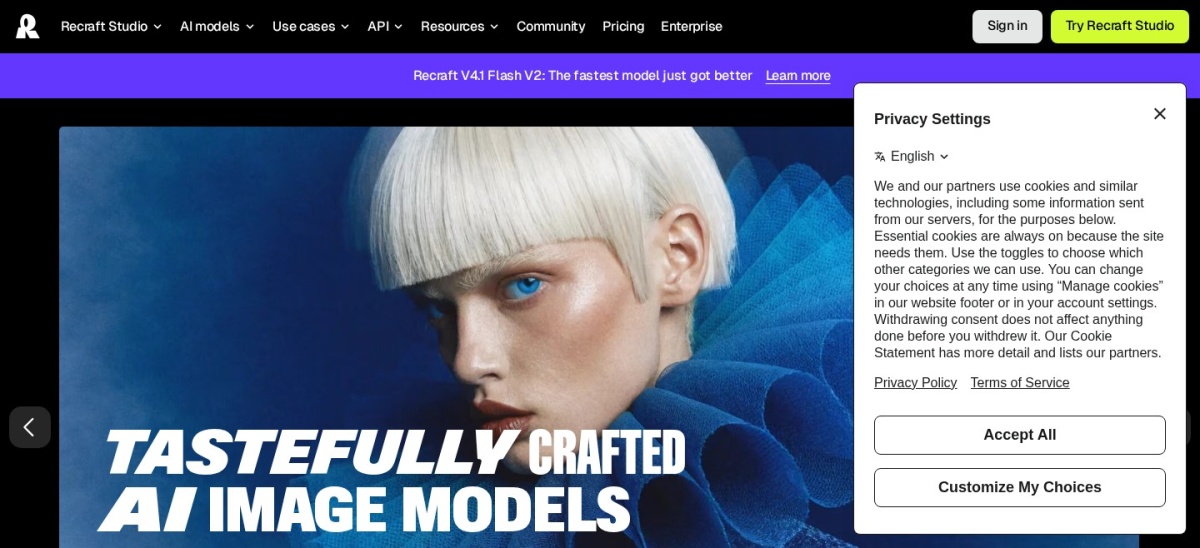
Recraft homepage, captured Nov 2026.
Recraft is an AI image and vector design platform built around consistent visual styles and scalable graphics. It offers a free plan to start, while Basic is $12/month ($120/year billed annually) with 1,000 credits per month.
The trade off is that free-tier images are public and not licensed for commercial use, with Basic priced at $12/month ($144/year) monthly. It suits designers and brand builders who need reusable styles and vector outputs.
What we like
Strong 4.7/5 score across 456 G2 reviews
Paid plans grant full commercial rights and keep generated images private
Basic drops to $120/year ($10/month) when billed annually
Optional top-up credits do not expire
Watch out for
Free plan creations are public and lack commercial licensing
Credit usage varies by model and operation
Trustpilot reviews show mixed complaints over credit rules and refunds
Leonardo.Ai is a creative AI studio for generating images, video, and visual assets across multiple models. The free plan provides 150 fast tokens per day, and Essential starts at $12/month with 8,500 monthly fast tokens.
The trade off is that free creations are public and Essential costs $12/month ($144/year) before tax. It suits creators exploring multiple models, character concepts, and recurring visual assets.
What we like
150 daily fast tokens on the free plan for regular testing
Essential includes 8,500 monthly fast tokens and a 25,500 rollover bank capacity
Unlocks private generations and 80+ models on Essential
Rates 4.5/5 on G2 across 34 reviews
Watch out for
Free tier limits model access and makes creations public
Higher-tier models can consume tokens quickly
Some reviewers report occasional slow generations or errors
Paid plans add larger monthly token pools, rollover banks, private creations, and broader model access.Visit leonardo.ai
06
Canva
4.7/5on G2 (7,928 reviews, checked Nov 2026)
Paid from$144/yr
Best for turning AI art into templates and social posts
Entry planPro at $144/yr ($18/mo)
Free tierFree plan with limited AI uses
Library size3.6M+ templates on Pro
G2 rating4.7/5 (7,928 reviews)
canva.com
Canva homepage, captured Nov 2026.
Canva is a visual design platform that combines ready-made templates and layout tools with built-in AI features. Its free plan includes limited AI uses, while Canva Pro is $144/year ($18/month billed monthly) for one person.
The trade off is that AI allowances are capped and Pro covers a single seat, costing $144/year ($18/month) with occasional monthly promos. It suits marketers and non-designers finishing AI visuals into layouts.
What we like
Strong 4.7/5 rating across 7,928 G2 reviews
Easy transition from AI art into presentations, social posts, and flyers
Pro includes 100 GB storage, 5 Brand Kits, and background removal
Free plan available with no credit card required
Watch out for
AI image usage has limits and can require extra add-ons for heavy volume
Pro is limited to one individual user
Less specialized for fine art or custom model training than dedicated generators
Canva Pro adds expanded AI allowances, premium templates, 100 GB storage, and Brand Kits.Visit canva.com
07
OpenArt
3/5on Trustpilot (1,817 reviews, checked Nov 2026)
Paid from$14/mo
Best for switching across many image and video models
Entry planStarter at $14/mo ($13/mo yr)
Free tier40 one-time trial credits
Credit allowance4,000 credits/mo on Starter
Trustpilot3.0/5 (1,817 reviews)
openart.ai
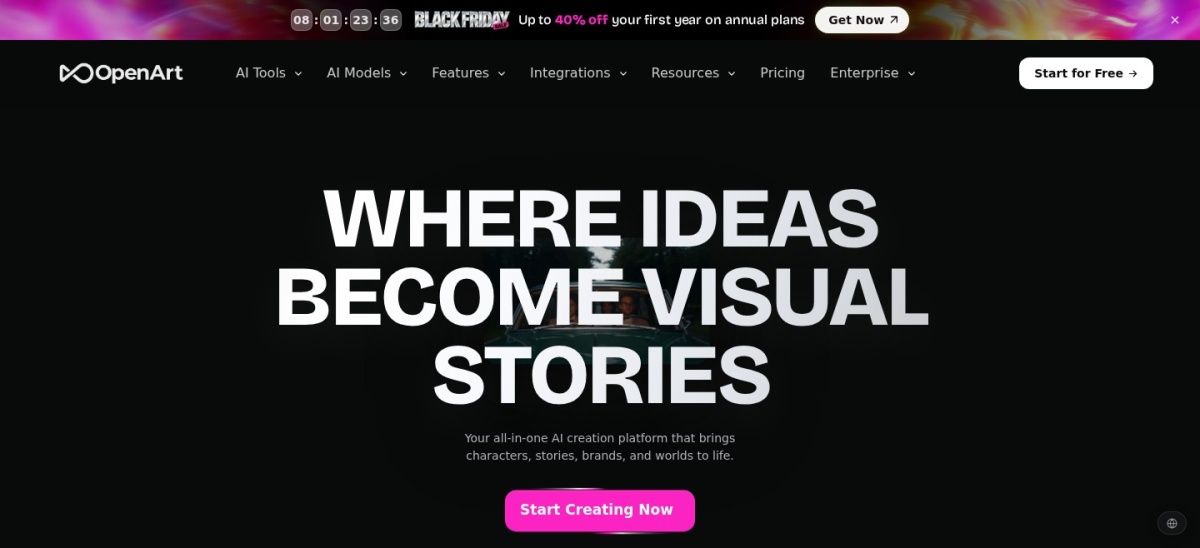
OpenArt homepage, captured Nov 2026.
OpenArt is a browser-based creative studio that groups over 100 image, video, and audio models in one workspace. New users get 40 one-time trial credits, and Starter is $14/month ($13/month annually) with 4,000 monthly credits.
The trade off is that the free allowance is a one-time trial rather than recurring, and Starter costs $14/month ($168/year) monthly. It suits experimenters who want many models under one login.
What we like
Access to 100+ image, video, and audio models in one interface
Starter provides 4,000 monthly credits and 8 parallel generations
Annual billing lowers Starter to $13/month
Higher tiers add more credits and commercial use rights
Watch out for
Free trial credits are one-time rather than refreshed daily or weekly
3.0/5 Trustpilot score across 1,817 reviews reflects billing and UI complaints
Commercial rights on entry tiers require checking plan terms carefully
How credits and usage limits work across AI art apps
Most AI art apps measure output with credits, tokens, or GPU minutes rather than charging per single image. Higher resolutions, complex edits, or video generation typically spend more units per run.
If you generate in batches or regenerate prompts often, check whether monthly allowances expire or roll over. Choosing a plan with enough buffer saves you from buying small credit top-ups mid-month.
How we chose
We built this list from established AI art and creative image tools actively maintained in 2026 across standalone generators, vector studios, and design platforms.
All pricing and public review figures were checked on 22 Nov 2026 using official pricing pages and public review directories such as G2 and Trustpilot.
We excluded tools without verifiable current pricing or established track records, and we do not claim testing for this list. No vendor paid for a place, and we do not claim testing for this list.
How to pick the right AI art app
Start with your output format and workflow needs before comparing credit counts or monthly prices.
Match the style engine to your goal. Pick stylized generators like Midjourney for concept visuals, Recraft for vectors, or Ideogram when text inside the artwork matters.
Check commercial and privacy rules early. Review whether free or entry tiers make images public or restrict commercial rights if you plan to publish client or brand work.
Estimate real monthly credit burn. Factor in extra test prompts and upscales so your plan covers typical weekly volume without constant top-ups.
Compare monthly and annual billing. Stick to monthly billing while evaluating a tool, and switch to annual billing only when you know you will use it regularly.
FAQ
Which AI generated art app is best for beginners?
Canva and Adobe Firefly are approachable starting points because both offer free entry options and familiar editing interfaces. Canva works well if you want templates alongside AI images, while Firefly suits photo edits and commercial projects.
Does Midjourney have a free plan?
No, Midjourney does not offer a free plan or trial. Its entry Basic tier starts at $10/month (or $96/year when billed annually) and includes 200 fast GPU minutes per month.
Which tool is best for text inside AI images?
Ideogram is built with strong text rendering in mind alongside image creation. It offers a free tier with 30 weekly credits on eligible sign-ins and a Plus plan starting at $20/month.
Are free AI art tier images safe for commercial use?
Not always. Several platforms place free-tier creations in public galleries or restrict commercial licensing until you subscribe to a paid plan, so always read the current license terms before commercial use.
Should I choose a multi-model studio or a single generator?
A multi-model tool like OpenArt or Leonardo.Ai makes sense if you want to switch between models in one place. A focused tool like Midjourney or Recraft often fits better if you prefer one consistent look or vector workflow.
Is annual billing always cheaper on AI art apps?
Annual billing usually lowers the monthly cost compared to paying month by month, such as on Midjourney, Ideogram, Recraft, and Canva. However, paying upfront locks in a full year, which only makes sense if you plan to use the app consistently.
SaaS SEO and WordPress specialist with about 8 years of experience. Rakib compares WordPress plugins, themes, hosting and software using public pricing, documentation and user reviews. See how we rank.