Adobe Firefly is the best AI app to create images for most creators, offering a free plan and a $9.99 monthly subscription with 2,000 generative credits. Choose Midjourney for artistic illustrations or Leonardo.Ai for customizable image generation and daily free tokens.
How we make this list: we compare pricing pages, product documentation and public user reviews, then re-check every price before each update. No product paid for a place. Disclosure.
Adobe Firefly Standard costs $9.99 per month and includes 2,000 monthly generative credits.
Midjourney Basic costs $96 per year and includes 200 minutes of monthly fast GPU time.
Leonardo.Ai provides 150 daily fast tokens on its free plan.
ChatGPT Go expands image generation access for $8 per month.
Recraft has a 4.7/5 G2 rating from 456 reviews and supports vector graphics.
What to look for in an AI image creation app
AI image generators turn written descriptions into illustrations, photographs, concept artwork and marketing graphics. Some also let you upload existing images and modify specific elements without recreating the entire composition.
The most important consideration is the type of image you need. Artistic illustrations, product photographs, editable vector graphics and social media designs require different creative controls.
Compare generation allowances carefully. Some subscriptions use credits or tokens, while others measure processing time. More demanding models and editing operations can consume your allowance faster.
Check commercial usage terms, image privacy and export formats before subscribing. Free plans may publish your creations publicly or restrict how you can use generated artwork.
Adobe Firefly is a generative image platform that combines text-to-image creation with image editing and vector generation. Its free plan provides limited daily generations, while Standard includes 2,000 monthly generative credits and unlimited standard generations on eligible models.
The trade off is that advanced generation features consume credits, even with the $9.99 monthly Standard subscription. Adobe also advertises temporary discounts of up to 60% on selected higher plans. It suits designers who want to generate and refine images within an established creative workflow.
What we like
Free daily image generation
Integration with Adobe creative applications
Generative Fill for targeted image editing
Supports image and vector creation
Watch out for
Premium generation features consume credits
Complex prompts may require repeated attempts
Standard adds monthly credits and unlimited eligible standard generationsVisit adobe.com
02
Midjourney
4.2/5on G2 (306 reviews, checked Nov 2026)
Starts at$96/yr
Best for artistic illustrations
Free planNo
Fast GPU time200 minutes/month
Style referencesSupported
Paid planBasic
midjourney.com
Midjourney homepage, captured Nov 2026.
Midjourney is an AI image generator focused on artistic compositions, realistic imagery and visual storytelling. Its Basic subscription includes 200 minutes of fast GPU processing each month, with controls for image references and visual styles.
The trade off is that Basic costs $96 annually or $10 month-to-month and does not include unlimited relaxed image generation. Private generation also requires a higher subscription tier. It suits illustrators, concept artists and creators who prioritize visual composition over traditional design tools.
What we like
Detailed artistic style controls
Reference-based image generation
Suitable for concept art and illustrations
Annual billing costs less than monthly billing
Watch out for
No permanent free plan
Limited processing time on Basic
Private generation requires a higher plan
Basic unlocks image generation with a monthly fast GPU allowanceVisit midjourney.com
03
Leonardo.Ai
4.5/5on G2 (34 reviews, checked Nov 2026)
Paid from$12/mo
Best for customizable AI artwork
Free allowance150 fast tokens/day
Essential allowance8,500 fast tokens/month
Paid model selection80+ models
Personal AI models10 on Essential
leonardo.ai
Leonardo.Ai homepage, captured Nov 2026.
Leonardo.Ai is an image generation platform with creative presets, model selection and tools for refining visual assets. The free plan includes 150 daily fast tokens, while Essential provides 8,500 monthly fast tokens and access to more than 80 models.
The trade off is that free creations are public and access to models is limited. Essential starts at $12 per month and adds private generation, enhanced quality settings and personal AI models. It suits creators who want greater control over recurring visual styles and image production.
What we like
Daily free token allowance
Wide selection of paid image models
Personal model training
Private generation on paid plans
Watch out for
Free creations are public
Token consumption varies by operation
Essential adds private creations, additional tokens and model trainingVisit leonardo.ai
04
ChatGPT
4.6/5on G2 (5,520 reviews, checked Nov 2026)
Paid from$8/mo
Best for conversational image generation
Free image generationLimited
Editing methodNatural language
Reference imagesSupported
Paid planGo
chatgpt.com
ChatGPT homepage, captured Nov 2026.
ChatGPT is a conversational AI application that creates images from written descriptions and modifies uploaded artwork using natural language instructions. Its free plan includes limited image generation, while the Go subscription costs $8 per month and expands access.
The trade off is that the $8 monthly Go subscription still has image generation limits and may include advertising. Its conversational workflow also offers fewer conventional design controls than specialized graphics editors. It suits beginners, marketers and bloggers who prefer describing revisions rather than adjusting complex settings.
What we like
Natural language image creation
Image editing through follow-up instructions
Free access for occasional generation
Combines content writing and image creation
Watch out for
Image generation limits vary by plan
Fewer dedicated design controls
Go expands image generation access and other usage allowancesVisit chatgpt.com
05
Recraft
4.7/5on G2 (456 reviews, checked Nov 2026)
Paid from$120/yr
Best for vector graphics and branding
Image formatsRaster and vector
Free generationsLimited daily usage
Basic credits1,000
Commercial rightsPaid plan
recraft.ai
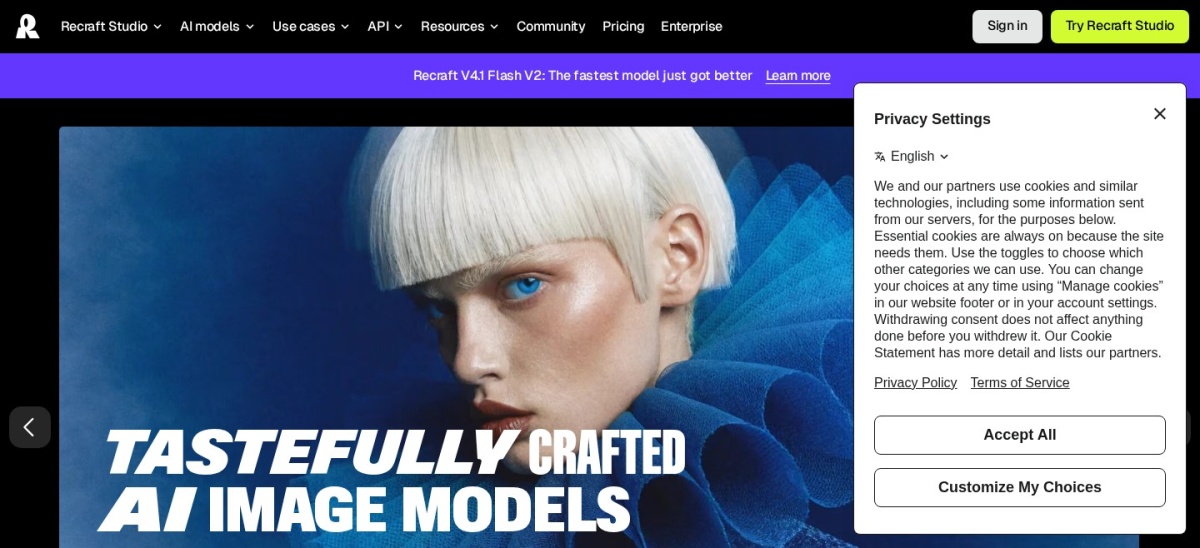
Recraft homepage, captured Nov 2026.
Recraft is an AI graphics application for creating illustrations, icons, vector artwork and branded visual assets. Its free plan supports limited daily generation, while the annual Basic subscription includes 1,000 credits and private files.
The trade off is that free creations are public and lack commercial usage rights under the free plan terms. Basic costs $120 per year and adds commercial rights to generated assets. It suits graphic designers and businesses that need scalable artwork rather than only raster images.
What we like
Native vector image generation
Supports branded visual styles
Free access for experimentation
Commercial usage rights on paid plans
Watch out for
Free creations have commercial restrictions
Credit consumption depends on generation settings
Basic adds commercial rights, private files and additional creditsVisit recraft.ai
06
Canva
4.7/5on G2 (7,928 reviews, checked Nov 2026)
Paid from$144/yr
Best for social media graphics
Image generationCanva AI
Design editorIncluded
Brand KitsUp to 5 on Pro
Paid planCanva Pro
canva.com
Canva homepage, captured Nov 2026.
Canva is a graphic design platform that incorporates AI image generation into its template-based editor. The free version provides limited AI access, while Pro combines expanded creative features with up to 5 Brand Kits and a premium design asset library.
The trade off is that Canva Pro costs $144 annually or $18 month-to-month, and AI usage remains subject to plan allowances. Its image generation workflow prioritizes accessible design over detailed model configuration. It suits small businesses and content creators producing social posts, advertisements and presentation graphics.
What we like
Image generation inside the design editor
Templates for common marketing formats
Brand management features on Pro
Suitable for users without design experience
Watch out for
Less granular control over AI models
AI usage limits apply to paid plans
Pro adds premium assets, expanded AI access and brand managementVisit canva.com
07
Kittl
4.7/5on G2 (43 reviews, checked Nov 2026)
Paid from$168/yr
Best for merchandise and print designs
AI tokens2,000/month on Pro
Export formatsPNG, JPG, PDF and SVG
Premium templates10,000+
Paid planPro
kittl.com
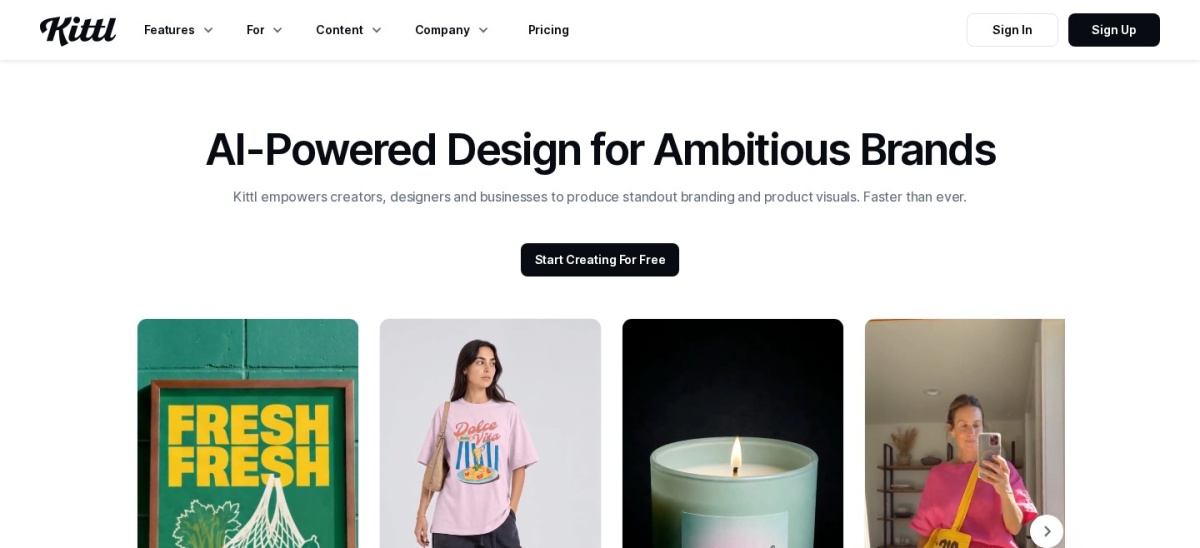
Kittl homepage, captured Nov 2026.
Kittl is an AI-assisted design application for creating merchandise graphics, packaging, illustrations and branded artwork. Its free plan includes selected design tools and templates, while Pro provides 2,000 monthly AI tokens and access to more than 10,000 premium templates and mockups.
The trade off is that commercial licensing and advanced export options require a paid subscription, with Pro priced at $168 annually before promotional discounts. AI generation also consumes tokens. It suits merchandise sellers, independent designers and businesses creating printable or branded visual assets.
What we like
AI generation within a graphic design editor
Advanced typography tools
High-resolution and vector exports on Pro
Templates for merchandise and packaging
Watch out for
Advanced exports require payment
AI token limits can restrict experimentation
Pro adds commercial licensing, premium templates and 2,000 monthly AI tokensVisit kittl.com
Can you use AI-generated images commercially?
Commercial usage depends on the application, subscription and underlying image model. Recraft, for example, reserves commercial usage rights for paid subscribers. Other platforms apply different licensing conditions.
Permission to use generated images commercially does not guarantee copyright protection or freedom from third-party claims. Avoid recognizable trademarks, copyrighted characters and unauthorized likenesses when producing commercial artwork.
Review the applicable license before publishing AI images in advertisements, merchandise, client projects or downloadable products. Keep records of the subscription and generation terms that applied when the artwork was created.
How much does an AI image generator cost?
The entry-level subscriptions in this comparison range from $96 to $168 when expressed as annual costs. Monthly billing can cost more than an annual commitment.
The cheapest subscription is not necessarily the least expensive option per usable image. Model selection, resolution, repeated generations and editing operations can affect how quickly you consume your allowance.
Estimate your actual production needs before subscribing. Occasional bloggers may find free allowances sufficient, while agencies and merchandise sellers may need higher generation limits and commercial licensing.
How we chose
We selected established AI image creation applications covering artistic generation, professional editing, conversational image creation, vector graphics and template-based design. We compared their documented features, subscription structures and public customer feedback.
Prices and ratings were checked on 25 Nov 2026 using official vendor pricing information and G2 review pages. Annual costs reflect regular subscription rates rather than temporary promotional discounts. G2 ratings cover the overall applications, not exclusively their image generation features.
We excluded discontinued applications, products without sufficient public reviews and services without accessible regular pricing information. Rankings prioritize practical image creation capabilities, pricing transparency, editing options and suitability for different creative workflows. No vendor paid for a place, and we do not claim testing for this list.
How to choose the best AI app to create images
Compare image creation applications against your creative requirements, available budget and intended publishing workflow before committing to a subscription.
Define your primary image requirements. Choose Midjourney for artistic illustrations, Recraft for vector graphics or Canva for finished marketing designs. Match the application to the format you regularly produce.
Compare generation allowances. Check how credits, tokens or processing time translate into usable images. Consider the additional resources required for editing, regenerating and exporting artwork.
Review commercial licensing and privacy. Confirm whether your subscription permits commercial use and private generation. This matters particularly when creating confidential client projects, advertisements or merchandise.
Check editing and export capabilities. Look for reference-image support, targeted editing, appropriate resolution and suitable file formats. Choose an application that minimizes additional work in external graphics editors.
FAQ
What is the best AI app to create images?
Adobe Firefly is our top pick because it combines image generation, editing and vector creation with a free plan and accessible paid pricing. Its Standard subscription costs $9.99 per month and includes 2,000 generative credits.
Which AI image generator is best for beginners?
ChatGPT and Canva are approachable options for beginners. ChatGPT creates and revises artwork through conversational instructions, while Canva combines generated images with editable templates for social media posts, presentations and marketing materials.
Are there free AI apps to create images?
Yes. Adobe Firefly, Leonardo.Ai, ChatGPT, Recraft, Canva and Kittl offer free access with varying restrictions. Leonardo.Ai provides 150 daily fast tokens, making it an option for regular creative experimentation without a subscription.
Is Midjourney better than Adobe Firefly?
Midjourney is particularly suitable for artistic compositions and stylized illustrations. Adobe Firefly is a better fit for creators who need image editing and integration with Adobe applications. The appropriate choice depends on your intended output and workflow.
Which AI image generator is best for logos and vectors?
Recraft is a suitable choice for generating vector graphics, icons and branding concepts. Kittl also supports vector exports and advanced typography. Review licensing and trademark requirements before adopting generated artwork as a business logo.
Can AI image apps edit existing photographs?
Yes. Adobe Firefly, ChatGPT and Leonardo.Ai support workflows involving existing images. Depending on the application, you can replace backgrounds, modify objects, adjust visual styles or extend a composition using written instructions and editing controls.
How much should I spend on an AI image generator?
Start with a free plan if you create images occasionally. Paid options in this comparison begin at an annualized cost of $96. Upgrade when generation limits, image privacy, commercial licensing or export requirements become important.
Can I sell images created with AI?
You may sell generated images when the applicable platform and model licenses permit commercial use. However, commercial permission does not automatically establish copyright ownership. Check third-party intellectual property rights and marketplace policies before listing generated artwork for sale.
SaaS SEO and WordPress specialist with about 8 years of experience. Rakib compares WordPress plugins, themes, hosting and software using public pricing, documentation and user reviews. See how we rank.