Best AI Customer Support Agents Software in 2026: 7 Tools Compared
WLWPLegible EditorsLast verified 22 Nov 2026How we rank5 min read
★ Short answer
Intercom is the top pick for AI customer support agents, pairing Fin at $0.99 per outcome with seat plans from $29 per month. Tidio fits smaller stores with a free plan and Starter from $29 per month, while Help Scout suits teams that want a shared inbox with a free tier or Standard from $25 per user per month.
How we make this list: we compare pricing pages, product documentation and public user reviews, then re-check every price before each update. No product paid for a place. Disclosure.
Intercom prices Fin at $0.99 per outcome on top of Essential seats starting at $29 per seat per month billed annually.
Tidio starts at $0 for 50 human conversations and lists Starter at $29 per month, while Lyro AI bills as a separate quota.
Freshdesk Growth starts at $19 per agent per month billed annually and includes a one-time 500 Freddy AI Agent session allowance.
Help Scout offers a free plan for up to 5 users and Standard at $25 per user per month billed annually, with AI resolutions at $0.75 each.
Chatbase prices Basic at $120 per month billed annually for 4,000 monthly message credits with unlimited workspace members.
What to look for in AI customer support agents software
Most AI customer support platforms separate human seat licenses from AI usage meters. A low base seat price can rise quickly once an AI agent resolves routine tickets or triggers extra workflow steps.
Check how each vendor defines a billable AI unit. Some charge per resolved outcome or conversation, some charge per message credit, and a few charge both a helpdesk ticket fee and an AI resolution fee on the same interaction.
Confirm whether the AI agent can only answer from help docs or can also take actions like checking orders, issuing refunds, or escalating to a human queue. Accuracy depends heavily on clean help center articles and clear handoff rules.
Match channel support and team controls to your operation. If your team relies on live chat, email, social messaging, or ecommerce order data, verify which channels sit on the base plan versus paid add-ons.
Core toolsMessenger, inbox, ticketing, help center
Higher tiersAdvanced $85/seat, Expert $132/seat
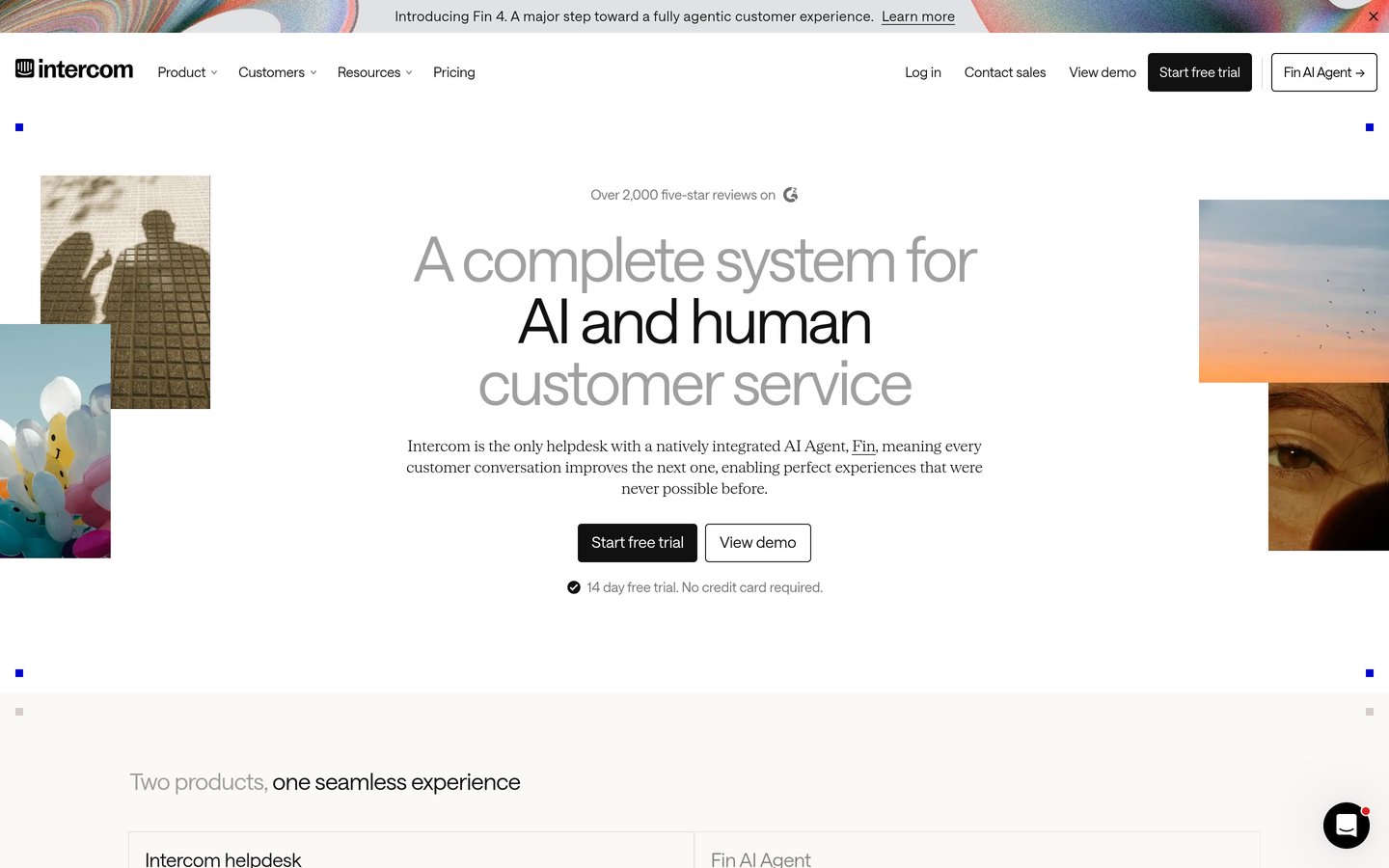
intercom.com
Intercom homepage, captured Nov 2026.
Intercom is a customer service suite built around its Messenger inbox, ticketing, help center, and the Fin AI agent. The Essential plan starts at $29 per seat per month billed annually, and Fin is billed at $0.99 per successful outcome.
The trade off is that per-seat fees and per-outcome AI charges stack as ticket volume grows, and workflow routing starts on Advanced at $85 per seat per month. It suits support teams that want pay-per-outcome AI resolution paired with a shared inbox.
What we like
Fin charges $0.99 per outcome rather than a flat AI seat fee
Includes Messenger live chat, shared inbox, ticketing, and public help center on Essential
Can run Fin standalone with other helpdesks if needed
Watch out for
No permanent free plan on standard seat tiers
AI outcomes add variable cost on top of monthly seat fees
Workflows builder requires upgrading to Advanced
Higher plans add workflow automation, multiple team inboxes, SLAs, and SSO.Visit intercom.com
02
Tidio
4.6/5on G2 (2,169 reviews, checked Nov 2026)
Paid from$29/mo
Best for small stores starting free
Free plan50 human chats, 50 one-time Lyro chats
Entry paidStarter at $29/mo (100 chats)
AI agentLyro AI from $39/mo for 50 AI chats
Upper tiersGrowth from $59/mo, Plus from $300/mo
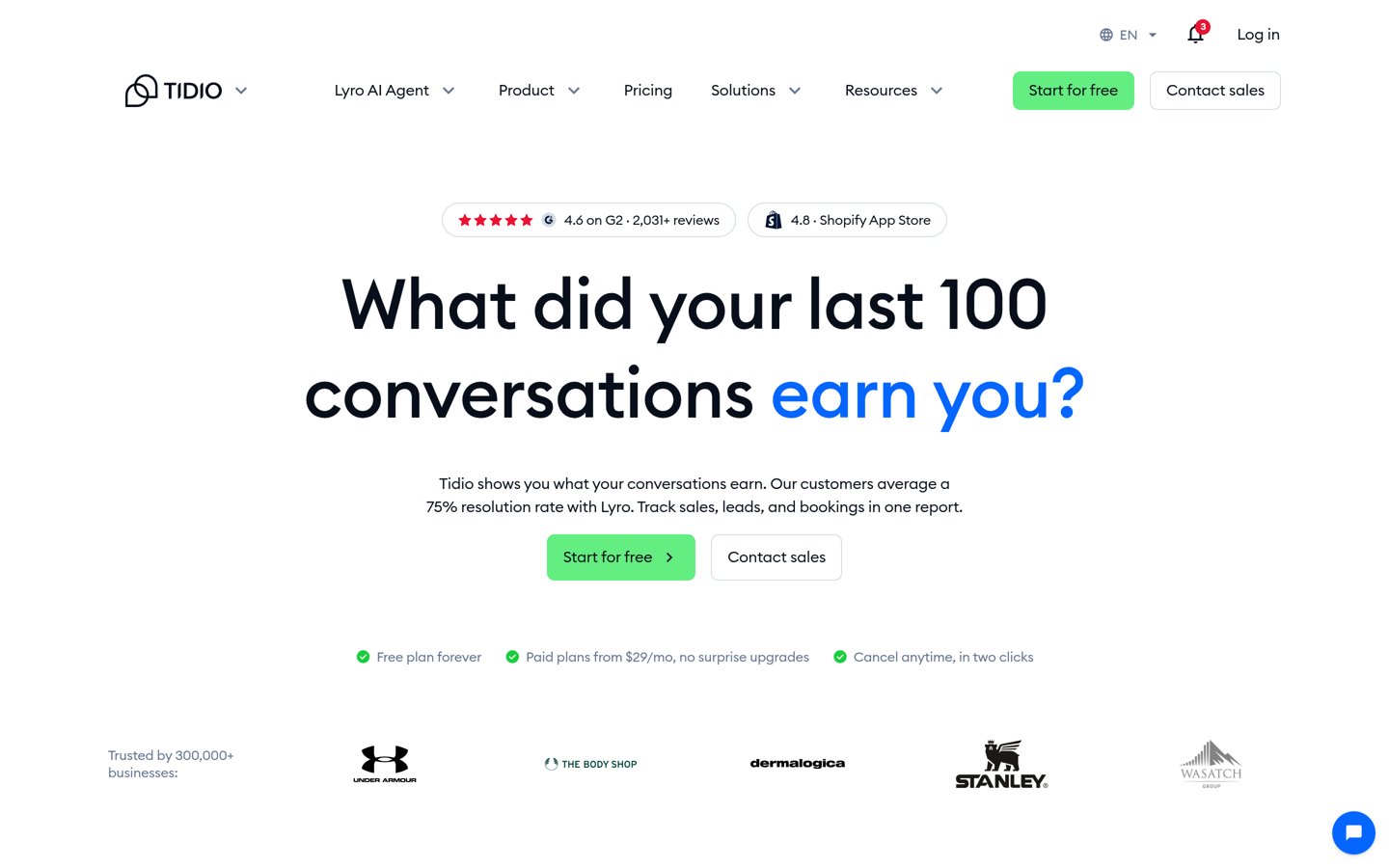
tidio.com
Tidio homepage, captured Nov 2026.
Tidio is a live chat and shared inbox platform with the Lyro AI agent and Flows automation for small businesses and online stores. Its Free plan includes 50 monthly human conversations and 50 one-time Lyro AI conversations.
The trade off is that Starter at $29 per month covers 100 human conversations while Lyro AI and Flows use separate usage quotas. It suits small ecommerce and web teams that want a fast chat setup with a free starting tier.
What we like
Offers a free tier with live chat, ticketing, and 50 one-time Lyro AI chats
Quick widget setup for websites and online stores
Clean handoff between automated replies and human agents
Watch out for
Separate quotas for human conversations, Lyro AI, and Flows can make bills harder to predict
Free Lyro allowance is one-time rather than monthly
Features like OpenAPI and departments sit on Plus starting at $300 per month
Paid tiers and Lyro add-ons expand conversation limits, analytics, workflows, and team controls.Visit tidio.com
03
Freshdesk
4.4/5on G2 (3,761 reviews, checked Nov 2026)
Starts at$19/mo
Best for low entry seat pricing
Entry planGrowth at $19/agent/mo annual
AI session pack$49 per 100 Freddy AI sessions
Copilot add-on$29/agent/mo annual on Pro/Enterprise
Higher tiersPro $55/agent, Enterprise $89/agent
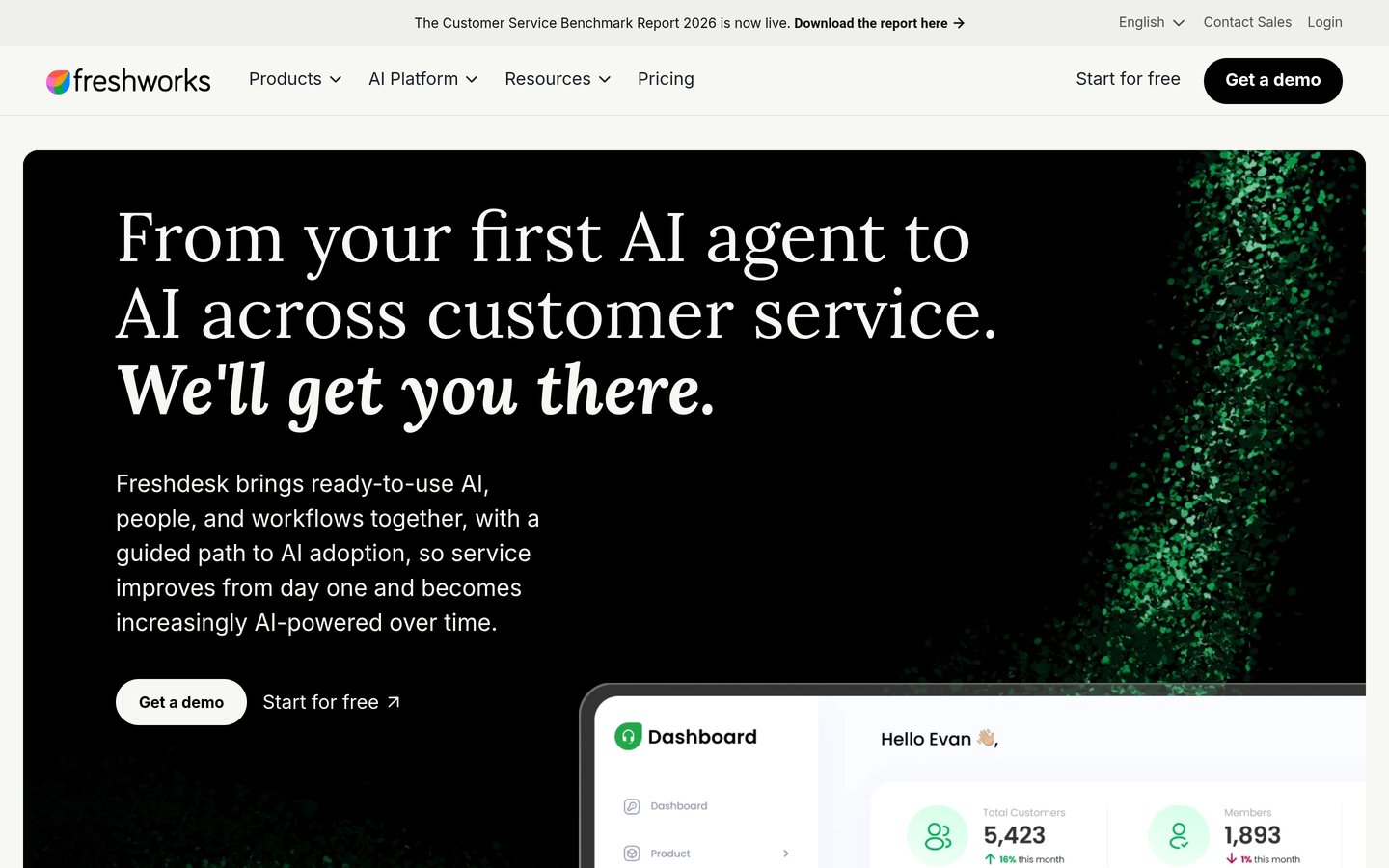
freshworks.com
Freshdesk homepage, captured Nov 2026.
Freshdesk is a ticketing and helpdesk platform from Freshworks that pairs shared inboxes and knowledge bases with Freddy AI. Growth starts at $19 per agent per month billed annually and includes a one-time allowance of 500 Freddy AI Agent sessions.
The trade off is that the 500 Freddy AI sessions apply once per account rather than every month, and extra packs cost $49 per 100 sessions. It suits growing support teams that want low annual seat pricing and structured ticketing.
What we like
Low entry seat rate at $19 per agent per month on annual billing
Includes ticketing, shared inbox, customer portal, and knowledge base on Growth
Large review base with strong marks for ease of setup
Watch out for
The 500 Freddy AI Agent sessions are a one-time account allowance rather than a monthly reset
Freddy AI Copilot is not available on the Growth plan
Additional AI session packs and MCP actions cost extra
Pro and Enterprise add intelligent routing, multiple SLAs, custom dashboards, and Copilot.Visit freshworks.com
04
Help Scout
4.4/5on G2 (434 reviews, checked Nov 2026)
Paid from$25/mo
Best for email-led shared inboxes
Free planUp to 5 users, 1 Inbox, 1 Docs site
Entry paidStandard at $25/user/mo annual
AI resolution$0.75 per resolution add-on
Higher tiersPlus $45/user, Pro $75/user annual
helpscout.com
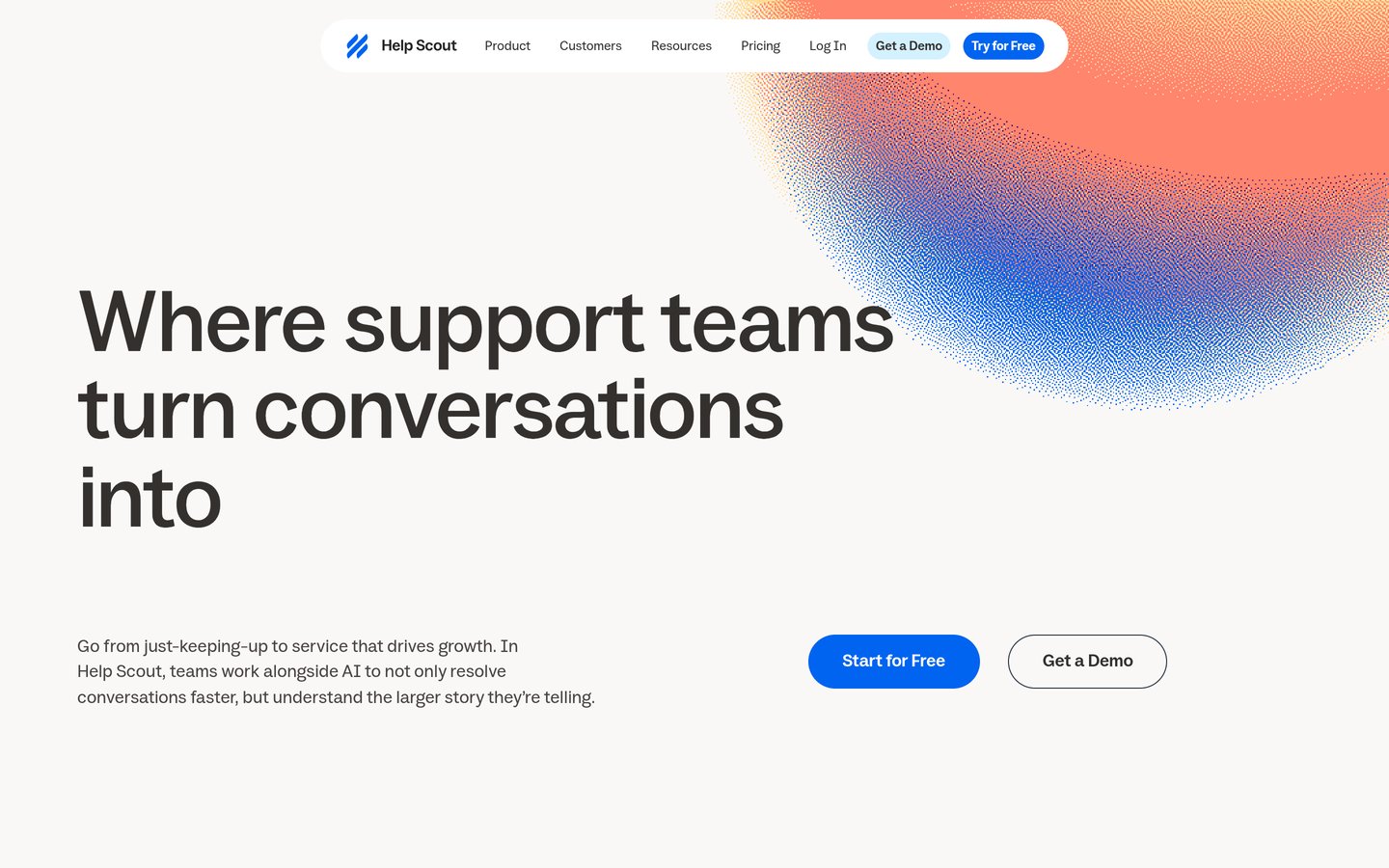
Help Scout homepage, captured Nov 2026.
Help Scout is a shared inbox and knowledge base platform with AI assistant tools and pay-per-resolution AI answers. Its Free plan supports up to 5 users with 1 Inbox and 1 Docs site, while Standard starts at $25 per user per month billed annually.
The trade off is that automated AI resolutions cost $0.75 each as an add-on, and round-robin routing or CRM integrations require Plus at $45 per user per month. It suits small and mid-sized teams that prefer an email-style shared inbox and Docs knowledge base.
What we like
Includes a free tier for up to 5 users with an inbox and docs site
Clean shared inbox interface with straightforward onboarding
AI resolutions are priced at $0.75 per resolution rather than a high base bundle
Watch out for
AI resolutions add ongoing per-resolution charges on top of seat fees
Advanced routing and CRM integrations start on Plus
Higher seat tiers jump to $45 and $75 per user per month billed annually
Plus and Pro add round-robin routing, extra SLAs, customer portals, and SSO.Visit helpscout.com
05
Crisp
4.5/5on G2 (207 reviews, checked Nov 2026)
Paid from$45/mo
Best for flat workspace pricing
Free plan$0 for 2 seats, chat widget, inbox
Entry paidMini at $45/mo (4 seats, $5 AI credit)
Mid & top tiersEssentials $95/mo, Plus $295/mo
AI agentHugo with monthly credit allowances
crisp.chat
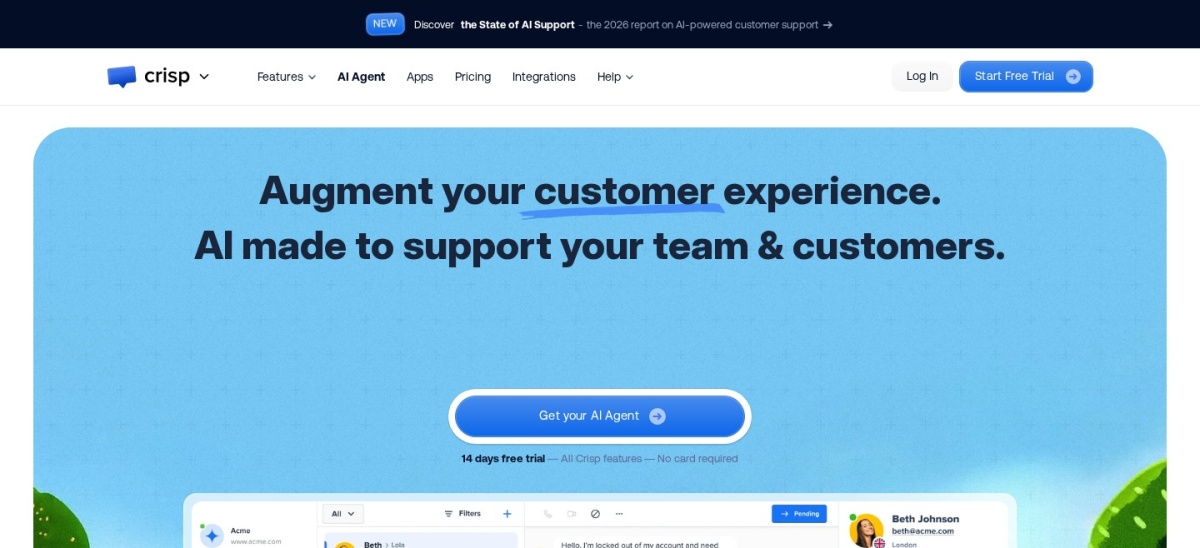
Crisp homepage, captured Nov 2026.
Crisp is a shared inbox and live chat workspace with its Hugo AI agent trained on your help center and documents. It offers a free plan for 2 seats and prices Mini at $45 per month per workspace for up to 4 seats and $5 in monthly AI credits.
The trade off is that Mini includes a modest monthly AI credit allowance before pay-as-you-go applies, and channels like WhatsApp or workflows start on Essentials at $95 per month. It suits small teams that want workspace-based pricing rather than per-seat billing.
What we like
Workspace pricing covers multiple seats without charging per individual agent
Includes a free plan for 2 seats
Combines live chat, shared inbox, and Hugo AI in one workspace
Watch out for
Included AI credits on Mini are small and require pay-as-you-go for higher volume
Extra messaging channels and workflow automation require Essentials
Smaller G2 review sample than larger helpdesk suites
Essentials and Plus raise seat limits, AI credit allowances, and channel integrations.Visit crisp.chat
06
Gorgias
4.6/5on G2 (582 reviews, checked Nov 2026)
Starts at$10/mo
Best for ecommerce order workflows
Entry planStarter at $10/mo for 50 tickets
AI Agent rate$0.90 annual / $1.00 monthly per action
Ticket overage$0.40 extra ticket on Starter/Basic
Higher tiersBasic $50/mo, Pro $300/mo annual
gorgias.com
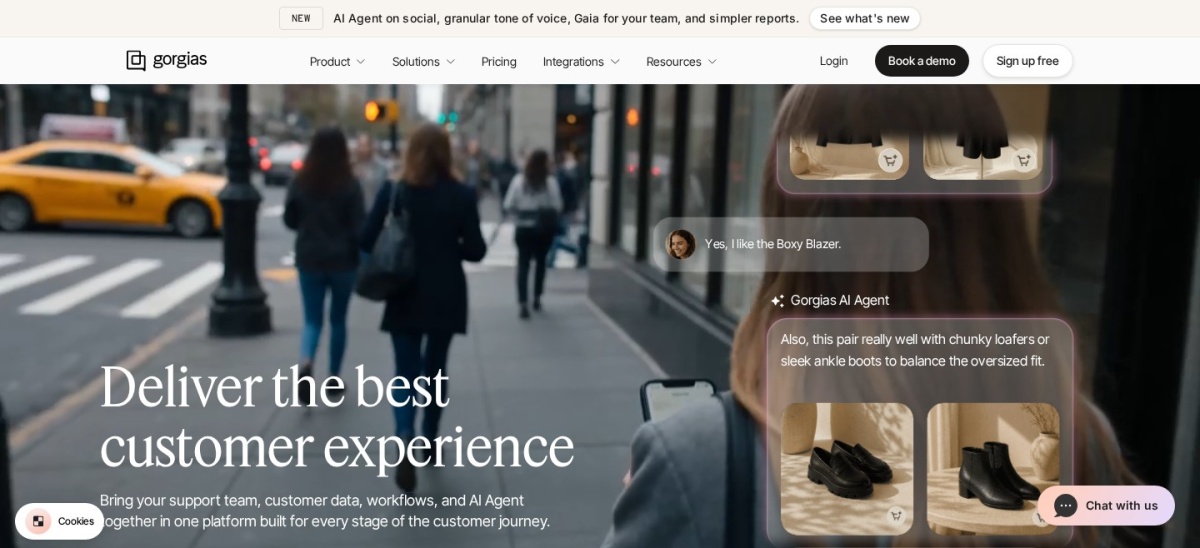
Gorgias homepage, captured Nov 2026.
Gorgias is an ecommerce helpdesk and AI agent platform that connects support tickets with store order actions like refunds and order edits. Its Starter plan starts at $10 per month for 50 tickets, while the AI Agent bills per automated interaction.
The trade off is that AI Agent interactions cost extra on top of ticket allowances, and AI-handled tickets can incur both ticket and automation charges. It suits ecommerce stores that need order-level automation inside their support queue.
What we like
Built for ecommerce support with direct order lookup and actions
Low entry Starter tier at $10 per month for small ticket volume
Strong 4.6 out of 5 rating across 582 G2 reviews
Watch out for
AI Agent usage stacks on top of ticket limits and overage fees
Ticket and automation billing can rise quickly during peak sales periods
Less suited to non-ecommerce teams with basic inbox needs
Higher ticket tiers raise monthly ticket caps, add more AI interactions, and lower overage rates.Visit gorgias.com
07
Zendesk
4.3/5on G2 (7,131 reviews, checked Nov 2026)
Starts at$55/mo
Best for complex multi-channel teams
Suite entrySuite Team at $55/user/mo annual
AI resolutions$1.50 committed / $2.00 pay-as-you-go
Higher tiersSuite Growth $89, Suite Pro $115/mo
Review volume4.3/5 across 7,131 G2 reviews
zendesk.com
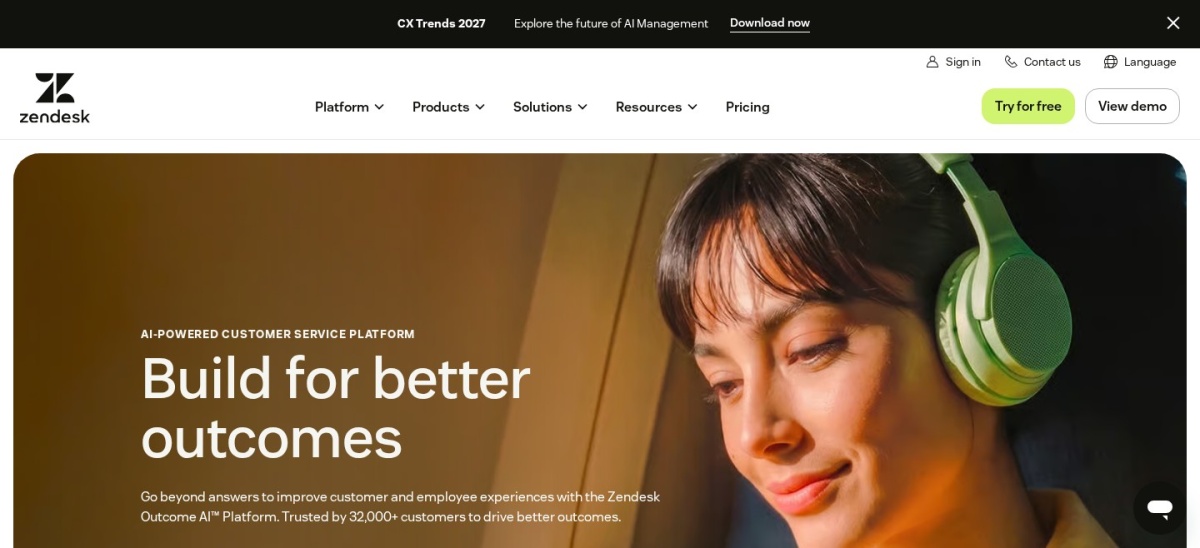
Zendesk homepage, captured Nov 2026.
Zendesk is a multi-channel ticketing and customer service suite with AI agents, routing rules, and reporting for larger teams. Suite Team starts at $55 per user per month billed annually, with automated AI resolutions priced per resolution.
The trade off is higher per-user pricing and per-resolution AI fees compared with lightweight helpdesks, plus extra setup effort for complex rules. It suits mid-market and larger support teams that need structured workflows across many channels.
What we like
Mature ticketing, routing, macros, and reporting for high volume
Large review sample with over 7,100 reviews on G2
Supports omnichannel messaging, email, voice, and help centers
Watch out for
Higher starting cost per user than entry helpdesk tools
Automated AI resolutions cost extra beyond included allowances
Advanced configuration takes more setup time for smaller teams
Higher Suite tiers add expanded automation, custom reporting, SLAs, and enterprise controls.Visit zendesk.com
How we chose
We built this shortlist by looking at widely used AI customer support platforms and helpdesks that offer automated agents, AI assistants, or resolution-based AI features. Every entry is an active commercial platform with documented pricing and public G2 review data.
We checked published pricing plans, AI billing terms, and G2 ratings and review counts on 22 Nov 2026. Where vendors list both monthly and annual rates, we note the billing terms clearly and avoid promotional or custom enterprise quotes as base numbers.
We excluded tools that lacked transparent self-serve pricing or public G2 figures in our verified sources, as well as custom-only enterprise contracts. No vendor paid for a place, and we do not claim testing for this list.
How to choose AI customer support agents software
Follow four practical steps to match an AI support platform to your ticket volume and budget.
Estimate your monthly AI-resolved volume first. Compare per-outcome, per-session, and per-credit charges against your expected ticket deflection so AI fees do not surprise your budget.
Check how human seats and AI meters interact. Some tools charge per agent seat plus per AI outcome, while others bill per workspace or ticket tier.
Audit your knowledge base and workflow needs. AI agents perform best when connected to accurate help articles, clear escalation rules, and any order or CRM tools your team uses.
Test fallback and handoff behavior during trials. Make sure unresolved or complex questions pass cleanly to human agents without losing conversation history or context.
FAQ
How do AI customer support agents usually charge?
Most vendors charge a base subscription per seat, workspace, or ticket tier plus an AI fee per outcome, session, resolution, or message credit. Always check whether AI usage is billed separately from human agent seats.
Do any of these tools offer a free plan?
Yes, Tidio, Help Scout, and Crisp offer free plans with core inbox or chat limits. Free tiers typically cap seats, monthly conversations, or AI allowances.
What is the difference between an AI agent and a copilot?
An AI agent handles customer questions or actions directly in chat or tickets, while a copilot helps human agents draft replies, summarize threads, or find articles. Some platforms bill the two features separately.
Why do AI support bills sometimes exceed the starting price?
Higher ticket volume, extra AI resolution packs, add-on channels, or plan upgrades for routing and analytics can raise monthly costs. Reviewing real ticket logs helps model likely usage.
Which option fits ecommerce stores best?
Gorgias focuses on ecommerce workflows and order actions, while Tidio is popular with smaller online stores starting on a free or low-cost chat plan. Check which store platform and actions your team needs.
When does a heavier helpdesk like Zendesk make sense?
Platforms like Zendesk fit larger or multi-channel teams that need deeper ticket routing, SLA policies, reporting, and governance across many agents. Smaller teams often start with lighter inboxes.