Best Accounting Software for SaaS in 2026: 7 Tools Compared
WLWPLegible EditorsLast verified 22 Nov 2026How we rank6 min read
★ Short answer
QuickBooks Online leads with a 4.3 rating across 8,555 Capterra reviews and a $38/mo Simple Start US plan. Zoho Books offers a $0 tier for turnover under $50,000 USD per year, while Chargebee RevRec targets multi-element subscription revenue recognition starting at $5,000.
How we make this list: we compare pricing pages, product documentation and public user reviews, then re-check every price before each update. No product paid for a place. Disclosure.
QuickBooks Online Simple Start costs $38/mo on the US plan and holds a 4.3 rating from 8,555 Capterra reviews.
Xero Early lists at $27/mo regular US pricing and holds a 4.4 rating from 3,343 Capterra reviews.
Zoho Books starts at $0 for businesses under $50,000 USD annual turnover or $20/mo regular monthly on Standard.
FreshBooks Lite starts at $21/mo regular rate and holds a 4.5 rating across 4,527 Capterra reviews.
Chargebee RevRec starts at $5,000 for Performance and focuses on revenue recognition workflows with 30 G2 reviews.
What to look for in SaaS accounting software
SaaS companies handle monthly and annual subscriptions, upfront renewals, proration, and deferred revenue that standard cash-basis spreadsheets track poorly. Accrual reporting helps teams separate cash collected from revenue earned over a service term.
Many subscription businesses pair general ledger software with a billing or payment processor such as Stripe or a dedicated subscription billing platform. Check how cleanly your chosen accounting tool maps recurring invoices, payouts, and refunds into your chart of accounts.
Entry-level plans often cap invoices, users, or sales channels while placing deeper reporting or multi-entity controls on higher tiers. Always compare regular US subscription rates rather than temporary promotional discounts when budgeting for a full year.
Support channels, bank feed stability, and tax or 1099 reporting vary widely across accounting platforms. Pick a ledger that matches your current transaction volume and finance team complexity without overpaying for unused modules.
4.3/5on Capterra (8,555 reviews, checked Nov 2026)
Starts at$38/mo
Best for broad accountant and app ecosystem support
Regular US entry$38/mo Simple Start
Higher US tiers$85, $140, $340/mo
Rating sourceCapterra (4.3/5)
Free trial30-day free trial
quickbooks.intuit.com
QuickBooks Online homepage, captured Nov 2026.
QuickBooks Online is a cloud accounting platform whose US Simple Start plan lists at $38/mo regular price, alongside Essentials at $85/mo, Plus at $140/mo, and Advanced at $340/mo. It holds a 4.3 rating across 8,555 Capterra reviews and includes bookkeeping automation, income and balance sheet reports, and a 30-day free trial.
The trade off is higher subscription costs as you add tiers or users, with regular Simple Start pricing at $38/mo ($456/yr) and frequent promotional discounts that step up to regular rates. It suits SaaS teams that want broad third-party integrations and widespread accountant familiarity.
What we like
Wide third-party app ecosystem and accountant support
Clear tiered progression up to Advanced at $340/mo
Strong reporting for income statements, balance sheets, and expenses
30-day free trial available before committing
Watch out for
No permanent free plan after trial
Reviewers frequently note subscription price increases and add-on costs
Some users report occasional sync glitches or slow page loads
Higher US plans add multi-user access, sales channels, inventory, and fixed-asset tracking.Visit quickbooks.intuit.com
02
Xero
4.4/5on Capterra (3,343 reviews, checked Nov 2026)
Starts at$27/mo
Best for bank reconciliation and multi-tier flexibility
Regular US entry$27/mo Early
Higher US tiers$59 Growing, $97 Established
Rating sourceCapterra (4.4/5)
Promo note90% off 6 mos offer noted
xero.com
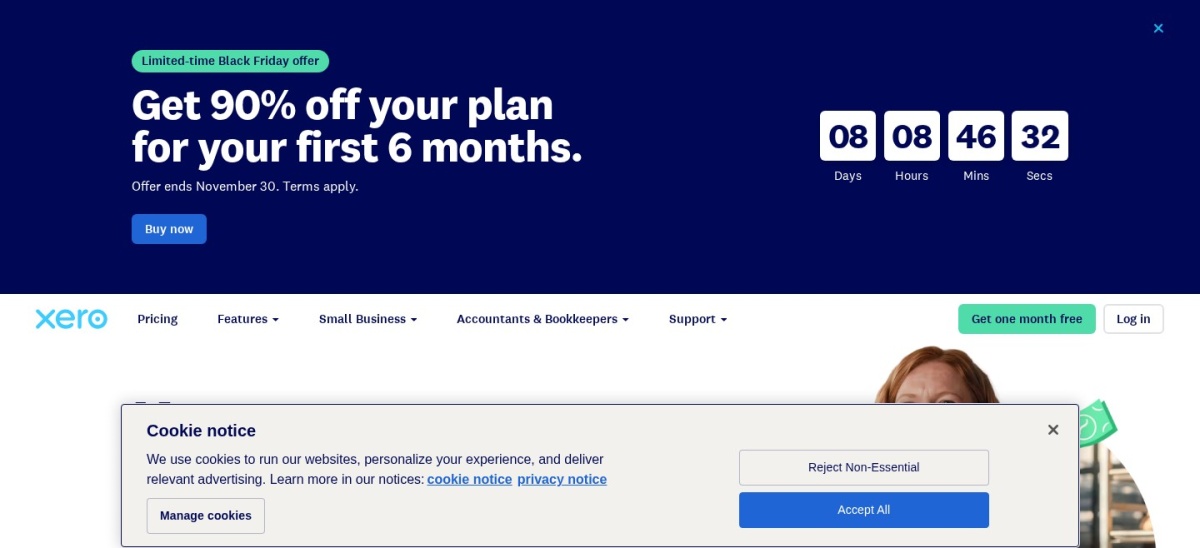
Xero homepage, captured Nov 2026.
Xero is an online accounting platform whose US Early plan lists at $27/mo regular price, with Growing at $59/mo and Established at $97/mo regular prices. It holds a 4.4 rating from 3,343 Capterra reviews and covers bank reconciliation, online invoicing, bill tracking, and smart document capture.
The trade off is strict limits on the Early tier—including up to 20 invoices and 5 bills—before upgrading to Growing at $59/mo ($27/mo regular entry equals $324/yr). It suits growing SaaS companies that want automated bank matching and structured tier upgrades.
What we like
4.4/5 rating across 3,343 Capterra reviews
Lower regular US entry price than QuickBooks Online Simple Start
Standard ACH bill payments included across Early, Growing, and Established
Watch out for
Early plan caps invoices at 20 and bills at 5
Promotional discounts revert to higher regular monthly rates
Some reviewers report delayed email/case support and occasional bank feed drops
Growing and Established remove invoice and bill caps and add broader cash flow and reporting tools.Visit xero.com
03
Zoho Books
4.4/5on Capterra (683 reviews, checked Nov 2026)
Paid from$20/mo
Best for low-cost entry and Zoho suite integration
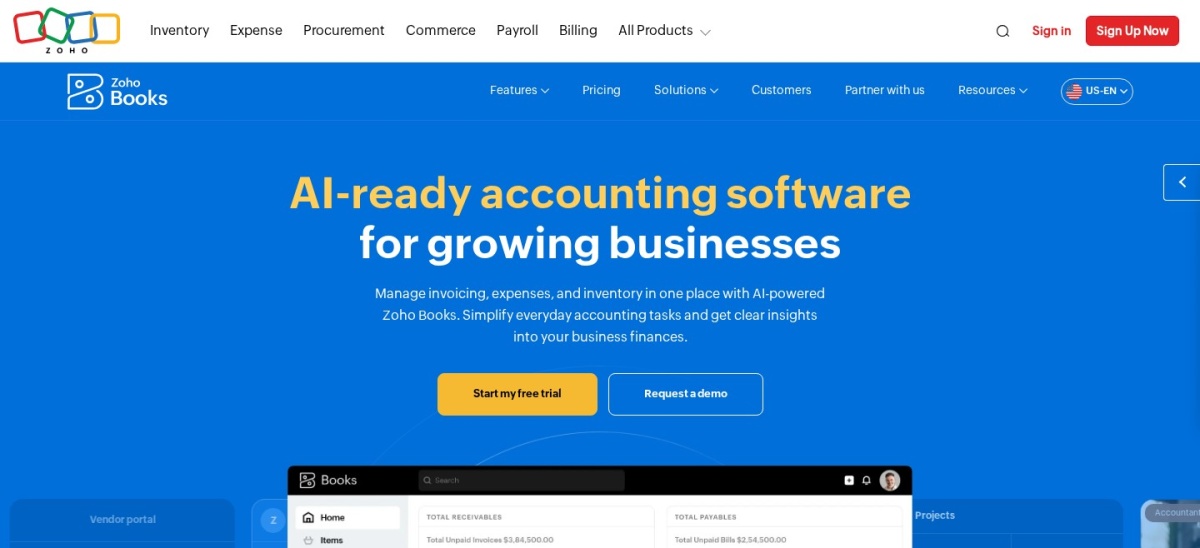
Zoho Books is a cloud accounting app offering a $0 plan for businesses with annual turnover under $50,000 USD and a Standard plan at $20/mo regular monthly ($15/mo billed annually). It holds a 4.4 rating across 683 Capterra reviews and supports invoicing, expense tracking, bank reconciliation, and financial reporting.
The trade off is occasional UI lag with larger datasets and mixed feedback on bank feed matching and support response times, with paid pricing starting at $20/mo ($240/yr). It suits early-stage SaaS founders on a tight budget or teams already running Zoho apps.
What we like
Free plan available for businesses under $50,000 USD annual turnover
Low entry cost at $20/mo regular monthly or $15/mo annually
Tight integration with other Zoho applications
Watch out for
Integrations outside the Zoho ecosystem can feel narrower
Some reviewers note sluggishness on larger datasets or complex bank matching
Support experiences vary across user reviews
Paid plans expand automation, reporting depth, and multi-user workflows beyond the starter tier.Visit zoho.com
04
FreshBooks
4.5/5on Capterra (4,527 reviews, checked Nov 2026)
Starts at$21/mo
Best for client invoicing and time tracking
Regular entry$21/mo Lite
Higher tiers$38 Plus, $65 Premium
Rating sourceCapterra (4.5/5)
Promo note90% off 4 mos offer noted
freshbooks.com
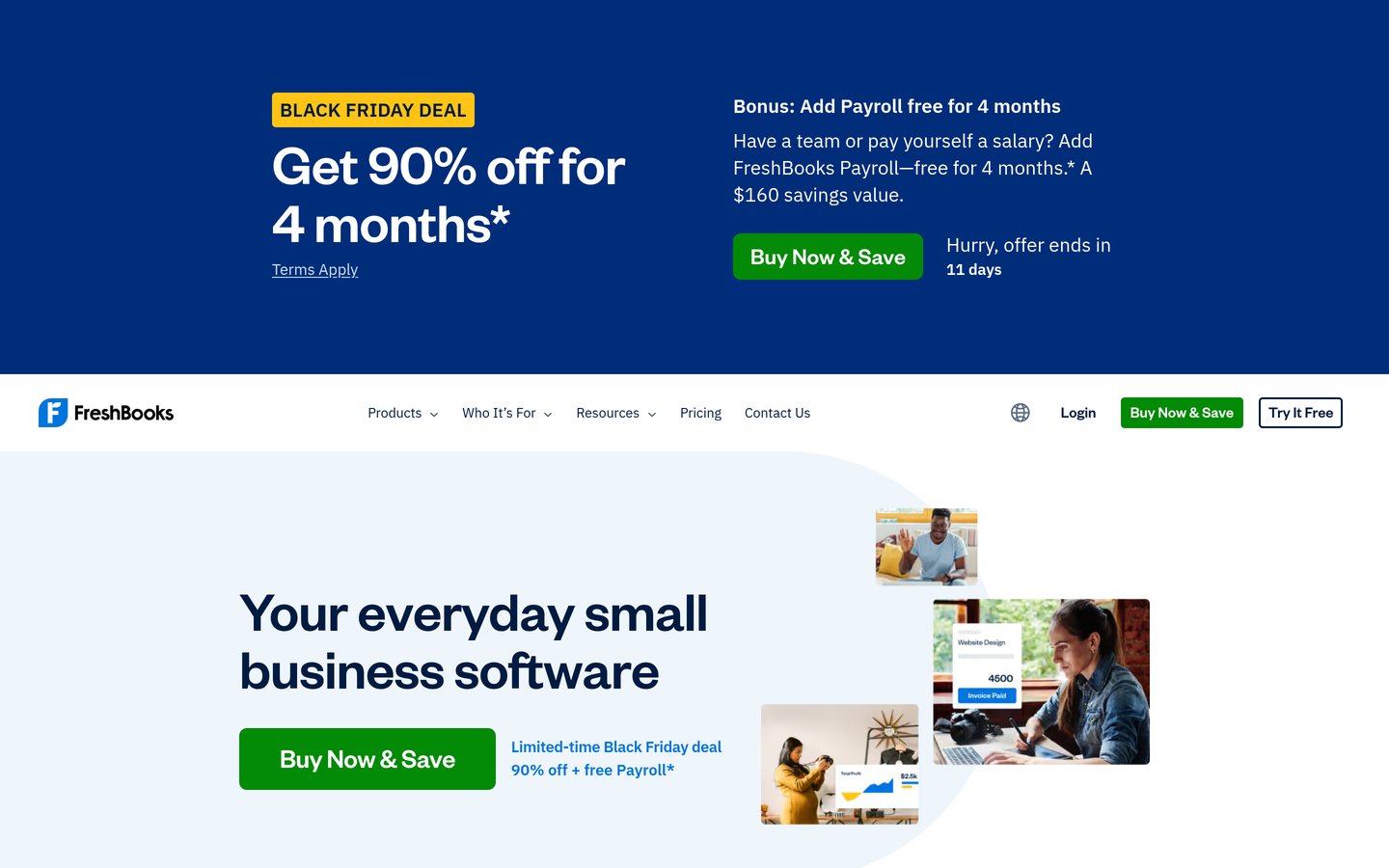
FreshBooks homepage, captured Nov 2026.
FreshBooks is an invoicing and accounting platform whose Lite plan starts at $21/mo regular price, alongside Plus at $38/mo and Premium at $65/mo. It holds a 4.5 rating across 4,527 Capterra reviews and includes unlimited invoices for up to five clients on Lite, expense tracking, and sales tax tracking.
The trade off is a five-client cap on the $21/mo ($252/yr) Lite plan and lighter accounting depth than dedicated general ledgers, with promotional discounts expiring to regular rates. It suits small SaaS or consulting-led teams that prioritize fast client invoicing and time tracking.
What we like
Highest Capterra rating in this group at 4.5/5 across 4,527 reviews
Clean interface with fast onboarding for non-accountants
Built-in time tracking, estimates, and automated invoice reminders
Watch out for
Lite plan caps unlimited invoicing at five billable clients
Costs rise as client counts, team users, or higher tiers increase
Less suited to complex accounting reports or inventory workflows
Plus and Premium raise client and billing limits and add project profitability and recurring billing tools.Visit freshbooks.com
05
Wave
4.4/5on Capterra (1,726 reviews, checked Nov 2026)
Paid from$19/mo
Best for free core bookkeeping and simple invoicing
Free tierFree core accounting & invoicing
Paid plan$19/mo Pro (promo noted)
Rating sourceCapterra (4.4/5)
Add-onsPayments, receipts, payroll
waveapps.com
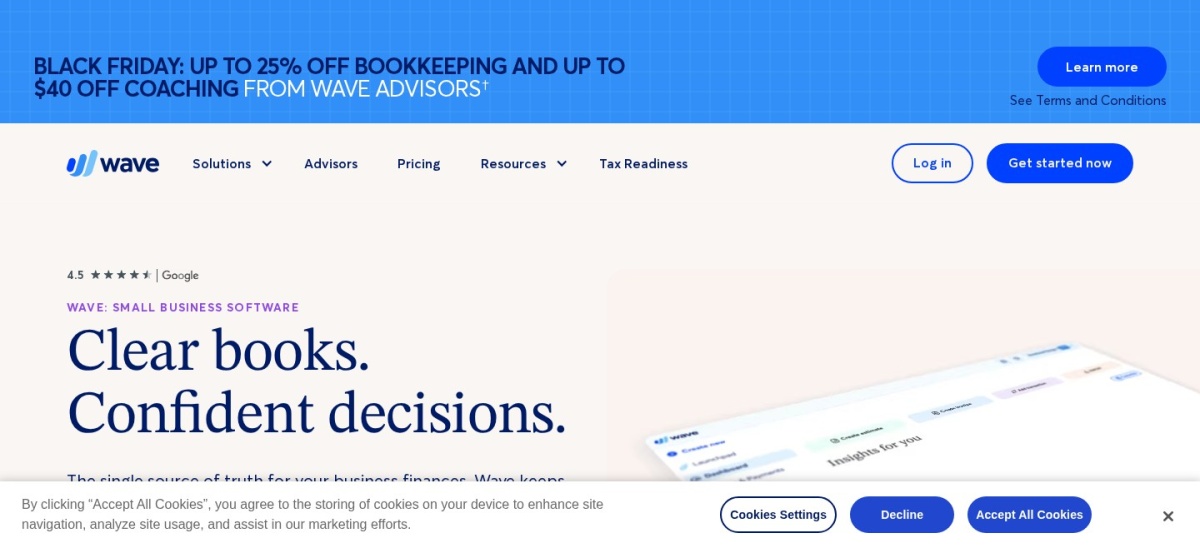
Wave homepage, captured Nov 2026.
Wave is a small-business accounting platform offering free core bookkeeping and invoicing alongside a Pro plan at $19/mo regular price. It holds a 4.4 rating from 1,726 Capterra reviews and supports bank connections, unlimited bookkeeping records, and payment processing add-ons.
The trade off is basic reporting customization and slower or limited support compared with higher-priced suites, with Pro at $19/mo ($228/yr) and a promotional discount noted on pricing. It suits micro SaaS teams that want free starter accounting without heavy financial complexity.
What we like
Free starter tier covers core accounting and invoicing
Low $19/mo regular price on Pro with optional add-ons
Easy setup for solo founders moving off spreadsheets
Watch out for
Limited report customization for deeper financial analysis
Payment processing carries transaction fees on card payments
Some reviewers report slow support responses and occasional lag
Pro unlocks expanded user roles and workflows on top of free bookkeeping and invoicing.Visit waveapps.com
06
ZipBooks
4.5/5on Capterra (114 reviews, checked Nov 2026)
Paid from$25/mo
Best for lightweight invoicing and time tracking
Free tierFree starter plan available
Paid tier$25/mo Starter shown
Rating sourceCapterra (4.5/5)
Higher tiersSmarter and Sophisticated
zipbooks.com
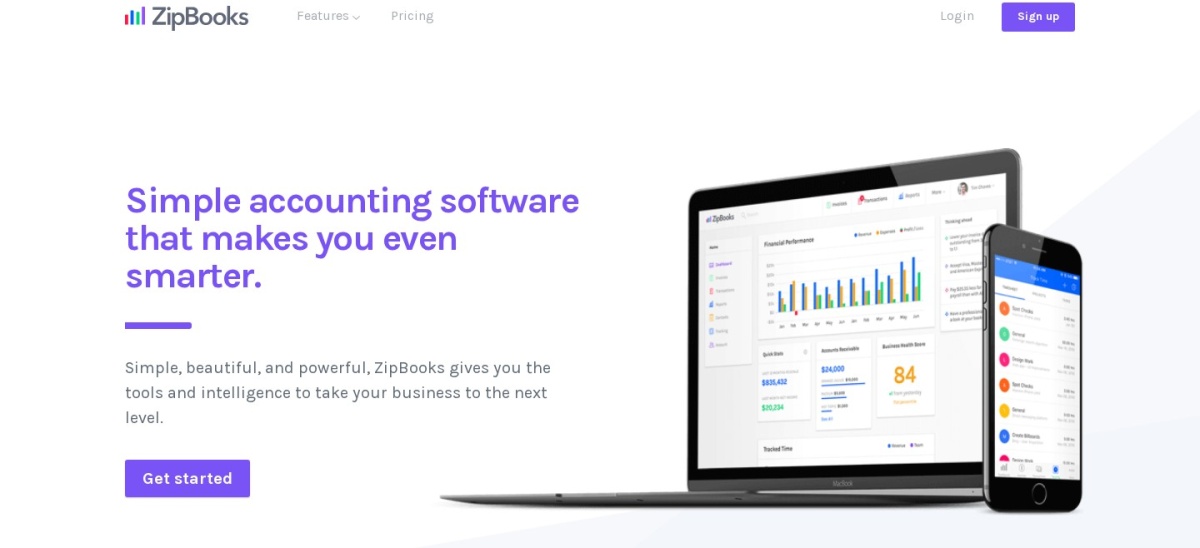
ZipBooks homepage, captured Nov 2026.
ZipBooks is a cloud accounting and billing platform offering a free starter plan alongside paid tiers such as Starter at $25/mo. It holds a 4.5 rating across 114 Capterra reviews and provides invoicing, expense tracking, time tracking, and basic financial reports.
The trade off is lighter depth than full mid-market ledgers and limits on the free starter plan, with paid Starter at $25/mo ($300/yr). It suits small SaaS teams or agencies that want straightforward invoicing and time tracking in one interface.
What we like
4.5/5 rating across 114 Capterra reviews
Free starter plan available for basic invoicing and tracking
Clean interface with time tracking and recurring billing options
Watch out for
Smaller review footprint than major accounting suites
Basic reporting and fewer deep integrations than larger platforms
Some reviewers note mobile app quirks or bank sync limits
Paid plans add recurring billing automation, multi-account connections, team members, and tagging.Visit zipbooks.com
07
Chargebee RevRec
4.3/5on G2 (30 reviews, checked Nov 2026)
Starts at$5,000/yr
Best for subscription revenue recognition workflows
Entry plan$5,000 Performance
Higher tierEnterprise (custom)
Rating sourceG2 (4.3/5)
FocusRevenue recognition & close
chargebee.com
Chargebee RevRec homepage, captured Nov 2026.
Chargebee RevRec is a revenue recognition tool whose Performance edition starts at $5,000, with an Enterprise edition available via sales consultation. It holds a 4.3 rating across 30 G2 reviews and automates deferred revenue schedules, contract modifications, and journal entries for backend financial systems.
The trade off is a steep $5,000 starting price and higher setup complexity than basic bookkeeping apps, with no free tier. It suits scaling SaaS finance teams that need automated revenue schedules rather than standalone general ledger bookkeeping.
What we like
Purpose-built for subscription revenue recognition and close workflows
Handles contract modifications, deferred revenue, and journal entry exports
Integrates with backend financial systems for month-end posting
Watch out for
$5,000 starting cost is high for early-stage SaaS businesses
Initial configuration can be technical and time-consuming
Smaller G2 review count (30 reviews) than broad accounting suites
Subscription billing vs. general ledger accounting
Subscription billing tools manage customer plans, upgrades, downgrades, renewals, and payment retries, while accounting software records assets, liabilities, expenses, and financial statements. Keeping both roles clear prevents duplicate entries and mismatched monthly numbers.
Smaller SaaS teams often start with a single ledger and export summaries from their payment processor, whereas higher-volume teams benefit from automated journal entries and deferred revenue schedules. Confirm how each tool handles refunds, chargebacks, and multi-currency payouts before standardizing your close.
How we chose
We shortlisted established cloud accounting and subscription revenue tools relevant to SaaS operators by comparing vendor pricing pages and independent software review directories.
All prices, review counts, ratings, and promotional notes were checked on 22 Nov 2026 using regular US pricing where published rather than temporary discounts.
We excluded unverified tools, products with unclear public pricing details, and tools that do not fit general SaaS bookkeeping or revenue recognition workflows.
No vendor paid for a place, and we do not claim testing for this list.
How to choose accounting software for your SaaS
Follow four practical steps to match a platform to your billing model and team stage.
Map your recurring billing flow first. List how customers pay—monthly cards, annual upfront contracts, or usage tiers—and verify how invoices and payouts sync into your ledger.
Check plan limits before relying on entry tiers. Review caps on invoices, bills, connected accounts, or clients so you know when a starter plan will force an upgrade.
Budget at regular subscription rates. Calculate your annual cost at standard monthly or annual rates rather than short-term promotional offers.
Confirm accountant compatibility and exports. Make sure your bookkeeper or CPA can work comfortably with your reports, general ledger exports, and tax workflows.
FAQ
Do early-stage SaaS startups need specialized accounting software?
Early-stage SaaS startups can often start with a straightforward cloud ledger or free starter tier to track expenses, invoices, and bank feeds cleanly. As recurring contracts and deferred revenue grow more complex, structured accounting workflows or dedicated revenue recognition tools become more important.
Should SaaS companies track deferred revenue separately?
Yes, when customers pay upfront for multi-month or annual plans, recognizing all cash as immediate income distorts monthly performance. Tracking deferred revenue helps show how much revenue is earned each period as service is delivered.
Are promotional accounting prices permanent?
No, many software providers advertise discounted introductory rates for an initial period before renewing at regular monthly or annual prices. Always check the regular plan price when estimating ongoing operating costs.
Can free accounting tiers handle a growing SaaS business?
Free tiers work well for solo founders or low-volume businesses with simple bookkeeping needs. Once you need higher invoice limits, more team access, or deeper reporting, upgrading to a paid tier is usually necessary.
How does a subscription billing tool differ from accounting software?
A billing platform handles customer subscriptions, renewals, and payment collection, whereas accounting software maintains the general ledger, expenses, and financial statements. Many SaaS teams connect their billing stack to an accounting platform so payouts and invoices post accurately.