Best Accounting Software for Real Estate Developers in 2026: 7 Tools Compared
WLWPLegible EditorsLast verified 22 Nov 2026How we rank5 min read
★ Short answer
QuickBooks Online leads for real estate developers, with Simple Start at $38/mo and Plus at $140/mo adding project profitability and class tracking. Xero fits teams wanting clean bank reconciliation from $27/mo, while Zoho Books starts at $15/mo billed annually.
How we make this list: we compare pricing pages, product documentation and public user reviews, then re-check every price before each update. No product paid for a place. Disclosure.
QuickBooks Online Simple Start lists at $38/mo in the US, while Plus costs $140/mo for project tracking and up to 5 users.
Xero Early starts at $27/mo in the US, capped at 20 invoices and 5 bills before Growing at $55/mo.
Zoho Books Standard starts at $15/mo billed annually ($20/mo monthly), with projects on Professional at $40/mo annually.
Wave offers a $0 Starter plan, while Pro is $19/mo or $190/yr in the US before add-ons.
NetSuite starts around $999/mo base plus per-user fees for multi-entity ERP operations.
What real estate developers need from accounting software
Real estate development rarely runs on a single flat profit-and-loss sheet. Developers juggle land acquisition, pre-development permits, construction draws, subcontractor bills, and separate legal entities or joint ventures for each parcel.
Project or job costing matters most so you can see whether a specific build stays on budget or loses margin to change orders. Class or location tags help separate individual developments, buildings, or LLCs without rebuilding charts of accounts from scratch.
Cash timing is tight during construction and lease-up or sell-through phases. Clean accounts payable controls, recurring billing, bank reconciliation, and exportable reports keep lenders, partners, and bookkeepers aligned.
Entry-level plans on general accounting tools often cap users, invoices, or project tracking. Check whether project profitability, multi-user seats, or multi-entity consolidation sit on the base tier or require a higher plan before committing.
For multi-entity mid-market and enterprise developers
$999/mo
No free plan
4.2/5
Price ladder: cheapest paid plan per year
List prices, USD, checked Nov 2026
Zoho Books$180
WaveFREE$228
FreshBooks$276
Xero$324
QuickBooks$456
Buildium$780
NetSuite$11,988
The 7 best accounting software for real estate developers
01
QuickBooks Online
4.3/5on Capterra (8,555 reviews, checked Nov 2026)
Starts at$38/mo
Best overall for job costing and accountant access
Entry US planSimple Start ($38/mo)
Project planPlus ($140/mo, 5 users)
BillingMonthly list pricing
Capterra score4.3/5 (8,555 reviews)
quickbooks.intuit.com
QuickBooks Online homepage, captured Nov 2026.
QuickBooks Online is cloud accounting software used across small and mid-sized businesses, with Simple Start priced at $38/mo in the US for 1 user plus accountant access. Bank feeds, expense tracking, invoicing, and core financial reports come standard, while Essentials is $85/mo for 3 users and Plus is $140/mo for 5 users.
The trade off is that project tracking and class or location tags are not on the $38/mo Simple Start plan, requiring Plus at $140/mo ($1,680/yr at list price). It suits developers who want wide accountant familiarity and structured project profitability tracking.
What we like
Wide familiarity among bookkeepers and CPAs
Automated bank feeds and standard financial reports
Project profitability and class tracking on Plus
Up to 25 users on the Advanced tier
Watch out for
Simple Start is limited to 1 user and lacks project tracking
Higher tiers add noticeable monthly cost at list price
Customer support gets mixed marks in user reviews
Plus ($140/mo US list) adds project profitability, up to 5 users, and class tracking.Visit quickbooks.intuit.com
02
Xero
4.4/5on Capterra (3,341 reviews, checked Nov 2026)
Starts at$27/mo
Best for clean bank reconciliation and growing teams
Entry US planEarly ($27/mo)
Mid US planGrowing ($55/mo)
Upper US planEstablished ($90/mo)
Capterra score4.4/5 (3,341 reviews)
xero.com
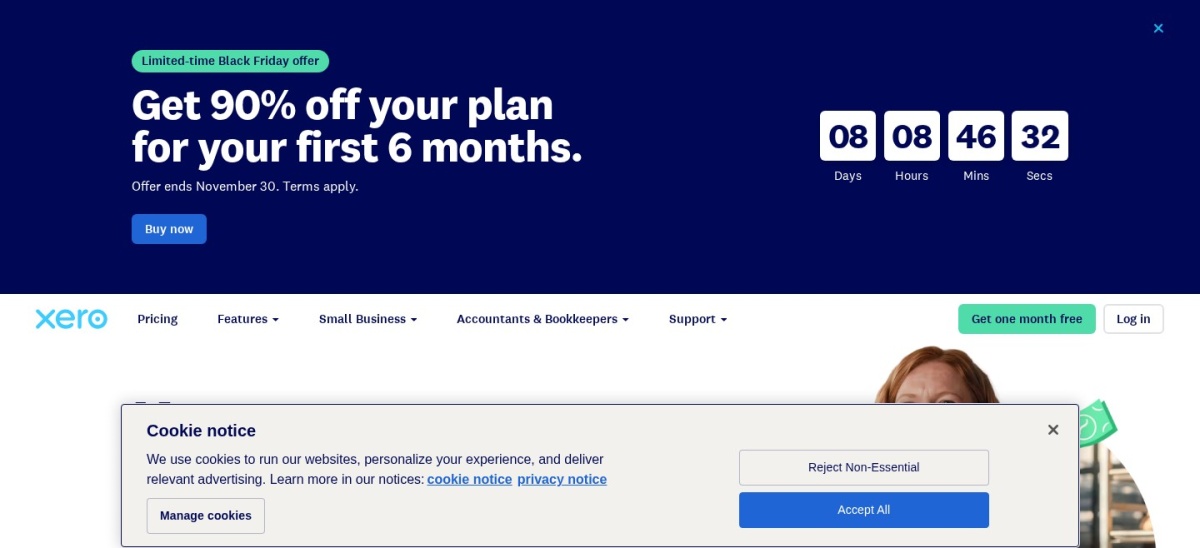
Xero homepage, captured Nov 2026.
Xero is online accounting software built around bank feeds, invoicing, and bill tracking, with the US Early plan priced at $27/mo. It covers quotes, basic cash flow views, and entry-level bookkeeping before Growing at $55/mo and Established at $90/mo.
The trade off is that the $27/mo Early plan caps you at 20 invoices and 5 bills, while project tracking sits on the $90/mo Established plan. It suits lean development teams that want clean reconciliation and plan to step up tiers as volume grows.
What we like
Straightforward bank reconciliation and cash flow views
Lower entry price than QuickBooks Online in the US
Projects and expense claims available on Established
Large third-party integration directory
Watch out for
Early plan caps monthly invoices at 20 and bills at 5
Projects require stepping up to the $90/mo Established plan
Payroll is a separate add-on in the US
Growing ($55/mo) removes invoice and bill caps, and Established ($90/mo) adds projects.Visit xero.com
03
Zoho Books
4.4/5on Capterra (684 reviews, checked Nov 2026)
Starts at$15/mo
Best budget pick for annual billing
Cheapest paid planStandard ($15/mo annual)
Monthly billing$20/mo on Standard
Projects tierProfessional ($40/mo annual)
Capterra score4.4/5 (684 reviews)
zoho.com
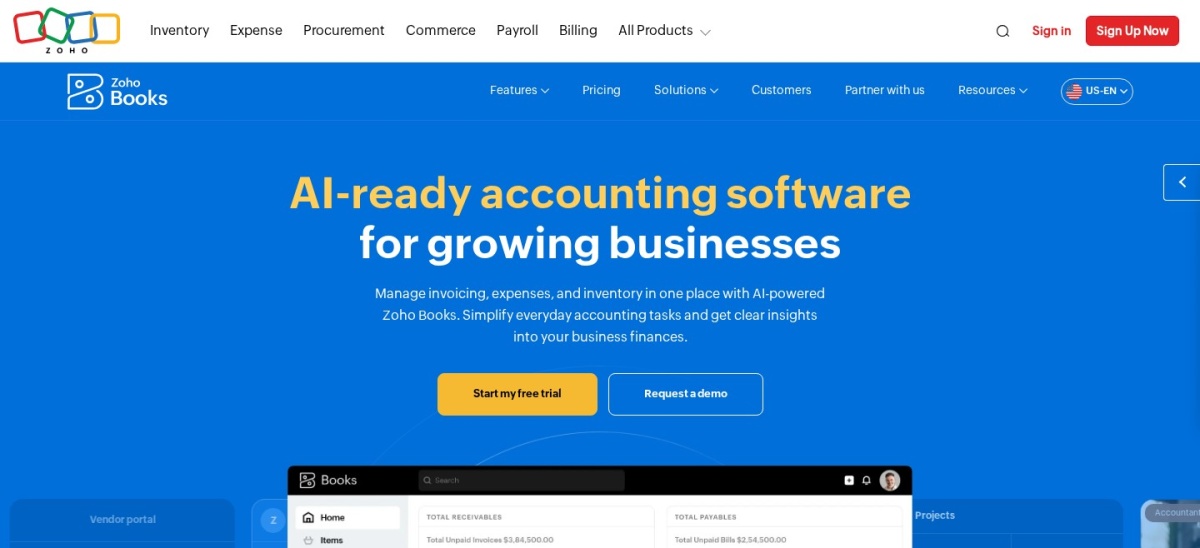
Zoho Books homepage, captured Nov 2026.
Zoho Books is cloud accounting software for small businesses, starting with a $0 free tier for micro businesses and Standard at $15/mo billed annually ($20/mo monthly) in the US. Core features cover invoicing, expenses, bank reconciliation, and standard financial reports.
The trade off is that project tracking requires the Professional plan at $40/mo billed annually ($50/mo monthly), and extra users or scans add fees. It suits cost-conscious operators who already use or plan to use Zoho apps.
What we like
Low entry pricing at $15/mo billed annually on Standard
Free plan available for very small starting setups
Tight integration with wider Zoho business apps
Clear tiered progression up to Ultimate
Watch out for
Project tracking is not included on the cheapest paid plan
Additional users and add-ons increase monthly spend
Ecosystem outside Zoho feels narrower than larger rivals
Professional ($40/mo billed annually) adds project tracking and expanded workflow tools.Visit zoho.com
04
Wave
4.4/5on Capterra (1,732 reviews, checked Nov 2026)
Paid from$19/mo
Best for free core bookkeeping on small projects
Starter plan$0 (invoicing & bills)
Pro plan$19/mo or $190/yr US
Receipt OCRIncluded on Pro; add-on option
Capterra score4.4/5 (1,732 reviews)
waveapps.com
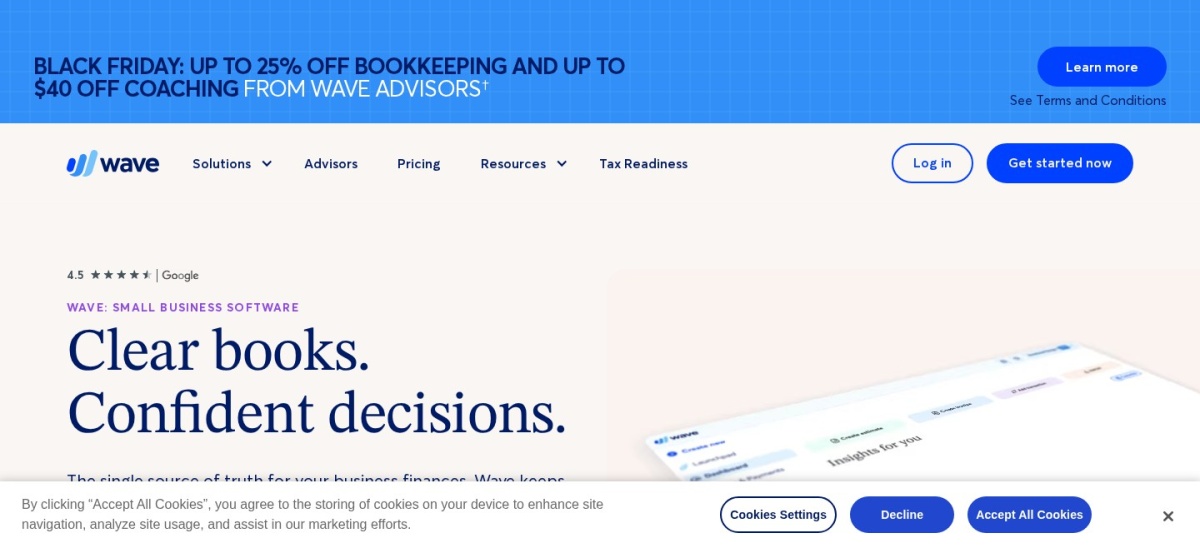
Wave homepage, captured Nov 2026.
Wave is small-business accounting software with a $0 Starter plan covering unlimited estimates, invoices, bills, and basic bookkeeping records. Its US Pro plan is $19/mo (or $190/yr billed annually, with a promotional discount on initial months).
The trade off is that Wave lacks dedicated construction job costing or multi-entity project accounting, and payment processing carries transaction fees. It suits solo developers or small holding entities needing basic income and expense records.
What we like
$0 Starter tier covers basic invoicing and bill tracking
Pro plan is inexpensive at $19/mo or $190/yr in the US
Automated bank transaction import and categorization on Pro
Simple interface for basic bookkeeping tasks
Watch out for
No specialized real estate development or job-costing suite
Card and payment processing fees apply on collections
Limited customization for complex entity structures
Pro ($19/mo or $190/yr US) adds automated bank feeds, receipt capture, and payment reminders.Visit waveapps.com
05
FreshBooks
4.5/5on G2 (982 reviews, checked Nov 2026)
Starts at$23/mo
Best for simple client billing and expense tracking
Entry US planLite ($23/mo list)
Annual discount10% off monthly list rate
Client cap on LiteUp to 5 billable clients
G2 score4.5/5 (982 reviews)
freshbooks.com
FreshBooks homepage, captured Nov 2026.
FreshBooks is cloud accounting software focused on invoicing, expense tracking, time tracking, and basic reporting, with Lite at $23/mo in the US (discounted 10% annually). It also offers a 30-day free trial and steps up through Plus and Premium tiers.
The trade off is that Lite caps billable clients at 5 and is built more around service billing than multi-phase real estate development or inventory. It suits small development consultants or boutique firms with straightforward billing needs.
What we like
Clean interface with fast invoicing and expense capture
30-day trial and 10% annual billing discount
Strong mobile app for receipts and on-the-go tracking
Project profitability tools available on higher tiers
Watch out for
Lite plan restricts billable clients to 5
Extra team seats add per-user monthly charges
Not tailored for heavy construction or development accounting
Plus and Premium tiers expand client limits and add broader billing and reporting tools.Visit freshbooks.com
06
Buildium
4.5/5on Capterra (2,236 reviews, checked Nov 2026)
Starts at$65/mo
Best for developers transitioning into property management
Entry US planEssential (from $65/mo)
Mid US planGrowth (from $202/mo)
Top US planPremium (from $420/mo)
Capterra score4.5/5 (2,236 reviews)
buildium.com
Buildium homepage, captured Nov 2026.
Buildium is property management and accounting software designed for residential and association portfolios, starting at $65/mo on the Essential plan. It combines property-level accounting with leasing, maintenance, and online payment workflows.
The trade off is that pricing scales with unit count and add-on fees apply for screenings, payments, and setup. It suits developers who hold completed rentals and want property accounting paired with property operations.
Strong user rating across more than 2,200 Capterra reviews
Growth and Premium plans include more business bank accounts
Free trial available to test workflows
Watch out for
Monthly cost rises as unit count grows across tiers
Transaction and screening add-ons carry separate fees
Focused on property management rather than ground-up construction
Growth (from $202/mo) and Premium (from $420/mo) expand bank accounts, support, and API access.Visit buildium.com
07
NetSuite
4.2/5on Capterra (2,086 reviews, checked Nov 2026)
Starts at$999/mo
Best for multi-entity mid-market and enterprise developers
Base ERP estimateFrom ~$999/mo + seats
User licensesAdditional per-user cost
ImplementationSeparate project setup fee
Capterra score4.2/5 (2,086 reviews)
netsuite.com
NetSuite homepage, captured Nov 2026.
NetSuite is a cloud ERP platform that unifies general ledger accounting, multi-entity consolidation, purchasing, and reporting, with base platform estimates starting around $999/mo before user seats. It handles complex subsidiary structures and custom financial workflows at scale.
The trade off is high total cost once per-user licenses, modules, and implementation services are added. It suits larger developers with multiple entities, complex reporting needs, and dedicated implementation resources.
What we like
Built for multi-entity and multi-subsidiary accounting
Deep custom reporting, workflows, and saved searches
Scales across finance, procurement, and operations
Strong fit for complex mid-market and enterprise teams
Watch out for
High base cost plus per-seat and module fees
Implementation takes longer and often needs partner help
Steeper learning curve than small-business accounting apps
Additional modules, user licenses, and implementation packages scale ERP workflows across entities.Visit netsuite.com
Development job costing vs. ongoing property management
Ground-up development and post-completion property management have different accounting priorities. During construction, you track land costs, soft costs, contractor draw requests, and project budgets.
Once buildings lease or sell, recurring rent or HOA billing, tenant ledgers, and unit-level operating expenses take over. Choose software that matches your primary stage—or plan to pair dedicated construction or property tools with your general ledger.
How we chose
This list starts from established cloud accounting and real estate software options with broad public review coverage and active US pricing.
All prices, review counts, and ratings in this guide were checked on 22 Nov 2026 using vendor pricing pages and public review directories.
We excluded tools without verifiable current pricing or public review data, and prioritized software actively maintained in 2026. No vendor paid for a place, and we do not claim testing for this list.
How to choose accounting software for real estate development
Follow four practical steps to match a platform to your project structure and budget.
Map your entity and project structure first. List how many LLCs, joint ventures, or developments you track so you know whether classes, project tags, or full multi-entity ERP is required.
Check where project and budget tracking sit. Confirm whether job or project tracking is included on the entry tier or locked behind a higher monthly plan.
Calculate real annual cost beyond the entry price. Factor in active team users, add-ons, payment processing fees, and any post-promotional price resets on your budget.
Verify export and accountant workflows. Make sure your bookkeeper or CPA can easily review ledgers, reconcile bank accounts, and pull clean project or entity reports.
FAQ
Can small real estate developers start with general accounting software?
Yes. Many small developers start with general cloud accounting software for bank feeds, bills, and financial statements, then upgrade tiers or add specialized project or property tools as deal volume and entity count grow.
Why do entry plans often fall short for development projects?
Entry plans commonly cap users, invoices, or bills and omit project profitability or class tracking. Developers tracking costs by parcel or phase often need a mid-tier or higher plan.
Should I watch out for promotional pricing when comparing plans?
Yes. Several accounting tools run limited-time discounts or lower annual rates, so budget using the standard regular rate so your year-two or post-promo costs do not surprise you.
When does a developer outgrow small-business accounting software?
Teams usually outgrow basic tools when they manage multiple legal entities, complex intercompany transfers, heavy project procurement, or custom approval workflows that require ERP-grade controls.
Is property management software the same as development accounting?
No. Property management software focuses on leases, units, resident billing, and maintenance, whereas development accounting centers on acquisition, construction budgets, draws, and project costs.