Best Accounting Software for Mac Users in 2026: 7 Tools Compared
WLWPLegible EditorsLast verified 22 Nov 2026How we rank6 min read
★ Short answer
QuickBooks Online is our top pick for Mac users, starting at $38/mo with wide accountant adoption and browser access across macOS. Xero suits businesses wanting unlimited users, while FreshBooks fits freelancers billing hourly time.
How we make this list: we compare pricing pages, product documentation and public user reviews, then re-check every price before each update. No product paid for a place. Disclosure.
QuickBooks Online Simple Start costs $38/mo regular price and holds a 4.3/5 rating across 8,555 Capterra reviews.
Xero holds a 4.4/5 rating across 1,863 G2 reviews with a 30-day free trial and modular add-ons.
FreshBooks starts at $23/mo regular price on Lite and holds a 4.5/5 rating across 4,534 Capterra reviews.
Wave offers a $0 Starter plan and a $19/mo Pro plan with a 4.4/5 rating across 1,732 Capterra reviews.
AccountEdge Pro runs natively on Mac at $20/mo and holds a 3.9/5 rating across 31 G2 reviews.
What Mac users should look for in accounting software
Mac users rarely need a Mac-only desktop installer anymore because browser-based accounting runs reliably in Safari, Chrome, and Firefox across Apple silicon and Intel Macs. Cloud apps also let you share live ledgers with a bookkeeper or CPA without trading local backup files.
Still, native macOS apps and mobile companion apps matter if you prefer local desktop workflows or snap receipts on an iPhone while away from your desk. Check whether a platform charges per user, caps billable clients, or gates bank feeds and inventory behind higher tiers.
Always look past promotional launch discounts when budgeting for the year. Many cloud accounting providers run temporary percentage-off offers for the first few months before renewing at standard monthly or annual list rates.
Finally, match the software to how your business earns money. Service businesses that bill by the hour or retainer need clean time tracking and client billing, while product sellers need inventory tracking, purchase orders, and clear sales tax or 1099 support.
4.3/5on Capterra (8,555 reviews, checked Nov 2026)
Starts at$38/mo
Best for broad accountant compatibility
Entry planSimple Start ($38/mo)
User limit1 user + accountant
PlatformWeb, iOS & Android
Trial30-day free trial
quickbooks.intuit.com
QuickBooks Online homepage, captured Nov 2026.
QuickBooks Online is a cloud accounting platform that runs in any Mac browser and pairs with mobile apps. Its Simple Start plan starts at $38/mo regular price for one user plus accountant access, unlimited invoices, bank feeds, and sales tax tools.
The trade off is that multi-user access, recurring transactions, and inventory require upgrading to higher tiers at $85/mo or $140/mo regular price, and promotional discounts expire. It suits Mac owners who want broad accountant familiarity and room to grow.
What we like
Widely supported by US accountants and bookkeepers
Works in any Mac browser plus iOS mobile app
Includes automated bank feeds and sales tax calculations on Simple Start
Clear upgrade path to Essentials, Plus, and Advanced tiers
Watch out for
Simple Start limits access to one user plus an accountant
Multi-user seats and inventory require higher-priced plans
Frequent list price increases and expiring promo rates frustrate some users
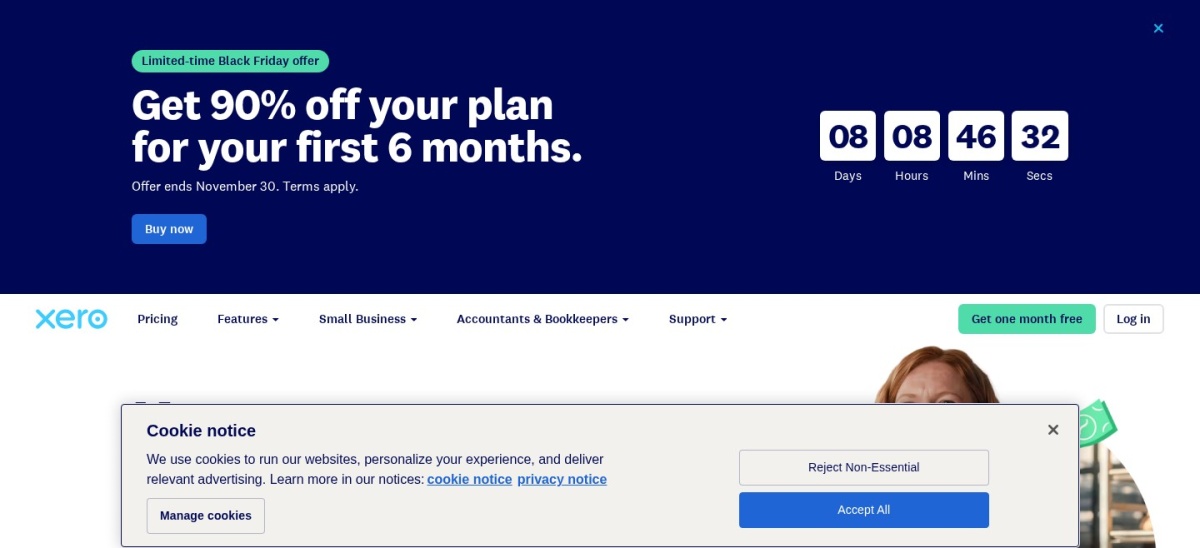
Xero is a cloud accounting platform accessible from any Mac browser, with a 30-day free trial and paid plans starting at $27/mo regular price on Capterra. Its entry tier covers bank reconciliation, quotes, and reporting while letting you add expense claims or project tracking only when needed.
The trade off is that the entry tier caps monthly invoices and bills, and Xero lists a $32/mo regular Starter rate on its main pricing page alongside introductory promos. It suits Mac teams that want flexible add-ons without paying for unused modules upfront.
What we like
Modular add-ons let you pay extra only for expenses or projects
Clean web interface works across any Mac browser
Supports multi-currency and 180-day cash flow forecasting on Premium
Strong bank reconciliation and financial reporting tools
Watch out for
Entry plan limits monthly invoices and bills before upgrading
Some specialized features require paid add-ons
Customer support response times draw mixed feedback in reviews
Higher plans unlock unlimited invoices and bills, bulk reconciliation, and multi-currency support.Visit xero.com
03
FreshBooks
4.5/5on Capterra (4,534 reviews, checked Nov 2026)
Starts at$23/mo
Best for Mac freelancers and client billing
Entry planLite ($23/mo)
Client cap5 billable clients on Lite
PlatformWeb, iOS & Android
Trial30-day free trial
freshbooks.com
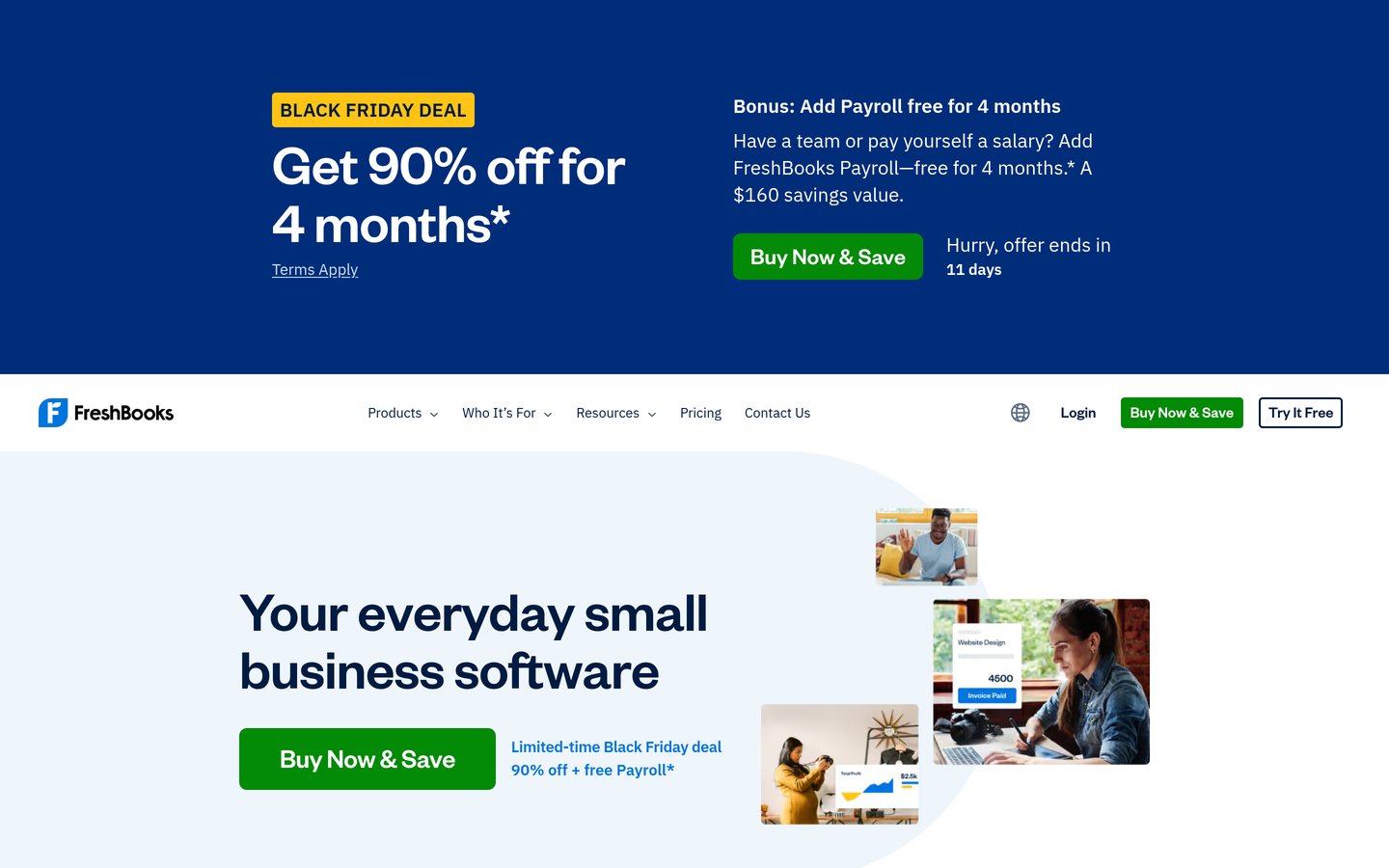
FreshBooks homepage, captured Nov 2026.
FreshBooks is an invoicing and accounting platform with a Mac-friendly web app and iOS app, starting at $23/mo regular price on Lite. Lite includes unlimited estimates, expense tracking, and online card and bank payments for up to five billable clients.
The trade off is that Lite restricts you to five billable clients, extra team members cost $11/mo each, and inventory tools are absent. It suits Mac freelancers, consultants, and agencies billing clients for time and retainers.
What we like
Intuitive invoicing, estimates, and client payment workflows
Built-in time tracking and expense logging across web and iOS
Plus and Premium tiers add proposals, retainers, and project profitability
30-day free trial and 30-day money-back guarantee
Watch out for
Lite caps billable clients at five and Plus caps at 50
Additional team members add $11/mo per user
Weak fit for product sellers needing inventory tracking
Higher plans raise billable client limits and add proposals, retainers, and project profitability.Visit freshbooks.com
04
Wave
4.4/5on Capterra (1,732 reviews, checked Nov 2026)
Paid from$19/mo
Best free option for simple Mac bookkeeping
Free tierStarter ($0/mo)
Paid planPro ($19/mo)
PlatformWeb & mobile app
BillingMonthly or $190/yr
waveapps.com
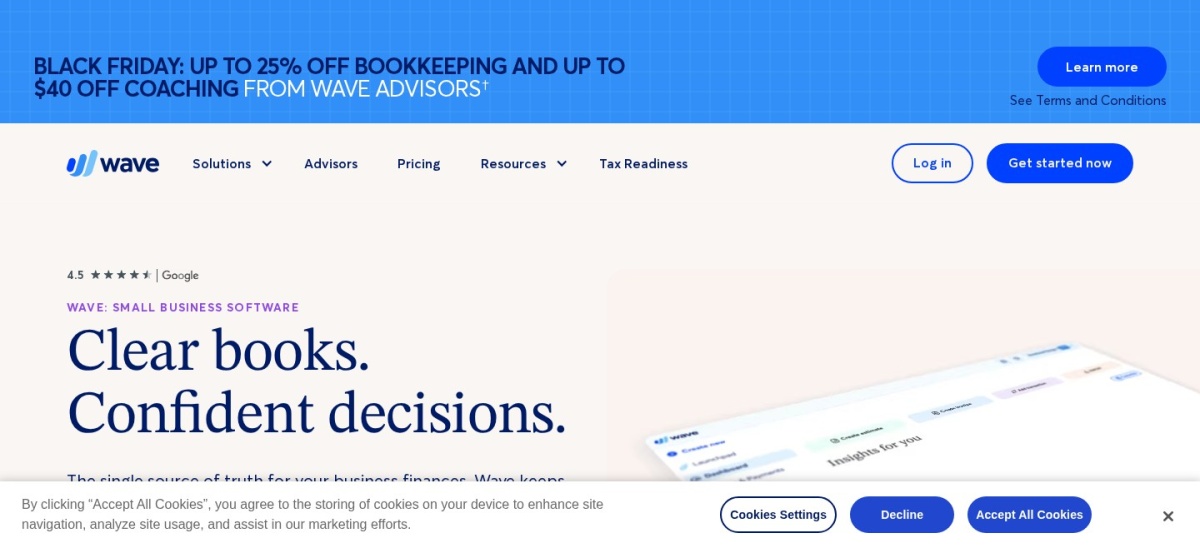
Wave homepage, captured Nov 2026.
Wave is a double-entry accounting and invoicing app that runs in your Mac browser and includes a $0 Starter tier. Starter covers unlimited invoices, estimates, bills, and basic bookkeeping records, while Pro is $19/mo regular price.
The trade off is that automated bank feeds, receipt scanning, and live support now sit behind the $19/mo Pro plan, and payment processing fees apply. It suits solo Mac owners and micro-businesses keeping costs low.
What we like
Free Starter plan includes unlimited invoices, estimates, and bills
Pro plan is competitively priced at $19/mo or $190/yr
Adds automated bank imports and receipt scanning on Pro
Straightforward double-entry accounting for small teams
Watch out for
Bank automation and receipt capture require upgrading to Pro
Card and ACH payment processing carry transaction fees
Lacks deep inventory or multi-entity ERP features
Pro adds automatic bank imports, transaction categorization, receipt scanning, and live support.Visit waveapps.com
05
Zoho Books
4.4/5on G2 (333 reviews, checked Nov 2026)
Starts at$20/mo
Best value paid tiers for growing Mac businesses
Entry planStandard ($20/mo)
Annual billing$15/mo billed annually
PlatformWeb & mobile apps
Free tierFree plan available
zoho.com
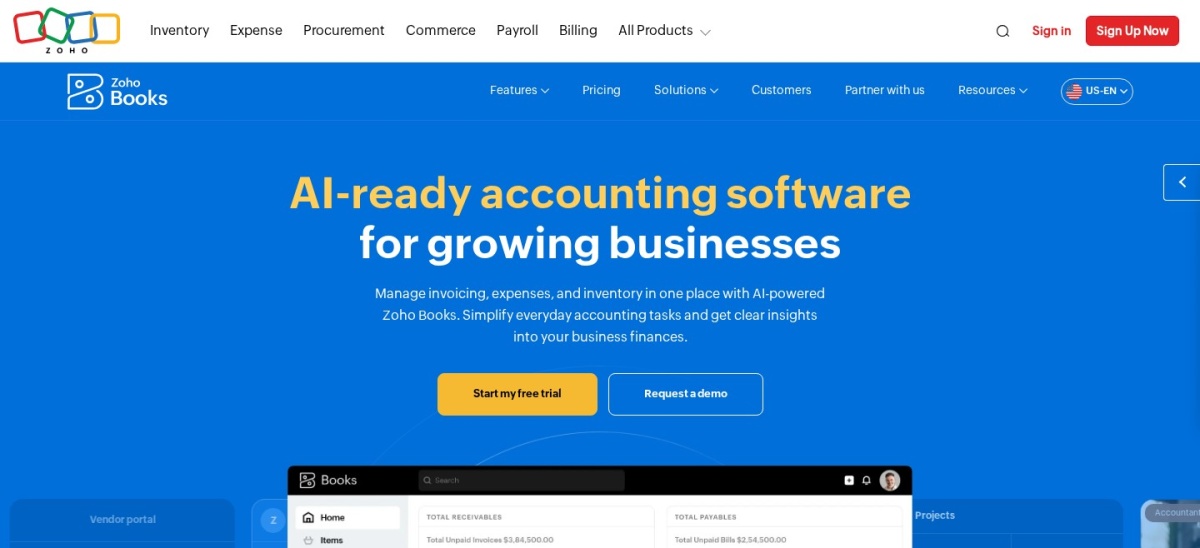
Zoho Books homepage, captured Nov 2026.
Zoho Books is a cloud accounting platform that runs on Mac browsers and offers a free tier alongside a Standard plan at $20/mo monthly or $15/mo billed annually. It handles invoicing, expenses, bank feeds, and financial reports with straightforward tier pricing.
The trade off is that inventory, projects, and purchase orders require upgrading to Professional at $50/mo monthly, and some add-ons cost extra. It suits Mac businesses wanting affordable tiers and ties into other Zoho apps.
What we like
Standard plan starts at $20/mo monthly or $15/mo annually
Offers a free tier for qualifying small businesses
Integrates smoothly with other Zoho business applications
Clean dashboard for tracking invoices, expenses, and reports
Watch out for
Inventory and project tracking require higher-tier plans
Certain add-ons such as document autoscans cost extra
Smaller US accounting network than QuickBooks Online
Higher plans unlock project tracking, inventory management, purchase orders, and extra automation.Visit zoho.com
06
ZipBooks
4.5/5on G2 (115 reviews, checked Nov 2026)
Paid from$15/mo
Best lightweight invoicing and free starter option
Free tierStarter ($0/mo)
Paid planSmarter ($15/mo)
PlatformWeb-based cloud app
Team usersUp to 5 on Smarter
zipbooks.com
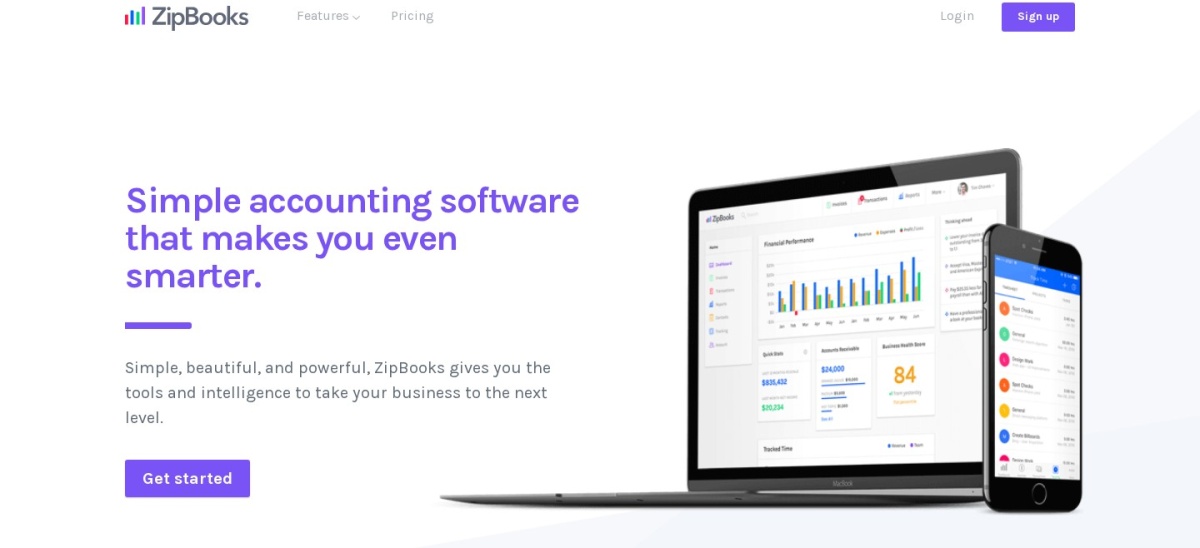
ZipBooks homepage, captured Nov 2026.
ZipBooks is a streamlined web accounting tool for Mac users with a free Starter plan and a Smarter paid plan starting at $15/mo. Starter supports unlimited invoices, customers, and vendors plus one connected bank account.
The trade off is that recurring invoices, time tracking, and multiple bank connections require Smarter at $15/mo, while account reconciliation sits on Sophisticated at $35/mo. It suits Mac freelancers and small teams wanting a simple interface.
What we like
Free Starter plan includes unlimited invoices, customers, and vendors
Smarter tier is inexpensive at $15/mo with time tracking and 5 users
Clean interface with recurring billing and payment reminders
Supports Square and PayPal online invoice payments
Watch out for
Starter connects only one bank account and lacks time tracking
Account reconciliation requires the Sophisticated tier
Reporting and inventory features are lighter than larger suites
Higher plans add recurring auto-billing, time tracking, smart tagging, and account reconciliation.Visit zipbooks.com
07
AccountEdge Pro
3.9/5on G2 (31 reviews, checked Nov 2026)
Starts at$20/mo
Best dedicated Mac desktop accounting app
Entry planAccountEdge Pro ($20/mo)
User limitSingle user desktop
PlatformMac desktop & Windows
TrialFree trial available
accountedge.com
AccountEdge Pro homepage, captured Nov 2026.
AccountEdge Pro is a dedicated Mac desktop accounting program priced at $20/mo for a single user. It supports local company files, inventory management, job costing, and payroll features without requiring a browser.
The trade off is that local desktop software feels older than modern web apps and lacks built-in cloud collaboration unless you upgrade to Network or Hosted tiers. It suits Mac businesses that prefer local desktop control and inventory depth.
What we like
Dedicated Mac desktop application rather than a browser-only tool
Strong local inventory, job costing, and company file control
Entry AccountEdge Pro plan starts at $20/mo
Free trial available before subscribing
Watch out for
Desktop interface looks dated compared with cloud competitors
Multi-user or cloud-hosted setups require higher-priced editions
Smaller review footprint than QuickBooks Online or Xero
Network Edition ($30/mo for 2 users) and AccountEdge Hosted ($50/mo per user) expand multi-user access.Visit accountedge.com
How we chose
We selected well-known accounting platforms that work smoothly on Mac computers, either through a modern web browser and iOS companion apps or via a dedicated Mac desktop application. Every tool included has an active review presence on G2 or Capterra and current US pricing information.
All prices, ratings, and review counts were checked on 22 Nov 2026 using live search results from vendor pricing pages and software review directories. Where vendors advertise introductory discounts, we list the standard recurring price and note trial or promotional terms in the text.
We excluded discontinued apps, tools without clear public pricing or verified review data, and enterprise ERPs that require custom sales quotes rather than transparent small-business plans. No vendor paid for a place, and we do not claim testing for this list.
How to pick the right accounting app for your Mac
Follow four practical steps to narrow down the right fit for your Mac workflow.
Decide between browser-based cloud tools and a local Mac app. Most Mac users get faster updates, automatic backups, and easy CPA sharing in a browser, while AccountEdge Pro suits desktop-first inventory workflows.
Check user seats, client caps, and monthly document limits. Watch for entry plans that restrict users to one person, cap billable clients at five, or limit monthly invoices and bills.
Calculate your real post-promo annual cost. Factor in regular monthly or annual list rates after any introductory discount ends, plus add-ons for payroll, extra users, or payment processing.
Verify accountant compatibility and bank feed support. Ask your bookkeeper or tax preparer which export formats and ledgers they prefer before migrating historical transactions.
FAQ
Do Mac users need Mac-specific accounting software?
No. Browser-based platforms such as QuickBooks Online, Xero, FreshBooks, Wave, and Zoho Books work on any recent Mac browser, while AccountEdge Pro provides a dedicated Mac desktop app.
What is the best free accounting software for a Mac user?
Wave offers a $0 Starter plan with unlimited invoices, estimates, and bills, and ZipBooks also provides a free Starter plan for basic invoicing and expense tracking. Both charge for higher tiers or add-ons when you need extra automation.
Which option works best for Mac freelancers billing by the hour?
FreshBooks is built around time tracking, estimates, client billing, and expense logging, starting at $23/mo regular price on Lite. ZipBooks is another lightweight option with time tracking available starting on its $15/mo Smarter plan.
Why do some accounting tools show very low prices on their pricing pages?
Many providers run temporary introductory discounts for the first few months or first year before renewing at standard list prices. Always check the post-promo rate so your monthly or annual budget does not jump unexpectedly.
Should I pick QuickBooks Online or Xero on a Mac?
QuickBooks Online starts at $38/mo on Simple Start and has broad adoption among US accountants, while Xero starts at $27/mo on its US Early plan with modular add-ons and multi-tier plans. Compare your team size, invoice volume, and accountant preference before signing up.
Can I switch accounting software later if my Mac business grows?
Yes, though migrating open invoices, inventory balances, and historical bank reconciliations takes planning. Exporting clean CSV or PDF financial statements at year-end makes moving to another platform much smoother.