Canva is the best 3D packaging design tool for most small brands, with a free plan, packaging templates and quick mockups. Pick Adobe Illustrator for print-ready artwork, Blender for free 3D modelling, and ArtiosCAD when the carton structure itself must be engineered.
How we make this list: we compare pricing pages, product documentation and public user reviews, then re-check every price before each update. No product paid for a place. Disclosure.
Canva leads on G2 at 4.7 out of 5 and is the fastest way to mock up a label or sleeve, with a genuinely usable free plan.
Illustrator remains the standard for print-ready packaging artwork, while ArtiosCAD is the standard for the carton structure underneath it.
Blender is the only fully free tool here and handles 3D modelling and rendering, though it has no packaging templates or dielines.
KeyShot turns a CAD model into a photorealistic pack shot in minutes, but at $1,299 a year it is a professional purchase.
Esko Studio and ArtiosCAD are priced by quote or in euros, so budget in the vendor's own currency and ask for a quote before you commit.
What 3D packaging software actually does
Packaging design splits into three jobs. Artwork tools draw the label, structural tools engineer the carton, and 3D tools show what the finished pack looks like before it is printed.
No single app leads on all three. Most teams pair an artwork tool such as Illustrator or Canva with a structural tool like ArtiosCAD or a mockup tool like Pacdora or Dimension.
Dielines are the bridge between the jobs. A dieline is the flat pattern a carton is cut and folded from, and tools like ArtiosCAD and Pacdora generate them to production standards. Our best 3D modelling software list covers general 3D tools if you need a wider shortlist.
Price ranges from free to thousands a year. Blender and Canva's free plan cover concepts, mid-priced tools handle mockups and artwork, and Esko and KeyShot are professional purchases for production teams.
List prices in each vendor's currency, checked Nov 2026
BlenderFree
DimensionPart of Creative Cloud
ArtiosCADCustom
Studio€226.67
PacdoraFREE$108
CanvaFREE$120
CorelDRAW$269
Illustrator$276
KeyShot$1,299
The 9 best 3D software tools for packaging design
01
Canva
4.7/5on G2 (7,915 reviews, checked Nov 2026)
Paid from$120/yr
Best for fast packaging concepts
Free planYes, with templates
Packaging templatesLabels, sleeves, boxes
3D mockupsTemplate-based
Paid planPro, $120/yr
canva.com
Canva homepage, captured Nov 2026.
Canva is a browser-based design platform with packaging templates for labels, sleeves and boxes, plus mockup templates that place artwork on a pack in a few clicks. The free plan covers most simple packaging concepts, and Pro at $120 a year adds brand kits, premium stock and background removal.
The trade off is depth. Canva cannot engineer a carton, generate a production dieline or match colours to print standards, so finished artwork still needs a vector tool or a prepress check. It suits small brands that need a label or sleeve mockup fast without hiring a designer.
Adobe Illustrator is the industry standard for packaging artwork, with vector drawing, typography, spot colour handling and bleed settings that printers expect. Production files from Illustrator are accepted almost everywhere, and it pairs with Esko Studio and ArtiosCAD for 3D mockups and structural work.
The trade off is price and scope. Illustrator costs $22.99 a month on an annual plan and has no structural engineering, so it cannot design a carton from scratch or fold a dieline in 3D. It suits studios and brands that produce print files every week.
Blender is a free and open-source 3D creation suite with modelling, sculpting, animation and a Cycles path-tracing renderer. It can model any pack shape, apply materials and render a photorealistic shot, and it costs nothing, which makes it the only fully free tool in this list.
The trade off is that Blender is a general 3D tool, not a packaging tool. It has no dieline library, no carton templates and a steep learning curve, so a packaging mockup takes longer to build than in Pacdora or Dimension. It suits freelancers and studios on a zero budget with 3D skills.
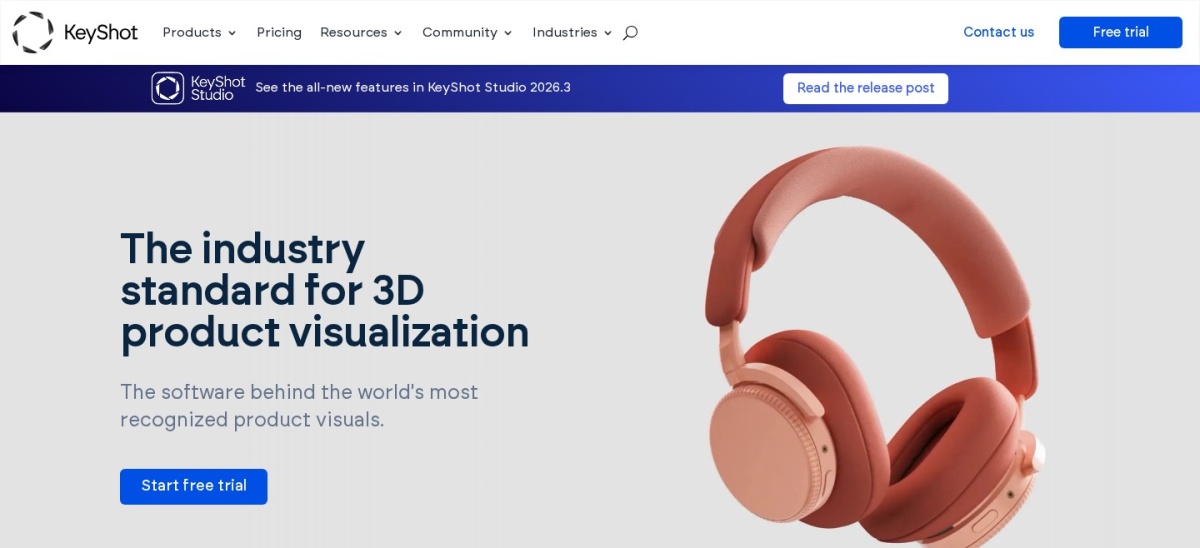
KeyShot is a real-time 3D renderer that turns a CAD model into a photorealistic pack shot in minutes. You import the model, drag on materials from a library covering plastics, foils and cardboards, and render, with CAD geometry preserved on import so packaging models from structural tools stay accurate.
The trade off is the price. KeyShot Studio costs $1,299 a year, which positions it as a professional purchase, and it renders models rather than building them, so you still need a CAD or modelling tool first. It suits brands and agencies that render pack shots every week.
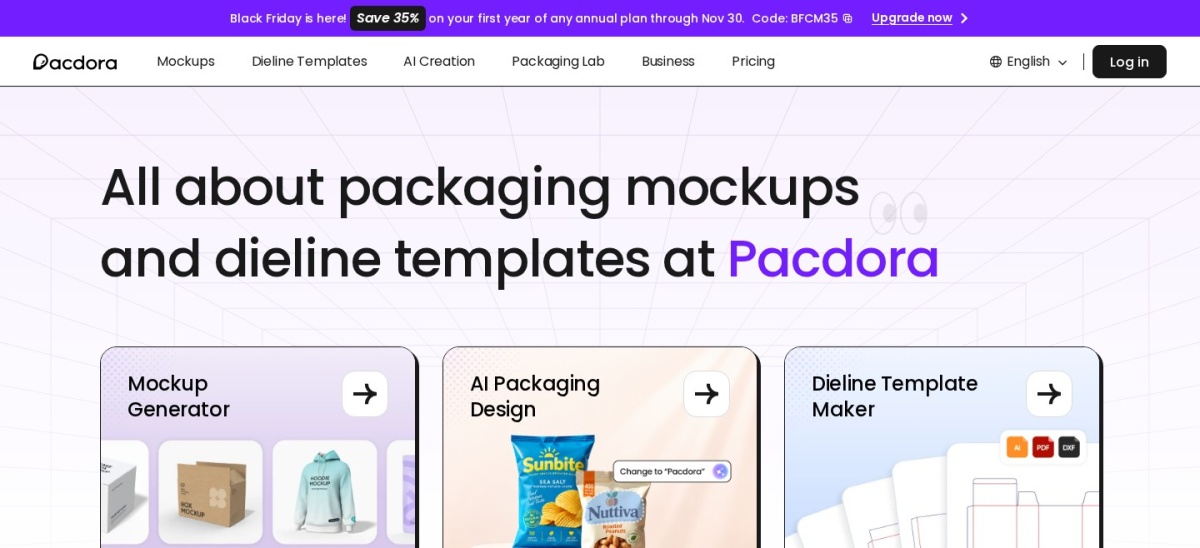
Pacdora is a browser-based packaging tool that draws a box dieline to your measurements, wraps your artwork onto a 3D model of the package, and exports print-ready files. Its library holds more than 3,000 parametric dielines and 5,000 mockup templates, and the free plan covers basic work with no install.
The trade off is that the paid plans are personal use only at the lower tiers, so a brand that wants to use mockups on a shop page or retail deck needs the Business plan, and export resolution is capped on the free plan. It suits small teams that need fast dielines without CAD skills.
CorelDRAW Graphics Suite homepage, captured Nov 2026.
CorelDRAW Graphics Suite is a vector illustration and page-layout suite for branding, signage and print production, with spot-colour and CMYK workflows that keep packaging artwork intact through release. It costs $269 a year on subscription, or $549 as a one-time purchase, and runs on Windows and Mac.
The trade off is that CorelDRAW is a general vector suite, not a packaging specialist. It has no structural CAD or 3D folding, so cartons still need ArtiosCAD or Pacdora for dielines and mockups. It suits designers who want to own their software instead of renting it from Adobe.
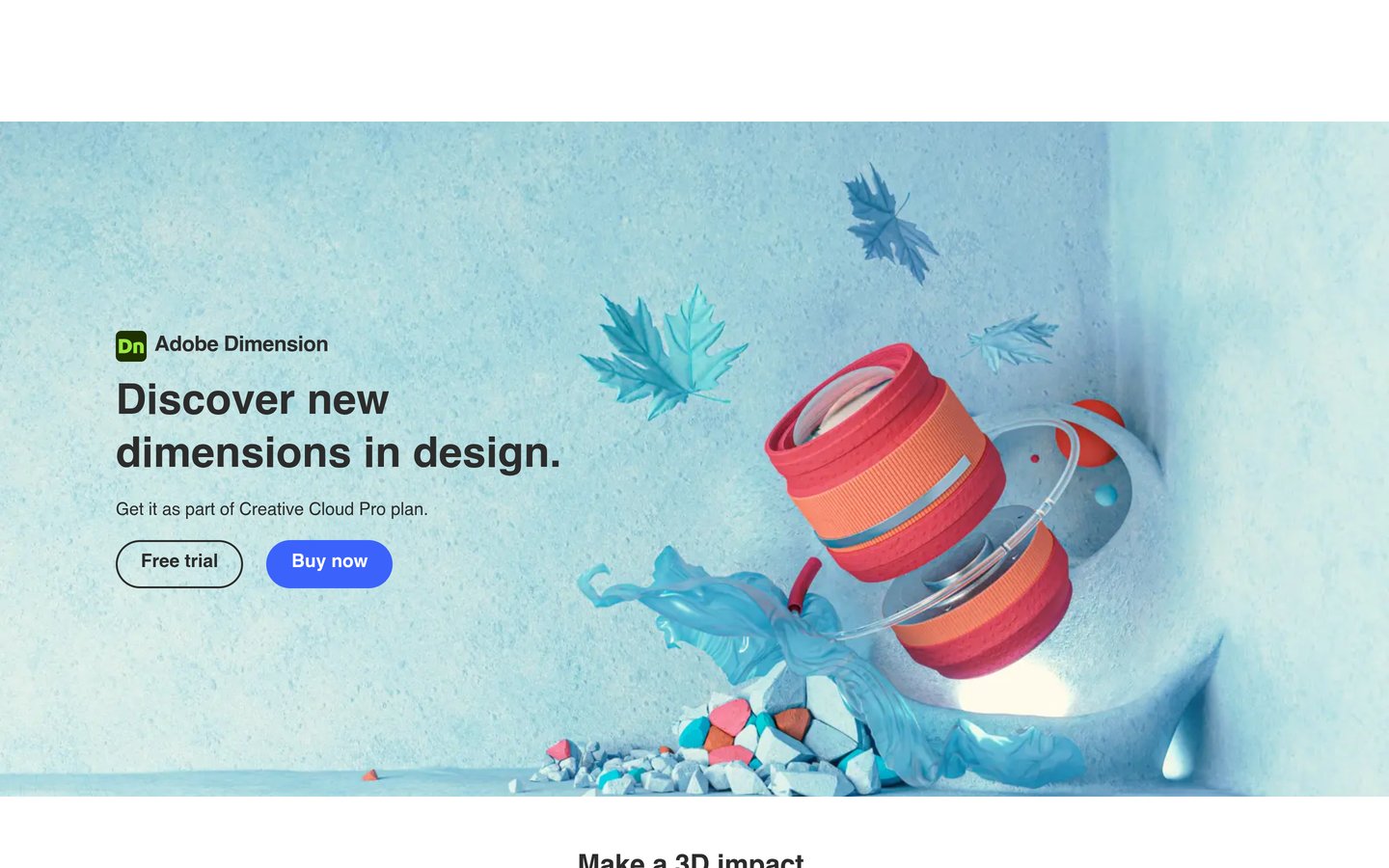
Adobe Dimension is a 3D rendering and composition tool that places flat artwork onto 3D package models for presentations and product shots. You import a model, wrap your label around it, set lights and cameras, and render a mockup without building the pack in a full 3D app.
The trade off is that Dimension has no standalone plan and no structural tools. It comes with the Creative Cloud Pro plan, and it will not build a dieline or check that a carton folds, so it only covers the mockup stage. It suits designers already paying for Creative Cloud.
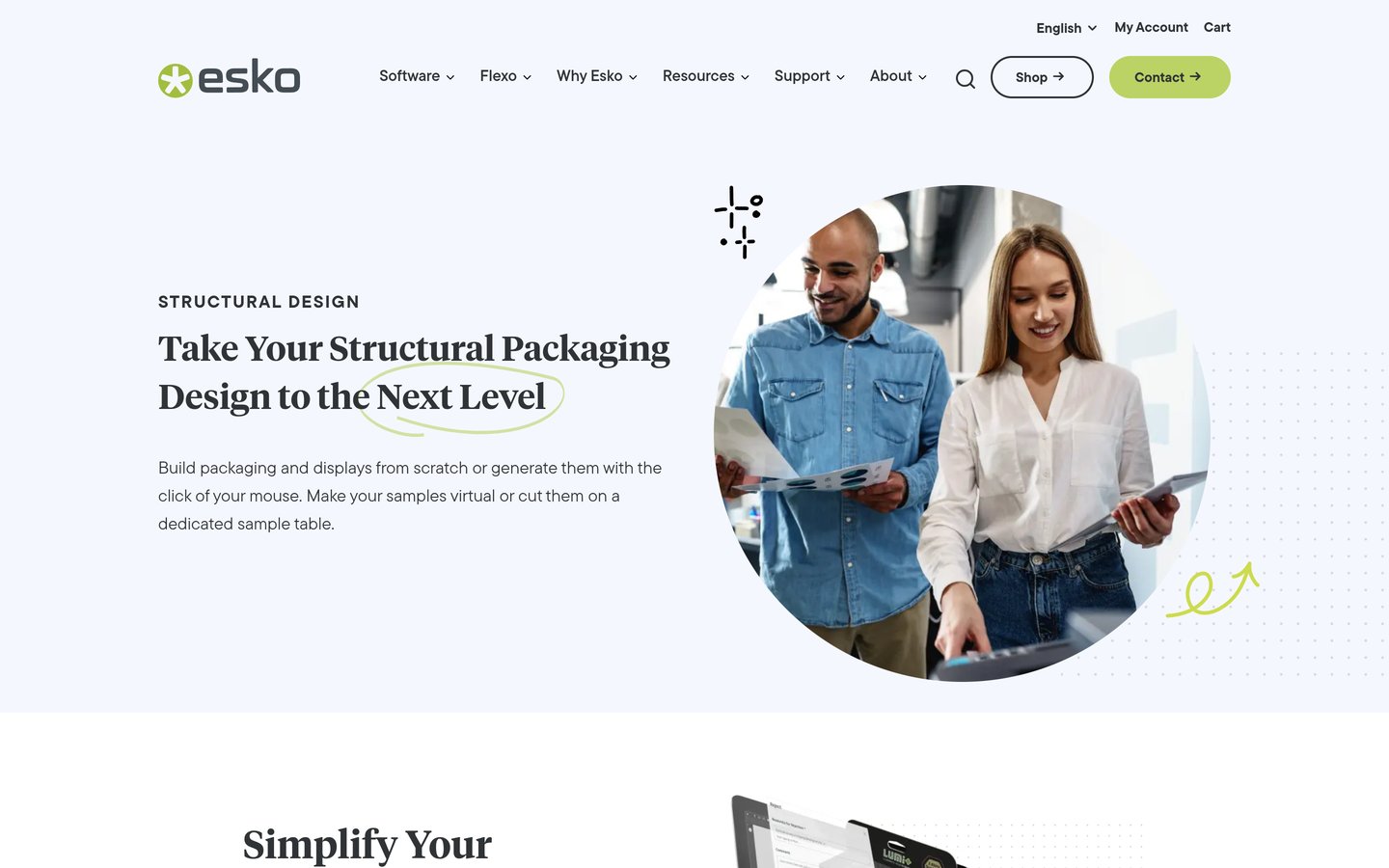
Esko ArtiosCAD is the structural design standard for folding carton, corrugated and display work, and the most widely used structural CAD tool in packaging. It builds 2D and 3D carton designs from a parametric library of ECMA, FEFCO and display standards, checks them in 3D, and outputs production dielines.
The trade off is cost and complexity. ArtiosCAD is priced by quote with subscription licences, and it has a steep learning curve, so it is a professional purchase for converters and packaging teams rather than a casual design app. It suits teams that cut cartons every day.
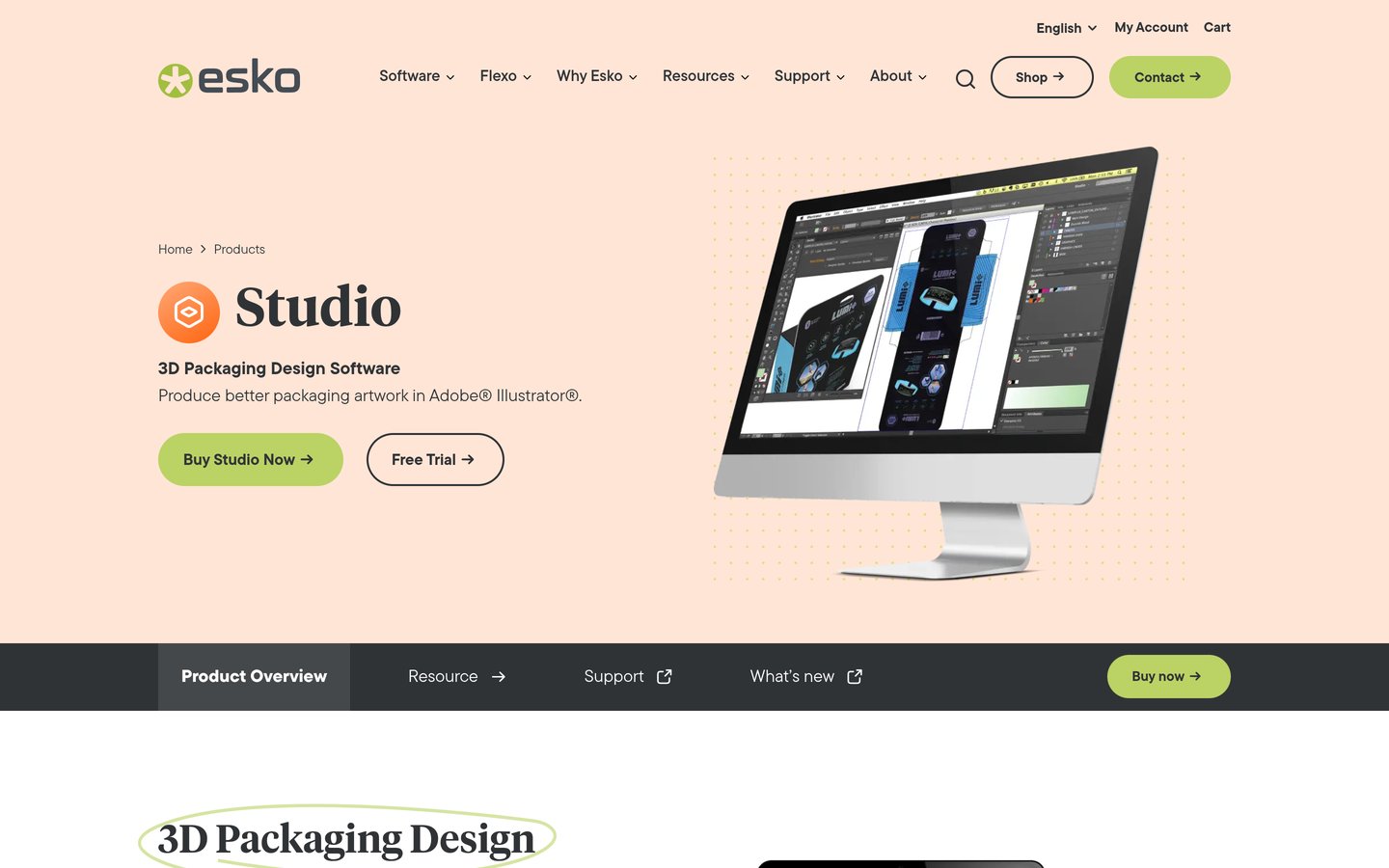
Esko Studio is a 3D packaging design tool that works inside Adobe Illustrator and turns flat artwork into photorealistic packshots. Its patented print modelling shows how artwork wraps around folds and shrink sleeves, so designers can approve a pack without printing a physical sample.
The trade off is price and reach. Studio lists at €226.67 a month on the Esko store, and its G2 rating rests on only 4 reviews, so the score is thin evidence. It suits designers who already work in Illustrator and need packshots buyers will sign off.
Artwork, structure and mockups: which job are you hiring for
Artwork tools like Illustrator, Canva and CorelDRAW draw the label. They handle vector shapes, type and print colours, and they output the files a printer needs.
Structural tools like ArtiosCAD engineer the carton. They build dielines from standards, check folding in 3D and hand production-ready files to the die maker.
Mockup tools like Dimension, Studio, KeyShot and Pacdora show the finished pack. They wrap artwork on a 3D model so buyers can approve it without a physical sample.
Most packaging jobs need two of the three. Start with the job you do most, then add the tool that covers the next stage instead of buying the most expensive suite first.
How we chose
We started from the 3D and packaging tools with a public G2 rating and a listed price, then kept nine that cover artwork, structure and mockups.
Prices come from each vendor's pricing page or from price lists quoting the vendor's own pages, checked on 25 November 2026. Esko Studio is priced in euros and ArtiosCAD is priced by quote, so neither carries a US dollar yearly figure.
We left out tools without a verifiable G2, Capterra or Trustpilot rating. No vendor paid for a place, and we do not claim hands-on testing for this list.
How to choose 3D software for packaging design
Start with the job you do most, then match the tool to it.
Name the job first. Artwork, structure or mockup. A tool that does all three usually does none of them well.
Check the dieline workflow. If you cut cartons, you need real dielines from ArtiosCAD or Pacdora. A mockup tool alone will not hand a die maker a usable file.
Mind the price model. Blender is free and Canva starts free, while KeyShot and Esko Studio are professional purchases. ArtiosCAD is priced by quote, so ask before you budget.
Try the trial on a real pack. Most tools here offer a free trial. Mock up one of your own products before you pay, and check the export a printer would receive.
FAQ
What is the best 3D software for packaging design?
Canva is the best pick for most small brands, with a 4.7 out of 5 G2 rating, a free plan and fast mockups. Illustrator is the best for print-ready artwork, Blender is the best free 3D tool, and ArtiosCAD is the best for carton structure.
Can I design packaging in Canva?
Yes, for simple packaging. Canva has label, sleeve and box templates plus mockups, and its free plan covers basic concepts. It cannot build a production dieline or match print colours, so finished artwork still needs a vector tool or a prepress check.
What is a dieline in packaging design?
A dieline is the flat pattern a carton is cut and folded from, showing every cut line, fold and glue flap. ArtiosCAD and Pacdora generate dielines to production standards, while mockup tools only show what the folded pack looks like.
Do I need Esko ArtiosCAD to design packaging?
Only if you engineer cartons. ArtiosCAD is the structural standard for folding carton and corrugated work, but most small brands never need it. Canva or Illustrator plus Pacdora covers artwork and mockups for labels and sleeves.
Is Blender good for packaging design?
Blender is good for 3D modelling and rendering pack shapes at zero cost, and it is the only fully free tool in this list. It has no packaging templates or dielines, so mockups take longer to build than in Pacdora or Dimension.
How much does 3D packaging software cost?
Blender is free and Canva starts free, with Pro at $120 a year. Illustrator costs $22.99 a month, CorelDRAW costs $269 a year, and KeyShot costs $1,299 a year, while Esko Studio lists at €226.67 a month and ArtiosCAD is priced by quote.
SaaS SEO and WordPress specialist with about 8 years of experience. Rakib compares WordPress plugins, themes, hosting and software using public pricing, documentation and user reviews. See how we rank.