Microsoft Authenticator is the best 2FA app for most people because it is free, supports push approvals and passwordless sign-in, and syncs codes across devices. Google Authenticator is the simplest free choice, while Authy suits people who want encrypted multi-device backup.
How we make this list: we compare pricing pages, product documentation and public user reviews, then re-check every price before each update. No product paid for a place. Disclosure.
Microsoft Authenticator leads with a 4.7 Capterra rating, free push approvals and passwordless sign-in.
Google Authenticator is the simplest free option, with offline codes and optional cloud sync.
Authy is the best pick for multi-device backup, with encrypted cloud sync across phones and tablets.
Duo Mobile suits work and school accounts, with push approvals and a free tier for up to 10 users.
1Password and Bitwarden add an authenticator inside a full password vault, from $19.80 a year.
What to look for in a 2FA authenticator app
A 2FA authenticator app adds a six-digit code or a push approval to your sign-in, so a stolen password alone is not enough to open an account. The codes work offline, which makes them more reliable than text messages when you have no signal.
The biggest difference between these apps is what happens when you lose your phone. Some keep codes only on one device, while others sync an encrypted backup you can restore on a new phone. Check the backup story before you move dozens of accounts into an app.
Password managers with a built-in authenticator can fill both your password and your code, which saves time at every login. Our guide on adding two-factor authentication to WordPress shows how the same idea works on a site you run.
Free apps cover the basics well. Pay only if you want a vault, family sharing or business controls, and check whether the paid plan is billed monthly or yearly before you commit.
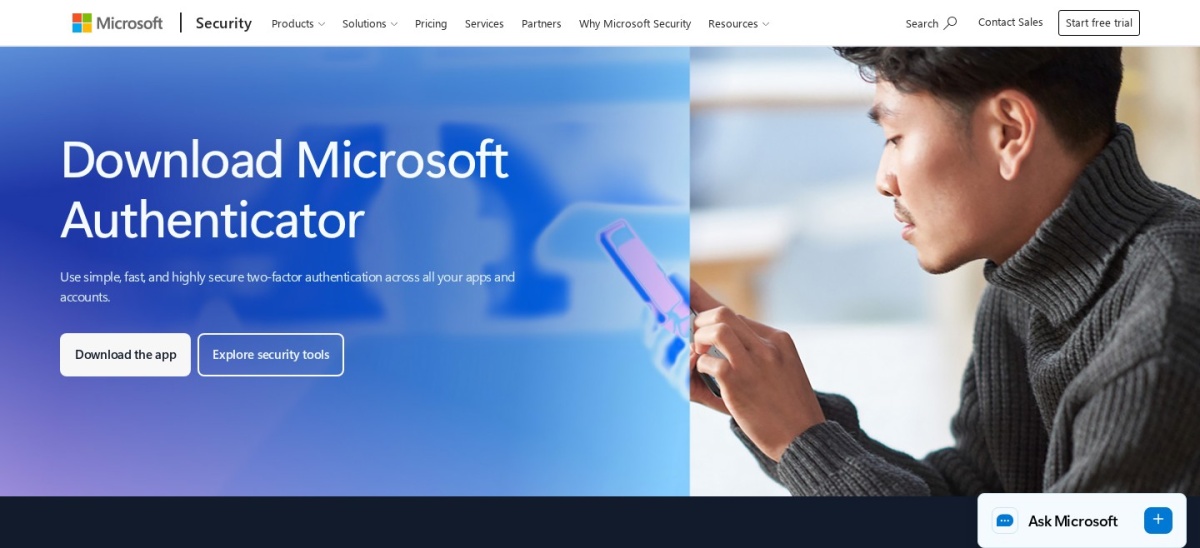
Microsoft Authenticator homepage, captured Nov 2026.
Microsoft Authenticator is a free app from Microsoft for iPhone and Android that covers push approvals, six-digit codes and passwordless sign-in for Microsoft accounts. It also stores codes for other accounts, fills passwords, and syncs everything to your Microsoft account so a new phone restores your codes.
The trade off is that the best features are tied to Microsoft accounts, and the password manager side is moving into Microsoft Edge. The free plan still covers everything most people need for 2FA. It suits anyone with a Microsoft 365, Outlook or school account who wants one free app for codes and approvals.
What we like
Free with no paid tier for personal use
Push approvals and number matching for Microsoft sign-ins
Passwordless sign-in and autofill built in
Rated 4.7 out of 5 on Capterra from 405 reviews
Watch out for
Best features need a Microsoft account
Password tools are moving to Edge
Recovery can be slow if you lose access to your account
Google Authenticator is the simplest free authenticator app, from Google, for iPhone and Android. It generates six-digit codes that work offline, needs no account to start, and can now sync codes to your Google account so they survive a phone change.
The trade off is that it does almost nothing beyond codes, with no push approvals, no password storage and no desktop app. That simplicity is the point for many people, and the app stays fast and free. It suits anyone who wants the lightest free authenticator and little else.
Authy is a free authenticator app from Twilio that keeps an encrypted backup of your codes and syncs them across phones and tablets. You sign in with a phone number, add accounts by scanning a code, and your tokens restore on a new device without re-enrolling every account.
The trade off is that Twilio retired the Authy desktop apps in 2024, so it is mobile only now, and the small G2 review base of 68 reviews is thinner than the big-name rivals. It suits people who switch phones often and want their codes to follow them.
Duo Mobile is the free app from Cisco Duo that approves work and school sign-ins with one tap. It sends push notifications for Duo-protected accounts, stores passcodes for other services, and works offline with time-based codes when you have no signal.
The trade off is that Duo Mobile is mainly useful when your employer or school already runs Duo, and the paid Duo plans are priced per user for admins. The app itself is free and the free tier covers up to 10 users. It suits employees and students whose organisation uses Duo.
What we like
One-tap push approvals for Duo accounts
Free tier covers up to 10 users
Works offline with passcodes
Rated 4.5 out of 5 on G2 from 634 reviews
Watch out for
Needs an organisation that runs Duo
Little value as a stand-alone personal app
Admin features cost $3 per user a month
Free for up to 10 users; Essentials adds admin controlsVisit duo.com
05
1Password
4.6/5on G2 (1,810 reviews, checked Nov 2026)
Starts at$2.99/mo
Best vault with built-in authenticator
Built-in authenticatorYes
AutofillYes
Family sharingFamilies plan
Free planNo, 14-day trial
1password.com
1Password homepage, captured Nov 2026.
1Password is a password manager that also generates your two-factor codes inside the same vault. The Individual plan costs $2.99 a month billed yearly, and it covers unlimited passwords and devices, autofill, Watchtower security alerts and a built-in authenticator that fills codes for you.
The trade off is price. There is no free plan, only a 14-day trial, and the subscription is the dearest way to get an authenticator if you only need codes. It suits people who already want a polished vault and would rather keep passwords and codes in one place.
Bitwarden is an open-source password manager with a free plan that covers unlimited logins on unlimited devices. Premium costs $19.80 a year and adds the built-in authenticator for two-factor codes, 1 GB of encrypted file storage, emergency access and vault health reports.
The trade off is polish. Reviewers praise the price and the open code but report occasional autofill misses and a plainer interface than 1Password. Premium is still the cheapest paid authenticator in this list. It suits budget-minded users who want a vault and codes for under $20 a year.
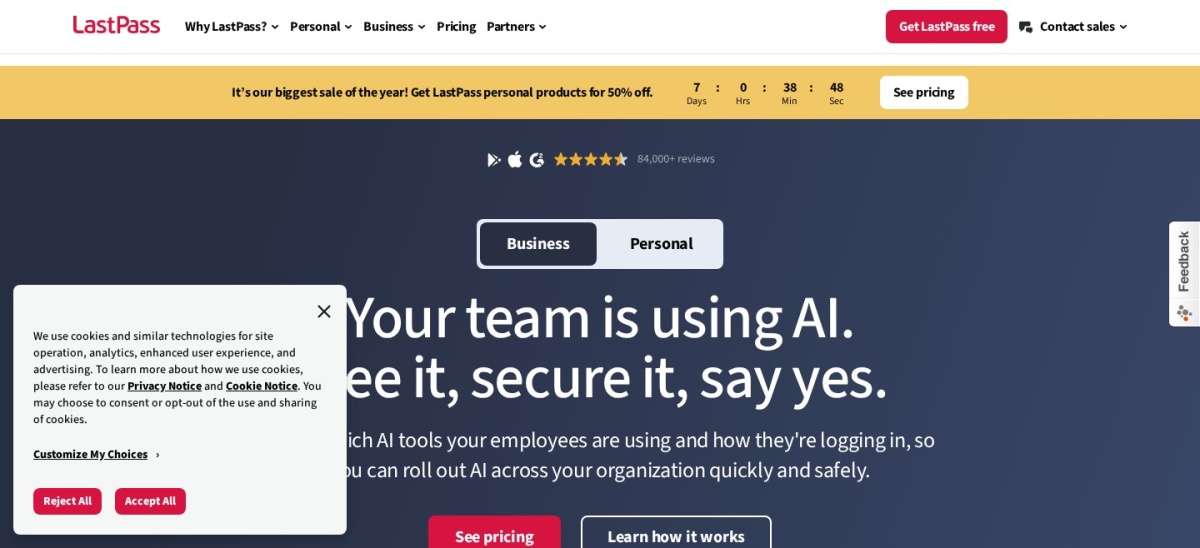
LastPass Authenticator homepage, captured Nov 2026.
LastPass Authenticator is a free app that generates six-digit codes and sends push approvals for LastPass-protected accounts. It backs codes up to your LastPass account, works offline, and pairs with the main LastPass vault if you already use it for passwords.
The trade off is trust. LastPass has the largest G2 review base in this list at 2,080 reviews, but its 2022 breach still shapes how people judge it, and the authenticator is a separate app from the vault. It suits existing LastPass users who want matching codes and vault in one account.
Keeper is a password manager with a built-in authenticator, secure file storage and strong sharing controls. Keeper Unlimited costs $3.58 a month billed yearly and covers one person on unlimited devices, with 24/7 support and breach monitoring as paid add-ons.
The trade off is price creep. Keeper's personal price has moved several times, and breach monitoring and messaging cost extra, so the checkout total needs a check. It suits families and small teams that want strong admin controls and encrypted file storage in one vault.
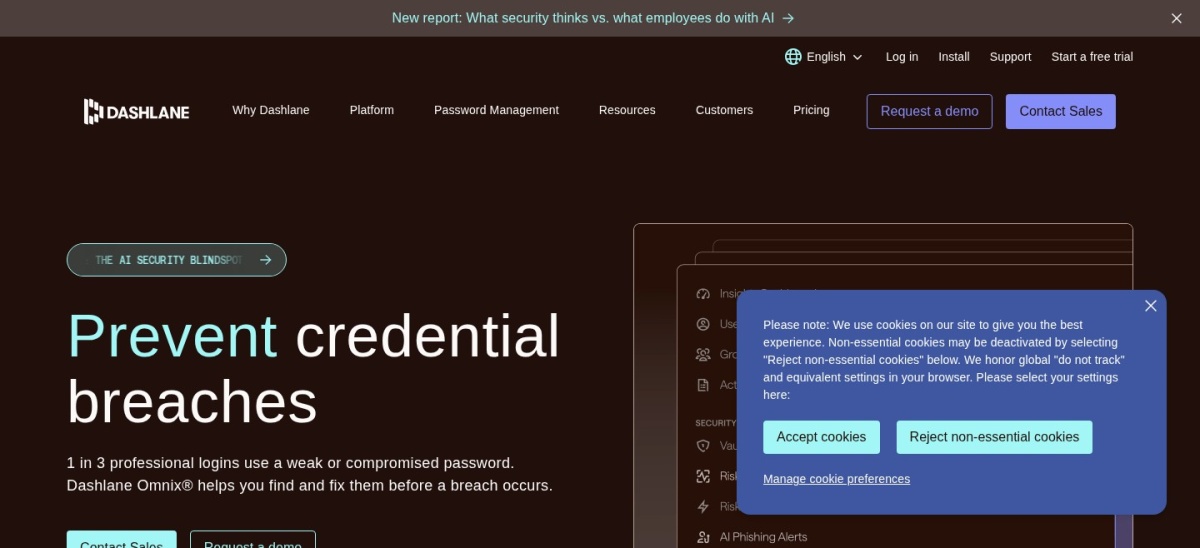
Dashlane is a password manager with a built-in authenticator, smooth autofill and dark web monitoring. Premium costs $4.99 a month billed yearly and covers one person on unlimited devices, with a bundled VPN, phishing alerts and secure sharing.
The trade off is cost. Dashlane is the dearest vault in this list, and reviewers report autofill that sometimes enters the wrong details. It suits people who want the smoothest autofill and a VPN bundled into one subscription.
Free authenticator apps cover the basics well. Microsoft, Google, Authy and Duo all generate codes for free, and most add push approvals or backup at no cost.
Paying only makes sense when you want a password vault as well. The vaults in this list add autofill, sharing and breach alerts, and their authenticators fill codes for you.
Watch the billing. Several vaults bill monthly at a higher rate and yearly at a lower one, so the yearly total is the number to compare.
If you only need codes, stay free. A paid vault is worth it when you also want to stop reusing passwords.
How we chose
We started from the most-installed authenticator apps and the password managers with built-in authenticators, then kept the nine with a verifiable G2 or Capterra rating and a free or paid plan that fits personal use.
Prices come from vendor pricing pages and G2 pricing data, checked on 25 November 2026. Ratings and review counts come from G2 or Capterra on the same day. Where a vendor shows a sale, the list shows the regular price.
We left out apps with no verifiable rating on G2, Capterra or Trustpilot. No vendor paid for a place, and we do not claim hands-on testing for this list.
How to choose a 2FA authenticator app
Start with what happens when you lose your phone, then check the rest.
Check the backup story first. If the app keeps codes on one device only, losing your phone means re-enrolling every account. Pick an app with encrypted sync or a recovery option.
Match the app to your accounts. Microsoft accounts work best with Microsoft Authenticator, Google accounts with Google Authenticator, and Duo accounts with Duo Mobile.
Decide whether you want a vault too. A password manager with a built-in authenticator fills both your password and your code, but it costs a subscription.
Keep a recovery plan. Save backup codes for your email and bank somewhere safe, so a lost phone does not lock you out of everything.
FAQ
What is the best 2FA authenticator app?
Microsoft Authenticator is the best free pick for most people. It covers push approvals, offline codes and passwordless sign-in, syncs to your Microsoft account, and is rated 4.7 out of 5 on Capterra from 405 reviews.
Is Google Authenticator safe to use?
Yes, it is safe for most accounts. It generates codes on your device that work offline, so no code travels over the network, and it now syncs an encrypted backup to your Google account. Keep your Google account itself protected with a strong password.
What happens if I lose my phone?
It depends on the app. Microsoft Authenticator, Authy and the vault apps restore codes from an encrypted backup, while Google Authenticator needs its Google sync turned on. Save the backup codes your email and bank give you, so a lost phone does not lock you out.
Do I need a password manager as well?
Not for two-factor codes alone. A free authenticator covers the codes, while a password manager adds autofill, sharing and breach alerts. Choose a vault such as Bitwarden or 1Password when you also want to stop reusing passwords across sites.
Is Authy still a good choice?
Yes, for mobile use. Authy still syncs encrypted backups across phones and tablets for free, which is its main strength. Twilio retired the desktop apps in 2024, so it is mobile only now, and its G2 review base is smaller than the big-name rivals.
Which authenticator is best for work accounts?
Use the app your employer or school already runs. Duo Mobile fits organisations on Cisco Duo, Microsoft Authenticator fits Microsoft 365 shops, and Google Authenticator covers most other work accounts. Mixing apps across work accounts only adds confusion.
SaaS SEO and WordPress specialist with about 8 years of experience. Rakib compares WordPress plugins, themes, hosting and software using public pricing, documentation and user reviews. See how we rank.