Proton Authenticator is the best 2FA app for most people, with end-to-end encrypted sync across phone and desktop and the highest Google Play rating in this list. Microsoft Authenticator is the pick inside Microsoft work accounts, and Google Authenticator is the simplest free option.
How we make this list: we compare pricing pages, product documentation and public user reviews, then re-check every price before each update. No product paid for a place. Disclosure.
Proton Authenticator is the top pick, with end-to-end encrypted sync and the highest rating here, 4.9 on Google Play.
2FAS and Aegis are the best free open source picks, with encrypted backups and no account required.
Microsoft Authenticator is the pick for Microsoft and work accounts, with push approvals and number matching.
Google Authenticator is the simplest option, but its cloud sync is not end-to-end encrypted.
Every app here is free, so backup, encryption and export matter more than price.
What a 2FA app should do
A 2FA app makes a six-digit code that changes every 30 seconds, and sites ask for it after your password. That second step blocks most automated break-ins, even if a password leaks.
Backup is the feature that matters most. Lose your phone without a backup and you can be locked out of every account the app protected, so check how codes move to a new phone before you commit.
Encryption decides who can read that backup. Proton and Ente encrypt it end to end, so the vendor cannot read your codes, while Google syncs without end-to-end encryption. Our guide to password managers covers the apps that store logins as well as codes.
Every app in this list is free, so price does not decide anything. Compare backup, encryption, platforms and export instead, and pick the app whose trade offs you can live with.
4.9/5on Google Play (18,079 reviews, checked Nov 2026)
PriceFree
Best 2FA app overall
PlatformsiOS, Android, macOS, Windows, Linux
BackupEnd-to-end encrypted sync
Open sourceYes, externally audited
PriceFree, no paid tier
proton.me
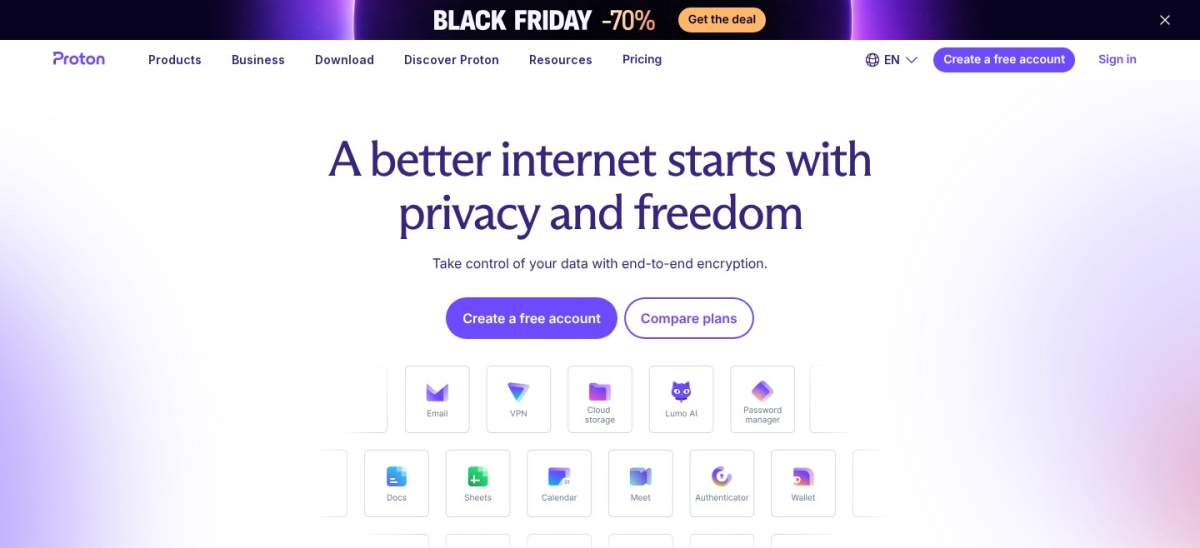
Proton Authenticator homepage, captured Nov 2026.
Proton Authenticator is the best 2FA app for most people, because it pairs end-to-end encrypted sync with apps on every platform: iOS, Android, macOS, Windows and Linux, plus a web viewer. It is free, open source and externally audited, and it imports codes from Google Authenticator, 2FAS, Aegis and LastPass, so switching takes minutes.
The trade off is that Proton Authenticator is new, launched in July 2025, so it has a shorter track record than Google or Microsoft, and sync needs a Proton account. It suits anyone who wants the same codes on phone and computer with encryption the vendor cannot break.
4.7/5on Google Play (35,511 reviews, checked Nov 2026)
PriceFree
Best free open source authenticator
PlatformsiOS, Android, browser extension
BackupEncrypted backup to Drive or iCloud
Open sourceYes
PriceFree, no paid tier
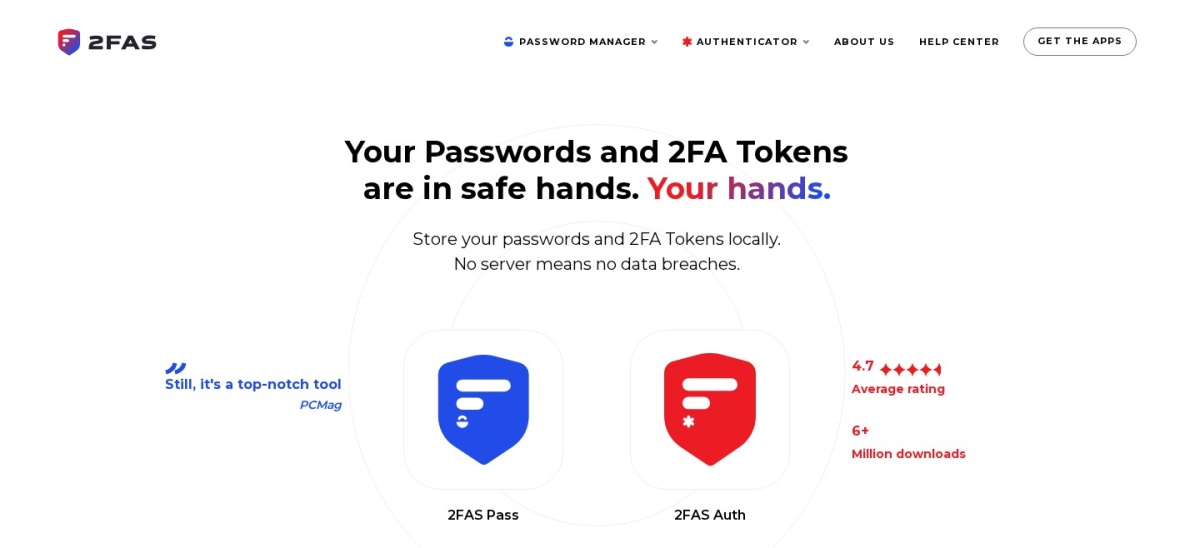
2fas.com
2FAS homepage, captured Nov 2026.
2FAS is a free, open source authenticator for iPhone and Android that needs no account to use locally. It stores encrypted backups in your own Google Drive or iCloud, protected by a password you choose, and browser extensions for Chrome, Firefox, Safari, Edge, Brave and Opera fill codes on your computer.
The trade off is that there is no native desktop app, so computer use depends on the browser extension, and losing your backup password can lock you out. It suits privacy-minded switchers who want open source code and a backup they control.
What we like
Free and open source, no account needed
Encrypted backup to your own cloud
Browser extensions on six browsers
Imports from Google, Aegis and LastPass
Watch out for
No native desktop app
A lost backup password can lock you out
Setup takes more thought than Google Authenticator
4.7/5on Google Play (6,345 reviews, checked Nov 2026)
PriceFree
Best 2FA app for Android privacy
PlatformsAndroid only
BackupEncrypted file to a folder you choose
Open sourceYes, GPL-3.0
PriceFree, no paid tier
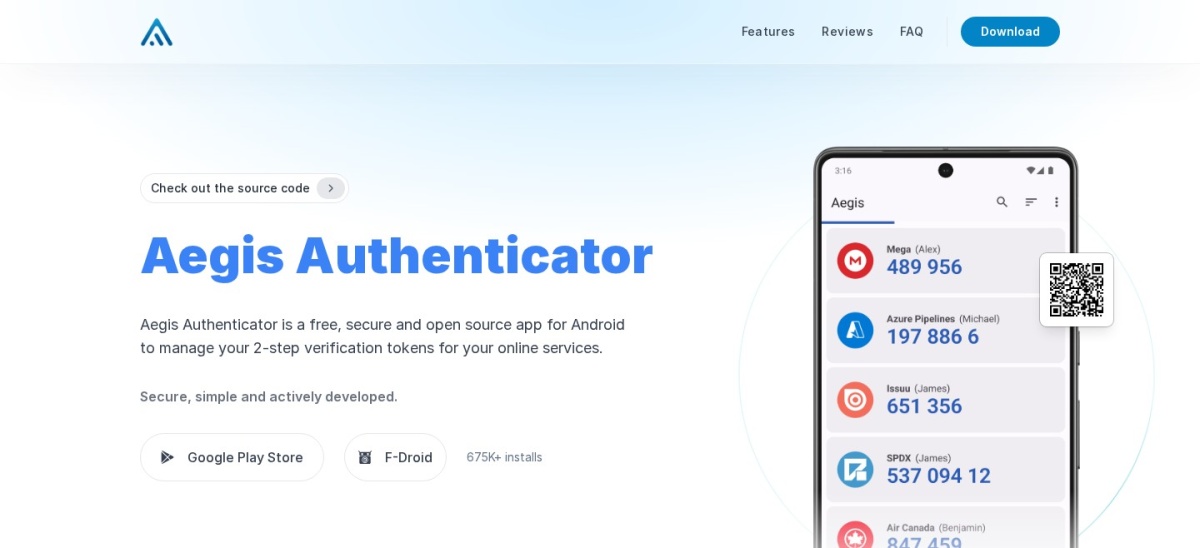
getaegis.app
Aegis Authenticator homepage, captured Nov 2026.
Aegis Authenticator is a free, open source Android app that keeps your codes in an encrypted vault on the phone, with no cloud account at all. The vault uses AES-256-GCM encryption, unlocks by password or fingerprint, and backs itself up automatically to a folder you choose, with the broadest import list of any app here.
The trade off is that Aegis runs on Android only, so iPhone users need another app, and a forgotten vault password means the contents are gone for good. It suits Android users who want full control and no server holding their codes.
4.6/5on Google Play (2,860,000 reviews, checked Nov 2026)
PriceFree
Best 2FA app for Microsoft accounts
PlatformsiOS, Android
BackupMicrosoft account on Android, iCloud on iOS
Push approvalsYes, with number matching
PriceFree
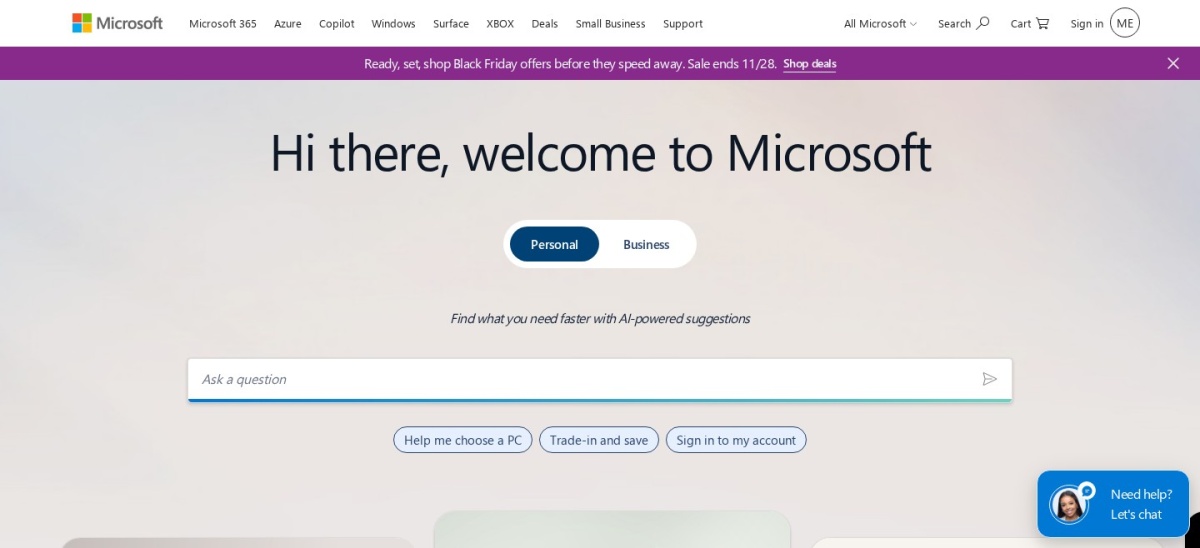
microsoft.com
Microsoft Authenticator homepage, captured Nov 2026.
Microsoft Authenticator is the 2FA app to use if your life runs on Microsoft or Entra work accounts, where it offers one-tap push approvals with number matching instead of typing codes. It also generates standard codes for any other site, and backs them up to your Microsoft account on Android or iCloud on iPhone.
The trade off is that it is mobile only, with no desktop app, and Microsoft removed its password autofill and password storage in 2025, moving that job to Edge. It suits anyone whose employer already requires it for work logins.
What we like
Push approvals with number matching
Passwordless sign-in for Microsoft accounts
Largest review base after Google
Free with cloud backup
Watch out for
Mobile only, no desktop app
Password features removed in 2025
Microsoft does not say the backup is end-to-end encrypted
4.6/5on Google Play (2,590 reviews, checked Nov 2026)
PriceFree
Best 2FA app for cross-platform sync
PlatformsiOS, Android, macOS, Windows, Linux, web
BackupEnd-to-end encrypted sync
Open sourceYes, AGPL-3.0, audited
PriceFree, no paid tier
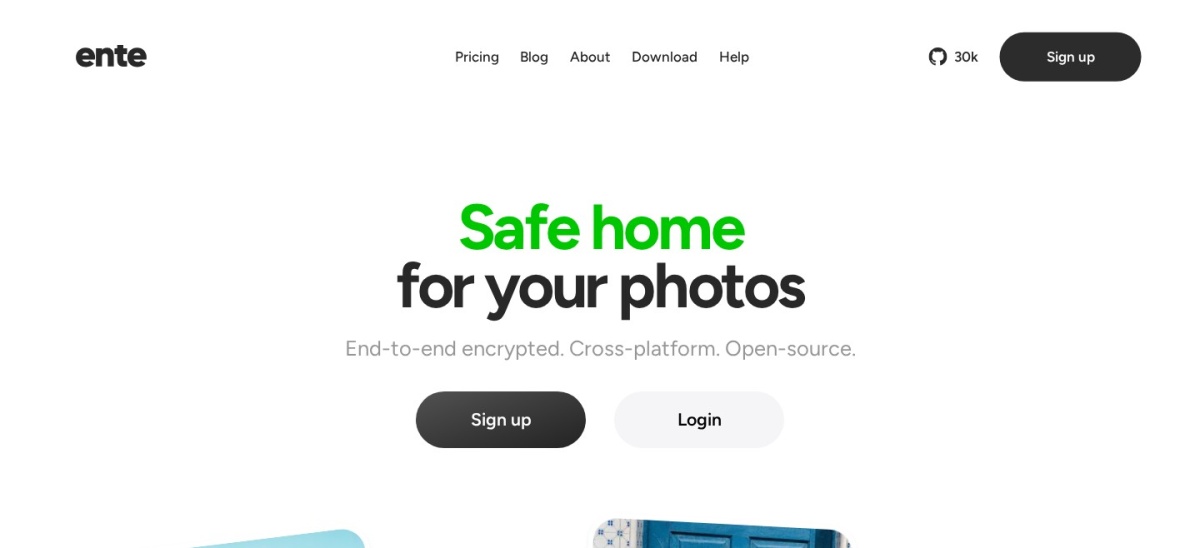
ente.io
Ente Auth homepage, captured Nov 2026.
Ente Auth is a free, open source authenticator that syncs codes between phone, desktop and web with end-to-end encryption, so Ente itself cannot read them. It works offline without an account if you prefer, imports from Google Authenticator and Aegis, and its cryptography has been audited by Cure53.
The trade off is that the review base is small, about 2,600 Google Play ratings, and encrypted sync needs an Ente account, with unforgiving recovery if you lose access. It suits people with several devices who want the strongest backup encryption.
4.5/5on Google Play (17,816 reviews, checked Nov 2026)
PriceFree
Best 2FA app for LastPass users
PlatformsiOS, Android
BackupCloud backup
Push approvalsYes, for LastPass accounts
PriceFree
lastpass.com
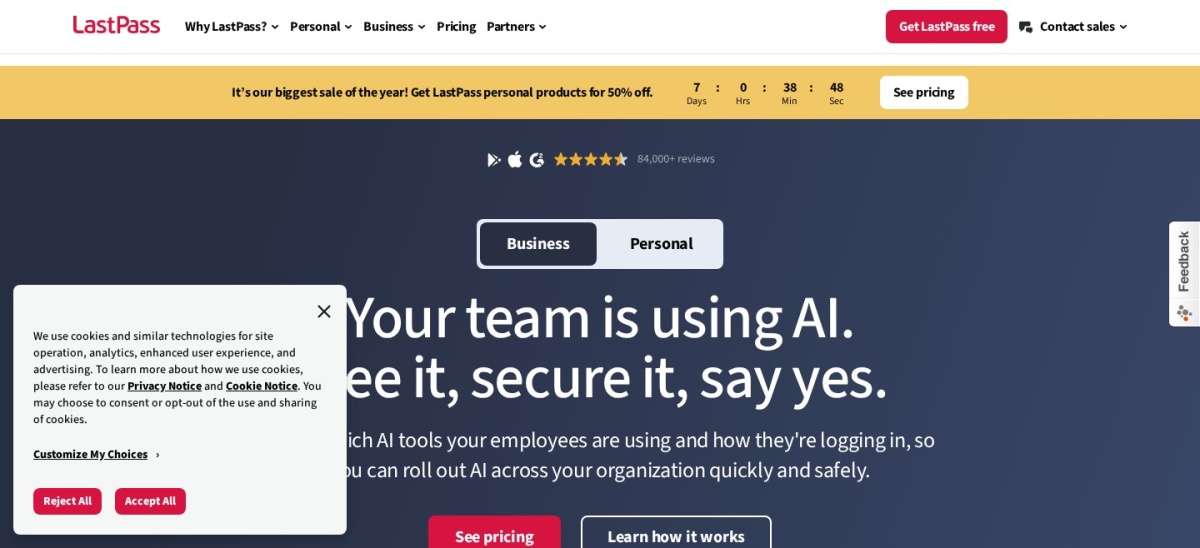
LastPass Authenticator homepage, captured Nov 2026.
LastPass Authenticator is the companion app for LastPass, offering one-tap push approvals for LastPass logins alongside standard codes for any other site. It backs codes up to the cloud, runs on iPhone and Android, and suits anyone who already keeps passwords in a LastPass vault.
The trade off is that the best features need a LastPass account, and the app is mobile only with no desktop version. It suits LastPass users who want push logins, while anyone else should pick a standalone authenticator.
4.3/5on Google Play (84,700 reviews, checked Nov 2026)
PriceFree
Best 2FA app for work and school
PlatformsiOS, Android, Wear OS
BackupAccount restore on a new phone
Push approvalsYes, for Duo accounts
PriceFree app; Duo service is paid
duosecurity.com
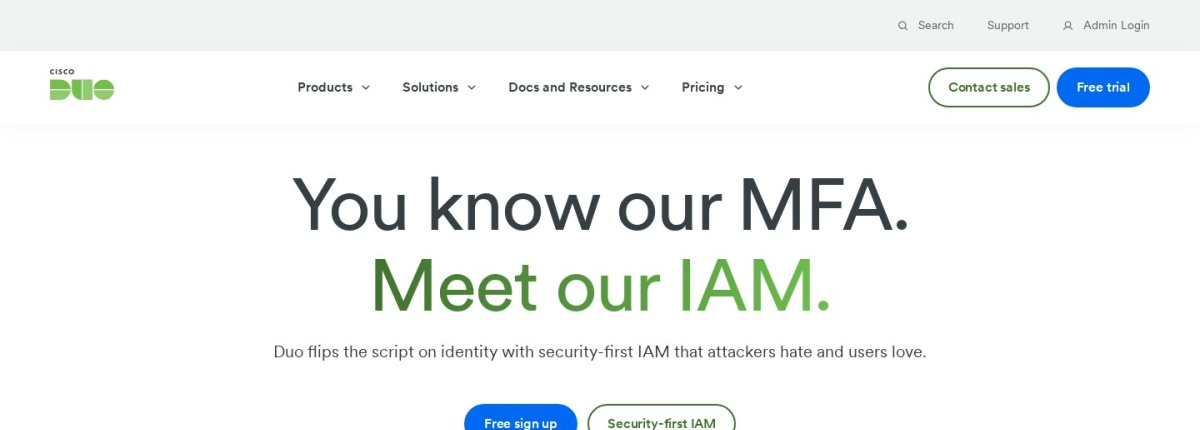
Duo Mobile homepage, captured Nov 2026.
Duo Mobile is the app workplaces and schools use with Duo Security, approving logins with a push notification instead of a typed code. It also generates standard codes for any site, works on iPhone, Android and Wear OS, and restores accounts quickly when you switch phones.
The trade off is that push approvals need an organisation with a Duo account, so personal users only get standard codes, and the paid Duo service sits behind the free app. It suits anyone whose employer or school already runs Duo.
3.9/5on Google Play (675,400 reviews, checked Nov 2026)
PriceFree
Simplest 2FA app
PlatformsiOS, Android
BackupGoogle account sync, optional
Open sourceNo
PriceFree
google.com
Google Authenticator homepage, captured Nov 2026.
Google Authenticator is the simplest 2FA app here, and the one most websites name in their setup instructions. Scan a QR code, enter the six-digit code, and the account is linked, with codes generated offline every 30 seconds, and optional sync to your Google account since 2023.
The trade off is that the cloud sync is not end-to-end encrypted, so Google can technically read the stored codes, and the app has the lowest rating in this list, with users reporting lost codes after phone changes. It suits anyone who wants the simplest free option and keeps recovery codes safe.
Backup copies your codes somewhere safe, sync keeps them the same on every device, and export moves them to another app. A good authenticator offers at least two of the three.
Cloud sync is the easiest backup, but check the encryption. Proton and Ente encrypt sync end to end, Google does not, and Aegis skips the cloud entirely with a file you store yourself.
Export matters when you switch apps. All eight tools here export or transfer codes somehow, but QR transfer needs both phones at once, so export before you wipe the old one.
How we chose
We started from the authenticator apps with the largest review bases on Google Play, then kept the eight with a verifiable rating and a free plan. Every rating and review count below comes from Google Play or AppBrain data drawn from it, checked in November 2026.
Authenticator apps have almost no G2 or Capterra coverage, so Google Play is the rating source for all eight tools here. That is the store where these apps are actually rated, with review counts from about 2,600 to about 2.9 million.
We left out Authy, whose desktop apps shut down in 2024, and apps without a verifiable rating. No vendor paid for a place, and we do not claim hands-on testing for this list.
How to choose a 2FA app
Start with backup, then check encryption, platforms and export.
List your accounts. Count the accounts you protect with two-factor codes, including email, banking and work logins, so you know what must survive a phone change.
Check the backup. Pick an app whose backup you understand, whether encrypted cloud sync or a file you store yourself, and test restoring it before you need it.
Save recovery codes. Store each site's recovery codes somewhere separate from the app, such as a password manager, so a lost phone does not lock you out.
Turn it on everywhere. Enable two-factor codes on email first, then banking and social accounts, since email resets unlock almost everything else.
FAQ
What is the best 2FA app?
Proton Authenticator is the best 2FA app for most people, with end-to-end encrypted sync across phone and desktop, open source code and the highest Google Play rating here. Microsoft Authenticator wins inside Microsoft work accounts, and 2FAS is the best free open source pick.
Are 2FA apps free?
Yes, every app in this list is free to download and use for personal two-factor codes. Paid tiers exist only for the related password managers or business plans, not for generating codes, so price should not decide your pick.
Which 2FA app is most secure?
Proton Authenticator and Ente Auth are the most secure picks here, because both sync with end-to-end encryption and publish open source code that has been externally audited. Aegis is the most locked-down option for Android users who want no cloud service at all.
What happens if I lose my phone?
If your codes are backed up, you restore them on the new phone by signing in or importing a backup file. Without a backup, you need each site's recovery codes or its account recovery process, which is why saving recovery codes matters.
Is Google Authenticator safe?
Yes, for most accounts. Google Authenticator generates codes offline and now syncs them to your Google account, but that sync is not end-to-end encrypted, so Google can technically read the stored codes. Privacy-minded users should pick Proton, Ente or Aegis instead.
Can I use a 2FA app on my computer?
Proton Authenticator and Ente Auth both have desktop apps for Windows, macOS and Linux, so your codes sync to your computer. 2FAS has browser extensions instead of a desktop app, while Google, Microsoft, Aegis and Duo are mobile only.
SaaS SEO and WordPress specialist with about 8 years of experience. Rakib compares WordPress plugins, themes, hosting and software using public pricing, documentation and user reviews. See how we rank.