GitBook is the best of these archbee alternatives for most teams: Git-synced Markdown docs, a visual editor and a 4.7/5 G2 rating from 208 reviews, with a free plan for one user. Pick ClickHelp for dedicated technical writing at $194 a month, or Slab for the cheapest paid internal wiki at $6.67 per user a month.
How we make this list: we compare pricing pages, product documentation and public user reviews, then re-check every price before each update. No product paid for a place. Disclosure.
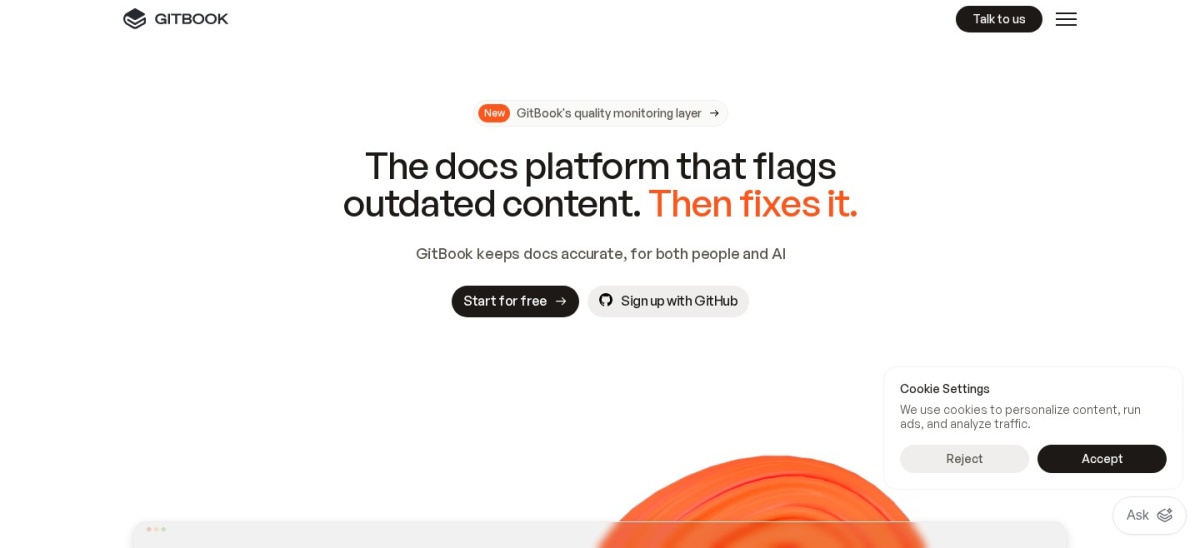
GitBook is the closest Archbee replacement: Git-synced Markdown, a visual editor and a custom domain, but paid plans now start at $65 a site a month plus $12 per user.
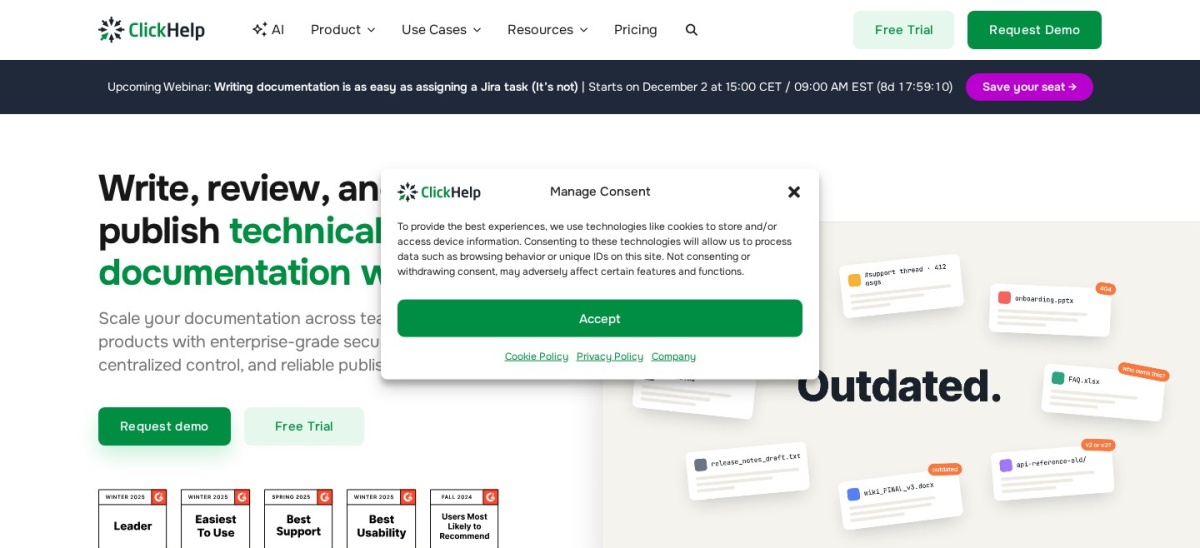
ClickHelp has the highest rating here at 4.8/5 from 67 G2 reviews, and its $194-a-month Starter covers 500 topics and 2 contributors.
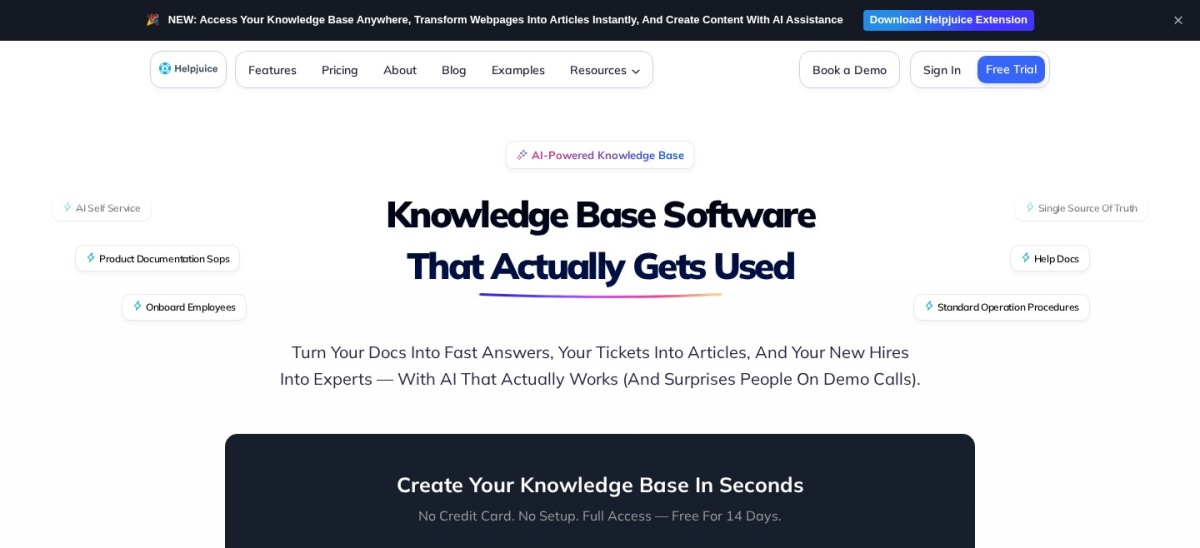
Helpjuice is the only dedicated knowledge base with a hand-built custom design included, at $249 a month for 30 users.
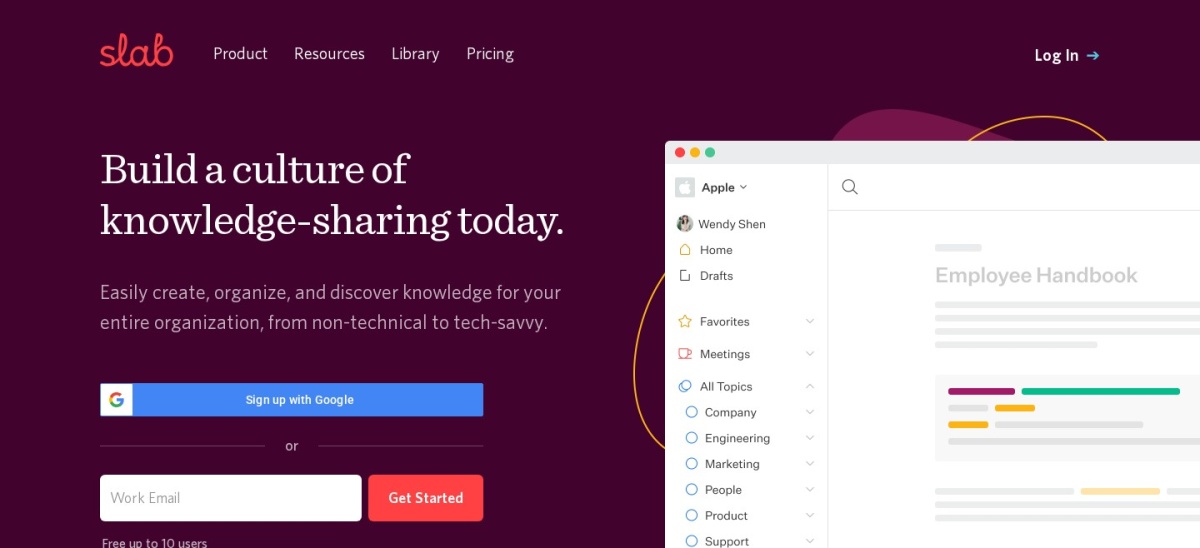
Slab is the cheapest paid plan in the list at $6.67 per user a month, with a free plan for up to 10 users.
Mintlify has the steepest jump: a free Starter for 5 editors, then Pro at $450 a month.
Confluence costs $7.15 a user a month for teams of up to 100, but its 4.1/5 G2 rating is the lowest here.
What should you look for in archbee alternatives?
Archbee is a documentation platform for product teams: a wiki, a docs site and AI search in one place. The tools that replace it fall into three groups: docs platforms such as GitBook and Mintlify, dedicated knowledge bases such as Helpjuice, and internal wikis such as Notion, Slab and Confluence.
Price is the first split. Paid plans in this list run from $6.67 per user a month on Slab to $450 a month flat on Mintlify, and three of the nine have no free plan at all. GitBook's per-site billing is the one to model carefully: a second docs site doubles the $65 site fee.
The second split is audience. GitBook, Mintlify and ClickHelp publish docs for customers and developers, while Slab, Tettra, Slite and Confluence are built for internal knowledge only. If your docs face customers, start with the first group.
Ratings back the shortlist. ClickHelp leads at 4.8/5 on G2, Helpjuice and Tettra follow at 4.7, and Confluence trails at 4.1. Our guide on adding a document to WordPress covers the WordPress side if your docs live there too.
GitBook is a documentation platform that keeps Markdown files in sync with GitHub or GitLab while non-developers edit in a visual editor. The free Personal plan covers one user, and published sites get search, versioning and OpenAPI blocks.
The trade off is the new per-site billing. Essential costs $65 a site a month plus $12 per user a month on annual billing, so a second docs site doubles the site fee. It suits product teams that already live in Git and want polished public docs.
ClickHelp is a dedicated authoring and hosting platform for technical documentation, user manuals and knowledge bases. The Starter plan covers one documentation site, unlimited projects and reader accounts, 500 topics, 2 contributors and 5 GB of file storage.
The trade off is price. Starter costs $194 a month, with no free plan, so small teams pay a lot before they publish much. It suits technical writing teams that need review workflows, permissions and single sign-on in one place.
What we like
Highest G2 rating here, 4.8 out of 5 from 67 reviews
Review workflows and permission management included
Unlimited reader accounts on every plan
Watch out for
No free plan, only a 14-day trial
Starter is the dearest entry for a small team here
Helpjuice is a dedicated knowledge base platform for customer-facing help centres and internal docs. The $249-a-month Knowledge Base plan covers 30 users, unlimited articles, 12 GB of storage and a fully customised design that the Helpjuice team builds for you.
The trade off is that AI costs a plan jump. The AI Writer, AI Search and AI Chatbot are not on the entry plan; they need the AI-Knowledge Base plan at $449 a month. It suits support teams that want a branded help centre without doing the design work.
Slab is a clean, fast internal wiki for company knowledge: policies, procedures, onboarding and team docs in one searchable place. The free plan covers up to 10 users, and the Startup plan adds private topics, single sign-on and unlimited integrations.
The trade off is scope. Slab is built for internal knowledge, not public help centres, and custom domains need the Business plan at $12.50 per user a month. It suits startups and mid-sized teams that want a wiki people actually keep up to date.
What we like
Cheapest paid plan here at $6.67 per user a month
Free plan covers up to 10 users
Search reaches into Slack, Google Drive and GitHub
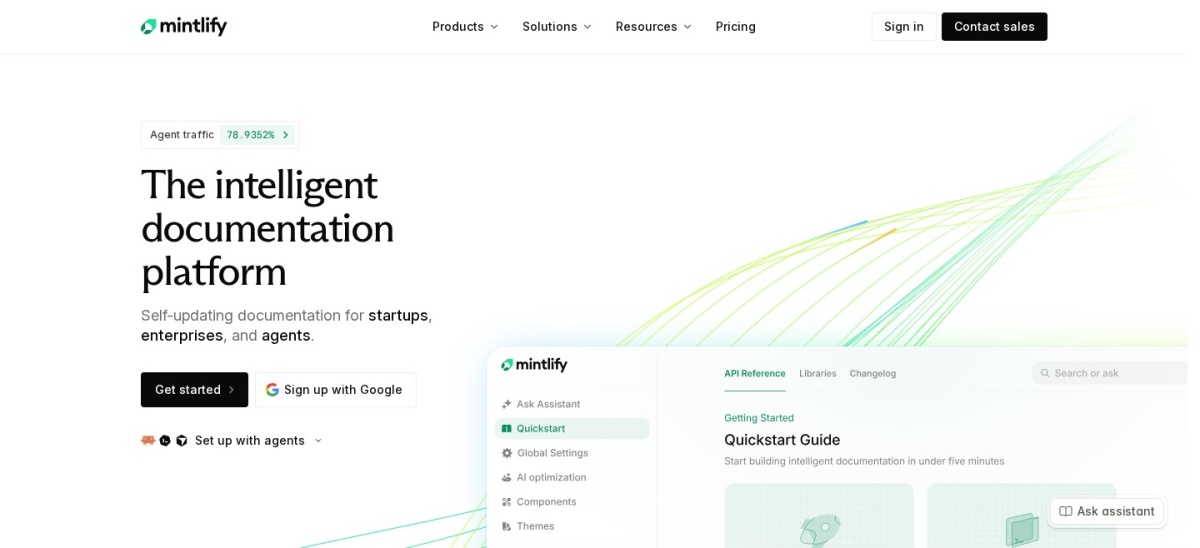
Mintlify is a hosted documentation platform that turns MDX files in a Git repository into a polished docs site, with an OpenAPI playground and a custom domain. The free Starter plan covers 5 editors, and Pro adds unlimited editors and 10,000 AI credits a month.
The trade off is the price jump. There is no step between the free Starter and Pro at $450 a month billed annually, and AI answers are metered from a credit pool. It suits developer-tool teams whose docs drive adoption.
Notion is a flexible workspace that combines wikis, docs, databases and project tracking in one place. The free plan covers individual use, and Plus at $10 per member a month adds unlimited blocks and file uploads, custom forms and sites, and 30 days of page history.
The trade off is structure. Notion starts as a blank canvas, so someone has to design the wiki before it stays tidy, and its AI is only a trial on Plus. It suits small teams that want one workspace for docs and lightweight project work.
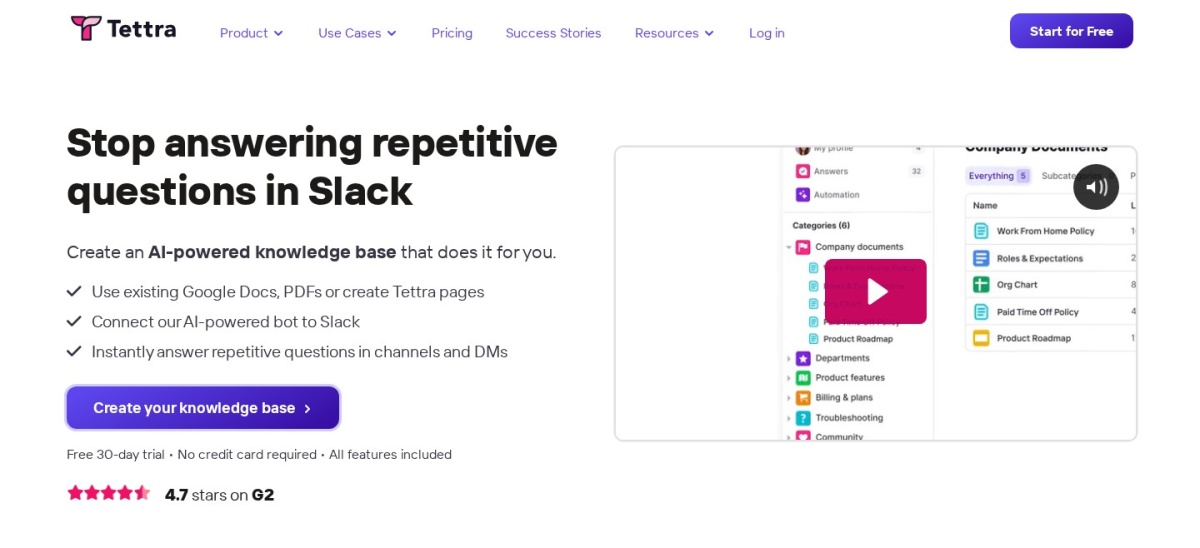
Tettra is an internal wiki built around Slack, with AI answers to repeat questions, verification workflows and Google Workspace integration. The Basic plan costs $40 a month for 10 users, and Scaling at $8 per user a month adds AI answers, the Slack bot and usage analytics.
The trade off is the 10-user minimum and the add-ons. SAML SSO and SCIM cost extra on Scaling, and Tettra is not built for public help centres. It suits Slack-heavy teams that answer the same questions every week.
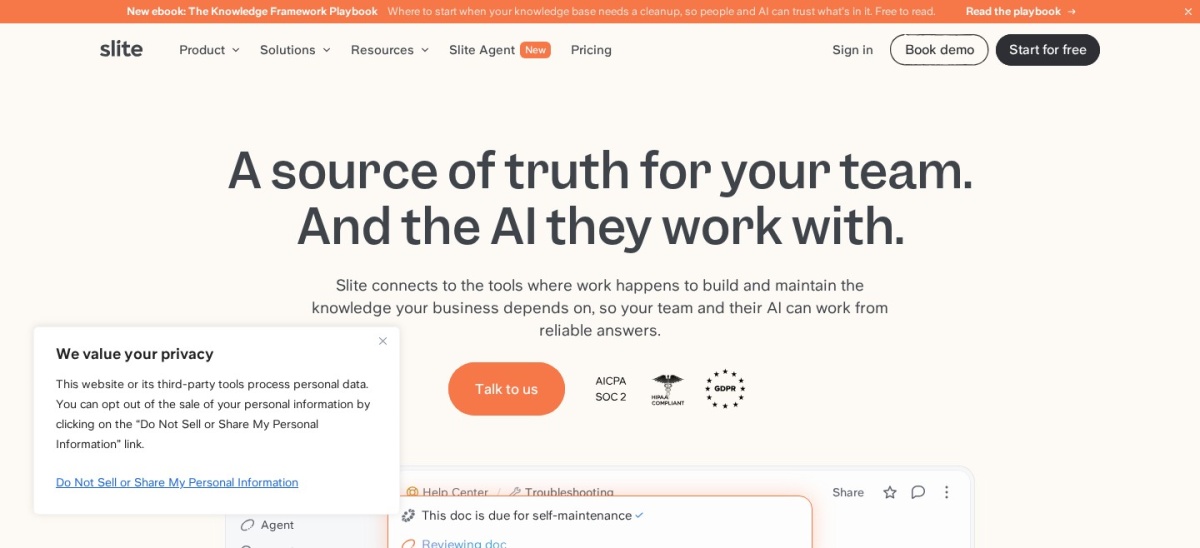
Slite is an AI-powered internal knowledge base for company documentation, with doc verification that flags pages when they go stale. The Standard plan costs $10 per user a month and includes 30 AI answers per user a month, unlimited docs and workspace analytics.
The trade off is the June 2026 relaunch. Slite dropped its free plan, so every team starts on a 14-day trial, and custom domains and OpenID SSO need the $20 Knowledge Suite. It suits growing teams that want verified docs without Confluence's setup.
Confluence is Atlassian's team wiki, with spaces, page trees, templates and page-level permissions, tightly connected to Jira. The free plan covers up to 10 users, and Standard adds advanced permissions, 250 GB of storage and Rovo AI search.
The trade off is price clarity and rating. The $5.78 headline on Atlassian's pricing page is the rate for a 300-user team; teams of up to 100 users pay $7.15 each, and its 4.1/5 G2 rating is the lowest here. It suits large teams already on Jira.
Five of the nine tools have a free plan: GitBook for one user, Slab for up to 10, Mintlify for 5 editors, Notion for individuals and Confluence for up to 10 users.
Free plans cover writing and publishing, but the useful extras sit behind paywalls: custom domains on GitBook, Mintlify and Slab, AI search on most of them, and SSO almost everywhere.
ClickHelp, Helpjuice, Tettra and Slite have no free plan, only trials of 14 to 30 days. Budget for the first paid month before you start a trial, so the work does not stall.
How we chose
We started from the tools most often named as Archbee replacements on G2 and in documentation-platform comparisons, then kept the nine with a published rating and a published price.
Prices come from each vendor's pricing page or G2 pricing data, checked on 29 November 2026. Ratings and review counts come from G2 on the same day. Where a vendor shows a sale, the list shows the regular price.
We left out Document360 and Guru, which price by quote only, and tools with no public rating. No vendor paid for a place, and we do not claim hands-on testing for this list.
How to choose an Archbee alternative
Start with who reads your docs, then match the price to that audience.
Decide who the docs are for. Public docs need a docs platform such as GitBook, Mintlify or ClickHelp. Internal knowledge fits Slab, Tettra, Slite, Notion or Confluence.
Count sites and seats before you price it. GitBook charges per site plus per user, Tettra needs at least 10 users, and Helpjuice's flat fee covers 30. Model your real team, not the headline rate.
Check the free plan or trial first. Five tools here have a free plan. The other four give 14 to 30 days, so start the trial only when you can migrate in that window.
Test search with your own questions. Ask the AI search or site search the five questions your team asks most. If it cannot answer them, the editor does not matter.
FAQ
What is the best Archbee alternative in 2026?
GitBook is the best Archbee alternative for most teams. It pairs Git-synced Markdown docs with a visual editor, holds a 4.7/5 G2 rating from 208 reviews, and has a free plan for one user, with paid plans from $65 a site a month plus $12 per user.
Is there a free alternative to Archbee?
Yes. GitBook, Slab, Mintlify, Notion and Confluence all have free plans. Slab's is the most generous for teams, covering up to 10 users, while Mintlify's free Starter covers 5 editors with a custom domain.
Which Archbee alternative is cheapest?
Slab is the cheapest paid plan here at $6.67 per user a month on annual billing, with a free plan for up to 10 users. Confluence follows at $7.15 per user a month for teams of up to 100 users.
What is the best Archbee alternative for API documentation?
Mintlify is the strongest pick for API docs, with MDX in Git, an OpenAPI playground and a free Starter for 5 editors. GitBook is the cheaper runner-up, with OpenAPI blocks and Git sync, from $65 a site a month plus $12 per user.
GitBook vs Mintlify: which is better as an Archbee alternative?
GitBook wins on price and flexibility for most teams: a free plan, Git sync and a visual editor, from $65 a site a month plus $12 per user. Mintlify wins on polish for API-first docs, but Pro costs $450 a month after the free Starter.
Which Archbee alternative is best for internal knowledge?
Slab is the best value, at $6.67 per user a month with a free plan for up to 10 users. Tettra fits Slack-heavy teams at $40 a month for 10 users, and Notion fits teams that also want databases and project tracking.
Do any Archbee alternatives have AI search?
Most do. GitBook, Mintlify, Helpjuice, Slite and Tettra all offer AI search or AI answers, but several gate it behind a paid plan: Helpjuice's AI Suite needs the $449-a-month plan, and Mintlify's AI credits come with Pro at $450 a month.
SaaS SEO and WordPress specialist with about 8 years of experience. Rakib compares WordPress plugins, themes, hosting and software using public pricing, documentation and user reviews. See how we rank.