Glide is the best Appy Pie alternative for most builders: its $25-a-month Basic plan turns a spreadsheet into a working app, and it holds a 4.7 out of 5 rating from 820 G2 reviews. Pick AppSheet for the cheapest data apps at $5 per user a month, or FlutterFlow when you want exportable code and native store apps.
How we make this list: we compare pricing pages, product documentation and public user reviews, then re-check every price before each update. No product paid for a place. Disclosure.
Glide is the best Appy Pie alternative overall, rated 4.7 out of 5 from 820 G2 reviews, with paid plans from $25 a month.
AppSheet is the cheapest paid option at $5 per user a month, and it holds the highest rating here at 4.8 out of 5 from 405 G2 reviews.
FlutterFlow and Draftbit are the only picks that export full source code, from $39 and $12 a month.
Glide and Softr build web apps, not native store apps, so pick FlutterFlow, Adalo or BuildFire if you need an App Store listing.
Paid plans run from $5 per user a month for AppSheet to $165 a month for BuildFire, and 7 of the 9 tools have a free plan.
How do you choose the best Appy Pie alternative?
Start with where your app must live. Appy Pie publishes native apps to the App Store and Google Play, so an alternative that only builds web apps changes what you can sell and how users find you.
Price is the next split. Appy Pie starts at $16 a month, and the alternatives here run from $5 per user a month for AppSheet to $165 a month for BuildFire, so the cheapest plan that actually publishes is the number to compare.
Templates matter more than features for a first app. Appy Pie buyers usually want a ready-made starting point, and our guide on making WordPress fast on mobile shows the same rule applies to any mobile experience: a slow, heavy app loses users fast.
Code ownership is the quiet deciding factor. Most no-code builders keep your app on their platform, while FlutterFlow and Draftbit let you download the source code and walk away.
Free plans are for testing, not launching. Seven of the nine tools here have one, but only the paid plans publish to the stores or remove branding.
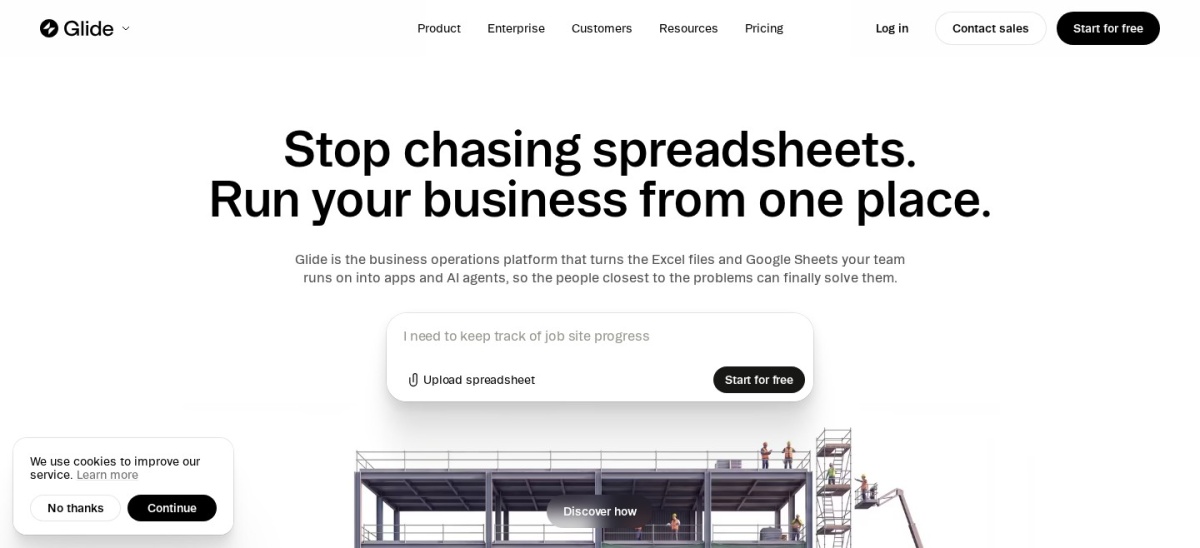
Glide is the quickest route from a spreadsheet to a working app. You connect Google Sheets or a Glide Table, describe what you need, and its AI agent builds the screens, data and workflows. The free plan covers 10 projects with limited credits, and Basic at $25 a month includes 100 AI credits and 2 published apps.
The trade off is that Glide builds web apps, not native App Store apps. They run in the browser and install to a home screen, and public apps need the Plus plan at $50 a month. It suits internal tools, directories and portals where a link beats a store listing.
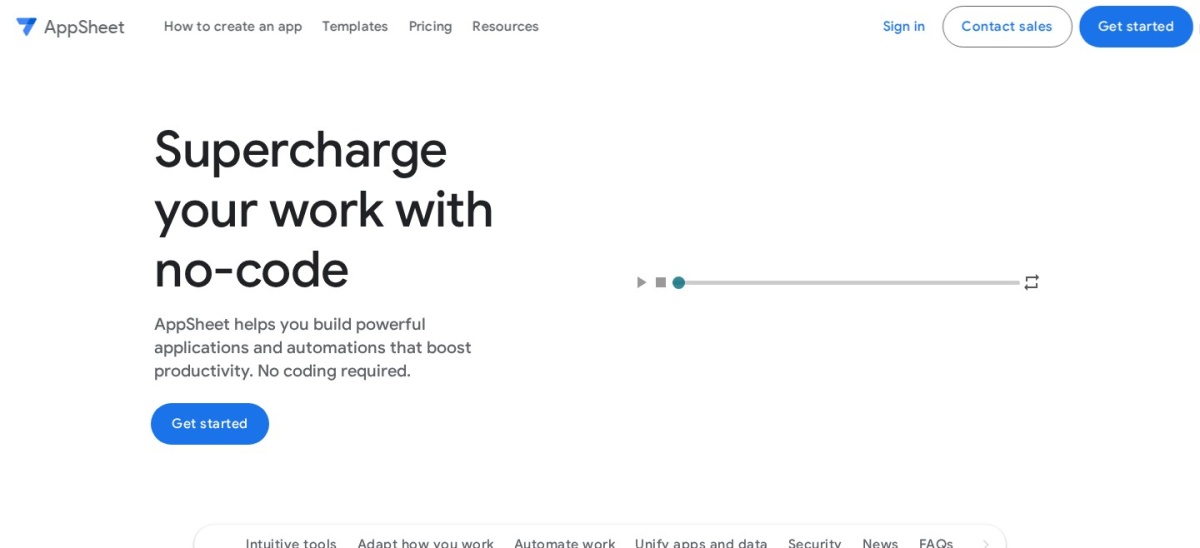
AppSheet is Google's no-code platform for turning a spreadsheet or database table into a working mobile and web app. You build from your data, add views such as forms, maps and dashboards, and the free plan lets you test with up to 10 users before paying anything.
The trade off is design freedom. AppSheet apps look plain next to a custom-built app, and Google said in May 2026 that the platform is now in a stability-first mode with fewer new features. It suits teams who already live in Google Sheets and need field tools, inspections or inventory apps fast.
What we like
Cheapest paid plan in this list
Core is included in most paid Google Workspace plans
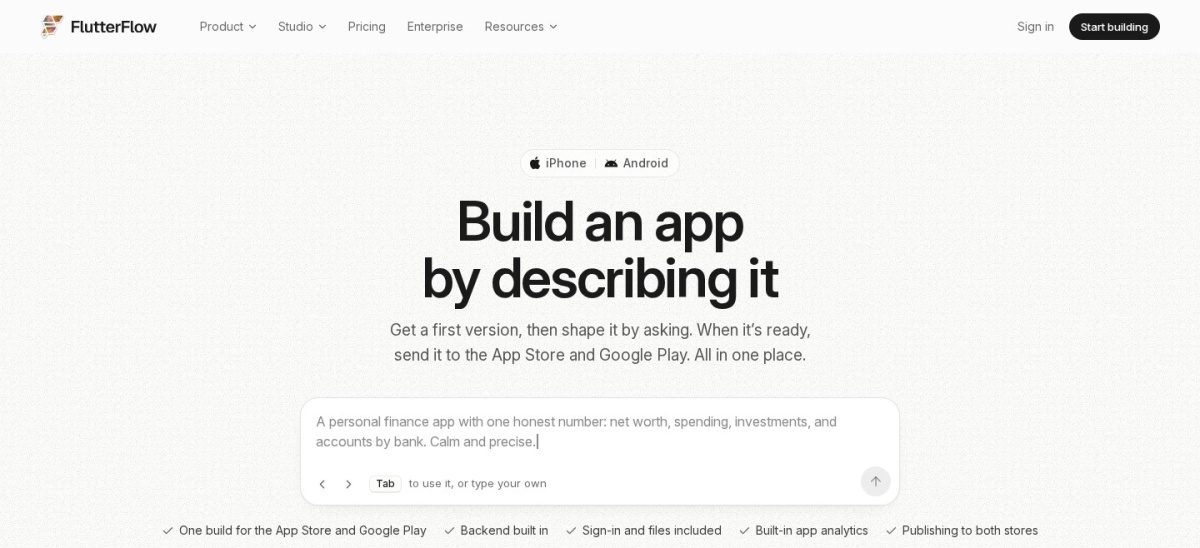
FlutterFlow is a visual builder that turns drag-and-drop screens into real Flutter code for iOS, Android and web. The free plan covers 2 projects, a small AI allowance and testing on your own device, while Basic at $39 a month unlocks code export, APK downloads and publishing to the App Store and Google Play.
The trade off is the learning curve. Flutter concepts such as widgets, state and custom actions still matter once an app grows past a simple prototype, and team features start on Pro at $80 a month for the first seat. It suits founders and small teams who want a native app they can keep building on.
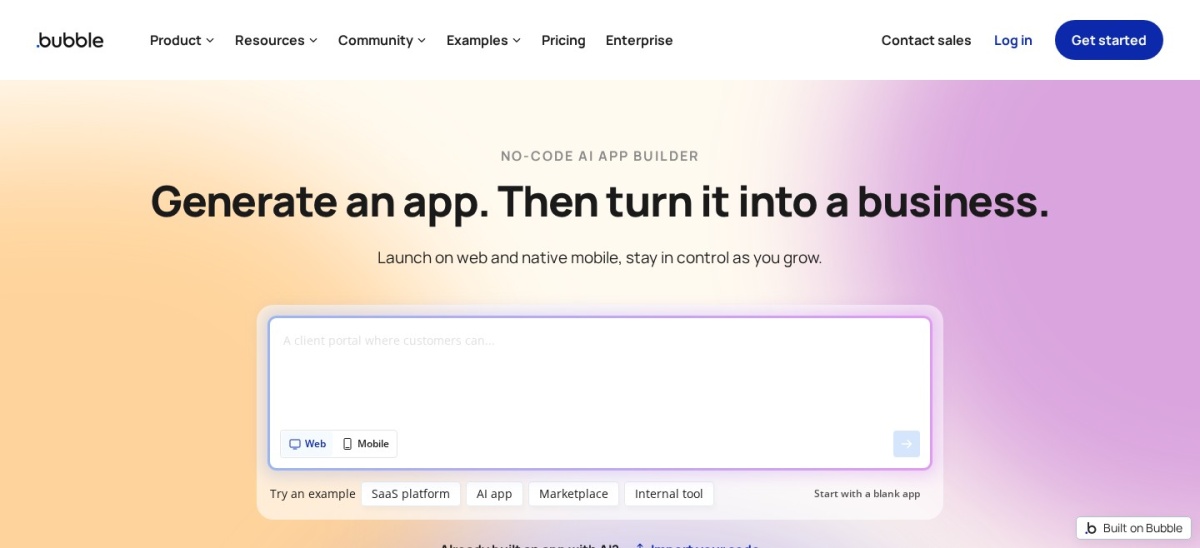
Bubble is the most powerful visual builder in this list, with a workflow engine, a built-in database and a large template and plugin library. The free plan covers building and testing, and the mobile-only Starter plan at $49 a month adds a custom domain, 175,000 workload units a month and 5 mobile builds a month.
The trade off is that Bubble's mobile builder was still in beta in November 2026, and its workload-unit billing can surprise you as usage grows. The learning curve is also steep for a first app. It suits founders who want one platform for a web app and a mobile app together.
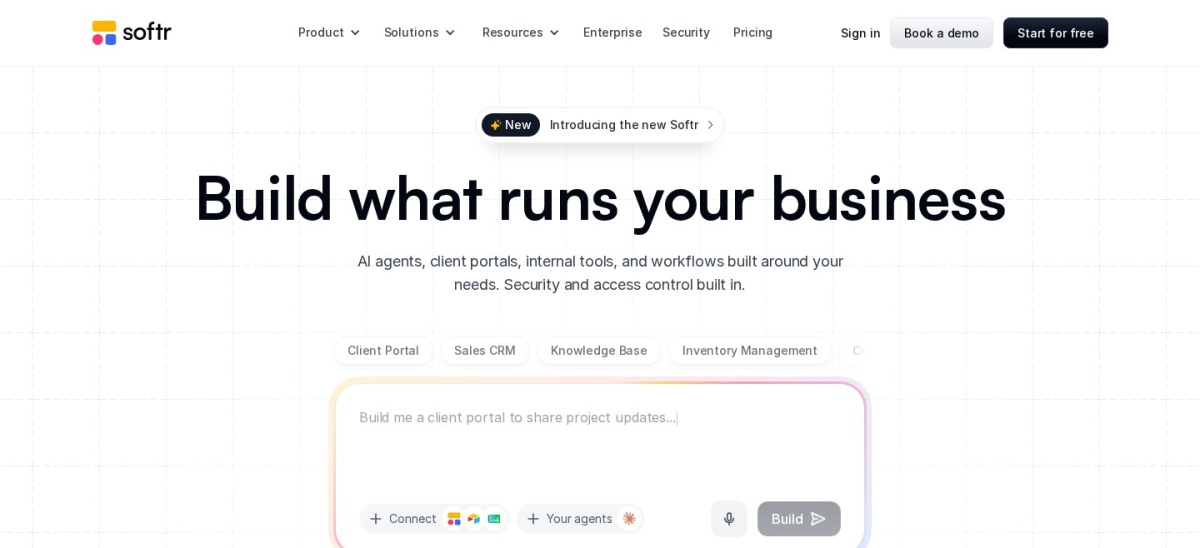
Softr is a no-code platform for building client portals, dashboards and internal tools on top of Airtable, Google Sheets or its own database, with an AI app builder added in 2026. The free plan covers unlimited apps with 10 app users, and Basic at $19 a month billed yearly, or $25 month to month, adds a custom domain and more workflow options.
The trade off is output and metering. Softr makes web apps and progressive web apps, not native store apps, and pricing is metered on records, workflow actions and seats at once. It suits teams that need a portal on data they already keep, not a consumer app for the stores.
What we like
Strongest fit for portals on existing data
Rated 4.7/5 on G2 from 757 reviews
Generous free tier with unlimited apps
Watch out for
No native app or store publishing
Three separate usage meters are hard to track
Branding removal needs the $99 Pro plan
Pro adds no branding, granular permissions and custom codeVisit softr.io
06
Adalo
4.4/5on G2 (7 reviews, checked Nov 2026)
Paid from$65/mo
Best for the simplest first native app
Free planYes, 500 records/app
Cheapest paidBuilder, $65/mo
Published apps2 on Builder
Code exportNo
adalo.com
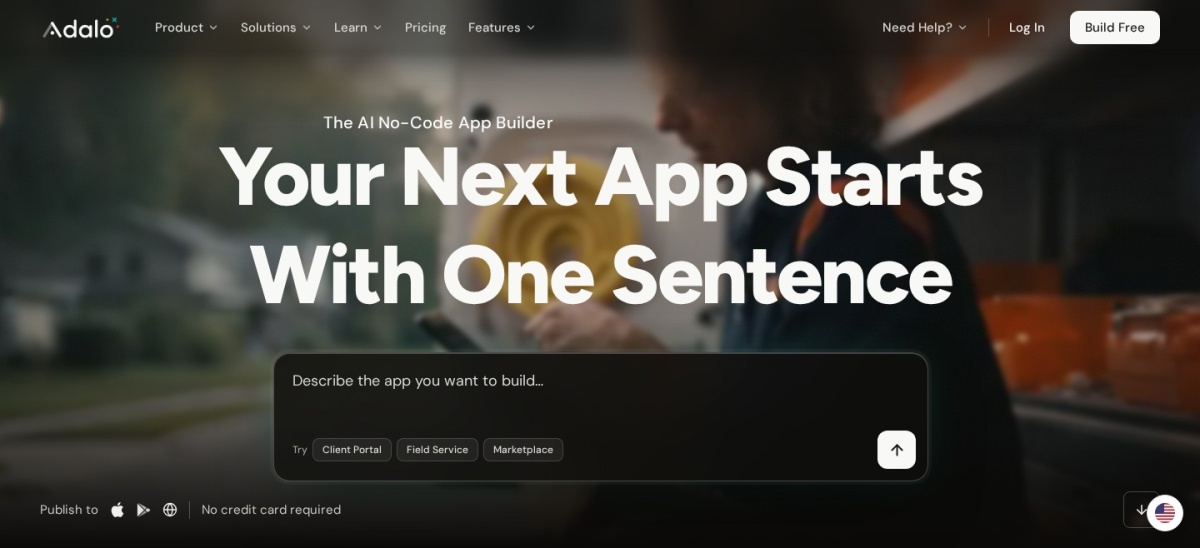
Adalo homepage, captured Nov 2026.
Adalo is the easiest builder in this list to pick up, with a drag-and-drop editor, a built-in database and one-click publishing to the App Store and Google Play. The free plan lets you build and test with up to 500 records per app, and Builder at $65 a month publishes 2 apps with 5 editors.
The trade off is scale. A G2 reviewer warns that apps slow down past about 5,000 users, and there is no way to export your source code, so leaving Adalo means rebuilding. It suits a simple MVP or a first app where speed matters more than long-term growth.
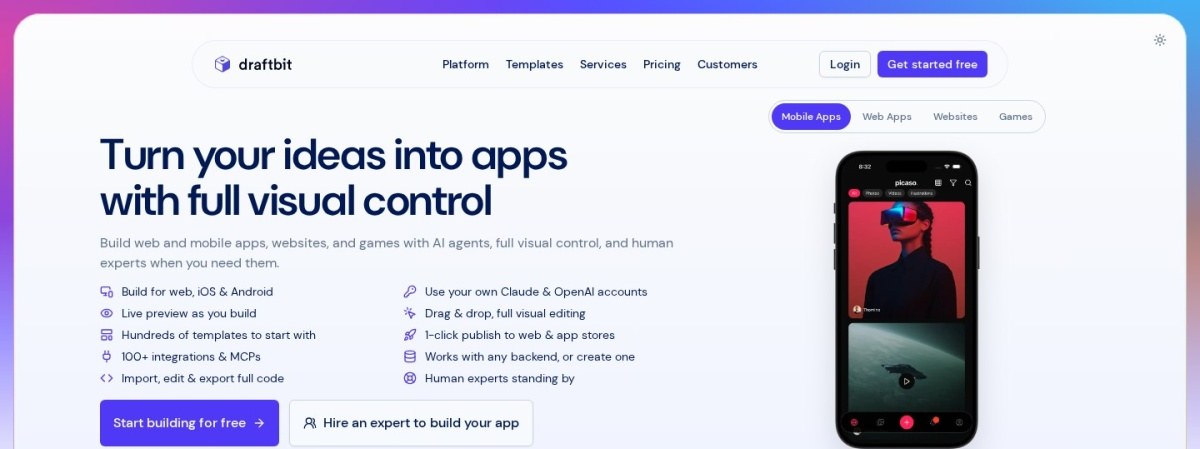
Draftbit is a visual builder for React Native apps where AI agents build in the app's real code, with a live preview beside the chat and 100+ integrations. The free plan covers learning with 2 apps, and Standard at $12 a month adds unlimited projects, full code editing and export, and one-click publishing to iOS, Android and web.
The trade off is that the AI runs on your own Claude or ChatGPT subscription or API key, which is a separate cost. It suits solo founders who want exportable React Native code at the lowest paid price in this list after AppSheet.
What we like
Exports full React Native code on Standard
Cheapest full-featured paid plan here at $12 a month
Live preview on 30+ device sizes
Watch out for
AI costs sit on your own Claude or ChatGPT account
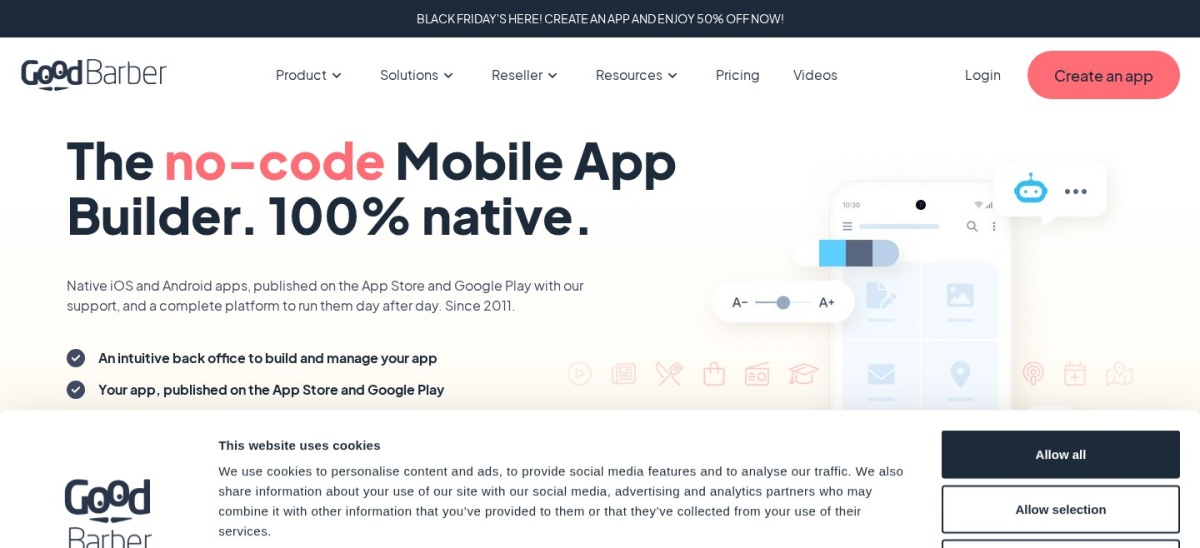
GoodBarber is a template-based builder for content apps and shopping apps, aimed at publishers, churches, restaurants and small retailers. Content Standard at $36 a month builds a web app with 5 free extensions, and the apps are compiled in Swift and Kotlin for a native feel.
The trade off is that Standard is web only. Native iOS and Android publishing starts on Content Premium at $70 a month, and extras such as sign-in cost $12 a month more. It suits a magazine, radio station or shop that wants a good-looking app without custom design work.
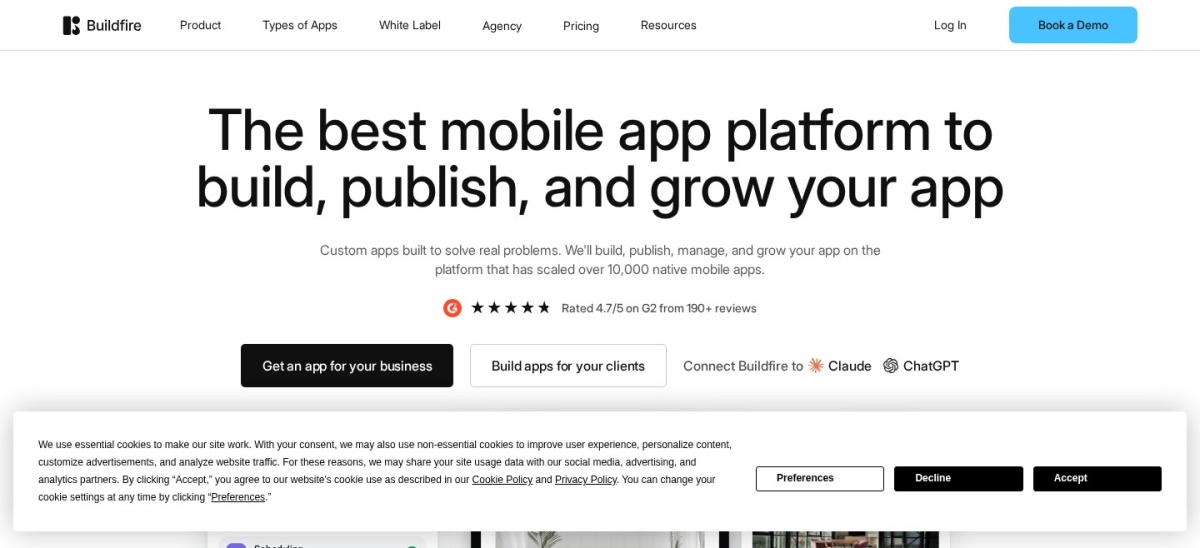
BuildFire is a no-code builder for native iOS and Android apps assembled from more than 150 plugins. You pick features such as loyalty cards, food ordering or push notifications instead of building them, and Standard at $165 a month, billed annually, includes publishing support, 5GB of storage and 100,000 push notifications a month.
The trade off is price. BuildFire has no free plan and Standard is the most expensive entry point in this list, while in-app purchases need the Growth plan at $315 a month. It suits restaurants, churches, gyms and retailers who want a native app without hiring a developer.
A native app lives in the App Store and Google Play, with push notifications, offline use and a home-screen icon users expect. That is what Appy Pie sells, and it is what FlutterFlow, Adalo, Draftbit and BuildFire deliver.
A web app opens from a link and skips the store review process entirely. Glide and Softr work this way, which is faster to launch and easier to update, but you lose store discovery and some phone features.
Most buyers should match the app to the audience. A customer-facing app for the general public usually needs the stores, while a staff tool or member portal works well as a web app. Our mobile vs desktop traffic guide shows how much of the web now runs on phones, which is why the choice matters.
How we chose
We started from the no-code app builders most often named as Appy Pie alternatives, then kept nine with a public rating, a live pricing page and a real free plan or trial.
Prices come from each vendor's pricing page, checked on 29 November 2026, using regular prices rather than sale rates. Ratings and review counts come from G2 on the same day, except GoodBarber, which uses Capterra because its G2 figures disagree across sources.
We left out builders with no public rating and tools aimed only at developers. No vendor paid for a place, and we do not claim to have used these tools ourselves.
How to choose an Appy Pie alternative
Decide where the app must live first, then let price and publishing sort the rest.
Decide native or web. If the app must appear in the App Store and Google Play, cross out Glide and Softr at once and compare the native builders only.
Check the plan that publishes, not the free plan. Free tiers build and test, but publishing usually needs a paid plan, so compare the cheapest paid tier that ships your app.
Test the builder on the free plan. Build one real screen with your own data before paying, and check the template library covers your type of app.
Ask who owns the code. If you may leave the platform later, FlutterFlow and Draftbit export source code, while Adalo and Softr keep your app on their platform.
FAQ
What is the best free alternative to Appy Pie?
Glide is the best free alternative to Appy Pie for most builders. Its free plan covers 10 projects with limited AI credits, and it holds a 4.7 out of 5 rating from 820 G2 reviews. AppSheet is the cheapest paid step up at $5 per user a month.
How much does an Appy Pie alternative cost?
Appy Pie alternatives cost from $5 per user a month for AppSheet to $165 a month for BuildFire. Most fall between $12 and $65 a month, and seven of the nine tools in this list have a free plan for building and testing.
Which Appy Pie alternative is best for beginners?
Adalo is the easiest Appy Pie alternative for a first native app, with a simple drag-and-drop editor and one-click store publishing. Glide is the easiest overall if a web app is enough, since it builds from a spreadsheet in hours.
Glide vs AppSheet: which Appy Pie alternative is better?
Glide is better for polished internal tools and portals, with an AI agent that builds from a spreadsheet or a prompt. AppSheet is better for plain field apps on Google data, and it is far cheaper at $5 per user a month, though neither publishes native store apps.
Can I publish to the App Store with an Appy Pie alternative?
Yes, with FlutterFlow, Adalo, Draftbit, Bubble and BuildFire, all of which publish native apps to the App Store and Google Play. Glide and Softr build web apps only, so they cannot list in the stores.
Which Appy Pie alternative lets me export my code?
FlutterFlow and Draftbit are the only tools in this list that export full source code, Flutter code from FlutterFlow and React Native code from Draftbit. The other builders keep your app on their platform, so leaving means rebuilding it.
SaaS SEO and WordPress specialist with about 8 years of experience. Rakib compares WordPress plugins, themes, hosting and software using public pricing, documentation and user reviews. See how we rank.