Restream is the best of the alternatives to StreamYard for most hosts, with a browser studio and 30+ destinations from $16 a month billed yearly. Pick Riverside for studio-quality recordings and OBS Studio if you want full control for free.
How we make this list: we compare pricing pages, product documentation and public user reviews, then re-check every price before each update. No product paid for a place. Disclosure.
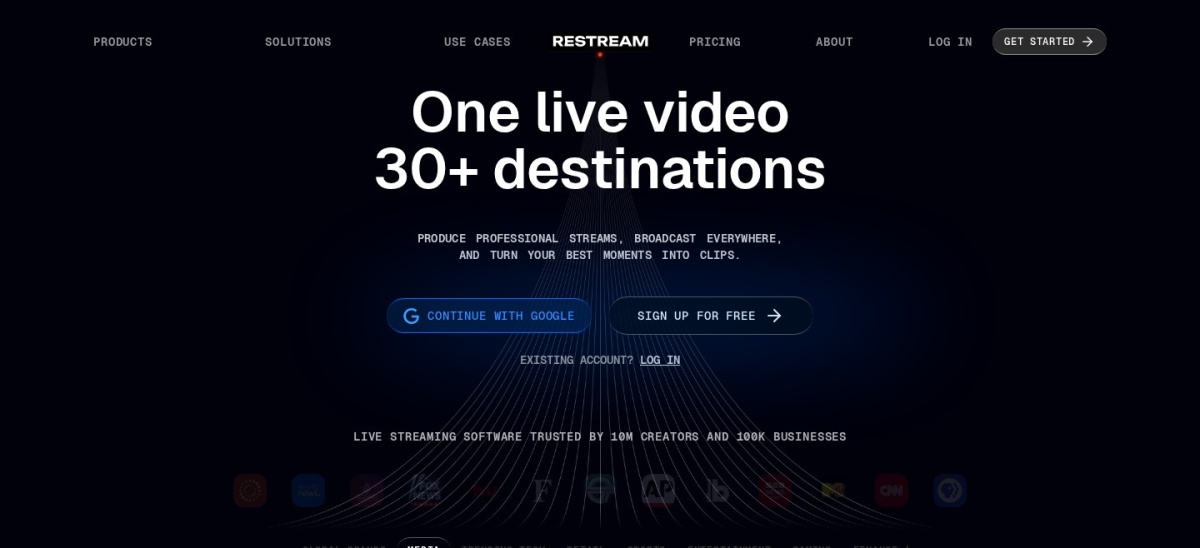
Restream streams to 30+ destinations from $16 a month billed yearly, under half the cost of StreamYard Core.
Riverside records each guest locally in up to 4K and is rated 4.8/5 on G2 from 1,761 reviews.
OBS Studio is free and open source, but has no guest studio and no built-in multistreaming.
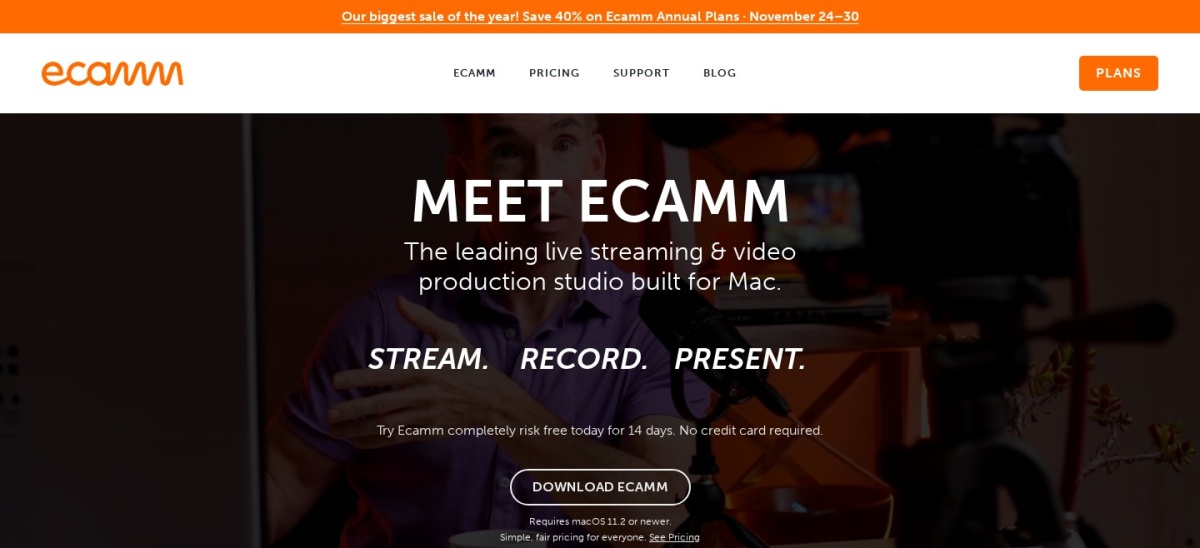
Ecamm Live is the strongest Mac-only pick at $16 a month billed yearly; it does not run on Windows.
Crowdcast has no free plan, but its Lite plan at $34 a month billed yearly adds ticketing, Q&A and polls.
What should you look for in alternatives to StreamYard?
The right replacement depends on why you are leaving. Some hosts want more destinations for less money, others want better recordings, and some want a free tool they fully control.
Destinations are the first number to check. Restream reaches 30+ platforms at once, while StreamYard Core covers 3 destinations for $35.99 a month billed yearly.
Recording quality matters more than the live picture for shows that become podcasts or YouTube videos. Riverside records each guest on their own device in up to 4K, so a bad connection does not ruin the final file.
A free plan is not the same as a free trial. Restream, Riverside, OBS Studio and Streamlabs all have a free plan, while Ecamm Live, vMix and Crowdcast only offer a trial before you pay.
Guest handling is where browser studios differ most. If your show runs on guests, check how many can appear on screen and whether separate audio and video tracks are included before you pay.
Restream is a browser-based live studio that streams to 30+ platforms at once, with guests joining by link and a merged chat across every destination. The free plan covers 2 channels at 720p with Restream branding, and Standard at $16 a month billed yearly adds a third channel, removes the branding and allows 10 guests on screen.
The trade off is recording storage. Standard keeps cloud recordings for 15 days, and clips are a separate add-on from $19 a month. It suits hosts who want the closest StreamYard-style workflow with more destinations for less money.
Riverside is a recording-first studio that captures each guest locally in up to 4K video and 48kHz audio, then uploads separate tracks after the session. A text-based editor cuts the episode from its transcript, and the same app makes short clips for social media.
The trade off is price. Live streaming starts on Grow at $34 a month billed yearly, while the cheaper Pro plan at $24 a month does not list live streaming, and Grow caps separate-track downloads at 20 hours a month. It suits podcasters and interview shows where the recording matters as much as the live broadcast.
OBS Studio is a free, open-source app for recording and live streaming that gives full control over scenes, transitions, audio mixing and sources. It runs on Windows, Mac and Linux, has no watermark or recording limit, and a virtual camera feeds the finished picture into Zoom, Meet or Teams.
The trade off is setup. There is no guest studio of its own, and streaming to more than one destination at a time needs a plugin or a restreaming service. It suits technical hosts who want a free production setup and do not mind learning the settings.
Ecamm Live is a Mac-only live studio for broadcasts, webinars and interviews, with scene switching, overlays, multi-camera support and screen sharing. Standard costs $16 a month billed yearly and includes multistreaming, while Pro at $32 a month billed yearly adds isolated audio and video recording.
The trade off is the platform. It runs only on Mac, there is no free plan beyond a trial, and guest interviews are a Pro feature. It suits Mac creators who want a polished studio app and stream often enough to justify the subscription.
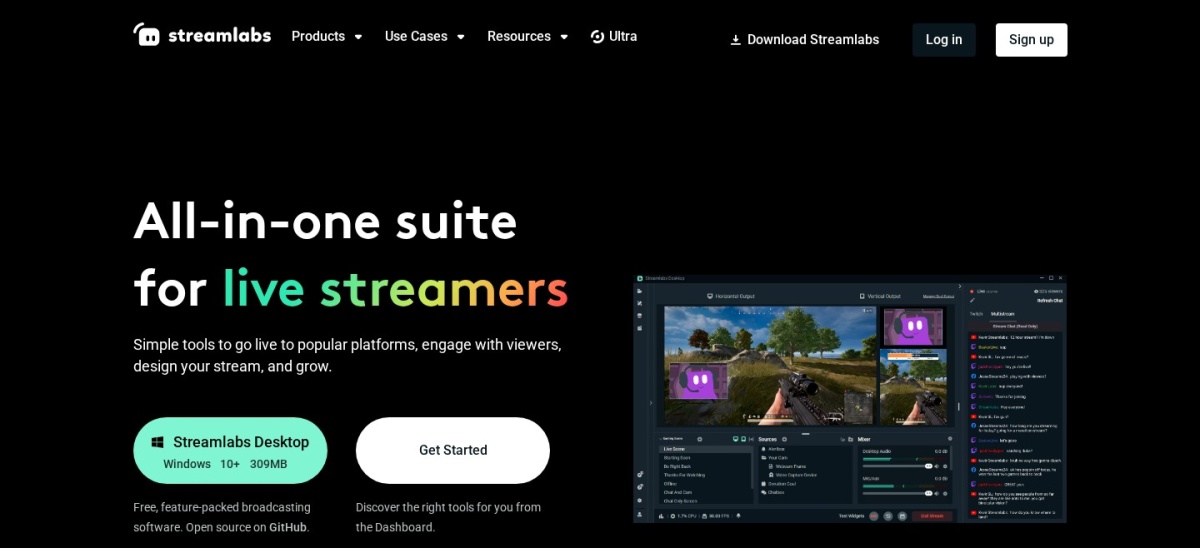
Streamlabs is a streaming toolkit built around its free desktop app, with overlays, alerts, widgets and tipping pages in one place. Talk Studio adds a browser studio for guests, and Ultra at $15.75 a month billed yearly unlocks multistreaming, premium themes and extra cloud tools.
The trade off is that the best parts are paid. Multistreaming needs Ultra, many widgets are locked behind the subscription, and the desktop app can run heavy with lots of sources open. It suits solo streamers who want their show to look dressed up without building scenes from scratch.
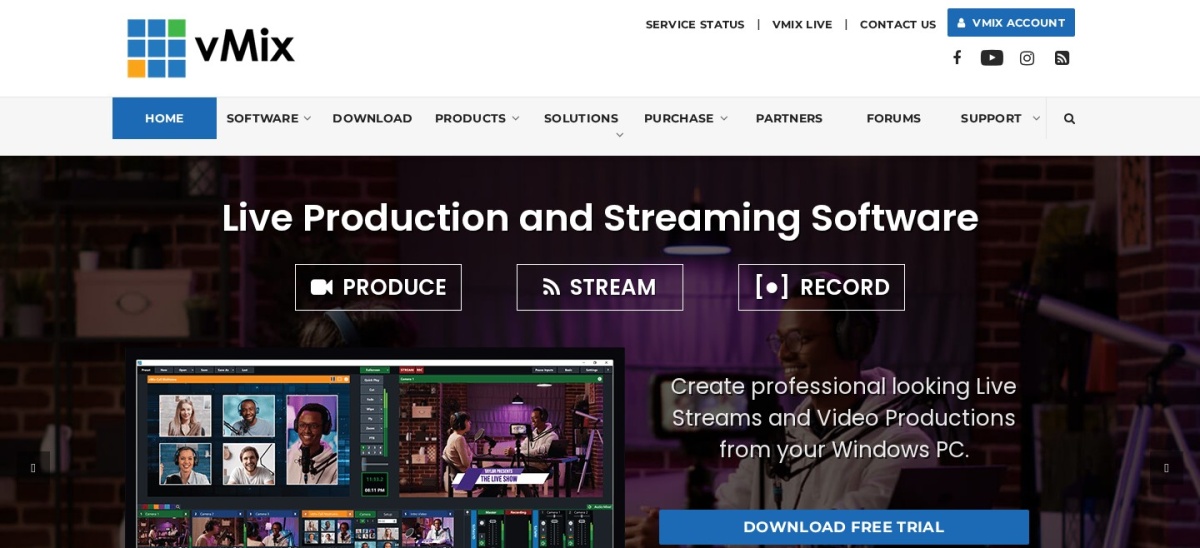
vMix is Windows live production software for mixing, switching, recording and streaming from cameras, video files, images and PowerPoint. Basic HD costs $60 once and covers four inputs at 1080p, and vMix Call brings remote guests into the show.
The trade off is complexity. It runs only on Windows, the interface takes time to learn, and Basic HD is limited to four inputs, so bigger shows need the $350 HD edition. It suits churches, sports and event teams running a fixed multi-camera setup.
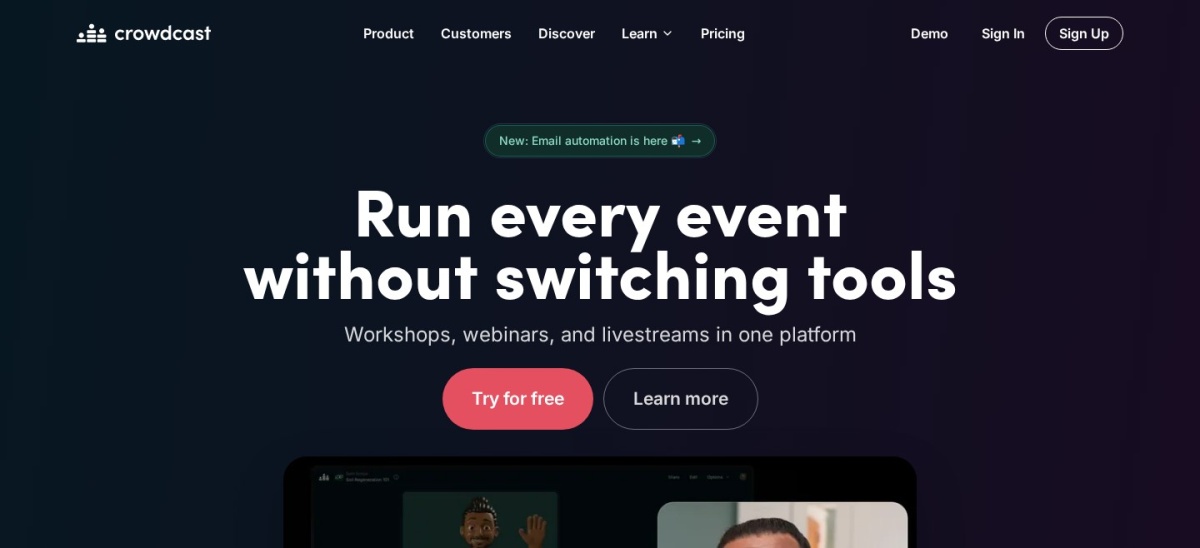
Crowdcast is a browser-based platform for live workshops, courses and virtual events, with registration pages, ticketing, upvoted Q&A, polls and replays. Lite costs $34 a month billed yearly, or $49 month to month, and paid plans allow unlimited registrations and replay views.
The trade off is cost and scope. There is no free plan, only a 14-day trial, Crowdcast takes a 5% fee on ticket sales on Lite, and it is built for events rather than multistreaming to social platforms. It suits creators who sell seats to live sessions.
Free plans cover simple shows well. Restream streams to 2 channels, OBS Studio costs nothing at all, and Streamlabs gives away its desktop app with overlays and alerts.
Paid plans mostly add destinations, recording and guests. Restream Standard adds a third channel and removes branding, Riverside Grow adds live streaming, and Streamlabs Ultra adds multistreaming.
The cheapest way to test a switch is to run one show on the free plan first. If the free plan covers your show, keep it; if you hit a limit on destinations or recording, the paid step is usually $16 to $34 a month billed yearly.
How we chose
We started from the tools most often named as StreamYard replacements in 2026 round-ups, then kept the ones with a public rating and a clear price.
Prices come from each vendor's pricing page, checked on 29 November 2026. Ratings and review counts come from G2 on the same day. Where a vendor shows a sale, the list shows the regular price.
We left out StreamYard itself, since this list is about replacing it, and tools without a public rating or a clear price. No vendor paid for a place, and we do not claim hands-on testing for this list.
How to choose an alternative to StreamYard
Start with the one thing that made you look for a replacement, then check the rest.
Count your destinations. If you stream to 3 or more platforms at once, Restream is the cheapest fit; if you stream to one place, Riverside or OBS Studio may be enough.
Decide what happens to the recording. Shows that become podcasts need local separate tracks, which points to Riverside; shows that stay live can use Restream or Streamlabs.
Check your computer. Ecamm Live runs only on Mac and vMix only on Windows, while the browser tools and OBS Studio run on either.
Try the free plan or trial first. Run one real show before paying, and check the guest limit, the recording limit and the watermark on the plan you would actually use.
FAQ
What are the best alternatives to StreamYard in 2026?
Restream is the best all-round alternative, with a browser studio and 30+ destinations from $16 a month billed yearly. Riverside is best when recording quality matters, and OBS Studio is the best free option for hosts who want full control.
What is the cheapest alternative to StreamYard?
OBS Studio is free and open source, with no watermark or recording limit. Among paid tools, Restream Standard and Ecamm Live Standard both start at $16 a month billed yearly, and vMix Basic HD costs $60 once.
Is there a free alternative to StreamYard?
Yes. OBS Studio is completely free, and Restream, Riverside and Streamlabs all have free plans. The free plans limit destinations, add watermarks or branding, or cap quality at 720p.
Which StreamYard alternative is best for podcasts?
Riverside is the best pick for podcasts. It records each guest locally in up to 4K video and 48kHz audio, uploads separate tracks, and edits the episode from its transcript.
Restream vs Riverside: which should I pick?
Pick Restream if reaching many platforms live matters most, since it streams to 30+ destinations from $16 a month billed yearly. Pick Riverside if the recording matters more, since it captures studio-quality local tracks and edits by transcript.
Can I multistream for free?
Yes, with limits. Restream's free plan streams to 2 channels at 720p with Restream branding, and OBS Studio can multistream with a plugin or a restreaming service. For 3 or more destinations without branding, Restream Standard costs $16 a month billed yearly.
SaaS SEO and WordPress specialist with about 8 years of experience. Rakib compares WordPress plugins, themes, hosting and software using public pricing, documentation and user reviews. See how we rank.