Microsoft Teams is the best alternative to Skype for Business for most teams, since Microsoft moved Skype users to Teams and Essentials costs four dollars a user a month. Zoom suits video-first teams that meet clients, while Slack fits teams that live in chat.
How we make this list: we compare pricing pages, product documentation and public user reviews, then re-check every price before each update. No product paid for a place. Disclosure.
Microsoft Teams is the official Skype successor, and Essentials costs just $4 a user a month.
Zoom is the best video-first pick, with Pro at $14.16 a user a month billed annually.
Slack is the best chat pick at $7.25 a user a month, but its free plan keeps only 90 days of history.
Google Meet is the simplest choice for Google Workspace teams at $7 a user a month.
Zoho Meeting is the cheapest paid plan at $2 a host a month, and Jitsi Meet is completely free.
How do you pick the right alternative to Skype for Business?
Skype for Business is retired, and Microsoft moved its users to Teams, so the first question is whether your team already pays for Microsoft 365. If it does, Teams is the obvious move at $4 a user a month.
Meetings and chat are different jobs. Zoom and Webex run the best formal meetings, Slack runs the best daily chat, and only Teams and RingCentral try to do both well in one subscription.
Free plans hide real limits. Zoom caps group meetings at 40 minutes, Slack keeps only 90 days of history, and Webex caps free meetings at 40 minutes too, so check the free limits against your longest call.
Price per user is only half the bill. Teams, Slack and Zoom all charge per user, while GoTo Meeting charges per organiser and RingCentral bundles a phone system, so count the seats you actually need.
Microsoft Teams is the natural replacement for Skype for Business, since Microsoft retired Skype for Business and moved its users to Teams. Essentials costs $4 a user a month billed annually and covers chat, calls and video meetings for up to 300 people.
The trade off is the Microsoft 365 orbit. The cheapest plan is thin on storage at 10 GB per user, and the full Office apps cost $7 a user a month on Business Basic. It suits any team already paying for Microsoft 365.
Zoom Workplace is the meeting platform guests already know how to join, which matters when you meet clients and candidates. Pro costs $14.16 a user a month billed annually and lifts meetings from 40 minutes to 30 hours, with AI summaries and 10 GB of cloud recording.
The trade off is that chat is secondary. Zoom Team Chat exists, but teams that live in channels will miss Slack or Teams, and the free plan caps group meetings at 40 minutes. It suits video-first teams that meet clients all day.
Slack is the team chat app that Skype for Business never was, with channels, threads and huddles for quick voice and video calls. The free plan covers 90 days of message history and 10 apps, and Pro costs $7.25 a user a month billed annually.
The trade off is that scheduled meetings are not its strength. Huddles suit quick calls, but formal meetings with recording and dial-in belong on Zoom or Teams. It suits internal teams that talk in channels all day.
Google Meet is the video tool inside Google Workspace, so a meeting link lands in every calendar invite automatically. Business Starter costs $7 a user a month billed annually and covers Meet for up to 100 participants alongside Gmail, Docs and Drive.
The trade off is recording. Meeting recording needs the $14 Standard plan, and Meet has less meeting depth than Zoom or Teams. It suits Google Workspace teams that want simple video calls.
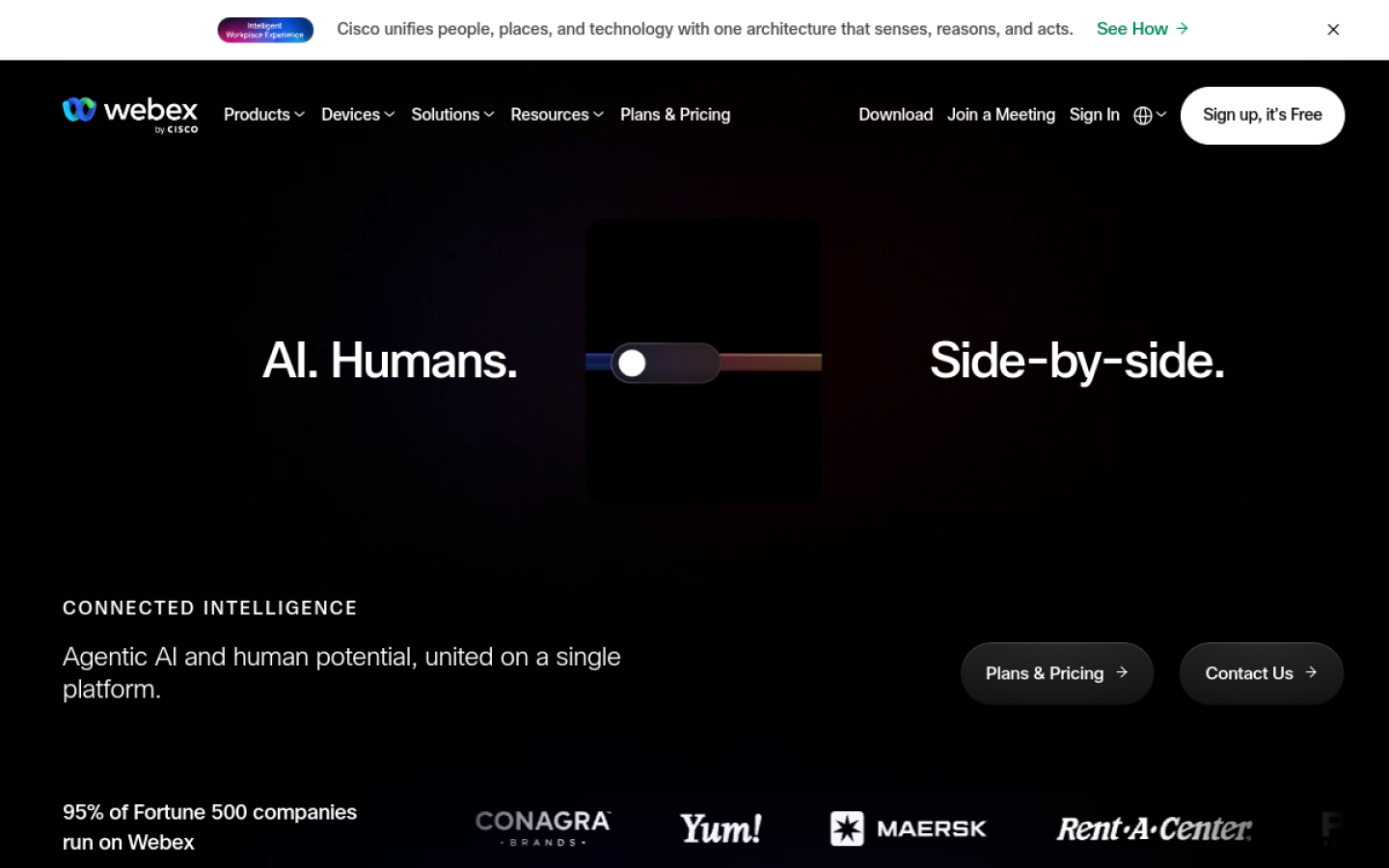
Cisco Webex is the enterprise-grade meeting platform in this list, with strong security, AI meeting summaries and long meetings. Meet costs $12 a licence a month billed annually and runs meetings up to 24 hours for 200 participants.
The trade off is the interface. Webex feels heavier than Zoom or Meet for casual calls, and the best features sit on the $22.50 Suite plan. It suits regulated teams that need enterprise security.
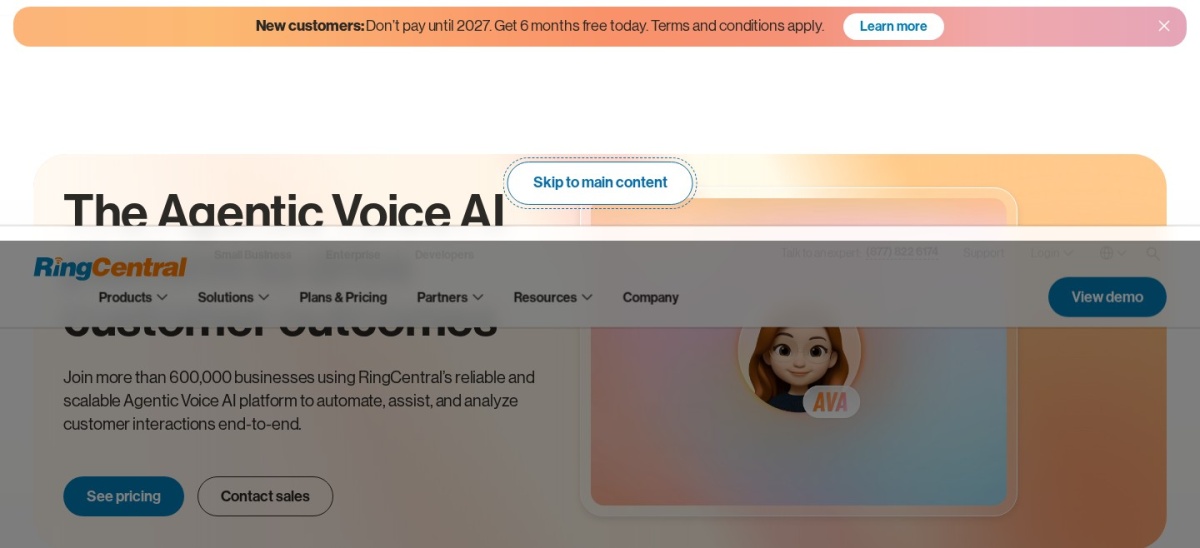
RingCentral is the pick when the meeting tool is part of a phone decision, bundling video meetings with cloud calling, SMS and fax. Core costs $20 a user a month billed annually and includes unlimited US and Canada calling.
The trade off is that it is overkill if you only need meetings. The price is the highest in this list for a meeting tool, and the phone features drive the cost. It suits businesses replacing a landline as well as Skype.
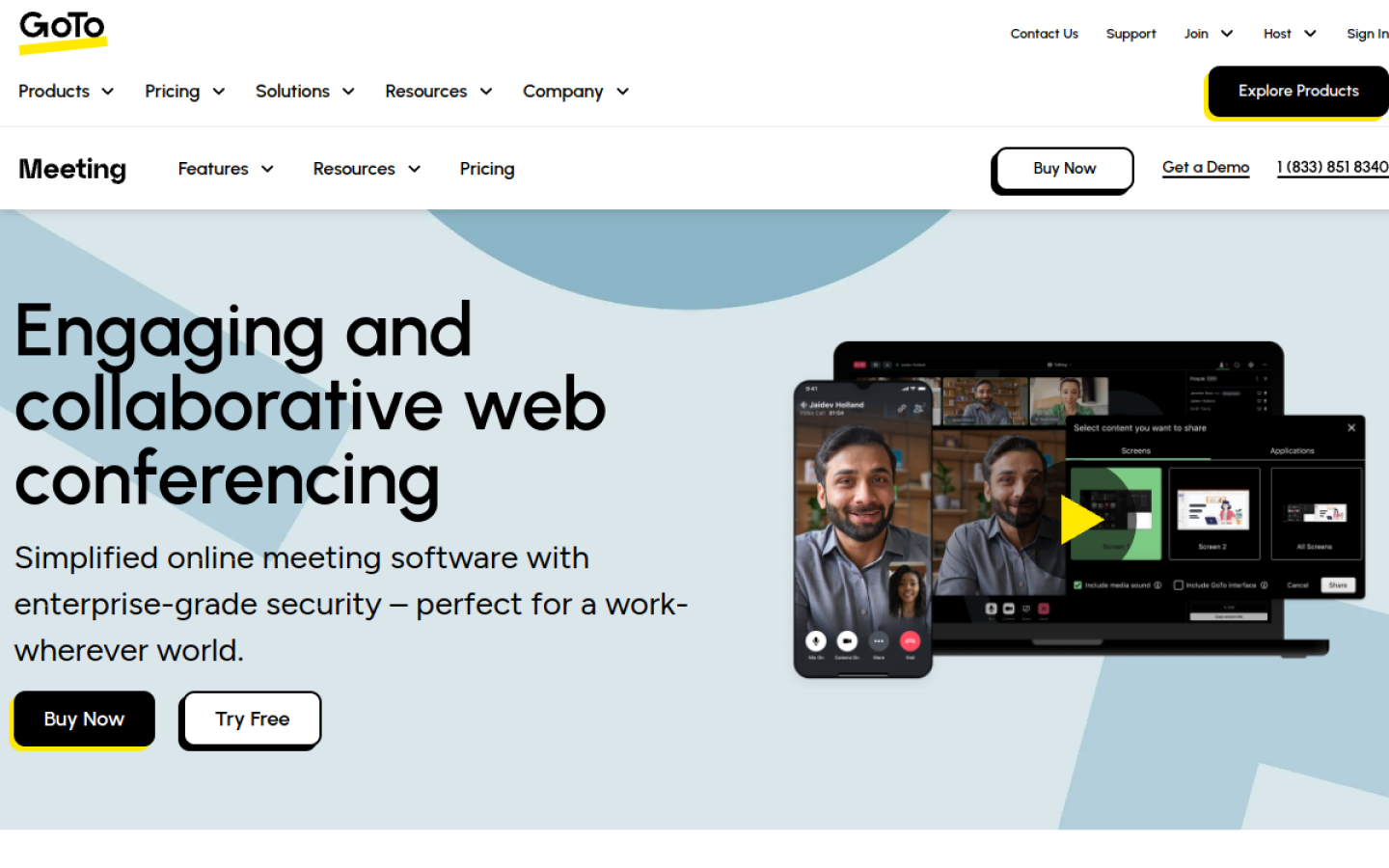
GoTo Meeting is the straightforward meeting tool for client calls, with one-click joining, drawing tools and no downloads for guests. Professional costs $14 an organiser a month and covers unlimited meetings with recording and transcripts.
The trade off is chat. GoTo Meeting has no team chat to replace Skype's messaging, so pair it with Slack or Teams for daily talk. It suits small businesses that run client meetings all day.
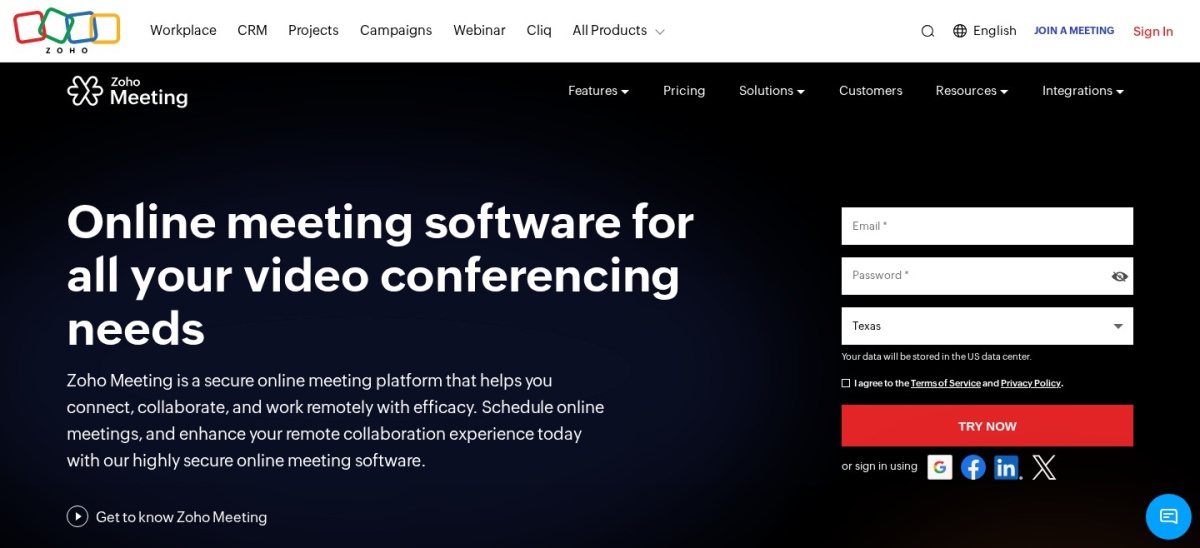
Zoho Meeting is the cheapest paid tool in this list. Meeting Standard costs $2 a host a month and covers meetings up to 24 hours, while Professional at $3 adds co-hosts, cloud recording and up to 250 participants.
The trade off is polish. The interface is simpler than Zoom or Teams, and integrations are strongest inside the Zoho suite. It suits small teams and educators that want the lowest possible bill.
What we like
Cheapest paid plan in this list at $2
Meetings up to 24 hours
Rated 4.5 out of 5 on G2
Watch out for
Simpler interface than Zoom
Best integrations need other Zoho apps
Professional adds recording and 250 participantsVisit zoho.com
09
Jitsi Meet
4.3/5on G2 (232 reviews, checked Nov 2026)
PriceFree
Best free and open-source option
Entry planFree, open source
MeetingsUnlimited, no account needed
HostingSelf-host or use meet.jit.si
RecordingNeeds extra setup
jitsi.org
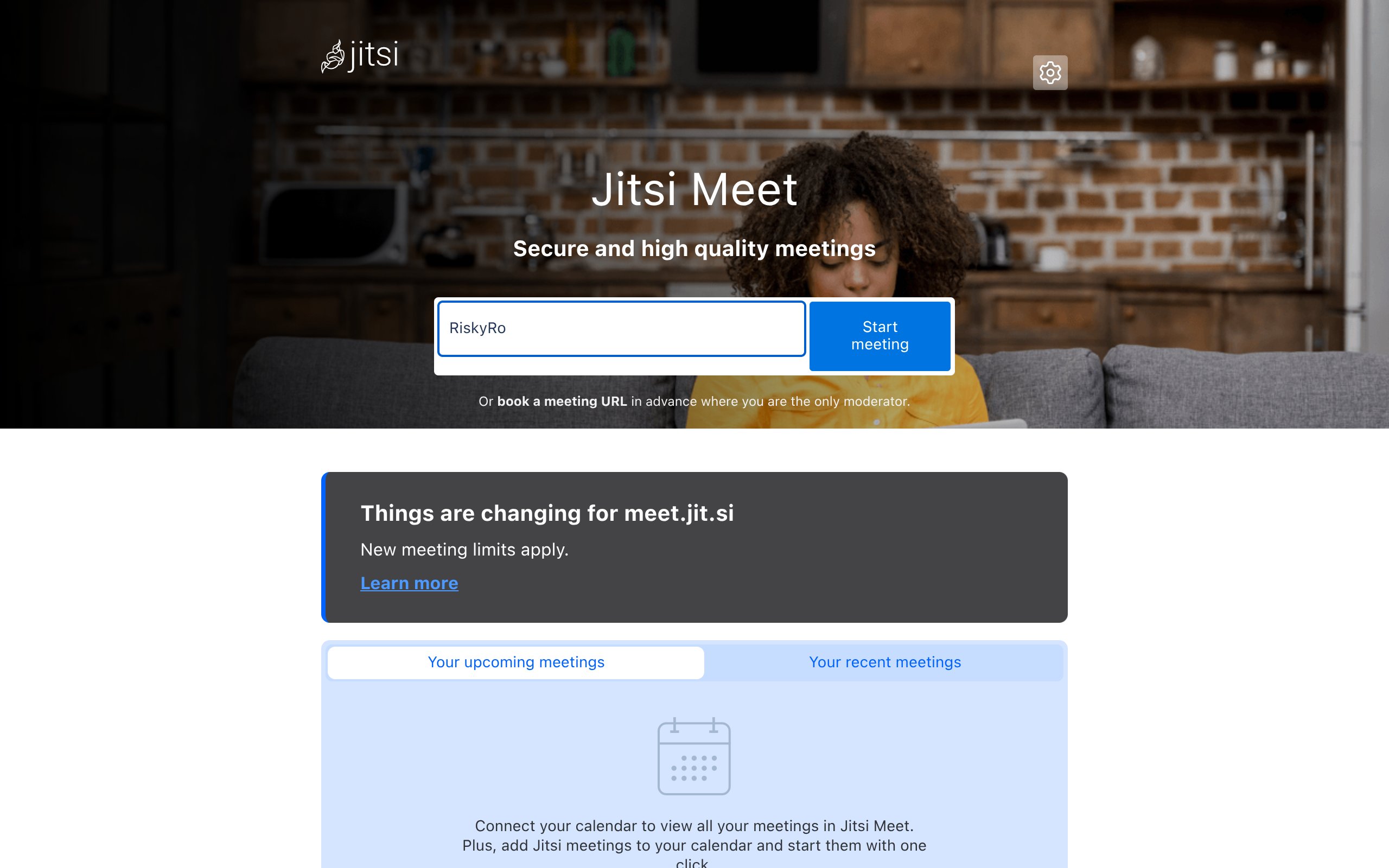
Jitsi Meet homepage, captured Nov 2026.
Jitsi Meet is the free, open-source meeting tool in this list, with no account and no downloads for guests. Anyone can start a meeting in the browser, and teams that want control can self-host it on their own server.
The trade off is ownership. There is no support desk, no admin console and no built-in recording without extra setup, so reliability is your job. It suits technical teams and privacy-minded groups.
Moving off Skype for Business without losing meetings
Tell your regular contacts the new meeting link before the first call. Most guests already know Zoom, and Teams and Meet links work from a browser with no install.
Move the contacts that matter. Teams imports Skype contacts, while Zoom and Slack need a fresh invite list, so export your key contacts first.
Run the old and new tools side by side for two weeks. That catches the recurring meetings that still carry a Skype link.
Train the team on one feature at a time. Start with joining and screen sharing, then add recording and chat once the basics feel normal.
How we chose
We started from the meeting and chat tools most often named as Skype for Business replacements in 2026 comparisons, then kept 9 established products with a public G2 rating and a published price.
Prices come from each vendor's pricing page, checked on 29 November 2026, with the top three confirmed on the vendor's own pricing page today. Ratings and review counts come from G2 on the same day.
We left out tools with no verifiable rating and niche meeting apps with too few reviews to judge. No vendor paid for a place, and we do not claim hands-on testing for this list.
How to choose an alternative to Skype for Business
Start with what your team did in Skype every day, then match the tool to that habit.
Check whether you already pay for Microsoft 365. If you do, Teams Essentials at $4 a user a month is the cheapest move, and migration is built in.
Separate meetings from chat. Pick Zoom or Webex for formal meetings, Slack for daily chat, or Teams if you want both in one place.
Test the free plan on your longest call. Zoom, Slack and Webex all cap their free plans, so run a real meeting before you commit.
Count the real seats, not the headcount. Per-user tools bill every seat, while GoTo Meeting bills per organiser, so price the plan for your actual users.
FAQ
What is the best alternative to Skype for Business in 2026?
Microsoft Teams is the best alternative to Skype for Business for most teams. Microsoft retired Skype for Business and moved users to Teams, which starts at $4 a user a month and carries chat, calls and meetings in one app.
Is Microsoft Teams free?
Yes, Microsoft Teams has a free plan with chat, calls and meetings for up to 100 people. The paid Essentials plan costs $4 a user a month billed annually and adds longer meetings, recording and more storage.
Is Zoom better than Microsoft Teams?
Zoom is better for video-first meetings with outside guests, who need no training to join. Teams is better for daily chat and for Microsoft 365 shops, and it costs $4 a user a month against Zoom Pro at $14.16.
What is the cheapest alternative to Skype for Business?
Jitsi Meet is free with no account needed, and Zoho Meeting is the cheapest paid plan at $2 a host a month. Microsoft Teams Essentials is next at $4 a user a month billed annually.
Does Skype for Business still work?
No. Microsoft retired Skype for Business and moved its users to Microsoft Teams, so old Skype for Business links no longer open a supported meeting service. Move recurring meetings to Teams, Zoom or another tool in this list.
Which alternative is best for small teams?
Microsoft Teams or Zoho Meeting suit small teams best. Teams costs $4 a user a month with chat and meetings together, while Zoho Meeting costs $2 a host a month for meetings up to 24 hours.
SaaS SEO and WordPress specialist with about 8 years of experience. Rakib compares WordPress plugins, themes, hosting and software using public pricing, documentation and user reviews. See how we rank.