RingCentral is the best Avaya alternative for most teams, with calling, video and messaging in one app from $30 per user a month and a 14-day free trial. Nextiva suits small teams that want support around the clock, while Zoom Phone is the cheapest way in for teams already on Zoom.
How we make this list: we compare pricing pages, product documentation and public user reviews, then re-check every price before each update. No product paid for a place. Disclosure.
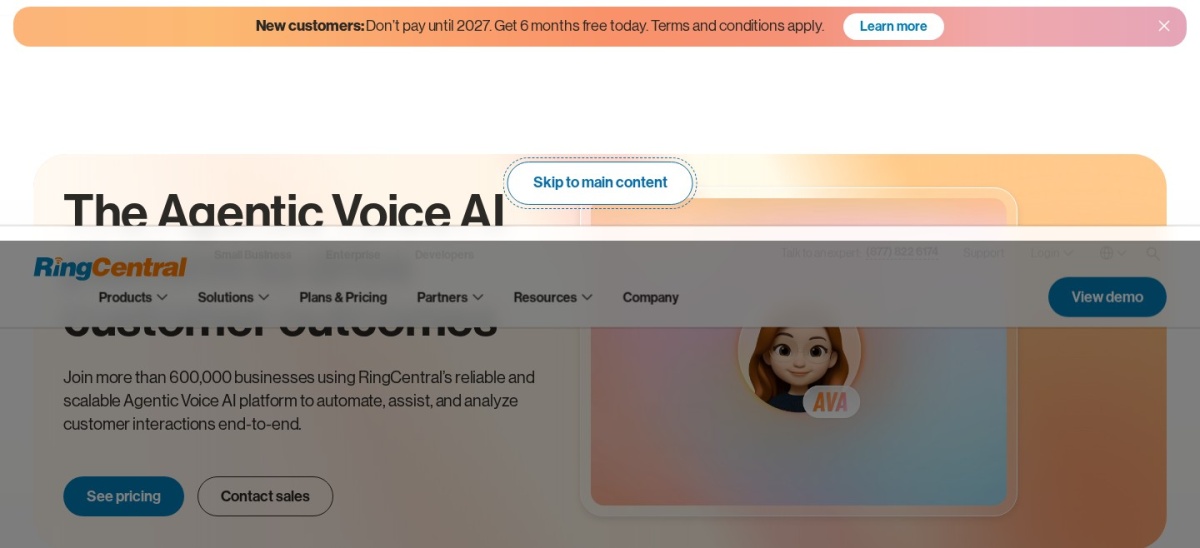
RingCentral Core costs $30 a user a month billed monthly, or $20 billed annually, with calling, video and messaging in one app.
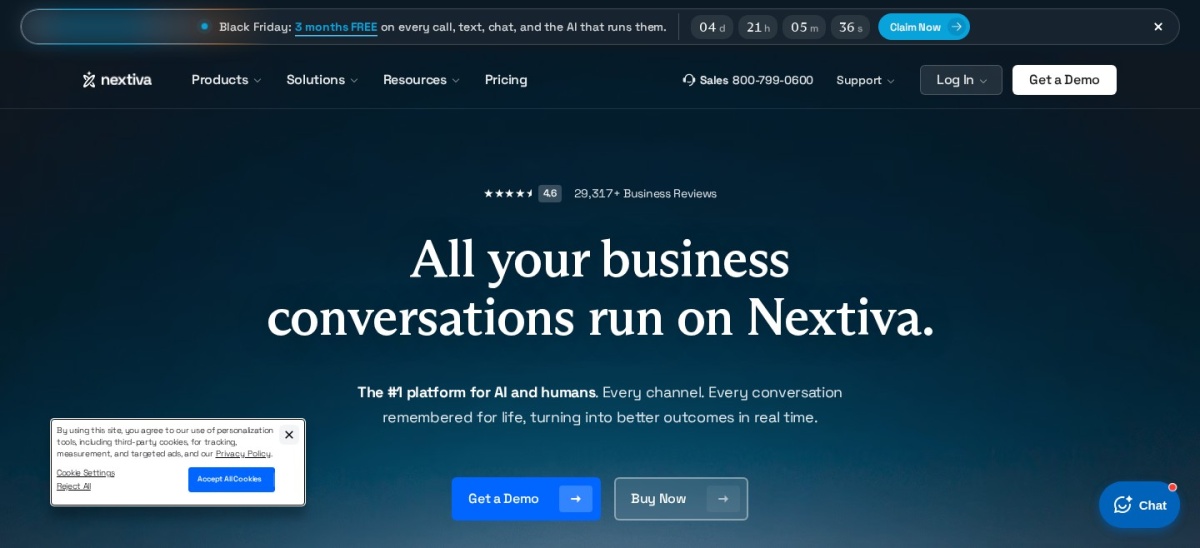
Nextiva Core costs $23 a user a month billed monthly, or $15 billed annually, with 24/7 human support included.
Zoom Phone Metered is the cheapest entry here at $12 a user a month, but outbound minutes are billed on top.
Quo has the highest G2 rating here at 4.7 from 3,417 reviews, with shared numbers for small teams.
8x8 and GoTo Connect no longer publish per-user prices, so buyers should get a quote and confirm the reported figures.
How do you choose the best Avaya alternatives?
Avaya built its name on office phone systems, and many teams now want the same reliability without the hardware or the maintenance contract. A cloud replacement should cover calling, voicemail, auto attendant and call routing from day one.
The best alternatives bundle video meetings and team messaging with the phone, so one app replaces the desk phone, the meeting tool and the chat tool. Our guide on softphone software compares the same tools on the softphone side.
Pricing is mostly per user per month, from $12 to $40, with large discounts for annual billing. Monthly billing can cost almost double the annual rate on Dialpad and RingCentral, so check both figures before you commit.
Watch the caps. Entry plans limit texts, toll-free minutes or call recording, and the plan that looks cheapest can cost more once your team actually uses it.
RingCentral is the most complete Avaya replacement here, combining calling, video meetings and team messaging in one app. Core costs $30 a user a month billed monthly, or $20 billed annually, and includes unlimited US and Canada calling, video meetings for up to 100 people and an AI writing assistant.
The trade off is complexity and the SMS cap. Core allows only 25 texts per user a month, and the deep feature set has a steeper learning curve than smaller tools. It suits growing, multi-site teams that need deep integrations with a CRM or helpdesk.
Nextiva is the dependable all-round business phone system, with calling, texting, video and chat in one app and 24/7 human support behind it. Core costs $23 a user a month billed monthly, or $15 billed annually, and includes 100 texts per user a month.
The trade off is the trial. There is no free trial, only a demo, and texting beyond the cap needs an upgrade. It suits small teams that want reliable calling and support they can actually reach.
Dialpad is built around AI. Real-time transcription and AI Recaps are included on the entry Standard plan, and higher tiers add coaching and analytics, so sales and support teams get call insights without buying an add-on. Standard costs $27 a user a month billed monthly, or $15 billed annually.
The trade off is the monthly price gap. Month-to-month billing costs $27 against $15 on annual billing, so teams that cannot commit annually pay far more. It suits sales and support teams that want AI on every call.
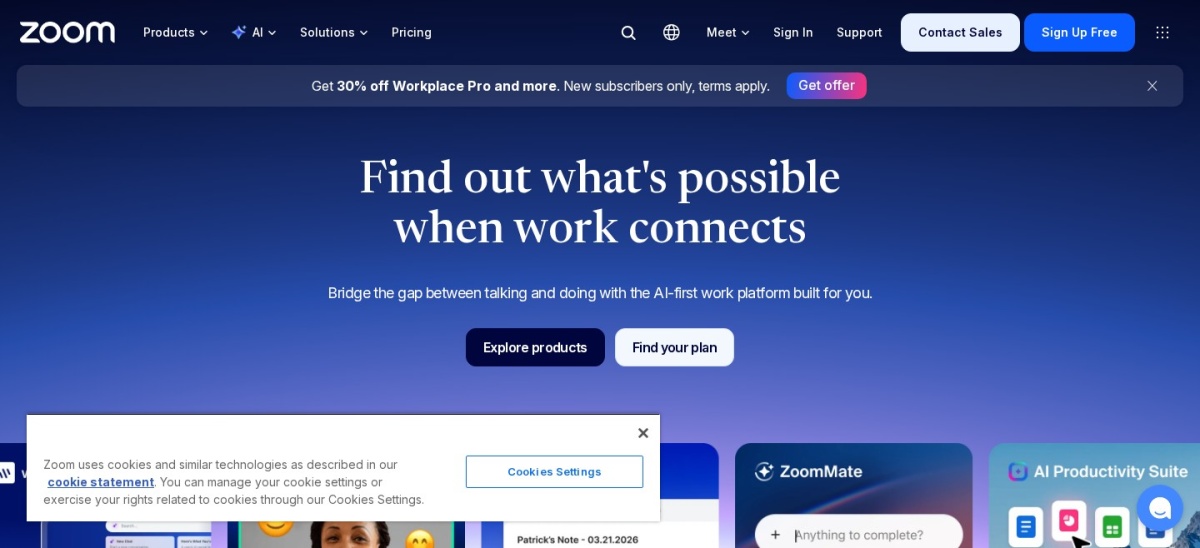
Zoom Phone is the cheapest way into this list for teams that already use Zoom for meetings. The Metered plan costs $12 per user a month on monthly billing, or $10.50 annually, with voicemail transcription, an auto attendant and call recording in one app.
The trade off is the word metered. Inbound calls are free, but every outbound minute is billed on top, so heavy callers should price Unlimited at $18 a month instead. It suits teams that already live in Zoom.
What we like
One app for meetings, chat and calls
Highest G2 rating among the big suites at 4.6
Lowest entry price among the suites
Watch out for
Metered plan charges per outbound minute
AI summaries need higher plans
Unlimited adds outbound minutes for $18 a monthVisit zoom.com
05
Quo
4.7/5on G2 (3,417 reviews, checked Nov 2026)
Starts at$19/user/mo
Best for small teams and texting
Entry planStarter, $19/user/mo
Annual price$15/user/mo
Free trial7 days
Shared numbersUp to 10 users
quo.com
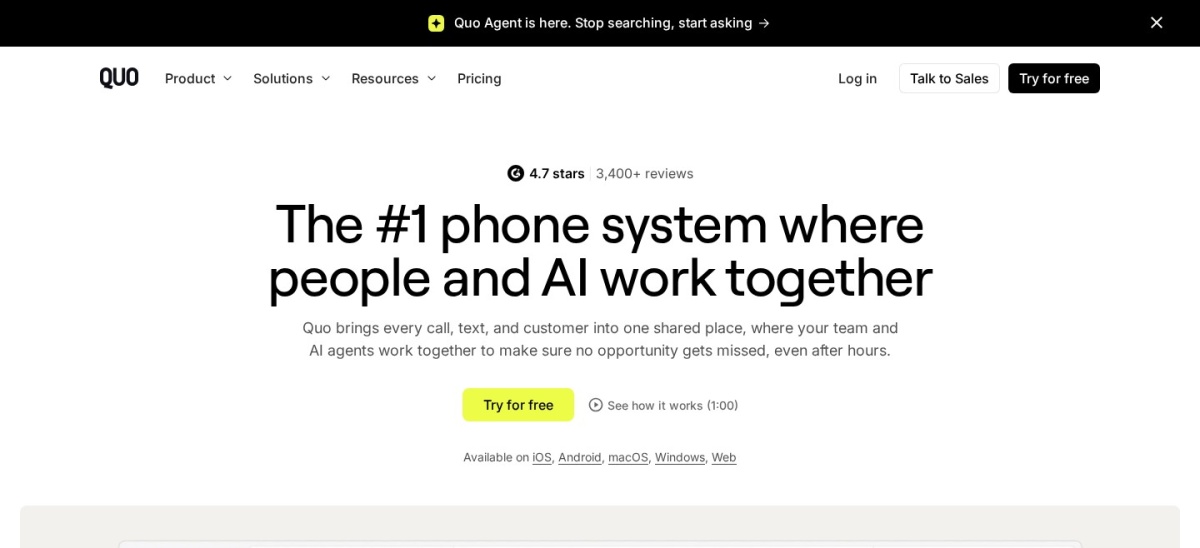
Quo homepage, captured Nov 2026.
Quo is the modern business line for teams that do much of their work by text. Starter costs $19 a user a month billed monthly, or $15 billed annually, and includes unlimited calls and texts to US and Canadian numbers, with one shared number ringing up to 10 teammates.
The trade off is scope. Quo is a phone and texting tool, not a full UCaaS suite, and its help pages state that 911 is not available. It suits small teams sharing one number and texting customers together.
What we like
Highest G2 rating here at 4.7
Shared numbers and team texting
Unlimited US and Canada calls and texts
Watch out for
Not a full UCaaS suite
911 not available per help pages
Business adds CRM integrations and more numbersVisit quo.com
06
Aircall
4.4/5on G2 (1,460 reviews, checked Nov 2026)
Starts at$40/user/mo
Best for sales and support teams
Entry planEssentials, $40/user/mo
Annual price$30/user/mo
Free trial7 days
Integrations250+
aircall.io
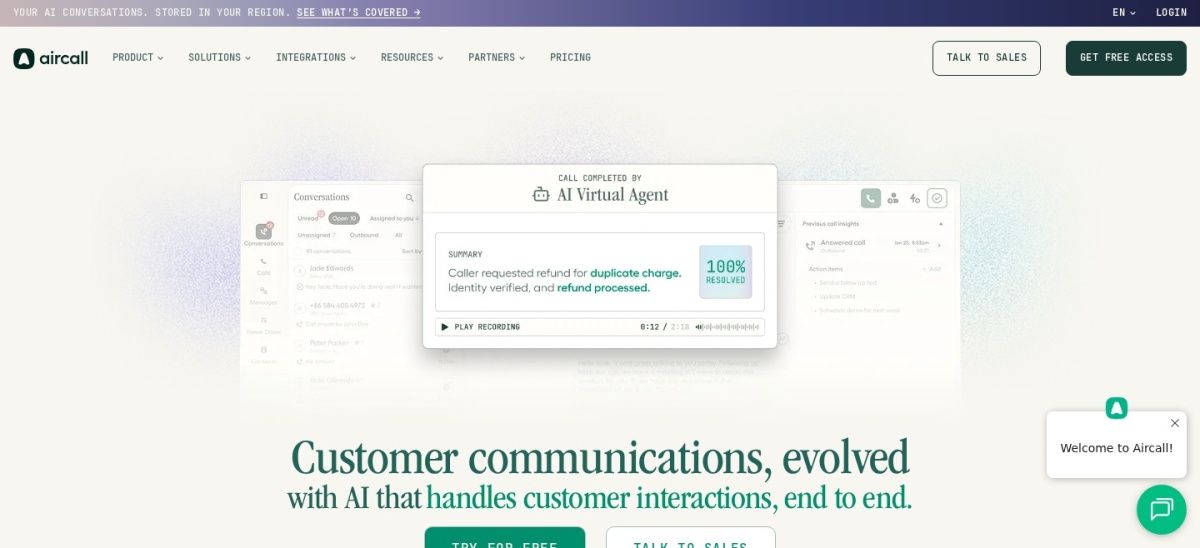
Aircall homepage, captured Nov 2026.
Aircall is built for sales and support teams that live in their CRM. Calls log to HubSpot and Salesforce automatically, and a power dialer sits on Professional. Essentials costs $40 a licence a month billed monthly, or $30 billed annually, with a 3-licence minimum.
The trade off is the minimum and the price. A two-person team pays for a third seat, and the power dialer needs Professional at $70 a month. It suits teams of three or more that call from the CRM all day.
Vonage is a solid Avaya alternative for mobile-first teams that want desk-phone support without paying for it on day one, and developers who may build with its communication APIs later. Mobile costs $19.99 per line a month, with local and toll-free numbers and app integrations.
The trade off is add-ons. Advanced features such as call recording sit on higher plans, and the advertised annual rate is a first-12-months promo that reverts higher. It suits teams that want flexible per-line plans.
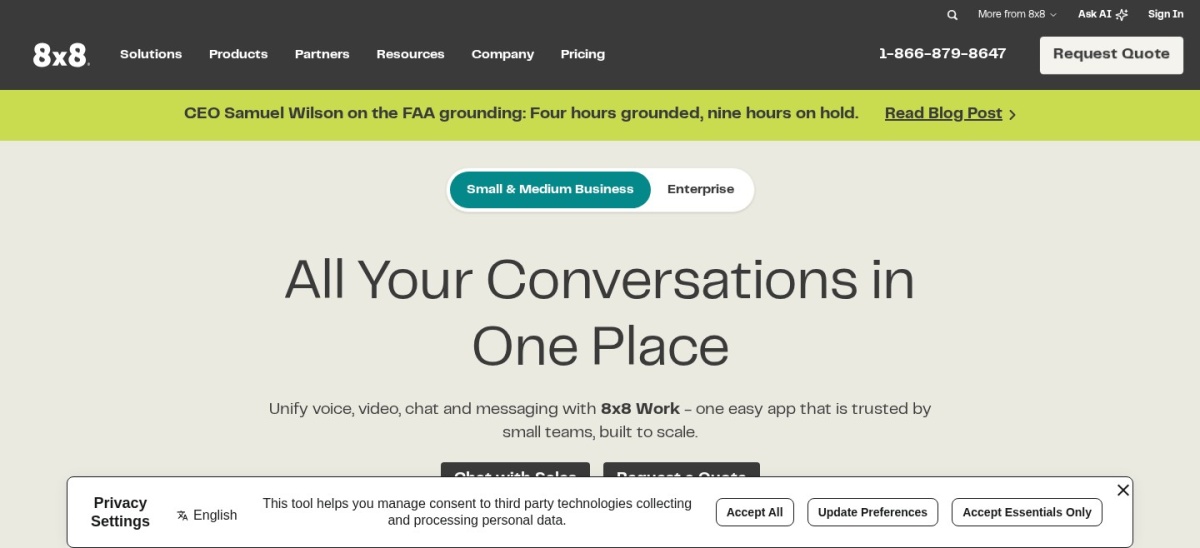
8x8 is the pick for teams that call customers in many countries. X2 includes unlimited calling to 14 countries, and X4 extends that to 48, with contact centre tools alongside phone, video and messaging. X2 is commonly quoted around $28 a user a month billed monthly, or $24 billed annually.
The trade off is that 8x8 removed public pricing from its website in 2026, so buyers get a quote through sales and should confirm the reported figures. It suits mid-size and global teams growing into a contact centre.
What we like
Best international calling in this list
Contact centre tools built in
Global voice network
Watch out for
No public pricing since 2026, quote only
Free plan only on the limited Express tier
X4 extends unlimited calling to 48 countriesVisit 8x8.com
09
GoTo Connect
4.4/5on G2 (1,389 reviews, checked Nov 2026)
Starts at$26/user/mo
Best for multi-site routing
Entry planPhone System, about $26/user/mo
Annual priceQuote-based in 2026
Free trialYes
Uptime SLA99.999%
goto.com
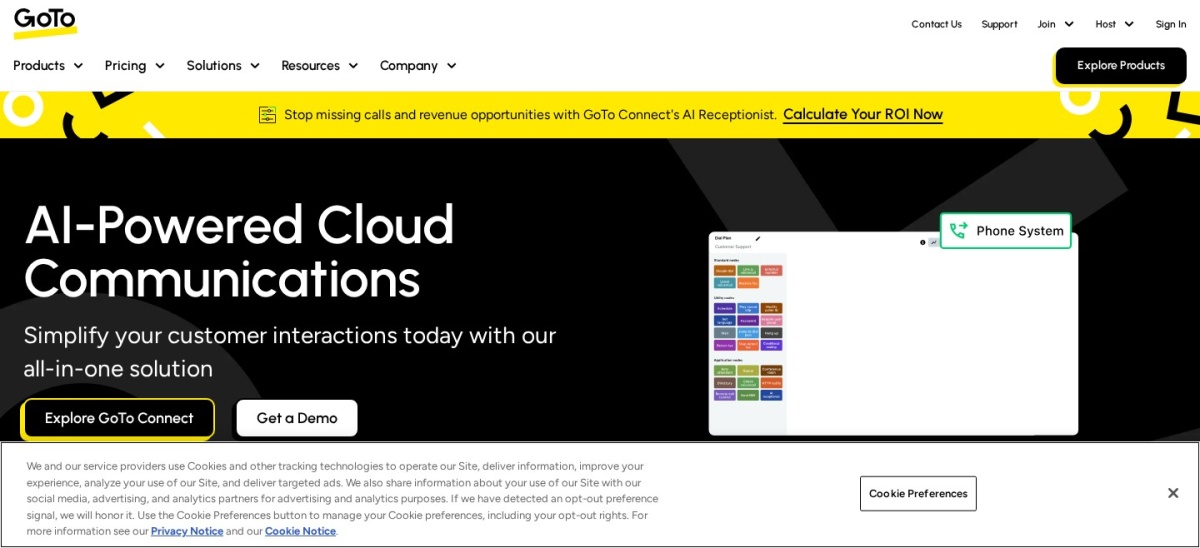
GoTo Connect homepage, captured Nov 2026.
GoTo Connect is a cloud phone system with a visual drag-and-drop dial plan editor that reviewers praise for multi-site routing. It bundles auto attendants, call queues, faxing and video meetings, with a 99.999% uptime SLA. The entry Phone System plan is reported at about $26 per user a month.
The trade off is pricing transparency. GoTo no longer publishes per-user prices, so every quote comes through sales, and renewal quotes have drawn complaints. It suits multi-location teams that need complex call routing.
What we like
Visual dial plan editor
Strong call routing for multi-site teams
99.999% uptime SLA
Watch out for
No public per-user pricing in 2026
Renewal quotes draw complaints in reviews
Connect CX adds contact centre features by quoteVisit goto.com
Switching from Avaya: what to plan for
Porting numbers takes days, not hours, so start the port before you cancel anything with Avaya. Keep the old system running until the new numbers test clean.
Desk phones are the usual surprise. Most cloud tools work with existing SIP phones, but some features need a supported handset, so check the compatibility list before you order hardware.
Train on the softphone first. Teams that move from a desk phone to an app need a week of practice with call transfer, hold and voicemail before the old system goes away.
How we chose
We started from the cloud phone systems most often named as Avaya replacements in G2 reviews and buyer guides, then kept the nine with a verifiable G2 rating and published or widely reported pricing.
Prices and ratings come from each vendor pricing page and G2, checked on 29 November 2026. Where a vendor removed public pricing in 2026, the list says so and uses the most widely reported figure instead.
We left out desk-phone-only systems and enterprise tools with no public pricing at all. No vendor paid for a place, and we do not claim hands-on testing for this list.
How to choose an Avaya alternative
Start with how your team actually calls, then match the tool to the pattern.
Count your callers and your countries. A solo office needs a different plan from a team calling 14 countries. International reach and seat minimums change the real price fast.
Check the monthly and annual prices. Annual billing can cut the bill by a third, but only if you can commit. Compare the monthly figure first, since that is what you pay without a contract.
Test the softphone with your team. Use the free trial to make real calls, transfer one, and check voicemail on mobile. If the app feels awkward in a week, it will not get better.
Confirm number porting before you cancel. Ask the new vendor to confirm your numbers can port, and keep Avaya live until the port completes.
FAQ
What is the best Avaya alternative?
RingCentral is the best all-round Avaya alternative for most teams. It combines calling, video and messaging in one app, with Core at $30 a user a month billed monthly or $20 billed annually, and it is rated 4.2 out of 5 on G2.
What is the cheapest Avaya alternative?
Zoom Phone Metered is the cheapest entry here at $12 a user a month, but outbound minutes are billed on top. For unlimited calling, Nextiva Core at $15 a user a month on annual billing is the cheapest simple option.
Can I keep my phone numbers when I switch from Avaya?
Yes, most cloud phone providers support number porting from Avaya. Start the port before cancelling Avaya, and keep the old system running until the new numbers test clean on inbound and outbound calls.
Do Avaya alternatives work with desk phones?
Most do. RingCentral, Nextiva, Vonage and 8x8 all support SIP desk phones, though some advanced features need a supported handset. Check the vendor compatibility list before ordering new hardware for your team.
Which Avaya alternative is best for small teams?
Nextiva suits small teams that want reliable calling with 24/7 human support, while Quo fits teams that text customers a lot and want a shared number. Both start under $25 a user a month on monthly billing.
Is there a free Avaya alternative?
There is no full free Avaya replacement in this list. Most tools offer a free trial of 7 to 14 days instead, and Zoom Phone and Quo have the lowest entry prices for small teams.
SaaS SEO and WordPress specialist with about 8 years of experience. Rakib compares WordPress plugins, themes, hosting and software using public pricing, documentation and user reviews. See how we rank.