Render is the best of the alternatives to Heroku for hobby projects, with a free tier and always-on hosting from $7 a month, rated 4.7 out of 5 on G2. Railway at $5 a month suits full-stack hobby apps with a database, while Vercel is the easiest free home for a frontend hobby site.
How we make this list: we compare pricing pages, product documentation and public user reviews, then re-check every price before each update. No product paid for a place. Disclosure.
Render is the closest Heroku-like pick: a free tier plus always-on hosting from $7 a month.
Railway is the cheapest full-stack option at $5 a month, with Postgres, Redis and MySQL one click away.
Vercel and Netlify both have free Hobby plans; Netlify Personal starts at $9 a month, Vercel Pro at $20.
Fly.io is the cheapest paid start at $2.19 a month, but there is no free plan for new accounts.
Koyeb costs $29 a month before compute and has no free plan for new users, so it is the weakest hobby pick here.
How do you choose among the alternatives to Heroku for hobby projects?
A hobby project needs a free or very cheap way to stay online. The best pick is the one that lets you deploy, keep a small database running and pay nothing, or almost nothing, while traffic stays low.
Match the platform to the kind of app you are building. Frontend sites fit Vercel or Netlify, full-stack apps with a database fit Render or Railway, and Docker-first apps fit Fly.io.
Watch the free tier's limits, not just its price. Sleeping apps, short database lifetimes and tight build minutes are the limits that catch hobby projects first, so read them before you commit. Our guide on reading a hosting plan's CPU and RAM limits shows what to check.
Plan for the day the project outgrows the free tier. A $5 to $7 a month paid step is easy to justify; a jump to $20 or $29 a month is the point where many hobby projects move or stall.
The 9 best alternatives to Heroku for hobby projects
01
Render
4.7/5on G2 (85 reviews, checked Nov 2026)
Paid from$7/mo
Best Heroku alternative for hobby projects overall
DeployGit push, Docker or prebuilt
Managed PostgresFrom $6/mo
Free planYes, spins down
Paid planStarter web service, $7/mo
render.com
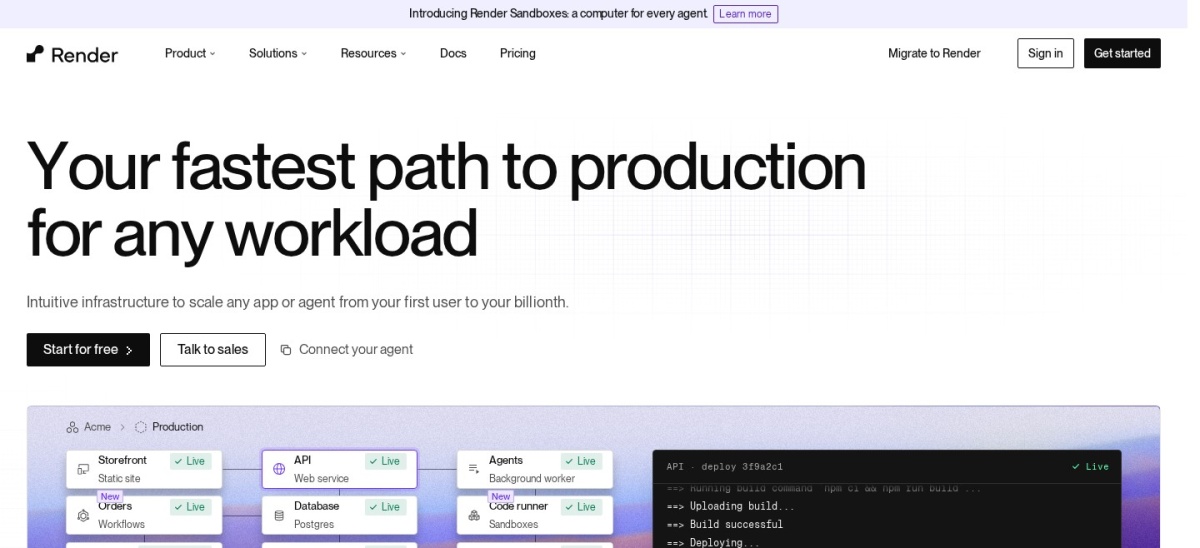
Render homepage, captured Nov 2026.
Render is the closest match to Heroku's model: push to Git and it builds, deploys and serves the app, with web services, workers, cron jobs and managed Postgres on one dashboard. The free tier covers web services and one Postgres database, and an always-on Starter web service costs $7 a month on the free Hobby workspace.
The trade off is the free tier's limits. Free web services spin down after 15 minutes without traffic and free databases expire after 30 days, so anything you want always online needs paid instances. It suits hobby builders who want Heroku's workflow with flat, predictable pricing.
What we like
Closest Git-push workflow to Heroku
Managed Postgres from $6 a month
Flat per-service pricing, no usage surprises
Watch out for
Free services sleep after 15 idle minutes
Free databases expire after 30 days
No persistent disk on free services
Paid Postgres from $6/mo; Pro workspace adds $25/mo for teamsVisit render.com
02
Railway
4.4/5on G2 (97 reviews, checked Nov 2026)
Paid from$5/mo
Best value full-stack pick for hobby apps
DeployGit push with auto-detect
DatabasesPostgres, MySQL, Redis, MongoDB
Free planYes, $1/mo usage credit
Paid planHobby, $5/mo
railway.com
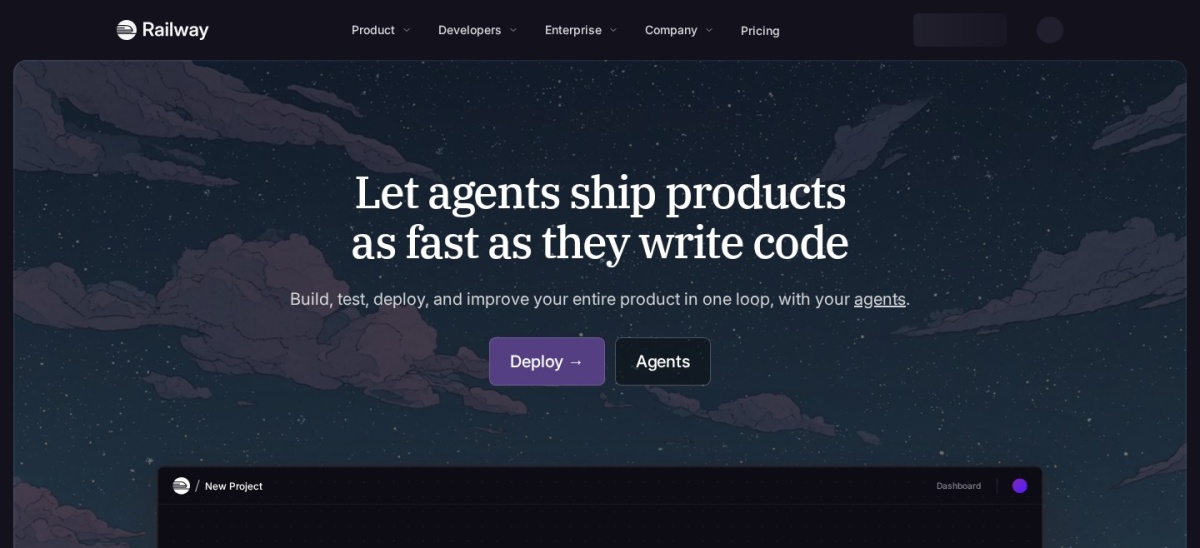
Railway homepage, captured Nov 2026.
Railway is a deployment platform where a project is a canvas of services: connect a GitHub repo and it detects the stack, builds it and gives it a URL, with databases added in a couple of clicks. The free plan gives $1 of usage credit a month after a $5 trial, and Hobby costs $5 a month including $5 of usage.
The trade off is billing. Usage is metered by the second for CPU and RAM, so costs are hard to predict as a project grows, and the free plan is too small for anything always on. It suits hobby apps that need an app plus a database without touching a server.
What we like
Fastest path from repo to live full-stack app
One-click Postgres, MySQL, Redis and MongoDB
Cheapest full-stack paid step at $5 a month
Watch out for
Usage billing is hard to predict
Free plan is very small after the trial
Fewer low-level controls than a VPS
Hobby includes $5 of usage; Pro is $20/mo per workspaceVisit railway.com
03
Vercel
4.6/5on G2 (94 reviews, checked Nov 2026)
Paid from$20/mo
Best for frontend hobby sites
DeployGit push with preview URLs
FrameworksNext.js, React, Vue and more
Free planYes, Hobby
Paid planPro, $20/mo per user
vercel.com
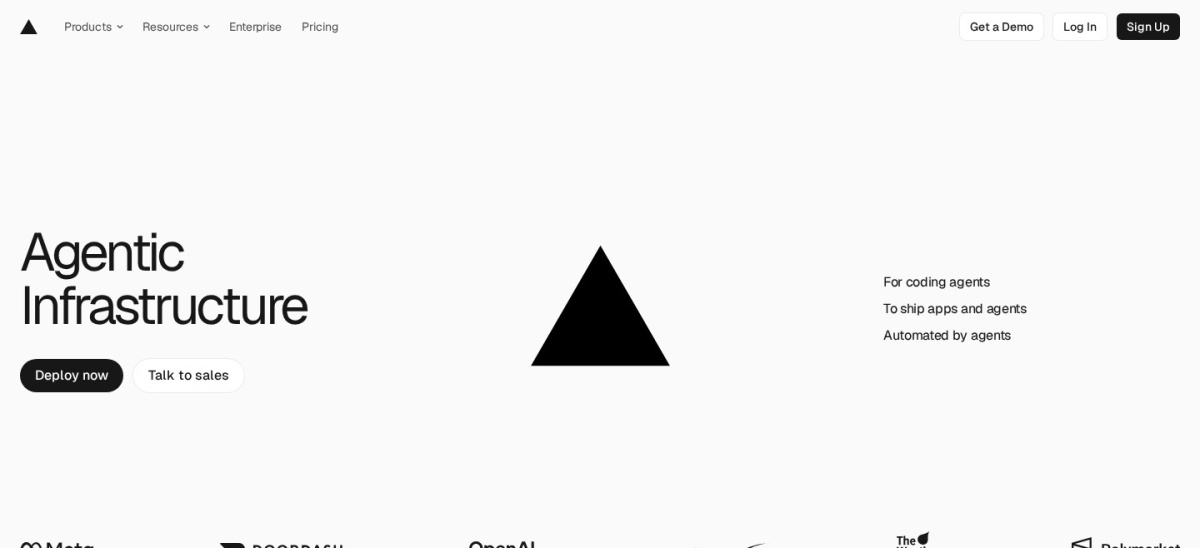
Vercel homepage, captured Nov 2026.
Vercel is a frontend cloud that deploys a site from Git in minutes, with a preview URL for every push and automatic HTTPS and CDN included. The free Hobby plan covers personal and non-commercial projects, and it is the natural home for Next.js hobby sites.
The trade off is the jump to paid. Pro costs $20 a month per user, which is steep for a hobby site, and bandwidth and serverless limits can push a busy project over the free allowance. It suits frontend hobby projects that live on Git and need fast previews.
What we like
Generous free Hobby plan for personal projects
Preview deployment for every Git push
Best-in-class Next.js support
Watch out for
Pro at $20 per user is steep for a hobby
Costs can rise fast past free limits
Backend features are limited next to a PaaS
Pro adds 1 TB bandwidth, team seats and email supportVisit vercel.com
04
Netlify
4.4/5on G2 (83 reviews, checked Nov 2026)
Paid from$9/mo
Best for static and Jamstack hobby sites
DeployGit push with preview URLs
Free planYes, 300 credits/mo
ExtrasForms, serverless and edge functions
Paid planPersonal, $9/mo
netlify.com
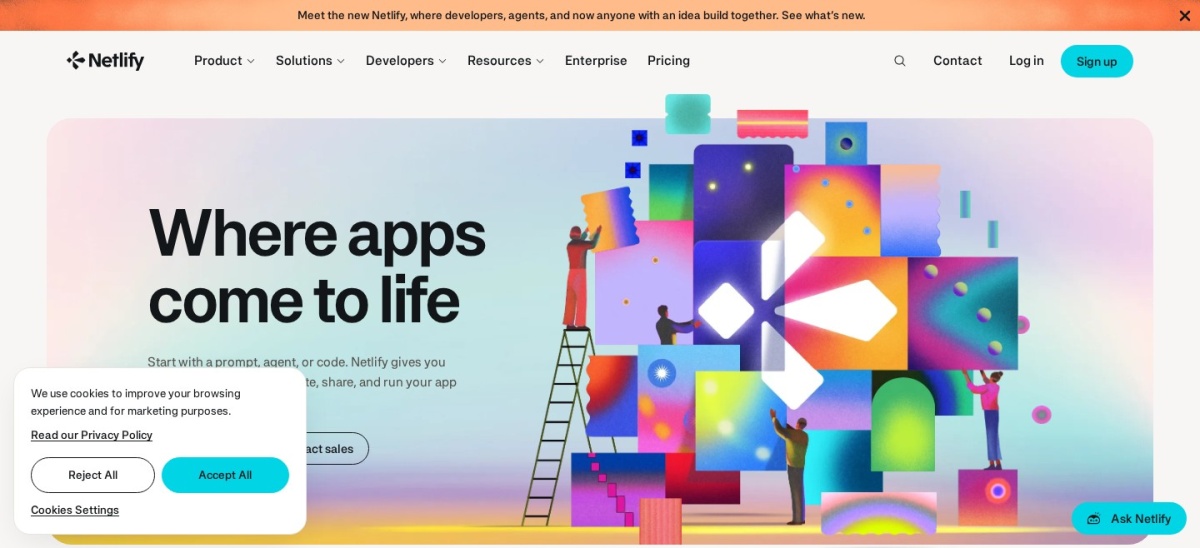
Netlify homepage, captured Nov 2026.
Netlify is a web platform that builds and serves sites from Git, with preview deploys, forms, serverless functions and identity built in. The free plan gives 300 credits a month, and Personal costs $9 a month for 1,000 credits, which covers most small hobby sites.
The trade off is the credit system. Free projects pause when the monthly credits run out, and the metered pricing takes some learning before you can predict a bill. It suits static and Jamstack hobby sites that want forms and functions without a backend server.
What we like
Free plan with custom domains included
Forms and serverless functions built in
Cheapest frontend paid step at $9 a month
Watch out for
Free projects pause when credits run out
Credit pricing is hard to predict at first
Not built for long-running backend apps
Pro is $20/mo flat with 3,000 credits and unlimited membersVisit netlify.com
05
Fly.io
4.7/5on G2 (3 reviews, checked Nov 2026)
Starts at$2.19/mo
Best for Docker apps in many regions
DeployDockerfile and flyctl CLI
Regions30+ regions worldwide
Free planNo, $1 trial credit for 7 days
Paid planPay-as-you-go, from $2.19/mo
fly.io
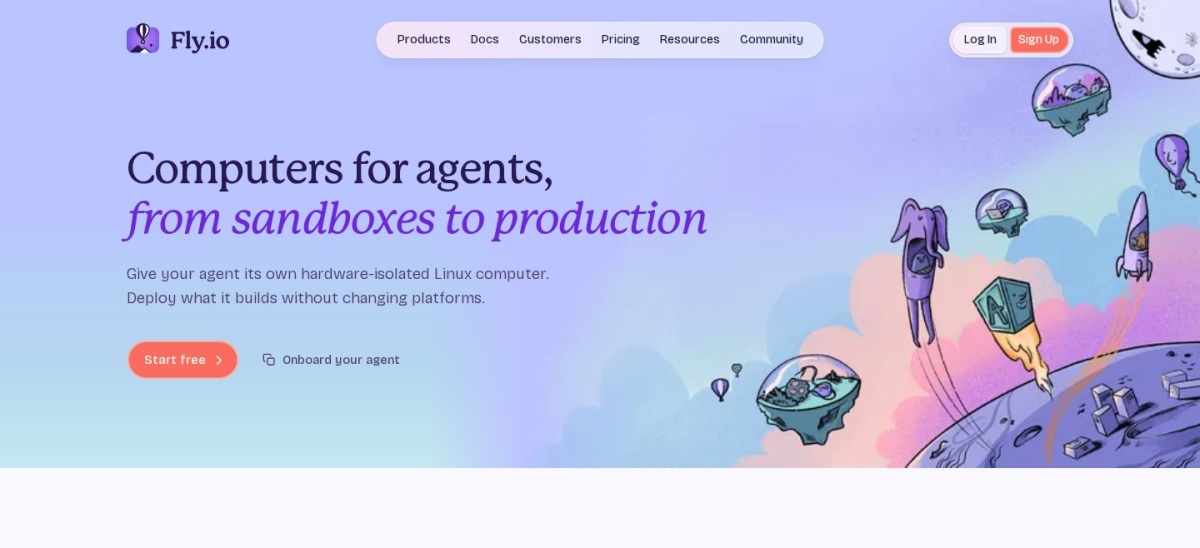
Fly.io homepage, captured Nov 2026.
Fly.io is a platform that runs Docker containers as small virtual machines in more than 30 regions, close to your users, with managed Postgres, volumes and private networking alongside. The smallest machine costs about $2.19 a month, so a tiny hobby app can run for less than the price of a coffee.
The trade off is the learning curve. There is no free plan for new accounts, deploys run through a command line and a Dockerfile, and a database adds at least $38 a month for managed Postgres. It suits hobby developers who know Docker and want global placement.
What we like
Cheapest paid start in this list
Runs apps in 30+ regions worldwide
Per-second billing with no monthly minimum
Watch out for
No free plan for new accounts
Needs Docker and command-line comfort
Managed Postgres starts at $38 a month
Support plans start at $29/mo; machines bill per secondVisit fly.io
06
DigitalOcean App Platform
4.6/5on G2 (761 reviews, checked Nov 2026)
Paid from$5/mo
Best fixed-price pick for DigitalOcean users
DeployGit push or container image
DatabasesManaged Postgres, MySQL, Redis
Free planYes, 3 static sites
Paid planBasic, $5/mo
digitalocean.com
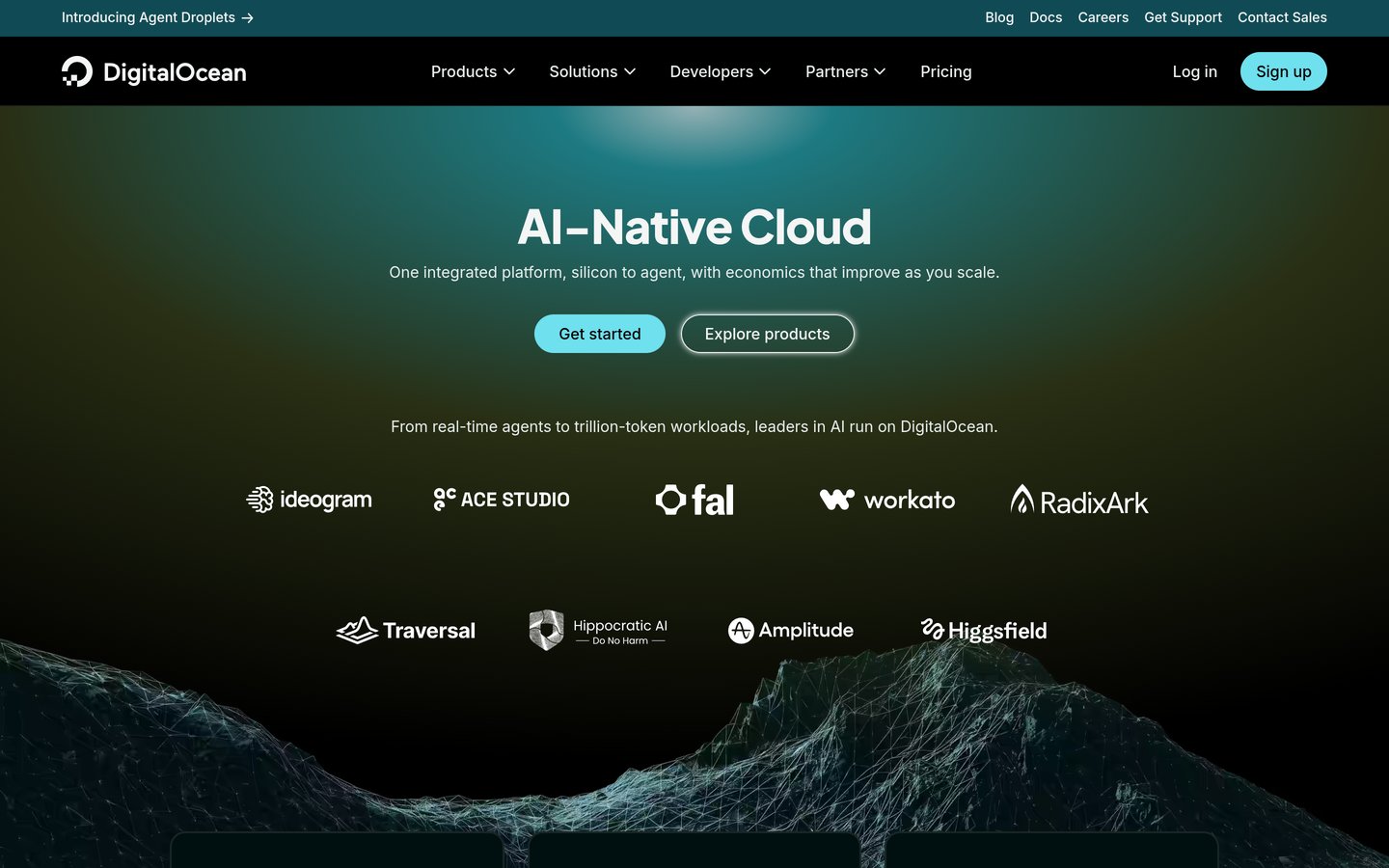
DigitalOcean App Platform homepage, captured Nov 2026.
DigitalOcean App Platform is a platform-as-a-service that deploys apps from Git with predictable flat pricing, starting at $5 a month for a basic app, and managed databases in the same dashboard. The free tier covers three static sites, and paid containers come with preview deploys and rollbacks.
The trade off is that the free tier is static only. Any app with a backend needs the $5 container, and the G2 rating shown here is for DigitalOcean overall, not App Platform alone. It suits hobby builders who already use DigitalOcean and want one dashboard for app and database.
Supabase is an open-source backend platform built on Postgres, with a database, authentication, file storage and auto-generated APIs in one place. The free plan covers 2 projects, a 500 MB database, 1 GB of file storage and 50,000 monthly active users, which is generous for a hobby app.
The trade off is pausing. Free projects pause after 7 days without activity, and Pro at $25 a month bills compute per project on top of the plan fee. It suits hobby apps that need a real database, logins and storage without writing a backend server.
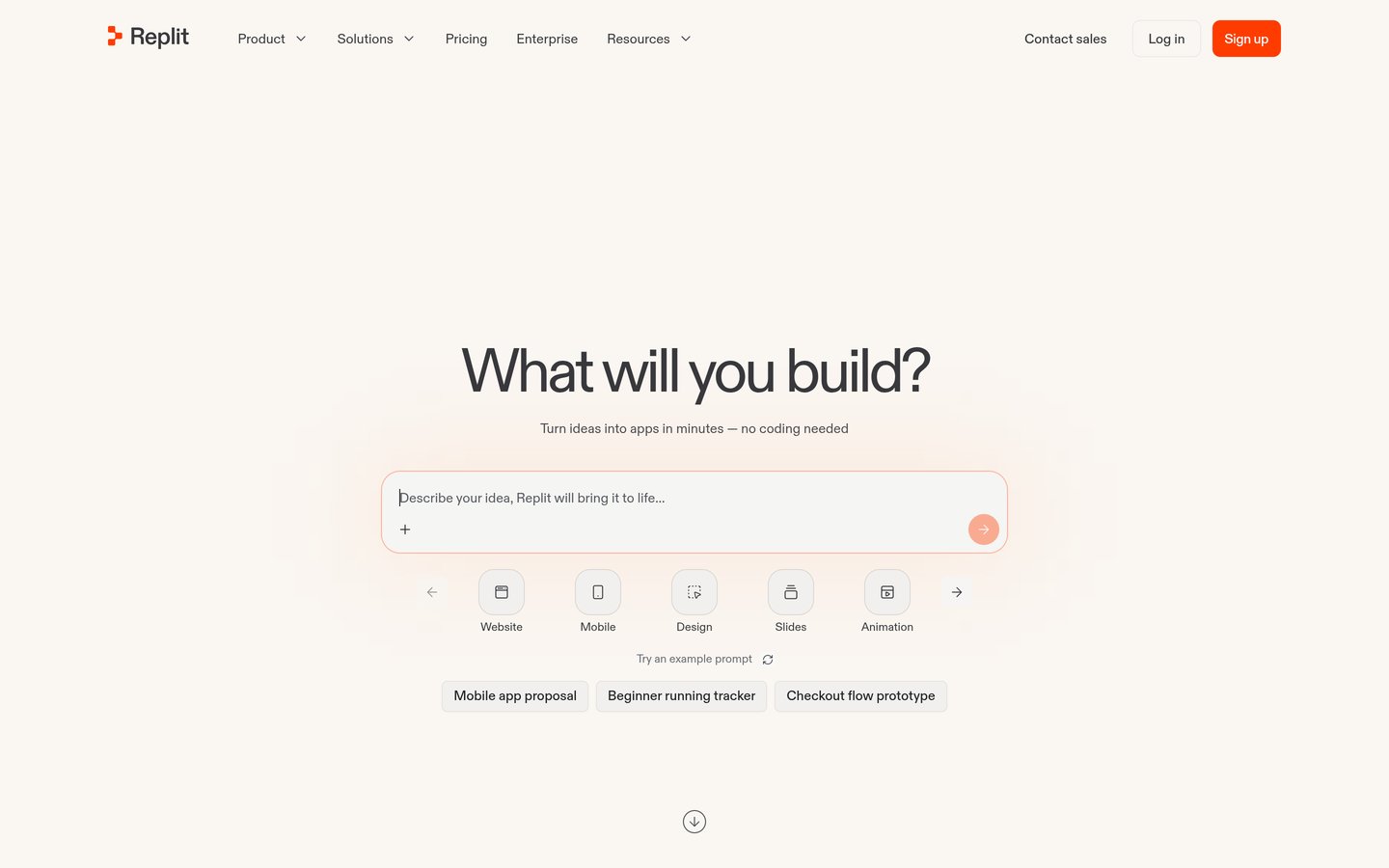
Replit is a browser workspace where you write, run and deploy an app without installing anything, with an AI agent that can build from a prompt and a built-in database and auth. The free Starter plan covers learning and small projects, and Core costs $20 a month with monthly model credits.
The trade off is cost control. The AI agent burns through credits fast on larger codebases, and published apps pay separate cloud compute charges on top of the plan. It suits hobby builders who want to go from idea to a live app in the browser.
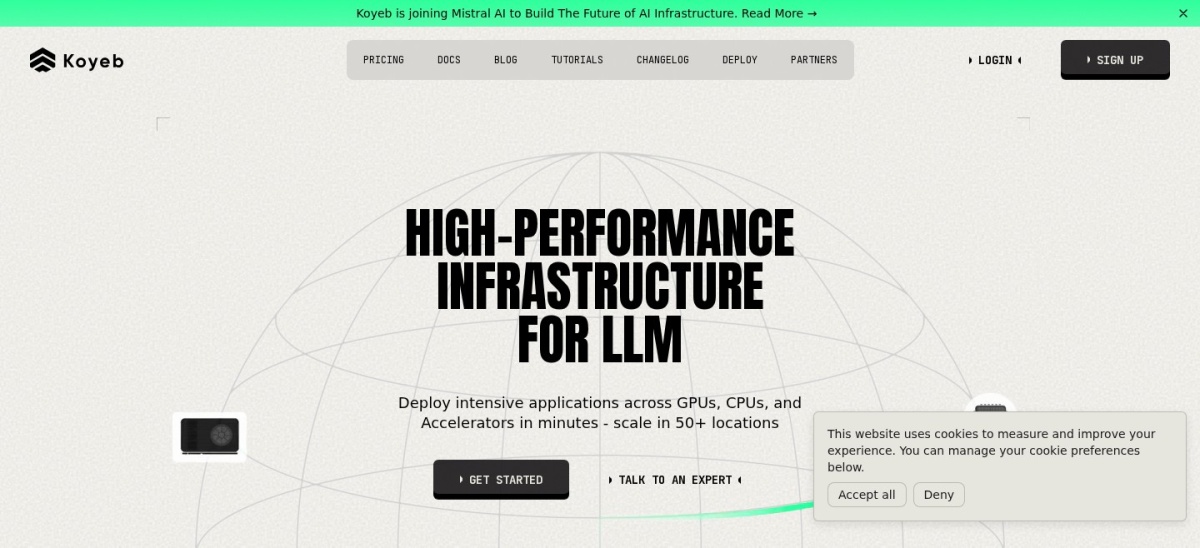
Koyeb is a serverless platform that runs Git repos and Docker containers on bare-metal servers across several regions, with autoscaling, scale-to-zero and GPU instances from $0.50 an hour. Every plan includes one free instance, but new users start on Pro at $29 a month plus compute, with $10 of compute included.
The trade off is the entry price. The free Starter plan was removed for new users in 2026, so a hobby project pays $29 a month before it uses any compute, and Pro has no uptime SLA. It suits hobby projects that need GPUs or scale-to-zero, not a first cheap host.
Free plans cover the basics well. Most include a live URL, HTTPS and enough hours to demo a project to friends or a future employer.
Paid plans mostly buy always-on time. The $5 to $9 step on Railway, DigitalOcean, Render or Netlify stops the app sleeping and removes the tightest free limits.
Watch the second bill, not just the first. Databases, bandwidth and AI credits are the add-ons that turn a $5 host into a $30 month, so check those prices before you build on them.
If the project earns nothing, stay on a free plan or the cheapest paid step. Move up only when real users hit the free limits.
How we chose
We started from the platforms most often named as Heroku replacements for small projects, then kept those with a free plan or a paid step under $30 a month.
Prices come from each vendor's pricing page, checked on 29 November 2026. Ratings and review counts come from G2 on the same day. Where a vendor shows a sale, the list shows the regular price.
We left out general clouds that need server setup and tools with no public rating. Heroku itself is not listed, as this is a list of alternatives to it. No vendor paid for a place, and we do not claim to have used these tools ourselves.
How to choose an alternative to Heroku for a hobby project
Start with the kind of app you are building, then check the free tier before you write code.
Name the app type first. A static site belongs on Vercel or Netlify; an app with a database belongs on Render, Railway or DigitalOcean.
Read the free tier's sleep and expiry rules. Sleeping apps and expiring databases are the limits that break hobby projects, so check them before you deploy.
Price the whole stack, not just the host. Add the database and any bandwidth or credits. See how to deploy WordPress with GitHub Actions for a Git-based deploy pattern.
Start free, upgrade only when users arrive. Deploy on the free plan, then move to the $5 to $9 paid step when the app needs to stay awake.
FAQ
What are the best alternatives to Heroku for hobby projects?
Render is the best alternative to Heroku for hobby projects. Its free tier covers web services and a database, always-on hosting starts at $7 a month, and it holds a 4.7 out of 5 G2 rating from 85 reviews.
How much does it cost to replace Heroku for a hobby project?
A hobby project can run free on Render, Railway, Vercel, Netlify or Supabase, or from $2.19 a month on Fly.io. The cheapest always-on full-stack steps are Railway and DigitalOcean App Platform at $5 a month, and Render at $7 a month.
Is there a free alternative to Heroku for hobby projects?
Yes. Render, Railway, Vercel, Netlify, DigitalOcean App Platform, Supabase and Replit all have free plans. The limits differ: free apps often sleep when idle, and free databases can expire, so check the rules before you build on one.
Which Heroku alternative is easiest for a beginner?
Replit is the easiest for a complete beginner, because you code and host in the browser with no local setup. Render is the easiest full-stack pick, because you connect a Git repo and it handles the build, deploy and database.
Render vs Railway: which is better for hobby projects?
Render is better for a hobby project that should stay online at a fixed price, with always-on hosting from $7 a month. Railway is better for a hobby project that needs several services and databases fast, at $5 a month, if you accept usage-based billing.
Can I host a hobby project for free forever?
Yes, if the project stays small. Static sites can stay free on Vercel or Netlify, and small apps can run on free tiers. Free plans can change or shrink, so keep your code in Git and be ready to move.
What happened to Heroku's free tier?
Heroku ended its free tier in November 2022, which is why so many hobby projects moved. Its cheapest paid dyno now starts at $5 a month, and a hobby database adds more, so the platforms in this list undercut it on price for small projects.
SaaS SEO and WordPress specialist with about 8 years of experience. Rakib compares WordPress plugins, themes, hosting and software using public pricing, documentation and user reviews. See how we rank.