Cursor is the best AI tool for software engineers who want an agent that edits across files, with a free Hobby tier and Pro from $20 a month. GitHub Copilot is the best value at $10 a month, and Claude Code is the strongest terminal agent for large refactors.
How we make this list: we compare pricing pages, product documentation and public user reviews, then re-check every price before each update. No product paid for a place. Disclosure.
Cursor leads on agentic multi-file editing with a 4.7 G2 score, though Pro at $20 a month is a floor, not a ceiling, for heavy agent users.
GitHub Copilot Pro at $10 a month is the best value, with unlimited completions, agent mode and the widest IDE support.
Claude Code is the strongest terminal agent for large refactors, included in Claude Pro at $17 a month billed annually.
Tabnine Dev at $9 a user a month is the cheapest paid plan, and the best fit for regulated teams that need private deployment.
Windsurf is now sold as Devin Desktop, with Pro at $20 a month after a price rise in March 2026.
How do you choose AI tools for software engineers?
AI coding tools split into two kinds. Completions finish the line you are typing, while agents plan a change, edit several files, run commands and report back.
The editor matters as much as the model. Cursor is a full IDE, Copilot is a plugin that follows you across editors, and Claude Code lives in the terminal where many engineers already work.
Usage metering is the hidden cost. Flat monthly prices look simple, but agent runs burn credits fast, so a $20 plan can cost far more in practice for heavy users.
Models have converged. Our developer tools guide covers the wider toolkit, but here the same frontier models appear under several interfaces, so the workflow and the price decide the winner.
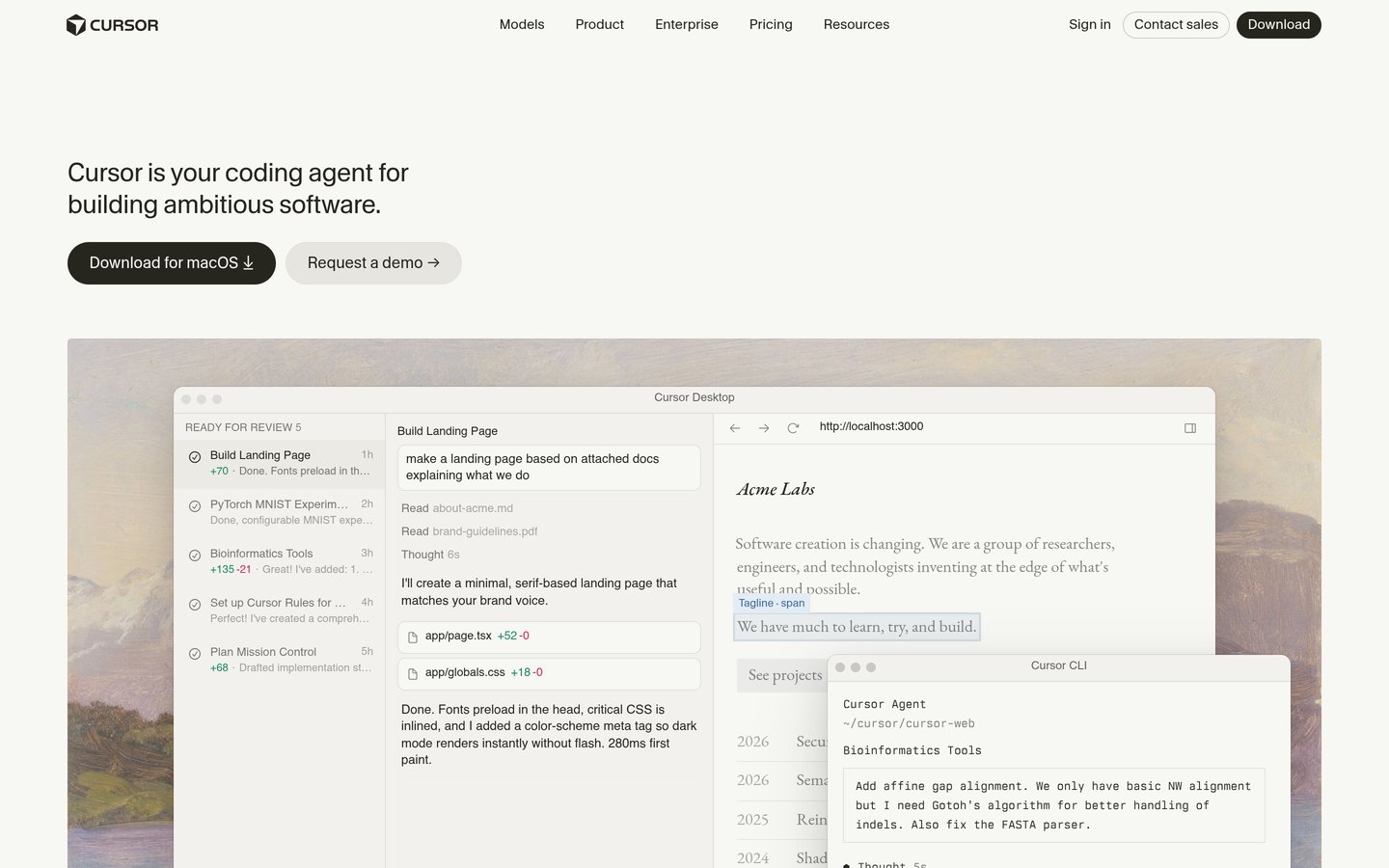
Cursor is a VS Code fork with AI built into the editor, so its agent plans a change, edits across files and runs commands with full codebase context. The free Hobby tier covers limited agent requests, and Pro costs $20 a month with unlimited tab completion.
The trade off is the bill. Pro is a floor rather than a ceiling, since heavy agent use burns through included usage and adds top-up charges, and Trustpilot reviewers complain about billing. It suits engineers who write code most days across a large codebase.
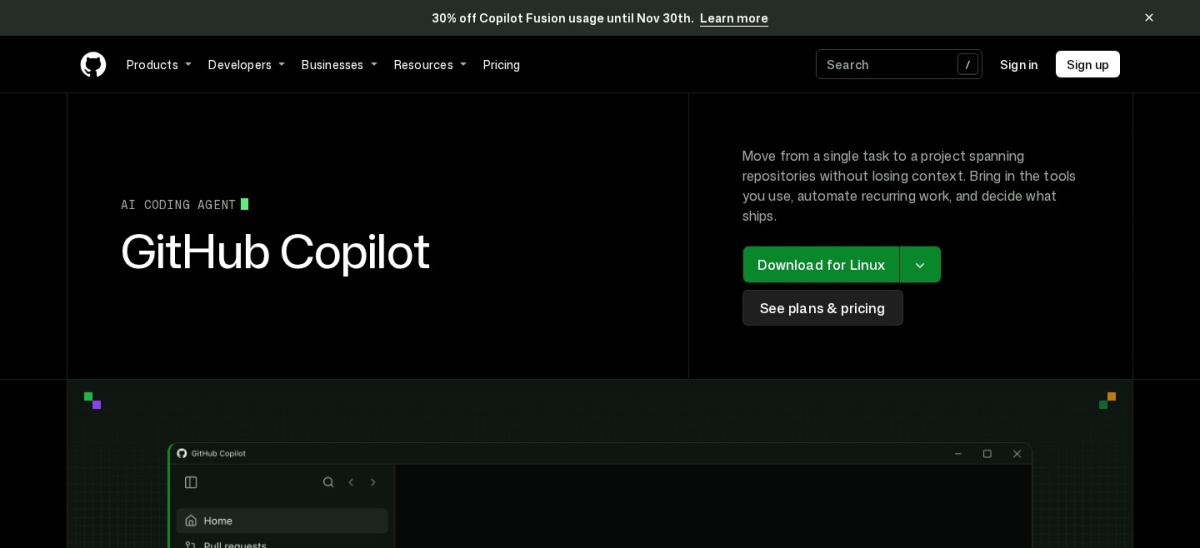
GitHub Copilot is the AI coding agent from GitHub, available as a plugin across VS Code, JetBrains, Visual Studio, Xcode, Neovim and Eclipse. Pro costs $10 a month with unlimited completions, agent mode, Copilot CLI and code review on pull requests.
The trade off is that agent usage is metered with AI credits, and Copilot is at its best inside the GitHub workflow, so teams outside GitHub get less from it. It suits engineers who want the cheapest reliable assistant that follows them across editors.
Claude Code is Anthropic's terminal agent for coding, with full filesystem access to read and edit files, run shell commands, execute tests and iterate until the task is done. It is included in Claude Pro at $17 a month billed annually, or $20 billed monthly.
The trade off is the interface. There is no editor UI, so engineers who want a visual diff and file tree will miss Cursor, and heavy sessions can hit weekly usage limits. It suits engineers who live in the terminal and want an autonomous agent for deep refactors.
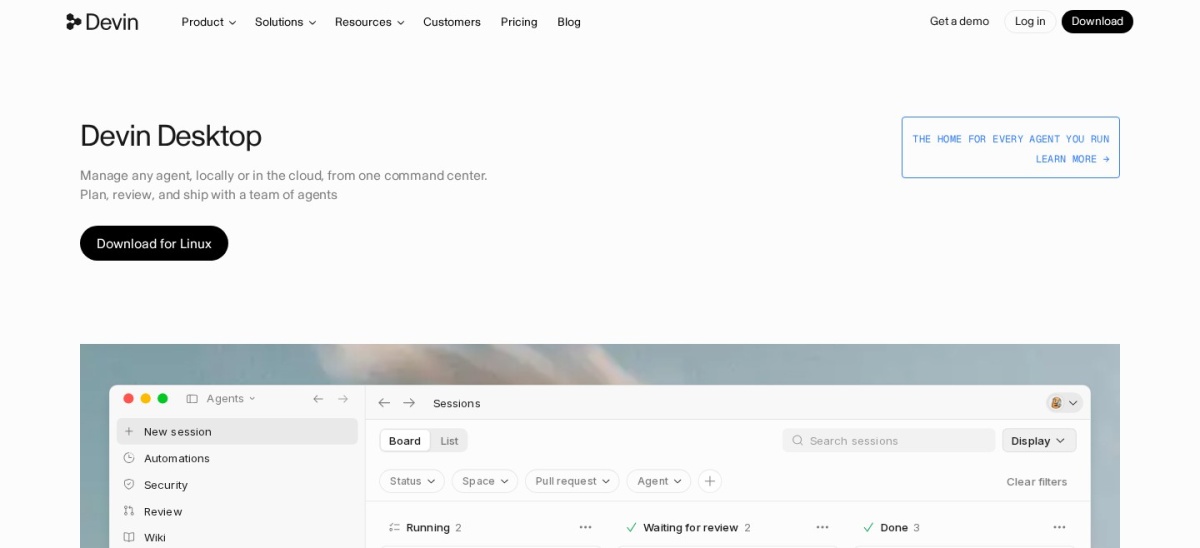
Windsurf (Devin Desktop) homepage, captured Nov 2026.
Windsurf (Devin Desktop) is the AI IDE built by Codeium and now sold under Cognition, with the Cascade agent at its centre. The free tier includes unlimited Tab autocomplete plus a light quota for Cascade use, and Pro costs $20 a month with full model access.
The trade off is churn. Pro rose from $15 to $20 a month in March 2026, the editor was renamed Devin Desktop in June 2026, and the G2 review base is thin at 35 reviews. It suits engineers who want an agentic IDE for less than Cursor Pro Plus.
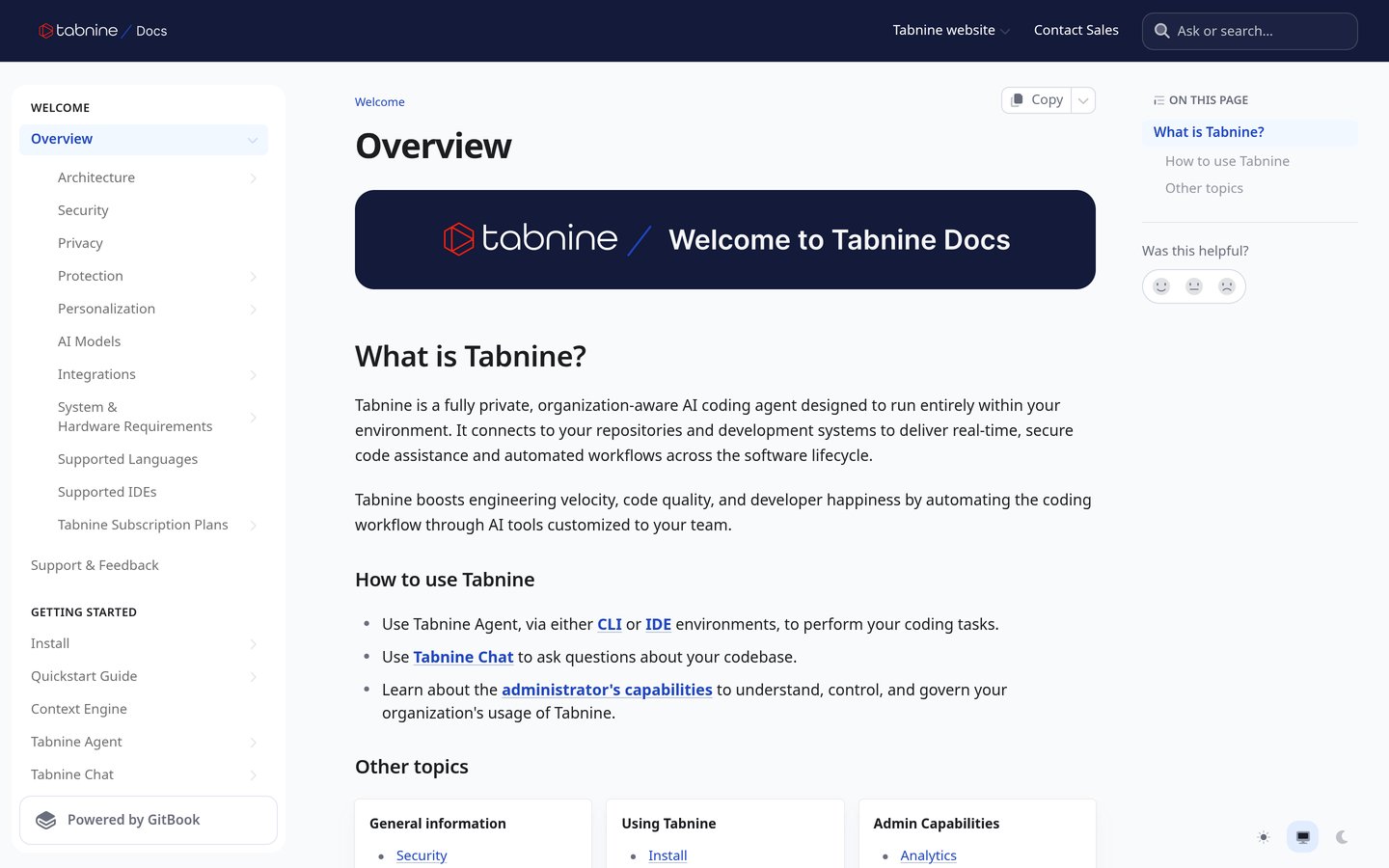
Tabnine is an AI coding assistant built for teams that cannot send code to third-party clouds, with self-hosted and air-gapped deployment options. Dev costs $9 per user a month and includes full function completion, AI chat in the IDE and natural language to code.
The trade off is model choice. Tabnine uses its own models rather than frontier models from OpenAI or Anthropic, so raw generation quality trails the leaders. It suits finance, health and defense teams where code must stay inside a private deployment.
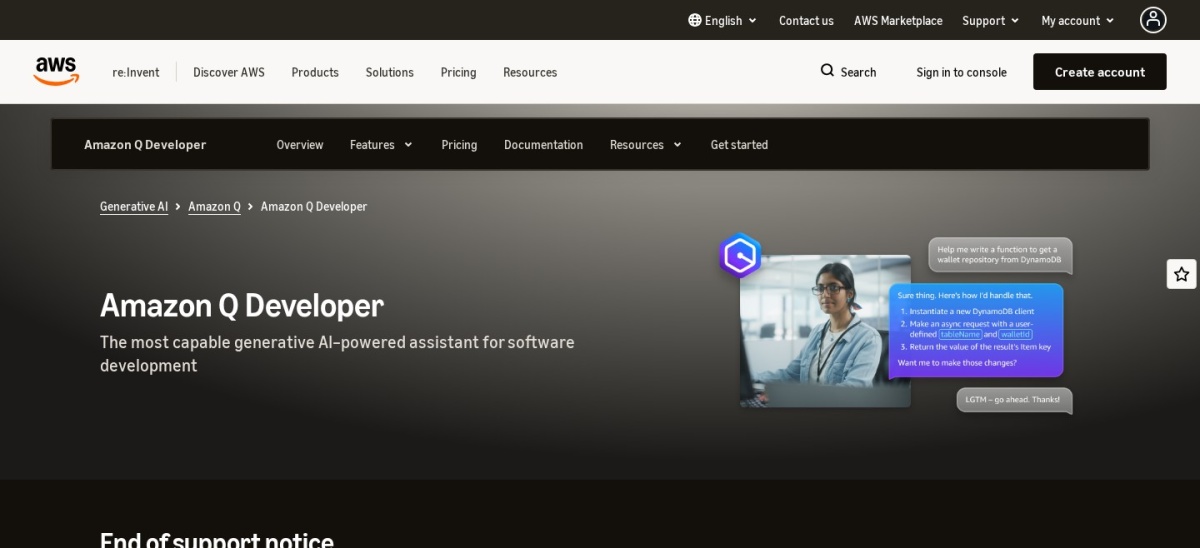
Amazon Q Developer is AWS's coding assistant, with automated Java and .NET version upgrades and deep AWS integration for IAM, CloudFormation and CDK work. The free tier covers unlimited basic completions, and Pro costs $19 per user a month.
The trade off is scope. It shines for AWS work and legacy upgrades, but it is a weaker general-purpose agent than Cursor or Claude Code. It suits teams that already build on AWS and want an assistant that understands their cloud services.
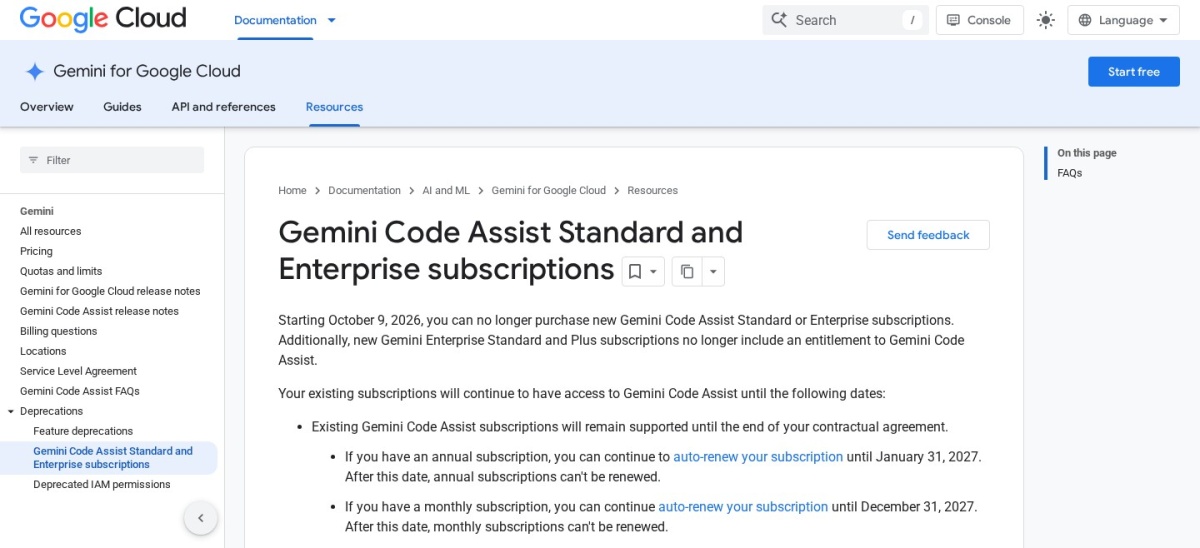
Gemini Code Assist is Google's AI coding assistant for generating, explaining and improving code in developer workflows, with strong Google Cloud integration. The free tier covers individual use, and Standard costs $19 a month with Gemini 2.5 Pro and Flash models.
The trade off is the ecosystem lock-in. It is at its best for Google Cloud developers, and the G2 review base is thin at 73 reviews. It suits teams building on Google Cloud that want code help tied to their cloud services.
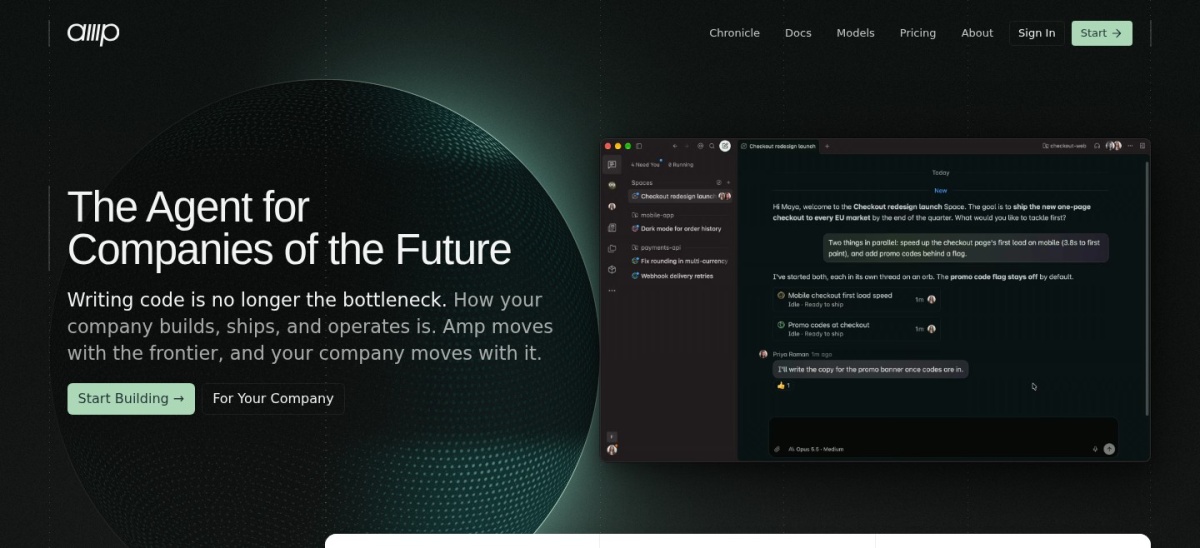
Amp is Sourcegraph's AI coding agent for enterprise teams with large, complex codebases, including monorepos and multi-repo architectures. It pairs code-aware chat with custom assistants and a prompt manager, with paid plans from $9 a month.
The trade off is the thin review base and the enterprise focus. Amp holds 4.5 out of 5 on G2 from 68 reviews, and small teams get less from its codebase indexing than a large monorepo team. It suits enterprise teams whose code spans many repositories.
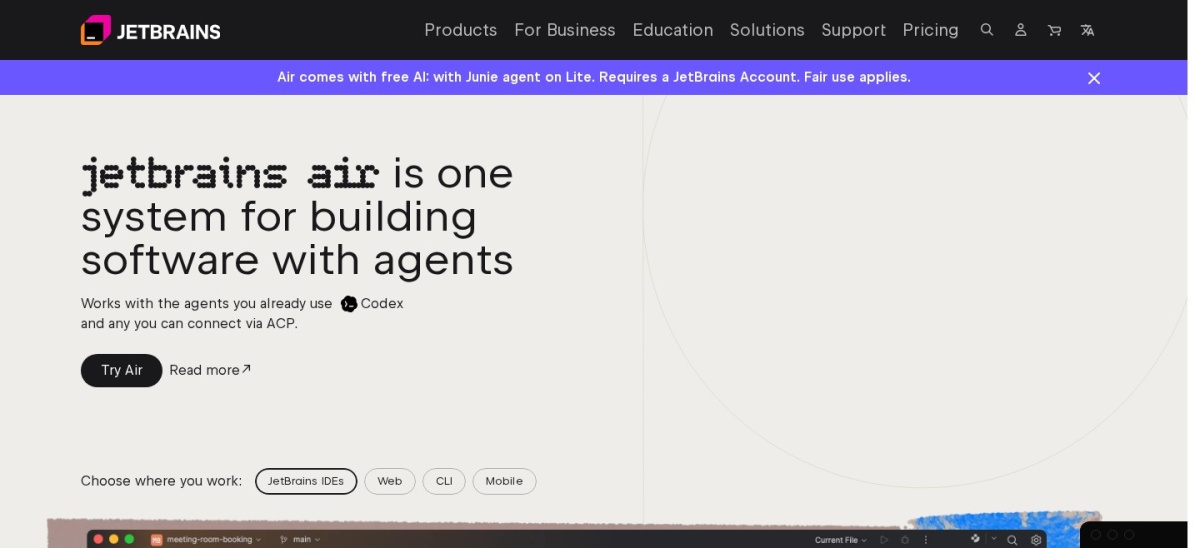
JetBrains AI is the AI assistant built for IntelliJ IDEA, PyCharm, WebStorm, GoLand and the rest of the JetBrains family, with inline completions that read the IDE's own type inference and refactoring engine. AI Pro costs $10 a month for individuals and includes the Junie coding agent.
The trade off is the credit meter. Pro includes 10 AI credits a month, and Junie agent runs burn through them fast, so heavy users need top-ups or the $30 Ultimate plan. It suits engineers who already pay for JetBrains IDEs and want AI that understands their code.
Free tiers are real but metered. Copilot Free gives 2,000 completions and 50 agent requests a month, and Cursor Hobby gives limited agent requests, so both work for trying the tools out.
Paid plans mostly buy agent usage, not completions. Completions are unlimited on Copilot Pro, while agent runs draw on a credit pool that heavy users exhaust.
Credits do not roll over. Unused agent credits expire at the end of the billing cycle on most tools here, so a light month does not bank usage for a heavy one.
Teams should price per engineer per month. A $10 seat that doubles with usage is worse than a $20 seat that does not, so check the overage rules before rolling out.
How we chose
We compared nine AI coding tools with published prices and verifiable ratings on G2, checking each vendor pricing page and review profile in November 2026. Every tool here has a numeric G2 rating.
Prices come from vendor pricing pages opened on 30 November 2026, including GitHub Copilot Pro at $10 and Claude Pro at $17 a month billed annually, or from dated vendor-page reads in October and November 2026 for the rest.
We left out tools with no verifiable rating, including newer agents with no G2 listing. No vendor paid for a place, and we do not claim hands-on testing for this list.
How to choose an AI tool for software engineering
Start with where you already write code, then match the tool to that editor.
Pick the editor first. A VS Code engineer gets the most from Cursor or Copilot, a JetBrains engineer from JetBrains AI or Copilot, and a terminal engineer from Claude Code.
Try the free tier on real work. Run the free tier on a real task in your own codebase for a week, and watch how fast the agent credits run out.
Check the overage rules. Agent usage beyond the included pool costs extra on most tools, so read the credit and top-up rules before rolling out to a team.
Test the agent on a multi-file change. Ask the tool to rename a concept across several files and run the tests, since that is where agents differ most from completions.
FAQ
What is the best AI tool for software engineers in 2026?
Cursor is the best pick for most software engineers, because its agent edits across files with full codebase context and it holds 4.7 out of 5 on G2. GitHub Copilot is the best value at $10 a month, and Claude Code is the strongest terminal agent.
Is GitHub Copilot or Cursor better?
Cursor is better for agent work across a large codebase, with multi-file editing and a full IDE built around the agent. GitHub Copilot is better for value and breadth, at $10 a month with unlimited completions and support for VS Code, JetBrains, Visual Studio and more.
How much does Cursor cost?
Cursor Pro costs $20 a month, with a free Hobby tier for limited use. Some November 2026 listings report a cheaper $8 entry tier, and the vendor pricing page now shows different plan names, so confirm the current Pro price before you buy.
What is the cheapest AI coding tool?
Tabnine Dev at $9 a user a month is the cheapest paid plan in this list, with Amp from $9 a month close behind. GitHub Copilot Pro at $10 a month is the cheapest option with unlimited completions and a free tier.
Is Claude Code better than Cursor?
Claude Code is better for terminal-first work and large refactors, since it runs in the terminal with full filesystem access and iterates until the task is done. Cursor is better for engineers who want the agent inside an editor with a visual diff and file tree.
Do AI coding tools work with JetBrains IDEs?
Yes. GitHub Copilot and Tabnine both run as plugins in IntelliJ IDEA, PyCharm, WebStorm and other JetBrains IDEs, and JetBrains AI is built into those IDEs directly with the Junie coding agent.
SaaS SEO and WordPress specialist with about 8 years of experience. Rakib compares WordPress plugins, themes, hosting and software using public pricing, documentation and user reviews. See how we rank.