Grammarly is the best AI writing tool for email writing for most people, with a free plan that fixes grammar and tone inside Gmail and Outlook, rated 4.7 out of 5 on G2. Pick Lavender for sales outreach coaching and Rytr if you want the cheapest paid plan at $7.50 a month.
How we make this list: we compare pricing pages, product documentation and public user reviews, then re-check every price before each update. No product paid for a place. Disclosure.
Grammarly is the only pick that works inside Gmail and Outlook for free, with 100 AI prompts a month and a 4.7 out of 5 G2 rating from 14,070 reviews.
Lavender scores each sales email 0 to 100 before you send it, and its free plan covers 5 emails a month.
Paid plans run from $7.50 a month for Rytr to $79 a month for Writesonic, a tenfold spread for the same job.
Anyword is the only tool here that scores email copy on predicted performance, but Starter allows only 50 predictions a month.
ChatGPT drafts any email free, but it lives outside your inbox, so every draft is copy and paste.
How do you choose AI writing tools for email writing?
The best tool depends on where you write email, not on which model is newest. Grammarly and MailMaestro live inside Gmail and Outlook, while Jasper, Copy.ai and Anyword work from a separate app or browser tab.
Price is the widest gap in this list. Rytr starts at $7.50 a month billed yearly and Writesonic at $79, so a tool that costs ten times more has to earn it with features such as predictive scoring or brand voice, not just drafting.
Free plans are real but capped. Grammarly gives 100 AI prompts a month free, Lavender analyses 5 emails a month, and ChatGPT drafts unlimited text free, though you paste it into your inbox yourself. Our guide on getting Grammarly to work on WordPress shows how its browser extension follows you across sites.
Sales email is a separate job from everyday email. Lavender coaches tone, length and spam triggers as you type, which matters when a reply rate is the goal rather than a tidy inbox.
Grammarly is an AI writing assistant that checks grammar, spelling, clarity and tone as you type in email, documents and web forms. The free plan covers basic corrections and tone suggestions with 100 generative AI prompts a month, and Pro adds full-sentence rewrites, plagiarism checks and 2,000 prompts a month.
The trade off is the monthly rate. Pro costs $12 a month billed yearly but $30 a month billed monthly, so short projects pay two and a half times more. It suits anyone who writes email all day and wants corrections inside the inbox they already use.
What we like
Works inside Gmail, Outlook and over a million apps
Free plan is genuinely useful for everyday email
Largest review base in this list at 14,070 G2 reviews
Watch out for
Monthly billing costs $30, far above the $12 yearly rate
It polishes text you wrote rather than drafting from scratch
Pro adds full rewrites, tone control and 2,000 AI prompts a monthVisit grammarly.com
02
Lavender
4.8/5on G2 (63 reviews, checked Nov 2026)
Paid from$27/mo
Best AI email coach for sales outreach
Email score0-100, in real time
Free plan5 emails/month
AI writerStarter and up
Paid planStarter, $27/mo billed yearly
lavender.ai
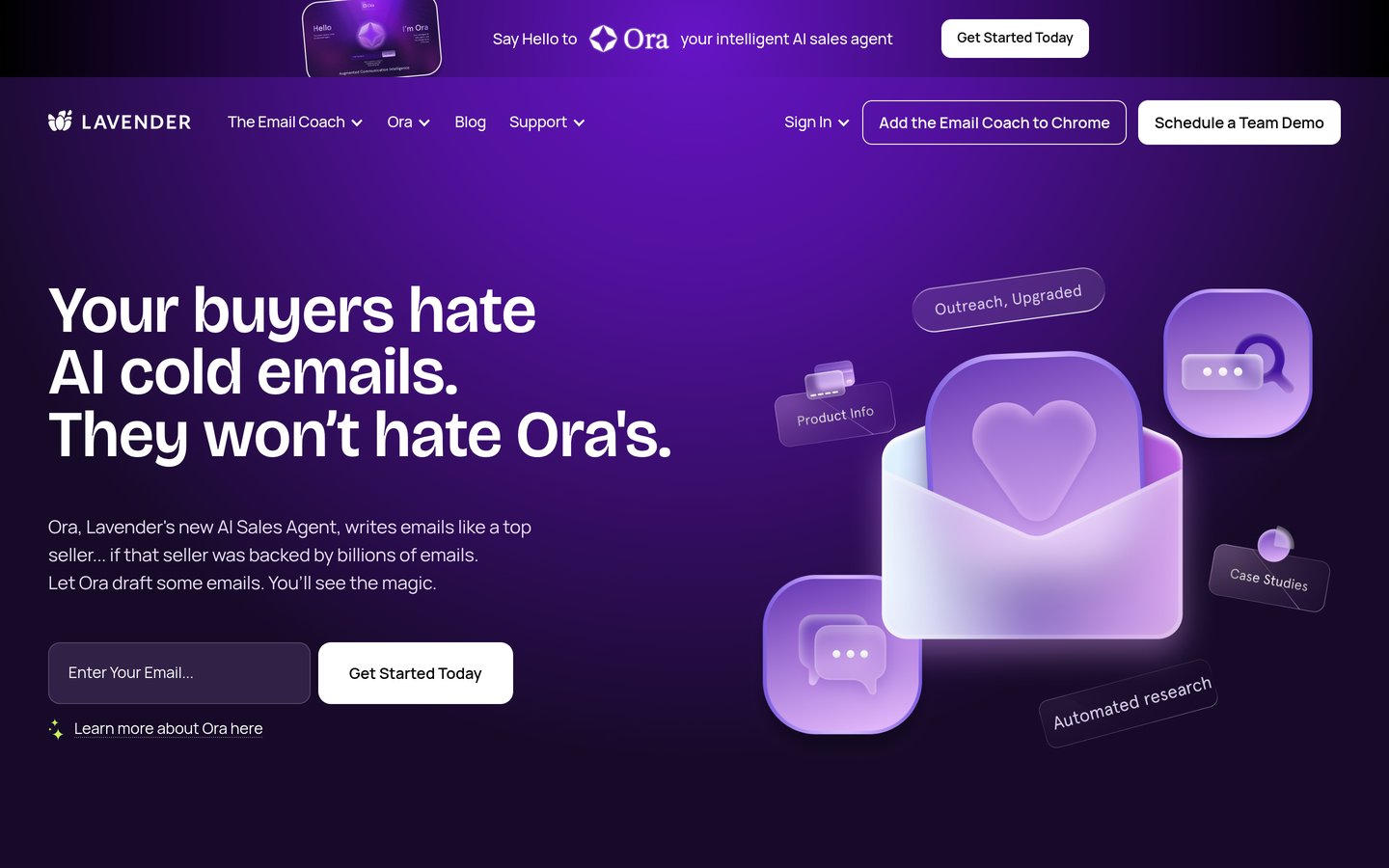
Lavender homepage, captured Nov 2026.
Lavender is a real-time AI email coach that lives inside Gmail and Outlook as a browser extension. It scores every email you write from 0 to 100 and flags tone, length, spam triggers and personalisation before you send, and Starter adds unlimited scoring with an AI writer.
The trade off is scope. Lavender coaches email you already drafted rather than running campaigns, so you still need a sending tool for outreach at scale. It suits sales reps and founders who send cold email and care about reply rates.
What we like
Highest G2 rating in this list at 4.8 out of 5
Real-time scoring on tone, length and spam triggers
Free plan covers 5 emails a month with no card
Watch out for
It coaches email, it does not send campaigns
Smallest review base here at 63 G2 reviews
Starter adds unlimited scoring, AI writing and multi-inbox supportVisit lavender.ai
03
Jasper
4.7/5on G2 (1,319 reviews, checked Nov 2026)
Starts at$39/mo
Best for on-brand marketing emails at scale
Brand voices1 on Creator
Templates50+
Free trial7 days
Paid planCreator, $39/mo billed yearly
jasper.ai
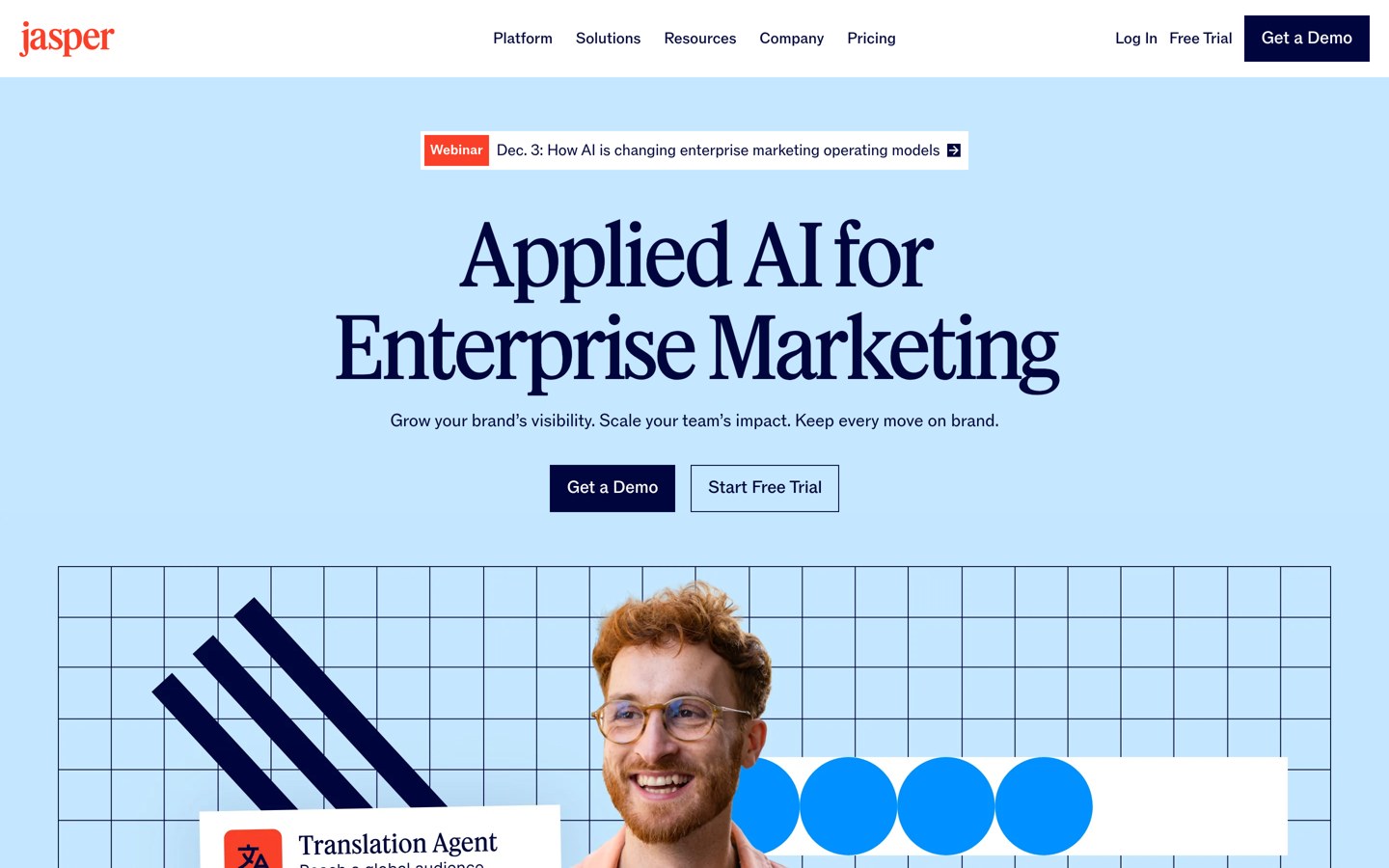
Jasper homepage, captured Nov 2026.
Jasper is an AI content platform for marketing teams that drafts on-brand email campaigns, newsletters and landing pages. Creator covers one seat, one Brand Voice, more than 50 templates, Jasper Chat and a Chrome extension, and Pro adds more seats and brand voices for teams.
The trade off is price. Creator costs $39 a month billed yearly or $49 month to month, with no free plan beyond a 7-day trial. It suits marketing teams that send a lot of email and need every draft to sound like the same brand.
What we like
Brand Voice keeps campaign email consistent
Large template library for email and campaigns
Rated 4.7 out of 5 on G2 from 1,319 reviews
Watch out for
No free plan, only a 7-day trial
Expensive for solo users who write little email
Pro adds up to 5 seats, more Brand Voices and campaign toolsVisit jasper.ai
04
Anyword
4.8/5on G2 (1,228 reviews, checked Nov 2026)
Starts at$39/mo
Best for scoring email copy before you send it
Performance scoreYes, 0-100
Predictions50/month on Starter
Free trial7 days
Paid planStarter, $39/mo billed yearly
anyword.com
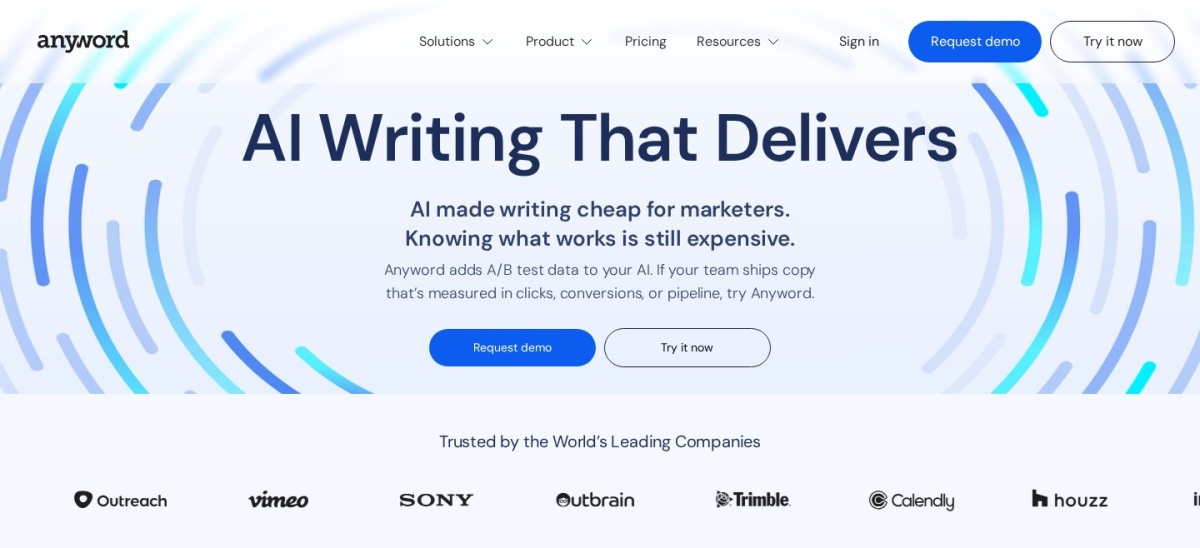
Anyword homepage, captured Nov 2026.
Anyword is an AI copy tool that writes email, ad and landing page copy and attaches a Predictive Performance Score to each version, estimating how well it is likely to convert. Starter covers one seat, one brand voice and unlimited copy generation, with the score as the feature you pay for.
The trade off is the prediction allowance. Starter includes only 50 performance predictions a month, so active campaign work hits the cap fast. It suits marketers who A/B test subject lines and email variants and want data behind the pick.
What we like
Only tool here that scores copy on predicted performance
Rated 4.8 out of 5 on G2 from 1,228 reviews
Unlimited copy generation on every plan
Watch out for
Starter allows only 50 predictions a month
No free plan, only a 7-day trial
Data-Driven adds more seats and 100 predictions a monthVisit anyword.com
05
Copy.ai
4.4/5on G2 (1,847 reviews, checked Nov 2026)
Starts at$24/mo
Best for team email workflows from one chat
Seats5 on Chat
WorkflowsGrowth plan only
TemplatesDiscontinued in 2026
Paid planChat, $24/mo billed yearly
copy.ai
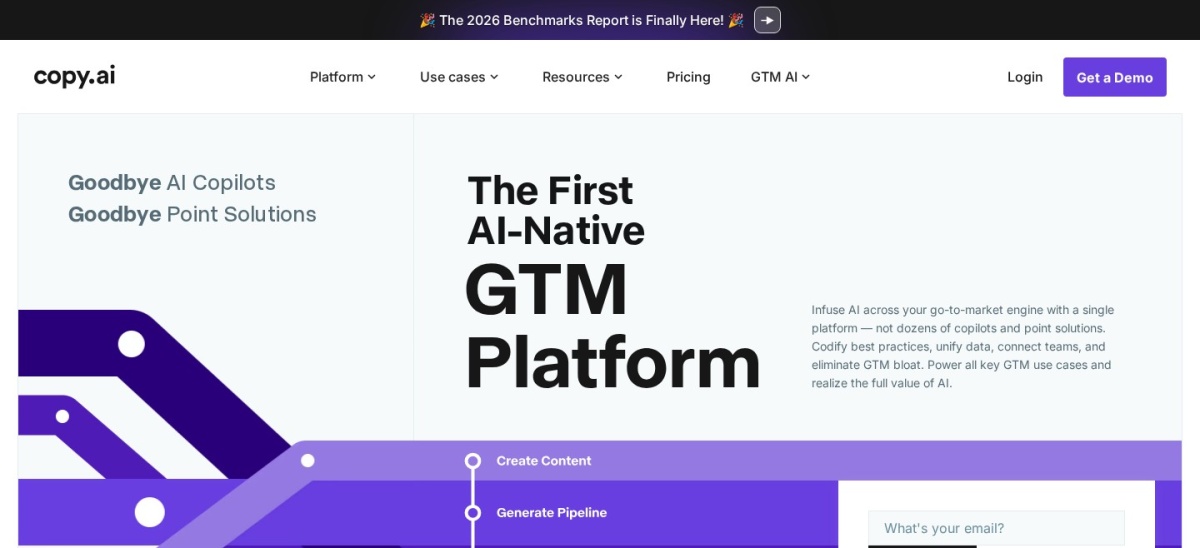
Copy.ai homepage, captured Nov 2026.
Copy.ai is now a go-to-market AI platform built around a shared chat workspace where teams draft emails, sales sequences and landing pages. The Chat plan costs $24 a month billed yearly for up to 5 seats with unlimited words, and higher plans add automated workflows.
The trade off is the 2026 rebuild. Copy.ai retired its old Starter and Pro plans and its template library, so older reviews quote prices and features that no longer exist. It suits small sales and marketing teams that want one shared AI chat for outbound email.
What we like
Cheapest team entry here at $24 a month for 5 seats
Unlimited words on the Chat plan
Workflow automation on higher plans
Watch out for
Templates discontinued in the 2026 rebuild
Workflows start at $1,000 a month on Growth
Growth adds automated workflows at $1,000 a monthVisit copy.ai
06
Rytr
4.7/5on G2 (822 reviews, checked Nov 2026)
Paid from$7.50/mo
Best budget AI writer for everyday emails
Free plan10,000 chars/month
Saver limit100,000 chars/month
Use cases40+
Paid planSaver, $7.50/mo billed yearly
rytr.me
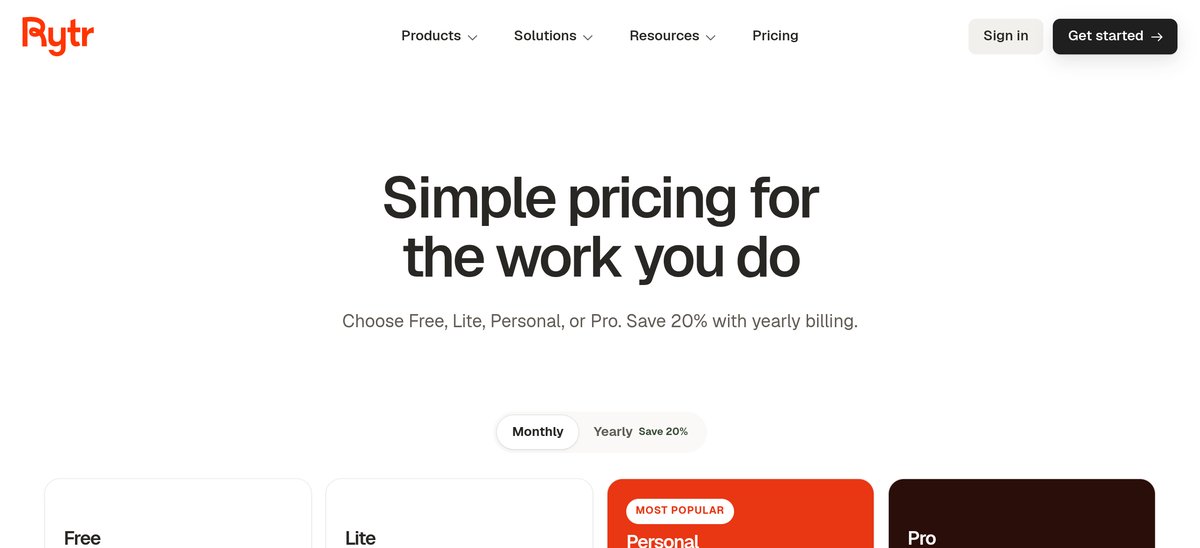
Rytr homepage, captured Nov 2026.
Rytr is a budget AI writing tool with more than 40 use cases, including email drafts, subject lines and replies. The free plan covers 10,000 characters a month, and Saver costs $7.50 a month billed yearly for 100,000 characters, the lowest paid price in this list.
The trade off is direction. Rytr's homepage now leads with a memory assistant that recalls clients and commitments across Gmail, Outlook and Slack, so the classic writing tool is no longer the front of the product. It suits freelancers and small teams who want cheap, fast email drafts.
What we like
Lowest paid price in this list at $7.50 a month
Free plan covers 10,000 characters a month
Rated 4.7 out of 5 on G2 from 822 reviews
Watch out for
Output depth is thinner than Jasper or Anyword
Product direction has shifted toward a memory assistant
Unlimited plan adds unlimited characters for $29 a monthVisit rytr.me
07
MailMaestro
4.8/5on G2 (15 reviews, checked Nov 2026)
Paid from$12/mo
Best AI assistant inside Gmail and Outlook
Free plan3 AI requests/week
InboxesGmail and Outlook
SummariesYes, threads and attachments
Paid planPro, $12/seat/mo billed yearly
maestrolabs.com
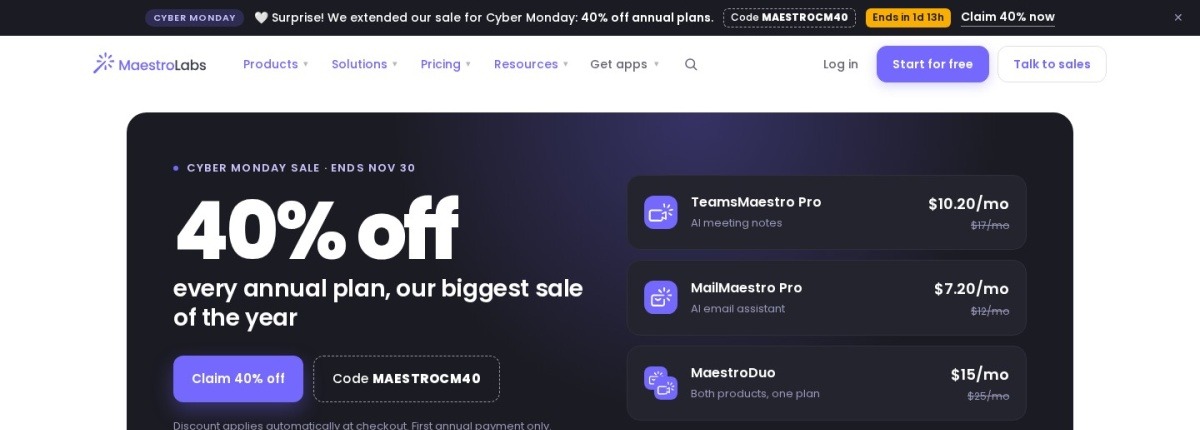
MailMaestro homepage, captured Nov 2026.
MailMaestro is an AI email assistant from Maestro Labs that works inside Outlook and Gmail, and it absorbed the former Flowrite writing tool. It drafts replies, improves drafts, summarises long threads and labels mail automatically, with a free plan of 3 AI requests a week.
The trade off is the small review base. MailMaestro holds 4.8 out of 5 on G2 but from only 15 reviews, so the score carries less weight than Grammarly's 14,070. It suits busy professionals who answer a lot of email and never want to leave their inbox.
What we like
Drafts, replies and summaries inside Gmail and Outlook
Free plan with no card for light use
SOC 2 Type II certified with GDPR and HIPAA compliance
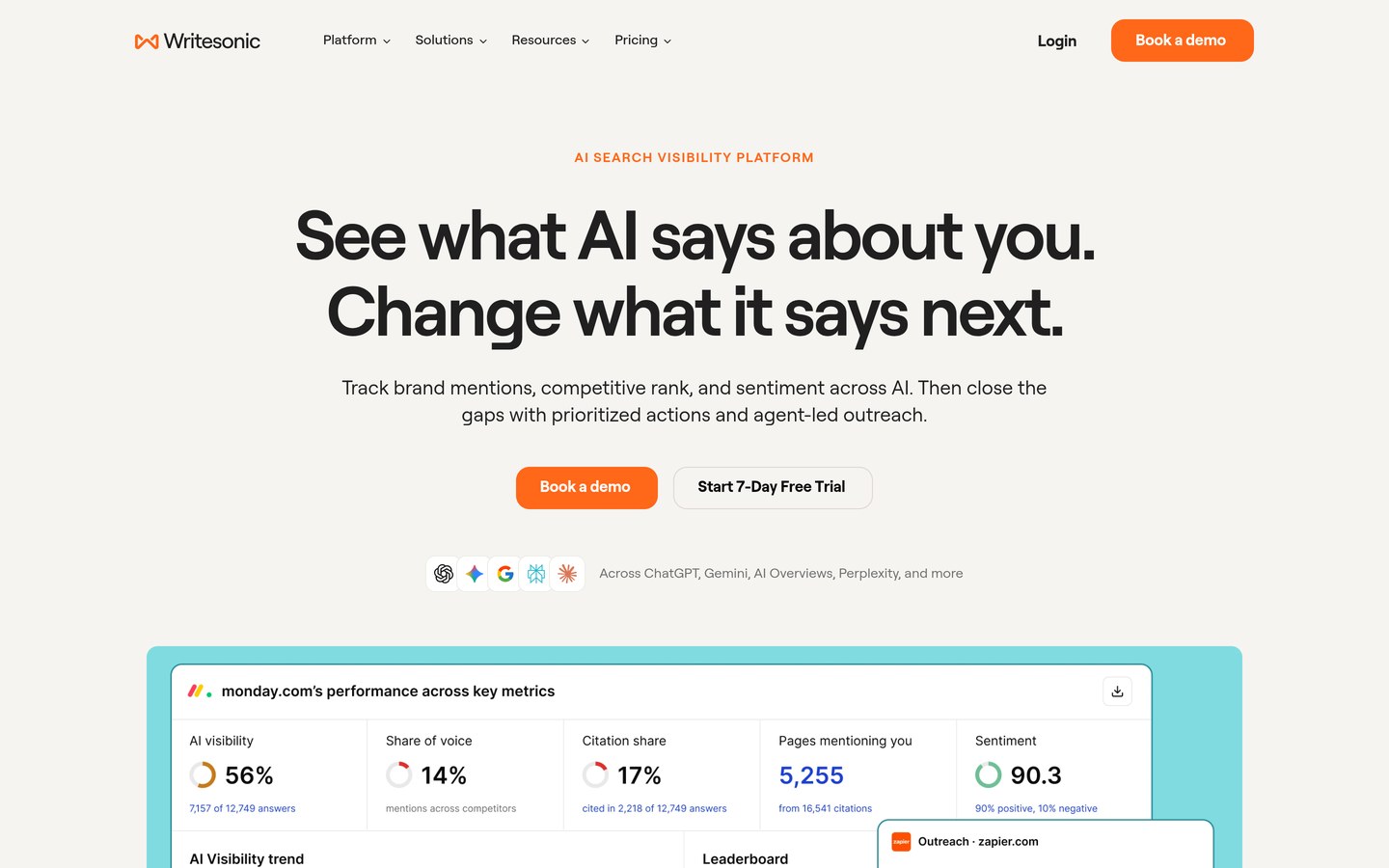
Writesonic began as an AI writer and rebuilt itself in 2026 as an AI search visibility platform, with an article writer and email copy tools still inside. Starter costs $79 a month billed yearly for 15 AI articles a month, site audits and tracking of how ChatGPT, Gemini and Google AI Overviews describe your brand.
The trade off is price and focus. At $79 a month it is the most expensive tool in this list, and the homepage now leads with visibility data rather than writing. It suits teams that already pay for SEO and want newsletter and campaign copy from the same platform.
ChatGPT is a general-purpose AI chatbot that drafts any email from a short prompt: cold pitches, replies, apologies, newsletters and internal updates. The free plan covers unlimited text drafting, and Plus costs $20 a month for higher limits and the newest models.
The trade off is integration. ChatGPT has no inbox connection, so every draft is copied into Gmail or Outlook by hand, and it knows nothing about your threads unless you paste them in. It suits varied, one-off email jobs where flexibility matters more than inbox integration.
What we like
Free plan drafts unlimited email text
Strongest general drafting in this list
Rated 4.6 out of 5 on G2 from 3,118 reviews
Watch out for
No Gmail or Outlook integration
Needs pasted context for replies and follow-ups
Plus adds higher limits and the newest models for $20 a monthVisit chatgpt.com
Sales email and everyday email are different jobs
Everyday email is about clarity and speed. Grammarly, MailMaestro and ChatGPT fit here: they fix, summarise or draft a message you already know how to send.
Sales email is about reply rates. Lavender scores each draft before you send it, Anyword predicts which variant converts, and Jasper keeps the brand voice steady across a campaign.
Buying one tool for both jobs usually wastes money. A sales rep who pays $79 a month for Writesonic gets visibility data they never open, while a marketer who buys Lavender gets coaching for an inbox they barely use.
If you only send a few sales emails a month, start with Lavender free at 5 emails a month and Grammarly free for the rest. Upgrade only when the free caps start costing you time.
How we chose
We started from the tools that show up in 2026 roundups of AI email writers and kept the nine with a live product, a published price and a public rating.
Prices come from each vendor's pricing page as read by pricing trackers in November 2026, checked on 30 November 2026. Ratings and review counts come from G2 on the same day. Where a vendor shows a sale, the list shows the regular price.
We left out tools with no public rating and tools that have shut down. No vendor paid for a place, and we do not claim to have used these tools ourselves.
How to choose an AI writing tool for email writing
Start with where you write email, then match the tool to the job, not the other way round.
Work out where you write most email. If you live in Gmail or Outlook, pick an inbox tool such as Grammarly or MailMaestro. If you write campaigns in batches, a separate app such as Jasper or Anyword fits better.
Decide whether you need coaching or drafting. Lavender scores and improves what you wrote, which suits sales outreach. Grammarly, Rytr and ChatGPT draft from a blank page, which suits everyday replies.
Check the free plan before you pay. Grammarly, Lavender, Rytr, MailMaestro and ChatGPT all have free plans. Use one for a week of real email before committing to a paid plan.
Compare the yearly cost, not the monthly headline. Annual billing cuts most of these prices by 17 to 60 percent, while monthly billing for Grammarly costs $30 instead of $12. Pick the term that matches how long you will actually use it.
FAQ
What is the best AI writing tool for email writing in 2026?
Grammarly is the best pick for most people. Its free plan fixes grammar and tone inside Gmail and Outlook, and Pro adds 2,000 AI prompts a month for $12 billed yearly. It is rated 4.7 out of 5 on G2 from 14,070 reviews.
How much do AI writing tools for email writing cost?
Paid plans in this list run from $7.50 a month for Rytr to $79 a month for Writesonic, all billed yearly. Five of the nine tools have a free plan, and Grammarly Pro at $12 a month is the cheapest serious upgrade.
Is there a free AI writing tool for email writing?
Yes. Grammarly, Lavender, Rytr, MailMaestro and ChatGPT all have free plans. Grammarly free gives 100 AI prompts a month, Lavender free covers 5 emails a month, and ChatGPT drafts unlimited text free.
Which AI writing tool is best for beginners?
Grammarly is the easiest start. It works inside the inbox you already use, needs no setup beyond the browser extension, and its free plan covers everyday email without a card.
Which is best for sales emails, Lavender or Grammarly?
Lavender is better for sales email. It scores each draft 0 to 100 on tone, length and spam triggers and suggests personalisation, while Grammarly polishes grammar and tone. Lavender starts at $27 a month billed yearly; Grammarly Pro is $12.
Can AI write professional emails on its own?
It can draft them, but every draft still needs a human read before sending. These tools get tone, facts and names wrong, and none of them knows your relationship with the recipient.
SaaS SEO and WordPress specialist with about 8 years of experience. Rakib compares WordPress plugins, themes, hosting and software using public pricing, documentation and user reviews. See how we rank.