DocuSign is the best Adobe Sign alternative for most teams, with the widest recognition among signers and a Personal plan at 11 dollars a month. PandaDoc suits sales teams that also need proposals, while SignNow is the cheapest paid option at 8 dollars a month.
How we make this list: we compare pricing pages, product documentation and public user reviews, then re-check every price before each update. No product paid for a place. Disclosure.
DocuSign is the most recognised signing tool here, rated 4.5 out of 5 on G2 from 2,629 reviews.
PandaDoc adds proposals, quotes and payments to signing, from $19 a user a month.
Dropbox Sign includes unlimited signature requests on every paid plan, from $15 a month.
BoldSign is the cheapest paid option in this list at $5 a month, with a generous free plan.
SignWell has the highest G2 rating here at 4.8 out of 5, from 578 reviews.
How do you choose the best Adobe Sign alternatives?
Adobe Acrobat Sign charges per licence and bundles signing with PDF tools, so teams that only need signatures often pay for features they never open. The tools in this list sell signing on its own, and most start cheaper than Acrobat Sign.
Price is only part of the choice. Envelope caps matter more than the monthly fee for busy teams, because DocuSign and SignNow both limit how many documents a plan can send. Dropbox Sign and BoldSign avoid that trap with unlimited requests or a large free allowance.
The best pick depends on what happens before the signature. Sales teams should look at PandaDoc, which builds the proposal and the contract in one place, while teams that only collect signatures should pick the cheapest simple tool that fits their volume. Our document signing guide compares the same tools for general business signing.
Free plans are useful for testing, but they cap sends at 3 to 25 documents a month. A team that signs daily should budget for a paid plan from the start rather than hitting the free limit mid-month.
DocuSign is the best-known electronic signature platform, and the one most recipients already recognise. Personal costs $11 a month billed annually and covers 5 envelopes a month, while Standard at $30 a user a month adds templates, reminders and 100 envelopes per user a year.
The trade off is price and metering. Envelopes are capped on every plan, so a busy month can push a team toward Business Pro at $45 a user a month. It suits teams whose clients or partners expect the DocuSign name on the document.
PandaDoc is a document platform that combines proposals, quotes, contracts and e-signatures in one workflow. Starter costs $19 a user a month billed annually and includes unlimited documents created in the app, the editor, templates and tracking.
The trade off is that automation costs extra. API documents, bulk send and web forms use usage credits, and custom branding needs Business at $49 a user a month. It suits sales teams that send proposals before they send contracts.
Dropbox Sign is the former HelloSign, a focused signing tool with very little setup. Essentials costs $15 a month for one user and includes unlimited signature requests, reminders and an audit trail, with 5 templates.
The trade off is that Essentials is a single-seat plan. Teams need Standard at $25 a user a month for 2 or more users, bulk send and branding. It suits small teams that want simple signing without counting envelopes.
SignWell is a simple e-signature tool built for small teams that want flat, easy pricing. The free plan covers 3 documents a month, and the Personal plan at $10 a month adds templates, reminders and unlimited received signatures.
The trade off is depth. SignWell has no proposal builder or advanced workflow tools, so teams that need quotes and approvals will outgrow it. It suits freelancers and small firms that send a steady flow of simple documents.
SignNow is the cheapest paid signing tool in this list, at $8 a month billed annually. Every paid plan includes unlimited users, templates, mobile apps and cloud storage integrations, which keeps the bill flat as a team grows.
The trade off is the invite cap. Annual plans include 100 signature invites per user a year, and extra invites cost about $0.96 each. It suits teams with many occasional senders who share one account.
BoldSign is the cheapest paid option in this list, with Essentials at $5 a user a month. Its free plan covers 25 envelopes a month, which is far more generous than most rivals, and paid plans add templates, reminders and branding.
The trade off is brand reach. BoldSign is less widely recognised than DocuSign, so some recipients may pause before signing. It suits small businesses that send a modest volume and want the lowest possible bill.
Jotform Sign is the signing tool for teams that already build forms with Jotform. Bronze costs $34 a month billed annually and covers 100 signatures a month, with the full form builder, templates and payment collection in the same account.
The trade off is price. At $34 a month it is the most expensive entry plan in this list, and signing alone is cheaper elsewhere. It suits teams that collect data and signatures in the same workflow.
Xodo Sign is a lightweight signing tool for occasional senders. The free plan covers 5 documents a month, and Pro at $10 a user a month adds unlimited documents, templates and reminders.
The trade off is scope. Xodo Sign has no proposal tools and fewer integrations than PandaDoc or DocuSign, so it fits simple signing only. It suits individuals and small teams that sign a few documents a week.
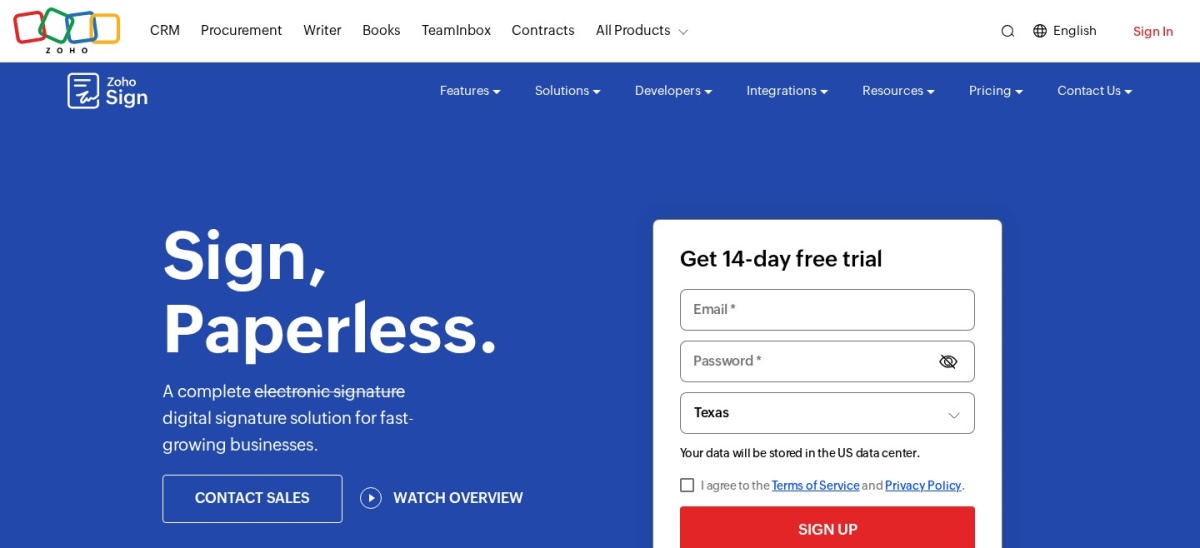
Zoho Sign is Zoho's dedicated e-signature app, built to sit inside the Zoho ecosystem. Its free plan covers 5 documents a month for one user, and Standard costs $10 a user a month billed annually with 25 envelopes per user a month.
The trade off is volume and reach. Unlimited envelopes need Professional at $16 a user a month, and the G2 review base is small at 64 reviews. It suits teams already using Zoho CRM, Books or Desk.
What we like
Free plan for trying the basics
Deep links to Zoho CRM and Books
Low entry price for Zoho users
Watch out for
Small G2 review base of 64 reviews
Unlimited envelopes need the $16 plan
Weakest fit outside the Zoho suite
Professional adds unlimited envelopes and brandingVisit zoho.com
Free vs paid: what you give up
Free plans cover occasional signing well. Most include a few sends a month, reminders and an audit trail.
Paid plans mostly add volume and templates. You get more sends, reusable templates, branding and bulk send.
If signing is part of your daily work, a free plan will run out fast. The cheapest paid plans here start at $5 a month, which is less than one missed deadline.
How we chose
We started from the established e-signature tools with a public G2 rating and a published price, then kept the nine that best replace Adobe Acrobat Sign for general teams.
Prices come from each vendor pricing page or a November 2026 pricing guide that read the vendor page, checked on 29 November 2026. Ratings and review counts come from G2 on the same day.
We left out tools with no verifiable rating on G2, Capterra or Trustpilot. No vendor paid for a place, and we do not claim hands-on testing for this list.
How to choose an Adobe Sign alternative
Start with how many documents you send each month, then check the caps before the price.
Count your monthly sends first. Envelope caps decide the real cost. A cheap plan with a 5-document limit costs more than a pricier plan with unlimited sends if you sign daily.
Match the tool to the workflow. Pick PandaDoc if you send proposals first, Jotform Sign if you collect form data, and a simple signer if you only need signatures.
Check what signers will see. DocuSign is the name most recipients already trust. A lesser-known tool can still work, but expect a few questions from first-time signers.
Try the free plan before paying. Send a real document through the free plan and check the audit trail, reminders and mobile signing before you commit a team.
FAQ
What is the best Adobe Sign alternative in 2026?
DocuSign is the best Adobe Sign alternative for most teams. It is the most recognised signing brand, rated 4.5 out of 5 on G2 from 2,629 reviews, and its Personal plan costs $11 a month with 5 envelopes a month.
What is the cheapest Adobe Sign alternative?
BoldSign is the cheapest paid Adobe Sign alternative at $5 a user a month, and its free plan covers 25 envelopes a month. SignNow is next at $8 a month, and SignWell starts at $10 a month with a free plan.
Is there a free alternative to Adobe Sign?
Yes. BoldSign, PandaDoc, Dropbox Sign, SignWell, Xodo Sign and Zoho Sign all offer free plans, though each caps monthly sends. BoldSign is the most generous at 25 envelopes a month.
DocuSign or PandaDoc: which is better as an Adobe Sign alternative?
DocuSign is better for pure signing and recognition, while PandaDoc is better for sales teams that also send proposals and quotes. PandaDoc starts at $19 a user a month against DocuSign at $11 a month.
Does Dropbox Sign limit how many documents I can send?
No. Every paid Dropbox Sign plan includes unlimited signature requests, which is rare in this list. Essentials costs $15 a month for one user, and Standard at $25 a user a month adds bulk send.
Which Adobe Sign alternative is best for small teams?
SignWell is the best pick for small teams, rated 4.8 out of 5 on G2 with a free plan and a $10 monthly plan. BoldSign is the cheapest option, and SignNow suits teams with many occasional senders.
SaaS SEO and WordPress specialist with about 8 years of experience. Rakib compares WordPress plugins, themes, hosting and software using public pricing, documentation and user reviews. See how we rank.