Ramp is the best expense management software for most teams. Its free plan covers unlimited corporate cards, receipt matching and approvals, rated 4.8/5 on G2 from 2,578 reviews, while Brex suits teams wanting a free plan with reimbursements included.
How we make this list: we compare pricing pages, product documentation and public user reviews, then re-check every price before each update. No product paid for a place. Disclosure.
Ramp and Brex both start free, and both are rated 4.8/5 on G2, the highest scores in this list.
Expensify starts at $5 per member a month and works with your existing cards, so there is no card switch.
Zoho Expense is the cheapest paid plan here at $3 per user a month billed annually, with a free plan for up to 3 users.
BILL Spend & Expense charges $0 per user a month for cards, budgets and expense tracking.
SAP Concur is the lowest rated tool in the wider market at 4.0/5, and its quote-only enterprise pricing kept it out of this list.
What expense management software should cover
Expense management software replaces spreadsheets and paper receipts with one flow: an employee spends, submits a receipt, a manager approves it, and finance syncs it to the accounts.
The tools in this list split into two kinds. Card-led tools such as Ramp, Brex and BILL issue the corporate card and control spend before it happens. Card-agnostic tools such as Expensify and Sage Expense Management work with the cards you already have.
Receipt capture matters more than it looks. Automatic matching, mileage tracking and multi-currency support save the most time for teams with frequent travel or field spend.
Approvals and accounting sync are where cheap plans differ most. Check that your plan includes the approval steps you need and a sync to QuickBooks Online, Xero or your ERP before you commit. Our guide on creating an invoice in WooCommerce shows how invoicing fits beside expense tracking for small sellers.
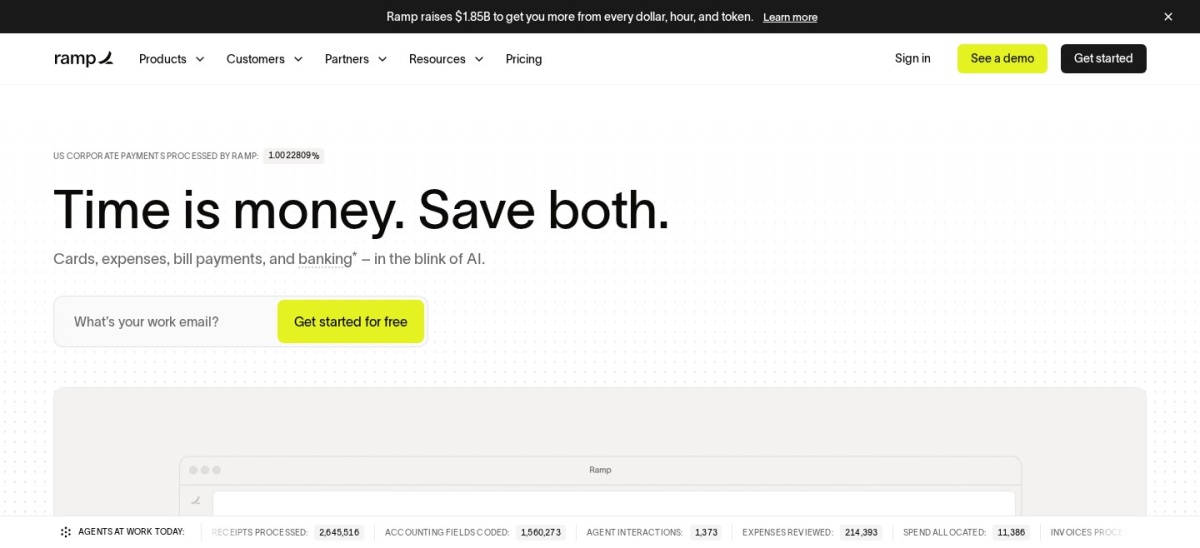
Ramp is a spend management platform built around a corporate charge card, with expense management, bill pay and travel in one product. The free plan includes unlimited physical and virtual cards, automatic receipt collection and matching, expenses by SMS or Slack, and sync to QuickBooks Online and Xero.
The trade off is the Plus price. Plus costs $15 per user a month plus a platform fee based on team size that Ramp does not publish, with 20% off annual billing. It suits teams that want the free core now and NetSuite, Sage Intacct or multi-entity support later.
What we like
Full expense and card core free, with no per-user fee
Highest G2 rating in this list at 4.8/5
Receipt matching and approvals included on the free plan
Bill pay and travel booking in the same product
Watch out for
Plus adds an unpublished platform fee on top of the seat price
NetSuite and Sage Intacct syncs need the paid Plus plan
You must adopt Ramp cards to use the free core
Plus adds NetSuite and Sage Intacct syncs, multi-entity and AI expense reviewVisit ramp.com
02
Brex
4.8/5on G2 (1,637 reviews, checked Nov 2026)
Paid from$12/mo
Best free plan with reimbursements included
Free planYes, Essentials $0
Cheapest paid planPremium, $12/user/mo
Corporate cardsAccepted in 210+ countries
Free reimbursementsYes, on Essentials
brex.com
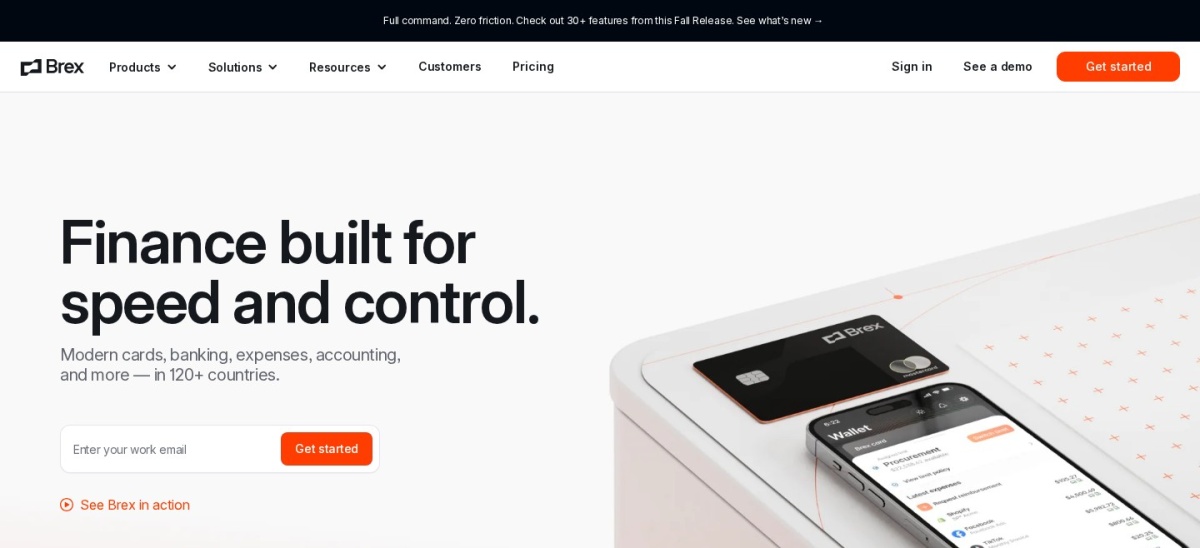
Brex homepage, captured Nov 2026.
Brex is a corporate card and spend platform with expense management, travel, bill pay and banking in one place. The free Essentials plan includes global card acceptance with one local card program, bill pay, reimbursements, travel booking, accounting integrations and up to two entities.
The trade off is the paid step up. Premium costs $12 per user a month and adds multiple expense policies, live budgets, multi-entity support and ERP integrations. It suits startups and growing teams that want reimbursements free and a clear paid upgrade.
What we like
Reimbursements and multi-level approvals on the free plan
Rated 4.8/5 on G2, tied for the highest score here
Cards accepted in 210+ countries and territories
Premium has no unpublished platform fee
Watch out for
Free plan covers only up to two entities
Enterprise features such as local card issuance need a custom quote
Capital One acquired Brex in 2026, so the roadmap may change
Premium adds multiple policies, live budgets and multi-entity supportVisit brex.com
03
Expensify
4.5/5on G2 (5,700 reviews, checked Nov 2026)
Paid from$5/mo
Best for keeping your existing cards
Free planYes, Submit for individuals
Cheapest paid planCollect, $5/member/mo
Receipt scanningUnlimited SmartScan on Collect
Accounting syncQuickBooks Online, Xero
use.expensify.com
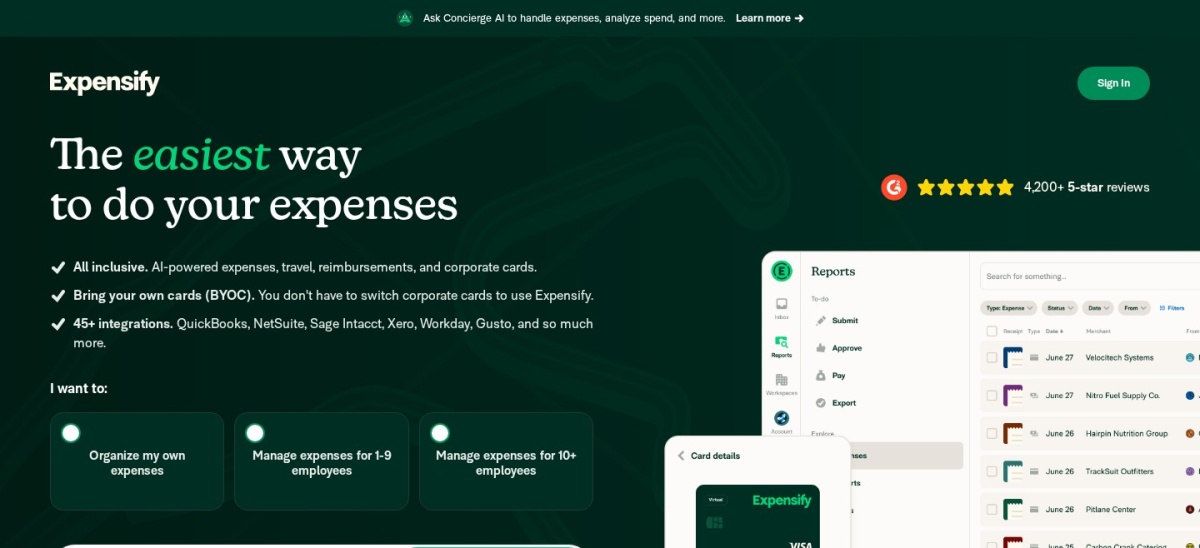
Expensify homepage, captured Nov 2026.
Expensify is expense reporting software with its own Expensify Card, and it works in 190+ countries. The free Submit workspace covers receipt scanning, mileage tracking and expense reports for one person, while Collect at $5 per member a month adds unlimited SmartScan, approvals, next-day ACH reimbursement and QuickBooks Online and Xero sync.
The trade off is the Control price. Control costs $18 per member a month on an annual plan, or as low as $9 when most spend goes on the Expensify Card, and adds NetSuite, Sage Intacct and SAML single sign-on. It suits teams that want strong receipt scanning without switching cards.
What we like
Largest review base in this list at 5,700 G2 reviews
Works with third-party cards, so no card switch is needed
Next-day ACH reimbursement on the Collect plan
Collect is pay-per-use, with no annual commitment
Watch out for
Control is $18 a member on annual billing, or $36 pay-per-use
ERP integrations need the Control plan
Per-member pricing climbs as the team grows
Control adds NetSuite and Sage Intacct, multi-level approvals and SAML single sign-onVisit use.expensify.com
04
Navan
4.6/5on G2 (9,704 reviews, checked Nov 2026)
Paid from$15/mo
Best for travel and expense in one place
Free planYes, Business up to 300 staff
Cheapest paid plan$15/expensing user/mo
Free expensing usersFirst 5 each month
Travel bookingIncluded, with 24/7 support
navan.com
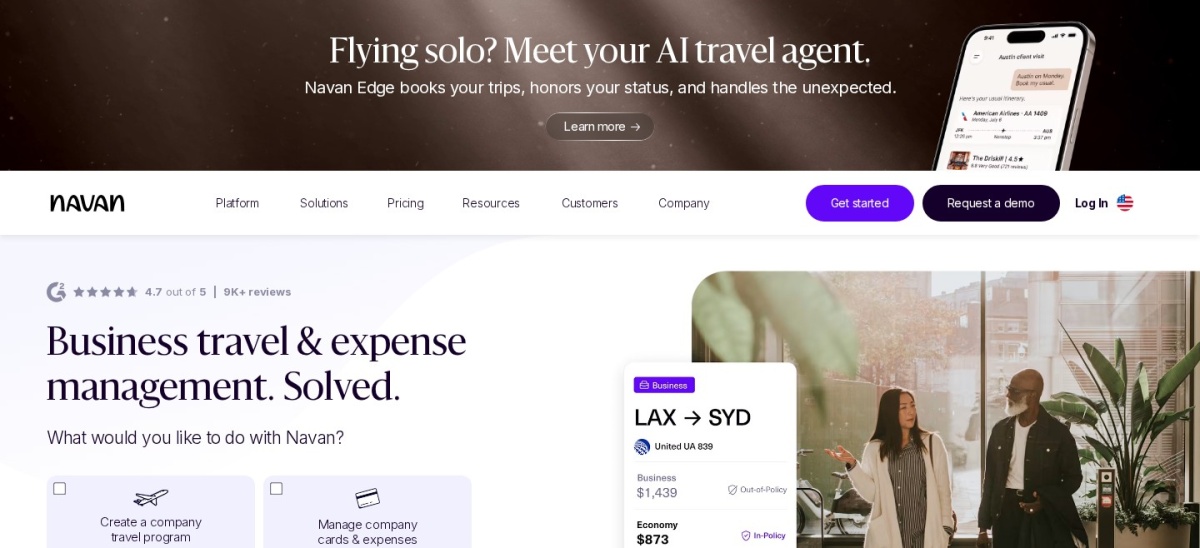
Navan homepage, captured Nov 2026.
Navan, formerly TripActions, is a travel-first platform with a bundled expense module. The Business tier is free for companies with up to 300 employees and includes travel booking with no trip limit, while expense is free for the first 5 monthly expensing users and then costs $15 per expensing user a month.
The trade off is focus. Expense is a bundled module rather than the main product, so teams that want expense-only software may find it heavier than a specialist tool. It suits travel-heavy teams that want booking, cards and expenses in one system.
What we like
Travel booking free for companies up to 300 employees
Largest G2 review count here at 9,704 reviews
Expense free for the first 5 monthly expensing users
Reimbursements in 45 countries and 25 currencies
Watch out for
Expense costs $15 per user a month after the first 5 users
Expense is a module, not a standalone specialist product
Enterprise pricing is quote-only
Enterprise adds unlimited travelers and expensing users plus a dedicated account teamVisit navan.com
05
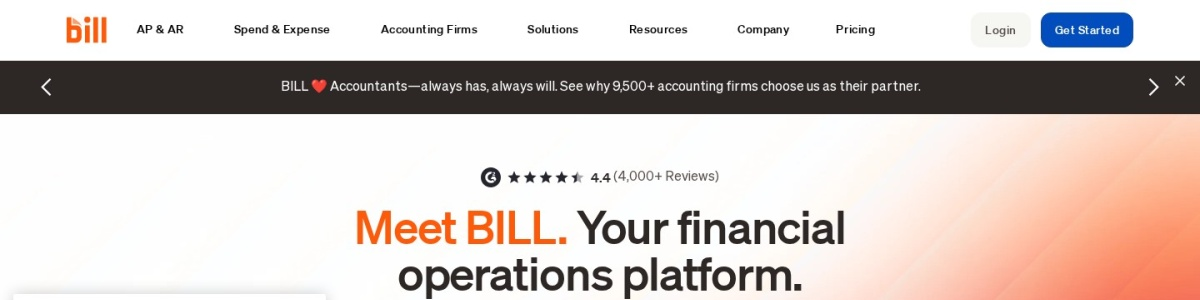
BILL Spend & Expense
4.5/5on G2 (2,261 reviews, checked Nov 2026)
PriceFree
Best free spend and expense platform
Free planYes, $0 per user
Cheapest paid planNone, core is free
Corporate cardsBILL Divvy Cards, physical and virtual
Credit lines$1,000-$5M, subject to approval
bill.com
BILL Spend & Expense homepage, captured Nov 2026.
BILL Spend & Expense, formerly Divvy, is a free spend and expense platform with corporate cards, budgets and expense tracking. The $0 per user plan includes BILL Divvy Cards, budget controls, AI receipt matching, reimbursements, reporting and accounting integrations, with no paid tier to unlock the core controls.
The trade off is depth. AP and AR automation sit on separate BILL plans from $49 per user a month, and reviewers note limits on reimbursement workflows and some integrations. It suits small and midsize teams that want cards and expenses free and AP in the same platform.
What we like
Full spend and expense core at $0 per user a month
Budgets, virtual cards and AI receipt matching included
No paid upgrade needed for the core controls
AP and AR available in the same platform
Watch out for
AP and AR plans start at $49 per user a month
Reimbursement workflows are less deep than specialists
Some accounting integrations are limited
Paid AP and AR plans from $49 per user a month add bill automation and invoicingVisit bill.com
06
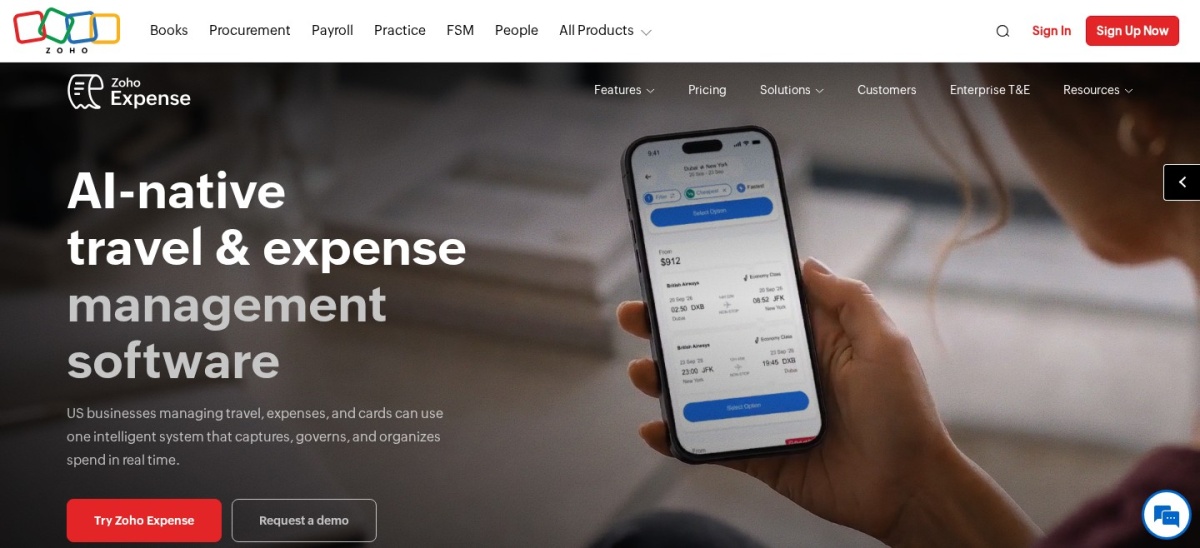
Zoho Expense
4.5/5on G2 (1,609 reviews, checked Nov 2026)
Paid from$3/mo
Best budget pick for small teams
Free planYes, up to 3 users
Cheapest paid planStandard, $3/user/mo annual
Receipt autoscans20 per user a month on free
Mileage trackingYes, with GPS
zoho.com
Zoho Expense homepage, captured Nov 2026.
Zoho Expense is a standalone expense tool for small and growing teams, with receipt capture, approvals, mileage and multi-currency expenses. The free plan covers up to 3 users with 5 GB of receipt storage, 20 receipt autoscans per user a month and sync to Zoho Books, QuickBooks Online and Xero.
The trade off is the paid gap. Standard costs $3 per user a month billed annually and adds corporate card reconciliation, multi-level approvals and cash advances, while Premium at $5 adds travel requests and per diem automation. It suits small teams that want the lowest paid price in this list.
What we like
Cheapest paid plan in this list at $3 per user a month
Free plan for up to 3 users with mileage and multi-currency
Strong fit for Zoho Books users
Rated 4.5/5 on G2 from 1,609 reviews
Watch out for
Free plan caps autoscans at 20 per user a month
Paid plans need a 3-user minimum
Advanced features sit on the Premium plan
Premium at $5 per user a month adds travel requests and per diem automationVisit zoho.com
07
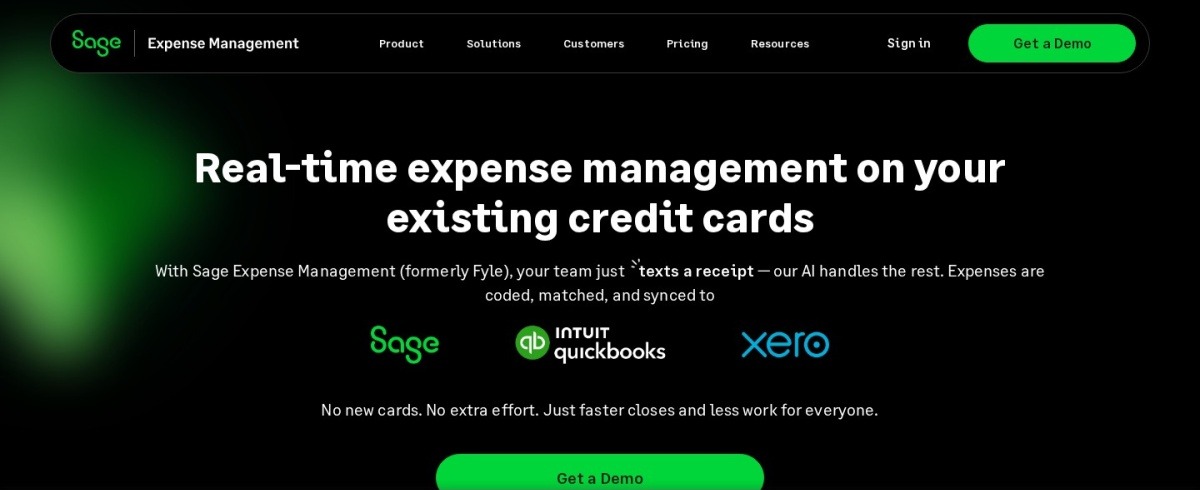
Sage Expense Management
4.6/5on G2 (1,823 reviews, checked Nov 2026)
Starts at$11.99/mo
Best for teams keeping existing cards
Free planNo
Cheapest paid planGrowth, $11.99/active user/mo
Card feedsVisa, Mastercard, Amex in real time
Accounting syncQuickBooks, Xero, NetSuite
fylehq.com
Sage Expense Management homepage, captured Nov 2026.
Sage Expense Management, formerly Fyle, is expense software that works with the corporate cards a team already has. It connects directly to Visa, Mastercard and Amex for real-time transaction feeds, with receipt matching, approvals and sync to QuickBooks, Xero, NetSuite and Sage Intacct, and it charges only for active users.
The trade off is price and the lack of a free plan. Growth costs $11.99 per active user a month billed annually, with a 5-user minimum, and Business at $14.99 adds more controls. It suits Sage Intacct shops and teams that will not switch card programs.
What we like
No card switch needed, with real-time card feeds
Pay only for active users each month
Rated 4.6/5 on G2 from 1,823 reviews
Deep sync to QuickBooks, Xero and NetSuite
Watch out for
No free plan
Growth needs a 5-user minimum
Highest entry price among the card-agnostic tools here
Business at $14.99 per active user a month adds more controls and a 10-user minimumVisit fylehq.com
08
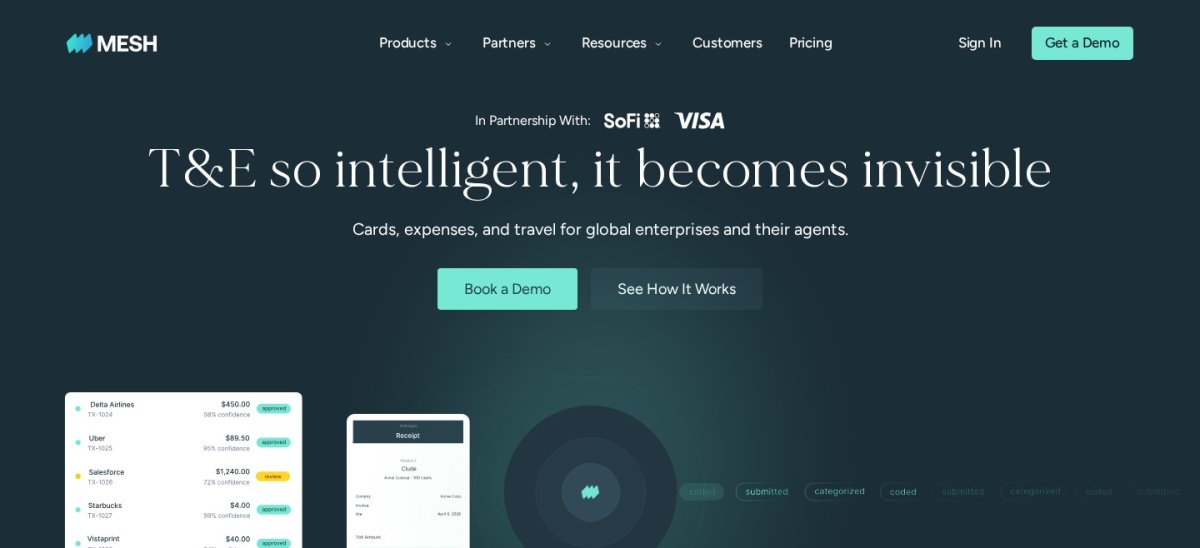
Mesh Payments
4.6/5on G2 (1,067 reviews, checked Nov 2026)
Paid from$13/mo
Best for global card spend control
Free planYes, Pro up to 3 users
Cheapest paid planPremium, $13/user/mo
Corporate cardsPhysical and virtual Visa cards
TravelTravel booking included
meshpayments.com
Mesh Payments homepage, captured Nov 2026.
Mesh Payments is a spend platform built on physical and virtual Visa corporate cards, with expense management, accounts payable and travel in one product. The free Pro tier covers up to 3 users with virtual cards, real-time expense tracking, budget controls and receipt management.
The trade off is the paid price. Premium costs $13 per user a month and adds the fuller spend controls for growing teams, while Enterprise is quote-only. It suits midsize and global teams that want card controls and real-time visibility without an enterprise suite.
What we like
Free Pro tier for up to 3 users
Real-time spend visibility and virtual cards
Rated 4.6/5 on G2 from 1,067 reviews
Cards, expenses, AP and travel in one product
Watch out for
Premium at $13 per user a month is dear for small teams
Enterprise pricing is quote-only
Cards are prepaid or debit cards with no credit line
Premium at $13 per user a month adds fuller spend controls; Enterprise is quote-onlyVisit meshpayments.com
09
Emburse Spend
4.5/5on G2 (1,129 reviews, checked Nov 2026)
Starts at$7/mo
Best for approval-heavy midsize teams
Free planNo, 30-day trial
Cheapest paid planBasic, $7/user/mo annual
ApprovalsMulti-level, on paid plans
AvailabilityUS and Australia only
emburse.com
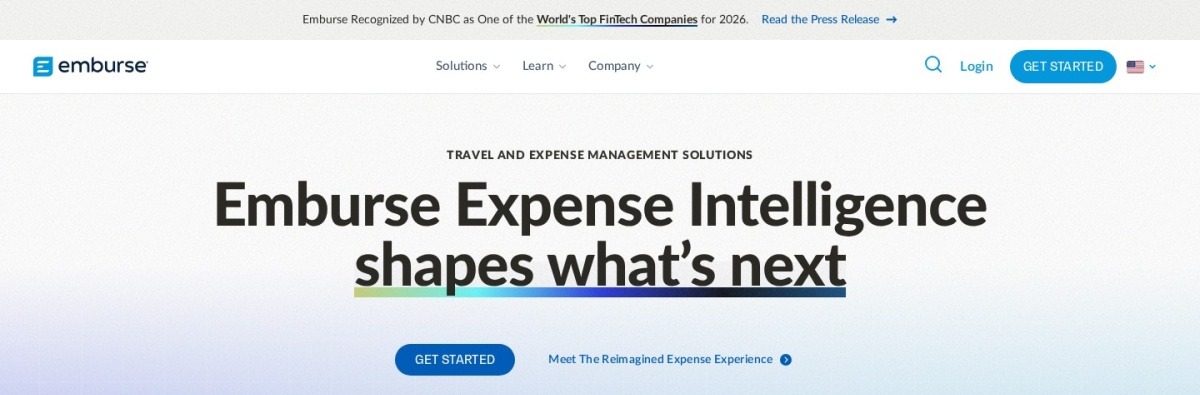
Emburse Spend homepage, captured Nov 2026.
Emburse Spend is card-based expense software for midsize teams, with corporate cards, budgets, approvals and reimbursements. The Basic plan costs $7 per user a month billed annually, or $8 monthly, and covers cards, approvals, bill pay and accounting sync, with a 20-user minimum on annual billing.
The trade off is reach and the minimums. Emburse Spend serves the US and Australia only, and monthly billing needs at least 15 users. It suits approval-heavy teams in those regions that want a mid-priced card tool with Bill Pay included.
What we like
Basic at $7 a user a month is mid-priced for a card tool
Multi-level approvals and Bill Pay included
Rated 4.5/5 on G2 from 1,129 reviews
30-day free trial to check the fit
Watch out for
No free plan
US and Australia only
Annual billing needs a 20-user minimum
Plus at $11 per user a month annual adds NetSuite and Sage Intacct and multi-subsidiary supportVisit emburse.com
Card-led or card-agnostic: which fits your team
Card-led tools issue the card and set limits before money moves. That gives finance the most control, but it means switching card programs.
Card-agnostic tools sit on top of the cards you already hold. They suit teams with a card program they like, or with several card issuers.
If your team spends mostly on one card, go card-led. If spend is spread across cards, travel bookings and out-of-pocket claims, a card-agnostic tool such as Expensify or Sage Expense Management fits better.
How we chose
We started from the established expense management tools with a public G2 rating and a published price or a free plan, then kept the nine with the strongest mix of rating, review volume and fit for general teams.
Prices come from each vendor pricing page, checked on 26 November 2026. Ratings and review counts come from G2 on the same day. Where a vendor shows a sale, the list shows the regular price.
We left out quote-only tools such as Airbase and Spendesk, which publish no per-user price. No vendor paid for a place, and we do not claim to have used these tools ourselves.
How to choose expense management software
Start with how your team spends today, then match the tool to that pattern.
Decide card-led or card-agnostic first. If you will switch cards, Ramp, Brex or BILL give you the most control for free. If not, shortlist Expensify or Sage Expense Management.
Count who actually submits expenses. Per-user pricing punishes teams with many occasional spenders. Active-user pricing, as Sage Expense Management uses, or a free core can cut that cost.
Check approvals and accounting sync. Confirm your approval steps and your accounting sync, whether QuickBooks Online, Xero, NetSuite or Sage Intacct, are on the plan you would pay for.
Run a trial with real receipts. Submit a week of real expenses, test receipt matching and mileage, and check the close before you roll the tool out to the whole team.
FAQ
What is the best expense management software?
Ramp is the best pick for most teams. Its free plan covers unlimited corporate cards, receipt matching and approvals, and it is rated 4.8 out of 5 on G2 from 2,578 reviews. Brex is the closest rival, also rated 4.8 out of 5.
Is there free expense management software?
Yes. Ramp, Brex, BILL Spend & Expense, Navan and Zoho Expense all have free plans, and Mesh Payments has a free tier for up to 3 users. Free plans cover cards, receipt capture and approvals, while ERP syncs and advanced controls usually need a paid plan.
How much does expense management software cost?
Paid plans in this list run from $3 to $15 per user a month. Zoho Expense is cheapest at $3, Expensify starts at $5, and Ramp Plus and Navan cost $15. Several tools, including Ramp, Brex and BILL, have a free core with no per-user fee.
Do I need to switch corporate cards?
Not always. Expensify and Sage Expense Management work with the cards you already hold, including Visa, Mastercard and Amex feeds. Ramp, Brex, BILL and Mesh issue their own cards, so using them means switching card programs.
What is the difference between Ramp and Brex?
Both are card-led platforms rated 4.8 out of 5 on G2, and both start free. Brex includes reimbursements and multi-level approvals on its free plan, while Ramp keeps reimbursements and deeper ERP syncs on Plus at $15 per user a month plus an unpublished platform fee.
Is SAP Concur good for small business?
SAP Concur suits large enterprises with complex travel and expense needs, and it is rated 4.0 out of 5 on G2 from 7,183 reviews. Its pricing is quote-based, with a Base tier listed at $7 per user a month, so small teams usually get better value from Ramp, Brex or Zoho Expense.
SaaS SEO and WordPress specialist with about 8 years of experience. Rakib compares WordPress plugins, themes, hosting and software using public pricing, documentation and user reviews. See how we rank.