JumpCloud is the best access management software for coaches, with a free plan for up to 10 users and paid plans from three dollars per user a month. Cisco Duo is the cheapest way to add phishing-resistant MFA, while Okta suits coaching businesses that plan to grow past a small team.
How we make this list: we compare pricing pages, product documentation and public user reviews, then re-check every price before each update. No product paid for a place. Disclosure.
JumpCloud and Cisco Duo both start at $3 per user a month, and both offer a free plan for up to 10 users.
Okta Starter costs $6 per user a month but carries a $1,500 annual minimum, so tiny teams pay the floor.
Microsoft Entra ID P1 costs $7 per user a month, and it is already included in Microsoft 365 E3 and Business Premium.
Rippling holds the highest G2 rating here at 4.7 out of 5, with access driven by HR data instead of a separate directory.
Auth0, Clerk and Descope handle client login for portals and course platforms, not just staff SSO.
How do you choose access management software for coaches?
A coaching business has two access problems at once. Staff and contractors need one login for scheduling, billing and course tools, while clients need a safe way into portals and programs.
Start with the staff side. A small team needs single sign-on and multi-factor authentication that an admin can set up in an afternoon, without an IT department.
Client login is a separate decision. If clients sign into your own portal or course platform, a customer identity tool such as Auth0, Clerk or Descope fits better than a workforce directory.
Price is mostly per user, so count everyone. Our identity and access management guide compares the same platforms for larger teams, where the per-user maths change.
The 9 best access management software tools for coaches
01
JumpCloud
4.5/5on G2 (4,151 reviews, checked Nov 2026)
Paid from$3/mo
Best access management for small coaching teams
Free planUp to 10 users
SSOYes, unlimited apps
MFAYes, included
Paid planCloud Directory, $3/user/mo
jumpcloud.com
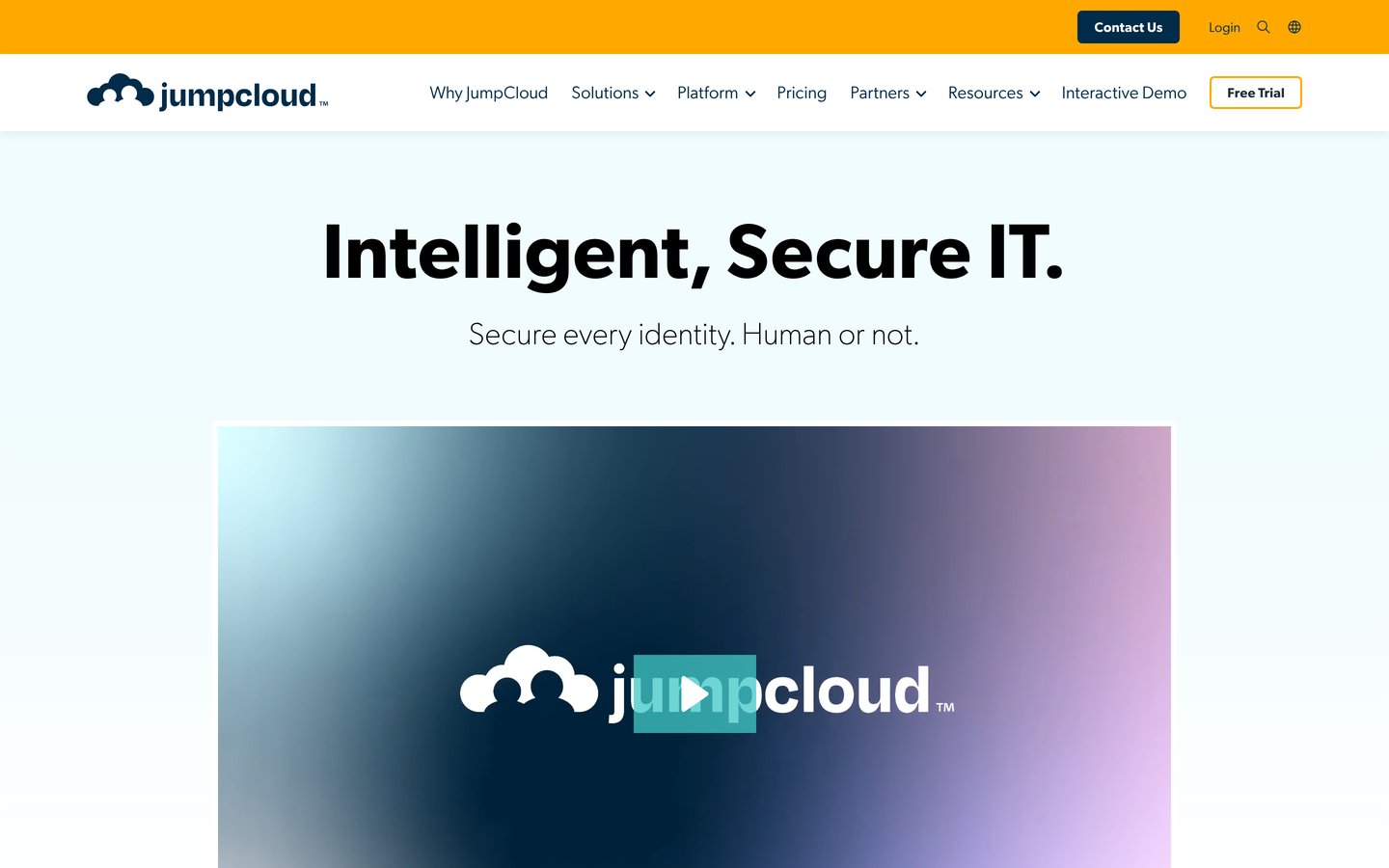
JumpCloud homepage, captured Nov 2026.
JumpCloud is a cloud directory that combines identity, access and device management in one console, so a coaching business can give staff and contractors one login for every app. The free plan covers up to 10 users with full platform access, including SSO, MFA and directory tools.
The trade off is packaging. The cheapest paid plan, Cloud Directory at $3 per user a month, covers identity and MFA, while device management and full SSO sit in higher tiers that cost more. It suits small coaching teams that want one directory without an on-premises server.
What we like
Free plan covers up to 10 users with full access
Identity, access and device management in one console
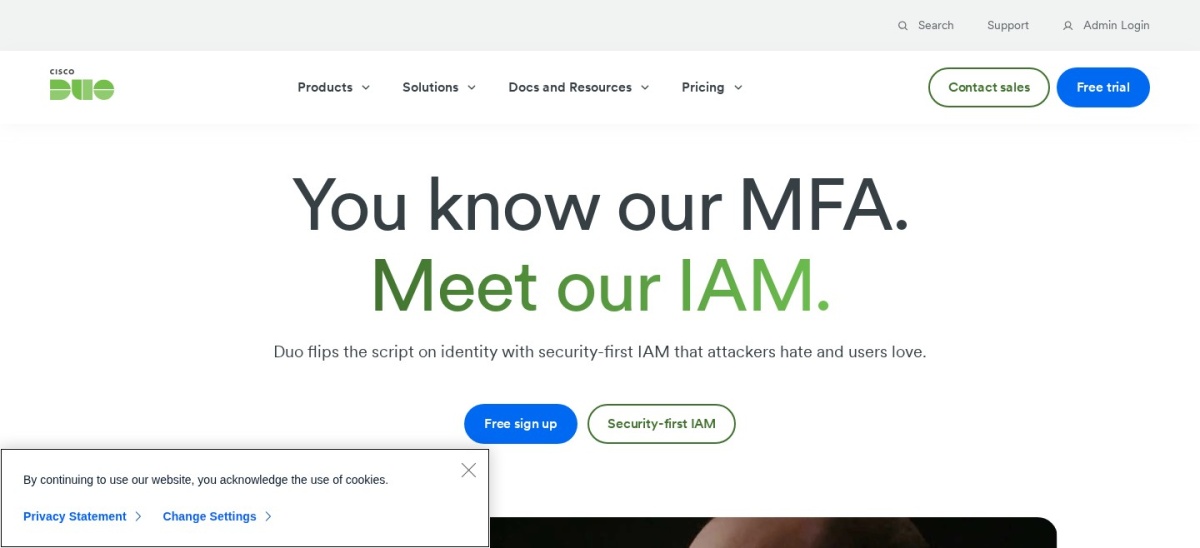
Cisco Duo is the fastest way to add multi-factor authentication to a coaching business, and Essentials adds single sign-on and a directory of its own. Duo Free covers up to 10 users with strong MFA, and Essentials costs $3 per user a month with passwordless login and Trusted Endpoints.
The trade off is scope. Duo secures logins rather than running a full directory, so lifecycle automation and access reviews need higher tiers or another tool. It suits coaches who already have their apps and only need logins locked down fast.
What we like
Cheapest paid route to phishing-resistant MFA
Free plan for up to 10 users
Sets up in minutes with no server
Watch out for
No full directory or lifecycle automation
Device trust checks need the $6 Advantage tier
Advantage adds risk-based authentication and device healthVisit duo.com
03
Okta
4.5/5on G2 (1,370 reviews, checked Nov 2026)
Starts at$6/mo
Best identity platform for growing teams
SSOYes, broad app catalog
MFAYes, adaptive on higher tiers
Free planNo, trial only
Paid planStarter, $6/user/mo
okta.com
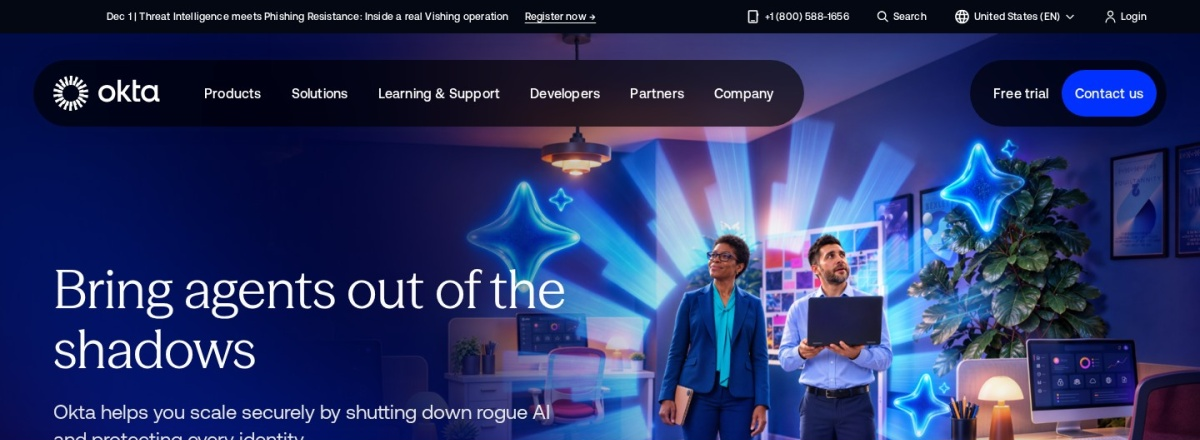
Okta homepage, captured Nov 2026.
Okta is the most widely used workforce identity platform, covering single sign-on, MFA, a universal directory and lifecycle automation in one place. Starter costs $6 per user a month billed annually and includes SSO, MFA, the directory and five automated workflows.
The trade off is the minimum. Every Workforce Identity suite carries a $1,500 annual contract minimum, so a very small coaching team pays that floor even with few users. It suits coaching businesses that expect to grow and want the deepest app catalog available.
What we like
Largest app catalog for SSO integrations
Mature lifecycle automation and governance
Rated 4.5 out of 5 from 1,370 G2 reviews
Watch out for
$1,500 annual minimum hits tiny teams hard
Adaptive MFA and governance need higher tiers
Core Essentials adds adaptive MFA and lifecycle toolsVisit okta.com
04
Microsoft Entra ID
4.5/5on G2 (912 reviews, checked Nov 2026)
Paid from$7/mo
Best for Microsoft 365 teams
Free tierYes, SSO and MFA
Conditional AccessP1, $7/user/mo
Identity ProtectionP2, $10/user/mo
Paid planP1, $7/user/mo
microsoft.com
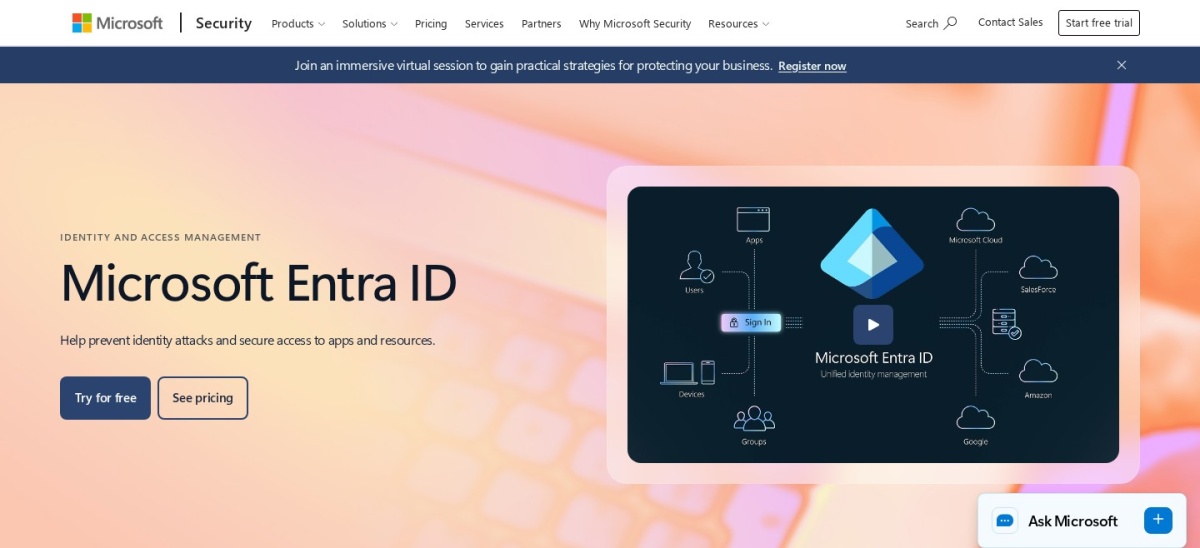
Microsoft Entra ID homepage, captured Nov 2026.
Microsoft Entra ID is the identity service behind Microsoft 365 and Azure, handling sign-in for staff across Microsoft and third-party apps. The free tier covers basic SSO and MFA, while P1 costs $7 per user a month billed annually and adds Conditional Access, passwordless login and hybrid identity.
The trade off is the bundle trap. P1 is already included in Microsoft 365 E3 and Business Premium, and P2 in E5, so standalone buyers should check their bundle first. It suits coaching teams already paying for Microsoft 365.
What we like
Free tier covers SSO and MFA
Already included in many Microsoft 365 plans
Strong Conditional Access controls on P1
Watch out for
P1 rose from $6 to $7 per user a month in July 2026
Risk-based protection needs P2 at $10 a user
P2 adds identity protection and privileged identity managementVisit microsoft.com
05
OneLogin
4.4/5on G2 (292 reviews, checked Nov 2026)
Starts at$3/mo
Best budget SSO and MFA bundle
SSOYes, thousands of connectors
MFAYes, included
Free planNo, trial only
Paid planBasic, $3/user/mo
onelogin.com
OneLogin homepage, captured Nov 2026.
OneLogin is a cloud identity platform that gives a small team single sign-on, MFA and a cloud directory without enterprise complexity. The Basic plan costs $3 per user a month and covers the cloud directory, SSO and MFA, with thousands of prebuilt app connectors.
The trade off is depth. Advanced features such as automated provisioning and lifecycle management sit in the $10 Business plan, and support quality draws mixed reviews. It suits coaches who want the cheapest full SSO and MFA bundle for a small staff.
Rippling is an all-in-one HR, IT and payroll platform built around one employee record, so a hire, a pay change or a departure updates app access at the same time. Core starts at $8 per user a month plus a monthly base fee, and access is driven by HR data instead of a separate directory.
The trade off is modular pricing. Payroll, IT and benefits are separate modules, so the bill grows as you add them, and the $8 starting price comes from G2 pricing data supplied by Rippling because its own pricing page shows no list prices. It suits coaching businesses that also need HR and payroll in the same system.
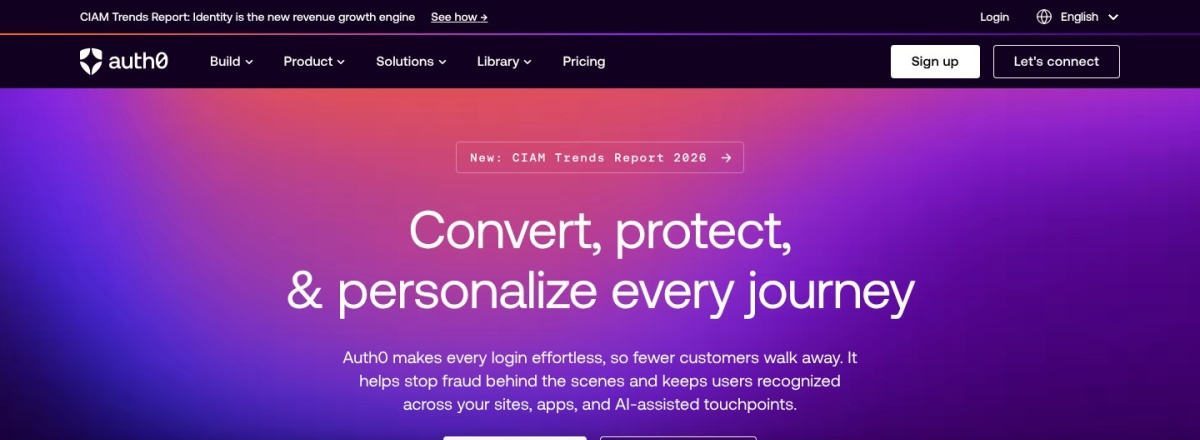
Auth0 is the standard choice for adding login to a customer-facing app, which is what coaches need for client portals and course platforms. Part of Okta, it offers a free plan covering up to 25,000 monthly active users, and B2C Essentials starts at $35 a month for 500 monthly active users with Pro MFA and role management.
The trade off is the MAU meter. Costs rise steeply as the client base grows, and enterprise SSO and advanced role controls sit on higher tiers. It suits coaches who run their own branded client portal and need secure sign-up and login.
What we like
Generous free plan up to 25,000 monthly users
Built for customer login, not just staff
Strong social login and passwordless options
Watch out for
Costs climb fast once the free allowance ends
Lowest G2 rating in this list at 4.3 out of 5
Professional adds enterprise MFA and attack protectionVisit auth0.com
08
Clerk
4.2/5on Capterra (9 reviews, checked Nov 2026)
Paid from$25/mo
Best for React and Next.js apps
Free planUp to 50,000 MRU
Prebuilt login UIYes
MFA and passkeysPro plan
Paid planPro, $25/mo
clerk.com
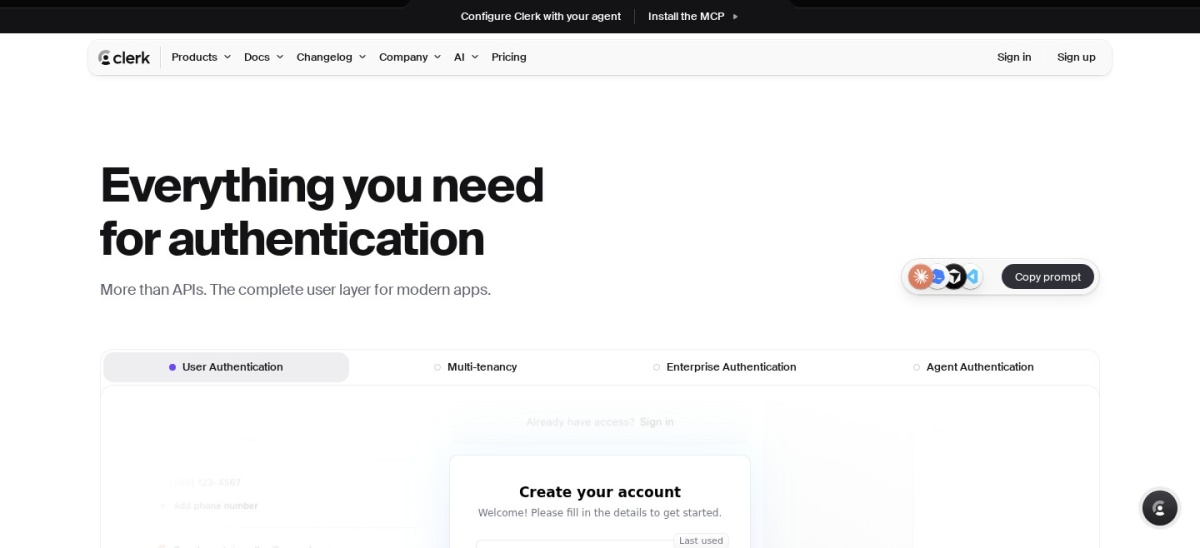
Clerk homepage, captured Nov 2026.
Clerk is a hosted login and user management service for modern web apps, with ready-made sign-in, sign-up and profile components for React and Next.js. The Hobby plan is free for up to 50,000 monthly retained users per app, and Pro costs $25 a month, adding MFA, passkeys and one enterprise SSO connection.
The trade off is the thin review base. Clerk holds a 4.2 out of 5 Capterra rating from only 9 reviews, and it fits developer-led teams rather than non-technical coaches. It suits coaching businesses whose portal is a custom web app built on modern frameworks.
What we like
Ready-made login components save build time
Free plan covers up to 50,000 retained users
MFA and passkeys included on Pro
Watch out for
Thin public review base with only 9 Capterra reviews
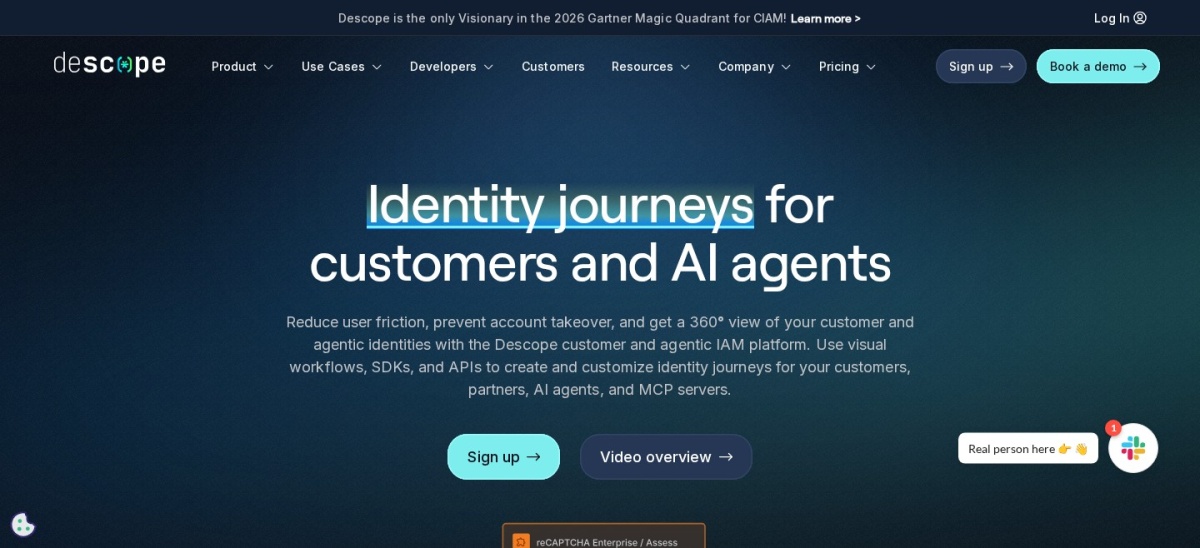
Descope is a no-code customer identity platform that lets teams build sign-up, login, MFA and SSO flows with a visual drag-and-drop editor instead of code. The Free Forever plan covers up to 7,500 monthly active users, and Pro starts at $249 a month billed annually with 10,000 monthly active users.
The trade off is price at scale. Pro is usage-based at five cents per monthly active user beyond the included allowance, so a large client list pushes the bill up. It suits coaches who want a polished client login without hiring a developer.
What we like
Highest G2 rating in this list at 4.8 out of 5
Visual flow builder needs no code
Free plan covers up to 7,500 monthly users
Watch out for
Pro starts at $249 a month, the dearest here
Usage-based overages add up with growth
Growth adds SCIM, bot protection and fine-grained authorizationVisit descope.com
Staff access and client access are two different buys
Staff access is about your team. SSO, MFA and a directory cover scheduling, billing and course tools with one login per person.
Client access is about your customers. A client portal needs sign-up, password reset and social login, which is what Auth0, Clerk and Descope are built for.
Buying one tool for both jobs usually means overpaying on one side. Pick a workforce tool for staff first, then add a client login tool only if your portal needs it.
How we chose
We started from the identity and access tools with published per-user or per-month pricing and a public rating on G2 or Capterra, then kept the nine that fit a small coaching business.
Prices come from each vendor's pricing page, checked on 30 November 2026, except Rippling, whose $8 starting price comes from G2 pricing data supplied by Rippling, and Descope, whose Pro price is usage-based. Ratings and review counts come from G2 or Capterra on the same day.
We left out tools with no public price and no aggregator rating. No vendor paid for a place, and we do not claim hands-on testing for this list.
How to choose access management software for coaches
Count your users first, then match the tool to who is logging in.
Count staff, contractors and clients separately. Per-user pricing means a tool that is cheap for five staff can be dear once clients are counted, so keep the two groups apart.
Start with a free plan if your team is tiny. JumpCloud and Duo both cover up to 10 users free, which is enough for most solo coaches and small practices.
Check what you already pay for. Microsoft 365 E3 and Business Premium already include Entra ID P1, so do not buy a second identity tool on top.
Add client login only if you run your own portal. If clients log in through a course platform such as Kajabi or Teachable, that platform handles login and you only need staff access.
FAQ
What is the best access management software for coaches?
JumpCloud is the best pick for most coaching businesses. Its free plan covers up to 10 users with SSO and MFA, and paid plans start at $3 per user a month, which keeps costs low while the team is small.
How much does access management software cost for coaches?
Expect $3 to $8 per user a month for staff tools, with JumpCloud, Cisco Duo and OneLogin all starting at $3. Okta starts at $6 but carries a $1,500 annual minimum, and client login tools price by monthly active users instead.
Is there a free access management tool for coaches?
Yes. JumpCloud and Cisco Duo both offer a free plan for up to 10 users, Microsoft Entra ID has a free tier with SSO and MFA, and Auth0 is free for up to 25,000 monthly active users on a client portal.
Do coaches need separate software for client logins?
Only if clients sign into a portal you own. Course platforms such as Kajabi and Teachable handle client login themselves, while a custom portal needs a customer identity tool such as Auth0, Clerk or Descope.
JumpCloud vs Okta: which is better for a small coaching team?
JumpCloud is better for a small team. It is free for up to 10 users and starts at $3 per user a month, while Okta starts at $6 and carries a $1,500 annual minimum. Okta wins once the team grows and needs deeper governance.
Which access management tool is best for beginners?
Cisco Duo is the easiest starting point. It adds MFA and SSO in minutes with no server to run, and the free plan covers up to 10 users, so a coach can secure logins before buying anything.
SaaS SEO and WordPress specialist with about 8 years of experience. Rakib compares WordPress plugins, themes, hosting and software using public pricing, documentation and user reviews. See how we rank.