Planner 5D is the best 3D home software for virtual reality, with drag-and-drop plans, AR and VR walkthroughs and a free plan with unlimited projects. Homestyler and Coohom are strong alternatives, with free realistic renders and VR tours for client presentations.
How we make this list: we compare pricing pages, product documentation and public user reviews, then re-check every price before each update. No product paid for a place. Disclosure.
Planner 5D leads on VR, with drag-and-drop plans, AR and VR walkthroughs and Premium at $59.99 a year.
Homestyler is the best free render option, with unlimited 1K renders and Pro+ from $6.80 a month.
Coohom Pro at $29 a month adds unlimited 4K renders and 720-degree VR tours for client work.
RoomSketcher Pro at $144 a year is the pick for to-scale plans a contractor can read.
Floorplanner Plus at $5 a month is the cheapest paid plan, for quick free layouts in the browser.
How do you choose 3D home software for virtual reality?
Virtual reality turns a floor plan into a place you can stand in. A VR walkthrough shows whether a sofa fits, a hallway feels tight or a kitchen layout works, before anything is built.
Free plans are genuinely useful here. Planner 5D, Homestyler and Floorplanner all let you design a whole home without paying, with the paid tier unlocking renders and the full catalog.
Renders are where the money goes. Photorealistic 4K images and 360-degree tours usually need a paid plan, while basic 3D views are free. Our home design software guide compares the same tools on whole-house projects.
Builders and homeowners need different tools. Cedreo and RoomSketcher produce plan sets a contractor can read, while Planner 5D and Homestyler suit a homeowner redesigning one room.
VR needs a headset or a phone. Most of these tools show VR through a phone viewer or a headset app, so check what yours supports before you pay for a VR feature.
The 8 best 3D home software tools for virtual reality
01
Planner 5D
4.7/5on G2 (188 reviews, checked Nov 2026)
Paid from$59.99/yr
Best 3D home software for virtual reality overall
Premium$59.99/yr, billed annually
Catalog10,000+ items
VR and ARYes, walkthroughs
Free planYes, unlimited projects
planner5d.com
Planner 5D homepage, captured Nov 2026.
Planner 5D is the fastest route from an idea to a furnished 3D room. You draw walls, drag in furniture from a catalog of more than 10,000 items, and walk through the result in 3D or VR, all from a browser or phone.
The trade off is the catalog. The free plan covers only half the catalog, and the renders that make a design look real need Premium at $59.99 a year. It suits homeowners who want to plan a renovation without learning CAD.
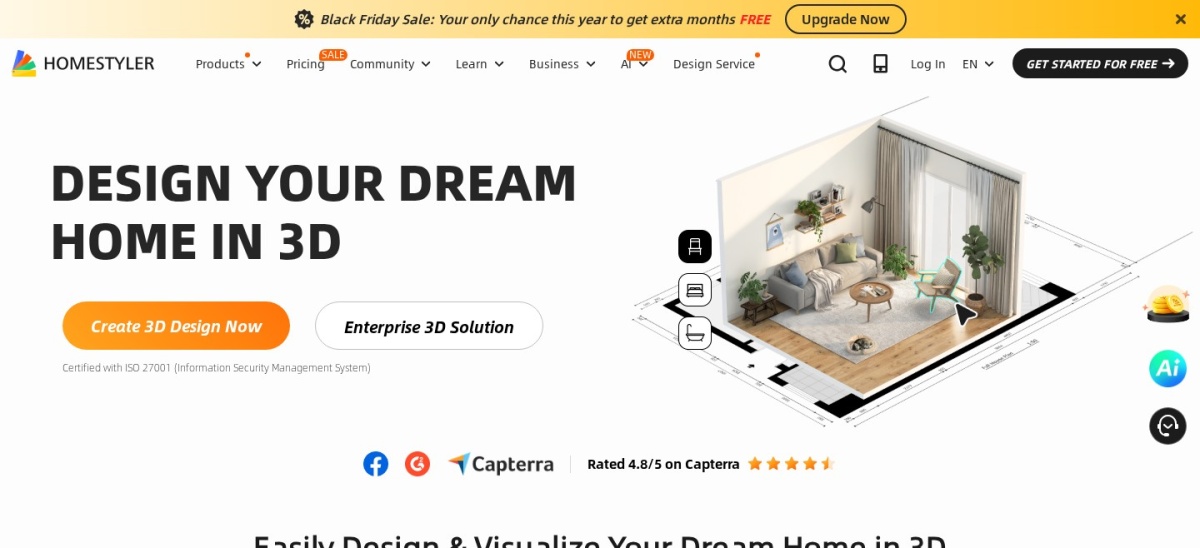
Homestyler is a browser-based 3D home design platform with a catalog of more than 100,000 free models and materials. The free Basic plan includes unlimited 1K renders, and paid tiers add 2K and 4K renders, watermark removal and VR walkthroughs.
The trade off is the AI allowance. The free plan includes only 3 AI credits in total, so restyling runs out fast, and free renders carry a watermark. It suits homeowners who want lifelike pictures of a redesign without paying.
Coohom is a cloud-based 3D design platform for interior designers and furniture brands, with AI layouts, a 100,000-plus premium catalog and unlimited 4K renders on Pro. Pro costs $29 a month billed monthly or $300 a year, and includes 720-degree VR tours.
The trade off is the learning curve. Coohom is built for professionals, so a first-time homeowner may find it less friendly than Planner 5D or Homestyler. It suits designers who render client rooms every day.
RoomSketcher is built for people who present plans to other people. Real estate agents, interior designers and remodelers use it to turn measurements into clean 2D floor plans, furnished 3D views and shareable live 3D walkthroughs.
The trade off is credits. Pro costs $144 a year and includes monthly credits, while 2D plans, 3D photos and 360 views each consume credits. It suits anyone who needs to-scale plans a contractor can read.
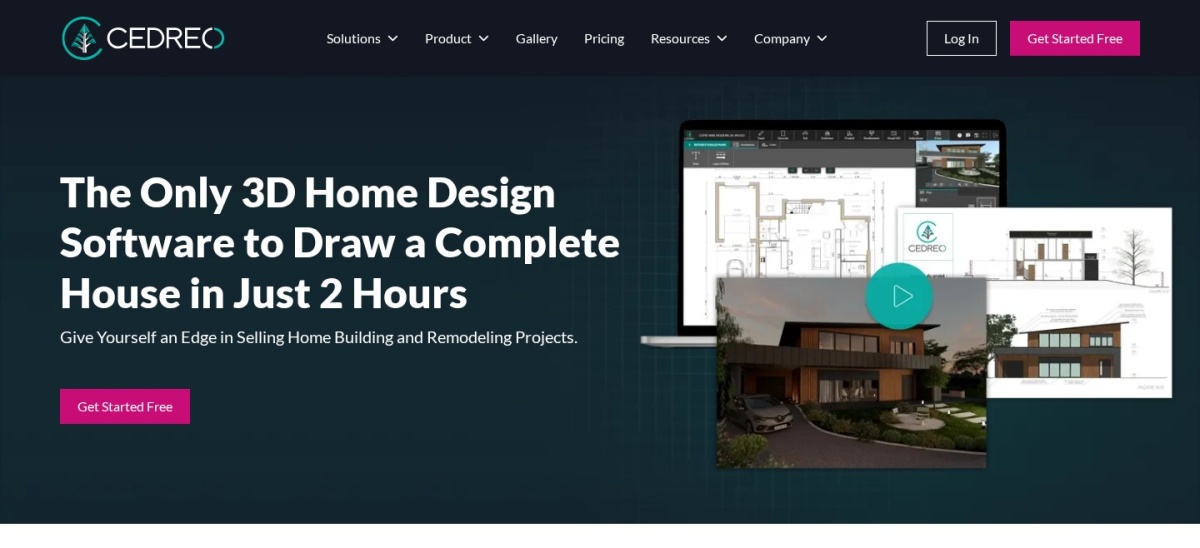
Cedreo is a 3D home design tool for home builders, contractors and remodelers that creates a whole house design in about two hours. It produces floor plans with builder symbols, furnished 3D plans and photorealistic renders for client presentations.
The trade off is price. Pro costs $79 a month billed annually, and prices vary by visitor location, so the figure at checkout can differ. It suits builders who sell homes from plans rather than homeowners doing one remodel.
SketchUp is the sketchbook of 3D home design. Its push-pull modeling feels closer to drawing than to CAD, which is why homeowners, interior designers and contractors all use it, and the free web version covers personal projects.
The trade off is that you draw everything by hand. SketchUp is a general 3D modeler, not a floor plan tool, so there are no drag-and-drop room templates. It suits users who want to learn real 3D modeling and view the result in VR.
4.9/5on G2 (Not published reviews, checked Nov 2026)
Paid from$29/mo
Best for decorating with real brands
Essentials$29/mo
CatalogReal branded furniture
Renders4K and 360° views
Free planYes, 2 projects
home.by.me
HomeByMe homepage, captured Nov 2026.
HomeByMe is an online 3D home design service from Dassault Systemes that lets you furnish rooms with real branded furniture and view the result in 3D. The free Starter plan covers 2 projects and 5 Full HD images.
The trade off is the free limit. Two projects and five images run out fast, and paid tiers start at $29 a month, with some sources listing the price in euros. It suits decorators who want a room to look like a real interior, not a diagram.
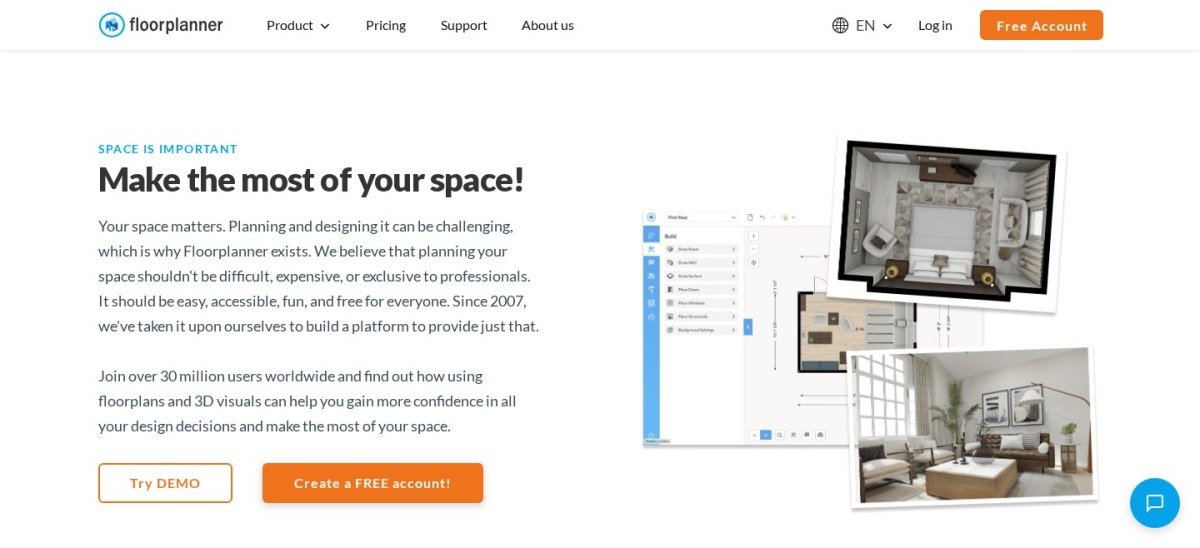
Floorplanner is a browser tool for drawing accurate floor plans and viewing them in 3D, with a drag-and-drop editor and a library of more than 15,000 items. The free plan covers 5 projects with small watermarked exports.
The trade off is depth. Floorplanner is a planning tool, not a render engine, so photorealistic images and VR cost extra through credits. It suits a quick free layout before moving to a heavier tool.
Free plans cover the design itself. You can draw walls, furnish rooms and walk through in 3D on Planner 5D, Homestyler, Coohom and Floorplanner without paying.
Paid plans add renders and VR tours. Unlimited 4K renders, watermark removal and 360-degree walkthroughs sit on paid tiers from $5 to $29 a month.
Catalog limits are the other free-plan catch. Planner 5D free covers half the catalog, and Coohom free covers only 3 projects.
For a single remodel, start free. A year of Premium at $59.99 is cheaper than one hour of a designer's time, but only pay once the free plan feels too small.
How we chose
We started from the 3D home design tools with VR or 360-degree walkthroughs and a real review base on G2 or Capterra, then kept those with a published price or a clear free plan.
Prices come from each vendor's pricing page, checked on 30 November 2026: Planner 5D Premium at $59.99 a year and Coohom Pro at $29 a month were read on the vendor pages today. Homestyler's $6.80 Pro+ figure comes from November 2026 vendor-page reads, as the page fetch today did not render prices. Ratings and review counts come from G2 and Capterra on the same day.
We left out tools with no G2 or Capterra rating and tools with no VR or 3D walkthrough, including Sweet Home 3D. No vendor paid for a place, and we do not claim hands-on testing for this list.
How to choose 3D home software for virtual reality
Start with who will read the plan, then match the tool to the viewing you need.
Decide who reads the plan. A contractor needs to-scale plans from RoomSketcher or Cedreo, while a homeowner redesigning one room needs Planner 5D or Homestyler.
Try the free plan first. Planner 5D free covers unlimited projects, Homestyler free renders unlimited 1K images, so test the workflow before paying.
Check the VR route. Planner 5D and Homestyler offer VR and AR in the app, Coohom sells 720-degree VR tours on Pro, and SketchUp needs its Viewer app on a headset.
Count the renders you need. Unlimited 4K renders come with Coohom Pro at $29 a month, while RoomSketcher charges credits per 3D photo, so heavy renderers should compare the yearly totals.
FAQ
What is the best 3D home software for virtual reality?
Planner 5D is the best 3D home software for virtual reality. It combines drag-and-drop floor plans with AR and VR walkthroughs, a free plan with unlimited projects, and Premium at $59.99 a year.
How much does 3D home software for virtual reality cost?
Free plans cover most of these tools. Paid plans run from $5 a month for Floorplanner Plus to $79 a month for Cedreo Pro, with Planner 5D Premium at $59.99 a year the cheapest full-featured year.
Is there a free 3D home software with VR?
Yes. Planner 5D, Homestyler and Coohom all offer free plans with 3D views and VR or AR features. Planner 5D free is the most generous, with unlimited projects and half the furniture catalog.
Which 3D home software is best for beginners?
Planner 5D is best for beginners, with drag-and-drop plans on any device and no CAD skill needed. Homestyler is the easiest browser option for realistic renders, while SketchUp suits users who want to learn real 3D modeling.
Planner 5D vs Homestyler: which is better for VR?
Planner 5D is better for VR walkthroughs and phone-friendly design, with AR and VR built into the app. Homestyler is better for free realistic renders, with unlimited 1K renders on its free plan.
Do I need a VR headset to use these tools?
No. Most of these tools show 3D walkthroughs on screen, and VR works through a phone viewer or a headset app such as SketchUp Viewer. A headset makes the walkthrough feel real, but it is not required.
SaaS SEO and WordPress specialist with about 8 years of experience. Rakib compares WordPress plugins, themes, hosting and software using public pricing, documentation and user reviews. See how we rank.