SketchUp is the best 3D design software for tradeshow kiosks, with an easy modeler, a library of 4 million ready-made models and 2D booth documentation, rated 4.4 out of 5. Blender is the free pick for full 3D work, and Cinema 4D is the choice for animated content on kiosk screens.
How we make this list: we compare pricing pages, product documentation and public user reviews, then re-check every price before each update. No product paid for a place. Disclosure.
SketchUp is the easiest route from booth sketch to buildable model, with 4 million ready-made models in 3D Warehouse and LayOut for 2D booth plans.
Blender is free and does the whole job, modeling, animation and rendering, but its learning curve is the steepest here.
Cinema 4D costs $839 a year and is the motion-graphics pick for animated loops on kiosk screens.
Shapr3D is the fastest way to sketch a booth concept on an iPad, at $24.92 a month on the annual plan.
Five of the 8 tools have a free plan, and three, Blender, TinkerCAD and FreeCAD, cost nothing at all.
Spline is the only browser tool built for interactive kiosk screens, but it has only 4 public reviews so far.
How do you choose 3D design software for tradeshow kiosks?
A tradeshow kiosk needs two kinds of 3D work. The booth itself has to be modeled to real dimensions for fabrication, and the screen content has to hold attention from a few feet away.
Start with the booth model. SketchUp, Shapr3D and Onshape build accurate, measurable models that a fabricator can work from, while Blender and Cinema 4D are stronger for the visuals that sell the booth. Present the finished design in a portfolio site to win client sign-off.
Screen content is a separate decision. Cinema 4D and Spline make animated loops and interactive scenes for the kiosk display, which a pure CAD modeler cannot do on its own.
Price spreads are wide. Three tools here are free, paid plans run from $15 a month for Spline to $839 a year for Cinema 4D, and Onshape reaches $125 a month per user.
The 8 best 3D design software for tradeshow kiosks
01
SketchUp
4.4/5on G2 (2,371 reviews, checked Nov 2026)
Paid from$10.75/mo
Best 3D design software for tradeshow kiosks overall
Booth modelingDesktop, web and iPad
Ready-made models4M+ in 3D Warehouse
2D booth plansLayOut included in Pro
Cheapest paid planGo, $10.75/mo
sketchup.com
SketchUp homepage, captured Nov 2026.
SketchUp is an intuitive 3D modeler for booths, kiosks and exhibits, with a web, iPad and desktop app. The free web version covers basic modeling, and the 3D Warehouse library holds more than 4 million ready-made models, from counters to lightboxes, that drop straight into a booth plan.
The trade off is price. The free version has no LayOut for 2D construction drawings, and Go costs $10.75 a month while Pro, with LayOut and extensions, is $33.25 a month. A 25% off sale was running when checked; the price here is the regular rate. It suits small teams that need a buildable booth model fast.
What we like
Easiest modeler in this list to learn
4M+ ready-made models in 3D Warehouse
LayOut turns models into 2D booth plans (Pro)
Works on web, iPad and desktop
Watch out for
Free plan has no 2D documentation
Photoreal rendering needs the Studio plan
Per-user pricing adds up for big teams
Go adds iPad modeling and cloud storage; Pro adds LayOut and extensionsVisit sketchup.com
02
Blender
4.6/5on G2 (319 reviews, checked Nov 2026)
PriceFree
Best free 3D software for kiosk visuals
Modeling and animationFull 3D suite
RenderingCycles and Eevee built in
Kiosk screen contentAnimated loops and video
Cheapest paid planFree, no paid plan
blender.org
Blender homepage, captured Nov 2026.
Blender is a free, open-source 3D creation suite that covers modeling, animation, rendering and video editing in one download. It builds booth models, renders photoreal views for client sign-off, and animates loops that play on kiosk screens, with no license fee at any scale.
The trade off is the learning curve. Blender is the hardest tool here to pick up, with a keyboard-heavy interface and no official support line. It suits teams with 3D experience that want a full pipeline for nothing, and its community tutorials cover nearly every step.
What we like
Completely free with no paid tier
Modeling, animation and rendering in one app
Huge community and tutorial library
Exports to game engines and web formats
Watch out for
Steepest learning curve in this list
No official support
No built-in CAD dimensioning for fabrication
No paid plan exists; the Blender Foundation funds it through donationsVisit blender.org
03
Cinema 4D
4.6/5on G2 (207 reviews, checked Nov 2026)
Starts at$839/yr
Best for animated content on kiosk screens
Motion graphicsMoGraph toolset
RenderingRedshift included
Kiosk screen contentAnimated loops and 3D text
Cheapest paid planAnnual, $839/yr
maxon.net
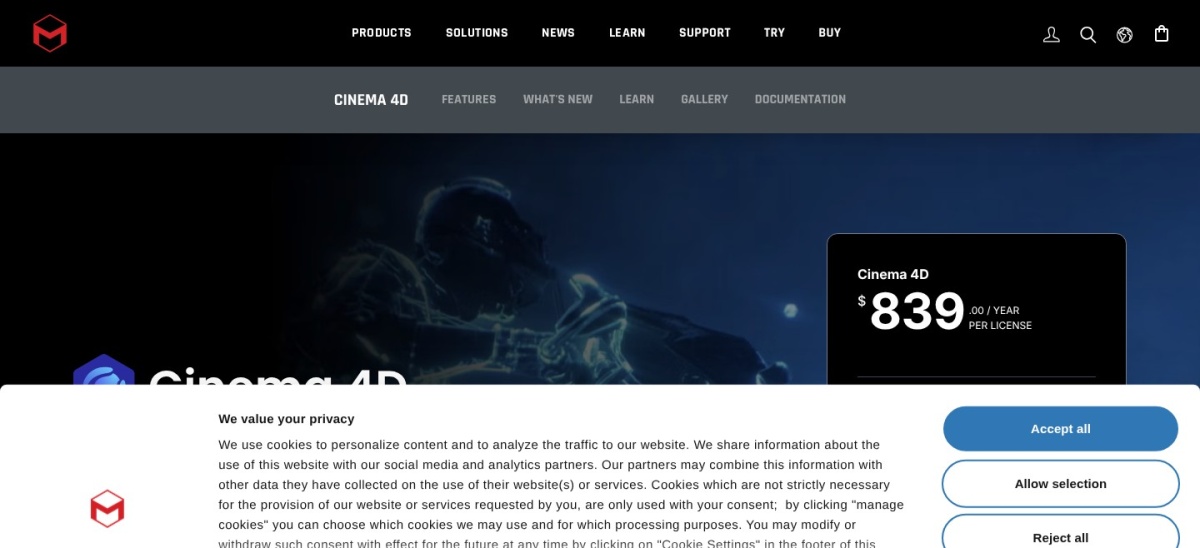
Cinema 4D homepage, captured Nov 2026.
Cinema 4D is a professional 3D modeling, animation and rendering app from Maxon, best known for motion graphics. Its MoGraph tools build animated product spins, 3D text and looping visuals for kiosk screens faster than general 3D apps, and it pairs closely with After Effects.
The trade off is cost. There is no free plan, and the annual subscription is $839 a year per license, with the Redshift bundle at $1,399 a year. It suits studios that produce screen content every week and earn the subscription back in billable motion work.
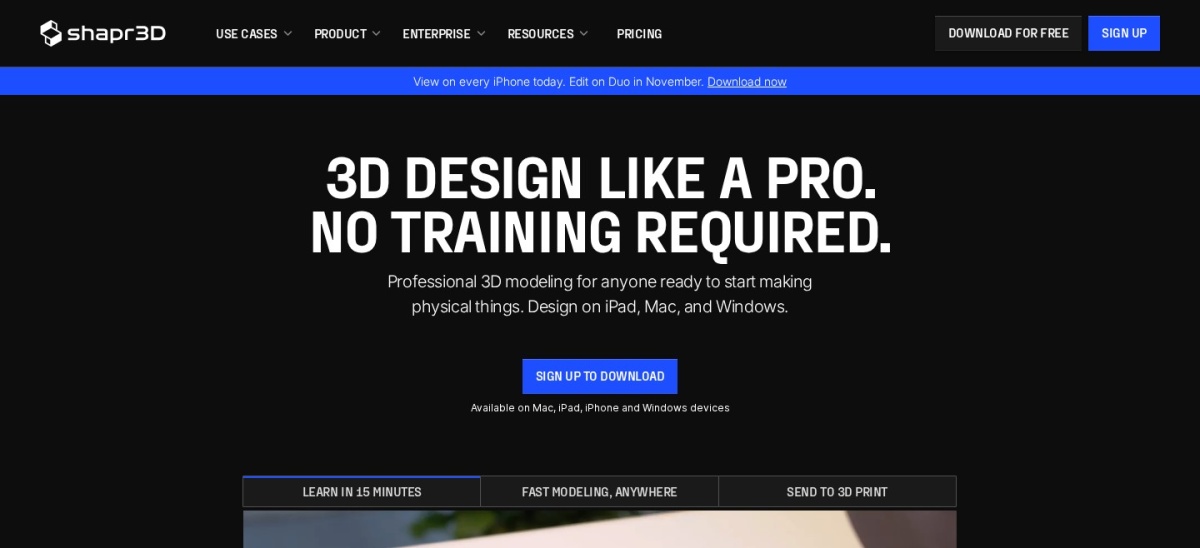
Shapr3D is a CAD modeler built for iPad, Mac, Windows and Vision Pro, with direct modeling on the Siemens Parasolid kernel. It turns a booth sketch into a manufacturing-ready model on a tablet at the show site, and its AR mode shows the booth at real size in the hall.
The trade off is scope. There is no free plan beyond a trial, and Pro costs $24.92 a month on the annual plan, while visualization and drawing tools are thinner than desktop CAD. It suits designers who concept booths on the move and hand off to fabrication.
Onshape is a cloud-native CAD and product data platform from PTC that runs entirely in the browser. Teams design kiosk frames, mounts and enclosures together in real time, with built-in version control and no installs, so a fabricator can open the same model from the shop floor.
The trade off is price. The free plan makes designs public, and the Standard plan costs $125 a month per user on the annual plan, which adds up for a team. It suits distributed hardware teams that need one shared model of the kiosk structure.
TinkerCAD is a free, browser-based 3D design tool from Autodesk that builds models from drag-and-drop shapes. It is the simplest way to mock up a kiosk counter or display stand, with built-in lessons, and it exports files for 3D printing and other tools.
The trade off is depth. TinkerCAD cannot do precise CAD dimensioning or photoreal rendering, so it works for early mock-ups rather than fabrication drawings. It suits beginners and small teams that need a quick booth concept without learning a CAD app.
What we like
Completely free, runs in the browser
Easiest tool here to learn
Built-in lessons for new users
Exports for 3D printing
Watch out for
No precise dimensioning for fabrication
No photoreal rendering
Slow with complex models
No paid plan; Autodesk offers it free for education and makersVisit tinkercad.com
07
FreeCAD
3.5/5on G2 (327 reviews, checked Nov 2026)
PriceFree
Best free CAD for kiosk fabrication drawings
Booth modelingParametric solid modeling
Fabrication drawingsProduction-ready 2D output
File formatsSTEP, DXF, STL and IFC
Cheapest paid planFree, open source
freecad.org
FreeCAD homepage, captured Nov 2026.
FreeCAD is a free, open-source parametric 3D modeler for real objects of any size. It builds kiosk frames and parts with full design history, exports production-ready drawings, and reads and writes open formats such as STEP, DXF and STL that fabricators use.
The trade off is polish. FreeCAD is rated 3.5 out of 5 across 327 reviews, the lowest here, and its interface takes adaptation for users coming from commercial CAD. It suits budget-conscious teams that need proper fabrication drawings without a license fee.
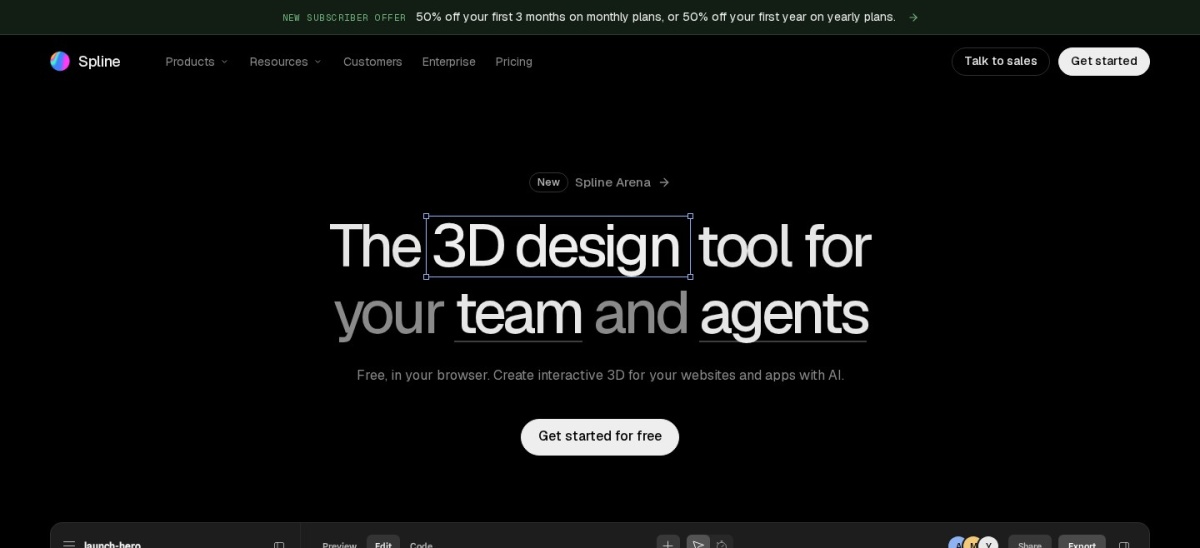
Spline is a browser-based 3D design tool for interactive experiences on websites and apps. It builds touchable 3D scenes, product viewers and animated loops that run on a kiosk screen, exports to web, iOS and Android, and needs no install or coding.
The trade off is evidence. Spline is rated 2.9 out of 5 from only 4 public reviews, so its score says little, and the free plan watermarks web exports while video export needs a paid plan. It suits teams building interactive screens who can judge it on a free trial first.
What we like
Runs in the browser, no install needed
Interactive 3D built for touchscreens
Real-time collaboration in scenes
Exports to web, iOS and Android
Watch out for
Only 4 public reviews, rated 2.9 out of 5
Free plan watermarks web exports
Complex scenes can strain the browser
Hobby at $15 a month removes the watermark; Pro adds video exportVisit spline.design
Free vs paid: what you give up
Free plans cover the booth model well. Blender, TinkerCAD and FreeCAD cost nothing, and SketchUp, Onshape and Spline have free plans.
Paid plans mostly add documentation and screen content. LayOut drawings, private Onshape designs and watermark-free Spline exports all sit behind a subscription.
If the kiosk screen is the point, budget for motion. Cinema 4D at $839 a year is the only tool here built around animated screen content, and Spline video export also needs a paid plan.
For a one-off booth, start free. Model the booth in SketchUp or Blender, and only pay when you need fabrication drawings or screen-ready video.
How we chose
We started from the 103 tools in Toolradar's 3D design category, then kept those that fit tradeshow kiosk work: booth modeling, fabrication drawings, or screen content.
Prices come from each vendor's pricing page as read in November 2026, checked on 30 November 2026. Ratings and review counts come from Toolradar's aggregate of G2, Capterra and other review sites on the same day. Where a vendor shows a sale, the list shows the regular price.
We left out tools with no published rating or no capturable homepage, including Unreal Engine, Meshy and Maya, whose pages were blocked by bot checks. No vendor paid for a place, and we do not claim to have used these tools ourselves.
How to choose 3D design software for tradeshow kiosks
Start with what the kiosk has to do, then match the tool to the job.
Decide whether you need a booth model or screen content. A fabricator needs measured CAD; a screen needs animation. SketchUp or Shapr3D covers the booth, Cinema 4D or Spline covers the screen.
Check what the fabricator accepts. Ask for the file formats before you model. FreeCAD, Onshape and SketchUp Pro export the STEP, DXF and DWG files shops expect.
Try the free plan on a real booth first. Model one counter or stand before paying. Blender, TinkerCAD and FreeCAD are free, and SketchUp and Onshape have free plans.
Budget for the screen separately. Animated loops and interactive scenes are a second job. Price Cinema 4D or Spline Pro beside the modeling tool, not instead of it.
FAQ
What is the best 3D design software for tradeshow kiosks?
SketchUp is the best pick for most kiosk projects. It models booths to real dimensions, has a library of more than 4 million ready-made models, and is rated 4.4 out of 5 from 2,371 reviews.
How much does 3D design software for tradeshow kiosks cost?
It ranges from free to $839 a year. Blender, TinkerCAD and FreeCAD cost nothing, Spline starts at $15 a month, SketchUp Go is $10.75 a month, and Cinema 4D is $839 a year per license.
Is there a free 3D design software for tradeshow kiosks?
Yes. Blender is the strongest free option, with full modeling, animation and rendering. TinkerCAD is the easiest free starter, FreeCAD adds fabrication drawings, and SketchUp, Onshape and Spline all have free plans.
Which 3D design software is best for beginners?
TinkerCAD is the easiest to start with. It builds models from drag-and-drop shapes in the browser, needs no install, and includes lessons. SketchUp is the next step up when you need measured booth models.
SketchUp vs Blender for tradeshow kiosks: which is better?
SketchUp is better for the booth itself, with easier modeling, 4 million ready-made models and 2D plans in Pro. Blender is better for visuals and screen content, and it is free, but it takes longer to learn.
Can I design a tradeshow kiosk without CAD experience?
Yes. SketchUp and TinkerCAD are built for beginners, and both have free plans and lessons. Start with a simple counter or stand, then move to FreeCAD or Onshape when you need fabrication drawings.
SaaS SEO and WordPress specialist with about 8 years of experience. Rakib compares WordPress plugins, themes, hosting and software using public pricing, documentation and user reviews. See how we rank.