Bitwarden is the best of the 1Password alternatives for most people, with a free plan that covers unlimited passwords on every device and a premium plan that costs ten dollars a year. Proton Pass suits privacy fans with its Swiss encryption and free plan, while Keeper adds the strongest admin controls for families and small teams.
How we make this list: we compare pricing pages, product documentation and public user reviews, then re-check every price before each update. No product paid for a place. Disclosure.
Bitwarden is the cheapest credible pick: a full free plan and Premium at $10 a year.
Proton Pass leads on privacy, with Swiss encryption, unlimited aliases and a free plan.
Keeper is the best family and small-team pick, with admin controls and breach monitoring.
Dashlane is the priciest here at $5.42 a month, but it bundles a VPN and dark web monitoring.
Every tool here has a verifiable G2 rating, from 4.4 to 4.7 out of 5.
Which 1Password alternative fits your devices and budget?
Price is the first split. Bitwarden Premium costs $10 a year, while Dashlane Premium costs $5.42 a month, so the gap between the cheapest and priciest paid plans is more than sixfold.
Free plans are not equal. Bitwarden, Proton Pass, NordPass, RoboForm, Enpass and Zoho Vault all offer a free tier, but only Bitwarden gives unlimited passwords on unlimited devices free.
Privacy is the second split. Proton Pass stores data under Swiss law with zero-knowledge encryption, and Enpass keeps your vault local by default, while the others sync through their own clouds.
Families and teams should weigh admin tools. Keeper adds shared folders, breach alerts and emergency access, and LastPass Families covers six people for $4 a month.
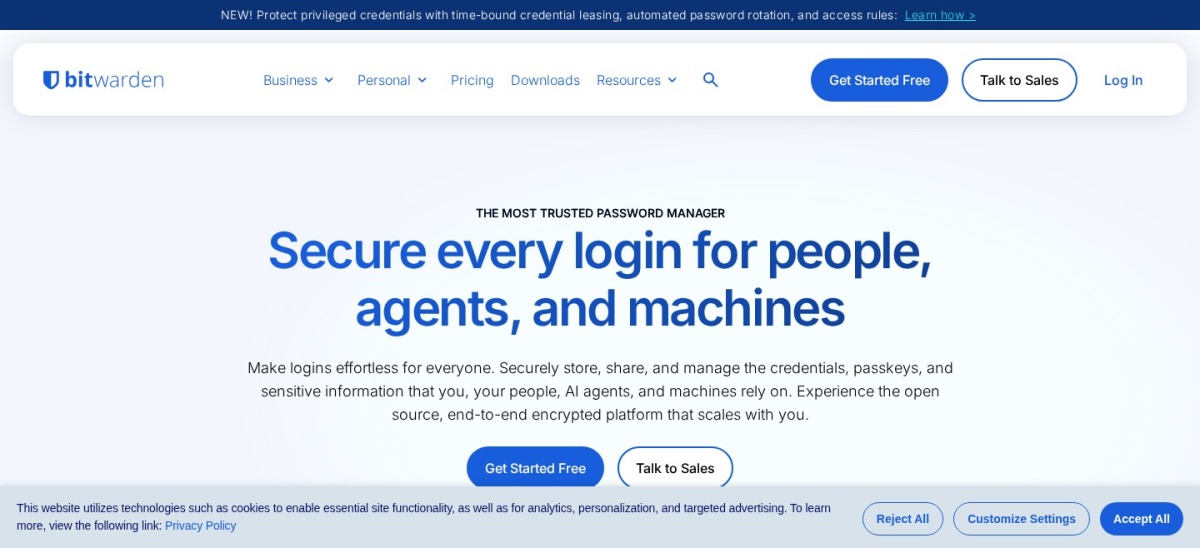
Bitwarden is an open-source password manager with the most generous free plan in this list. The free version stores unlimited passwords on unlimited devices, with passkeys, a password generator and two-factor login included.
The trade off is polish. The apps look plainer than 1Password or Dashlane, and some settings take a few clicks to find. Premium costs $10 a year and adds a built-in authenticator, 1 GB of encrypted file storage and vault health reports. It suits anyone who wants strong security for almost no money.
What we like
Unlimited passwords and devices on the free plan
Premium costs only $10 a year
Open-source code and zero-knowledge encryption
Built-in authenticator on Premium
Watch out for
Plainer interface than 1Password or Dashlane
Premium is needed for vault health reports
Premium adds an authenticator, 1 GB storage and health reportsVisit bitwarden.com
02
Proton Pass
4.7/5on G2 (127 reviews, checked Nov 2026)
Paid from$1.99/mo
Best for privacy-first users
Free planUnlimited logins, all devices
Plus plan$1.99 a month, annual
Email aliasesUnlimited with Plus
EncryptionZero-knowledge, Swiss law
proton.me
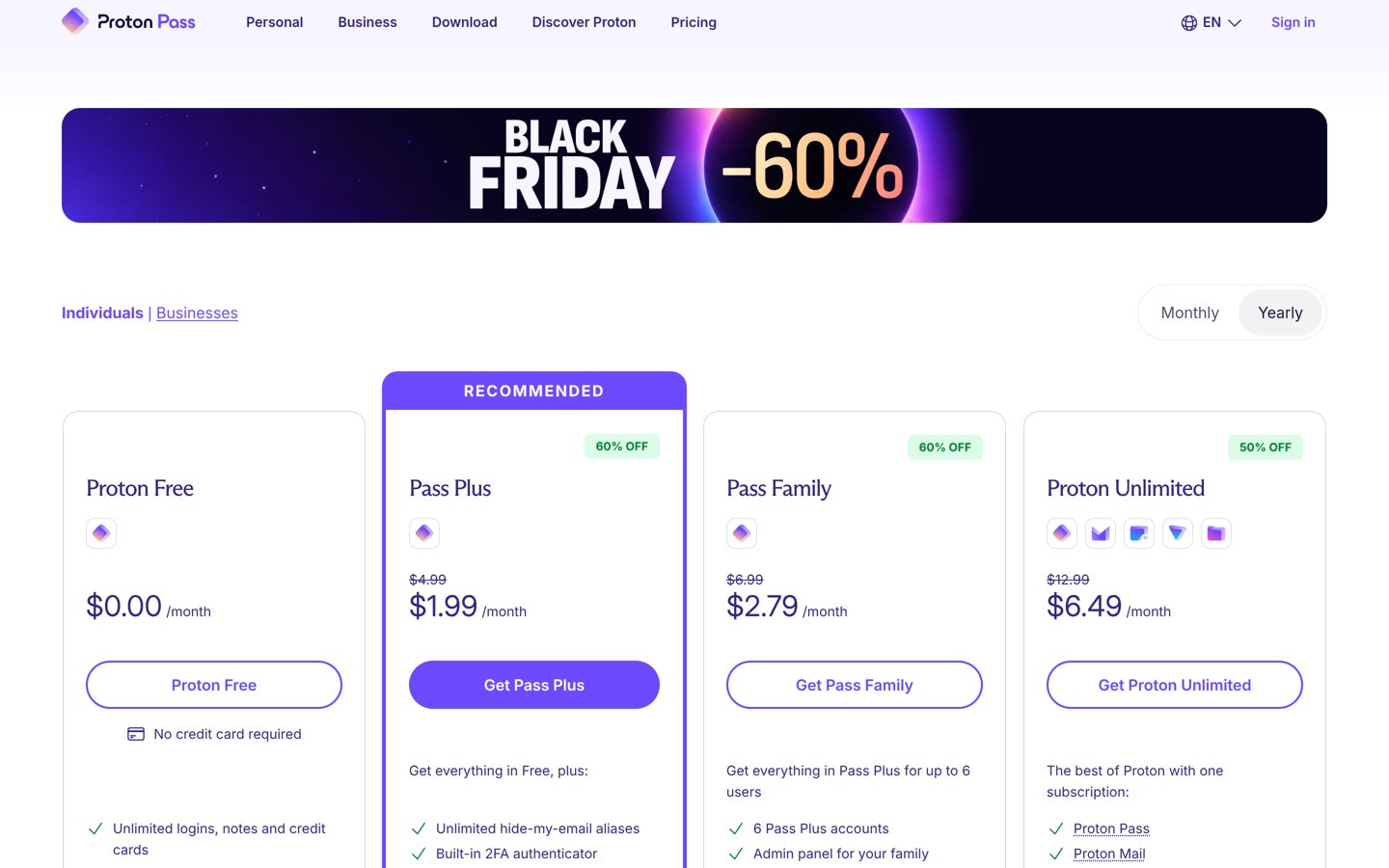
Proton Pass homepage, captured Nov 2026.
Proton Pass is the password manager from Proton, the Swiss company behind Proton Mail and Proton VPN. The free plan covers unlimited logins on unlimited devices, and Plus adds unlimited hide-my-email aliases, an integrated two-factor authenticator and dark web monitoring.
The trade off is price confusion. Plus is listed at $1.99 a month on annual billing, while other pages quote higher monthly rates, so check the checkout total before you pay. It suits people who already use Proton Mail or Proton VPN and want aliases built in.
What we like
Unlimited email aliases on Plus
Swiss jurisdiction and zero-knowledge encryption
Free plan covers unlimited devices
Watch out for
Smallest G2 review base in this list, 127 reviews
Business features lag 1Password and Keeper
Conflicting prices quoted across pages
Plus adds aliases, an authenticator and dark web monitoringVisit proton.me
03
Keeper
4.6/5on G2 (1,197 reviews, checked Nov 2026)
Starts at$42.99/yr
Best for families and small teams
Free planNo, trial only
Personal plan$42.99 a year
Family plan$91.99 a year, 5 users
BreachWatchDark web monitoring add-on
keepersecurity.com
Keeper homepage, captured Nov 2026.
Keeper is a zero-knowledge password manager built for individuals, families and small teams. The Personal plan costs $42.99 a year and covers unlimited passwords and passkeys on unlimited devices, with secure sharing, autofill and 24/7 support.
The trade off is cost creep. BreachWatch dark web monitoring, extra file storage and advanced reporting cost extra, and the Family plan runs $91.99 a year for five users. It suits households and teams that want admin controls and audit trails.
NordPass is the password manager from the team behind NordVPN, built around a clean interface and XChaCha20 encryption. Premium costs $1.99 a month on annual billing and adds multi-device sync, password sharing, a data breach scanner and email masking.
The trade off is the free plan. It covers only one device, which defeats the point of a cross-platform vault, so most people need Premium. Prices also rise after the first term, so check the renewal rate. It suits NordVPN users who want a matching vault.
Dashlane is a password manager that bundles a Hotspot Shield VPN and dark web monitoring into its Premium plan. Premium costs $5.42 a month billed annually and covers unlimited passwords, passkeys, secure sharing and AI phishing alerts.
The trade off is price. At $5.42 a month it is the priciest personal plan here, and the free plan was retired in September 2025, so new users get a 14-day trial only. It suits people who would pay for a VPN anyway.
What we like
VPN and dark web monitoring bundled in
Strong autofill and clean interface
Rated 4.5 out of 5 from 634 G2 reviews
Watch out for
Highest price in this list
No free plan since September 2025
Renewal pricing can rise above the first-year rate
LastPass is one of the longest-running password managers, with a familiar vault and broad browser support. Premium costs $3 a month and adds unlimited devices, one-to-many sharing, a security dashboard and emergency access, while Families covers six people for $4 a month.
The trade off is trust. LastPass suffered a serious breach in 2022, and its free plan is limited to one device type, so most people need Premium. It suits households that want a familiar, low-cost vault with family sharing.
What we like
Largest review base here, 2,080 G2 reviews
Families plan covers 6 people for $4 a month
Emergency access and security dashboard on Premium
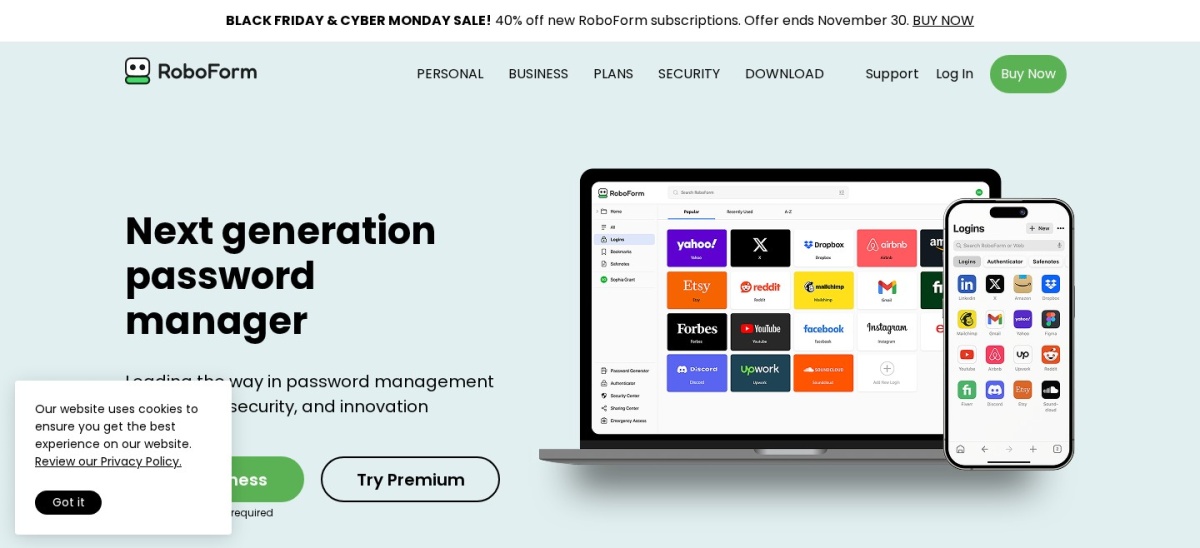
RoboForm is a veteran password manager famous for form filling, and it still handles long web forms better than most rivals. The free plan covers one device with unlimited passwords, and Premium costs $2.49 a month billed annually for all-device sync, cloud backup and secure sharing.
The trade off is the interface. The apps look dated next to Bitwarden or NordPass, and the iPhone app pushes its own browser. Premium renews at $29.88 a year after a cheaper first year. It suits people who fill in long forms every day.
Enpass is a password manager that keeps your vault on your own device or cloud, instead of on a company server. The free desktop plan covers unlimited passwords, and Premium costs $1.99 a month billed annually for sync across all devices, breach alerts and secure sharing.
The trade off is the thin review base. Its 4.6 rating rests on only 27 G2 reviews, and it has no dark web monitoring. A lifetime plan costs $99.99 one-time. It suits people who refuse subscriptions and want their vault local.
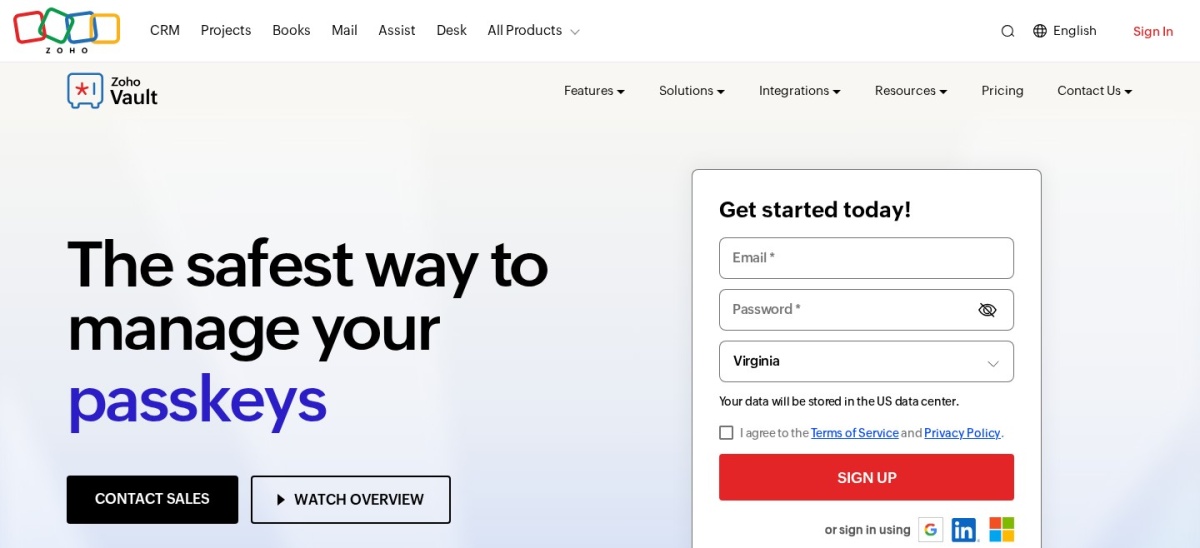
Zoho Vault is the password manager inside the Zoho suite, built for small teams that already use Zoho apps. The free plan covers individuals, and Standard costs $0.90 a user a month billed yearly, with user provisioning, password expiry alerts and audit logs.
The trade off is scope. It is a team tool first, so solo users get less polish than Bitwarden or Proton Pass, and its G2 base is only 78 reviews. It suits small teams already running Zoho Mail or Zoho One.
Free plans cover the basics well. Most include unlimited passwords, autofill and a password generator.
Paid plans mostly add sync and monitoring. You get all-device sync, breach alerts and emergency access.
If you share a vault with family, the paid family plans are the real comparison. Keeper Family is $91.99 a year for five users, while LastPass Families is $4 a month for six.
For a single person, Bitwarden Premium at $10 a year is hard to beat. It costs less in a year than Dashlane charges in two months.
How we chose
We started from the password managers with public G2 ratings and a live pricing page, then kept nine that cover free plans, families and teams.
Prices come from each vendor's pricing page or a November 2026 read of it, checked on 29 November 2026. Ratings and review counts come from G2 pages checked in November 2026. Where sources disagreed on a price, the list shows the most recent vendor-page read and the notes record the conflict.
We left out tools with no verifiable rating on G2, Capterra or Trustpilot. No vendor paid for a place, and we do not claim hands-on testing for this list.
How to choose a 1Password alternative
Start with how many devices you use, then check the free plan limits before you pay.
Count your devices. If you use a phone and a laptop, skip free plans that cover one device only, such as NordPass and RoboForm.
Decide how much privacy you need. Proton Pass and Enpass keep your data under Swiss law or on your own device, while the rest sync through vendor clouds.
Check the family math. A family plan for five or six users often costs less per person than two single plans, so compare the household total, not the headline rate.
Read the renewal price. First-year discounts are common, so confirm what the second year costs before you commit to a yearly plan.
FAQ
What is the best 1Password alternative in 2026?
Bitwarden is the best 1Password alternative for most people. Its free plan covers unlimited passwords on unlimited devices, Premium costs $10 a year, and it is rated 4.6 out of 5 from 1,415 G2 reviews.
Is there a free alternative to 1Password?
Yes. Bitwarden, Proton Pass, NordPass, RoboForm, Enpass and Zoho Vault all offer free plans. Bitwarden has the most generous free plan, with unlimited passwords on unlimited devices, while NordPass and RoboForm limit free use to one device.
How much does a 1Password alternative cost?
Paid plans run from $10 a year for Bitwarden Premium to $65.04 a year for Dashlane Premium. Most fall between $24 and $43 a year, and family plans add a second user or household for a small extra charge.
Which 1Password alternative is best for families?
Keeper is the best family pick here. Its Family plan covers five users for $91.99 a year with shared folders, emergency access and breach alerts. LastPass Families is cheaper at $4 a month for six users, but it lacks Keeper's admin controls.
Is Bitwarden better than 1Password?
Bitwarden is better on price and free-plan value, with Premium at $10 a year against 1Password at $47.88 a year. 1Password still leads on polish, family sharing and travel mode, so it fits people who want the smoothest apps.
Which is better, Bitwarden or Proton Pass?
Bitwarden wins on price and admin depth, at $10 a year with the widest free plan. Proton Pass wins on privacy, with Swiss encryption and unlimited email aliases, so pick it if you already use Proton Mail or Proton VPN.
SaaS SEO and WordPress specialist with about 8 years of experience. Rakib compares WordPress plugins, themes, hosting and software using public pricing, documentation and user reviews. See how we rank.