Setup & site building · Explainer
Why Are WordPress Pages Important? What They Do for Your Site
Short answer
WordPress pages hold your site's permanent content, such as the home, about, services, contact and legal pages. They give visitors clear answers, give search engines a stable structure, and usually target your most valuable keywords, which is why they matter more than most individual posts.
Key takeaways
- Pages hold permanent content that belongs in the main menu.
- Pages use a parent and child hierarchy instead of categories.
- Service pages often target your most valuable keywords.
- A static page can be set as the home page.
- Redirect pages before renaming or deleting them.
Why are WordPress pages important?
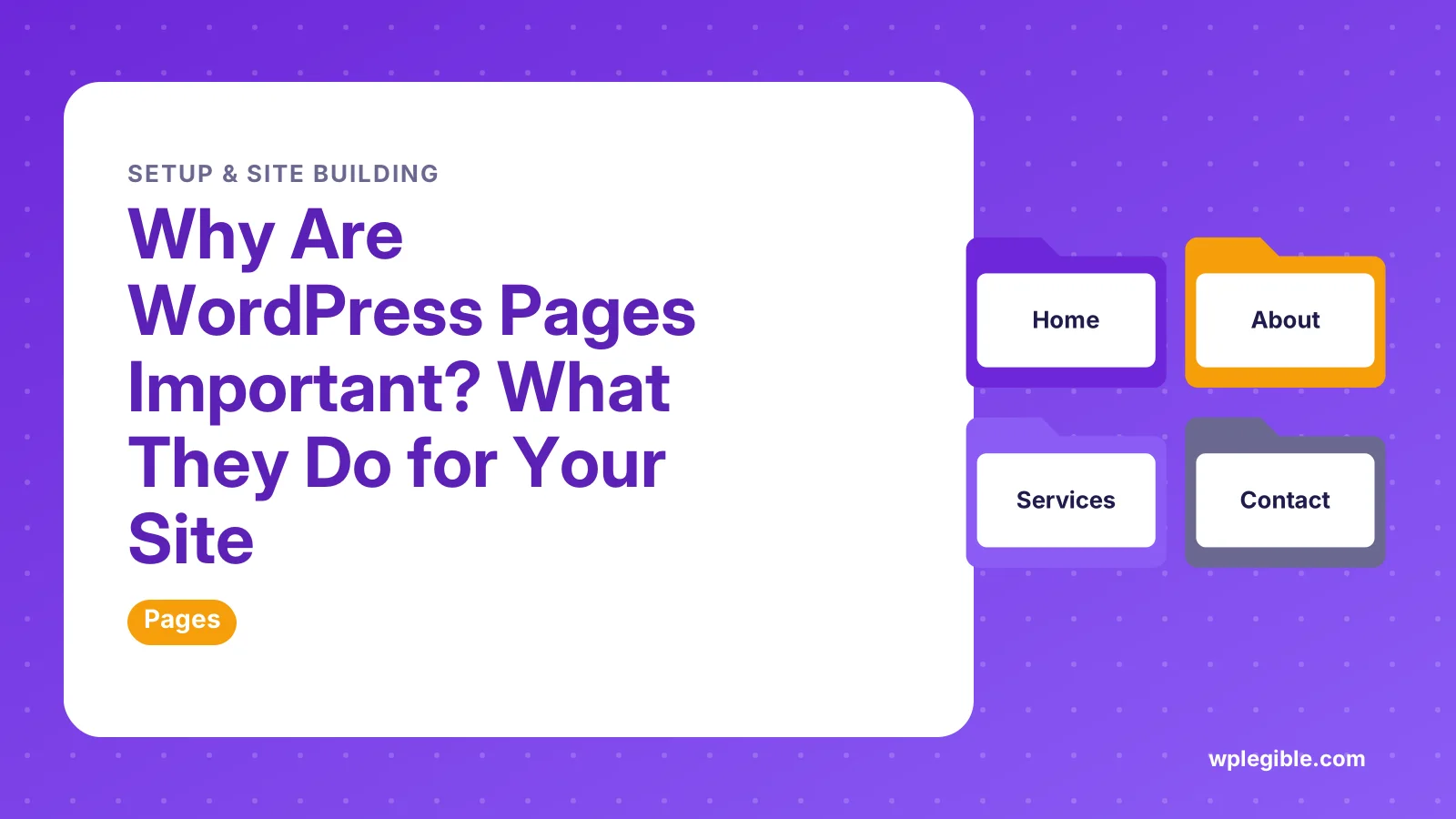
Pages hold the permanent, structural content of a WordPress site, such as the home, about, services, contact and legal pages that visitors and search engines expect to find.
Posts are for dated, ongoing content like news and articles. Pages are for content that stays relevant and sits in your main navigation.
The WordPress documentation on pages describes them as static content that lives outside the normal blog timeline.
That difference shapes how your whole site is organized. Pages give visitors a clear starting point and give search engines a stable structure to crawl.
If you are unsure where the line sits, our comparison of posts vs pages in WordPress covers it in more detail.
What makes a page different from a post?
A page is not tied to a date, category or tag, can have parent and child pages, and can use a custom page template, while a post appears in the blog feed.
| Feature | Pages | Posts |
|---|---|---|
| Shown in blog feed and RSS | No | Yes |
| Organized by | Parent and child hierarchy | Categories and tags |
| Date matters | Rarely | Usually |
| Custom templates | Yes | Limited, theme dependent |
| Typical use | Home, about, services, contact, legal | News, tutorials, updates |
These are defaults, not hard rules. Plugins and themes can change some of them.
The hierarchy is the key feature. You can nest a Pricing page under Services, and WordPress builds the URL to match.
How do pages help visitors?
Pages answer the questions every visitor brings, such as who you are, what you offer, how much it costs and how to get in touch.
Without clear pages, visitors must dig through blog posts to find basic facts. Many leave instead.
A good about page builds trust. A clear contact page turns interest into leads.
Pages also give your menu something solid to point at. Navigation built on pages stays stable even as you publish new posts.
You can create one in a few clicks. Our guide on how to add a page to WordPress walks through the editor.
Why do pages matter for SEO?
Pages often target your most valuable commercial keywords, and their stable URLs and internal links help search engines understand what your site is about.
A service page can rank for a phrase like a city plus a service. A post about the same topic usually serves a different, more informational search.
Pages tend to collect internal links from menus and footers. That steady linking signals which URLs matter most on the site.
Google's SEO Starter Guide recommends a logical site structure and descriptive URLs, which pages make easy.
Because pages rarely change URL, they also build up links and history over time. Moving them around often can throw that away.
If new pages are slow to appear in search, see how to get WordPress pages indexed faster.
Which pages does every WordPress site need?
Most sites need a home page, an about page, a contact page, a privacy policy, and pages for each main product or service.
- Home page: the first impression and the main route into your site.
- About page: who runs the site and why visitors should trust it.
- Contact page: a form, email or phone details.
- Service or product pages: one clear page per offer.
- Privacy policy: WordPress includes a privacy page helper under Settings > Privacy.
- Terms or returns pages: common for stores and paid services.
Blogs also benefit from a dedicated posts page. Our explainer on the WordPress posts page shows how to set it.
Legal pages carry real obligations in many places. This is general information, not legal advice, so check local rules for your business.
How do pages control your home page?
WordPress lets you choose a static page as your front page under Settings > Reading, which turns a normal page into your home page.
By default, many sites show the latest posts on the home page. A static page gives you full control over the layout and message.
You can then pick a second page to act as the posts page. That page lists your blog posts automatically.
The Settings Reading screen documentation explains both options.
This is one of the main reasons pages matter. Your home page is usually the most visited URL on the site.
How do page templates and blocks shape a page?
Page templates control the overall layout, while blocks control the content inside it, so pages can look very different from each other.
In a block theme, you edit templates in the Site Editor. A landing page can drop the sidebar, while a legal page keeps a simple layout.
Classic themes can include custom template files. Our guide on creating a custom page template covers both approaches.
Inside the page, blocks handle headings, images, columns and buttons. The Block Editor handbook explains how blocks are built.
Reusable patterns help keep repeated sections, like a call to action, consistent across many pages.
What happens when pages are set up badly?
Poorly organized pages lead to confusing menus, thin or duplicate content, broken links and pages that search engines ignore or index for the wrong terms.
Common mistakes include publishing several near-identical service pages. They compete with each other in search.
Another is deleting or renaming pages without a redirect. Visitors and search engines then hit a 404 error.
Leaving draft or test pages public is also common. They clutter search results and look unprofessional.
If a page is missing from the front end, our guide on why a WordPress page is not showing lists the usual causes.
How can you make your pages work harder?
Give each page one clear purpose, a descriptive title and slug, a strong opening, internal links to related pages, and a clear next step for the visitor.
Start with the slug. Short, readable URLs are easier to share and remember. You can change it as shown in how to change a page name in WordPress.
Add a meta title and description with an SEO plugin. They shape how the page looks in search results.
Use headings in a logical order. The W3C headings tutorial explains how they help readers scan and help screen readers move through the page.
Review key pages every few months. Prices, team members and contact details go out of date quickly.
When should content be a page instead of a post?
Use a page when the content is evergreen, belongs in the menu and does not need a publish date, and use a post when it is timely or part of a series.
A guide to your service area is a page. A news update about a new office is a post.
Ask whether the content would still be accurate in a year without edits. If yes, it is probably a page.
If the content needs categories and an archive, it is usually a post. Pages do not support categories by default.
Getting this choice right early keeps your site easy to manage as it grows.
Frequently asked questions
Are pages better than posts for SEO?
Neither is better by default. Pages suit evergreen commercial topics like services, while posts suit timely or informational topics. Search engines judge the content and links, not the content type, so choose based on the purpose of the content.
How many pages should a WordPress site have?
There is no fixed number. A small business site may need only five to ten pages, while a larger company may need many service and location pages. Create a page when it answers a distinct visitor need.
Can WordPress pages have categories?
Not by default. Pages are organized with parent and child relationships instead. Plugins can add categories or tags to pages, but most sites manage fine with a clear page hierarchy and a well-planned menu.
Do pages show up in the RSS feed?
No. The default WordPress feed includes posts, not pages. That is one reason pages suit content that does not need to be announced to subscribers, such as contact or policy pages.
Is it safe to delete a WordPress page?
It is safe if you redirect the old URL to a relevant page and update menus and links. Deleted pages go to the trash first, so you can restore them within the trash retention period.
Sources
- Pages WordPress.org
- Settings Reading Screen WordPress.org
- Block Editor Handbook WordPress Developer Resources
- SEO Starter Guide Google Search Central
Is your product missing, or something out of date?
Tell us what to add or correct. We read every note and reply when we need a source. A message does not buy a ranking.
Thanks — we review requests within 3 business days.
Related guides
About the editors
Researched from the primary sources listed above and checked against our editorial rules before publishing.