Security · Guide
How to Set Up Akismet in WordPress (Step by Step)
Short answer
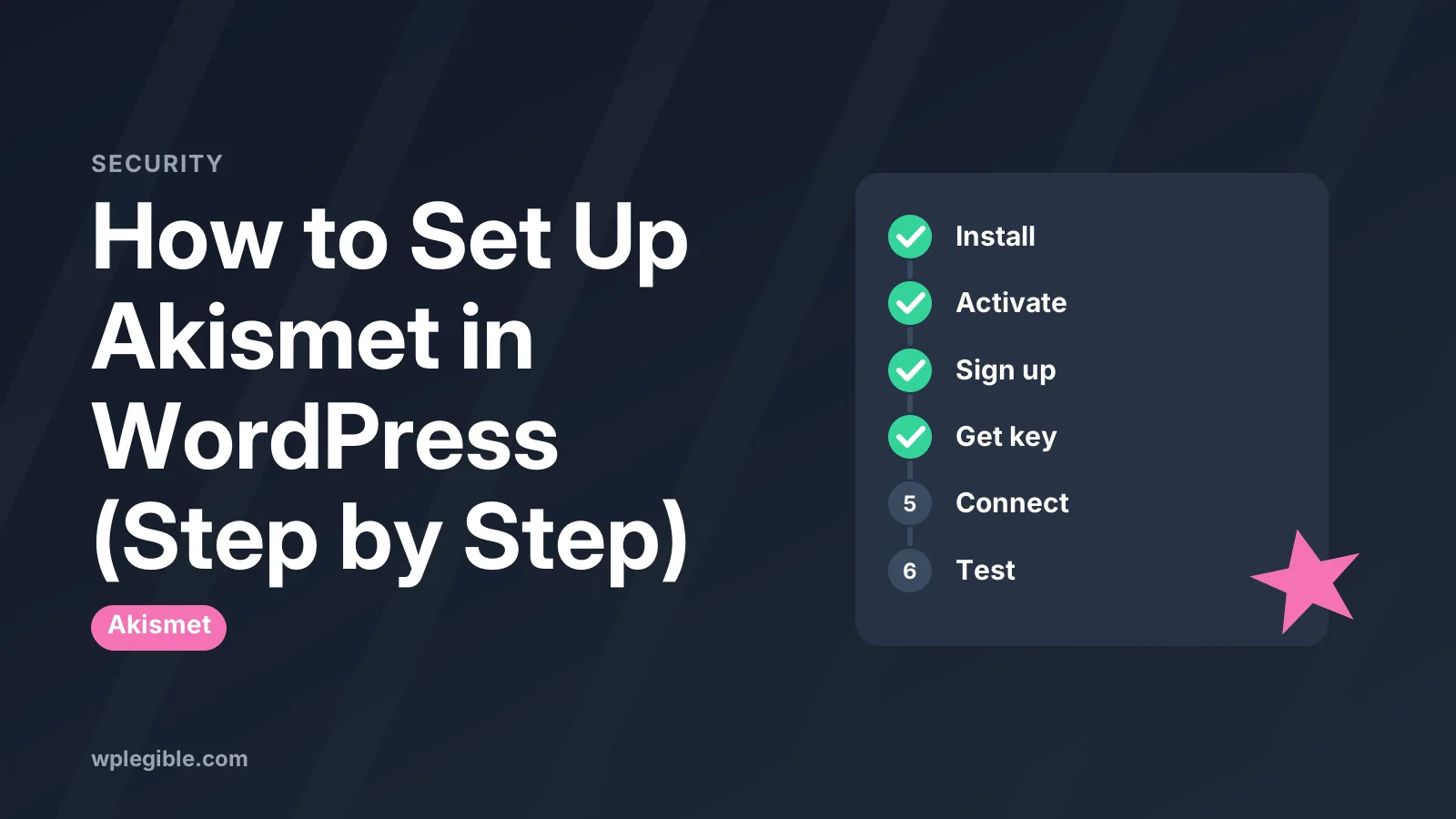
Activate the Akismet Anti-spam plugin, open its settings page and click the setup button. Create an Akismet account, pick a plan and copy your API key. Paste the key into WordPress, choose your spam settings and send a test comment to confirm it works.
Key takeaways
- Akismet is often preinstalled, so check Installed Plugins before adding it.
- You need an API key from an Akismet account to make the plugin work.
- Personal non-commercial sites can use the pay-what-you-want option; business sites need a paid plan.
- Start by sending spam to the Spam folder so you can catch false positives.
- Test with the author name viagra-test-123 while logged out.
- Akismet filters content, so pair it with moderation and a firewall.
What do you need before you set up Akismet?
You need admin access to your WordPress site, the Akismet plugin installed and active, and a free or paid Akismet account to get an API key.
Akismet is a spam filter made by Automattic, the company behind WordPress.com. It checks every new comment and many form submissions against a cloud service that has seen billions of spam messages. If you are new to it, read our explainer on what Akismet is in WordPress first.
Before you start, make sure you have:
- An administrator login for your WordPress dashboard.
- An email address you can use to create an Akismet account.
- A clear answer to one question: is your site personal or commercial?
That last question matters. Akismet's free or pay-what-you-want option is meant for personal, non-commercial sites. Sites that sell products, run ads or promote a business are expected to use a paid plan. Check the current terms on the Akismet plans page because prices and limits change.
How do you install the Akismet plugin?
Go to Plugins > Add New, search for Akismet, click Install Now and then Activate; on many sites it is already installed and only needs activating.
Akismet has shipped with WordPress for years, so check Plugins > Installed Plugins first. Look for Akismet Anti-spam: Spam Protection. If you see it, click Activate and skip ahead.
If it is not there, install it from the directory:
- In the dashboard, go to Plugins > Add New Plugin.
- Type Akismet in the search box.
- Find the plugin by Automattic and click Install Now.
- When the button changes, click Activate.
You can also download the zip from the Akismet plugin page on WordPress.org and upload it under Plugins > Add New Plugin > Upload Plugin. That route helps if your host blocks direct installs.
After activation, WordPress shows a banner asking you to set up your Akismet account. The plugin does nothing until you connect a key.
How do you get an Akismet API key?
Click the setup button on the Akismet settings screen, sign up on akismet.com, pick a plan, and Akismet gives you an API key tied to your account.
The API key is a short code that links your site to your Akismet account. Akismet explains it in its guide to what an API key is.
The steps usually look like this:
- Go to Settings > Akismet Anti-spam in your dashboard.
- Click Set up your Akismet account (or Get your API key).
- You land on akismet.com. Sign in or create an account.
- Choose a plan that matches your site type.
- For a personal site, you can use the slider to pick what you want to pay, including zero.
- Finish checkout. Your key appears on screen and in a confirmation email.
Keep that email. You will need the key again if you rebuild the site or move hosts.
One key can cover more than one site on some plans. Others are limited to one site. Again, the plan page is the place to confirm this.
How do you connect the API key to WordPress?
Paste the key into the Manually enter an API key field on the Akismet settings page and click Connect with API key; Akismet confirms the connection straight away.
Return to Settings > Akismet Anti-spam. You will see two options:
- Connect with Jetpack or a WordPress.com account, if you use one.
- Manually enter an API key.
The manual route is the most reliable. Copy the key from your email, paste it into the field and click the connect button.
If the key is valid, the page reloads and shows your Akismet stats area and settings. If you see an error, check for extra spaces at the start or end of the key. Copying from some email apps adds them.
You can also set the key in wp-config.php with a constant. This is handy for developers who manage many sites:
define( 'WPCOM_API_KEY', 'your-key-here' );Add it above the line that says That's all, stop editing. The WordPress guide to editing wp-config.php covers safe editing.
Which Akismet settings should you choose?
Most sites should keep spam in the Spam folder for review at first, show approved comment counts, and display the privacy notice if you serve visitors in strict privacy regions.
Once connected, the settings page shows a small group of options. Here is what each one does.
| Setting | What it does | Suggested choice |
|---|---|---|
| Comments | Shows how many approved comments each commenter has | On, it helps you spot regulars |
| Spam filtering strictness | Either silently deletes the worst spam or puts all spam in the Spam folder | Spam folder at first, discard later |
| Privacy | Adds a notice under comment forms that Akismet processes data | On for sites with EU visitors |
| Account | Shows your plan and key | Check it after any plan change |
Strictness is the main choice. The silently discard option removes the most obvious spam so you never see it. That saves time but means you cannot check for false positives.
New sites should start with everything going to the Spam folder. After a few weeks, if you rarely find real comments there, switch to silent discard.
The privacy notice is general information, not legal advice. If privacy law applies to your site, talk to someone qualified about your full privacy policy.
How do you check that Akismet is working?
Post a test comment using the name viagra-test-123 or the email [email protected] while logged out, and Akismet should mark it as spam.
Akismet documents special test values. When a comment uses the author name viagra-test-123 or the email [email protected], the service always flags it as spam.
To run the check:
- Open a private browser window so you are logged out.
- Visit a post with comments open.
- Leave a comment with one of the test values above.
- Back in the dashboard, go to Comments > Spam.
You should see the test comment there. If it shows up as pending or approved instead, the key is not connected or another plugin is interfering.
You can also look at the comment's history. On the Comments screen, hover over a comment and you will often see a note such as Akismet cleared this comment or Akismet caught this comment as spam.
How do you manage spam after setup?
Check Comments > Spam every week or two, rescue real comments with Not Spam, and let Akismet delete the rest automatically after about 15 days.
Akismet learns from your actions. When you mark something as Not Spam, it records a false positive. When you mark a missed comment as Spam, it learns that too.
Good habits:
- Skim the Spam folder regularly for real comments.
- Use the Check for Spam button on the Comments screen to rescan the pending queue.
- Use Empty Spam if the folder grows large and you have checked it.
Akismet removes spam older than about 15 days on its own, so the database does not fill up. For a broader plan, our guide on how to stop comment spam in WordPress covers extra layers such as closing old comments and requiring approval.
If you also want to review real comments faster, see how to moderate comments in WordPress.
Can Akismet protect contact forms too?
Yes, Akismet can check submissions from several popular form plugins, but each form plugin has its own setting or add-on that you must turn on.
Akismet is not only for comments. Many form tools can pass submissions to Akismet before saving or emailing them. Examples include Jetpack forms, Contact Form 7, Formidable Forms and Gravity Forms.
How you turn it on depends on the form plugin:
- Some have a simple Use Akismet checkbox in the form settings.
- Contact Form 7 uses special options in the form fields so Akismet knows which field is the name, email and message. Its docs explain spam filtering with Akismet.
- Others need a separate add-on.
Check each form plugin's documentation for the exact steps. Akismet keeps a list of compatible plugins in its support pages.
For forms, you may want a second layer such as a CAPTCHA. See our guide to Cloudflare Turnstile on WordPress.
Our wider tips on stopping contact form spam cover honeypots, rate limits and other options.
What should you do if Akismet will not connect?
Most connection failures come from a mistyped key, a firewall blocking outbound requests, or a plan that does not cover the site, so check those three first.
Work through these checks in order:
- Re-copy the key. Remove spaces and make sure you did not copy a different key from an old account.
- Check your plan. If the key belongs to a single-site plan already used elsewhere, add the site in your Akismet account or upgrade.
- Check outbound connections. Akismet must reach its servers over HTTPS. Some hosts or security plugins block outgoing requests. Ask your host to allow them.
- Update WordPress and PHP. Old versions can fail secure connections. Our guide on how to update the PHP version in WordPress helps here.
- Disable conflicting plugins briefly. Turn off other anti-spam tools to rule out a clash.
The Akismet settings page often shows a status message explaining the problem, such as a server connection issue. Read it before trying fixes at random.
If nothing works, contact Akismet support from your account. Include your site URL and the exact message.
Is Akismet enough on its own?
Akismet stops most automated comment spam, but busy sites usually combine it with comment moderation, closing comments on old posts, and a firewall for bots that target login pages.
Akismet only judges content after it is submitted. It does not block bots from loading pages or trying passwords.
Think of it as one layer:
- Akismet filters spam comments and form entries.
- Discussion settings let you hold first-time comments or close comments after a set number of days. See the Discussion Settings documentation.
- A security plugin or firewall blocks bad traffic and login attacks.
If you do not need comments at all, the simplest fix is to turn off comments in WordPress. Then Akismet only needs to watch your forms.
For most blogs, though, Akismet with sensible discussion settings is enough to keep spam out of sight with very little effort.
Frequently asked questions
Is Akismet free to use?
Akismet offers a pay-what-you-want option for personal, non-commercial sites, and you can choose to pay nothing. Sites that sell products, show ads or represent a business are expected to buy a paid plan. Check the current plans on the Akismet website because pricing and limits change.
Where do I find my Akismet API key?
Your key appears after you sign up and pick a plan, and Akismet also emails it to you. You can see it again by logging in to your account on the Akismet website. Inside WordPress, the connected key shows on the Akismet settings page under your account details.
Does Akismet slow down my site?
Akismet checks comments and form entries by sending them to its servers when they are submitted. It does not load scripts on every page view in the way many plugins do, so the effect on normal page speed is very small for most sites.
Can I use one Akismet key on several sites?
It depends on your plan. Some plans cover one site and others cover several. If you add a key to a site that your plan does not cover, Akismet may show a warning. Review your plan details in your Akismet account before reusing a key.
Why are real comments landing in spam?
Akismet sometimes flags real comments, especially short ones or those with several links. Open Comments, then the Spam tab, and click Not Spam on any real comment. This approves it and teaches Akismet, which reduces similar mistakes over time.
Sources
- Akismet Anti-spam: Spam Protection WordPress.org
- What's an API key? Akismet
- How do I activate the Akismet plugin? Akismet
- Discussion Settings Screen WordPress.org
- wp-config.php WordPress Developer Resources
Is your product missing, or something out of date?
Tell us what to add or correct. We read every note and reply when we need a source. A message does not buy a ranking.
Thanks — we review requests within 3 business days.
Related guides
About the editors
Researched from the primary sources listed above and checked against our editorial rules before publishing.