WP Fusion Alternatives in 2026: 7 Best Tools Compared
WLWPLegible EditorsLast verified 22 Nov 2026How we rank15 min read
★ Short answer
Uncanny Automator is the best WP Fusion alternative for most WordPress sites, with 40,000+ active installs and a free recipe builder for connecting plugins and apps. Choose AutomatorWP for flexible WordPress workflows or Bit Integrations for affordable CRM and form-data connections.
How we make this list: we compare pricing pages, product documentation and public user reviews, then re-check every price before each update. No product paid for a place. Disclosure.
Uncanny Automator leads for general WordPress workflows, with a 4.9/5 rating, 40,000+ active installs and a free automation builder.
AutomatorWP offers 600+ triggers, actions and filters across 300+ integrations, with its Personal upgrade regularly priced at $149/year.
Bit Integrations costs $39/year at its regular Starter price and connects WordPress data to 320+ platforms.
FluentCRM replaces external CRM dependencies with a WordPress-based contact database and a $129/year regular Solo license.
OttoKit offers 1,600+ app integrations, with its Pro plan renewing at $108/year and including 5,000 monthly tasks.
Groundhogg starts at $240/year for paid features, while WP Webhooks starts at $149/year for advanced API-driven workflows.
What to look for in a WP Fusion alternative
WP Fusion connects WordPress users, memberships, purchases and course activity with external CRM platforms. Its main attraction is CRM synchronization and tag-based automation, rather than general-purpose workflows.
The right replacement depends on whether you need CRM synchronization, trigger-action workflows, email marketing or data transfers between applications. These tools overlap, but they do not all perform the same job.
For membership and learning sites, check whether the alternative supports your particular plugins and whether CRM tags can control access. A basic webhook connection is not necessarily equivalent to synchronized user records.
Pricing also depends on how automation runs. Self-hosted plugins commonly charge for licenses and integrations, while cloud automation platforms may limit monthly tasks. WordPress-based CRMs introduce separate considerations for email sending and database maintenance.
For cloud automation across WordPress and SaaS apps
$108/yr
Free plan
4.9/5
Price ladder: cheapest paid plan per year
List prices, USD, checked Nov 2026
Bit Integr.FREE$39
OttoKitFREE$108
FluentCRMFREE$129
AutomatorWPFREE$149
WP WebhooksFREE$149
AutomatorFREE$240
GroundhoggFREE$240
The 7 best WP Fusion alternatives
01
Uncanny Automator
4.9/5on WordPress.org (157 reviews, checked Nov 2026)
Paid from$240/yr
Best overall for WordPress plugin automation
Active installs40,000+
Free recipes420+ triggers, 440+ actions
AI accessMCP server
Paid planBasic, $240/yr
automatorplugin.com
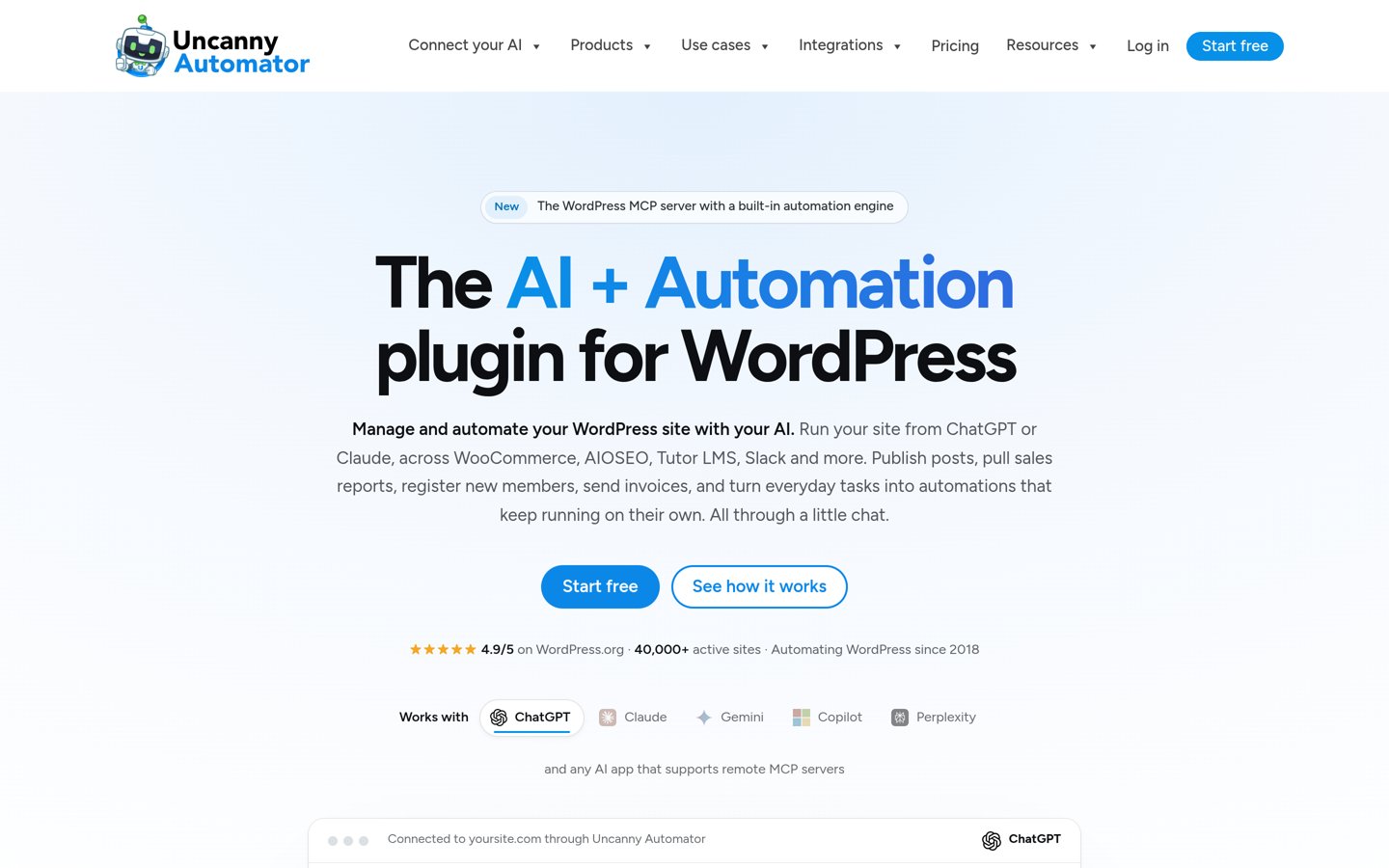
Uncanny Automator homepage, captured Nov 2026.
Uncanny Automator is a WordPress workflow builder that connects plugins, user events and external applications through automated recipes. Its free Lite plan includes 420+ triggers, 440+ actions, 200+ integrations and 250 app credits, alongside an MCP server for connecting AI tools. WordPress.org lists 40,000+ active installations.
The trade off is that advanced recipes, integrations and unlimited AI tool usage require a paid plan, with Basic regularly priced at $240 annually (currently shown at $199). Its current Black Friday offer discounts the first year. It suits membership sites, course platforms and businesses that need broader automation than CRM synchronization alone.
What we like
Free recipe builder connects WordPress plugins
Supports logged-in user events and plugin actions
Includes an MCP server for AI connections
Broad integration coverage across memberships, learning and ecommerce
Free plan includes substantial automation features
Watch out for
Does not replace dedicated two-way CRM synchronization
Advanced recipes and integrations require Pro
Some external app activity uses a separate credit system
4.8/5on WordPress.org (203 reviews, checked Nov 2026)
Paid from$149/yr
Best for flexible WordPress workflow automation
Active installs6,000+
Free automation600+ triggers, actions and filters
Integrations300+ plugins and platforms
Paid planPersonal, 2 sites
automatorwp.com
AutomatorWP homepage, captured Nov 2026.
AutomatorWP is an open-source automation plugin that connects WordPress activities with other plugin actions. Its free version provides access to 600+ triggers, actions and filters from 300+ integrations, including ecommerce, learning, membership and CRM plugins. Automations can combine events, actions and conditions without requiring a separate cloud automation platform.
The trade off is that webhooks and several advanced capabilities depend on paid add-ons. The Personal package has a regular price of $149/year for 2 sites, although the current promotion displays $74/year. It suits WordPress-focused businesses that want flexible plugin automation and control over which extensions they install.
What we like
Open-source core with extensive free functionality
Supports multiple triggers and actions
Integrates with major WordPress membership and LMS plugins
Paid package includes access to available add-ons
Can run automations within WordPress
Watch out for
Webhook features require an add-on
Does not provide a complete external CRM synchronization layer
Complex workflows can require additional configuration
Personal adds premium extensions, advanced features and support for 2 sites.Visit automatorwp.com
03
Bit Integrations
4.9/5on WordPress.org (160 reviews, checked Nov 2026)
Paid from$39/yr
Best budget option for CRM and form integrations
Active installs20,000+
Connected platforms320+
Data transfersUnlimited on paid plans
Paid planStarter, 1 site
bit-integrations.com
Bit Integrations homepage, captured Nov 2026.
Bit Integrations is a WordPress data automation plugin that transfers information from forms, WooCommerce, learning platforms and other plugins to external applications. It supports connections to 320+ platforms, including CRMs, spreadsheets and email marketing services. The free plugin handles basic integration needs, while paid plans add advanced automation controls and unlimited data transfers.
The trade off is that Bit Integrations focuses more on sending and mapping data than maintaining comprehensive two-way CRM relationships. Starter regularly costs $39/year for 1 site, with a current promotional price of $35. It suits form-heavy websites, lead generation businesses and store owners who primarily need reliable transfers to an existing CRM.
What we like
Lowest regular annual license price in this comparison
Connects WordPress forms and ecommerce events to CRMs
Supports field mapping and custom data
Paid plans include conditional logic and webhooks
No separate per-task charge on the paid plugin license
Watch out for
Not a dedicated two-way CRM synchronization replacement
Complex multi-step orchestration is not its primary focus
Some integrations and automation controls require Pro
Starter adds advanced mapping, conditional logic, API features and unlimited transfers.Visit bit-integrations.com
04
FluentCRM
4.8/5on WordPress.org (251 reviews, checked Nov 2026)
Paid from$129/yr
Best for replacing an external CRM with WordPress
Active installs80,000+
Contact storageInside WordPress
Paid contactsUnlimited
Paid planSolo/Blogger, 1 site
fluentcrm.com
FluentCRM homepage, captured Nov 2026.
FluentCRM is a self-hosted WordPress CRM that manages contacts, lists, tags, email campaigns and marketing funnels within the WordPress dashboard. Its free version supports contact management and email marketing, while the paid offering includes unlimited contacts, email sequences, advanced segmentation and automation features. WordPress.org reports 80,000+ active installations.
The trade off is that FluentCRM changes your CRM architecture instead of syncing WordPress with an existing external CRM. The Solo/Blogger license regularly costs $129/year for 1 site, with a temporary $77 first-year promotion. It suits businesses willing to manage customer records inside WordPress rather than maintain a separate marketing automation platform.
What we like
Stores contact data directly in WordPress
No paid contact-count pricing tiers
Combines contact management, segmentation and email marketing
Supports automation workflows and sequences
Integrates with other WordPress marketing plugins
Watch out for
Not intended as a universal connector to external CRMs
Email delivery may require a separate sending service
CRM data and scheduled automation add database maintenance responsibilities
Pro adds advanced automation, segmentation, sequences and priority support.Visit fluentcrm.com
05
Groundhogg
4.8/5on WordPress.org (150 reviews, checked Nov 2026)
Paid from$240/yr
Best for self-hosted CRM funnels and contact tagging
Active installs2,000+
Contact limitsUnlimited
AutomationVisual flow builder
Paid planBasic, $240/yr
groundhogg.io
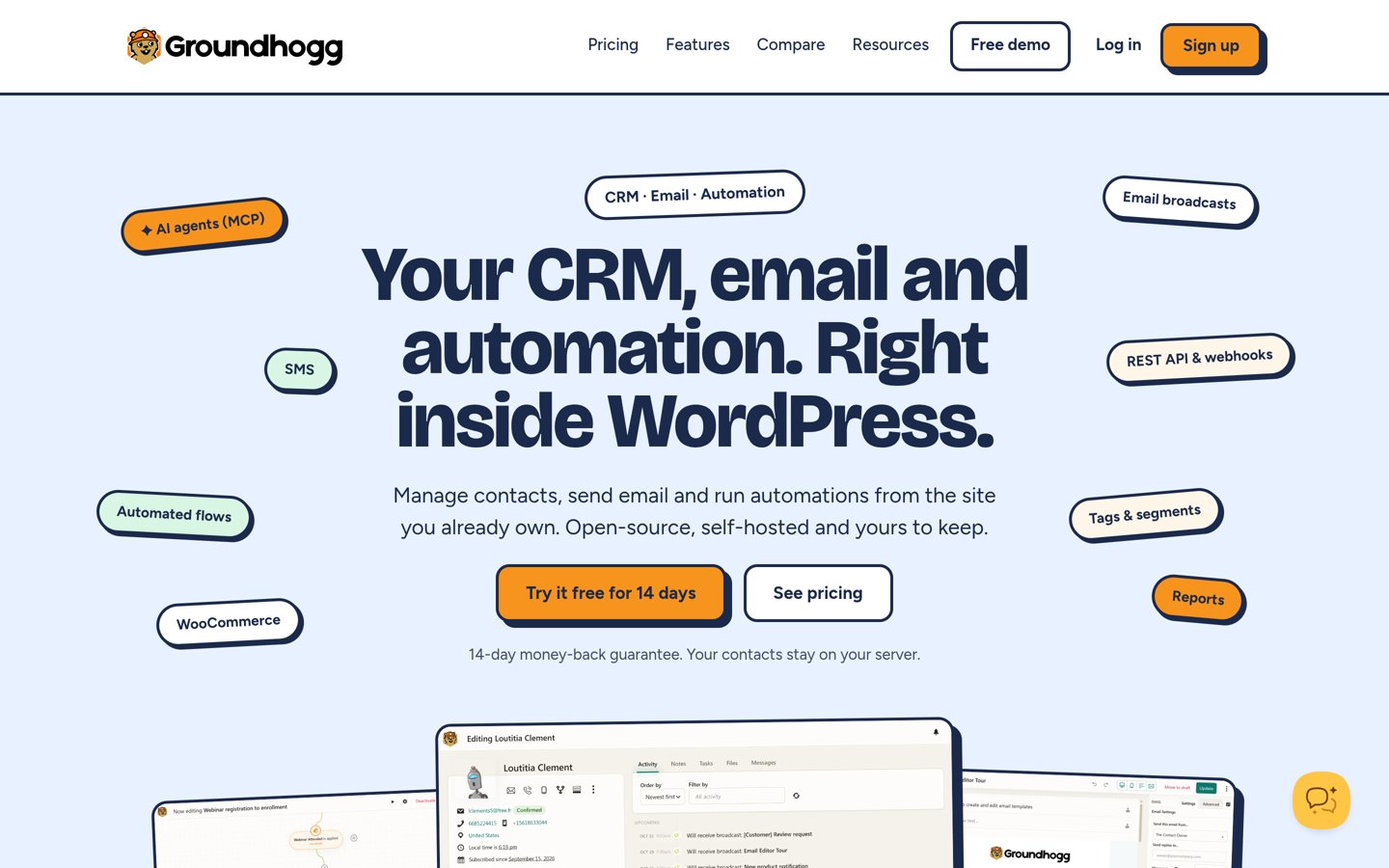
Groundhogg homepage, captured Nov 2026.
Groundhogg is a WordPress-based CRM and marketing automation platform for managing contacts, tags, campaigns and automated funnels. Its free core supports contact records, email marketing and automated flows without contact-count restrictions. The plugin also offers AI agent connections, while paid licenses expand the available integrations and marketing features.
The trade off is that many connections to external WordPress plugins require higher-priced plans, making it a different purchase from a general integration tool. Basic costs $240/year for 1 site, while broader integrations appear in higher tiers. It suits businesses that want customer segmentation and automated marketing journeys inside their WordPress installation.
What we like
Self-hosted contact database and marketing automation
Unlimited contacts and automated flows
Visual flow editor for customer journeys
Supports tags, segmentation and email campaigns
Can integrate AI agents into CRM operations
Watch out for
Many ecommerce and membership integrations need higher tiers
Requires managing CRM and email infrastructure
Does not directly replicate synchronization with an existing external CRM
4.7/5on WordPress.org (55 reviews, checked Nov 2026)
Paid from$149/yr
Best for webhook and API-driven integrations
Active installs20,000+
Integrations100+
Paid automationUnlimited flows and webhooks
Paid planStarter, 1 site
wp-webhooks.com
WP Webhooks homepage, captured Nov 2026.
WP Webhooks is a WordPress integration plugin that sends and receives data through webhooks and APIs. Its free version supports event-based data exchange, including sending information when WordPress activity occurs and receiving instructions from external services. The paid Starter license includes unlimited automations, webhooks, triggers and actions across 100+ integrations.
The trade off is that API-focused workflows require more attention to authentication, payloads and data mapping than a dedicated CRM connector. Starter costs $149/year for 1 site, with a separate Black Friday discount currently advertised. It suits developers, agencies and businesses that want to connect WordPress with custom applications or external automation platforms.
What we like
Supports incoming and outgoing webhooks
Works with external automation services and custom APIs
Paid plan includes unlimited webhooks and automations
Supports conditional logic, delays and scheduling
Includes logs and data mapping for troubleshooting
Watch out for
Requires more technical understanding for custom integrations
Starter adds automation flows, conditions, scheduling, mapping and Pro extensions.Visit wp-webhooks.com
07
OttoKit
4.9/5on WordPress.org (125 reviews, checked Nov 2026)
Paid from$108/yr
Best for cloud automation across WordPress and SaaS apps
Active installs80,000+
App integrations1,600+
Pro tasks5,000/month
Paid planPro, $108/yr renewal
ottokit.com
OttoKit homepage, captured Nov 2026.
OttoKit is a cloud-based workflow automation platform with a WordPress connector, previously distributed under the SureTriggers name. Its integration library covers 1,600+ applications, including marketing, CRM, ecommerce and productivity services. It supports visual workflows, webhooks, AI agents and an MCP server, with a free entry option for getting started.
The trade off is task-based usage: the Pro plan includes 5,000 tasks each month, rather than unlimited action execution. Pro renews at $108/year, although the current promotional first-year price is $69. It suits businesses connecting WordPress to several cloud applications without managing every integration inside their WordPress server.
What we like
Large library of WordPress and SaaS integrations
Visual workflow builder for cross-application automation
Supports AI agents and MCP connections
Paid Pro includes multiple WordPress connections
Cloud execution reduces reliance on WordPress-based workflow processing
Watch out for
Monthly task allowance can restrict high-volume workflows
Depends on an external cloud automation platform
Does not provide native two-way CRM synchronization identical to WP Fusion
Pro provides 5,000 monthly tasks, 5 WordPress connections and a dedicated workspace.Visit ottokit.com
CRM synchronization vs workflow automation: which do you need?
WP Fusion specializes in connecting WordPress user information with CRM contacts and tags. A CRM tag can become part of a membership rule, a course access condition or a marketing sequence.
General automation plugins use a different approach. A WordPress event triggers an action, such as adding a contact to a mailing list or notifying another application. This can replace many WP Fusion workflows without necessarily reproducing continuous contact synchronization.
Uncanny Automator and AutomatorWP work well when the primary requirement is connecting WordPress events and plugin actions. Bit Integrations and WP Webhooks focus more on transferring event data to other services.
FluentCRM and Groundhogg take another route by keeping CRM records in WordPress. They can eliminate the need for an external CRM, but migrating existing customer data and automation logic requires planning.
Before replacing WP Fusion, document the current CRM fields, tag rules, access restrictions and automation triggers. Confirm each required behavior against the proposed replacement's integration documentation.
What to check before switching from WP Fusion
Start by listing the CRM and WordPress plugins your current setup connects. Check specific triggers and actions rather than relying only on a vendor's overall integration count.
Pay special attention to bidirectional updates. Sending a new WooCommerce customer to a CRM is different from updating a WordPress user's membership when a CRM contact tag changes.
Check where automation executes, how failures are logged and whether workflows retry after an API error. Cloud tools may also apply task limits that become important as order and contact volumes increase.
Finally, verify whether the cheapest license includes your required CRM connection. A low entry price can become less attractive when essential integrations require higher tiers or separate services.
How we chose
We selected established WordPress CRM, integration and automation products that address common reasons to replace WP Fusion. The shortlist covers plugin-to-plugin workflows, CRM data transfer, self-hosted contact management, webhook automation and cloud application connections.
On 22 Nov 2026, we checked WordPress.org ratings, review counts, active installation figures and plugin maintenance information alongside official vendor pricing pages. Annual comparisons use the cheapest applicable paid subscription at its regular listed rate, excluding temporary Black Friday promotions and introductory discounts.
We excluded inactive or closed plugins, products without sufficiently verifiable pricing, and services whose capabilities were too far removed from WordPress CRM or automation requirements. Feature comparisons are based on publicly available documentation and listings, not independently verified performance. No vendor paid for a place, and we do not claim testing for this list.
How to choose the right WP Fusion alternative
Identify which WP Fusion features your site actually uses before choosing a replacement. Follow these steps to compare functionality, integration coverage and long-term costs.
**Define whether you need CRM sync or workflow automation.** If you only need WordPress events to trigger CRM actions, start with Uncanny Automator, AutomatorWP or Bit Integrations. If customer segmentation and email campaigns are your main requirements, evaluate FluentCRM or Groundhogg. Continuous two-way CRM synchronization needs a more detailed integration review.
**Verify your existing plugin and CRM connections.** Check the specific membership, ecommerce, form and learning plugins you use. Confirm that the replacement supports the necessary triggers, actions, contact fields and tagging operations. An integration appearing in a directory does not guarantee support for every feature.
**Compare regular pricing and automation limits.** Review annual renewal prices instead of promotional checkout totals. Check website license limits, monthly task allowances, premium integration restrictions and potential external service charges. A cheaper subscription may not cover the workflow volume or integrations your business requires.
**Plan a controlled migration.** Document existing CRM tags, customer fields and automated journeys before replacing anything. Recreate essential workflows in a staging environment, confirm that contact data updates correctly and check for duplicate actions. Keep your current integration active until the replacement covers the required business processes.
FAQ
What is the best WP Fusion alternative?
Uncanny Automator is the best general-purpose alternative for WordPress plugin automation. Its free version supports extensive trigger-action workflows, and WordPress.org reports 40,000+ active installations. However, if your main requirement is continuous CRM contact synchronization and tag-based access control, verify that its available integrations reproduce those specific functions before switching.
Is there a free alternative to WP Fusion?
Yes. Uncanny Automator, AutomatorWP, Bit Integrations, FluentCRM, Groundhogg, WP Webhooks and OttoKit offer free entry options. Their free versions differ significantly: some focus on workflow triggers, others manage contacts or transfer data. Advanced CRM connections, conditions and automation capabilities may require a paid license.
Can Uncanny Automator replace WP Fusion?
Uncanny Automator can replace many workflows where WordPress events trigger actions in other plugins or external services. It can connect forms, memberships, courses and ecommerce processes. However, it is primarily a workflow automation tool rather than a dedicated two-way CRM synchronization system, so some WP Fusion configurations may require additional integration work.
Which WP Fusion alternative is cheapest?
Bit Integrations has the lowest regular paid entry price among these selections at $39/year for its Starter license. Its current promotion reduces the advertised first-year price to $35. The right comparison depends on required features because its data-transfer functionality does not automatically replace WP Fusion's full CRM synchronization capabilities.
Is FluentCRM better than WP Fusion?
FluentCRM may be a better fit if you want to manage contacts, segments and email marketing directly inside WordPress. WP Fusion serves a different purpose: integrating WordPress with an existing external CRM. Choosing between them depends on whether you want to keep your current CRM or move contact management into WordPress.
Can I synchronize WooCommerce customers with a CRM without WP Fusion?
Yes. Plugins such as Bit Integrations, Uncanny Automator and WP Webhooks can send WooCommerce customer or order information to supported external services. The important distinction is whether you need event-based data transfers or ongoing bidirectional synchronization. Check support for contact updates, field mapping and duplicate prevention before migrating.
Does AutomatorWP support CRM automation?
AutomatorWP integrates with WordPress CRM and marketing plugins and can run actions when supported events occur. Its free core includes an extensive trigger-action system, while premium extensions add other capabilities. For external CRM connections, verify the relevant integration or webhook add-on and confirm whether it supports the contact and tagging operations you need.
What is the difference between OttoKit and WP Fusion?
OttoKit is a cloud workflow automation platform that connects WordPress with numerous external applications. WP Fusion focuses specifically on connecting WordPress users and plugin data with CRM contacts and tags. OttoKit may be preferable for cross-app workflows, but its task-based pricing and event-driven architecture differ from WP Fusion's integration model.
Will I lose CRM data when switching from WP Fusion?
Disabling WP Fusion does not ordinarily delete contacts stored in an external CRM, but it can interrupt synchronization and tag-dependent WordPress behavior. Export important settings, document existing mappings and verify access rules before migration. Test the new connection carefully, particularly when memberships, course enrollment or purchase-based automations depend on CRM tags.