Best WordPress AI Translation Plugins in 2026: 7 Tools Compared
WLWPLegible EditorsLast verified 22 Nov 2026How we rank12 min read
★ Short answer
TranslatePress is our top WordPress AI translation plugin for sites that need visual editing and locally stored translations, with 400,000+ active installations and 50,000 AI-translated words in its Personal plan. Weglot is better for managed translation workflows, while GTranslate offers a free language switcher and paid search-indexable translations.
How we make this list: we compare pricing pages, product documentation and public user reviews, then re-check every price before each update. No product paid for a place. Disclosure.
TranslatePress has 400,000+ active installations and a 4.7/5 rating from 1,672 reviews. Personal costs €99 per year and includes 50,000 AI translation words.
Weglot has 50,000+ active installations and a 4.8/5 rating from 1,944 reviews. Starter costs $17 monthly or $170 annually for 10,000 translated words.
GTranslate has 900,000+ active installations and a 4.9/5 rating from 4,965 reviews. Paid plans start at $12 per month (Custom), and the Startup plan with unlimited translated words costs $25 per month.
Linguise has a 4.9/5 rating from 32 reviews. Its $15 monthly Start plan covers 200,000 translated words and unlimited languages.
ConveyThis has 1,000+ active installations and a 4.4/5 rating from 145 reviews. Starter costs $12 monthly or $120 annually.
Linguator has 3,000+ active installations and a 4.6/5 rating from 20 reviews. Its regular single-site Pro license costs $79 annually.
What matters in a WordPress AI translation plugin
AI translation plugins turn WordPress content into additional languages using machine translation or large language models. They can translate pages, posts, menus, product descriptions and interface text, but coverage varies considerably between plugins.
Start with translation quality and editing controls. Automated translations can miss context, technical terminology and brand voice. A visual editor, glossary and manual corrections help keep important content accurate.
Multilingual SEO is another major consideration. Search engines need accessible translated URLs, appropriate hreflang tags and localized metadata. A language-switching widget alone does not necessarily create separately indexable translated pages.
Compare how services measure usage. Some charge by translated words, others provide recurring word allowances, and several offer unlimited words under paid subscriptions. A fixed word quota can be exhausted quickly when translating a large content library into multiple languages.
Finally, check where translations are stored and what happens after cancellation. Self-hosted translations may remain in the WordPress database, while managed translation services often require an active subscription to continue displaying translated versions.
List prices in each vendor's currency, checked Nov 2026
LinguatorFREE$79
TranslatePressFREE€109
PolylangFREE€109
GTranslateFREE$144
ConveyThisFREE$144
Linguise$180
WeglotFREE$204
The 7 best wordpress ai translation plugins
01
TranslatePress
4.7/5on WordPress.org (1,672 reviews, checked Nov 2026)
Paid from€99/yr
Best for AI translation with visual editing
Active installs400,000+
Personal AI words50,000
Visual editorIncluded
Paid planPersonal, €99/yr
translatepress.com
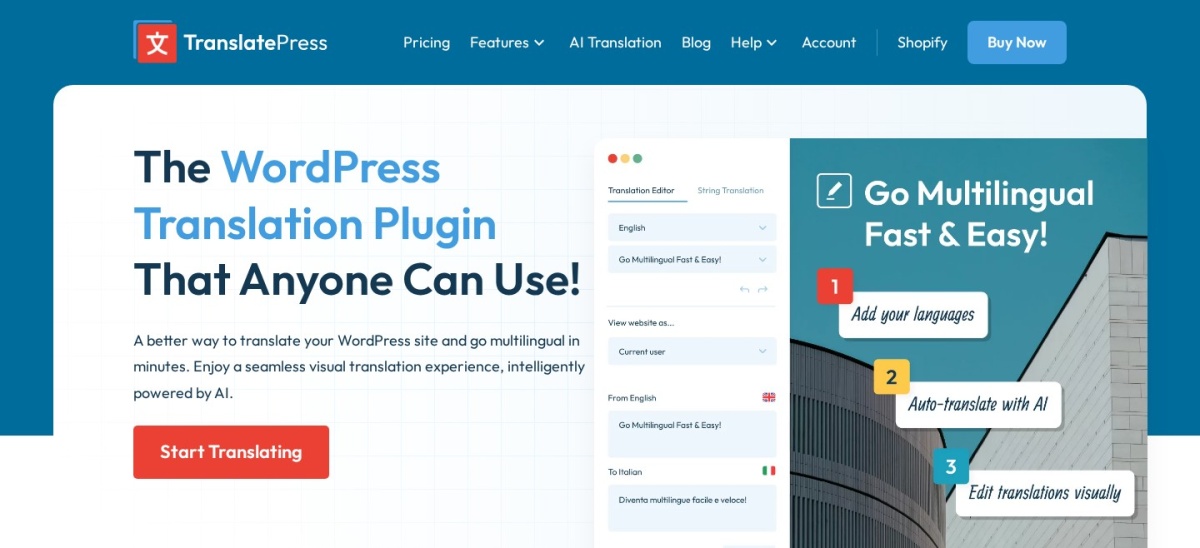
TranslatePress homepage, captured Nov 2026.
TranslatePress is a WordPress multilingual plugin with 400,000+ active installations and a 4.7/5 rating from 1,672 reviews. Its free version includes a front-end visual translation editor, a language switcher and integration with Google Translate. The €99 annual Personal plan adds TranslatePress AI with 50,000 translated words, URL slug translation and multilingual SEO features.
The trade off is that built-in TranslatePress AI and advanced SEO features require a paid license, while extra AI words cost more after the included allowance is used. The regular €99 price is approximately $108.58 at the checked exchange rate. It suits content-heavy websites that want to edit translations visually and retain them locally.
What we like
Visual front-end translation editor
Free manual translation and Google Translate integration
Translations remain in the WordPress database
Premium includes multilingual SEO features
Supports WooCommerce and dynamic page content
Watch out for
Built-in AI translation requires Premium
Included AI word allowance is limited
Additional translation credits cost extra
Advanced features may require more configuration
Personal adds 50,000 AI words, SEO tools, translated slugs and premium support.Visit translatepress.com
02
Weglot
4.8/5on WordPress.org (1,944 reviews, checked Nov 2026)
Paid from$17/mo
Best for managed AI translation workflows
Active installs50,000+
Free word limit2,000
Starter word limit10,000
Paid plan$17/mo or $170/yr
weglot.com
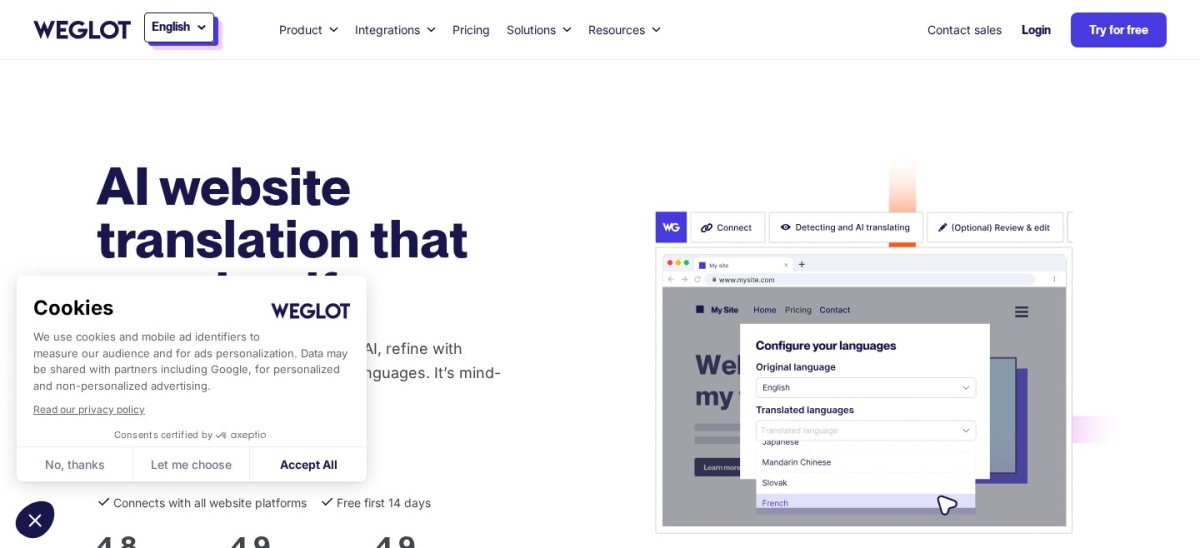
Weglot homepage, captured Nov 2026.
Weglot is a managed WordPress translation plugin with 50,000+ active installations and a 4.8/5 rating from 1,944 reviews. Its free plan supports 2,000 translated words and one additional language. It combines AI translation, visual editing, glossaries, translation exclusions and multilingual SEO controls through a hosted dashboard.
The trade off is its fixed translated-word allowance and continuing subscription requirement. Starter costs $17 per month or $170 with annual billing, but supports only 10,000 translated words and one additional language. It suits businesses that prefer managed translations and centralized editing over maintaining translations inside WordPress.
What we like
Managed automatic translation workflow
Visual editor and translation glossary
Multilingual SEO and language-specific URLs
Supports WordPress and WooCommerce
Team collaboration features
Watch out for
Starter has a relatively small word allowance
Additional languages require higher plans
Ongoing subscription required for translated delivery
Annual billing differs from monthly pricing
Starter raises the translated-word allowance and provides access to professional translators.Visit weglot.com
03
GTranslate
4.9/5on WordPress.org (4,965 reviews, checked Nov 2026)
Paid from$12/mo
Best for free automatic translation and unlimited paid words
Active installs900,000+
Free translationGoogle-powered
Paid word limitUnlimited
Paid planStartup, $25/mo
gtranslate.io
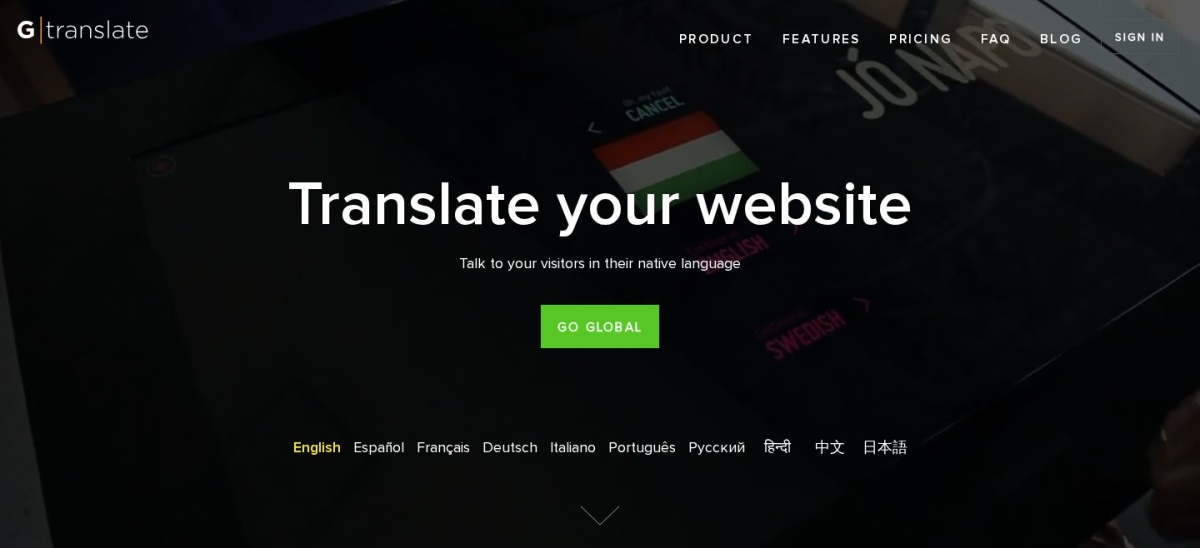
GTranslate homepage, captured Nov 2026.
GTranslate is a WordPress translation plugin with 900,000+ active installations and a 4.9/5 rating from 4,965 reviews. Its free version offers automatic Google-powered translation and a customizable language switcher. The $25 monthly Startup plan adds AI translation, editable translations, search engine indexing and unlimited translated words and pageviews.
The trade off is that the free widget does not provide the same multilingual SEO capabilities as the paid service. Startup also excludes translated URLs and language hosting, which require higher plans. It suits websites that want broad language coverage without a translated-word quota on the paid subscription.
What we like
Largest installation base in this comparison
Free automatic language switching
Unlimited words and pageviews on paid plans
Paid translations can be indexed
Translation editing on paid plans
Watch out for
Free version lacks advanced multilingual SEO
Startup does not translate URLs
Language hosting requires higher plans
Translation delivery depends on the service
Startup adds AI translation, indexing, editing and unlimited translated words.Visit gtranslate.io
04
Linguise
4.9/5on WordPress.org (32 reviews, checked Nov 2026)
Starts at$15/mo
Best for multilingual sites needing larger word allowances
Active installs1,000+
Start word limit200,000
LanguagesUnlimited
Paid planStart, $15/mo
linguise.com
Linguise homepage, captured Nov 2026.
Linguise is a cloud-based WordPress translation plugin with 1,000+ active installations and a 4.9/5 rating from 32 reviews. Its $15 monthly Start plan includes 200,000 translated words, unlimited languages and unlimited translated pageviews for one website. It also provides a front-end editor, language switcher and SEO-oriented translated URLs.
The trade off is that Linguise offers a one-month trial rather than a permanent free translation plan. Premium LLM-based translation is an additional service, with published usage pricing starting at $20 per 500,000 words. It suits growing multilingual websites needing a larger base translation allowance and centralized translation management.
What we like
Large entry-level translated-word allowance
Unlimited languages and pageviews
Front-end translation editing
Multilingual SEO controls
Supports WooCommerce content
Watch out for
No permanent free service plan
Additional premium LLM translation costs extra
Word allowance varies by subscription
Depends on a hosted translation service
Start includes 200,000 words; higher plans increase translated-word capacity.Visit linguise.com
05
ConveyThis
4.4/5on WordPress.org (145 reviews, checked Nov 2026)
Paid from$12/mo
Best for affordable managed translation
Active installs1,000+
Free words10,000
Starter words60,000
Paid plan$12/mo or $120/yr
conveythis.com
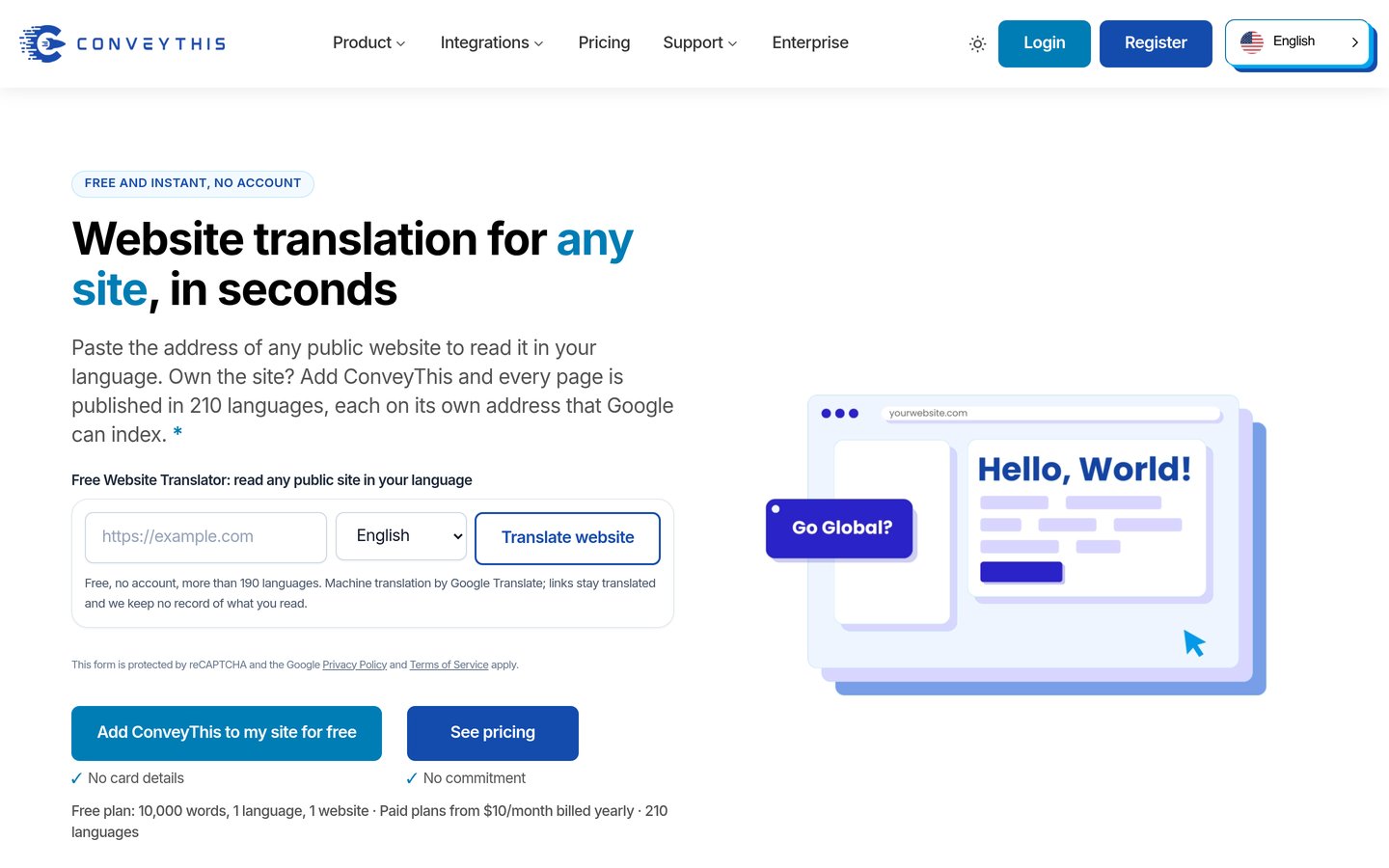
ConveyThis homepage, captured Nov 2026.
ConveyThis is a managed WordPress AI translation plugin with 1,000+ active installations and a 4.4/5 rating from 145 reviews. Its free plan includes 10,000 translated words, one additional language and 2,500 monthly pageviews. Starter raises the allowances to 60,000 words and 15,000 monthly pageviews.
The trade off is that each plan limits translated languages, words and pageviews, making usage planning important. Starter costs $12 monthly or $120 annually, while additional languages require higher tiers. It suits small websites wanting managed translation, editable language versions and multilingual SEO without a high starting subscription.
What we like
Free plan with 10,000 translated words
Affordable Starter subscription
Visual translation editing
Localized URLs and hreflang support
Clear language and traffic allowances
Watch out for
Starter supports one additional language
Monthly pageview restrictions
Larger sites need higher plans
Hosted translation depends on subscription status
Starter raises word and pageview allowances while retaining managed translation features.Visit conveythis.com
06
Linguator
4.6/5on WordPress.org (20 reviews, checked Nov 2026)
Paid from$79/yr
Best for choosing AI translation providers
Active installs3,000+
AI providersMultiple options
Site ScanPro
Paid planSingle Site, $79/yr
linguator.com
Linguator homepage, captured Nov 2026.
Linguator is a WordPress multilingual plugin with 3,000+ active installations and a 4.6/5 rating from 20 reviews. Its free version helps manage translated pages and language versions, with options for automatic translation. The broader product supports ChatGPT sign-in, Google Gemini, browser-based AI, bulk translation and customizable language switching.
The trade off is that advanced multilingual Site Scan, additional translation controls and premium support require Pro at $79 annually for one site. Some AI providers also require external credentials and may charge separately for usage. It suits WordPress owners who want to choose translation engines rather than depend entirely on one hosted translation provider.
What we like
Free multilingual plugin available
Multiple AI and machine translation options
Supports Gutenberg and Elementor content
Pro includes multilingual Site Scan
Locally managed multilingual content
Watch out for
Some providers require separate credentials
AI usage may incur external charges
Advanced diagnostics require Pro
Smaller public review history
Pro adds multilingual Site Scan, advanced translation controls and premium support.Visit linguator.com
07
Polylang
4.7/5on WordPress.org (3,011 reviews, checked Nov 2026)
Paid from€99/yr
Best for multilingual content with DeepL integration
Active installs900,000+
Free translationManual
DeepL integrationPro, separate API
Paid planPro, €99/yr
polylang.pro
Polylang homepage, captured Nov 2026.
Polylang is an established WordPress multilingual plugin with 900,000+ active installations and a 4.7/5 rating from 3,011 reviews. Its free version creates language-specific posts, pages, taxonomies and menus. Polylang Pro costs €99 per year and adds DeepL machine translation integration, translated URL slugs and additional content synchronization controls.
The trade off is that Polylang Pro requires a separate DeepL API key for machine translation, so translation usage may add costs. Its regular €99 license is approximately $108.58 at the checked exchange rate, and WooCommerce translation requires another paid package. It suits publishers who want direct control over multilingual content structures.
What we like
Large established WordPress.org user base
Free multilingual content management
Pro integrates with DeepL
Translations remain in WordPress
Flexible language URLs and switching
Watch out for
Free version does not automatically translate content
DeepL requires a separate API account
WooCommerce support requires additional licensing
Page-builder translation coverage varies
Pro adds DeepL integration, translated slugs, synchronization and premium support.Visit polylang.pro
How AI translation pricing works
Translation plugins use different pricing models. Some include a fixed allowance of translated words, while others charge a monthly subscription for managed translation delivery. Self-hosted plugins may connect to external AI providers that bill separately.
TranslatePress includes 50,000 AI-translated words in its Personal license. Weglot Starter provides 10,000 total translated words, while Linguise Start includes 200,000 words. These allowances are not necessarily measured over identical periods.
GTranslate Startup offers unlimited translated words under its paid subscription. Polylang Pro uses a separate DeepL API account, so API consumption is not included in the plugin license.
For the price ladder, euro-denominated licenses are converted using the checked reference rate of €1 = $1.0968. TranslatePress and Polylang both list €99 annually, equivalent to approximately $108.58. Currency conversions are informational; checkout charges may differ.
Can AI-translated WordPress pages rank in search engines?
AI-translated content can be indexed when search engines can access the translated pages and the content meets applicable quality expectations. Translation alone does not guarantee visibility or rankings.
For multilingual SEO, look for stable language-specific URLs, hreflang annotations, translated metadata, canonical handling and properly linked language versions. A client-side language widget may not provide the same indexing opportunities.
TranslatePress, Weglot, Linguise and ConveyThis provide multilingual SEO features, although their availability depends on the plan. Polylang Pro also supports translated slugs and language-specific content management.
Review important translations before publishing. Product details, legal information, technical terms and calls to action deserve additional attention because inaccurate wording can affect both visitors and search performance.
How we chose
We reviewed maintained WordPress translation plugins using WordPress.org listings, official developer documentation and product pages. We compared automatic translation engines, visual editing, multilingual SEO, translated-word allowances, WooCommerce compatibility and the location where translations are stored. The shortlist includes managed services and self-hosted multilingual tools.
On 22 Nov 2026, we checked public WordPress.org ratings, review counts, active installations, update histories and official pricing pages. Regular prices are used instead of introductory promotions. Monthly subscriptions are multiplied by twelve in price_year, while euro-denominated annual licenses use a checked conversion rate of $1.0968 per euro.
We excluded closed plugins, outdated products and tools lacking confirmable entry pricing or sufficient adoption. Autoglot and AI Translate had smaller installation and review bases than the established options. WPML was also considered, but its pricing is euro-denominated and its automatic AI translation requires the appropriate paid tier. No vendor paid for a place, and we do not claim hands-on testing for this list.
How to choose a WordPress AI translation plugin
Estimate your translation needs and decide how much control you want over the resulting multilingual content.
**Calculate your content and language volume.** Estimate the words across pages, posts, products and interface strings, then consider how many additional languages you need. Compare fixed translation allowances with recurring usage limits and unlimited-word subscriptions.
**Choose between hosted and self-hosted translations.** Managed services handle translation delivery and provide centralized dashboards, but usually depend on active subscriptions. Self-hosted tools maintain translation records in WordPress, offering more control while potentially requiring separate API accounts and configuration.
**Check multilingual SEO and editing features.** Look for translated URLs, hreflang tags, localized metadata and manual correction tools. If translation quality matters for brand terminology, prioritize a glossary or visual editor and review AI-generated content before publication.
**Compare total costs and compatibility.** Account for plugin subscriptions, translation credits, external AI APIs and additional language allowances. Confirm compatibility with your page builder, ecommerce setup and existing SEO plugin before committing to a translation platform.
FAQ
What is the best WordPress AI translation plugin?
TranslatePress is our overall recommendation for sites that want visual translation editing and locally stored content. It has 400,000+ active installations and includes 50,000 AI-translated words in its Personal plan. Weglot is better for managed workflows, while GTranslate offers broad free language switching.
Can I translate a WordPress website using AI for free?
Yes. GTranslate offers free Google-powered translation, and Weglot provides a free plan for small websites. TranslatePress also supports free manual translation and Google Translate integration. Some free plugins require separate API credentials, and advanced SEO functionality often needs a paid subscription.
Which WordPress translation plugin is best for SEO?
TranslatePress, Weglot, Linguise and ConveyThis all provide multilingual SEO features, including language-specific URLs and translation management. The best fit depends on your content volume and whether you prefer self-hosted or managed translations. Proper hreflang, metadata and content quality remain important regardless of the plugin.
Is Weglot better than TranslatePress?
Weglot is convenient for managed translation workflows, centralized editing and hosted multilingual delivery. TranslatePress offers a visual WordPress editor and locally stored translations. Weglot Starter costs $17 monthly or $170 annually, while TranslatePress Personal costs €99 per year with an included AI word allowance.
Does AI translation work with WooCommerce?
Yes. TranslatePress, Weglot, GTranslate, Linguise and Linguator support WooCommerce-related translation workflows. Coverage can include products, categories, interface text and checkout content. Polylang requires its WooCommerce integration package for complete ecommerce compatibility, so compare plan-specific support before choosing.
What is the cheapest paid WordPress AI translation plugin?
Linguator has the lowest confirmed regular paid plugin license in this comparison at $79 annually for one website. ConveyThis Starter costs $12 monthly or $120 annually. Remember that separate AI provider charges, translation credits or subscription limits can change the total cost.
Can AI translation plugins translate SEO titles and descriptions?
Many can. TranslatePress Premium, Weglot, Linguise and other multilingual tools provide features for localized metadata. Coverage can vary by SEO plugin, theme and subscription. Confirm that titles, meta descriptions, translated slugs and hreflang tags are handled correctly before allowing search engines to index translated pages.
Will translations disappear if I cancel my subscription?
It depends on the plugin. TranslatePress stores translations in the WordPress database, and Polylang also manages multilingual content locally. Managed translation services often require an active subscription to keep their translated delivery functioning. Check the provider's cancellation and export policies before subscribing.
Is AI translation accurate enough for professional websites?
AI translation can provide a useful first draft, but accuracy varies by language, subject and context. Technical instructions, legal notices, product claims and important sales copy should receive human review. A glossary and editing tools help maintain consistent terminology across translated pages.