Best WordPress AI Engine Plugins in 2026: 7 Tools Compared
WLWPLegible EditorsLast verified 22 Nov 2026How we rank11 min read
★ Short answer
AI Engine is the best WordPress AI engine plugin overall, with 90,000+ active installs, a 4.9/5 rating and free chatbot and MCP connectivity for AI assistants. AI Puffer offers a free monthly allowance for WordPress automation, while GetGenie is better for AI writing, keyword research and content optimization.
How we make this list: we compare pricing pages, product documentation and public user reviews, then re-check every price before each update. No product paid for a place. Disclosure.
AI Engine has 90,000+ active installs and a 4.9/5 rating from 880 reviews. Its Starter Pro license costs $59/year.
AI Puffer includes 2,000 free monthly website actions and 25 AI credits for eligible accounts. Pro starts at $9.99/month.
GetGenie has 70,000+ active installs and a 4.8/5 rating. Its regular Starter price is $10/month for 20,000 AI words.
WPBot has 5,000+ active installs and a 4.7/5 rating. Its Starter upgrade costs $39/year.
Tidio has 70,000+ active installs and a 4.8/5 rating. Its AI Starter plan costs $390/year with annual billing.
Jetpack has 3M+ active installs and includes 20 free AI requests. Its Pro bundle renews at $29/month with annual billing.
What to look for in a WordPress AI engine plugin
WordPress AI engine plugins connect artificial intelligence models with website content, visitors and administrative workflows. Depending on the plugin, they can create articles, answer customer questions, generate images, automate repetitive tasks or let AI assistants manage parts of your website.
Start by choosing your main use case. A website chatbot has different requirements from an AI writing assistant or an automated site management system. All-in-one plugins offer several capabilities, but specialized tools may provide more relevant settings for a particular workflow.
Look at AI model support. Some plugins connect directly to OpenAI, Anthropic, Google Gemini or other providers using your own API keys. Others provide hosted AI credits or subscription-based access. These approaches affect flexibility, data handling and ongoing usage costs.
If you want to connect ChatGPT or Claude to WordPress, consider Model Context Protocol (MCP) support. MCP integrations can expose website operations to compatible AI assistants. Review authentication, user permissions, approval controls and available actions before enabling administrative access.
Finally, compare plugin licensing with AI usage charges. A free WordPress plugin may still require paid API calls, while a hosted service may include monthly credits or conversation allowances. Separate these costs before estimating your budget.
4.9/5on WordPress.org (880 reviews, checked Nov 2026)
Paid from$59/yr
Best WordPress AI engine plugin overall
AI providersOpenAI, Claude, Gemini and more
MCP serverIncluded free
Free chatbotIncluded
Paid planStarter, $59/yr
meowapps.com
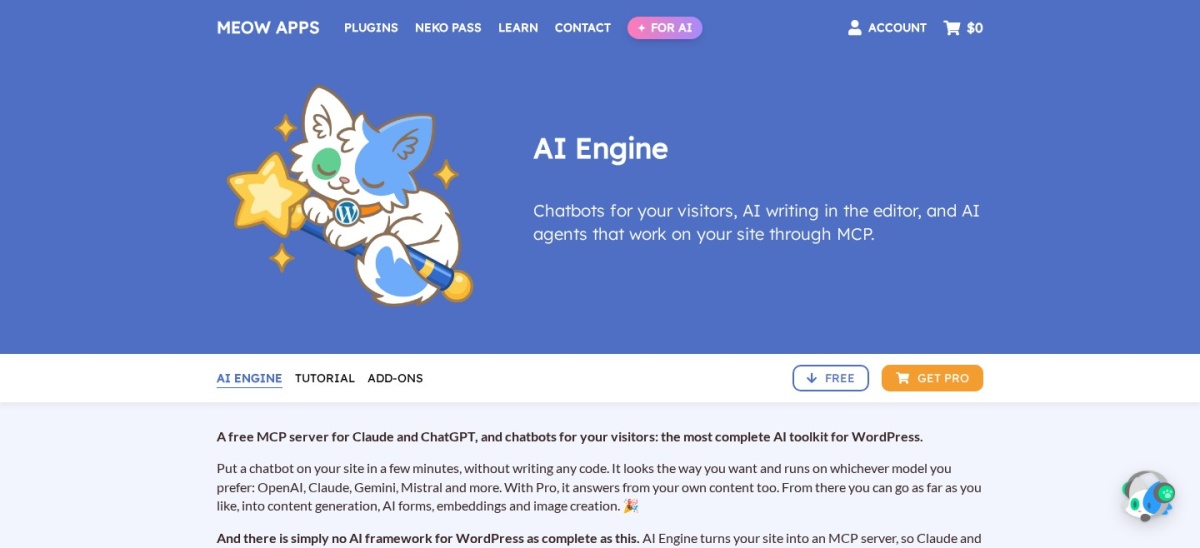
AI Engine homepage, captured Nov 2026.
AI Engine is a WordPress AI framework from Meow Apps with 90,000+ active installs and a 4.9/5 rating from 880 reviews. Its free version supports AI chatbots, content generation, an administrative AI workspace and MCP connections with more than 140 tools for managing WordPress through compatible AI assistants.
The trade off is that advanced knowledge bases, embeddings and other specialized features require Pro, while AI model API usage can create additional charges. Starter costs $59 yearly for one website. It suits developers, publishers and businesses wanting flexible AI functionality inside WordPress.
What we like
Free MCP connectivity for compatible AI assistants
Supports multiple AI providers
Chatbots and content generation in one plugin
AI workspace inside WordPress administration
Extensive MCP tools for website operations
Watch out for
Advanced knowledge features require Pro
External AI API charges may apply
Broad feature set increases configuration complexity
Administrative AI access requires careful permission management
Starter adds premium knowledge-base features, embeddings, AI forms and advanced chatbot capabilitiesVisit meowapps.com
02
AI Puffer
4.6/5on WordPress.org (167 reviews, checked Nov 2026)
Paid from$9.99/mo
Best for connecting AI assistants to WordPress automation
Free website actions2,000/month
Free AI credits25/month
MCP integrationClaude and ChatGPT
Paid planPro, $9.99/mo
aipower.org
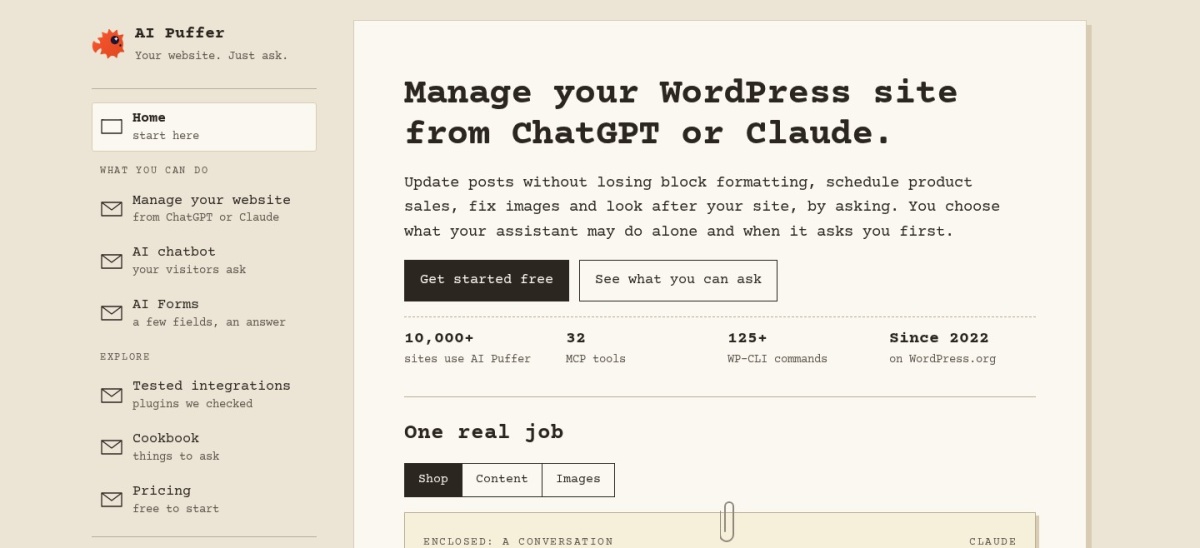
AI Puffer homepage, captured Nov 2026.
AI Puffer is a WordPress AI automation plugin formerly known as AI Power, with 10,000+ active installs and a 4.6/5 rating. Its free plan includes 2,000 monthly website actions, plus 25 AI credits for eligible verified accounts. It provides MCP connectivity, chatbots, content writing, AI forms and image generation.
The trade off is that hosted website actions and AI credits are limited, and additional model subscriptions may still be necessary. Pro costs $9.99 monthly and adds 10,000 paid website actions plus 1,000 paid AI credits to the free allowances. It suits administrators wanting usage-based AI automation.
What we like
Free MCP connection to ChatGPT and Claude
Monthly website action allowance
AI chatbots, forms and content writing
Supports multiple model providers and personal API keys
Pro includes premium theme editing capabilities
Watch out for
Hosted usage allowances reset monthly
Unused included credits do not roll over
Separate AI subscriptions may be necessary
Advanced site operations need appropriate permissions
Pro adds premium features, additional website actions, AI credits and theme editingVisit aipower.org
03
GetGenie
4.8/5on WordPress.org (120 reviews, checked Nov 2026)
Paid from$10/mo
Best for AI content writing and SEO research
Starter AI words20,000/month
SERP analyses12/month
Keyword analyses25/month, Blog Wizard
Paid planStarter, regular $10/mo
getgenie.ai
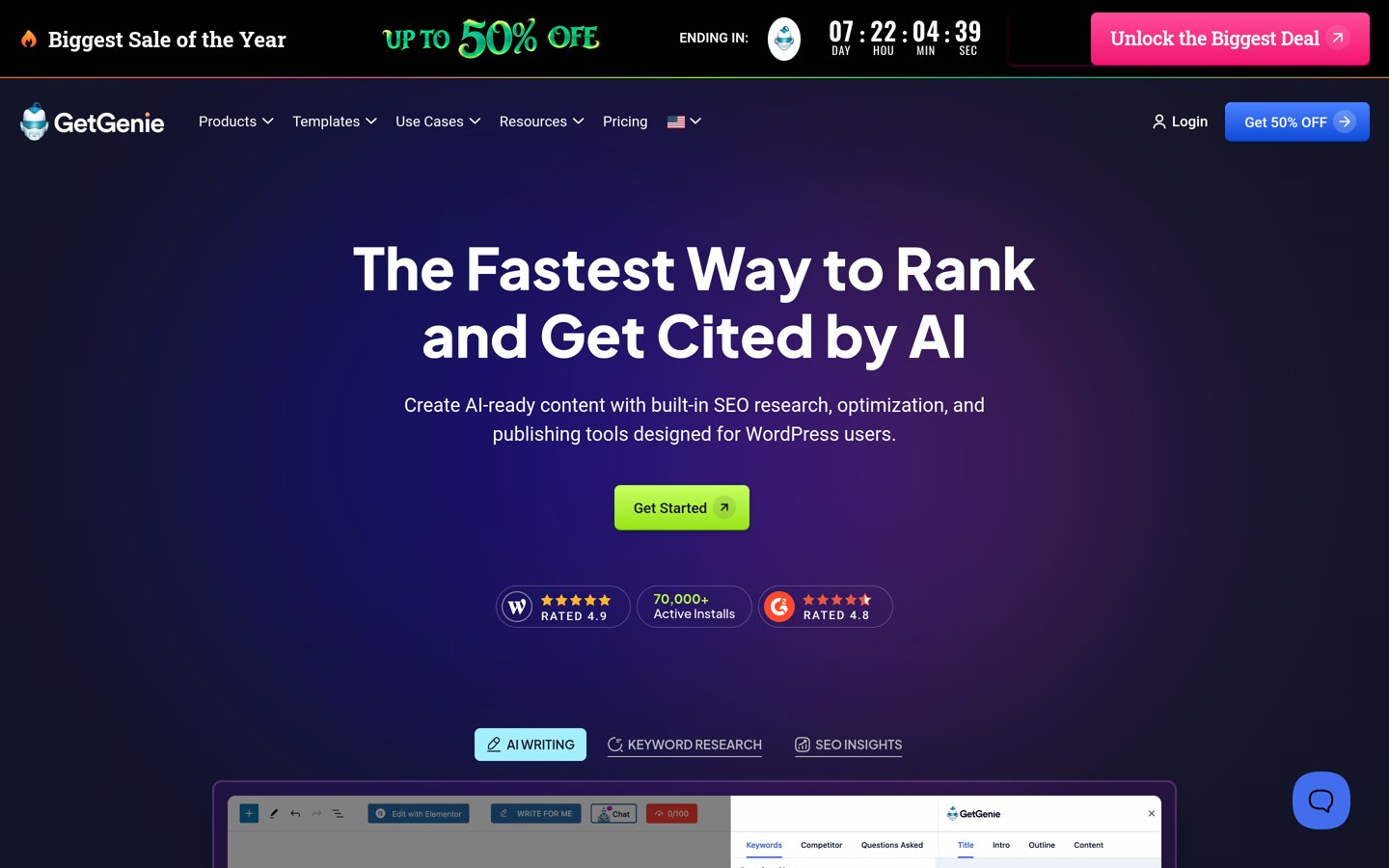
GetGenie homepage, captured Nov 2026.
GetGenie is a WordPress AI writing and SEO assistant with 70,000+ active installs and a 4.8/5 rating from 120 reviews. Its free entry option provides limited AI writing access, while the plugin offers keyword research, competitor analysis, content generation, SEO recommendations and an AI writing workspace.
The trade off is that writing volume, research credits and advanced analysis depend on the selected subscription. Starter normally costs $10 monthly and includes 20,000 AI words and 12 SERP analyses per month, although promotional discounts are advertised. It suits publishers focused on search-oriented content production.
What we like
AI writing directly inside WordPress
Keyword and competitor research tools
Content optimization recommendations
Blog writing templates and structured workflows
Supports SEO and AI search content analysis
Watch out for
Monthly AI word allowances
Keyword and SERP research use limited credits
Not primarily designed for site administration
AI-generated SEO recommendations require editorial review
Starter adds 20,000 monthly AI words, SERP analyses, keyword research credits and SEO trackingVisit getgenie.ai
04
WPBot
4.7/5on WordPress.org (124 reviews, checked Nov 2026)
Paid from$39/yr
Best for website support chatbots and lead generation
Free chatbotIncluded
Website searchPosts and pages
Starter websites1
Paid planStarter, $39/yr
wpbot.pro
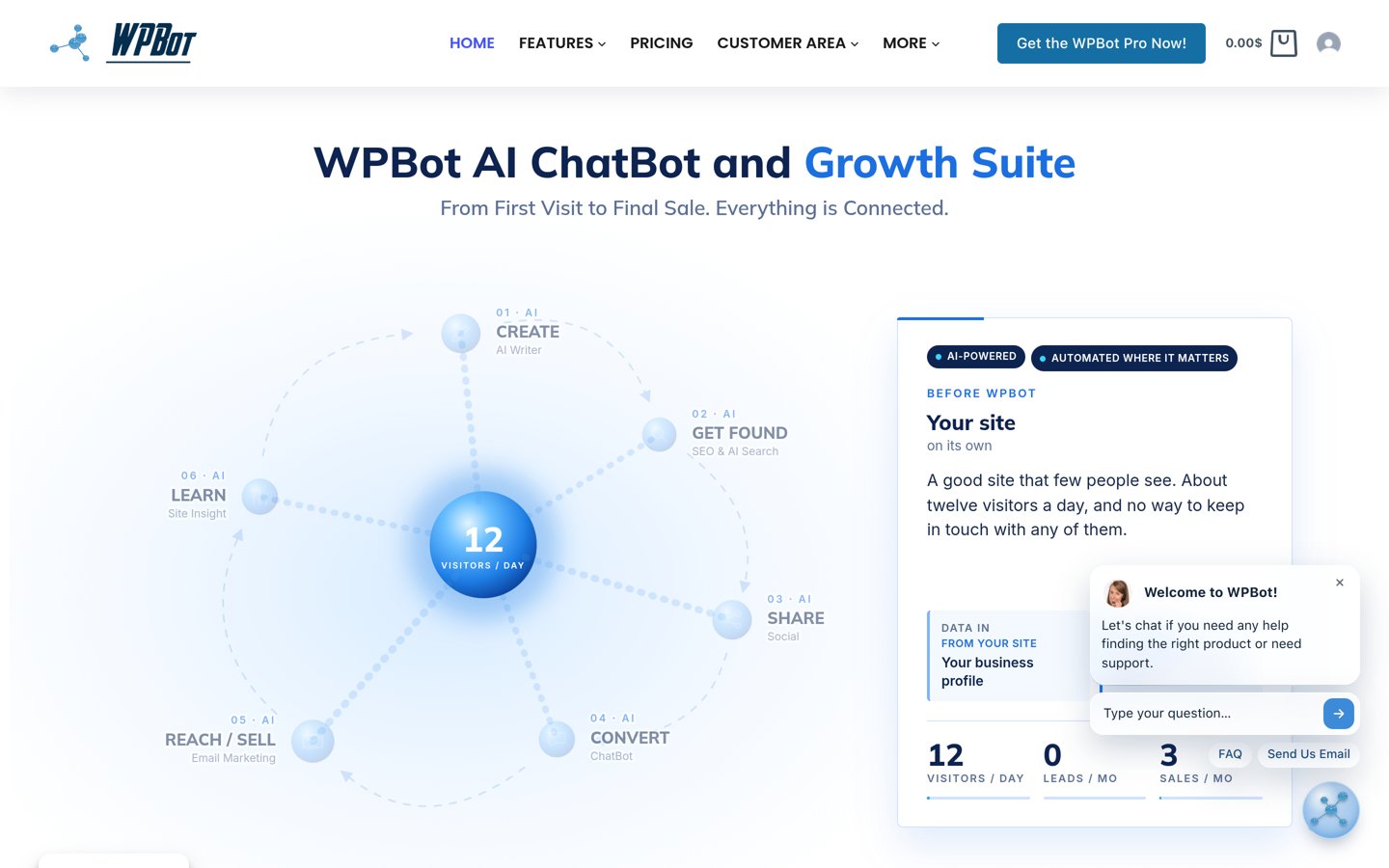
WPBot homepage, captured Nov 2026.
WPBot is a WordPress chatbot and marketing plugin with 5,000+ active installs and a 4.7/5 rating from 124 reviews. Its free version provides a website chatbot, automated responses, content search and visitor communication tools. The broader product also includes AI writing, SEO and marketing features.
The trade off is that advanced language model integrations, knowledge-base controls and growth features require paid licensing. Starter costs $39 yearly for one website and includes core WPBot Pro, basic retrieval features and premium support. It suits businesses wanting a chatbot that connects visitors with existing website information.
What we like
Free chatbot for website visitors
Searches existing WordPress posts and pages
Built-in lead collection options
Paid AI writing and marketing features
Low entry price for Pro
Watch out for
Advanced chatbot features require payment
Knowledge-base configuration can be technical
WooCommerce module requires a higher plan
AI provider usage may incur separate charges
Starter adds core Pro chatbot features, AI writing, basic retrieval tools and premium supportVisit wpbot.pro
05
Jetpack
3.7/5on WordPress.org (2,413 reviews, checked Nov 2026)
Paid from$29/mo
Best for AI-assisted WordPress management with site utilities
Free AI requests20
MCP connectivityChatGPT and Claude
Free agent accessUntil 30 Nov 2026
Paid planPro, regular $29/mo
jetpack.com
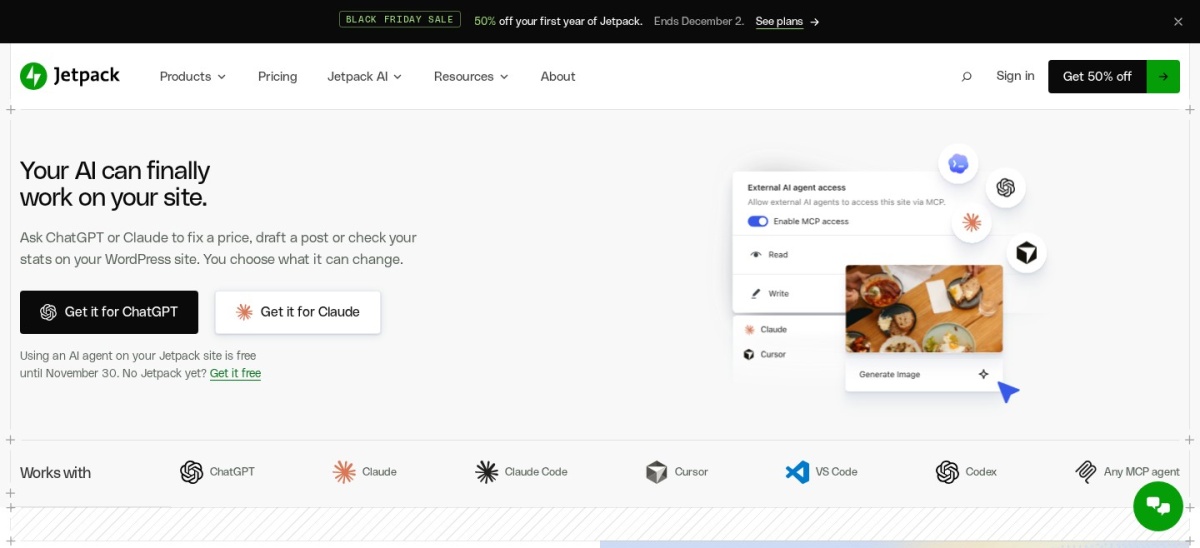
Jetpack homepage, captured Nov 2026.
Jetpack is an Automattic WordPress plugin with more than 3 million active installs and a 3.7/5 rating from 2,413 reviews. Its free version includes 20 AI requests for content tasks, while AI agent connectivity lets ChatGPT and Claude interact with supported website functions. Agent access is free until November 30, 2026.
The trade off is that ongoing AI access and higher usage allowances are tied to paid services, alongside many unrelated Jetpack features. Pro normally costs $29 monthly with annual billing, although a first-year discount is advertised. It suits existing Jetpack users who also need AI site management.
What we like
Connects compatible AI assistants to WordPress
Free AI content request allowance
Integrates with Jetpack site management tools
AI content generation and editing support
Large established WordPress installation base
Watch out for
Free AI agent access has an announced end date
Pro bundles many unrelated features
Higher regular subscription price
Requires connection to WordPress.com services
Pro adds higher AI capacity, ongoing agent integration and premium Jetpack featuresVisit jetpack.com
06
Tidio
4.8/5on WordPress.org (395 reviews, checked Nov 2026)
Paid from$390/yr
Best for AI customer support and live chat
AI assistantLyro
Starter conversations50/month
Human handoffSupported
Paid planStarter, $390/yr
tidio.com
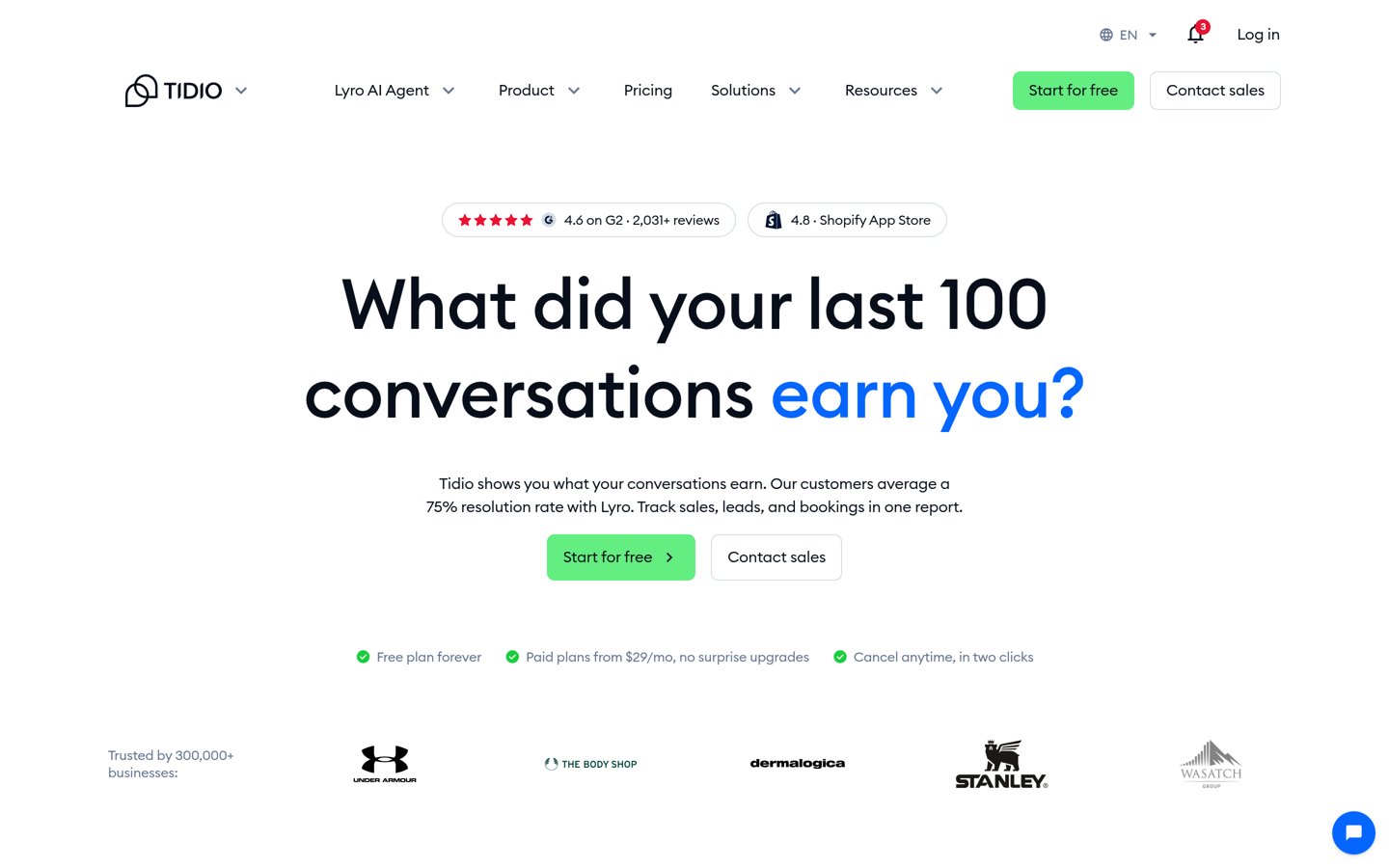
Tidio homepage, captured Nov 2026.
Tidio is a customer communication platform with 70,000+ active WordPress installs and a 4.8/5 rating from 395 reviews. Its WordPress plugin connects websites to live chat, visitor messaging and the Lyro AI Agent, which can answer support questions and transfer conversations to human representatives.
The trade off is that ongoing AI conversation allowances require a paid subscription after trial access. Starter costs $390 yearly with annual billing and includes 50 monthly AI and human conversations. It suits businesses prioritizing customer support automation rather than article generation or administrative AI tasks.
What we like
AI chatbot and human support in one interface
Customer support across chat and email
Visitor and conversation management
Built-in human escalation
AI product recommendations and support workflows
Watch out for
AI conversations are limited by plan
Higher recurring cost than WordPress-native tools
Cloud platform dependency
Less suitable for AI content writing
Starter provides ongoing Lyro AI conversations, live chat, ticketing and automation flowsVisit tidio.com
07
AI WP Writer
4.9/5on WordPress.org (23 reviews, checked Nov 2026)
Paid from$9/mo
Best for AI article creation and content workflows
Free starting credits10,000
AI modelsGPT, Gemini, Claude
WordPress editorClassic and block
Entry subscriptionStart, $9
aiwpw.com
AI WP Writer homepage, captured Nov 2026.
AI WP Writer is a WordPress AI content generation plugin with 3,000+ active installs and a 4.9/5 rating from 23 reviews. New users receive 10,000 starting credits, while the plugin supports article generation, rewriting, SEO text assistance, image creation and content workflows inside the WordPress editor.
The trade off is usage-based billing, with generated text and images consuming credits according to the selected model. The vendor lists a $9 Start subscription alongside larger plans, although the accessible pricing page does not explicitly confirm its billing interval. It suits publishers needing AI-assisted article production.
What we like
Free starting credit allowance
AI article generation inside WordPress
Supports multiple AI model families
Content rewriting and SEO assistance
Bulk content creation options
Watch out for
Generation consumes usage credits
Website administration features are limited
Smaller review history than leading alternatives
Public pricing page does not clearly state the subscription period
The Start subscription provides paid generation credits; higher tiers increase available capacityVisit aiwpw.com
Should you use your own AI API key or a hosted AI plan?
WordPress AI plugins commonly use either direct API connections or hosted usage allowances. With direct API access, you provide credentials from a supported AI provider and pay according to that provider's usage rates.
AI Engine supports connections to multiple model providers, making it attractive when you want model flexibility. AI Puffer offers both personal API connections and hosted credits, providing different ways to manage usage.
Hosted services simplify certain setup tasks but may impose limits on messages, actions, credits or conversations. Tidio uses conversation allowances, while GetGenie provides AI writing and research quotas.
Before choosing, estimate your expected usage and review how requests are counted. Consider data privacy, provider availability and whether switching models requires rebuilding your workflows.
What is MCP, and why does it matter for WordPress AI?
Model Context Protocol, or MCP, is a standard that helps compatible AI applications connect with tools and data sources. In WordPress, an MCP-enabled integration can expose authorized website operations to an AI assistant.
AI Engine and AI Puffer offer MCP connectivity for compatible AI assistants. Jetpack also supports agent connections through its WordPress.com infrastructure. Their authentication methods, tool availability and permission controls differ.
These connections can support tasks such as drafting posts, retrieving website information or editing supported content. However, enabling administrative actions creates security considerations beyond those of a visitor-facing chatbot.
Use restricted permissions, review proposed changes and maintain current backups before allowing AI agents to modify important content. Avoid granting unnecessary access to users, payments or sensitive website settings.
How we chose
We selected established WordPress AI plugins that provide multiple AI capabilities, site management connections, content generation or AI-powered visitor support. We compared their official WordPress.org listings, product documentation, supported AI providers, automation features and usage models.
Public WordPress.org ratings, rating counts, active installations and maintenance status were checked on 22 Nov 2026. Official pricing pages were reviewed on the same date, with regular prices preferred over promotional discounts. AI API charges and hosted usage allowances were considered separately from plugin licenses.
We excluded closed or inactive plugins, products without meaningful public adoption and services lacking relevant WordPress integrations. We also distinguished AI content tools from administrative agents and support chatbots. No vendor paid for a place, and we do not claim direct product testing.
How to choose the best WordPress AI engine plugin
Define the tasks you want artificial intelligence to perform before installing a WordPress AI plugin. Compare these requirements against model compatibility, permissions and total operating costs.
Identify your primary AI workflow. Choose AI Engine or AI Puffer for broader AI integrations and website operations. GetGenie and AI WP Writer focus on content creation, while WPBot and Tidio emphasize visitor support. Start with the tasks that provide the most practical value.
Compare supported AI providers and access methods. Decide whether you want to supply your own API credentials or use hosted AI credits. Check support for your preferred model, usage tracking and whether provider changes require additional configuration.
Review automation permissions and security. If the plugin offers MCP connections or administrative actions, inspect authentication, approval controls and access restrictions. Keep backups before enabling automated content changes, and avoid granting more permissions than required.
Calculate recurring licensing and AI usage costs. Compare the plugin's regular subscription with model API charges, hosted credits and conversation allowances. AI Engine Starter costs $59 yearly, while AI Puffer Pro costs $9.99 monthly. More specialized hosted services may have higher recurring costs.
FAQ
What is the best AI engine plugin for WordPress?
AI Engine from Meow Apps is our overall recommendation because it combines chatbots, content generation, model integrations and MCP connectivity. Its free version supports several AI workflows, while Pro adds advanced knowledge features. AI Puffer is another option for connecting AI assistants to website operations.
Is AI Engine free for WordPress?
Yes. AI Engine has a free WordPress plugin with chatbot creation, AI workspace features and MCP connectivity. Some features require external AI provider access, which can involve separate usage charges. Its Starter Pro license costs $59 yearly for one website.
Can I connect ChatGPT to my WordPress website?
Yes. AI Engine, AI Puffer and Jetpack provide ways to connect compatible AI assistants to WordPress. Depending on the integration, assistants can retrieve content or perform authorized website actions. Check authentication, available tools and approval controls before allowing administrative changes.
What is the difference between AI Engine and AI Puffer?
AI Engine provides a broad WordPress AI framework with chatbots, content tools, model integrations and MCP features. AI Puffer combines similar capabilities with hosted monthly website actions and AI credits. AI Engine Starter costs $59 yearly, while AI Puffer Pro starts at $9.99 monthly.
Which WordPress AI plugin is best for writing blog posts?
GetGenie is a strong option for content writing because it combines article generation with keyword research, SERP analysis and SEO recommendations. AI WP Writer focuses on article generation and rewriting. AI Engine also supports content creation but covers a broader range of AI functionality.
Can AI plugins automatically manage WordPress content?
Some plugins support content management through authorized AI actions. AI Engine and AI Puffer provide MCP connections that expose supported WordPress operations to compatible assistants. Automation capabilities vary, and important changes should require appropriate permissions, review and reliable backups.
Do WordPress AI plugins require an OpenAI API key?
Not always. Some plugins accept your own OpenAI credentials, while others support Anthropic, Google Gemini or additional providers. AI Puffer also offers hosted credits, and Tidio provides managed AI services. Requirements depend on the plugin, model and features you enable.
What is an MCP server for WordPress?
An MCP server connects compatible AI applications with authorized tools and data. A WordPress MCP integration can allow assistants to read content or perform supported administrative operations. AI Engine and AI Puffer provide MCP functionality, but their setup methods, available actions and security controls differ.
How much does a WordPress AI plugin cost?
Several plugins offer free versions, although model usage may create additional charges. AI Engine Starter costs $59 yearly, WPBot Starter costs $39 yearly, and AI Puffer Pro costs $9.99 monthly. Hosted customer support platforms such as Tidio use higher-priced conversation-based subscriptions.