WLWPLegible EditorsLast verified 22 Nov 2026How we rank11 min read
★ Short answer
WordPress.com is our top Wix alternative for publishing and long-term flexibility, with a free plan and Personal starting at $4/month billed annually. Shopify is better for dedicated online stores at $29/month annually, while Webflow offers more visual design control with paid site plans starting at $15/month.
How we make this list: we compare pricing pages, product documentation and public user reviews, then re-check every price before each update. No product paid for a place. Disclosure.
WordPress.com is the strongest all-around alternative for publishing and growth, with a free plan and Personal at $48/year.
Shopify is the ecommerce-first choice, with Basic at $29/month billed annually and a 4.4/5 G2 rating.
Webflow offers detailed visual design control, with Basic at $180/year and a free Starter plan.
Framer is a lower-cost option for design-focused websites, with Basic at $120/year and a 4.5/5 G2 rating.
Hostinger's Premium plan renews at $10.99/month after its promotional term, making renewal pricing important to compare.
Duda is suited to agencies managing client sites, while Weebly offers a simpler free starting point.
What to look for in a Wix alternative
Wix combines website design, hosting, templates and business features in one platform. Its convenience is appealing, but some users eventually want more control over design, content management, ecommerce or the way their website is hosted.
Start with website ownership and portability. Hosted builders manage the technical side, while WordPress offers a broader ecosystem of themes, plugins and hosting options. WordPress.com provides a managed route into that ecosystem.
Next, compare the actual editor. Squarespace-style template builders prioritize quick layouts, while Webflow and Framer give designers more detailed control. WordPress.com emphasizes content management and extensibility rather than copying Wix's editing experience exactly.
For online stores, look beyond the subscription price. Product management, checkout options, payment processing, transaction fees and paid apps can all change the total cost of running a store.
Finally, compare renewal rates rather than relying on introductory offers. A low promotional price may require a long upfront commitment, and the next billing period can cost considerably more.
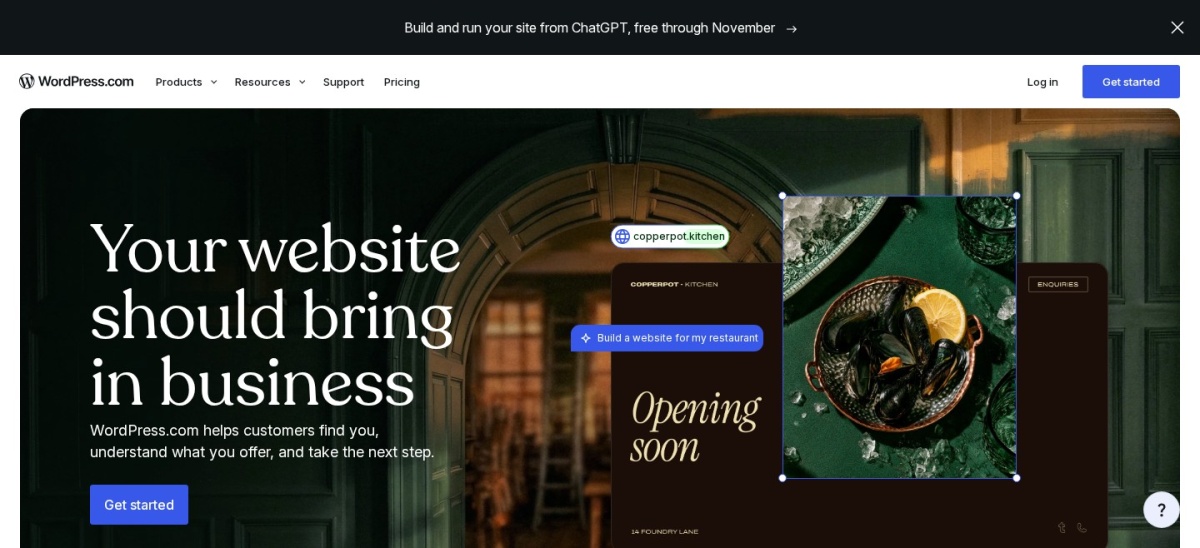
WordPress.com is a managed website platform built around the WordPress publishing system, with a free plan and Personal at $4/month billed annually. Personal includes 6 GB of storage, custom-domain support, premium themes and access to WordPress plugins. It is especially appealing for blogs, content websites and businesses planning to expand their sites over time.
The trade off is that WordPress has a different editing and management workflow from Wix, and some extensions introduce extra costs. Personal costs $48/year, with hosting and maintenance included. It suits publishers, bloggers and growing businesses that value content flexibility over a strictly drag-and-drop experience.
What we like
Free plan available for getting started
Extensive WordPress theme and plugin ecosystem
Good fit for blogs and content-heavy websites
Managed hosting removes server administration
Personal includes 6 GB of storage
Watch out for
Editing experience differs from Wix
Third-party premium extensions can increase costs
Free websites display platform advertising
Personal adds a custom domain, premium themes and ad-free viewingVisit wordpress.com
02
Shopify
4.4/5on G2 (5,171 reviews, checked Nov 2026)
Starts at$29/mo
Best for dedicated ecommerce websites
Entry paid planBasic
Annual cost$348
Online storeIncluded
Free trial3 days
shopify.com
Shopify homepage, captured Nov 2026.
Shopify is an ecommerce platform designed for businesses that primarily sell products. Its Basic plan costs $29/month billed annually and includes an online storefront, checkout, inventory tools, order management and an AI assistant. Shopify also supports selling through multiple channels and extending store features through its app ecosystem.
The trade off is that Shopify is more commerce-focused than a general website builder, and paid apps or payment-related fees may increase operating costs. Basic costs $348/year before additional services. It suits merchants who need dedicated selling tools rather than a website centered mainly on informational pages.
What we like
Dedicated checkout and product management
Integrated inventory and order workflows
Large ecosystem of ecommerce apps
Supports multiple sales channels
Managed hosting included
Watch out for
More expensive than basic website builders
Additional apps can raise monthly costs
Less suited to content-only websites
Basic adds a full online store, checkout and commerce managementVisit shopify.com
03
Webflow
4.4/5on G2 (996 reviews, checked Nov 2026)
Paid from$15/mo
Best for detailed visual design control
Free planStarter
Entry paid planBasic
Basic bandwidth10 GB
Annual cost$180
webflow.com
Webflow homepage, captured Nov 2026.
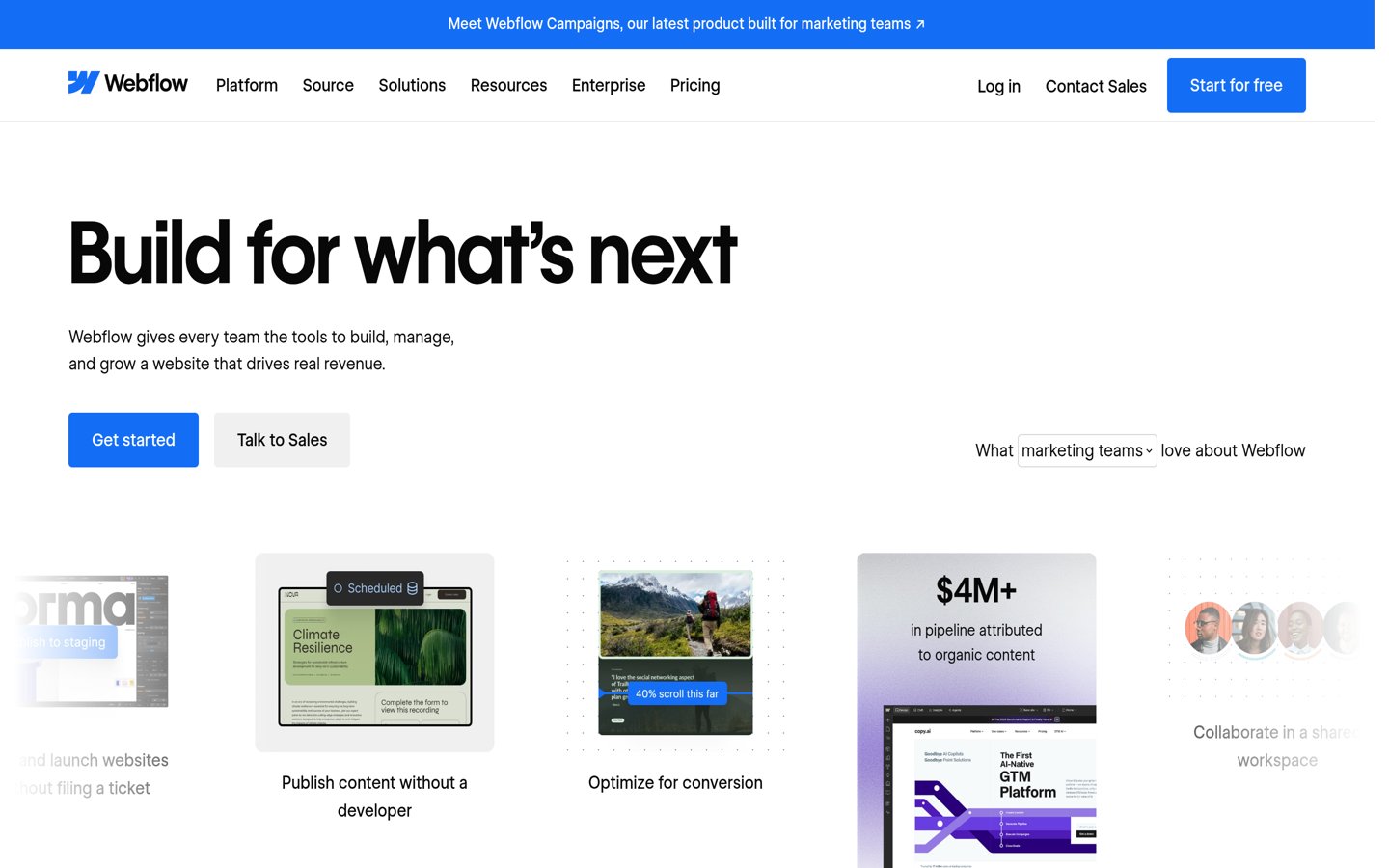
Webflow is a visual website builder for users who want detailed control over layouts, styling and responsive design. Its free Starter plan includes 2 static pages, 1 GB of bandwidth and 50 form submissions. Basic costs $15/month billed annually and includes a custom domain, 300 static pages and 10 GB of bandwidth.
The trade off is a steeper learning curve than Wix, especially for people unfamiliar with layout and styling concepts. Basic costs $180/year, but the content-focused CMS features require a higher plan. It suits designers and marketing teams building customized websites without managing traditional hosting.
What we like
Detailed control over page layouts
Free plan available for learning and prototypes
Responsive design tools
Basic supports 300 static pages
Managed hosting included
Watch out for
Learning curve is higher than simple builders
Basic does not include the full CMS
Advanced features require more expensive plans
Basic adds a custom domain, more pages and greater bandwidthVisit webflow.com
04
Framer
4.5/5on G2 (162 reviews, checked Nov 2026)
Paid from$10/mo
Best for modern portfolios and landing pages
Free planYes
Entry paid planBasic
Basic bandwidth50 GB
Annual cost$120
framer.com
Framer homepage, captured Nov 2026.
Framer is a visual website builder aimed at designers, creators and marketing teams. Its free plan includes a Framer domain and 1 GB of bandwidth, while Basic costs $10/month with yearly billing. Basic includes 2 CMS collections, 50 GB of bandwidth, built-in SEO features and custom-domain publishing.
The trade off is that Framer prioritizes visual design and marketing sites rather than deep commerce management. Basic costs $120/year, with larger content projects potentially requiring a higher plan. It suits portfolios, product landing pages and small marketing websites where visual presentation matters most.
What we like
Visual design workflow
Animation and interaction features
Free plan available
Basic includes 2 CMS collections
Built-in SEO controls
Watch out for
Not primarily designed for large online stores
Content limits depend on the plan
Advanced collaboration costs extra
Basic adds custom-domain publishing and expanded CMS capacityVisit framer.com
05
Hostinger
4.4/5on G2 (903 reviews, checked Nov 2026)
Starts at$10.99/mo
Best for bundled hosting and AI website creation
Entry paid planPremium
Regular renewal$10.99/mo
Website allowance3 websites
Renewal equivalent$131.88/yr
hostinger.com
Hostinger homepage, captured Nov 2026.
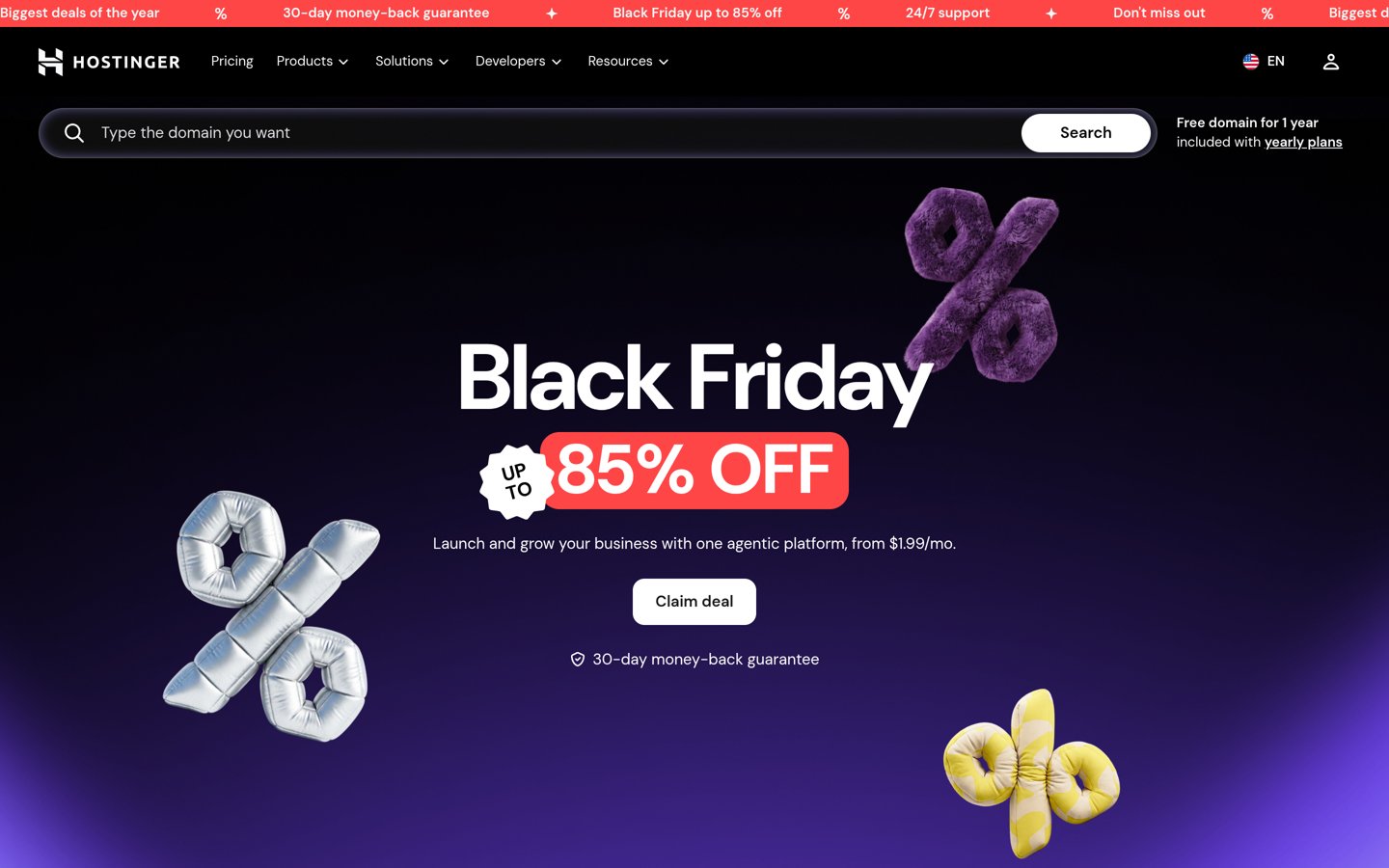
Hostinger is a hosting provider with an integrated website builder and AI-assisted creation tools. Its Premium plan supports 3 websites, provides hosting, and includes access to website templates and site-building features. The current promotional offer is $1.99/month on a 48-month term, while the published renewal rate is $10.99/month.
The trade off is the long promotional commitment and the substantial difference between introductory and renewal pricing. At the published renewal rate, the annual equivalent is $131.88, although the renewal uses the original term length. It suits beginners who want website creation and hosting from one provider.
What we like
Hosting and website builder in one subscription
AI-assisted website creation
Premium supports 3 websites
Drag-and-drop editor and templates
No separate hosting account required
Watch out for
Introductory pricing requires a long commitment
Renewal costs more than the promotional rate
Less portable than self-hosted WordPress
Premium includes hosting, website building and AI creation toolsVisit hostinger.com
06
Duda
4.6/5on G2 (798 reviews, checked Nov 2026)
Starts at$19/mo
Best for agencies managing client websites
Entry paid planBasic
Included projects1
Monthly AI credits150
Annual cost$228
duda.co
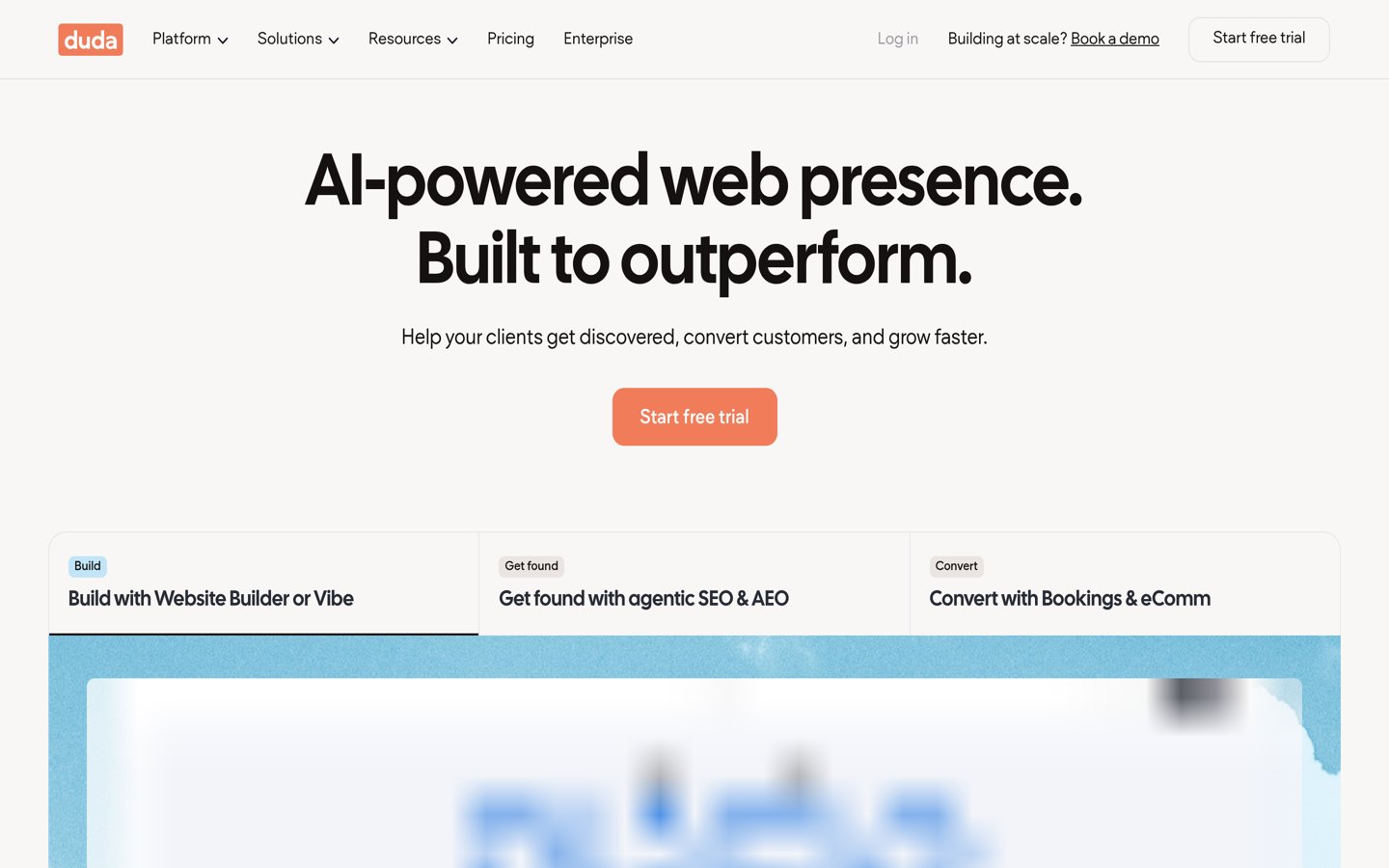
Duda homepage, captured Nov 2026.
Duda is a website development platform designed for agencies, freelancers and businesses managing client sites. Its Basic plan costs $19/month billed annually and includes 1 Core project, website-building tools and 150 monthly AI credits. The platform also offers client management, collaboration and advanced agency features through higher plans.
The trade off is that many agency-oriented features sit above Basic, and additional published projects can increase costs. Basic costs $228/year, making it less attractive for a simple personal website. It suits web professionals who expect to manage customer projects and eventually need structured client workflows.
What we like
Designed for client website management
Visual website editor
Built-in hosting and SEO tools
150 monthly AI credits on Basic
Upgrade path for agency collaboration
Watch out for
No permanent free website plan
Basic includes only 1 Core project
Advanced client management requires higher tiers
Higher plans add team collaboration, permissions and agency featuresVisit duda.co
07
Weebly
4.2/5on G2 (482 reviews, checked Nov 2026)
Paid from$13/mo
Best for simple free websites
Free planYes
Entry paid planPersonal
Annual cost$156
Custom domainPersonal
weebly.com
Weebly homepage, captured Nov 2026.
Weebly is a website builder with a simple drag-and-drop editor and a free plan. Its free offering includes website hosting, SSL security and ecommerce features, while Personal costs $13/month billed annually. Personal allows a custom domain, making it suitable for basic websites and small businesses that want an uncomplicated publishing workflow.
The trade off is a more limited editing and design ecosystem than platforms aimed at professional designers. Personal costs $156/year and does not remove Square advertising, which requires a higher plan. It suits beginners who prefer a familiar website editor and only need essential site or store features.
What we like
Permanent free plan
Beginner-friendly drag-and-drop editor
Ecommerce tools available on free sites
SSL security included
Custom-domain support on Personal
Watch out for
Less design flexibility than Webflow or Framer
Personal retains Square advertising
Smaller extension ecosystem than WordPress
Personal adds custom-domain connection; Professional removes adsVisit weebly.com
What to check before moving your Wix website
Switching website builders usually involves rebuilding the design rather than transferring the entire Wix site directly. Different platforms use different page editors, templates and content structures.
Before choosing a replacement, inventory your pages, blog posts, product information, images, forms and SEO settings. Identify which content can be exported and which elements need to be recreated.
Pay special attention to URL redirects. If existing pages receive organic traffic, preserve their addresses where possible or create appropriate redirects to the new pages.
Keep the existing Wix website active until the replacement is ready and its domain, navigation, forms, checkout and essential content have been reviewed.
What the advertised subscription price leaves out
A website builder subscription does not always include every feature required for a finished business website. Premium templates, domain renewals, additional email accounts, paid integrations and ecommerce applications may cost extra.
WordPress.com Personal starts at $48/year, but specialist extensions can introduce additional expenses. Webflow Basic costs $180/year, while its CMS capabilities require a higher plan. Shopify Basic starts at $348/year before paid applications and payment-related charges.
Hostinger illustrates why renewal comparisons matter. Its Premium promotional offer is substantially lower than its published $10.99/month renewal rate, and the initial subscription is sold on a long prepaid term.
Compare the recurring cost for the features you actually require, rather than selecting the platform with the lowest introductory headline price.
How we chose
We selected established website-building platforms that offer meaningful alternatives to Wix for publishing, ecommerce, visual design, basic websites or agency workflows. The comparison draws on official product documentation, published plan features and public customer feedback from G2.
Prices and ratings were checked on 22 Nov 2026 using official vendor pricing pages and G2 product reviews. Annual equivalents use the published annual-billing rate where available. Hostinger is shown at its published renewal rate rather than its temporary promotional price, and review counts reflect the opened G2 pages.
We excluded platforms without a clearly verifiable USD entry price on the official pricing page, along with products that did not offer a sufficiently distinct website-building use case. The comparison is based on public information rather than direct performance measurements. No vendor paid for a place, and we do not claim hands-on testing for this list.
How to choose the right Wix alternative
Identify what your website needs to accomplish before comparing editors, subscription costs and upgrade options.
**Choose your main website purpose.** For publishing and content growth, start with WordPress.com. For a dedicated online store, consider Shopify. For a portfolio or marketing site, compare Webflow and Framer. The website's purpose should guide the platform decision.
**Compare the editing experience.** Decide whether you prefer straightforward page editing or detailed control over layouts and interactions. Weebly and WordPress.com serve different workflows from Webflow and Framer, so review each platform's editor documentation before committing.
**Calculate the recurring cost.** Include the subscription, domain renewal, premium integrations, ecommerce applications and other required services. Compare annual billing and renewal prices, particularly when a provider advertises a temporary promotion or a long prepaid plan.
**Plan for future changes.** Consider how you will add content, sell products, collaborate with other users and eventually move your website. Check export options, URL management, integration availability and the cost of upgrading before rebuilding an existing Wix site.
FAQ
What is the best alternative to Wix?
WordPress.com is a strong all-around alternative for users who prioritize blogging, content management and future flexibility. It has a free plan, and Personal costs $4/month billed annually. Shopify is more suitable for dedicated ecommerce, while Webflow is worth considering when detailed visual design control is the priority.
Is WordPress better than Wix?
WordPress offers a larger ecosystem of themes, plugins and content management options. Wix provides an integrated website-building experience with hosting and business tools in one platform. WordPress may be preferable for expanding content sites, while Wix can appeal to users who want fewer decisions about technical setup.
What is the cheapest Wix alternative?
WordPress.com, Webflow, Framer and Weebly all provide free plans. Among the paid plans compared here, WordPress.com Personal starts at $48/year. However, free plans may have limitations involving branding, custom domains, publishing features or content capacity, so the cheapest option is not automatically the most suitable.
Which Wix alternative is best for ecommerce?
Shopify is the strongest ecommerce-focused choice in this comparison. Its Basic plan costs $29/month billed annually and includes storefront, checkout and store management tools. WordPress.com can also support ecommerce through plugins, while Weebly provides a simpler route for smaller stores.
Can I move my Wix website to WordPress?
You can move content from Wix to WordPress, but the complete design generally needs to be recreated. Depending on the content involved, you may be able to transfer or import selected information. Plan for image handling, page rebuilding, URL redirects and checking the new website before changing its domain settings.
Is Webflow easier to use than Wix?
Webflow provides detailed visual controls over layout and responsive design, which can be attractive to experienced designers. Wix generally targets a more straightforward editing workflow. Beginners may find Webflow's layout concepts harder to learn, although that extra control can be valuable for customized websites.
Is Framer a good replacement for Wix?
Framer is a good candidate for portfolios, landing pages and design-focused marketing websites. Its Basic plan costs $10/month with yearly billing and includes custom-domain publishing and CMS features. Businesses requiring extensive inventory management or specialized ecommerce operations may find Shopify more suitable.
Can I use a Wix alternative for free?
Yes. WordPress.com, Webflow, Framer and Weebly offer free plans. These work well for exploring an editor, creating simple projects or preparing a website before paying. Custom domains, higher usage limits and advanced publishing or business functionality may require an upgrade, depending on the provider.