Qualtrics is the answer to which survey tool has the best analytics, with cross-tabs, text analysis and dashboards built for research teams. SurveyMonkey is the best-known alternative, while Google Forms is the free pick for simple surveys.
How we make this list: we compare pricing pages, product documentation and public user reviews, then re-check every price before each update. No product paid for a place. Disclosure.
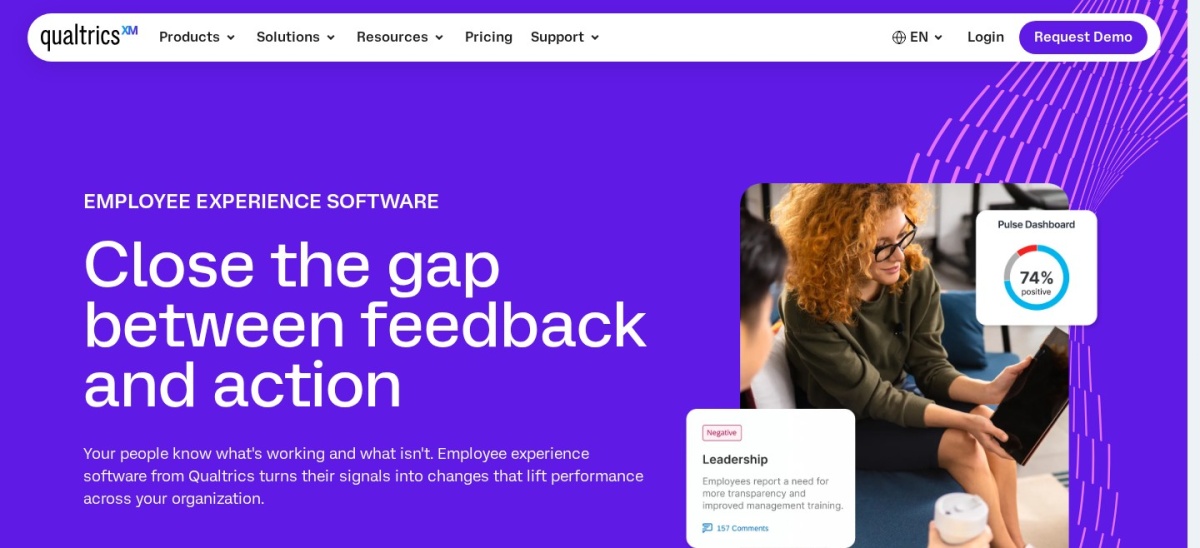
Qualtrics has the deepest survey analytics, with cross-tabs, statistical testing and text analysis from $420 a month.
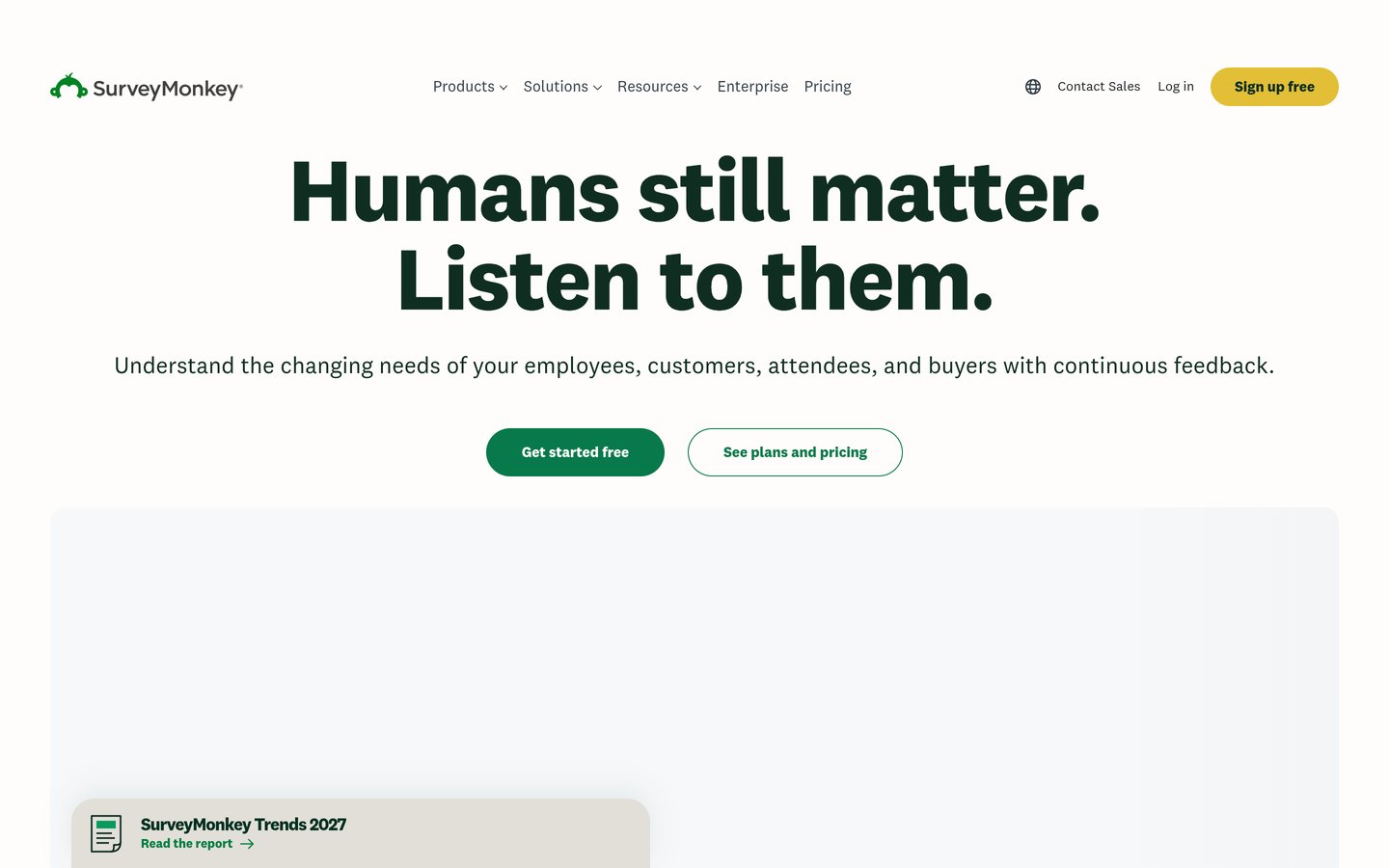
SurveyMonkey is the best-known survey tool, with cross-tabs, filters and trends from $39 a month billed annually.
Zoho Survey is the cheapest paid pick at $7.42 a month, with reports, cross-tabs and filters included.
Google Forms is completely free with unlimited forms, but it has no cross-tabs or text analysis.
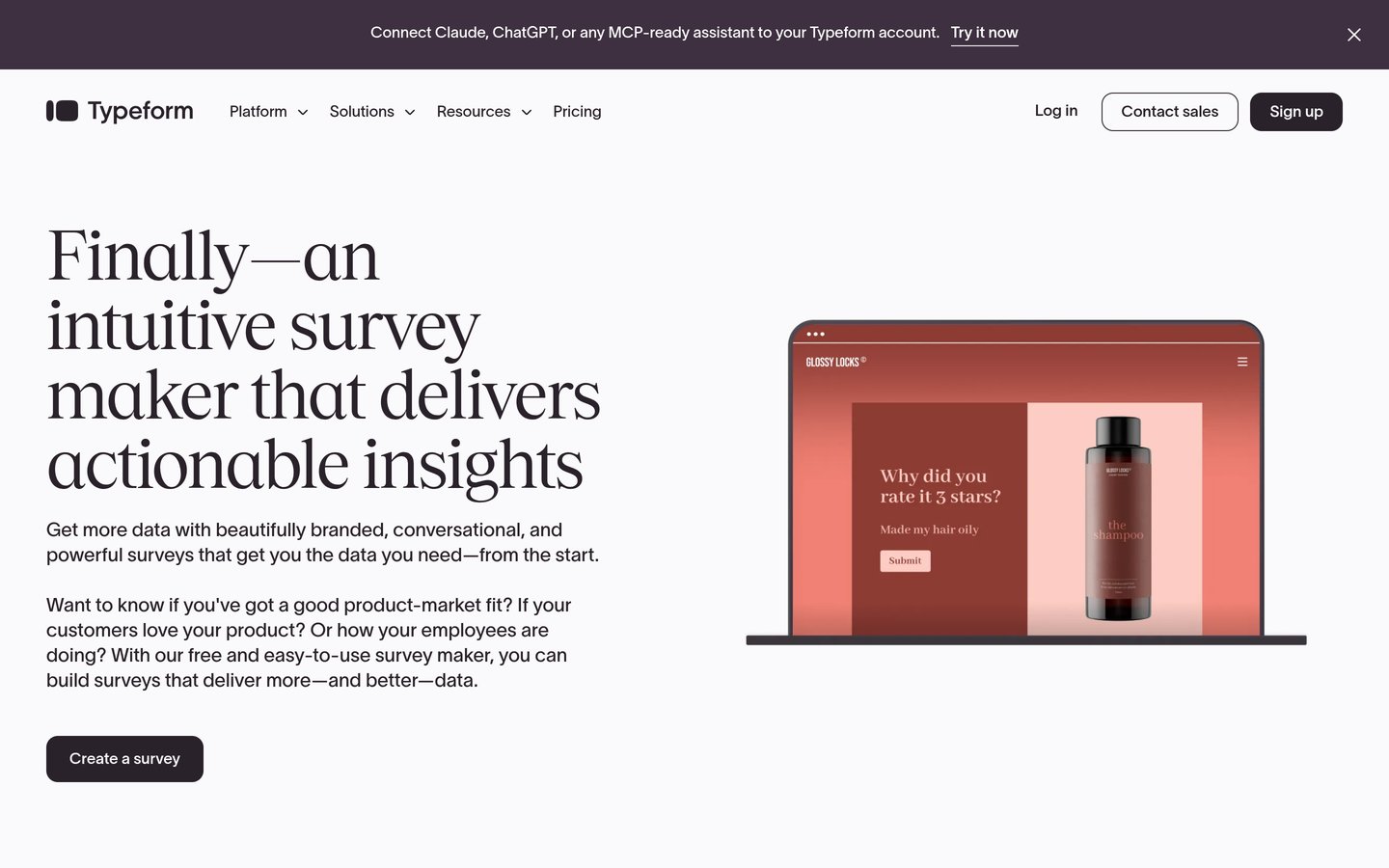
Typeform tracks drop-off and completion best, with Basic at $28 a month billed annually.
Which survey tool has the best analytics for your research?
Analytics depth is the real divide. Qualtrics and QuestionPro do cross-tabs and text analysis, while Google Forms only draws simple charts and exports to Sheets.
Price spreads are wide. The list runs from free to $420 a month, and the cheapest paid analytics start at $7.42 a month on Zoho Survey.
Free plans are usable but capped. Typeform gives 10 responses a month free, Qualtrics gives three surveys and 500 responses, and SurveyMonkey caps free surveys at ten questions.
Ratings are strong across the board. Every tool here scores 4.4 or better on G2, so the choice comes down to how deep your analysis needs to go.
Qualtrics is a research platform whose survey analytics go far beyond charts: cross-tabs, statistical testing, text analysis and live dashboards are built into the core product. Strategic Research starts at $420 a month billed annually with 1,000 responses.
The trade off is price and complexity. The free account covers three surveys and 500 responses, and the wider XM Platform is quote-based. It suits research teams that need serious analysis, not quick polls.
SurveyMonkey is the best-known survey tool in this list, and its analytics cover cross-tabs, filters, trend views and exports on paid plans. Advantage starts at $39 a month billed annually for a single user.
The trade off is the plan ladder. The free Basic plan caps surveys at ten questions, and the deeper analytics sit on higher plans. It suits teams that want a familiar tool with solid reporting.
Typeform is a conversational survey tool that shows one question at a time, and its Insights dashboard tracks completion and drop-off for every form. Basic starts at $28 a month billed annually with 100 responses a month.
The trade off is depth. Typeform's analytics are clean but lighter than Qualtrics or SurveyMonkey, and the response cap is low. It suits teams that care about completion rates and design.
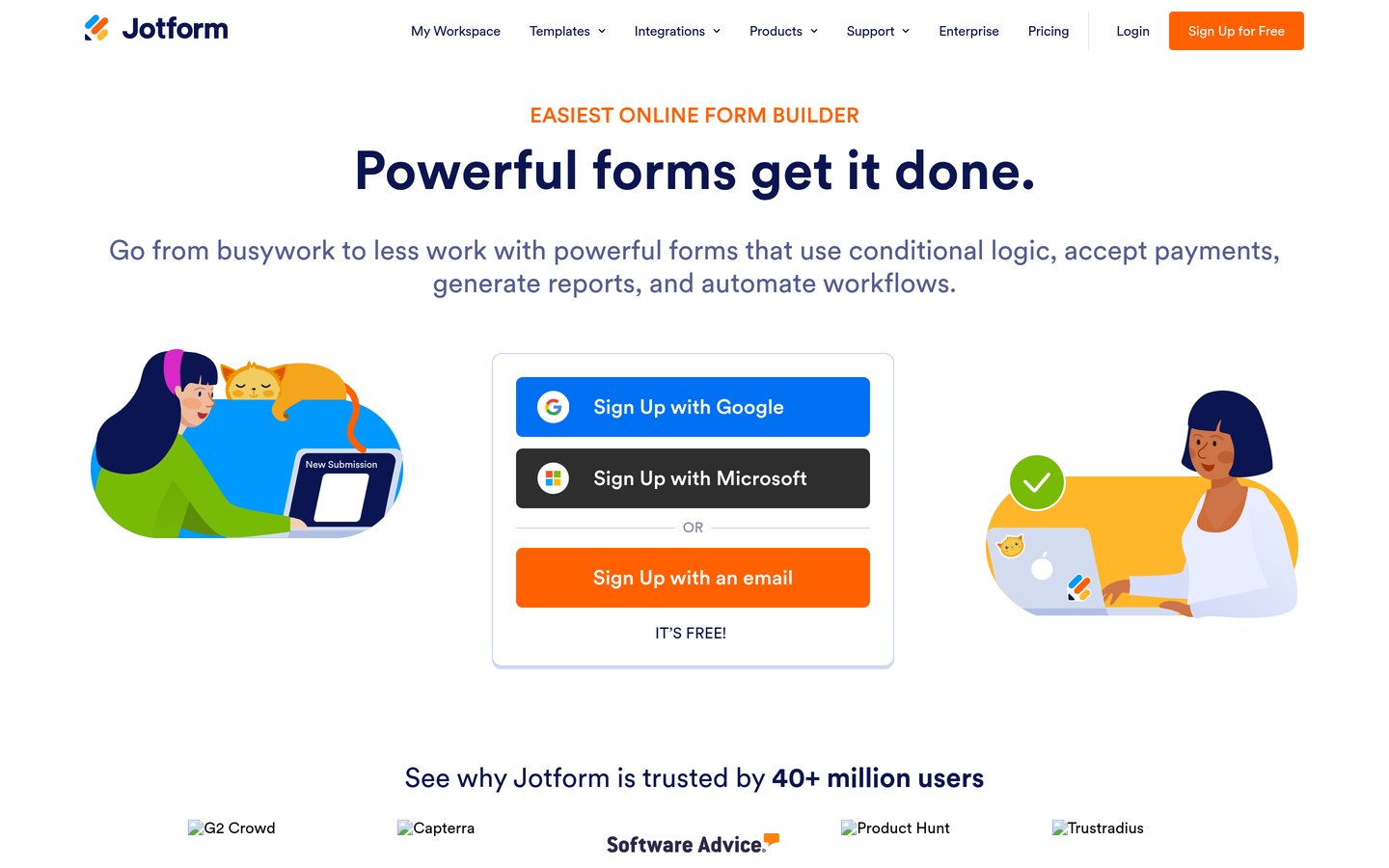
Jotform is a form and survey builder whose Report Builder turns responses into charts, tables and visual reports without a spreadsheet. Paid plans start at $34 a month, and the free plan covers basic forms.
The trade off is focus. Jotform is a form builder first, so its analytics are report-led rather than research-led. It suits teams that want quick visual reports from any form.
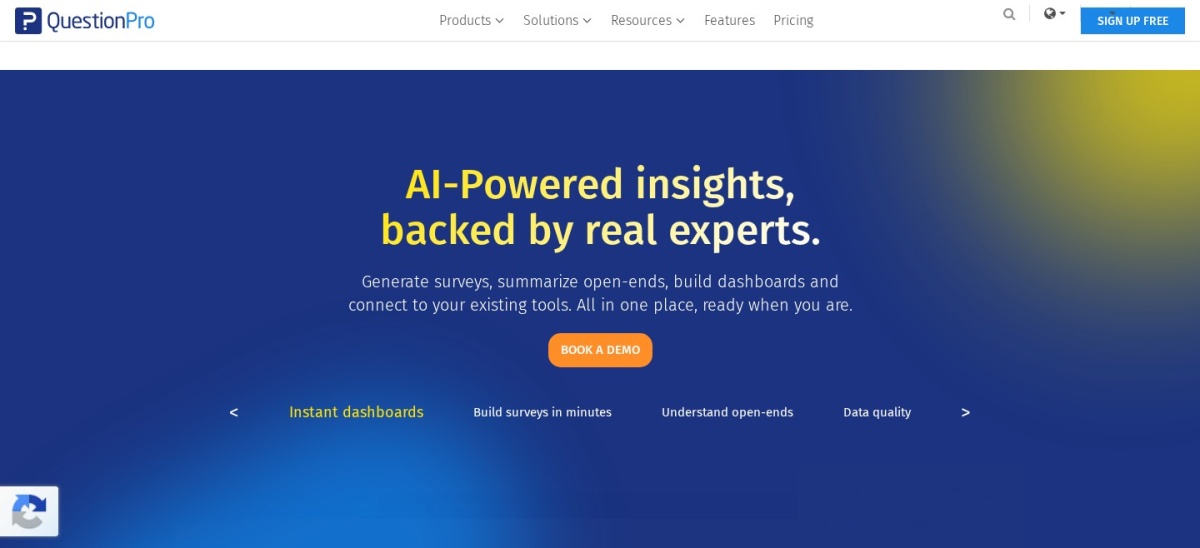
QuestionPro is a survey platform with cross-tabs, trend analysis and text analysis on its Advanced plan at $99 a month. It is a research-grade tool at a mid-market price, and the free plan covers basic surveys.
The trade off is the per-user price. Advanced is $99 a user a month, so three users cost $297 a month, and the interface feels dated next to Typeform. It suits researchers on a budget.
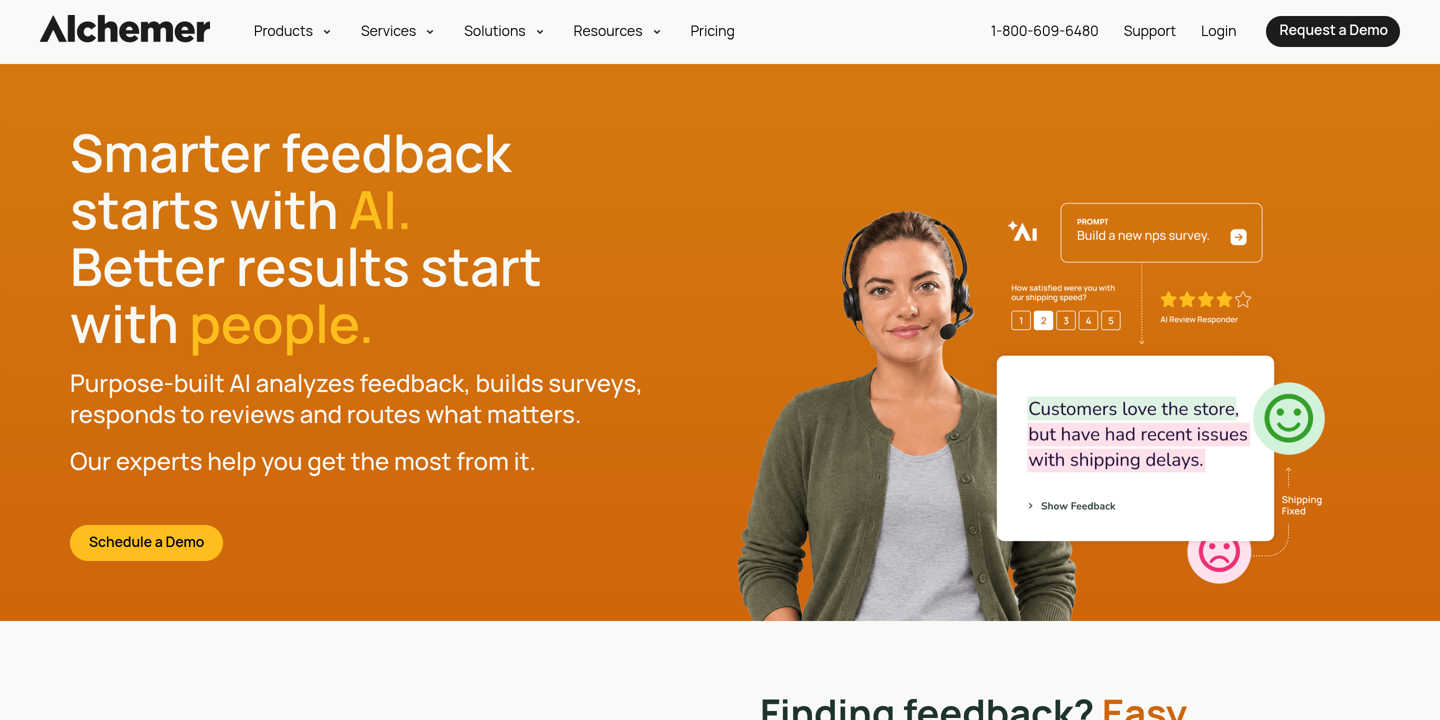
Alchemer is a survey and feedback platform with cross-tabs, text analysis and reporting on its Collaborator plan at $315 per user per year billed annually. The yearly price is simple and predictable.
The trade off is flexibility. There is no free plan, and monthly billing jumps to $55 a user a month. It suits teams that run feedback programs all year.
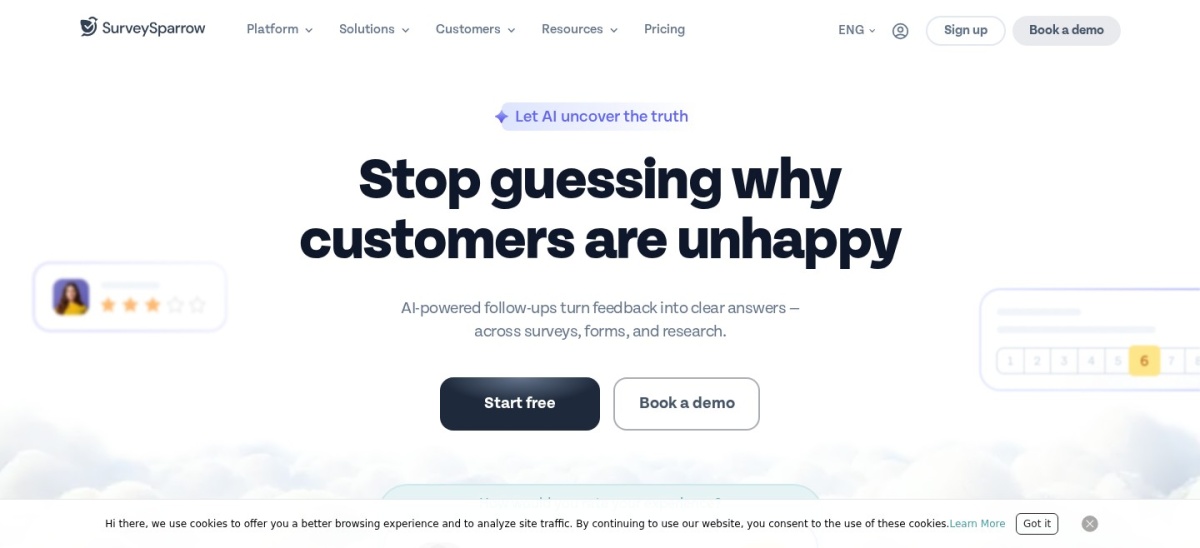
SurveySparrow is a conversational survey tool with dashboards, NPS tracking and text analysis, starting at $19 a month billed annually. It pairs chat-style surveys with reporting that free tools do not offer.
The trade off is depth. Its analytics are lighter than Qualtrics or SurveyMonkey, and some features need higher plans. It suits small teams that want chat-style surveys with real reporting.
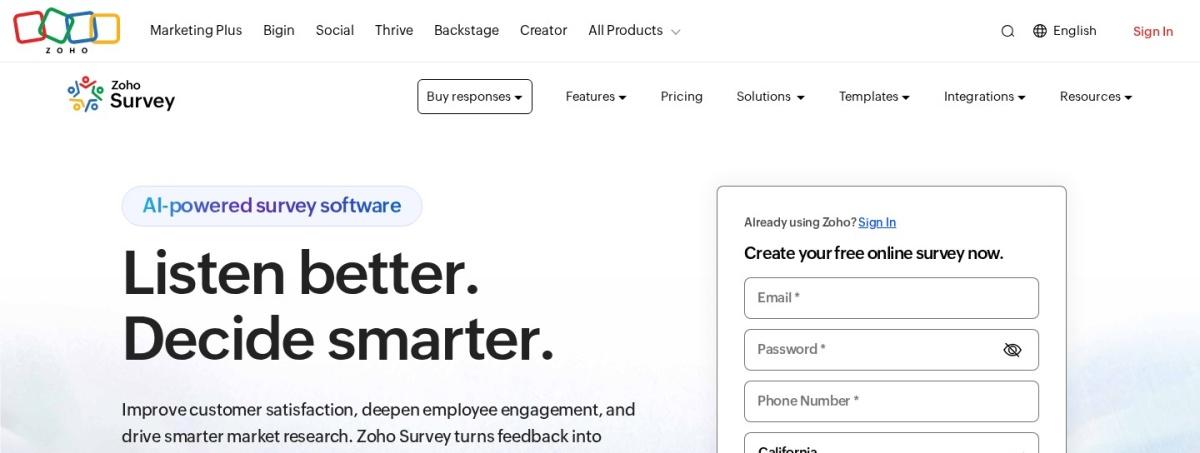
Zoho Survey is the survey tool inside the Zoho suite, with reports, cross-tabs and filters on its Basic plan at $7.42 a month billed annually. It is the cheapest paid plan in this list.
The trade off is depth. Its analytics are basic next to Qualtrics, and it shines most inside Zoho. It suits Zoho users who want surveys without another subscription.
Google Forms is a free survey tool with built-in charts and one-click export to Google Sheets. It is completely free, with unlimited forms and up to 500,000 responses per form.
The trade off is analytics. Google Forms has no cross-tabs, text analysis or trend reporting, so it suits simple surveys and quick polls, not research.
Free tiers here are real but small. Google Forms is fully free with unlimited forms, while Typeform gives 10 responses a month and Qualtrics gives three surveys with 500 responses.
Paying buys the analysis. Cross-tabs, text analysis and trend reports all sit behind paid plans, and the cheapest paid plan with real analytics is Zoho Survey at $7.42 a month.
The middle ground is SurveySparrow. Basic costs $19 a month billed annually and adds dashboards, NPS tracking and text analysis to conversational surveys.
How we chose
We started from the survey tools with the most G2 reviews, then kept the nine with a verified rating of 4.4 or better. Our own published survey listicles supplied most ratings and prices, checked again against independent comparisons in November 2026.
Prices come from each vendor's published pricing and our own sibling listicles, checked in November 2026. Where sources disagree on a review count, we used the figure from the most recent sibling article and flagged the variance in the notes.
We left out tools with no verifiable G2 rating and tools whose analytics are only available on quote-only enterprise plans. No vendor paid for a place, and we do not claim hands-on testing for this list.
How to choose a survey tool for analytics
Start with the analysis you actually need to run, then match the tool to that depth.
Name the analysis first. If you need cross-tabs and text analysis, only Qualtrics, QuestionPro and Alchemer qualify. If charts and exports are enough, Google Forms is free.
Check the response cap. Typeform Basic caps at 100 responses a month and Qualtrics at 1,000, so work out your monthly volume before you pay.
Use the free plan to judge the reports. Run a real survey and look at the reports. If the charts answer your questions without a spreadsheet, the analytics are deep enough.
Count the per-user cost. QuestionPro and Alchemer charge per user, so three seats cost three times the headline price. Work out the total for your whole team.
FAQ
Which survey tool has the best analytics?
Qualtrics has the best analytics of any survey tool in this list. It offers cross-tabs, statistical testing, text analysis and live dashboards, with Strategic Research from $420 a month billed annually.
Is there a free survey tool with good analytics?
Google Forms is free with built-in charts and Sheets export, but it has no cross-tabs or text analysis. SurveySparrow is the cheapest paid option with real analytics at $19 a month billed annually.
SurveyMonkey vs Qualtrics: which has better analytics?
Qualtrics has deeper analytics, with statistical testing and text analysis built in. SurveyMonkey is easier to use and covers cross-tabs, filters and trends, but its deepest analytics sit on higher plans.
How much does Qualtrics cost?
Qualtrics Strategic Research costs $420 a month billed annually, or $5,040 a year, with 1,000 responses. The wider XM Platform is quote-based, and the free account covers three surveys and 500 responses.
Which survey tool is best for text analysis?
Qualtrics and QuestionPro both offer text analysis on paid plans, and SurveySparrow includes it from Basic at $19 a month. Google Forms has no text analysis at all.
What is the cheapest survey tool with analytics?
Zoho Survey is the cheapest paid option at $7.42 a month billed annually, with reports, cross-tabs and filters. SurveySparrow follows at $19 a month with dashboards and text analysis.
SaaS SEO and WordPress specialist with about 8 years of experience. Rakib compares WordPress plugins, themes, hosting and software using public pricing, documentation and user reviews. See how we rank.