Animaker is the best of these Vyond alternatives, rated 4.7/5 on G2 with 2K exports on its $43-a-month Pro plan, where Vyond caps every tier at 1080p. Powtoon is the cheapest true animation swap at $180 a year, and Synthesia is the pick for presenter-led training in 140+ languages.
How we make this list: we compare pricing pages, product documentation and public user reviews, then re-check every price before each update. No product paid for a place. Disclosure.
Animaker is the only animation tool here that exports above 1080p without an enterprise plan: 2K on Pro at $43 a month, and 4K on Enterprise.
Vyond Starter costs $699 a year and still caps every tier at 1080p; eight of the nine tools here cost less, from Camtasia at $39 a year.
Powtoon Lite and Animaker Basic both start at $15 a month billed yearly, but Animaker's 2K exports and character builder give it the edge.
Synthesia Starter at $168 a year is the cheapest avatar-led option, with 140+ languages and about 150 Studio minutes a year.
Colossyan is the only tool here dearer than Vyond Starter: Professional costs $708 a year, though it adds SCORM and branching scenarios.
VideoScribe is the only tool here without a free plan, just a 7-day trial, and it has the lowest G2 rating at 4.1/5.
What should you look for in Vyond alternatives?
Vyond's price is what sends most teams looking. Starter costs $699 a year for one seat, Professional costs $1,199 a year, and every tier still exports at 1080p, with videos capped at 25 minutes on Starter.
The first decision is format, not price. If the training is about people and situations, animated characters are the right call, and Animaker and Powtoon are the closest matches. If it is about software, a screen recorder such as Camtasia teaches more than any cartoon.
Export ceilings matter more than feature lists. Animaker's Pro plan exports at 2K and Enterprise at 4K, while Vyond, Powtoon and VideoScribe all stop at 1080p, so check where your videos will be shown before you compare prices.
Watch the meters. Most of these tools sell minutes, credits or downloads per month, so a plan that looks cheap can cost more once you publish weekly. Our guide to embedding a video in WordPress covers what happens after export.
Animaker is a browser-based animation studio built around custom characters, scene templates and whiteboard styles. The free plan covers watermarked HD downloads, and paid plans start with Basic at $15 a month billed yearly, while Starter at $25 a month adds Full HD, 10 premium downloads a month and 15-minute videos.
The trade off is metering. Downloads are capped per month on every plan except Enterprise, and the watermark only disappears on paid plans, with commercial rights starting at Pro ($43 a month). It suits teams making regular animated explainers who want higher export quality than Vyond allows.
What we like
Only animation tool here above 1080p without an enterprise plan
Character builder with 5 custom characters on Basic
Whiteboard animation included on paid plans
Highest G2 rating in this list at 4.7/5
Watch out for
Monthly download caps on every plan except Enterprise
Powtoon is a slide-based animation tool for turning presentations, lessons and pitches into cartoon explainers. Its free plan builds 3-minute videos at 720p with a watermark, while Lite at $15 a month billed yearly removes the watermark on 5 Full HD MP4 exports a month and allows 10-minute videos.
The trade off is the export ceiling. Lite caps watermark-free exports at 5 a month, AI credits are metered yearly, and SCORM export needs the custom Enterprise plan. It suits small teams that want the cheapest like-for-like animated swap for Vyond's simpler explainers.
What we like
Lite at $180 a year is less than a quarter of Vyond Starter
Free plan covers quick 720p drafts
Presentation mode alongside video export
AI credits for voiceovers, avatars and translation
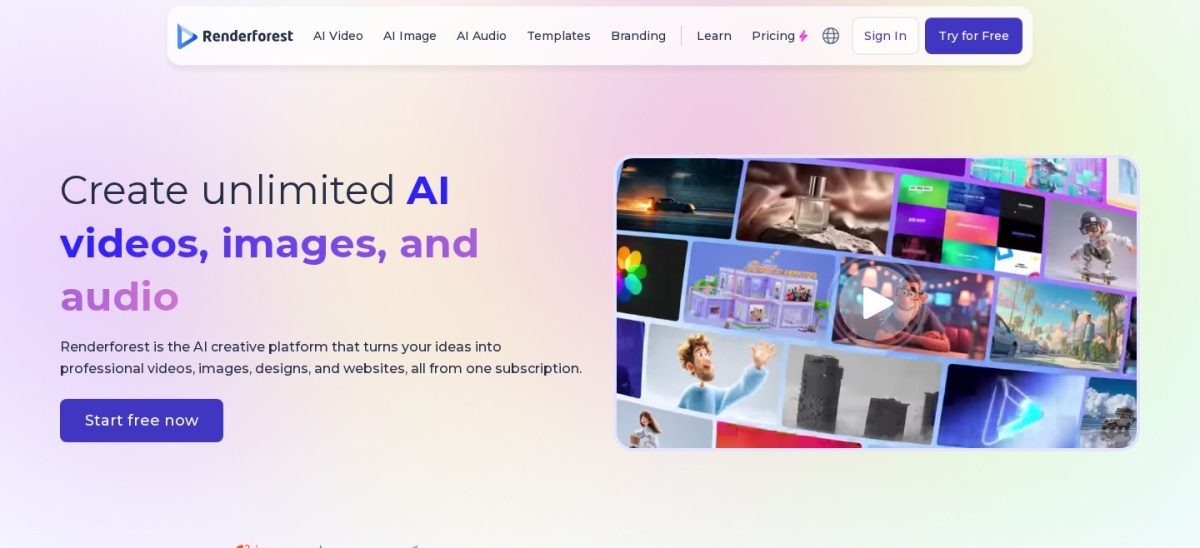
Renderforest is an all-in-one browser suite for template videos, logos, mockups and websites, with AI video generation built in. Its free plan makes watermarked 720p videos, and Lite at $9 a month billed yearly removes the watermark and adds a yearly pool of AI credits for generated clips.
The trade off is resolution. Template videos export at 720p on Lite and 1080p on Pro, with 4K reserved for template projects on Business, and the credit pool runs out fast on premium AI models. It suits marketers who want fast template promos and intros rather than character-led training.
What we like
Cheapest paid plan in this list at $108 a year
Video, logo, mockup and website tools in one place
AI generation with Veo, Kling and Seedance models
Rated 4.7/5 on G2 from 447 reviews
Watch out for
Lite exports templates at 720p only
Small credit pool for premium AI models
Template assembler, not a character animation tool
Synthesia is the most established AI avatar platform, turning scripts into presenter-led videos in 140+ languages. Its free Basic plan gives 10 minutes of Studio video a month with a watermark, and Starter at $14 a month billed yearly adds about 150 Studio minutes a year, 125+ avatars and no watermark.
The trade off is the credit meter. Minutes are sold as yearly credits, so heavy months burn the allowance fast, and SCORM export only starts on the Pro plan. It suits L&D teams localising presenter-led training across many languages.
What we like
Largest avatar library here, with 125+ avatars on Starter
140+ languages with one-click translation
Most reviewed tool in this list at 2,785 G2 reviews
Approval workflows for large teams
Watch out for
Minutes are sold yearly and run out fast
No SCORM export on Starter
A presenter can describe a scenario, not act one out
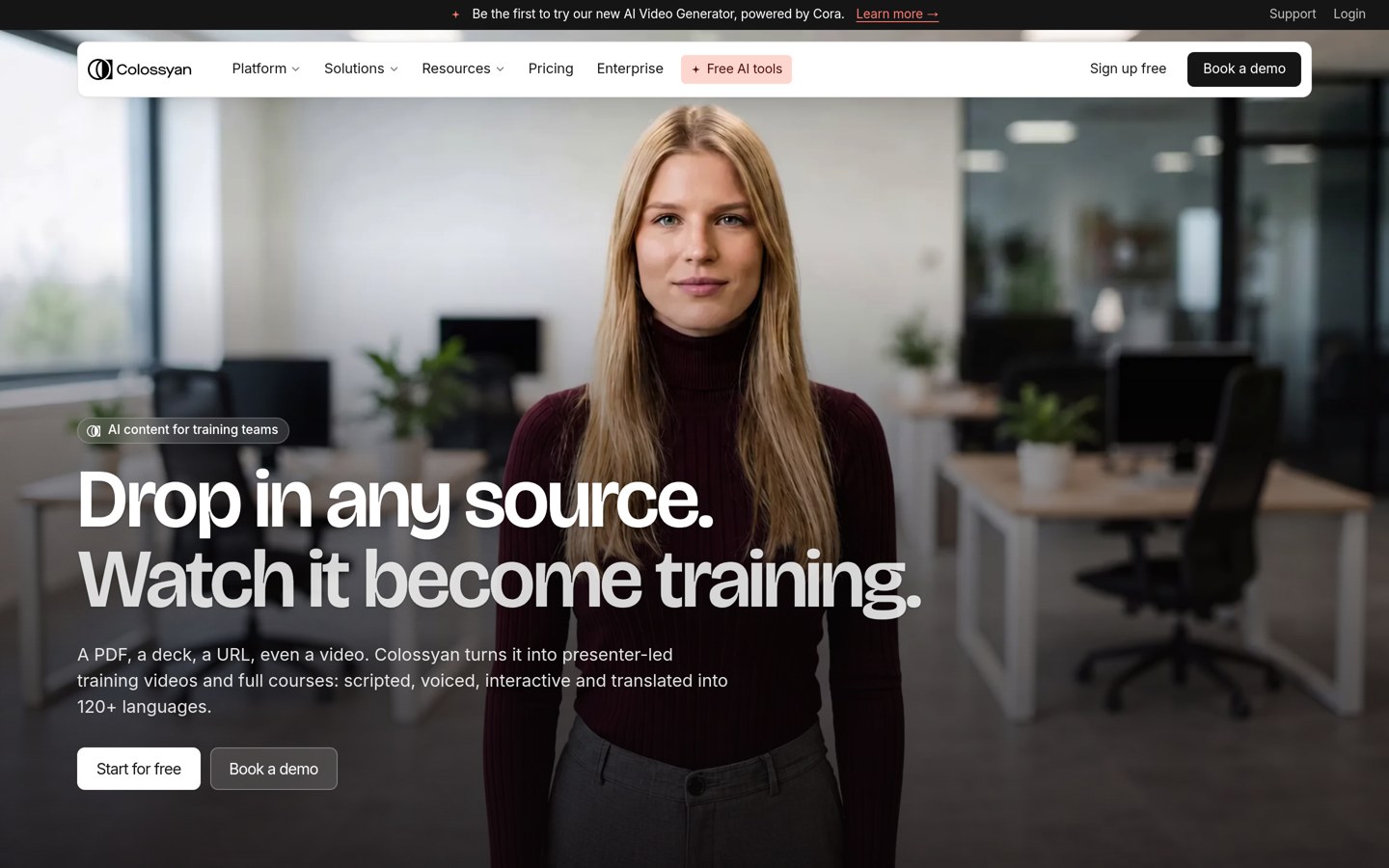
Colossyan is an avatar platform built for workplace learning, with branching scenarios, knowledge checks and SCORM export. Its free Starter plan gives 20 minutes a month, 15 custom avatars and 10 interactive videos, and Professional at $59 a month billed yearly adds 5 SCORM exports a month and 20 custom avatars.
The trade off is price. Professional costs $708 a year, more than Vyond Starter, and the 5 SCORM exports a month cap binds teams that publish weekly. It suits trainers who need interactive, trackable courses without building animated scenes.
Camtasia is TechSmith's desktop screen recorder and video editor, a standard in corporate training for two decades. Its free editor exports with a watermark, Starter at $39 a year adds Snagit capture, and Essentials at $179.88 a year unlocks watermark-free editing, Audiate text-based editing, quizzes and SCORM.
The trade off is effort. It is a timeline editor, so each video costs hours to cut, and its animation is motion graphics and callouts rather than characters and scenes. It suits teams whose training shows real software, where recording the actual screen beats illustrating it.
What we like
Cheapest entry in this list at $39 a year
No length caps, credit meters or resolution ceiling
Descript is an audio and video editor that works like a word processor: it transcribes your recording and you edit the media by editing the text. Its free plan covers 60 minutes of media a month at 720p with a watermark, and Hobbyist at $16 a month billed yearly gives 10 media hours, 400 AI credits and watermark-free 1080p export.
The trade off is the double meter. Media hours and AI credits are tracked separately, and top-ups are only sold on Creator and above, so heavy AI use gets expensive. It suits teams filming real colleagues for role-play, where a real person on camera beats a cartoon.
What we like
Transcript editing is the fastest way to cut talking-head video
Studio Sound, filler removal and Overdub voice fixes
4K export and stock library on Creator at $24 a month
Used by more than 6 million creators and teams
Watch out for
Media hours and AI credits meter separately
Trustpilot sits near 2.5/5, far below its 4.6 on G2
Generates nothing, so you must record people first
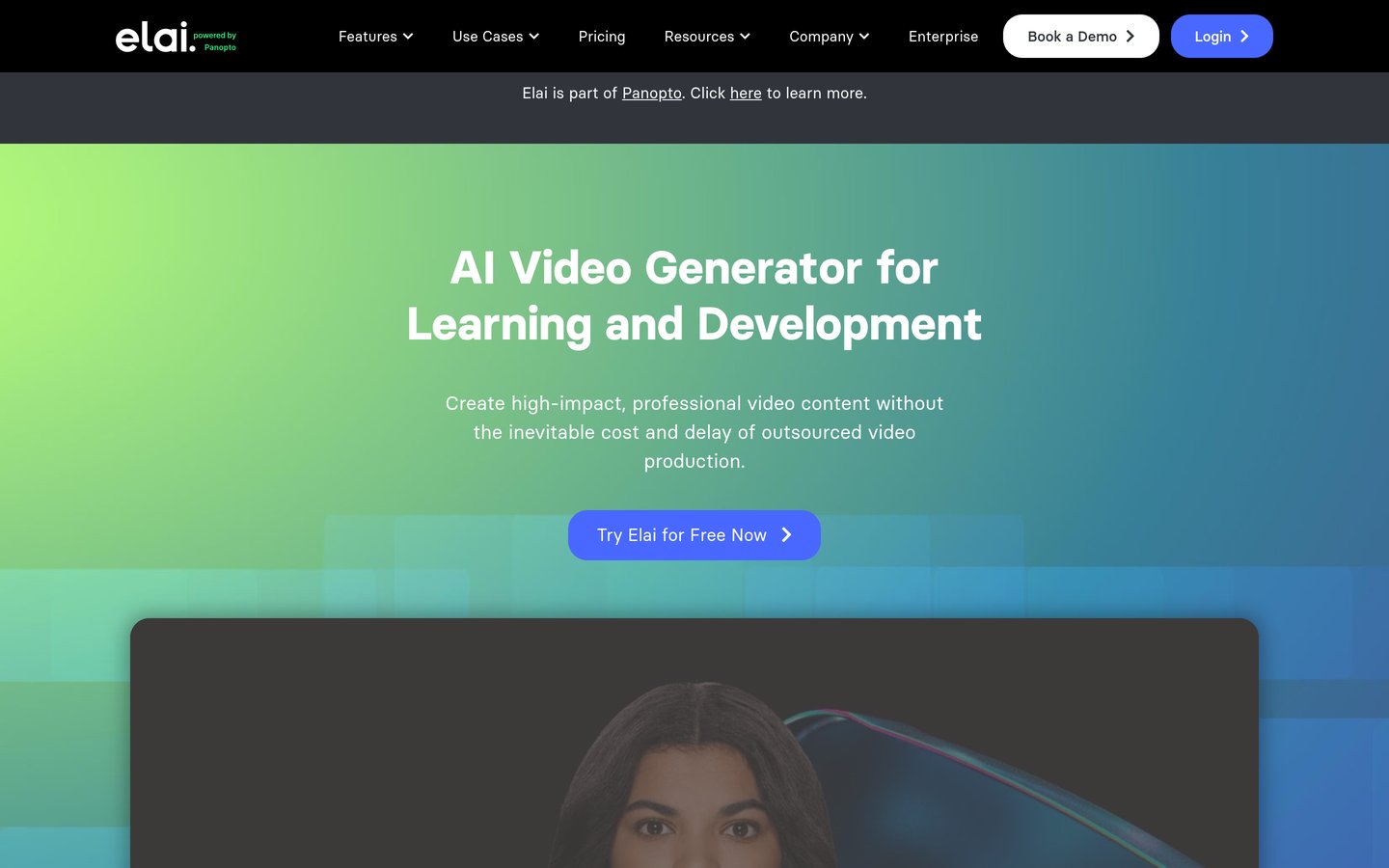
Elai is an AI avatar studio that turns a script, URL or slide deck into a presenter-led video. Its free plan covers a single minute in total, and Creator at $23 a month billed yearly gives 15 minutes a month, 80+ avatars, the full voice library and Full HD export.
The trade off is re-rendering. Every render click spends minutes, even for a fix, and extras cost $2 a minute, while selfie avatars and voice cloning are $199 and $200 a year add-ons. It suits teams converting existing decks and documents into short training videos.
What we like
Fastest deck-to-video pipeline in this list
Interactive quizzes and branching on Creator
Highest G2 support score in its category at 9.7/10
API access on the Creator plan
Watch out for
Only 15 minutes a month on Creator
Every re-render spends minutes
Avatar realism is the top G2 complaint
Team adds 50 minutes and 3 editors at $100 a monthVisit elai.io
09
VideoScribe
4.1/5on G2 (65 reviews, checked Nov 2026)
Starts at$12.50/mo
Best for whiteboard explainers
Entry paid planLite, $12.50/mo
Free planNo, 7-day trial
Max export1080p
Downloads5/mo (Lite)
videoscribe.co
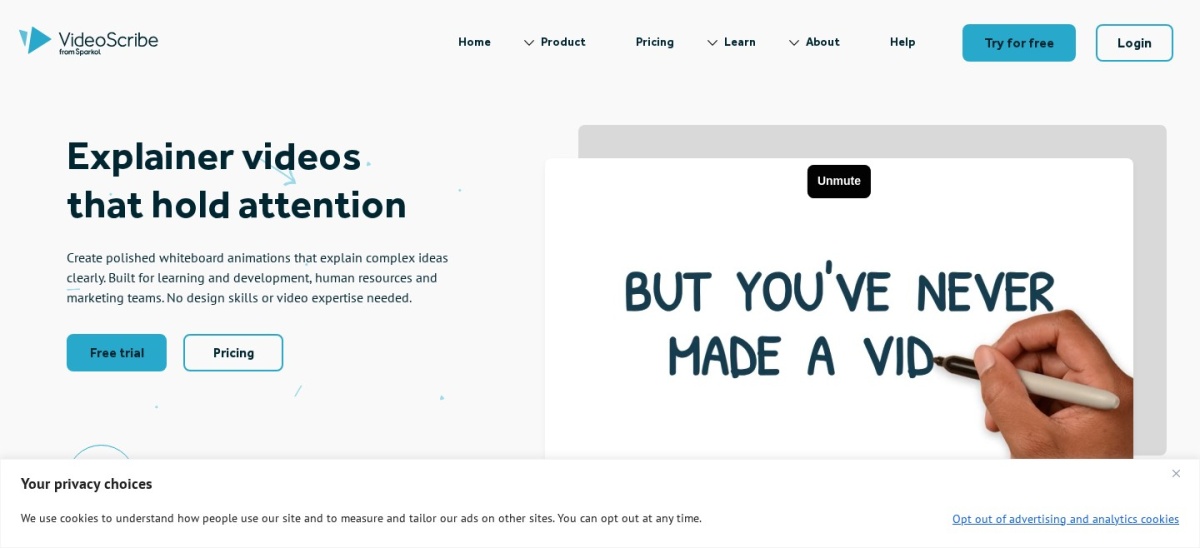
VideoScribe homepage, captured Nov 2026.
VideoScribe is a whiteboard animation tool that draws your message by hand on screen, built for learning, HR and marketing teams. There is no free plan, only a 7-day trial, and Lite at $12.50 a month billed yearly gives 5 downloads a month, 5-minute videos and 9,000+ images and icons.
The trade off is scope. It does one style very well and little else: no characters, no avatars and no SCORM, and reseller rights need the Max plan at $26.67 a month. It suits educators and trainers who want simple hand-drawn explainers without learning a full animation tool.
Animation, avatar or screen recording: pick the right format
Animated characters win when the training is about people and situations. Harassment training, safety scenarios and customer-service role-play all read better as staged scenes, which is why Animaker and Powtoon lead this list.
Avatars win when the message is delivered to camera in many languages. Synthesia, Colossyan and Elai all present a script without a shoot, and Synthesia's 140+ languages make it the pick for global rollouts.
Screen recording wins when the training is about software. Camtasia records the real interface, and Descript makes footage of real colleagues usable, which no cartoon can match for a how-to library.
How we chose
We started from every tool named as a Vyond alternative in current comparisons, then kept the nine with a public numeric rating on G2 and a published paid price.
Prices come from each vendor's pricing page, checked on 29 November 2026. Ratings and review counts come from G2 on the same day. Where a vendor shows a sale, the list shows the regular price.
We left out Clueso, a vendor ranking its own product first, and general design tools such as Canva, which are not animation-first. No vendor paid for a place, and we do not claim hands-on testing for this list.
How to choose a Vyond alternative
Start with the format your training needs, then check the meters before you compare prices.
Decide the format first. Characters for scenarios, avatars for presenter-led lessons in many languages, screen recording for software training. The wrong format wastes the subscription.
Check the export ceiling. Vyond caps every tier at 1080p. If your videos play on a large screen, Animaker's 2K on Pro or Descript Creator's 4K matter more than the monthly price.
Price the meter, not the headline. Minutes, credits and downloads are all capped. Estimate your monthly output first, then check what the overage or the next tier costs.
Test the free plan on a real script. Run one actual lesson through the free tier before paying. Watermarks and export caps show up fast, and the free plan is the cheapest way to find them.
FAQ
What is the best Vyond alternative in 2026?
Animaker is the best Vyond alternative for most teams. It is rated 4.7/5 on G2, builds custom characters like Vyond, and its Pro plan exports at 2K, where Vyond caps every tier at 1080p.
How much does Vyond cost compared to its alternatives?
Vyond Starter costs $699 a year for one seat and Professional costs $1,199 a year. Eight of the nine alternatives here cost less, from Camtasia at $39 a year to Animaker and Powtoon at $180 a year.
Is there a free alternative to Vyond?
Yes. Powtoon, Animaker, Renderforest, Synthesia, Colossyan and Descript all have free plans, though every one watermarks exports or limits minutes. VideoScribe is the exception, with only a 7-day trial and no free plan.
Which Vyond alternative is best for training videos?
Colossyan is the best pick for tracked training, with branching scenarios, quizzes and 5 SCORM exports a month on Professional. Synthesia is better for presenter-led lessons in many languages, and Camtasia for screen-based software training.
Can any Vyond alternative export in 4K?
Yes. Animaker exports at 4K on Enterprise and 2K on Pro, Renderforest exports template projects at 4K on Business, and Descript Creator exports at 4K. Vyond caps every tier, including Agency at $1,999 a year, at 1080p.
Animaker vs Powtoon: which is the better Vyond alternative?
Animaker is the better pick for most teams. Both start at $15 a month billed yearly, but Animaker is rated 4.7/5 on G2 against Powtoon's 4.4, and its Pro plan exports at 2K with commercial rights, where Powtoon caps at 1080p.
Which Vyond alternative is best for beginners?
VideoScribe is the easiest to learn, with one whiteboard style and a 9,000+ image library on Lite. Powtoon is the easiest animated alternative, with slide-based scenes and templates for common business formats.
SaaS SEO and WordPress specialist with about 8 years of experience. Rakib compares WordPress plugins, themes, hosting and software using public pricing, documentation and user reviews. See how we rank.